Cra 0.1.1628 October 2026
A smoother Cra
Switching tabs, opening and closing them, hiding the sidebar and resizing the window all take far less work now, so Cra keeps up with you instead of stuttering. Escape takes a video out of fullscreen again, and a tab you moved to a second window keeps its page when you close that window.
Less waiting after every click
Cra used to do a lot of work after each tab switch: save your whole archive, redraw every row in the sidebar and resize pages you couldn’t see. Now it saves in the background, redraws only the rows that changed and leaves hidden pages alone until you open them. Switching tabs holds Cra up about half as long as before, and showing or hiding the sidebar about a fifth as long.
What else is new
Smoother sidebar and window resizing
When the sidebar slides in or out, the page takes its new size once and moves with its card, instead of being laid out again on every frame. Resizing the window with many tabs open no longer stalls on the tabs you can’t see.
No more hiccups after a passkey sign-in
Once a site asked for a passkey, the browser engine checked your paired Bluetooth devices twice a second, holding Cra up for a moment each time, so pages could stutter while you scrolled. Cra now remembers the answer for a few seconds. Signing in with a passkey on your phone works as before.
Escape leaves fullscreen video
Pressing Escape didn’t take a video out of fullscreen; you had to use the video’s own button. Now it does, in Little Windows too.
For every change in 0.1.16, see the changelog.
Past releases
28 October 20260.1.15
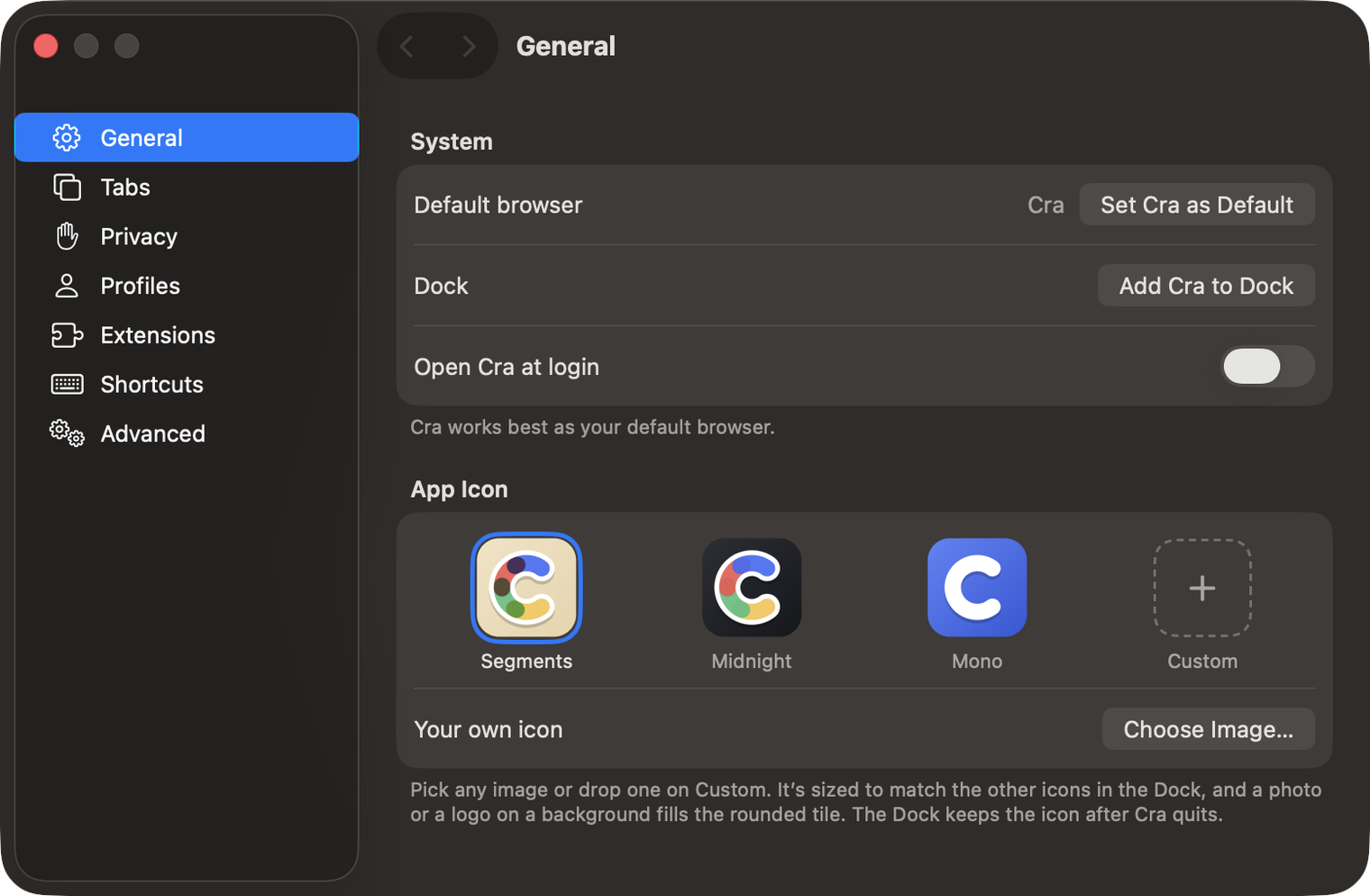
Make Cra’s icon your own
27 October 20260.1.14
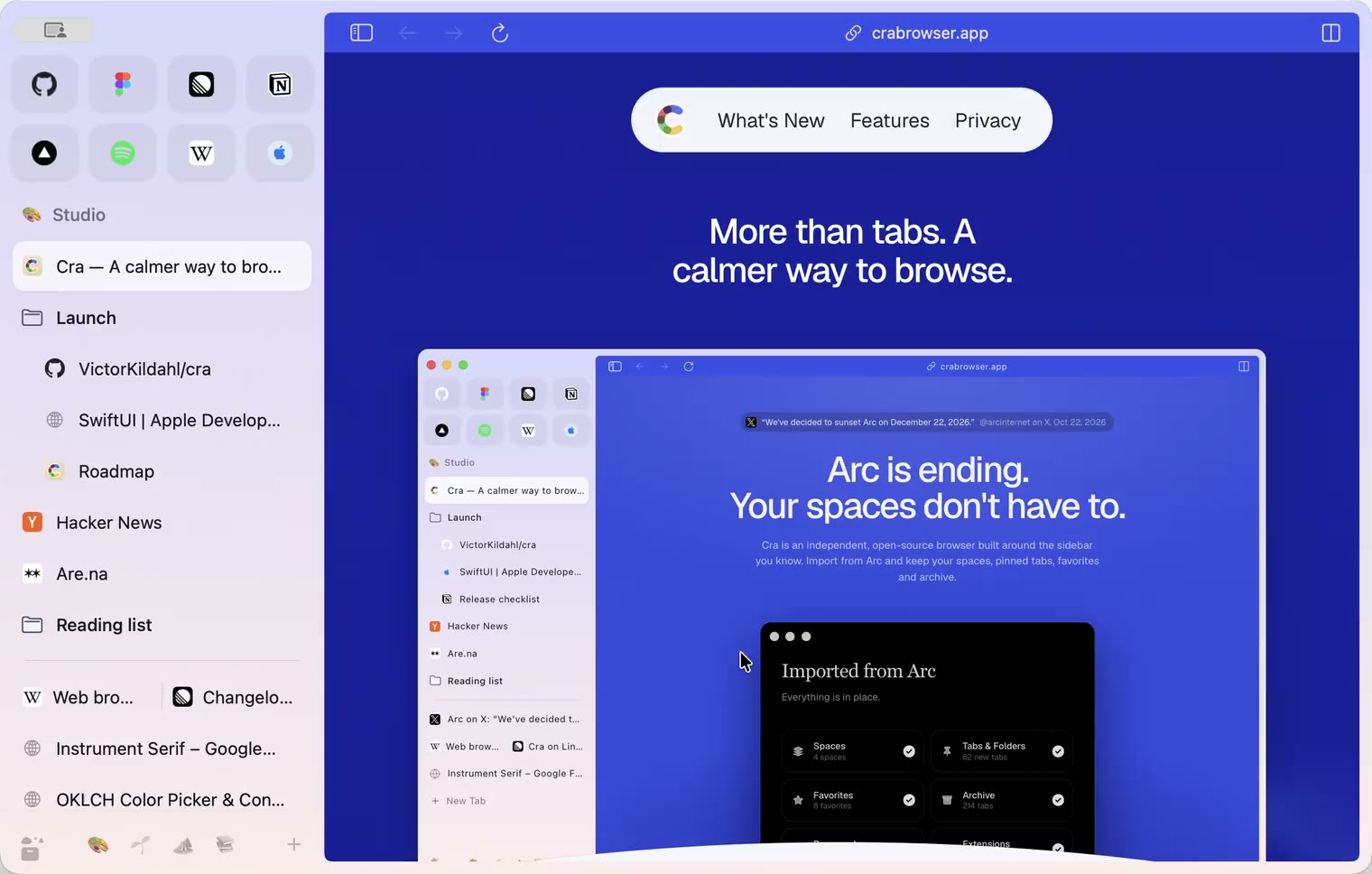
The Library moves into the sidebar

27 October 20260.1.13
Drag your spaces into order

27 October 20260.1.12
Downloads that outlive their tab

27 October 20260.1.11
Your passwords, locked in your Keychain

26 October 20260.1.10
Air Traffic Control

26 October 20260.1.9
Favorites per space
- 0.1.8
26 October 20260.1.8
Video everywhere
- 0.1.7
26 October 20260.1.7
Work sign-ins

26 October 20260.1.6
Drag and drop that works

26 October 20260.1.5
Sign in with Google

26 October 20260.1.4
Copy, paste and clean corners

26 October 20260.1.3
Extensions that reach their apps
- 0.1.2
26 October 20260.1.2
Notarized, and it updates itself
- 0.1.1
25 October 20260.1.1
Quit fix

25 October 20260.1.0
Early access