Cra 0.1.1829 October 2026
A sidebar built for speed
The sidebar, the toolbar and the command bar are rebuilt on the Mac’s own interface toolkit, so swiping between spaces and scrolling your tabs take a fraction of the work.
A faster sidebar
Cra’s sidebar, toolbar and command bar were drawn with SwiftUI, which redid a lot of work on every frame of a swipe or scroll. They’re now plain AppKit views, the way Arc builds its own. Swiping between spaces takes about a quarter of the work it did in 0.1.17 and scrolling the sidebar about half, and the command bar and Library open with less of a wait.
Monochrome extension icons

A colourful extension icon can stand out next to Cra’s quiet toolbar. Right-click a pinned extension, or use Extensions ▸ Toolbar Icons, to draw it in the toolbar’s ink, swap it for a symbol or an image of your own, or go back to the original. Monochrome keeps the mark and drops the background, so Bitwarden becomes its shield.
Tabs with room to breathe
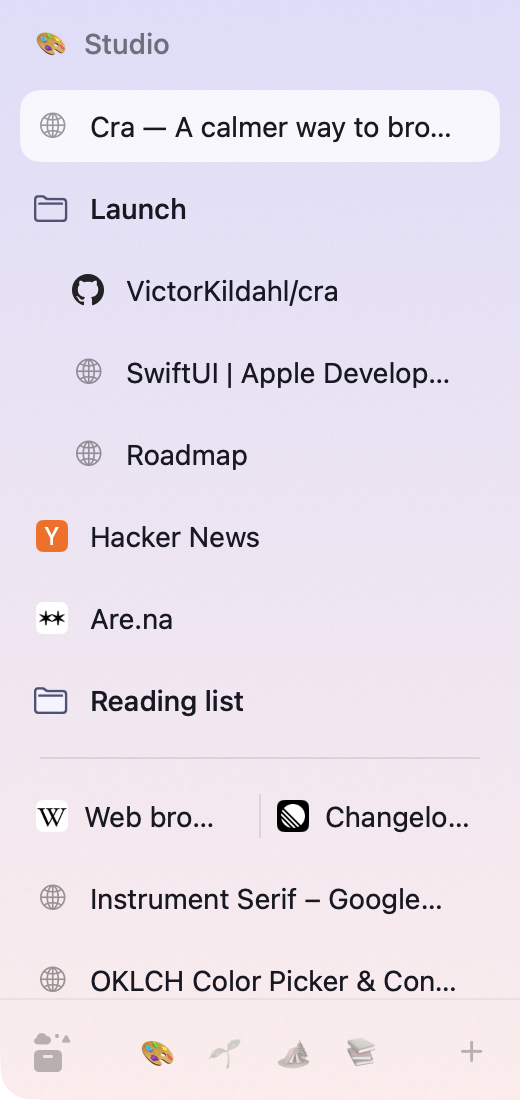
Highlighted tabs now leave a small gap between them, as in Arc, instead of touching. The Library button sits centred again, and while the open tab is scrolled out of view, a small pill at the edge of the list takes you back to it.
What else is new
Search suggestions in the command bar
As you type, your search engine’s suggestions fill the command bar up to five rows, after your tabs, history and commands, like Arc. Cra asks the search engine directly without cookies. Turn it off in Settings ▸ Advanced ▸ Show search suggestions.
Extension popups stay put
An extension’s popup could open a little to the left or right depending on where you clicked its button, drift when its page grew, and open in an old spot after you moved the window. It now hangs from the button’s edge every time, and if you drag it somewhere, it keeps that place next to its button.
For every change in 0.1.18, see the changelog.
Past releases
- 0.1.17
28 October 20260.1.17
Pages live inside the window
- 0.1.16
28 October 20260.1.16
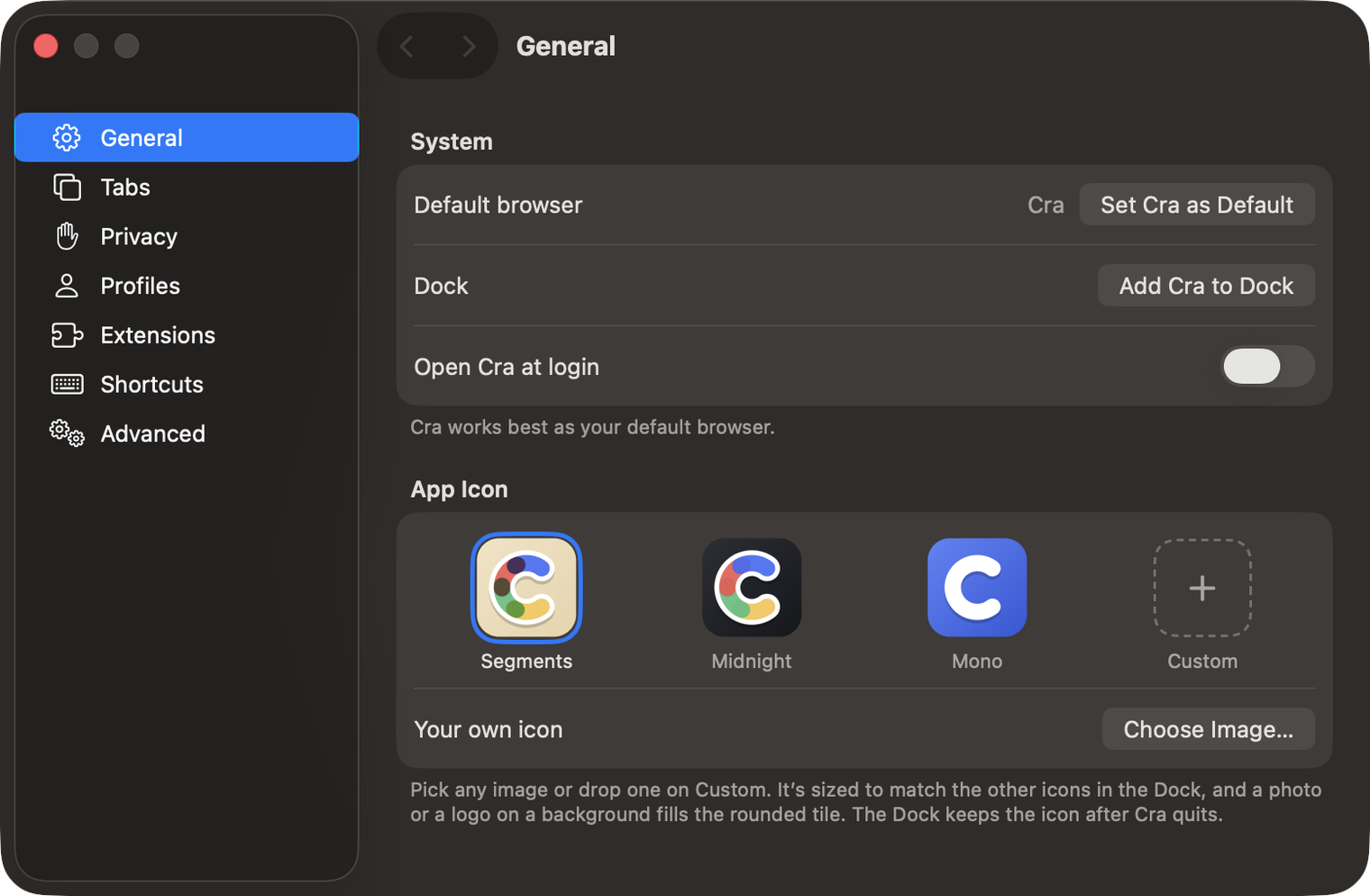
A smoother Cra
28 October 20260.1.15
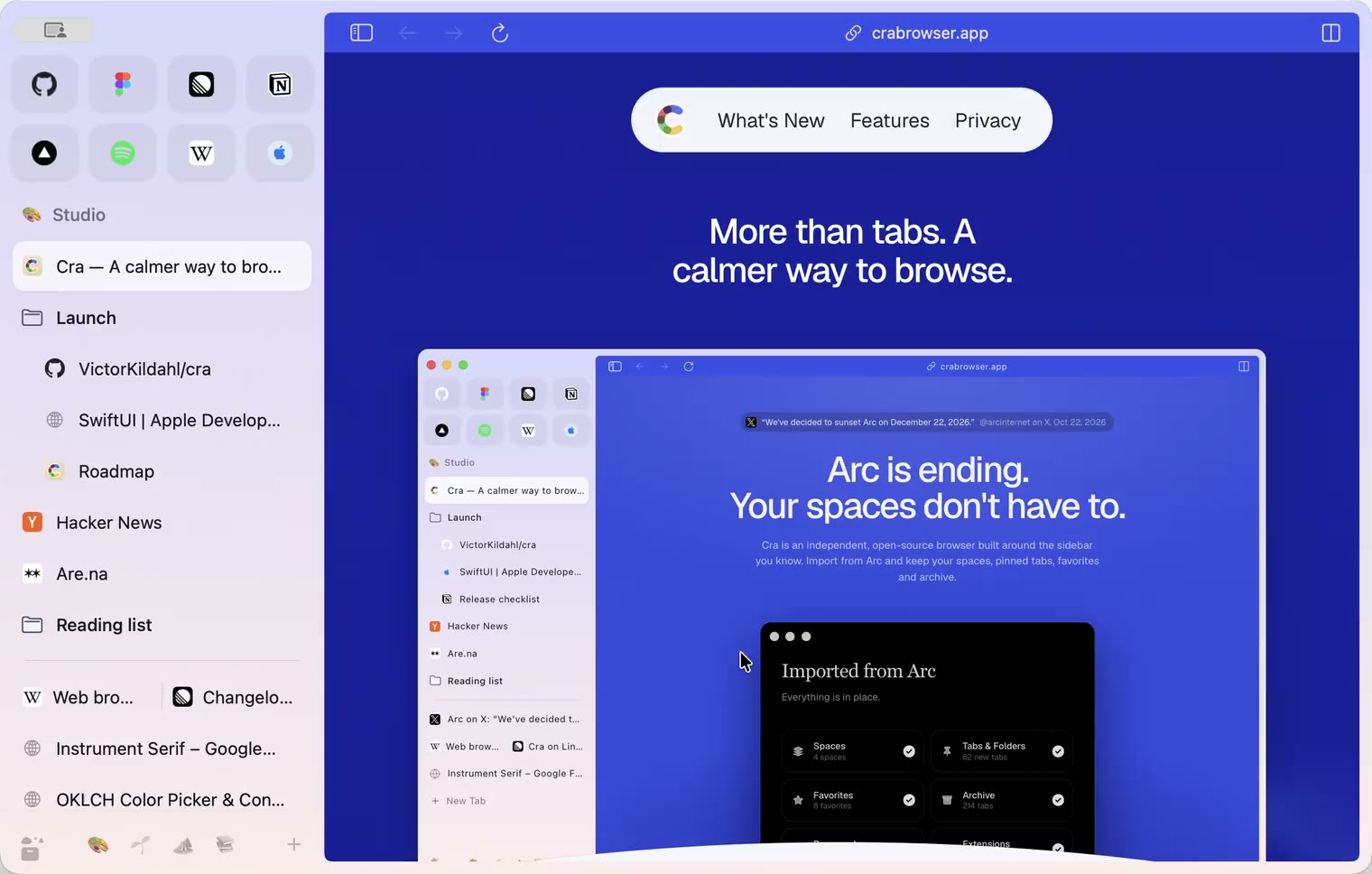
Make Cra’s icon your own
27 October 20260.1.14
The Library moves into the sidebar

27 October 20260.1.13
Drag your spaces into order

27 October 20260.1.12
Downloads that outlive their tab

27 October 20260.1.11
Your passwords, locked in your Keychain

26 October 20260.1.10
Air Traffic Control

26 October 20260.1.9
Favorites per space
- 0.1.8
26 October 20260.1.8
Video everywhere
- 0.1.7
26 October 20260.1.7
Work sign-ins

26 October 20260.1.6
Drag and drop that works

26 October 20260.1.5
Sign in with Google

26 October 20260.1.4
Copy, paste and clean corners

26 October 20260.1.3
Extensions that reach their apps
- 0.1.2
26 October 20260.1.2
Notarized, and it updates itself
- 0.1.1
25 October 20260.1.1
Quit fix

25 October 20260.1.0
Early access