Cra 0.1.2230 October 2026
Edge-to-edge pages and Arc’s refresh button
Pages can now fill the window edge to edge, asked for by kcussiefil (#24). The refresh button turns and swaps to a stop button the way Arc’s does, so you can see a click or ⌘R land.
Pages edge to edge
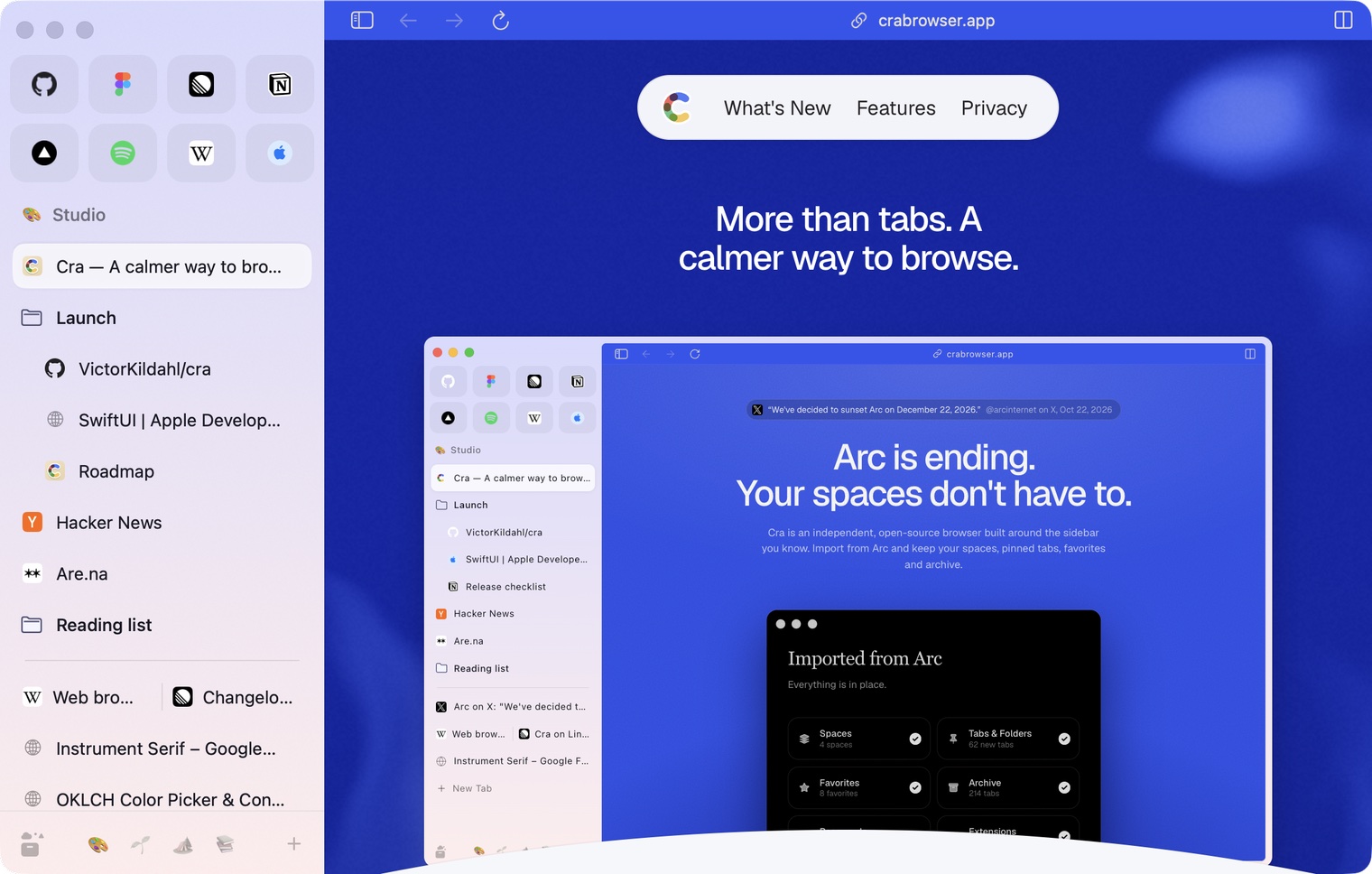
Turn on Settings ▸ Tabs ▸ Pages fill the window edge to edge and the page loses its margin and rounded card, like a traditional browser, with the sidebar shown or hidden. Only the window’s own corners stay round. It’s off by default. Asked for by kcussiefil in #24.
The refresh button answers
Pressing refresh turns its arrow a quarter turn, as in Arc, and lets go when you release. When the page starts loading the arrow shrinks into a stop button, and grows back when it’s done, for ⌘R too. Before, the icon swapped without a trace and a quick reload looked like nothing happened.
What else is new
DevTools in every split pane
Open DevTools on two pages of a split view and both stay open, each docked in its own pane.
Importing makes new spaces
Importing from another browser now always adds its spaces as new ones, as in Dia, instead of merging them into spaces with the same name. A name that’s taken gets a number, so you can compare and keep what you want.
Thank you
Cra is free and made in the open. Sponsor Cra
For every change in 0.1.22, see the changelog.
Past releases
30 October 20260.1.21
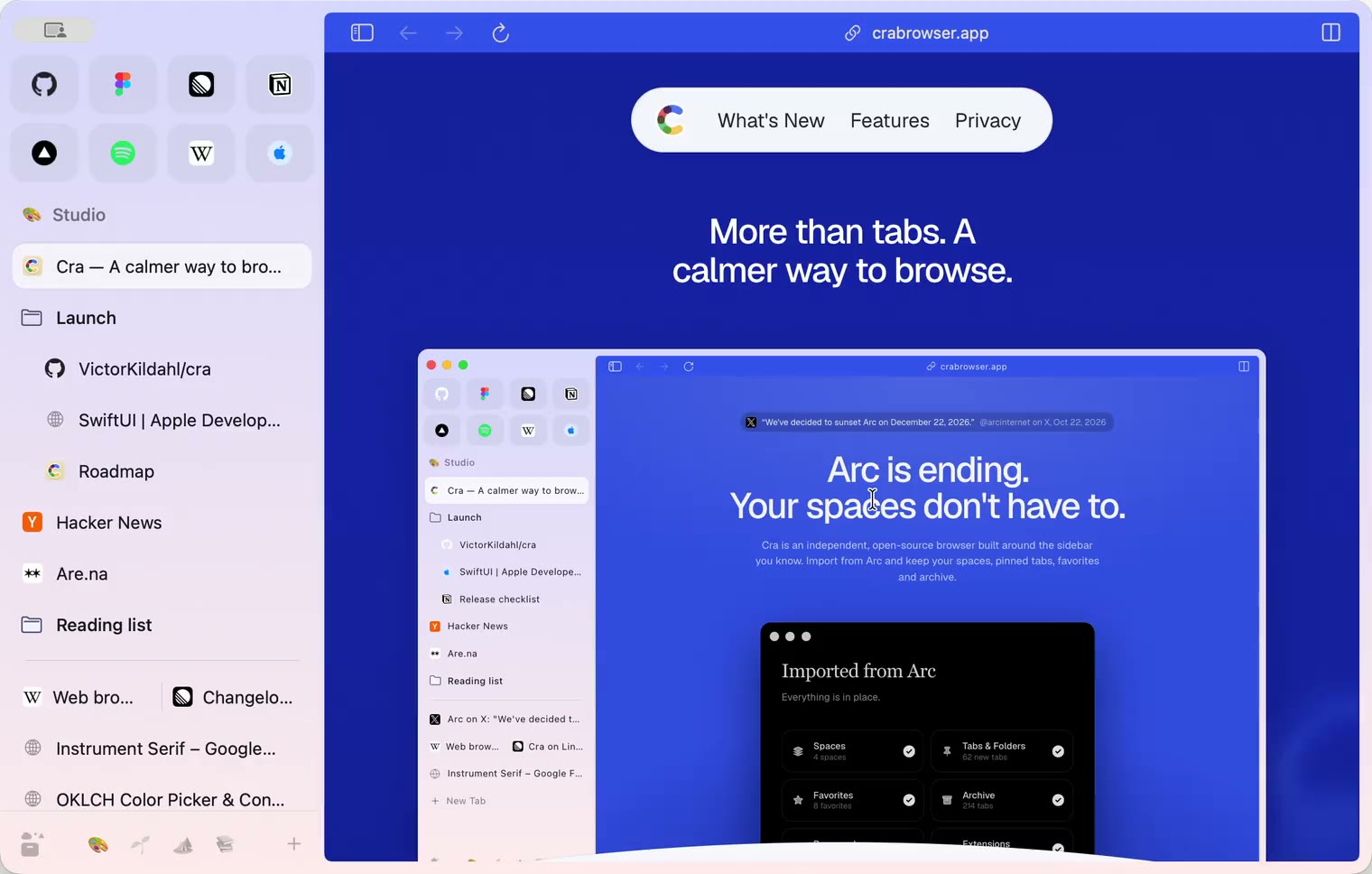
Pinned split views and a quick way to clear cookies
29 October 20260.1.20
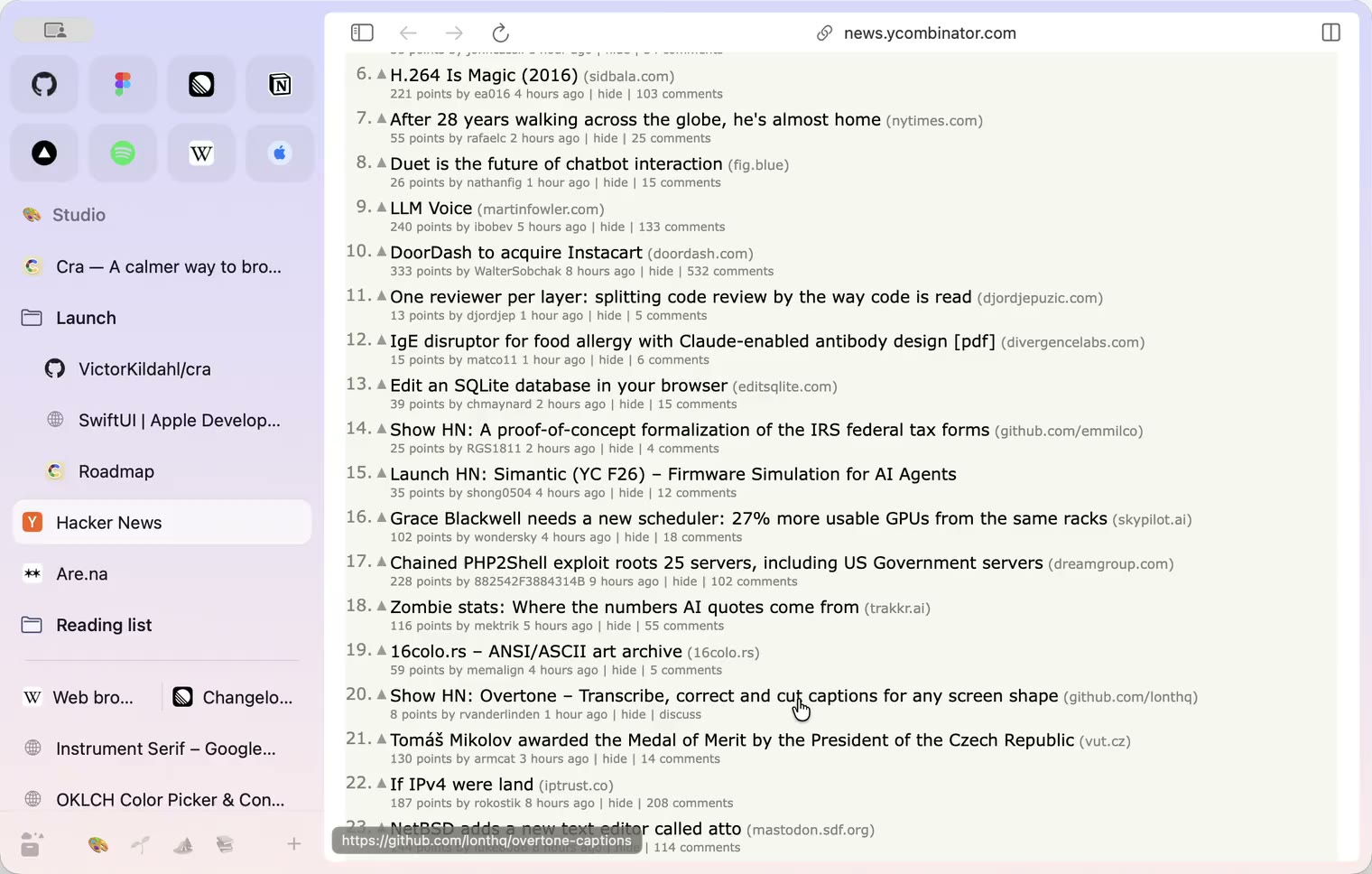
Peek, Site Search and instant extension popups
- 0.1.19
29 October 20260.1.19
Extension popups open right away

29 October 20260.1.18
A sidebar built for speed
- 0.1.17
28 October 20260.1.17
Pages live inside the window
- 0.1.16
28 October 20260.1.16
A smoother Cra
28 October 20260.1.15
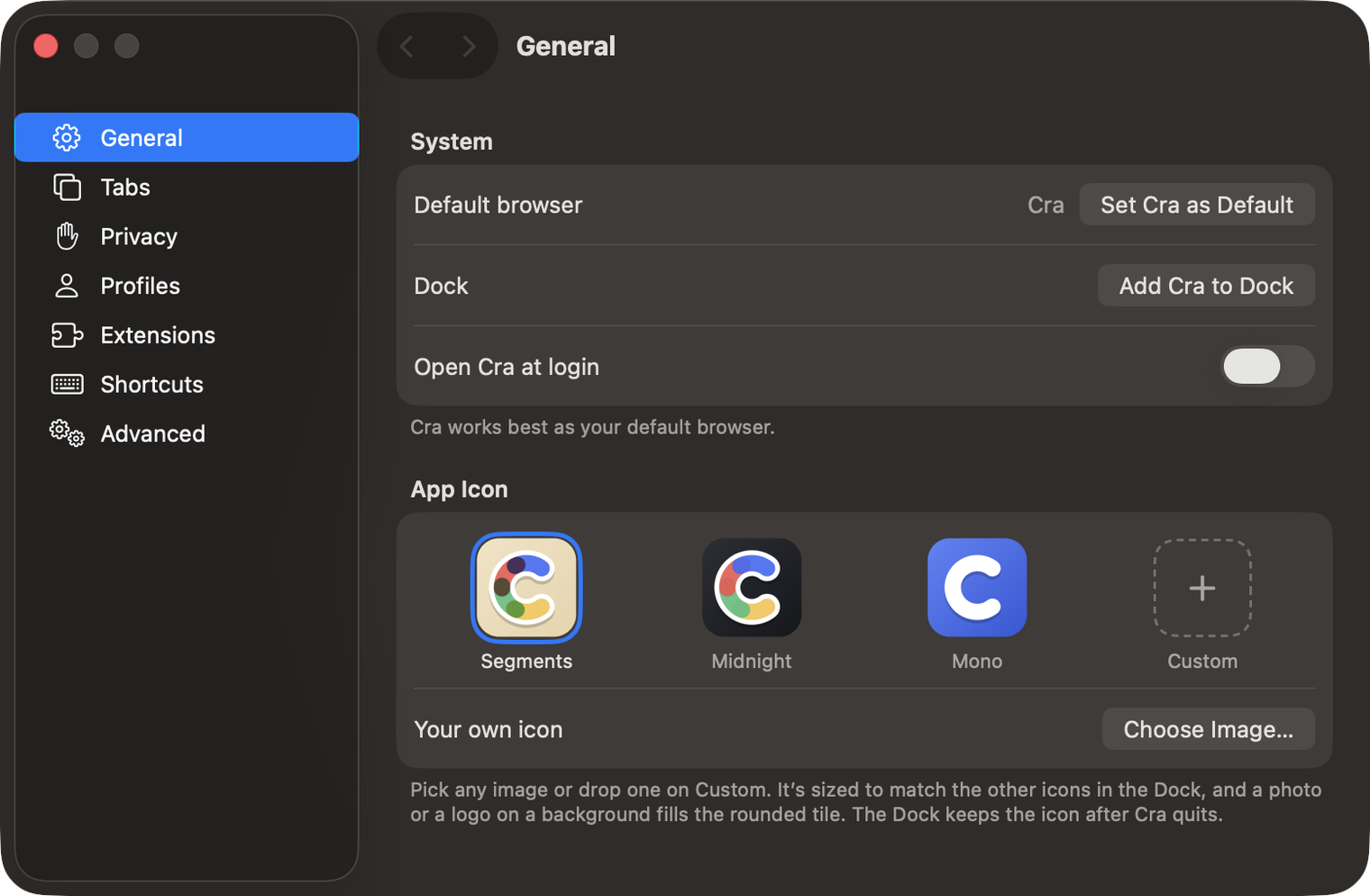
Make Cra’s icon your own
27 October 20260.1.14
The Library moves into the sidebar

27 October 20260.1.13
Drag your spaces into order

27 October 20260.1.12
Downloads that outlive their tab

27 October 20260.1.11
Your passwords, locked in your Keychain

26 October 20260.1.10
Air Traffic Control

26 October 20260.1.9
Favorites per space
- 0.1.8
26 October 20260.1.8
Video everywhere
- 0.1.7
26 October 20260.1.7
Work sign-ins

26 October 20260.1.6
Drag and drop that works

26 October 20260.1.5
Sign in with Google

26 October 20260.1.4
Copy, paste and clean corners

26 October 20260.1.3
Extensions that reach their apps
- 0.1.2
26 October 20260.1.2
Notarized, and it updates itself
- 0.1.1
25 October 20260.1.1
Quit fix

25 October 20260.1.0
Early access