Cra 0.1.2331 October 2026
Arc’s now-playing player, split favorites and folder previews
Music and videos playing in other tabs get Arc’s player at the bottom of the sidebar, with track controls and a volume slider. Split views can be favorites, and hovering a folder previews its tabs.
Now playing
Leave a tab that’s playing music or a video and a card appears at the bottom of the sidebar, as in Arc. Hover it to see every tab that’s playing, with its title, play and pause, previous and next track, and a volume slider. Videos get a Picture in Picture button, and the cards follow your space’s light or dark look. Suggested by Wladimir in #33.
Folder previews
Hover a closed folder and its tabs appear beside it, newest first, with a search field, as in Arc. Type to narrow them down and pick one without opening the folder. You can turn it off in Settings ▸ Tabs.
Split views in Favorites
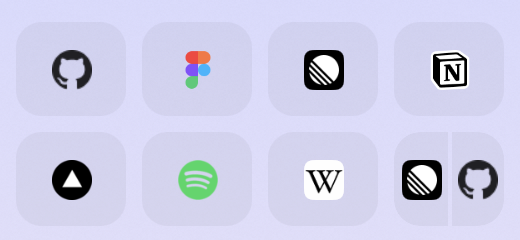
A split view can be a favorite: one tile with its pages side by side, like a pinned split.
What else is new
Tab sleeping that sleeps
“Sleep tabs I haven’t looked at in” never unloaded a tab: almost every site counted as holding typed text or asking before it closes. Now only text you actually typed, or a page’s own warning before closing, keeps a tab awake, and Cra’s log says why. Tracked down by Wladimir in #32.
Arc’s solid colours
Importing from Arc now brings spaces with a single colour across as that colour, drawn the way Arc draws it, instead of a random gradient. Reported by Wladimir in #30.
Thank you
Thank you, Wladimir.
Cra is free and made in the open. Sponsor Cra
For every change in 0.1.23, see the changelog.
Past releases
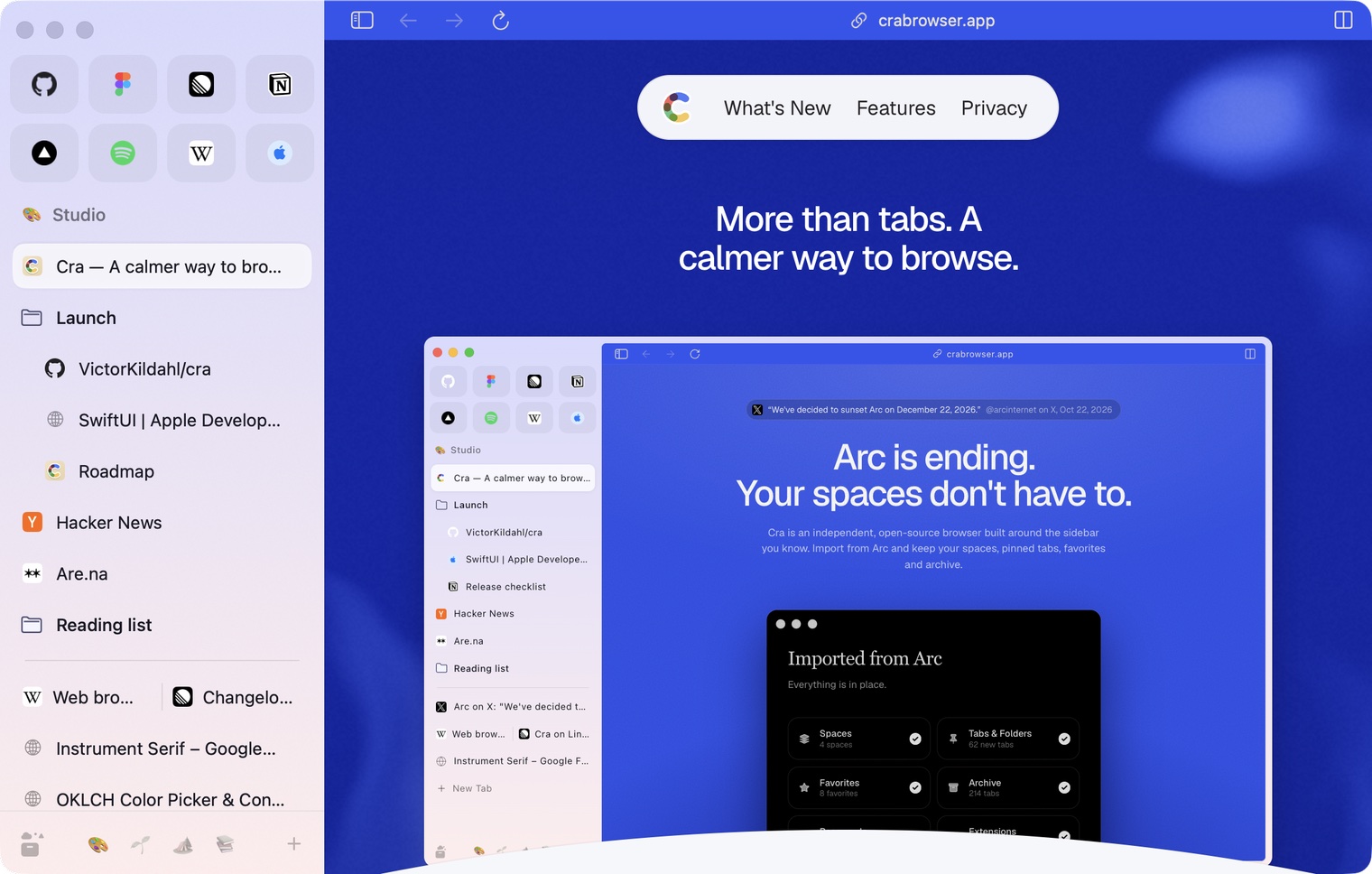
30 October 20260.1.22
Edge-to-edge pages and Arc’s refresh button
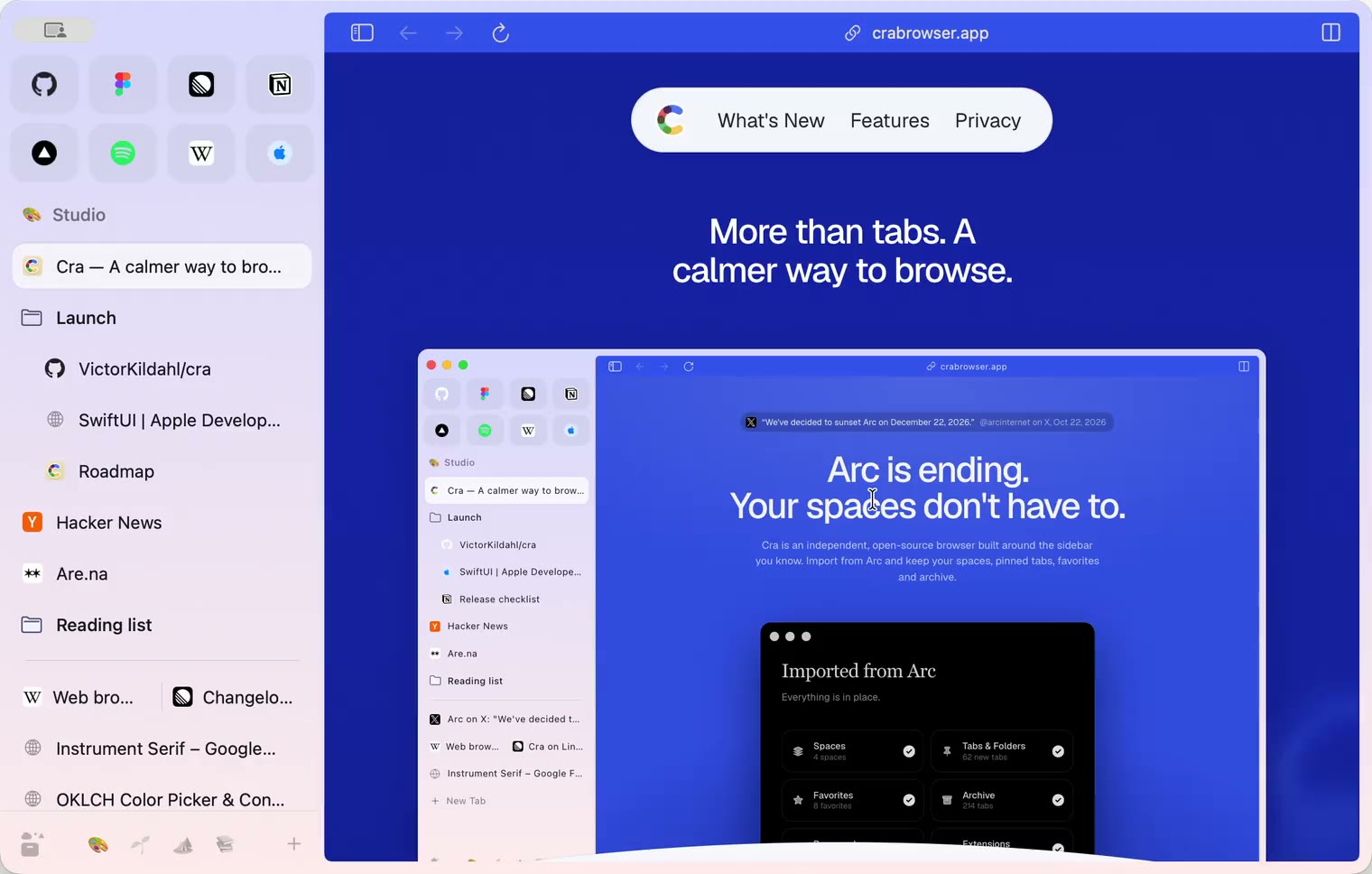
30 October 20260.1.21
Pinned split views and a quick way to clear cookies
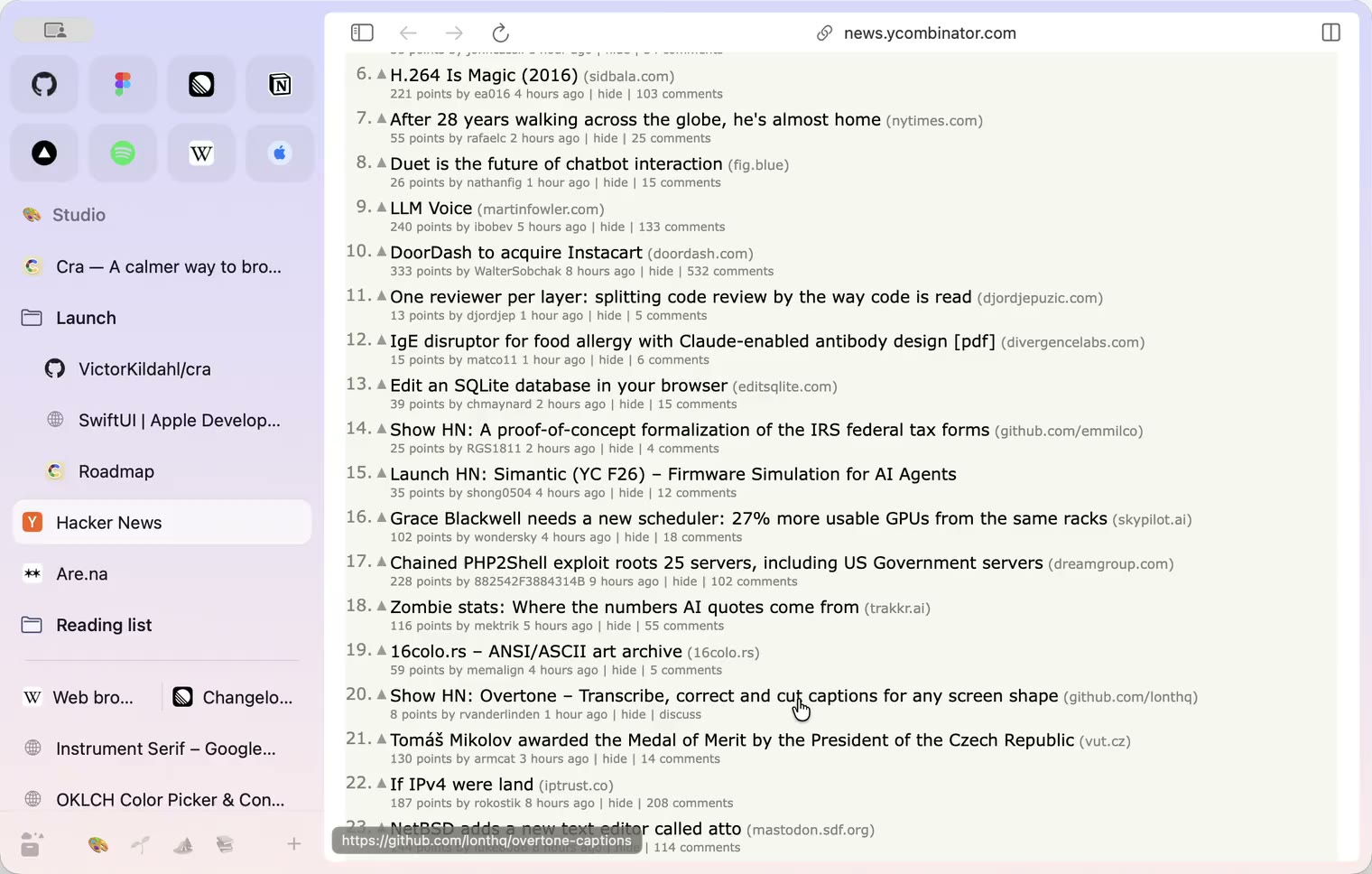
29 October 20260.1.20
Peek, Site Search and instant extension popups
- 0.1.19
29 October 20260.1.19
Extension popups open right away

29 October 20260.1.18
A sidebar built for speed
- 0.1.17
28 October 20260.1.17
Pages live inside the window
- 0.1.16
28 October 20260.1.16
A smoother Cra
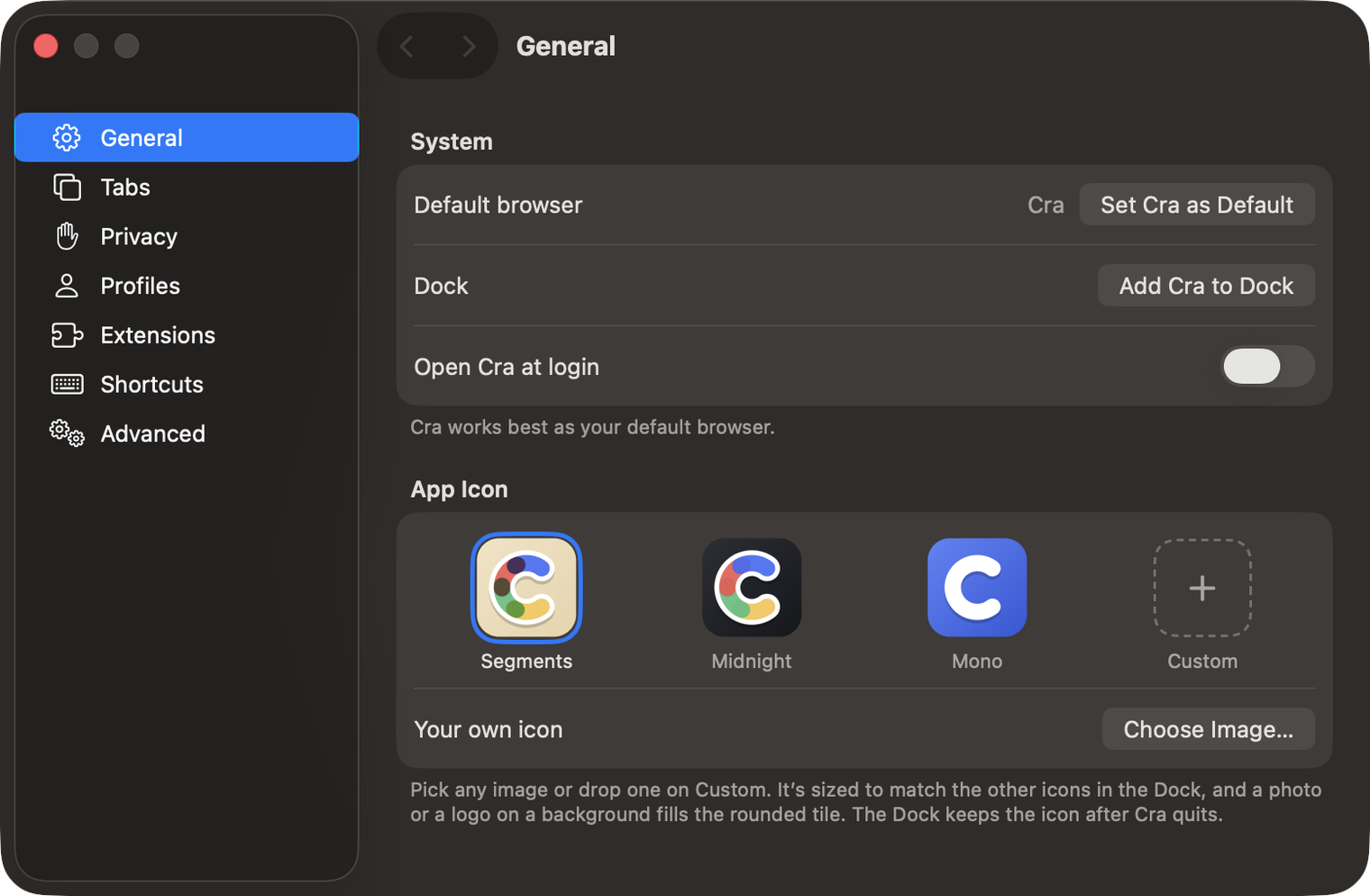
28 October 20260.1.15
Make Cra’s icon your own
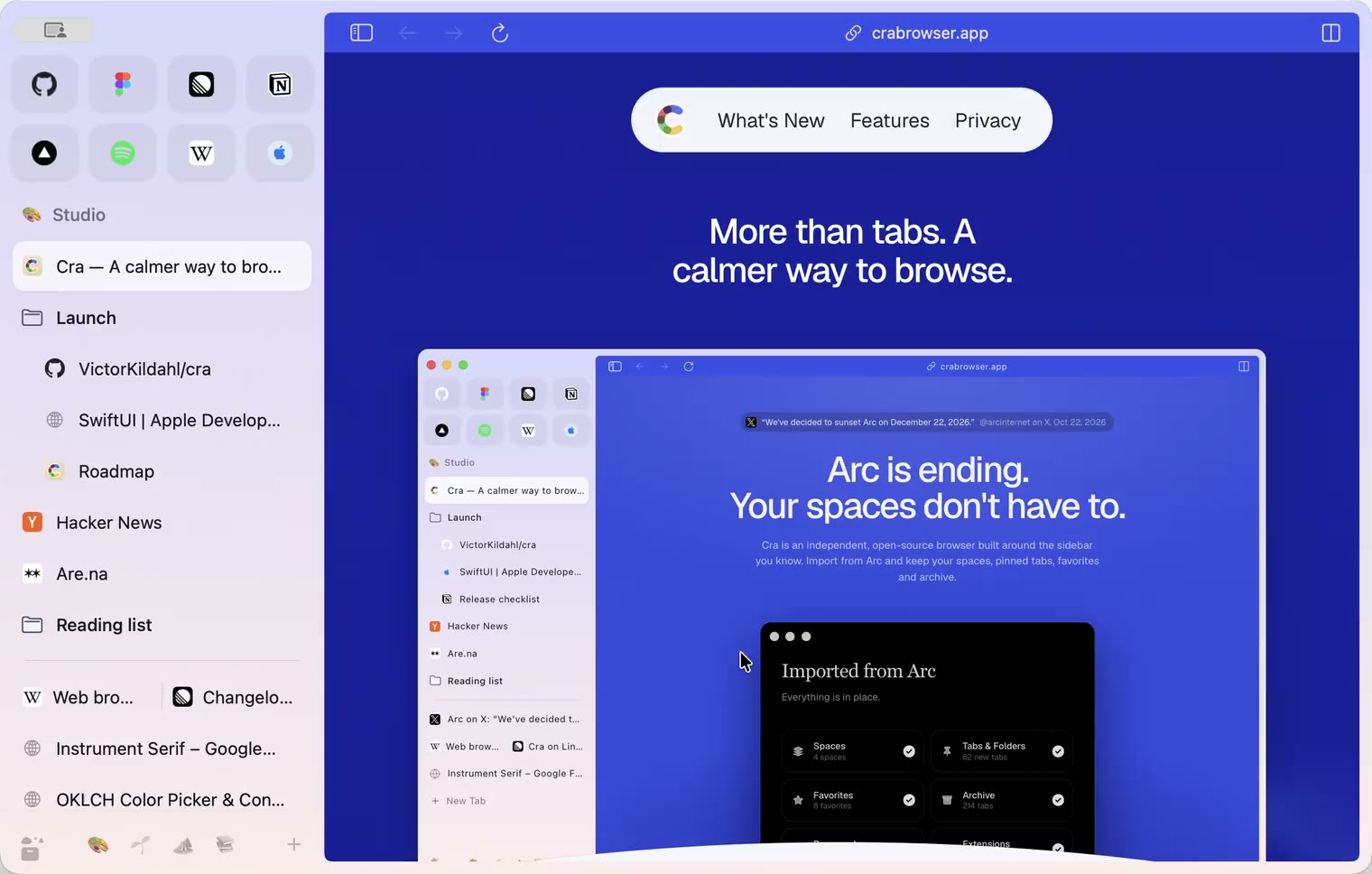
27 October 20260.1.14
The Library moves into the sidebar

27 October 20260.1.13
Drag your spaces into order

27 October 20260.1.12
Downloads that outlive their tab

27 October 20260.1.11
Your passwords, locked in your Keychain

26 October 20260.1.10
Air Traffic Control

26 October 20260.1.9
Favorites per space
- 0.1.8
26 October 20260.1.8
Video everywhere
- 0.1.7
26 October 20260.1.7
Work sign-ins

26 October 20260.1.6
Drag and drop that works

26 October 20260.1.5
Sign in with Google

26 October 20260.1.4
Copy, paste and clean corners

26 October 20260.1.3
Extensions that reach their apps
- 0.1.2
26 October 20260.1.2
Notarized, and it updates itself
- 0.1.1
25 October 20260.1.1
Quit fix

25 October 20260.1.0
Early access