Cra 0.1.241 November 2026
Arc’s space menu, tab search and developer bar
The space header gets Arc’s ••• and its whole space menu, and typing % in the command bar searches the space’s open tabs. Developer mode has Arc’s striped bar, the sidebar keeps the active tab in view, and pages that are still loading no longer flash white in dark themes.
Arc’s space menu
Hover a space’s name and Arc’s ••• appears beside it. It opens the same menu as in Arc: change the space’s icon to an emoji or a symbol, rename it in place, edit its theme colour, give it a profile or a new one, add a folder or a live folder, export the space into a folder, or delete it. Manage Spaces opens a new Spaces page in the Library. The header row itself now matches Arc too, with the chevron turning right when the space is collapsed. Asked for by Wladimir in #39 and #40.
Every space side by side
Manage Spaces… in the space menu widens the sidebar into the Library’s Spaces page, as in Arc: every space is a card in its own colours with its pinned and Today tabs, a brush for its theme, a handle to reorder it and its own ••• menu, and a + at the end makes a new space. Asked for by Wladimir in #40.
Arc’s theme editor
A card’s brush, or Edit Theme Color… in the space menu, opens Arc’s theme editor beside the sidebar: a colour pad where the angle picks the hue and the distance the saturation, Auto, Light and Dark, one to three colours, Arc’s swatches, a wave slider for the intensity and a dial for the grain. Every change shows in the space at once.
Search your tabs with %
Type % in the command bar and press Tab: a Tabs pill appears and whatever you type next searches only the open tabs of the space you’re in. Return switches to the tab. Backspace in an empty field puts the % back, and Escape returns the bar to how it opened. Arc has no tab search, so this is built from Arc’s own scoped search, the one behind site search. Asked for by Wladimir in #49.
Arc’s update cards
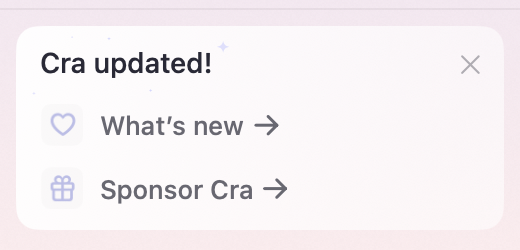
When an update is ready, and after Cra has updated, the card at the bottom of the sidebar is Arc’s: the same white card, the heart and the sparkles, with links to what’s new and to sponsoring Cra.
What else is new
Arc’s developer bar
Sites you develop on get Arc’s developer bar: 40 points tall in the space’s colour, with its diagonal stripes, and the address edits in place with the whole URL selected. Toolbar buttons now take the first click after you’ve clicked in DevTools, the Extensions popover stays open on a long press, and DevTools docks a little sooner. Reported by Wladimir in #42.
The sidebar follows you
Whatever tab you open becomes visible in the sidebar: ⌘T’s New Tab row, a tab the command bar opens, the tab Escape goes back to, Next Tab. As in Arc, the list scrolls only as far as it has to and leaves a row that’s already showing alone, so a list you scrolled by hand stays put. The New Tab row now sits above Today, where Arc has it. Asked for by Wladimir in #47.
No white flash in dark themes
A tab that loads again, after sleeping or a relaunch, used to flash white before its page painted. Now the page area is black while websites are dark and white while they’re light, as in Arc, and the toolbar keeps the tab’s colour. Reported by Wladimir in #46.
Export Diagnostics
Help ▸ Export Diagnostics… saves a zip to attach to a GitHub issue: Cra’s log of what each tab’s page did, Chromium’s log, the GPU report, your extensions and the last week’s crash reports. Addresses are cut down to their site, your home folder to ~, and nothing is sent anywhere.
Thank you
Thank you, Wladimir.
Cra is free and made in the open. Sponsor Cra
For every change in 0.1.24, see the changelog.
Past releases
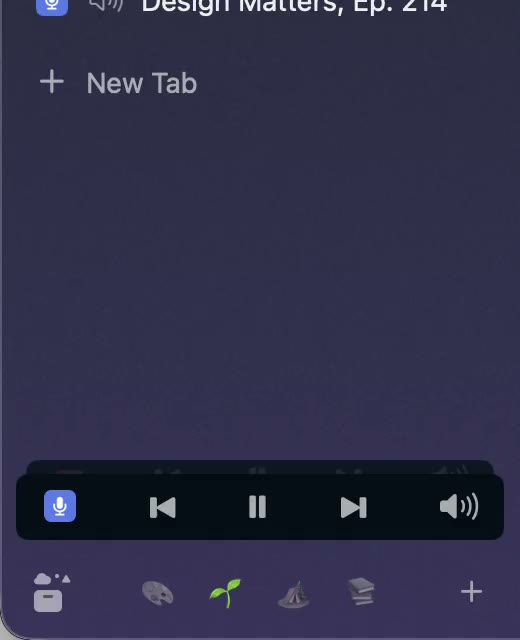
31 October 20260.1.23
Arc’s now-playing player, split favorites and folder previews
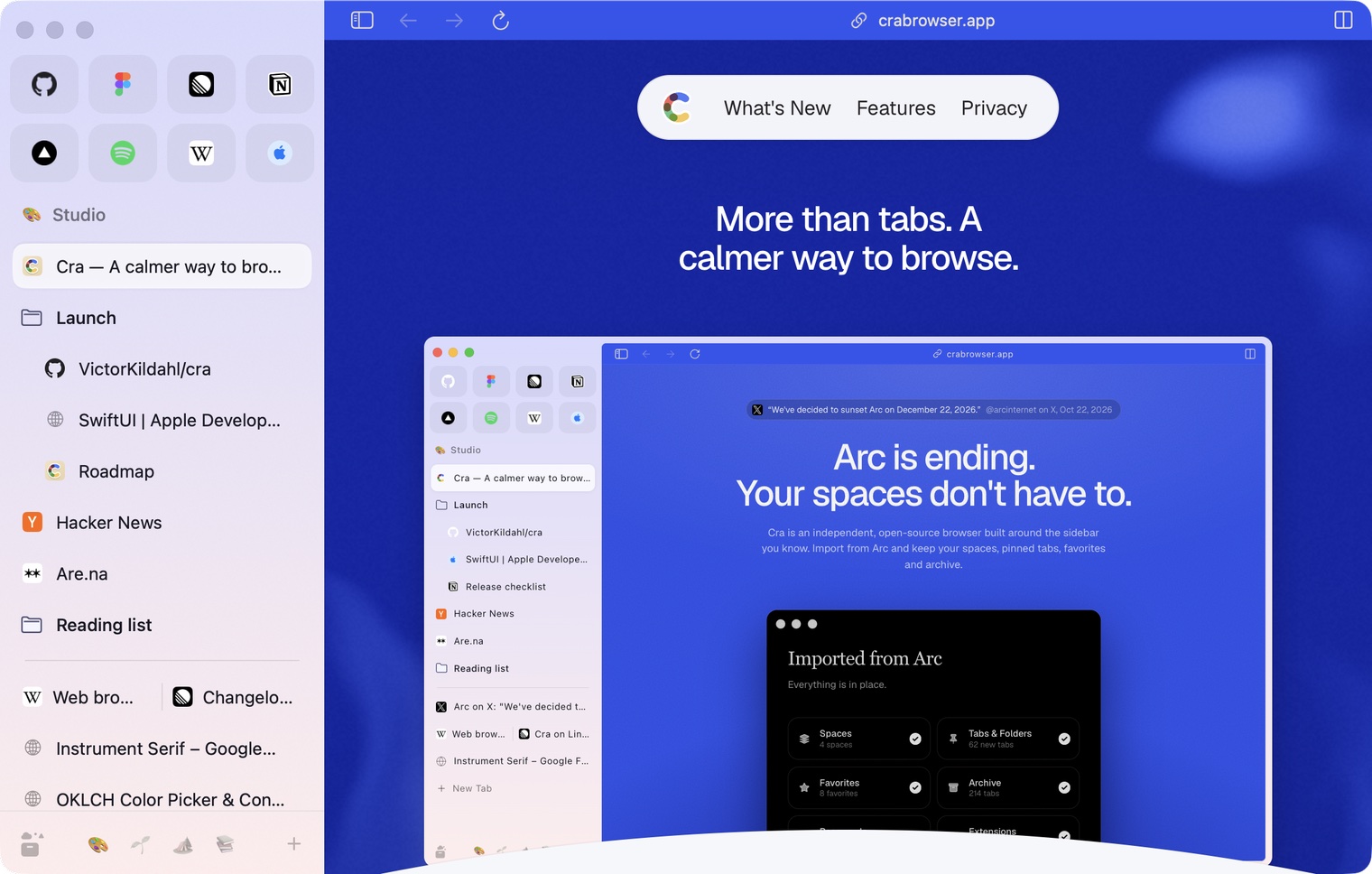
30 October 20260.1.22
Edge-to-edge pages and Arc’s refresh button
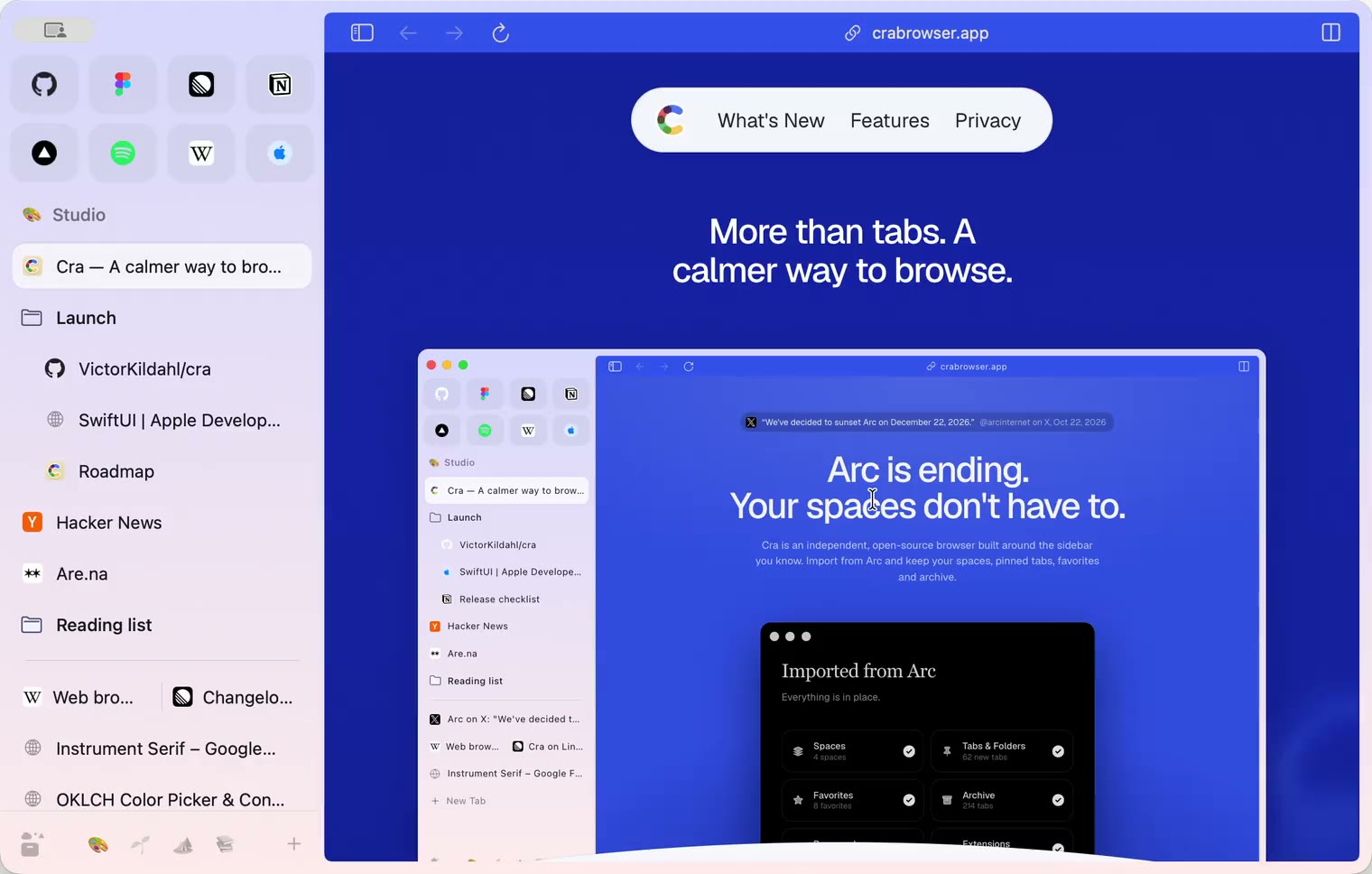
30 October 20260.1.21
Pinned split views and a quick way to clear cookies
29 October 20260.1.20
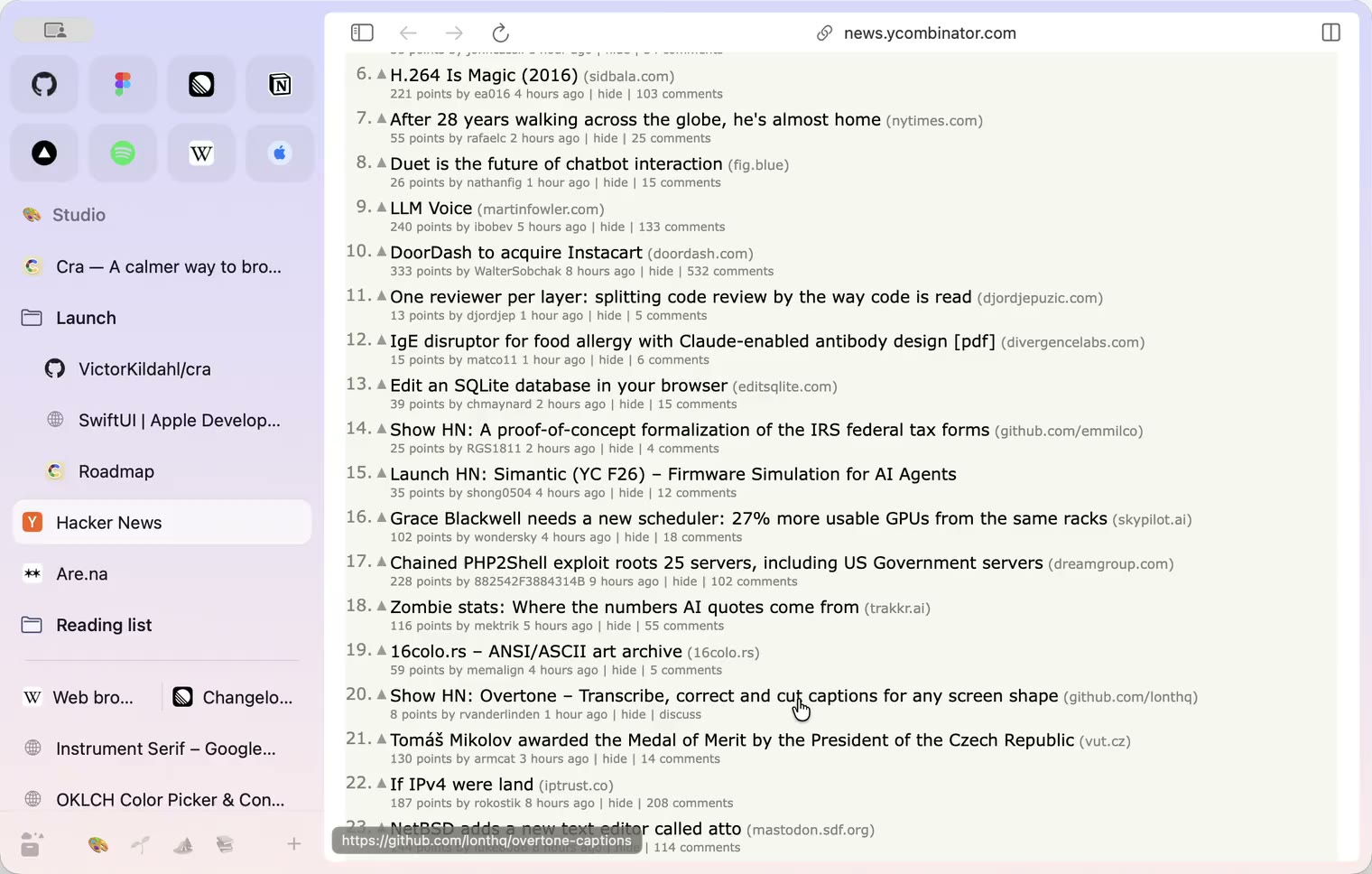
Peek, Site Search and instant extension popups
- 0.1.19
29 October 20260.1.19
Extension popups open right away

29 October 20260.1.18
A sidebar built for speed
- 0.1.17
28 October 20260.1.17
Pages live inside the window
- 0.1.16
28 October 20260.1.16
A smoother Cra
28 October 20260.1.15
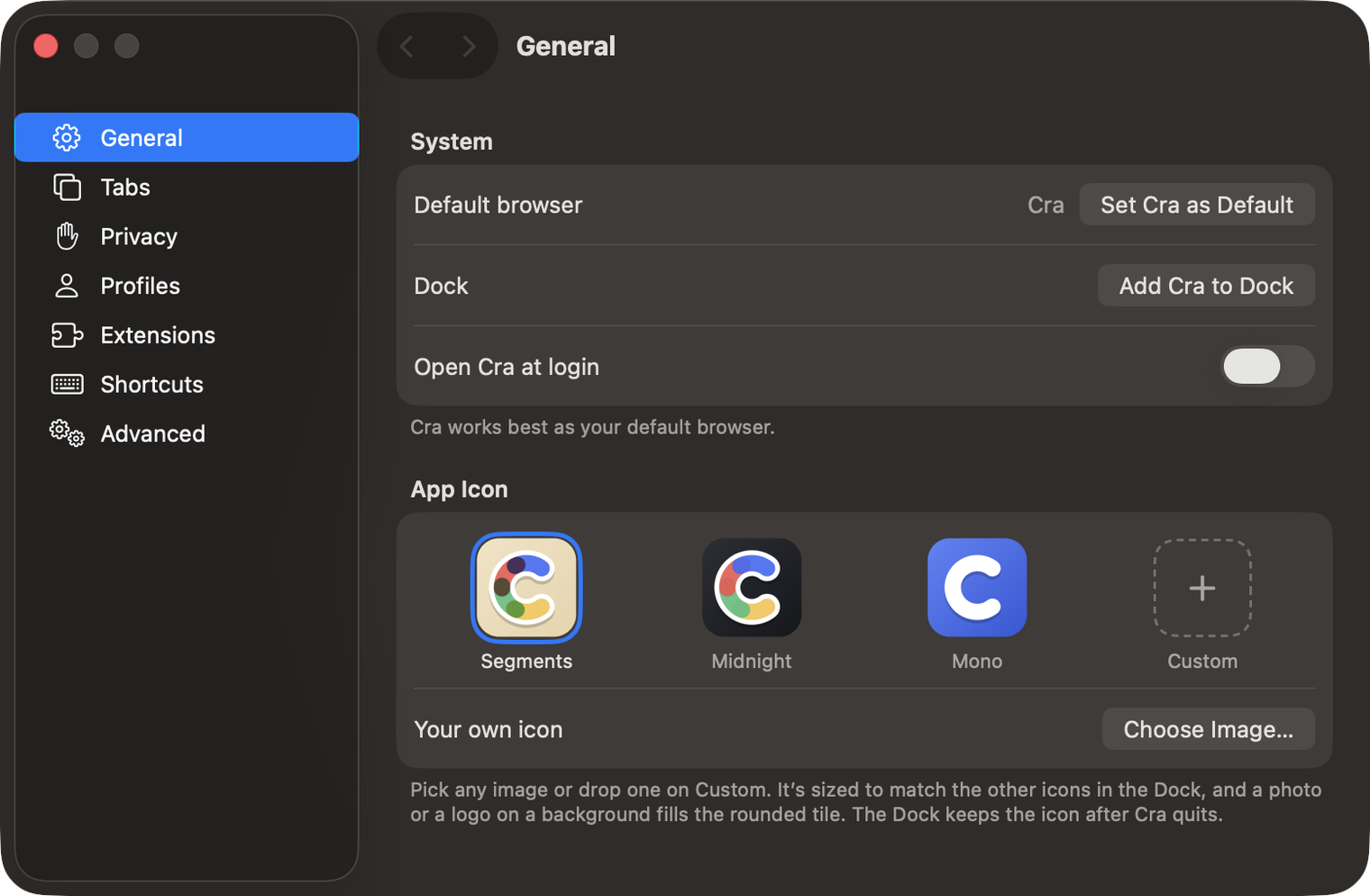
Make Cra’s icon your own
27 October 20260.1.14
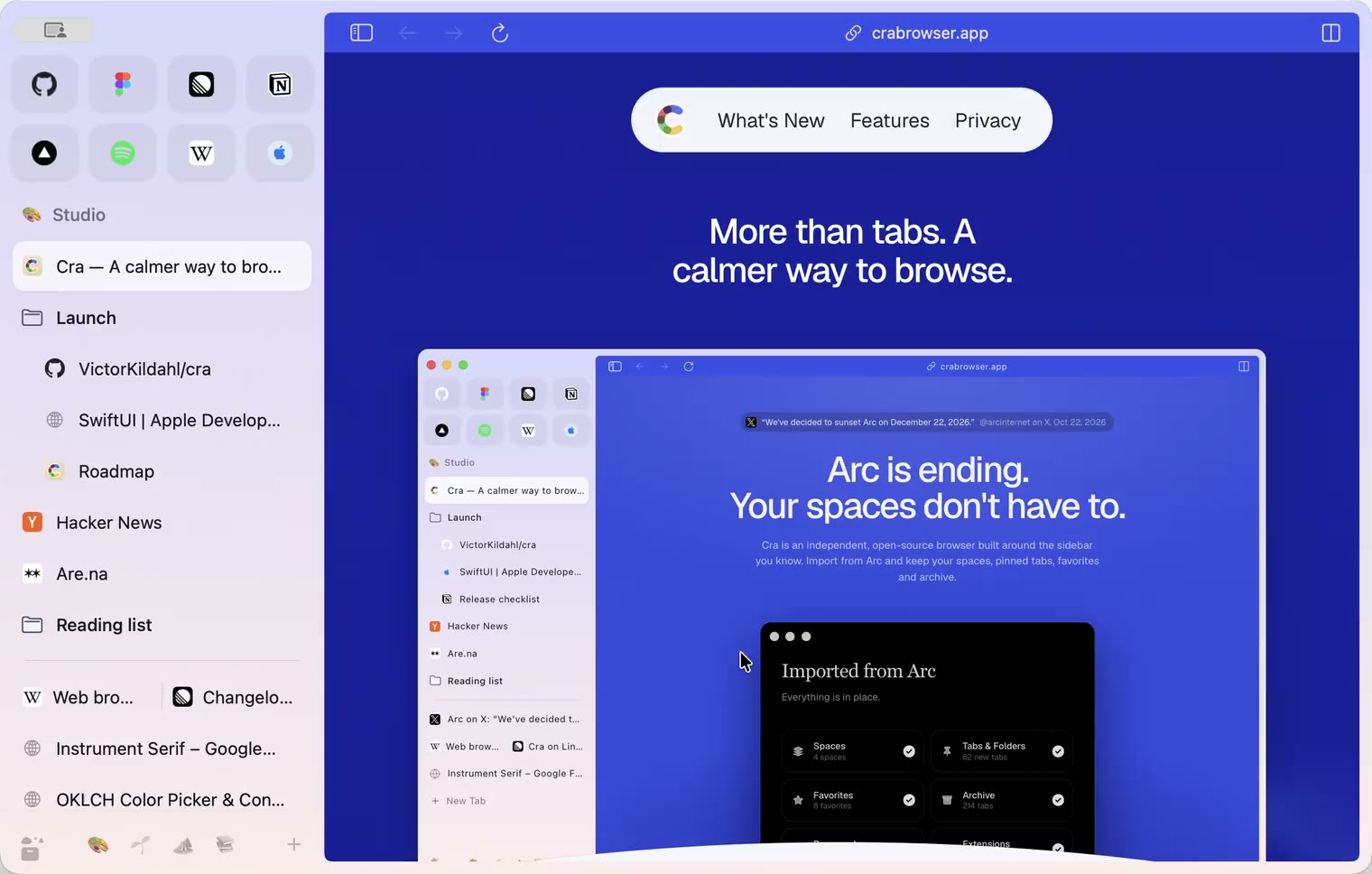
The Library moves into the sidebar

27 October 20260.1.13
Drag your spaces into order

27 October 20260.1.12
Downloads that outlive their tab

27 October 20260.1.11
Your passwords, locked in your Keychain

26 October 20260.1.10
Air Traffic Control

26 October 20260.1.9
Favorites per space
- 0.1.8
26 October 20260.1.8
Video everywhere
- 0.1.7
26 October 20260.1.7
Work sign-ins

26 October 20260.1.6
Drag and drop that works

26 October 20260.1.5
Sign in with Google

26 October 20260.1.4
Copy, paste and clean corners

26 October 20260.1.3
Extensions that reach their apps
- 0.1.2
26 October 20260.1.2
Notarized, and it updates itself
- 0.1.1
25 October 20260.1.1
Quit fix

25 October 20260.1.0
Early access