Cra 0.1.262 November 2026
Background tabs, Arc’s toast and Move to Space
⌘Return in the command bar opens a page in the background and keeps the bar open, a tab you pick inside a closed folder shows up under it, and a tab you move to another space takes you with it.
Open pages in the background
Type an address or a search in the command bar (⌘T) or the URL editor (⌘L) and press ⌘Return: the page opens in a new tab at the top of Today and the tab you’re on stays in front. The bar stays open with what you typed, so each ⌘Return opens one more, and a “Switch to Tab” row opens its page again instead of switching, as in Arc. ⌘Return did nothing before. Reported by Anoninz in #85.
One toast, Arc’s
With the sidebar hidden, a background tab says “New Tab Created” in Arc’s toast at the top of the page; another one while it’s up gives it a little bump. Copy URL, Copy URL as Markdown and Cannot Add New Pane now use the same toast instead of a message in the address field, light or dark with your space. The download cards in the corner are gone too: like Arc, Cra shows a download’s size, progress and speed, or “Failed to Download”, in the downloads list you get by hovering the Library button.
Tabs in closed folders stay in sight
Pick a pinned tab that lives in a closed folder, from the command bar or anywhere else, and it now shows up right under that folder, whose icon gets three dots, instead of hiding inside it. The folder stays closed, as in Arc; open it to see the rest, and close it again to keep just the tab you’re on. Reported by Anoninz in #85.
Move a tab to a space and go with it
⌃⌘1 to ⌃⌘9 move the tab you’re on to that space’s Today and take the window there with it, and so do the command bar’s Move Tab to <space> and the sidebar’s Move to ▸ <space>, like Arc’s “Move to Today in”. A tab in a split brings its split along. Asked for by Anoninz in #86.
The Library button slides
The Library button and ⇧⌘L now slide the Library in and out the way swiping into it does, with the same spring, and a second press while it moves turns it around.
What else is new
A toolbar like Arc’s
The address shows the site alone, with Show Full URL in its right-click menu for the whole address, and its link glyph is Arc’s Copy URL button with its own hover. A click on empty toolbar space no longer opens the command bar, and a click on the address while the bar is open closes it. In developer mode the bar has Arc’s Toggle Console, Toggle Network Panel and Inspect Element (⌥⌘J, ⌥⌘C), and every tab of the site shows its host under the title. The bar also keeps a tab’s colour while its page comes back instead of flashing white. Reported by Wladimir in #84 and #88.
Picture in Picture every time
Leaving a tab with a playing video now opens Picture in Picture every time, not once in a while, and Chrome’s own controls no longer show up under Cra’s after you resize the window. Reported by Michal Sambora on X.
Notifications, voice and Safe Browsing
Sites can send push notifications, voice input on sites that use the Web Speech API works on this Mac without sending audio anywhere, and Safe Browsing warns before known phishing and malware pages, with its lists updated once a day. Cra comes with an updated engine build for these.
Thank you
Thank you, Anoninz, Wladimir, Vidhanth, Jash and Michal, for the reports behind this release.
Cra is free and made in the open. Sponsor Cra
For every change in 0.1.26, see the changelog.
Past releases
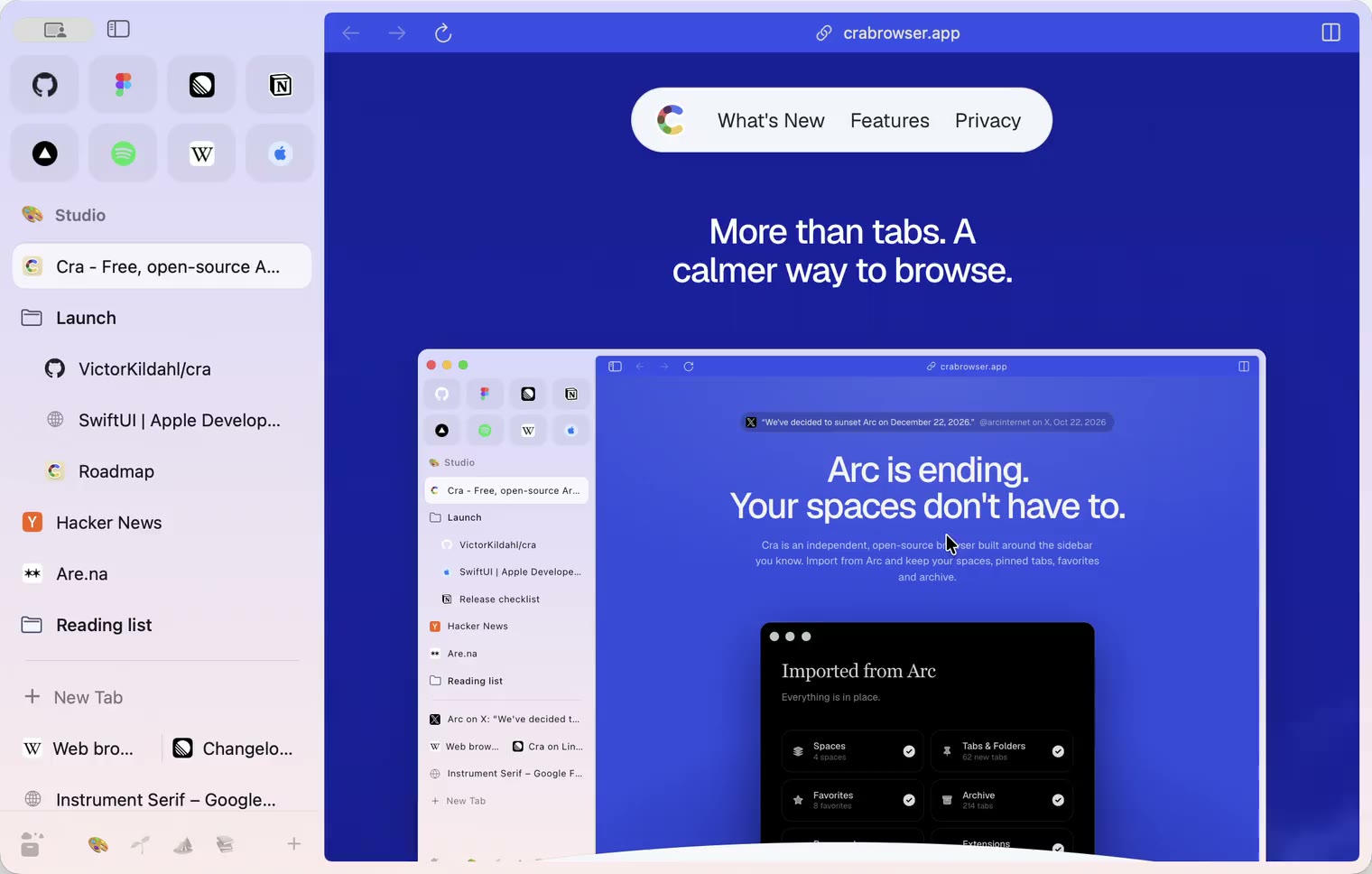
1 November 20260.1.25
Edit pinned URLs and swipe into the Library
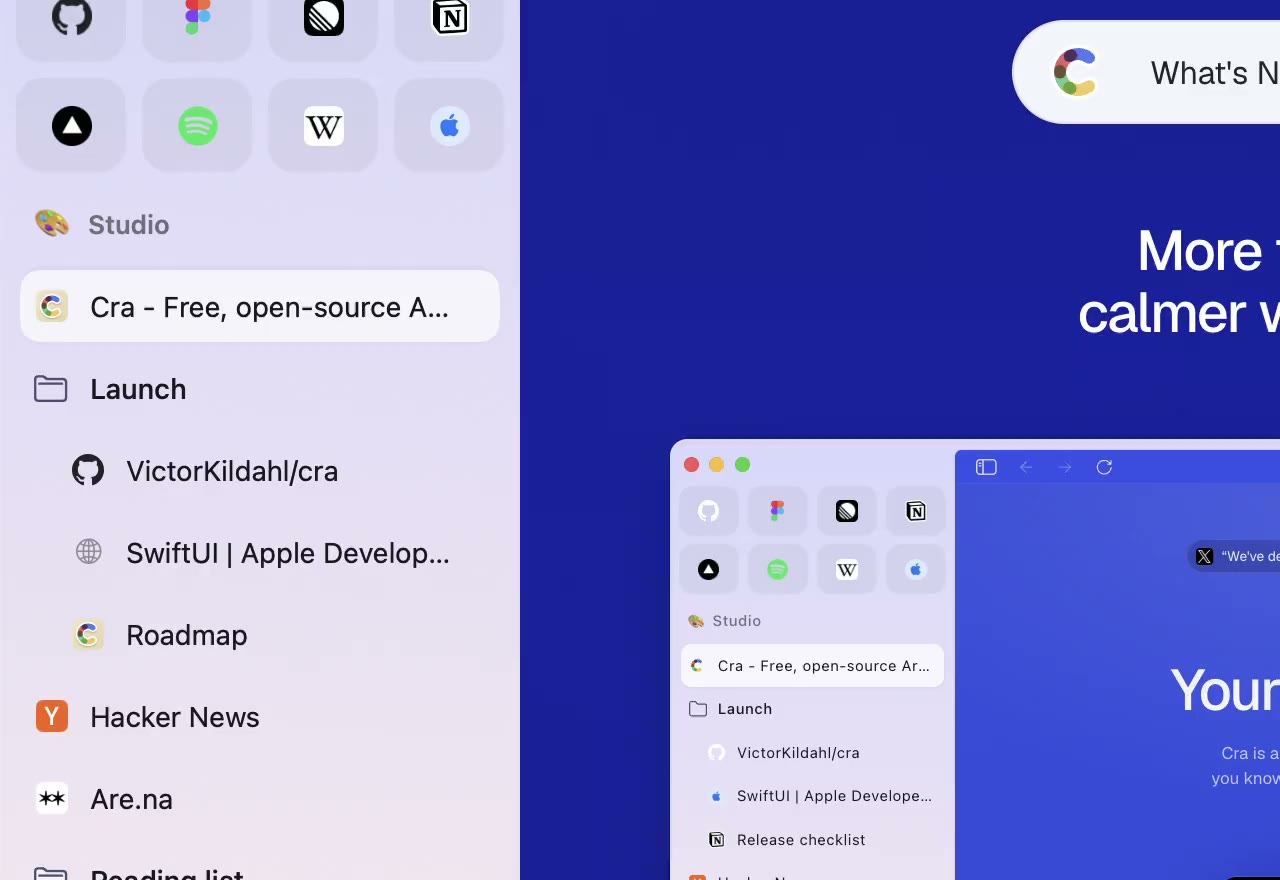
1 November 20260.1.24
Arc’s space menu, tab search and developer bar
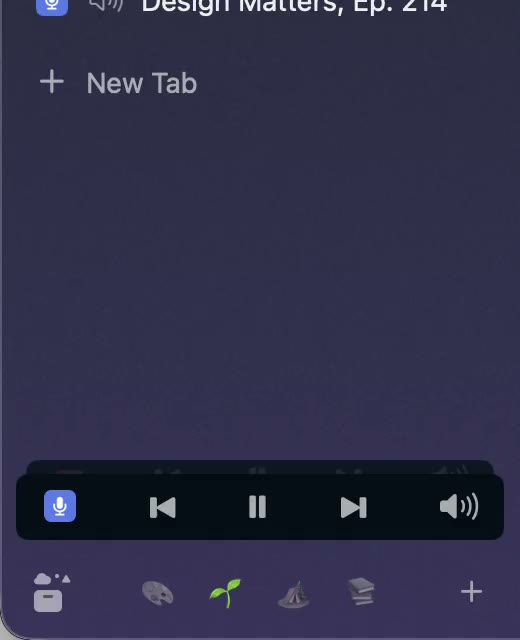
31 October 20260.1.23
Arc’s now-playing player, split favorites and folder previews
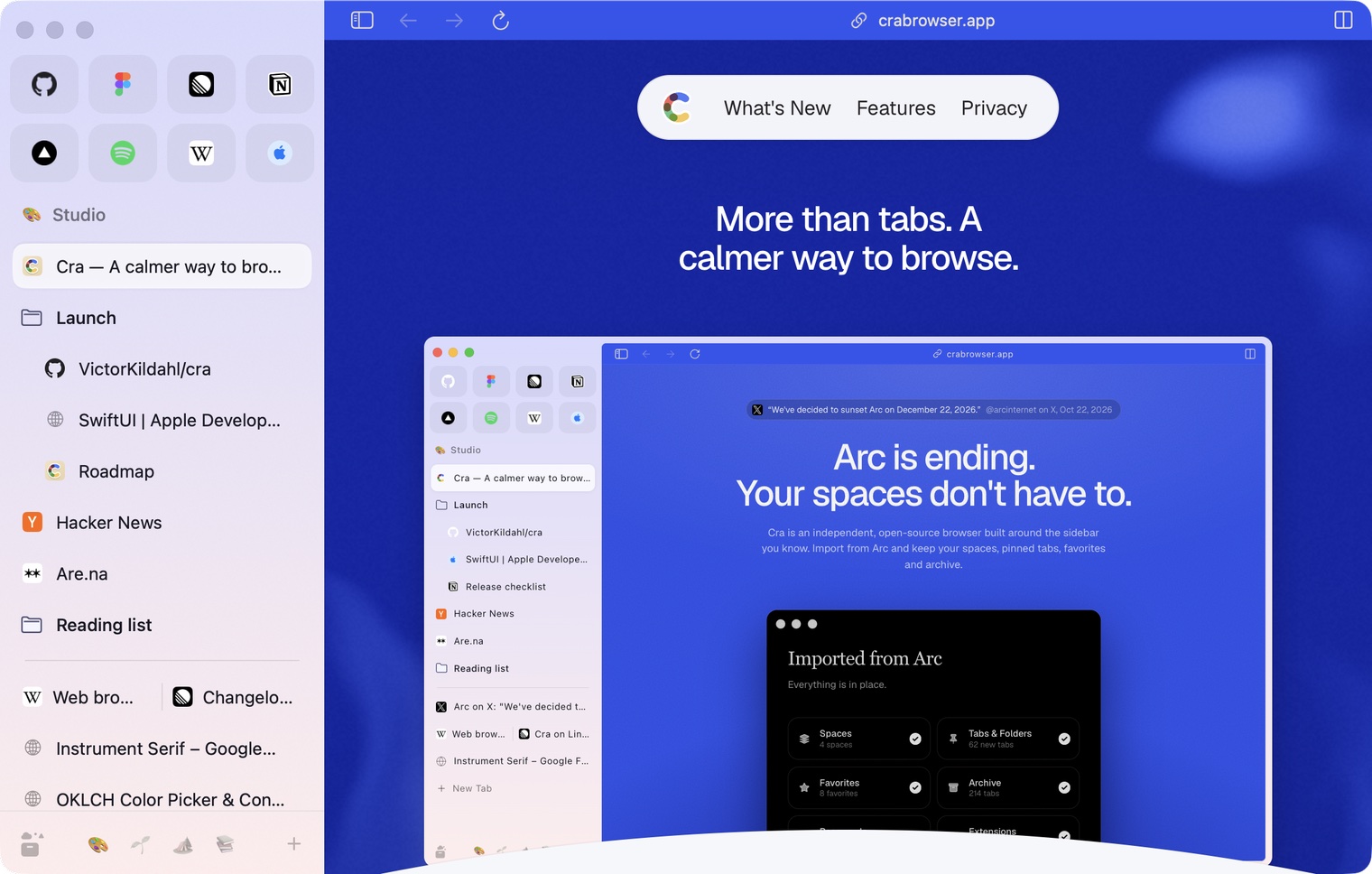
30 October 20260.1.22
Edge-to-edge pages and Arc’s refresh button
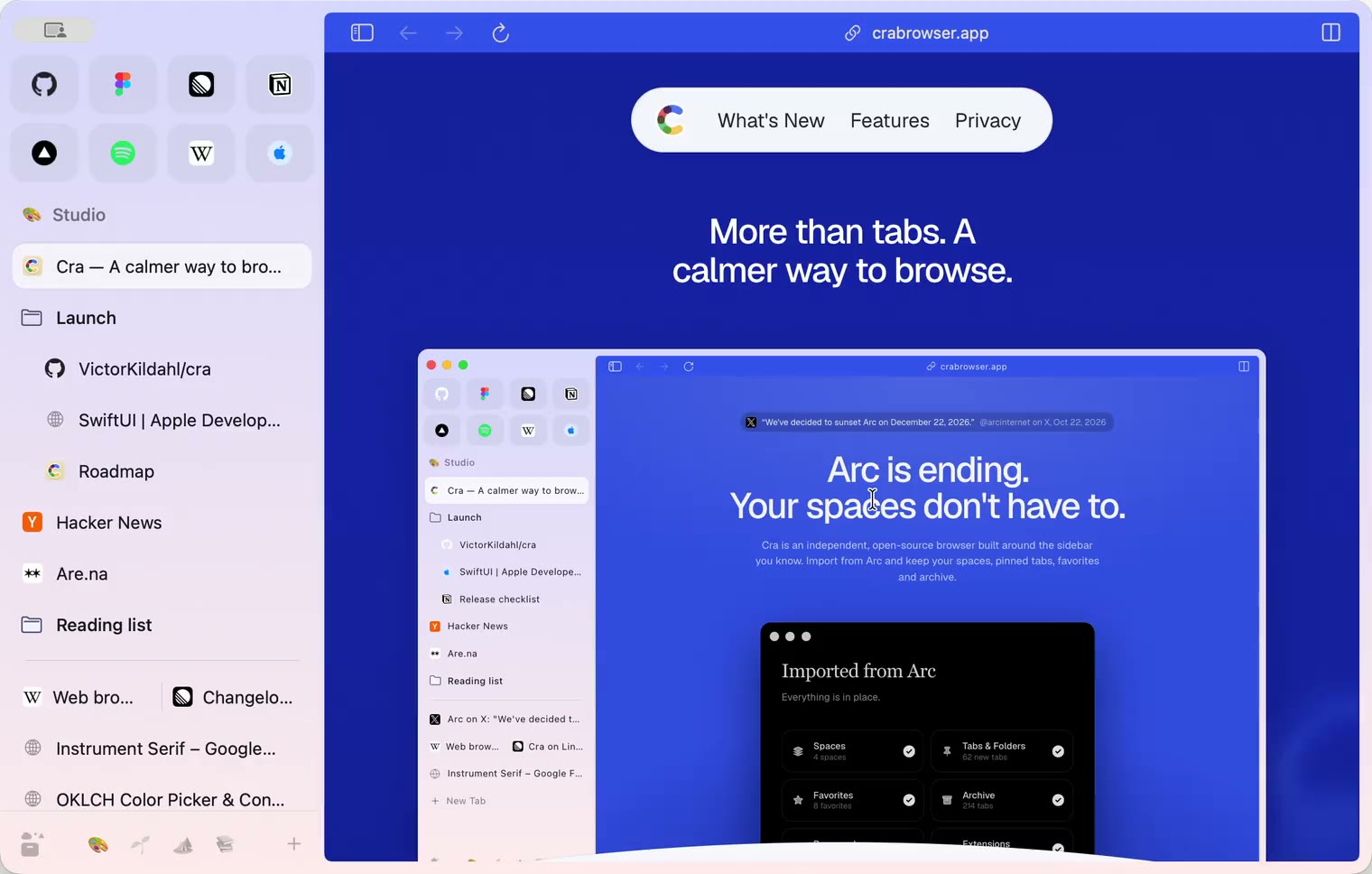
30 October 20260.1.21
Pinned split views and a quick way to clear cookies
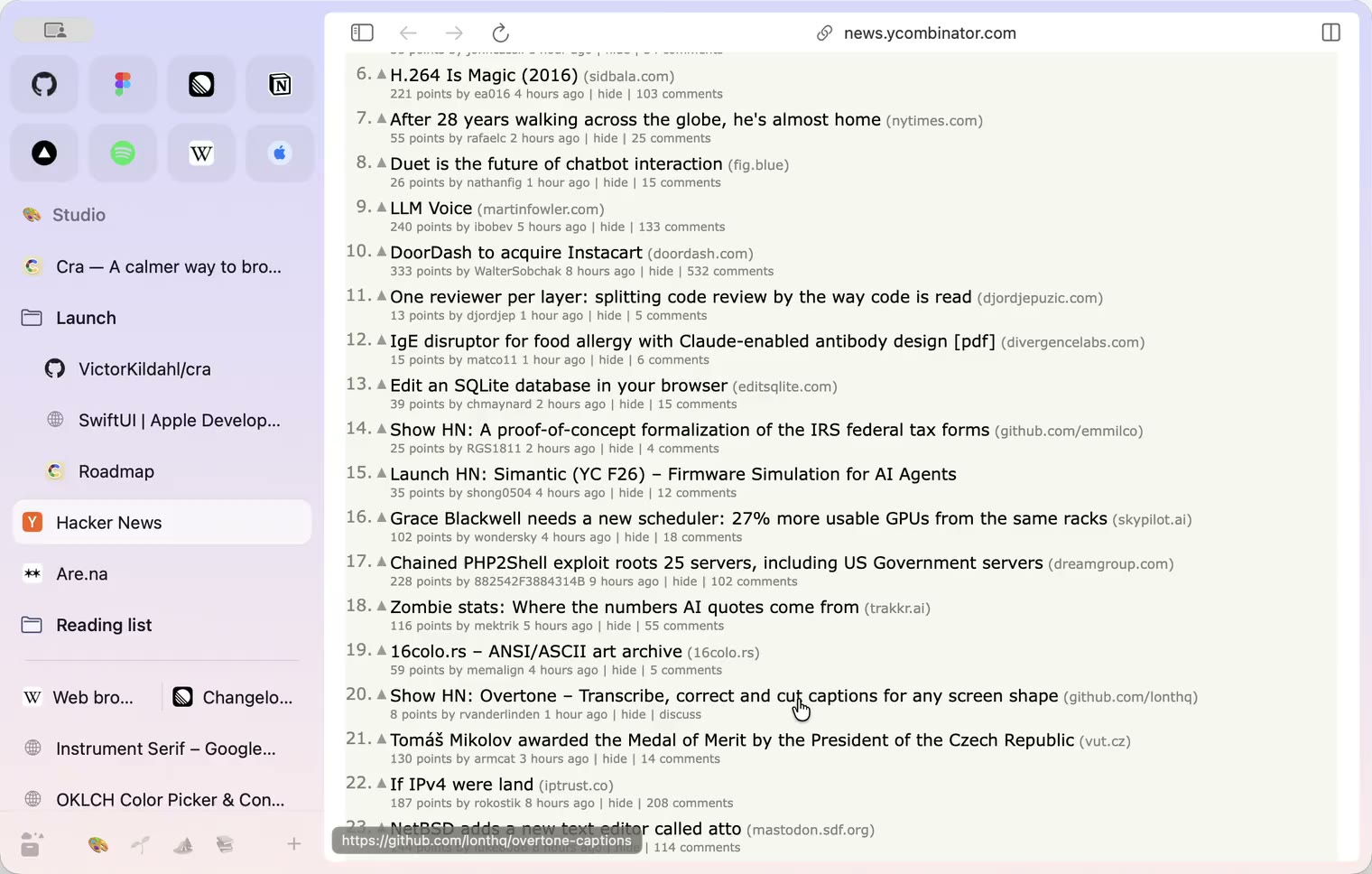
29 October 20260.1.20
Peek, Site Search and instant extension popups
- 0.1.19
29 October 20260.1.19
Extension popups open right away

29 October 20260.1.18
A sidebar built for speed
- 0.1.17
28 October 20260.1.17
Pages live inside the window
- 0.1.16
28 October 20260.1.16
A smoother Cra
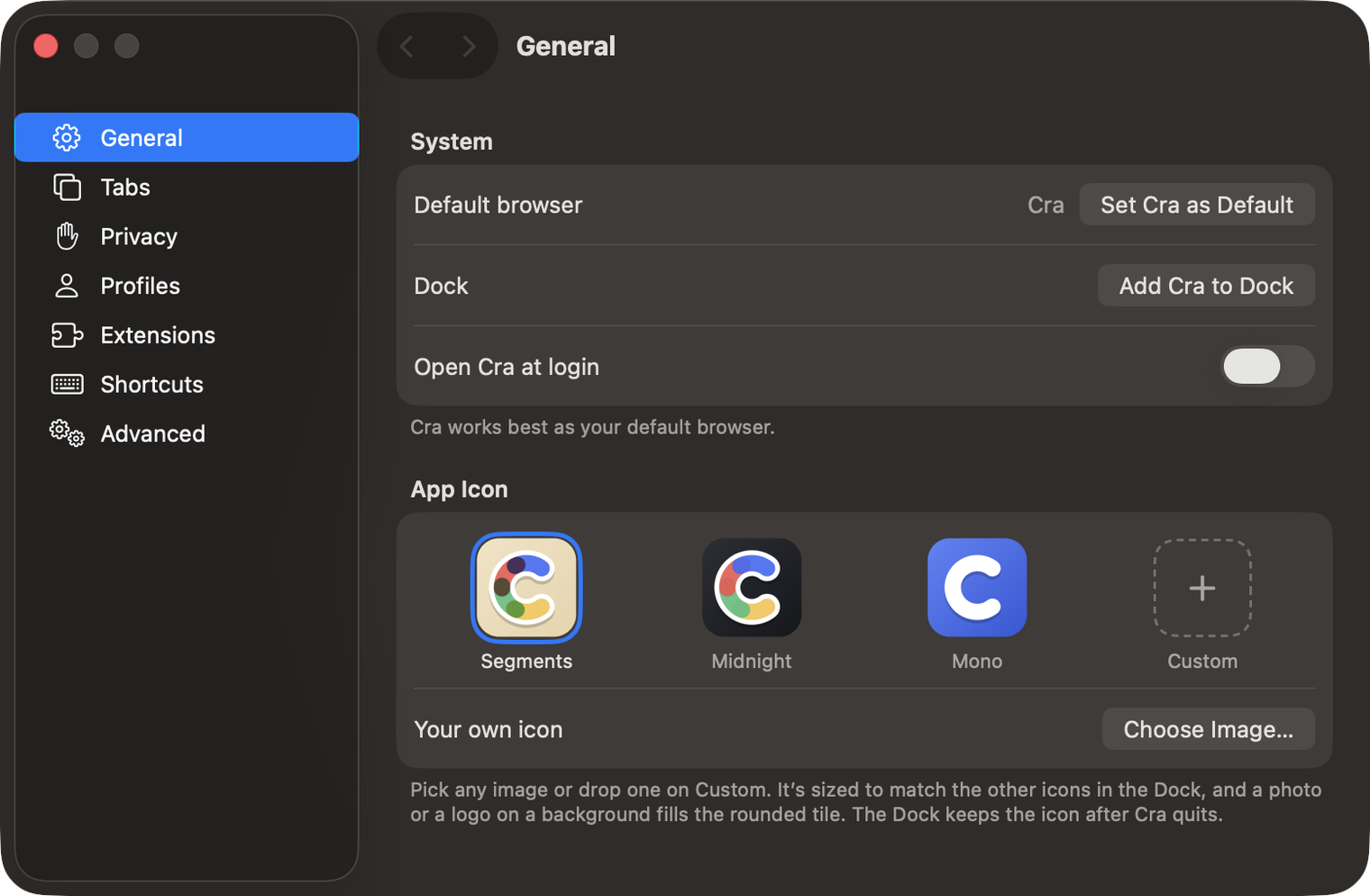
28 October 20260.1.15
Make Cra’s icon your own
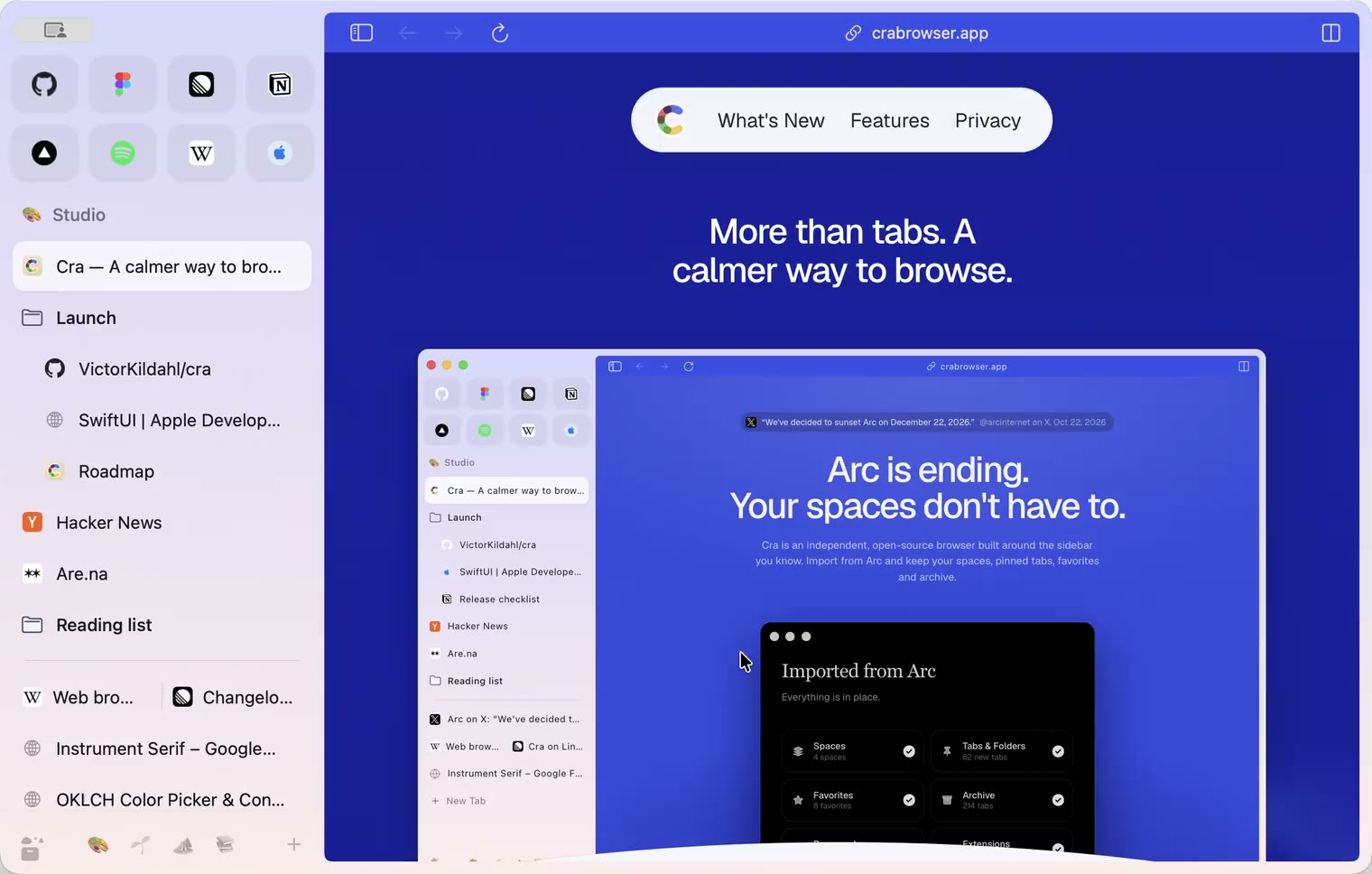
27 October 20260.1.14
The Library moves into the sidebar

27 October 20260.1.13
Drag your spaces into order

27 October 20260.1.12
Downloads that outlive their tab

27 October 20260.1.11
Your passwords, locked in your Keychain

26 October 20260.1.10
Air Traffic Control

26 October 20260.1.9
Favorites per space
- 0.1.8
26 October 20260.1.8
Video everywhere
- 0.1.7
26 October 20260.1.7
Work sign-ins

26 October 20260.1.6
Drag and drop that works

26 October 20260.1.5
Sign in with Google

26 October 20260.1.4
Copy, paste and clean corners

26 October 20260.1.3
Extensions that reach their apps
- 0.1.2
26 October 20260.1.2
Notarized, and it updates itself
- 0.1.1
25 October 20260.1.1
Quit fix

25 October 20260.1.0
Early access