Cra 0.1.272 November 2026
Arc’s Capture, live extension icons and Shift + wheel spaces
Capture puts the page on the clipboard with Arc’s Save toast, extension buttons follow their icon and badge as they change, and Shift + a mouse wheel over the sidebar switches spaces.
Capture like Arc
Capture this page, in the Site Control Center or with ⇧⌘2, now puts the page on the clipboard with the screenshot sound and says “Screenshot Copied to Clipboard” in Arc’s toast, with a Save button for when you want a file. Chromium draws the image, so it’s never blank, on any display and behind other windows, and Finder no longer opens. Share keeps the control center open under its list, and the lock badge shows the site’s certificate, or “Not Secure”. Reported by Wladimir in #90.
Extension icons and badges that change
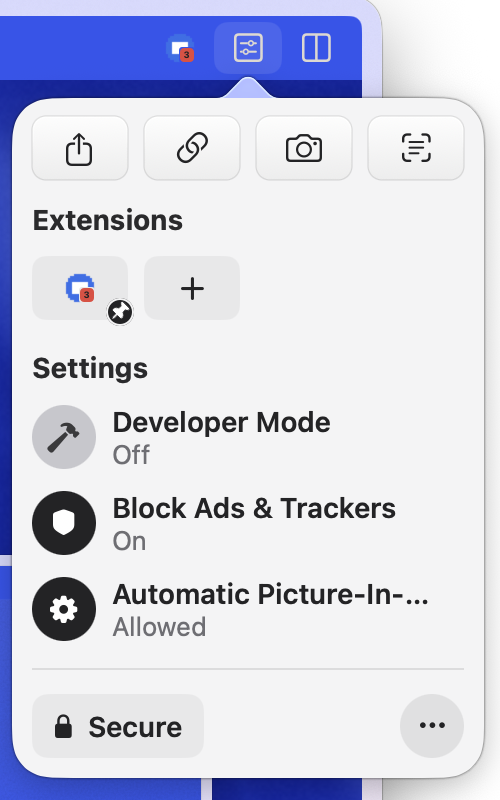
Pinned extension buttons, the Site Control Center and the Extensions menu now follow what an extension sets while it runs: ZeroOmega’s profile ring, AdGuard’s paused shield, and the badge with a count or a warning, drawn the way Arc draws it. Extensions also follow the space’s profile: each profile keeps its own pinned buttons, an extension’s options page opens in a space on the profile that asked for it, and Export Diagnostics names the extension whose proxy is in force. An extension page restored at launch now loads instead of showing an error. Reported by Wladimir in #106 and #107.
Shift + wheel switches spaces
Hold Shift and turn a mouse wheel over the sidebar, or tilt the wheel sideways, to move to the next or previous space, with Arc’s timing: one slow notch does nothing, a flick switches. Before your first space the Library slides in. Asked for by Anoninz in #93.
Shortcuts in context menus
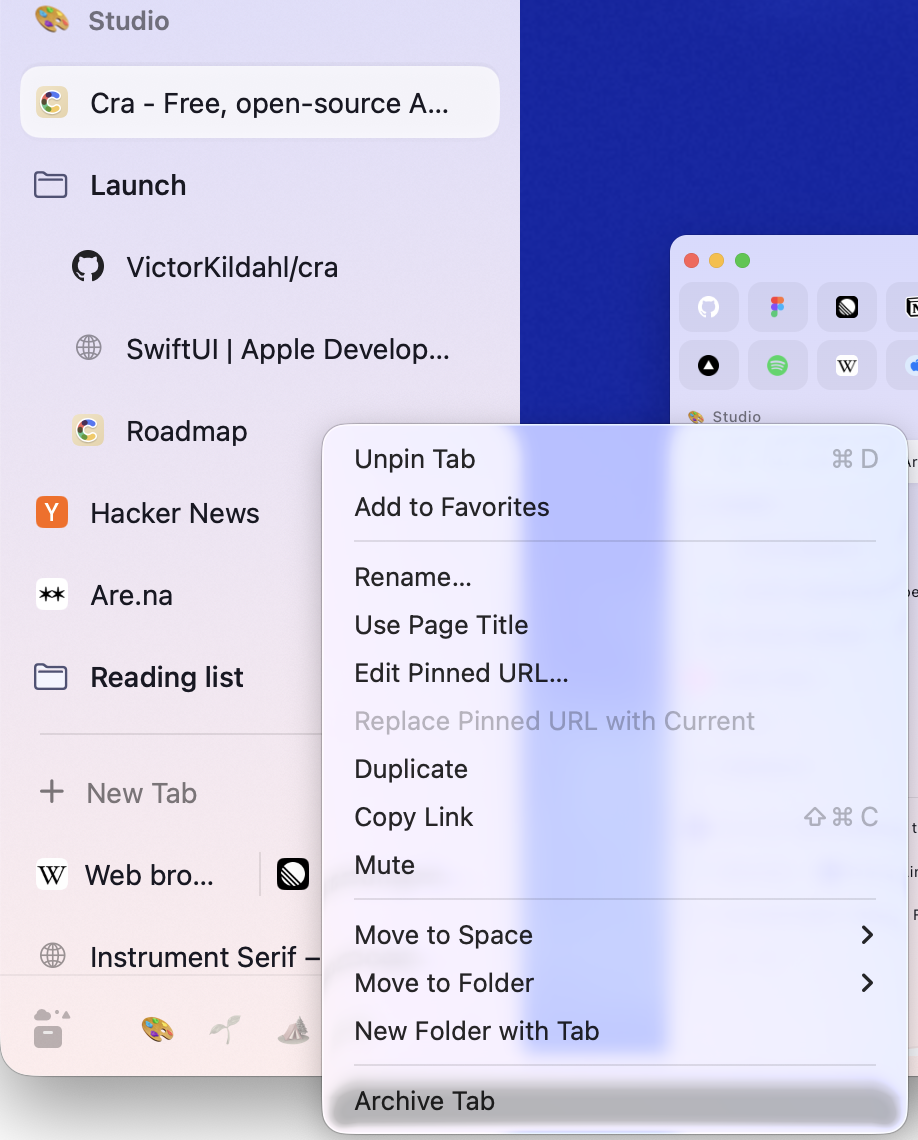
Right-click menus on tabs, favorites, spaces and splits show each item’s shortcut, your own from keybindings.json included, and the reload chevron in developer mode lists Clear Cookies and Refresh and Clear Cache and Refresh, as in Arc. Reported by Wladimir in #89.
A performance recorder that stays on your Mac
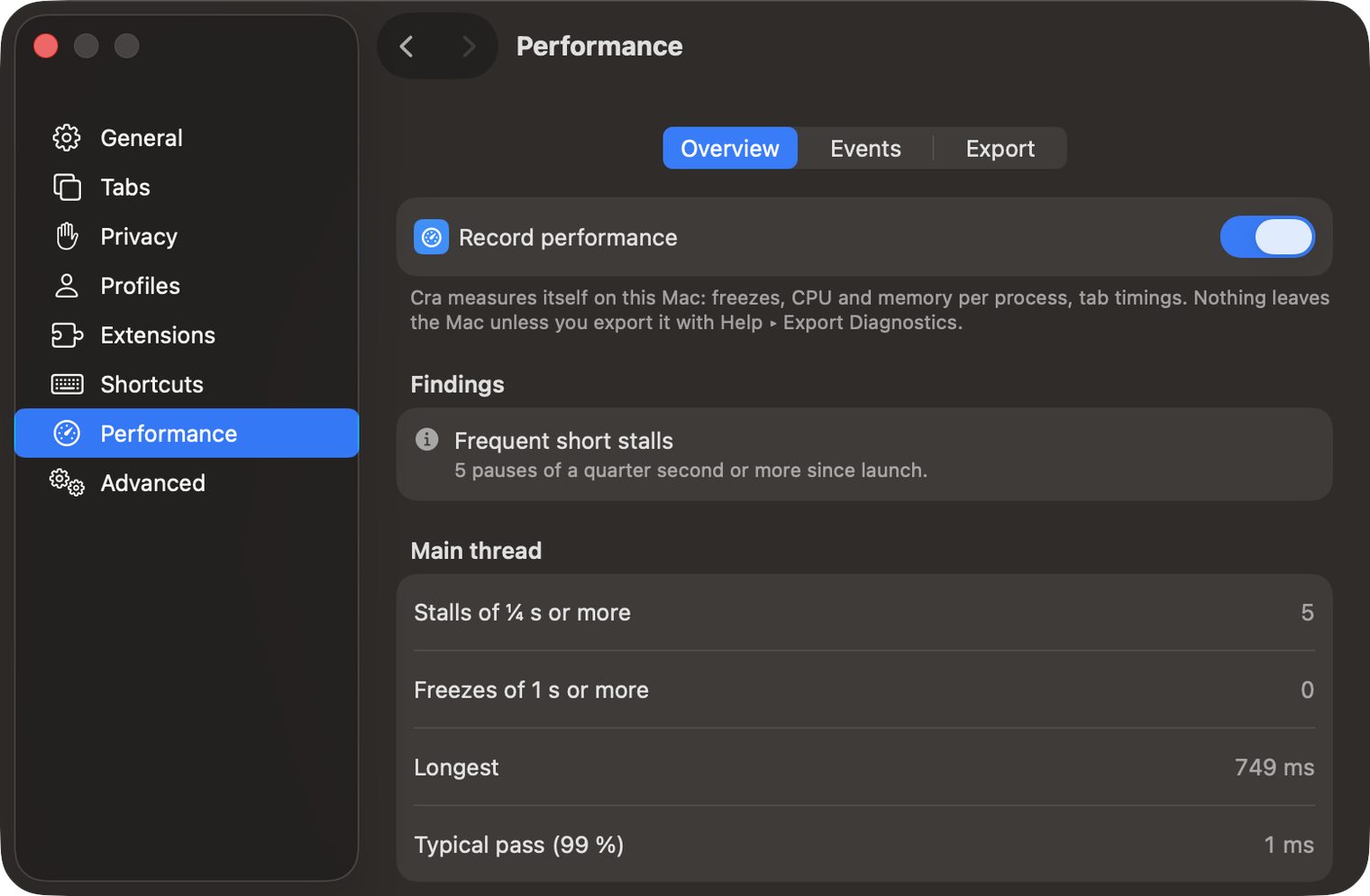
Settings ▸ Performance shows what Cra records about its own speed on your Mac: freezes and what came just before them, CPU and memory per process, slow pages and crashed tabs. Nothing leaves the Mac; Help ▸ Export Diagnostics adds it as perf.json when you choose to send a report. Suggested by Wladimir in #91.
What else is new
⌘W like Arc
Closing a tab now shows the tab you were on just before it, if its page is still loaded, and otherwise the Today tab above it on screen, as in Arc. Closing a pinned tab or the last Today tab leaves nothing selected instead of reloading a pinned tab. Reported by Anoninz in #105.
Little Windows to any space
In a Little Window, ⌃⌘1 to ⌃⌘9 send the page to that space. Every “Open in” now uses a window that already shows the space, as Arc does, instead of switching the window you used last. Asked for by Anoninz in #92.
Fixes from your reports
- Allowing camera and microphone on Google Meet crashed Cra when macOS hadn’t given it access yet (#111, yrshkd).
- ⌃Tab no longer lists closed pinned tabs (Abhi Kanani on X).
- Return on a completed address switches to its open tab (Abhi Kanani on X).
- Settings ▸ Privacy ▸ Clear Browsing Data also clears the command bar’s history (Abhi Kanani on X).
- A playing video goes to Picture in Picture when its window is covered (Abhi Kanani on X).
- A fresh YouTube tab in Theater mode opens at the top of the page (Quinn Battersby).
- Allowing camera and microphone on Google Meet crashed Cra when macOS hadn’t given it access yet (#111, yrshkd).
Thank you
Thank you, Wladimir, Anoninz, yrshkd and Abhi Kanani for the reports, and Quinn Battersby for the YouTube fix.
Cra is free and made in the open. Sponsor Cra
For every change in 0.1.27, see the changelog.
Past releases
2 November 20260.1.26
Background tabs, Arc’s toast and Move to Space
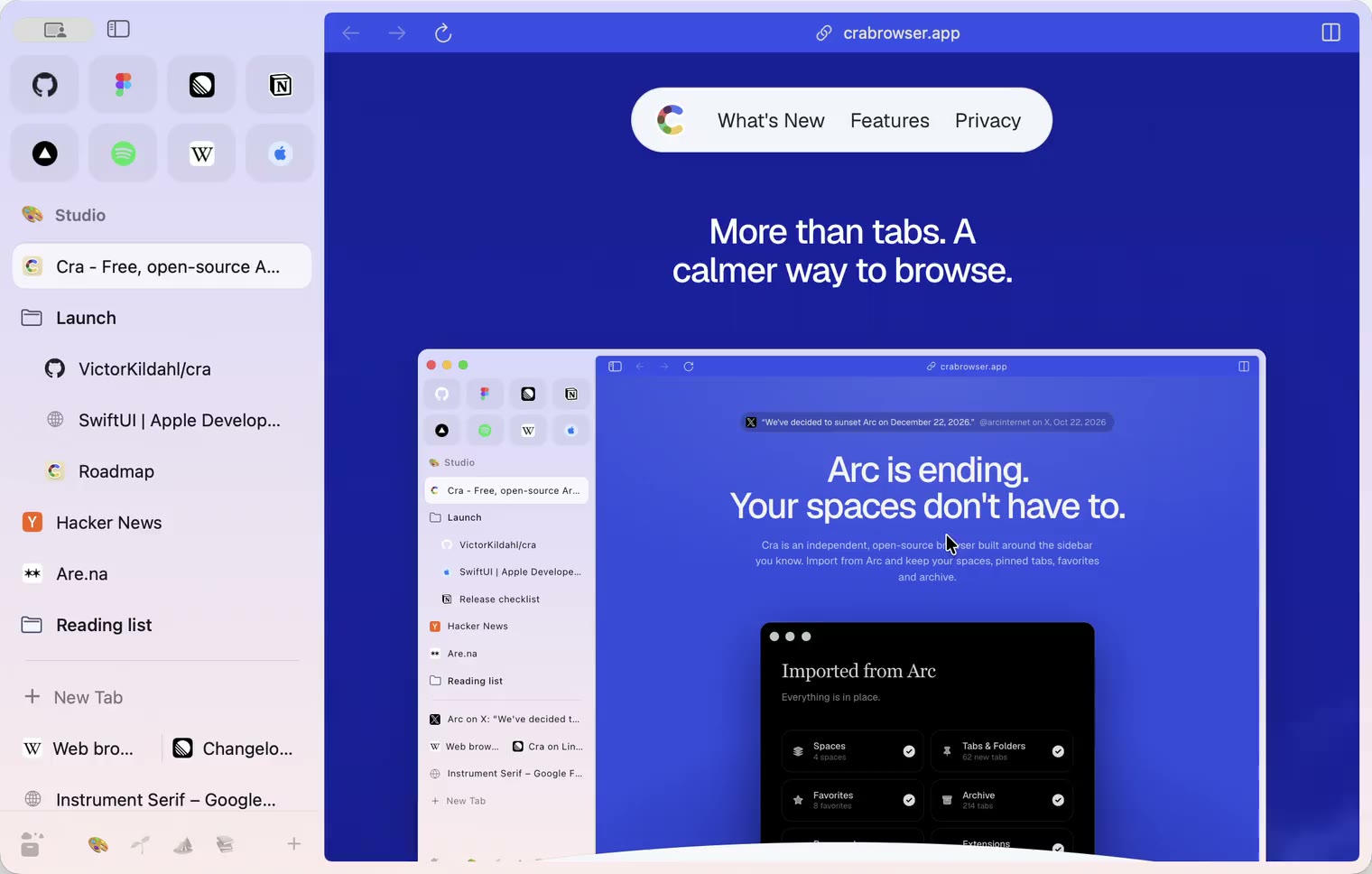
1 November 20260.1.25
Edit pinned URLs and swipe into the Library
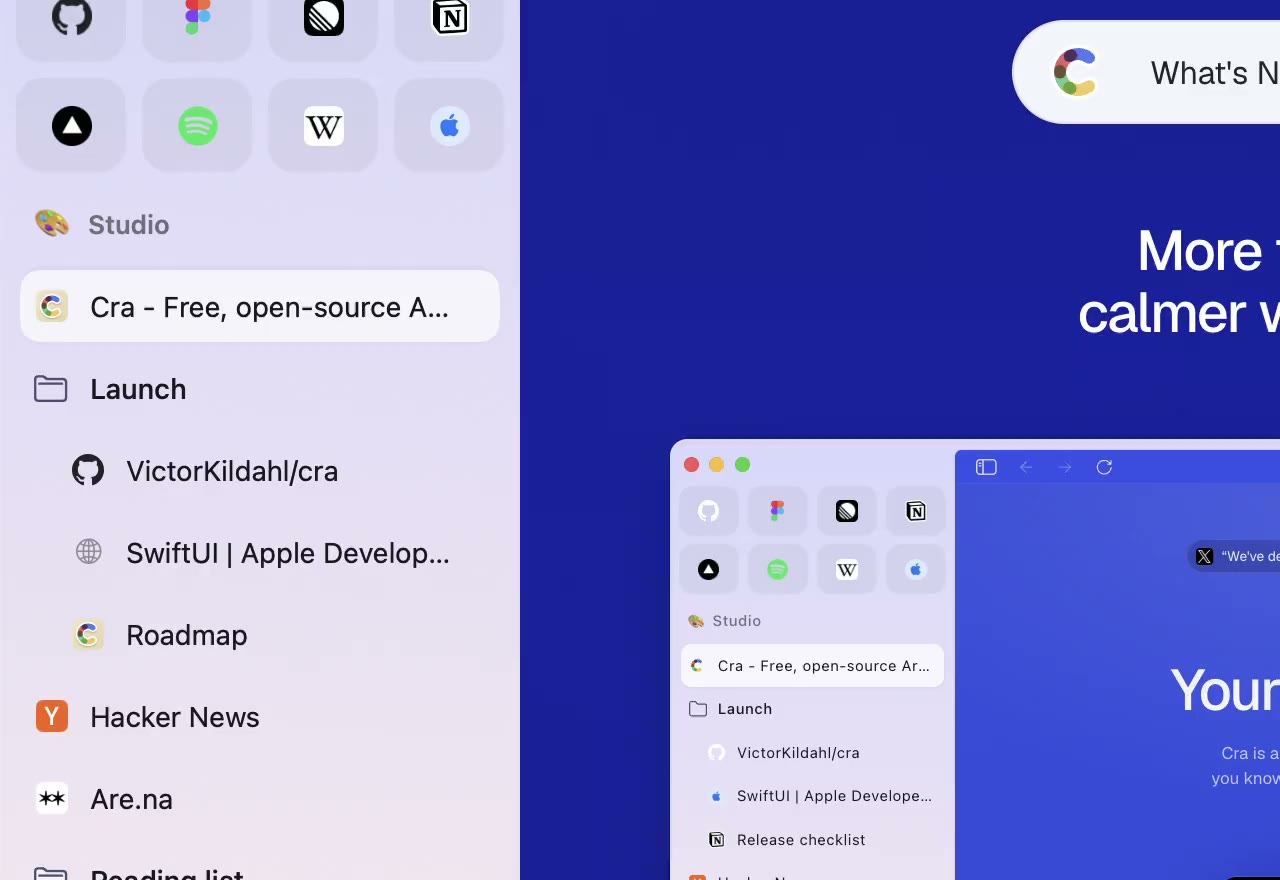
1 November 20260.1.24
Arc’s space menu, tab search and developer bar
31 October 20260.1.23
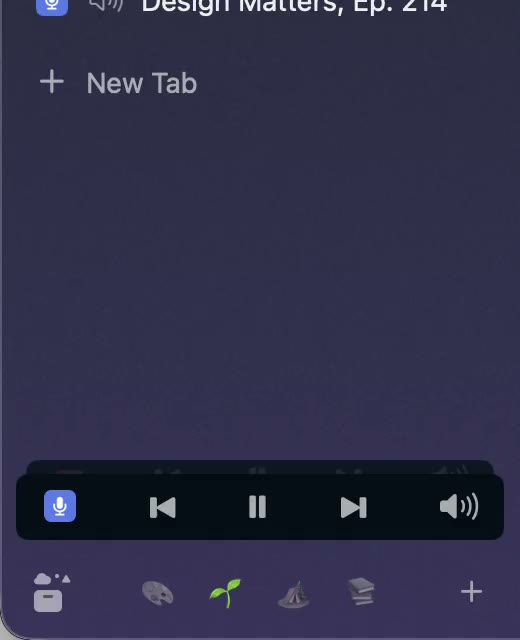
Arc’s now-playing player, split favorites and folder previews
30 October 20260.1.22
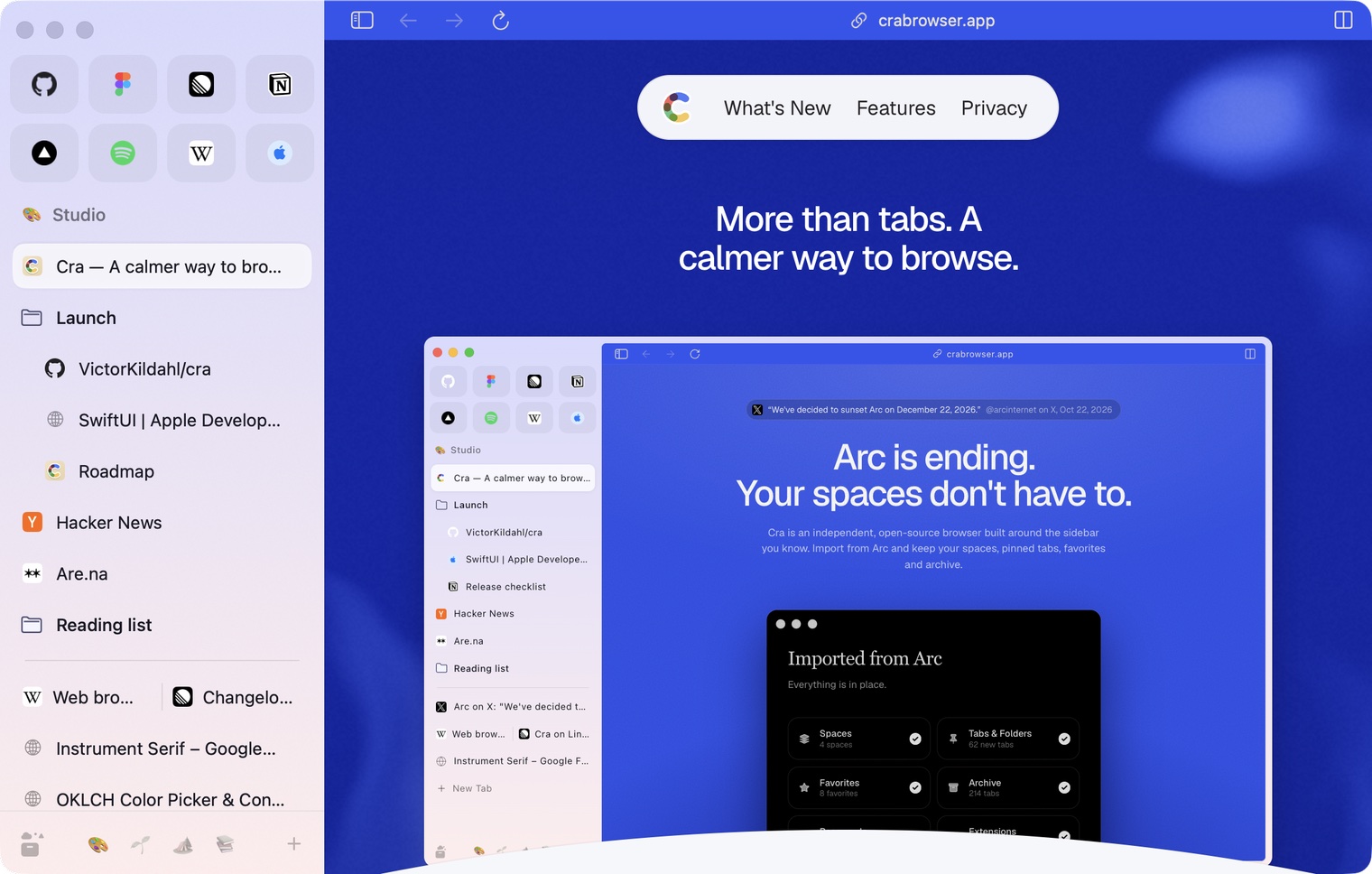
Edge-to-edge pages and Arc’s refresh button
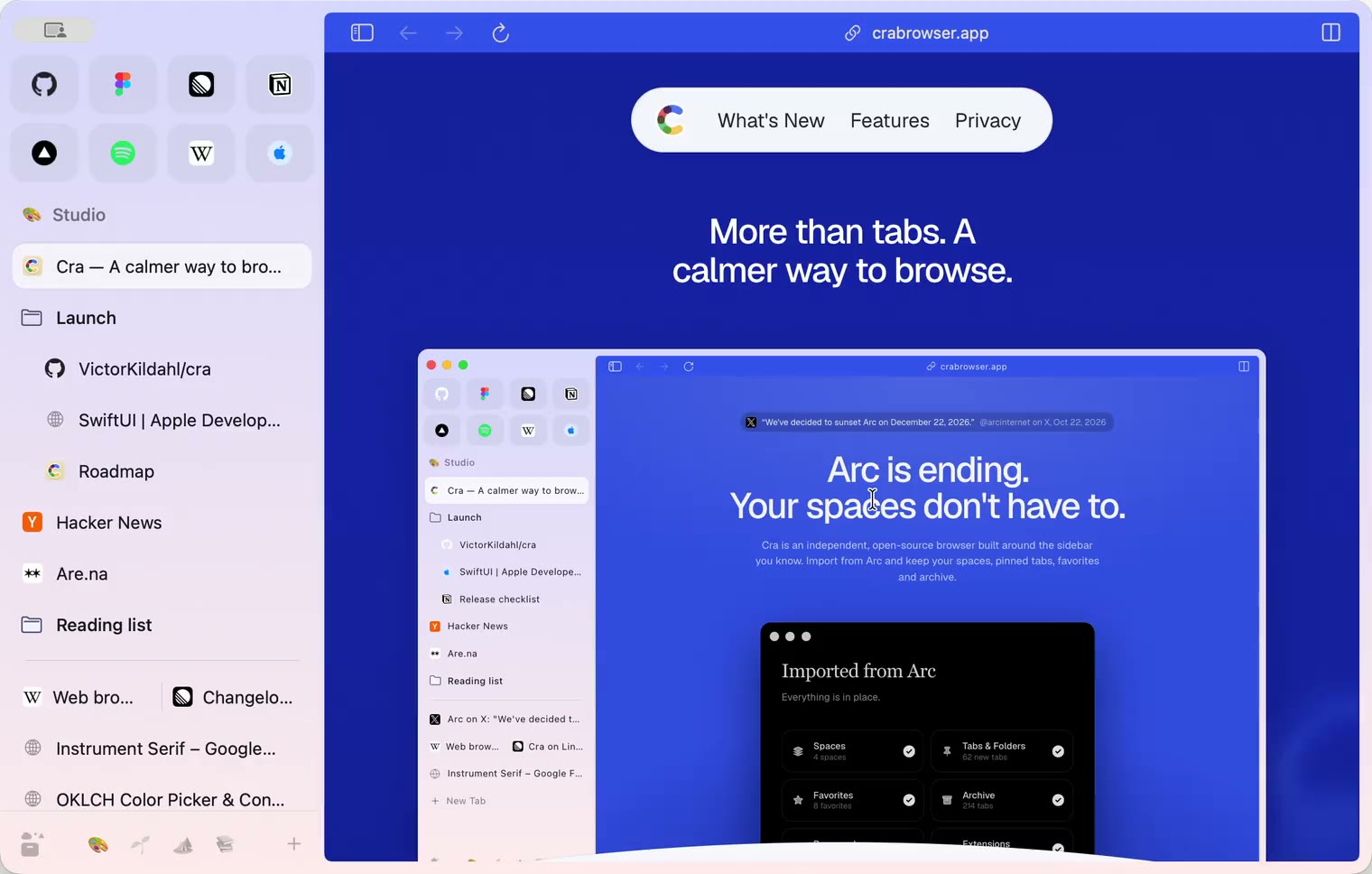
30 October 20260.1.21
Pinned split views and a quick way to clear cookies
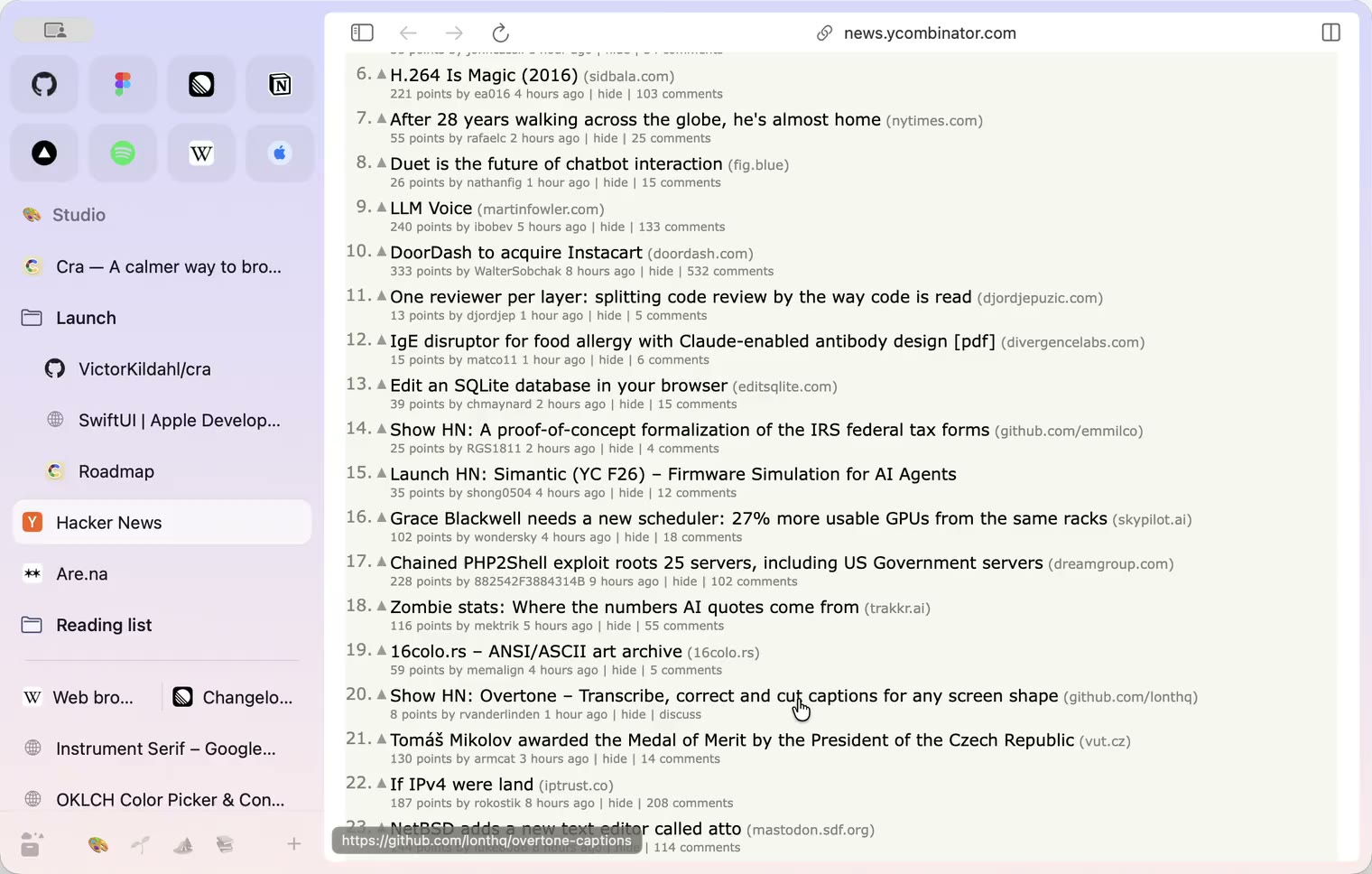
29 October 20260.1.20
Peek, Site Search and instant extension popups
- 0.1.19
29 October 20260.1.19
Extension popups open right away

29 October 20260.1.18
A sidebar built for speed
- 0.1.17
28 October 20260.1.17
Pages live inside the window
- 0.1.16
28 October 20260.1.16
A smoother Cra
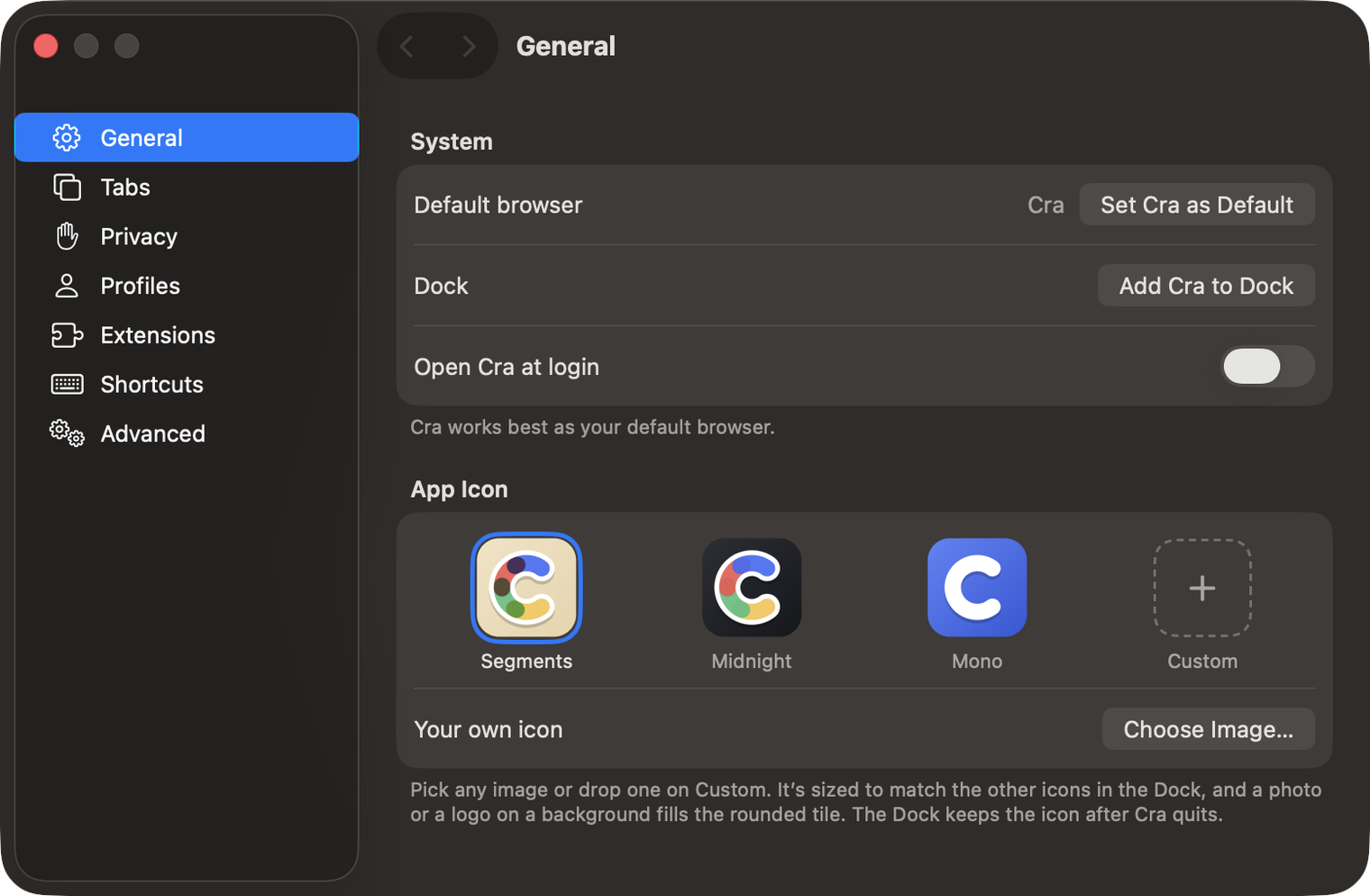
28 October 20260.1.15
Make Cra’s icon your own
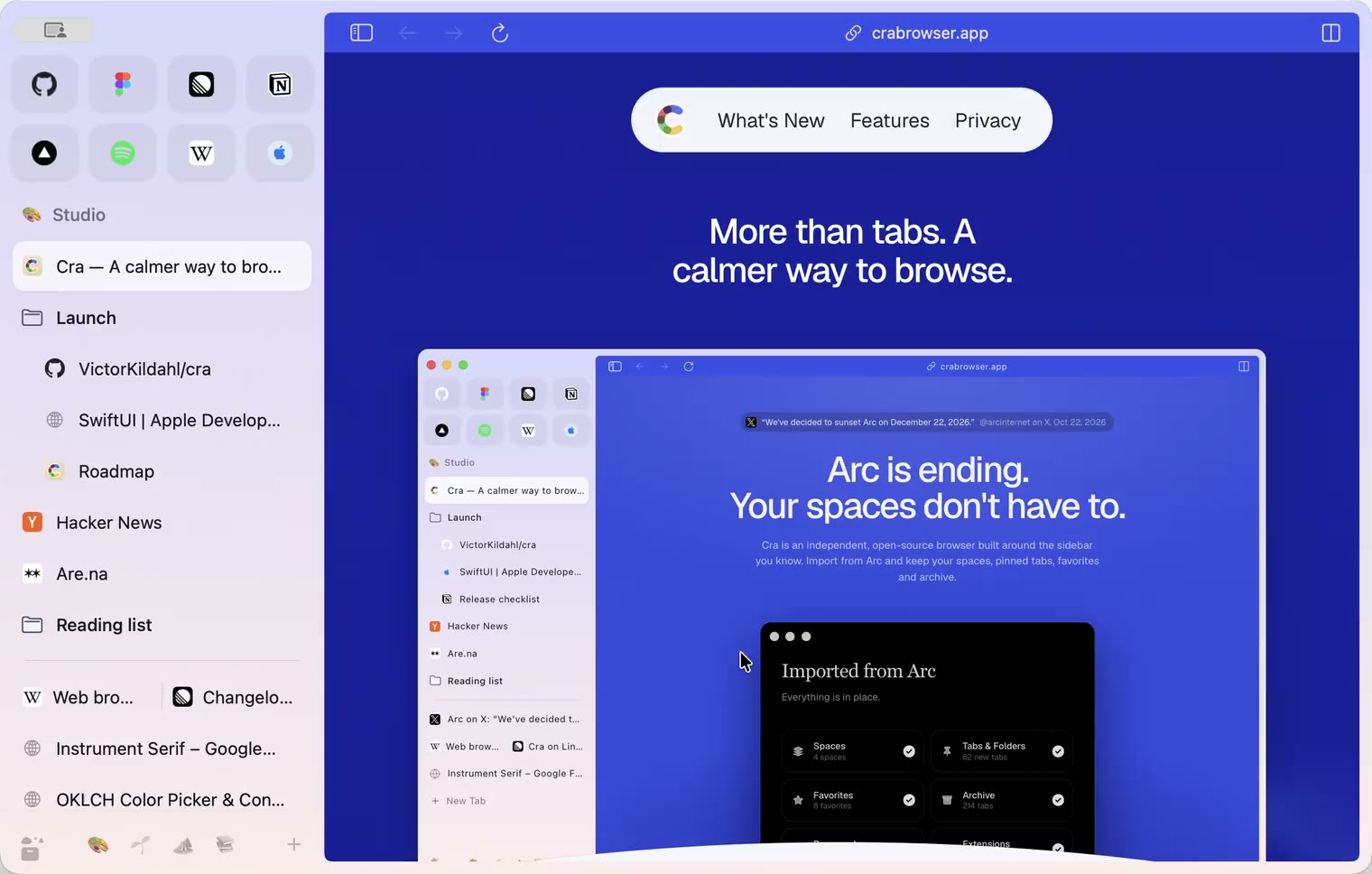
27 October 20260.1.14
The Library moves into the sidebar

27 October 20260.1.13
Drag your spaces into order

27 October 20260.1.12
Downloads that outlive their tab

27 October 20260.1.11
Your passwords, locked in your Keychain

26 October 20260.1.10
Air Traffic Control

26 October 20260.1.9
Favorites per space
- 0.1.8
26 October 20260.1.8
Video everywhere
- 0.1.7
26 October 20260.1.7
Work sign-ins

26 October 20260.1.6
Drag and drop that works

26 October 20260.1.5
Sign in with Google

26 October 20260.1.4
Copy, paste and clean corners

26 October 20260.1.3
Extensions that reach their apps
- 0.1.2
26 October 20260.1.2
Notarized, and it updates itself
- 0.1.1
25 October 20260.1.1
Quit fix

25 October 20260.1.0
Early access