Cra 0.1.294 November 2026
Peek like Arc’s, space themes with a light and a dark half, Arc’s space tooltip
Peek is now Arc’s card, with its own bar and Close, Expand and Add To Split beside it, and it moves the way Arc’s does. Spaces on Auto get a light and a dark half that follow macOS, favorites can be shared by every space on a profile, and a space can change profile the way Arc does it.
Peek, built like Arc’s
Shift-click a link, or click a link to another site in a pinned tab or favorite, and it opens in a card over the page: its own bar with back, forward and the address, and Close, Expand and Add To Split beside it. The page behind dims, and the card grows in and out on Arc’s own curves. Links inside the Peek stay in it, ⇧⌘T brings back a Peek you just closed, and Add To Split from a pinned tab makes a new split in Today and leaves the pinned tab where it is. Reported by Abhi Kanani on X.
Space themes with a light and a dark half
A space set to Auto has a light half and a dark half and shows the one macOS asks for, switching live, as Arc’s Auto themes do. An Arc import keeps both halves, and Dark gives a dark tint of your colours instead of the raw colour. Asked for by neolytic in #155.
Arc’s space tooltip
Hover a space in the dock to see its profile and its ⌃ shortcut, in the space’s own colours. Every tooltip in a window now takes the focused space’s tones. Reported by Wladimir in #152.
Drag to add Favorites
A space with no favorites shows Arc’s card where the tiles go. Drop a tab on it and it becomes the first favorite; the ✕ hides the card for that space. Reported by Wladimir in #157.
Profiles the way Arc does them
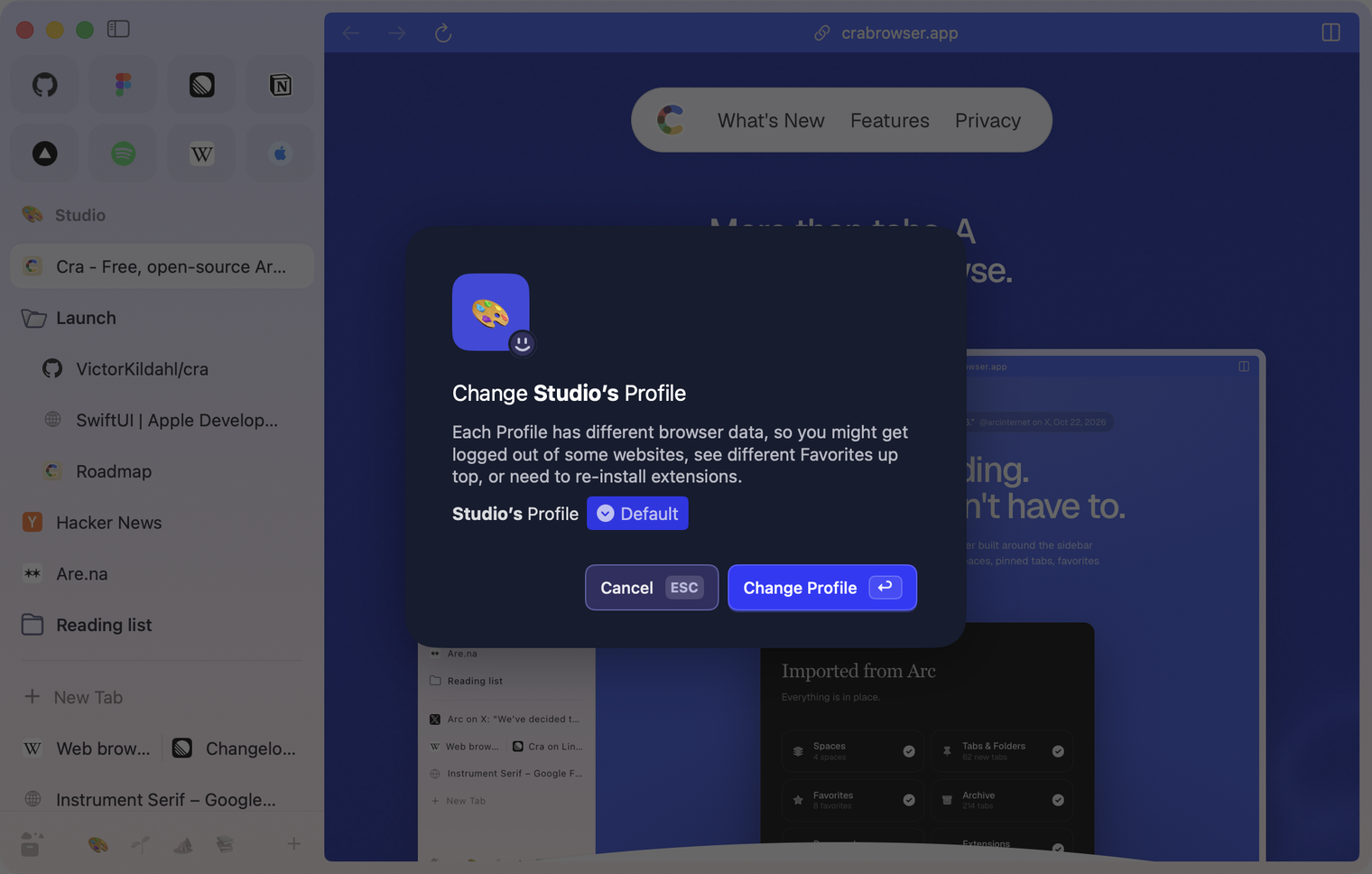
A space’s sign-ins belong to its profile, as in Arc. New Space now starts on the profile of the space you’re in, Spaces ▸ Change Profile moves a space to another profile, and a new profile asks “Which Spaces should use this Profile?”.
A Share button on the copy toast
“Copied Current URL” has Arc’s Share button, in windows and Little Windows, and ⇧⌘C in a Little Window now shows the toast too. Reported by Abhi Kanani on X.
What else is new
Favorites shared by a profile
Settings ▸ Tabs ▸ Spaces ▸ Share Favorites across Spaces with the same profile gives every space on a profile one list of favorites, exactly as Arc keeps them. It’s off by default, so favorites stay per space until you turn it on. Asked for by neolytic in #154.
Tab sleeping you can tune
Settings ▸ Tabs ▸ Tab Cleanup has “Force tabs out of memory after:” (on at 4 hours, as before) and “Force tabs out of memory when the Mac is short of memory” (off). A sleeping tab now keeps its history and scroll position, and a tab in a call stays awake. Designed with Wladimir in #153.
Fixes from your reports
- With macOS’s Reduce transparency on, the sidebar is one flat colour like Arc’s instead of blurring and stepping on activation (#156, Wladimir; the blur dropping on activation without it is still open).
- Closing Picture in Picture with its ✕ pauses the video (Abhi Kanani on X).
- The command bar’s glow stays on the bar (Abhi Kanani on X).
- Shift-click in a Little Window opens the link there, as in Little Arc (Abhi Kanani on X).
- With macOS’s Reduce transparency on, the sidebar is one flat colour like Arc’s instead of blurring and stepping on activation (#156, Wladimir; the blur dropping on activation without it is still open).
Thank you
Thank you, Wladimir and neolytic for the issues, and Abhi Kanani for the reports on X.
Cra is free and made in the open. Sponsor Cra
For every change in 0.1.29, see the changelog.
Past releases
3 November 20260.1.28
Pinned tabs and closing like Arc, notifications, Arc’s loading bar
2 November 20260.1.27
Arc’s Capture, live extension icons and Shift + wheel spaces
2 November 20260.1.26
Background tabs, Arc’s toast and Move to Space
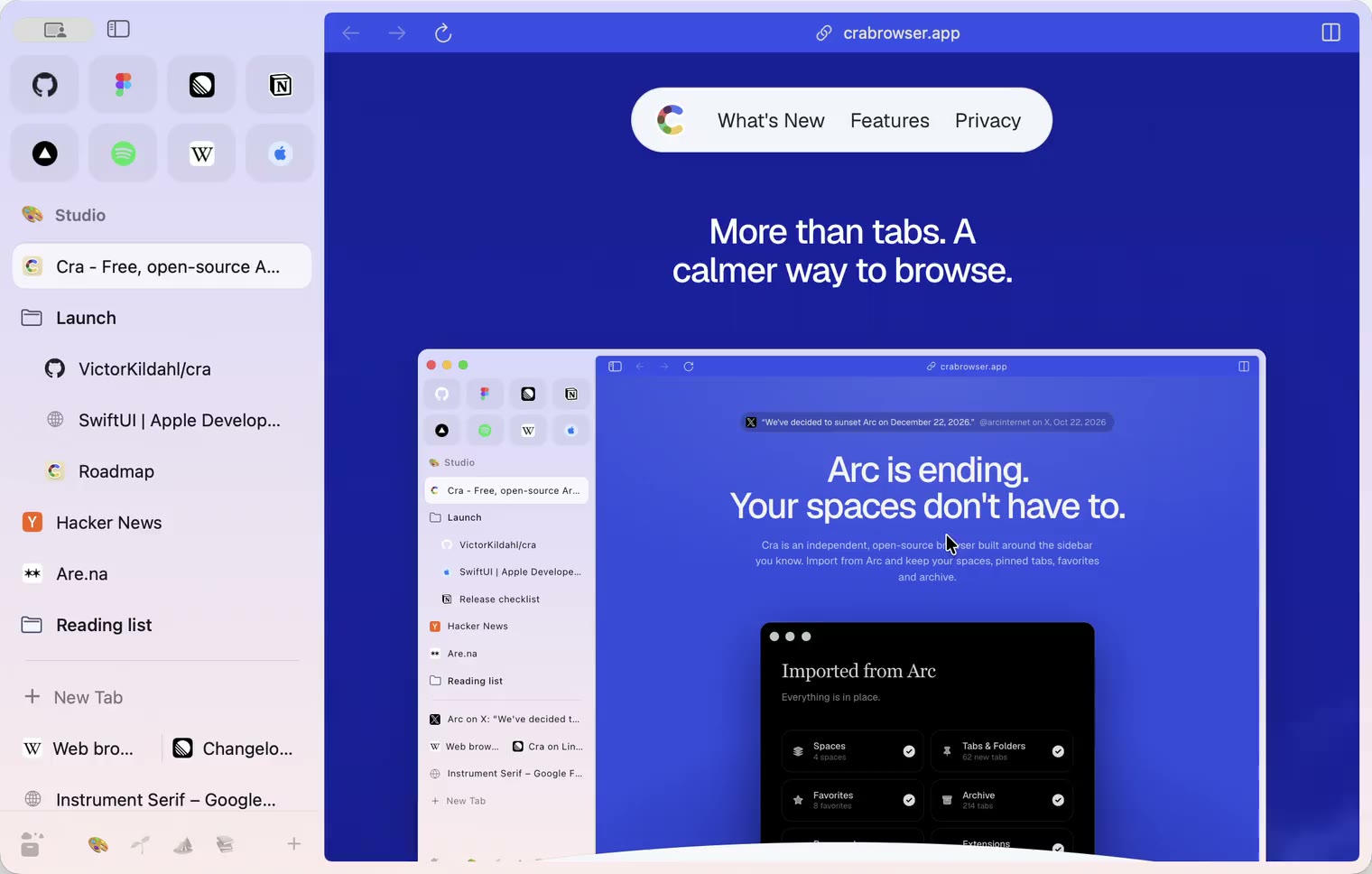
1 November 20260.1.25
Edit pinned URLs and swipe into the Library
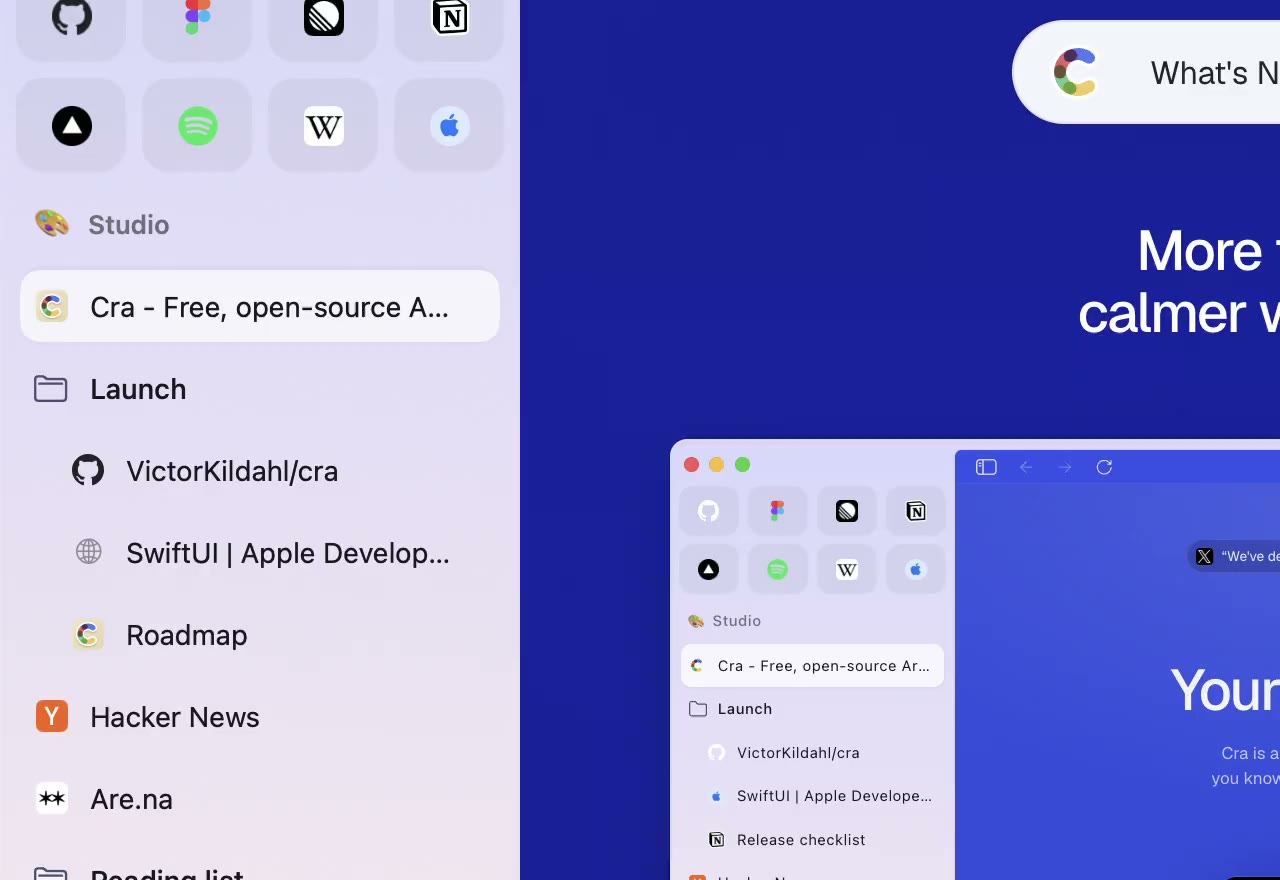
1 November 20260.1.24
Arc’s space menu, tab search and developer bar
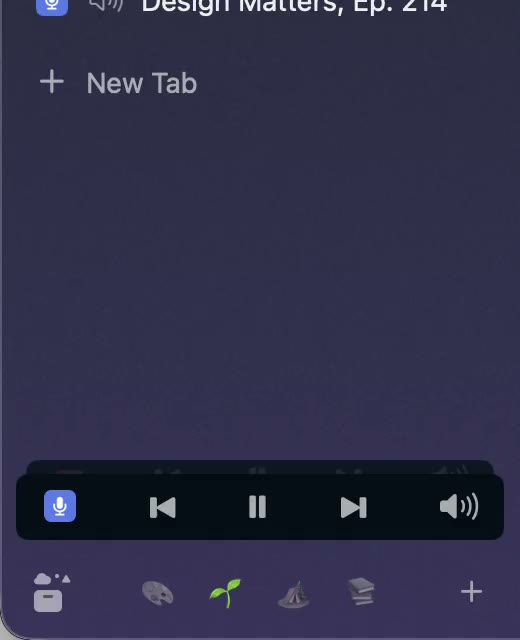
31 October 20260.1.23
Arc’s now-playing player, split favorites and folder previews
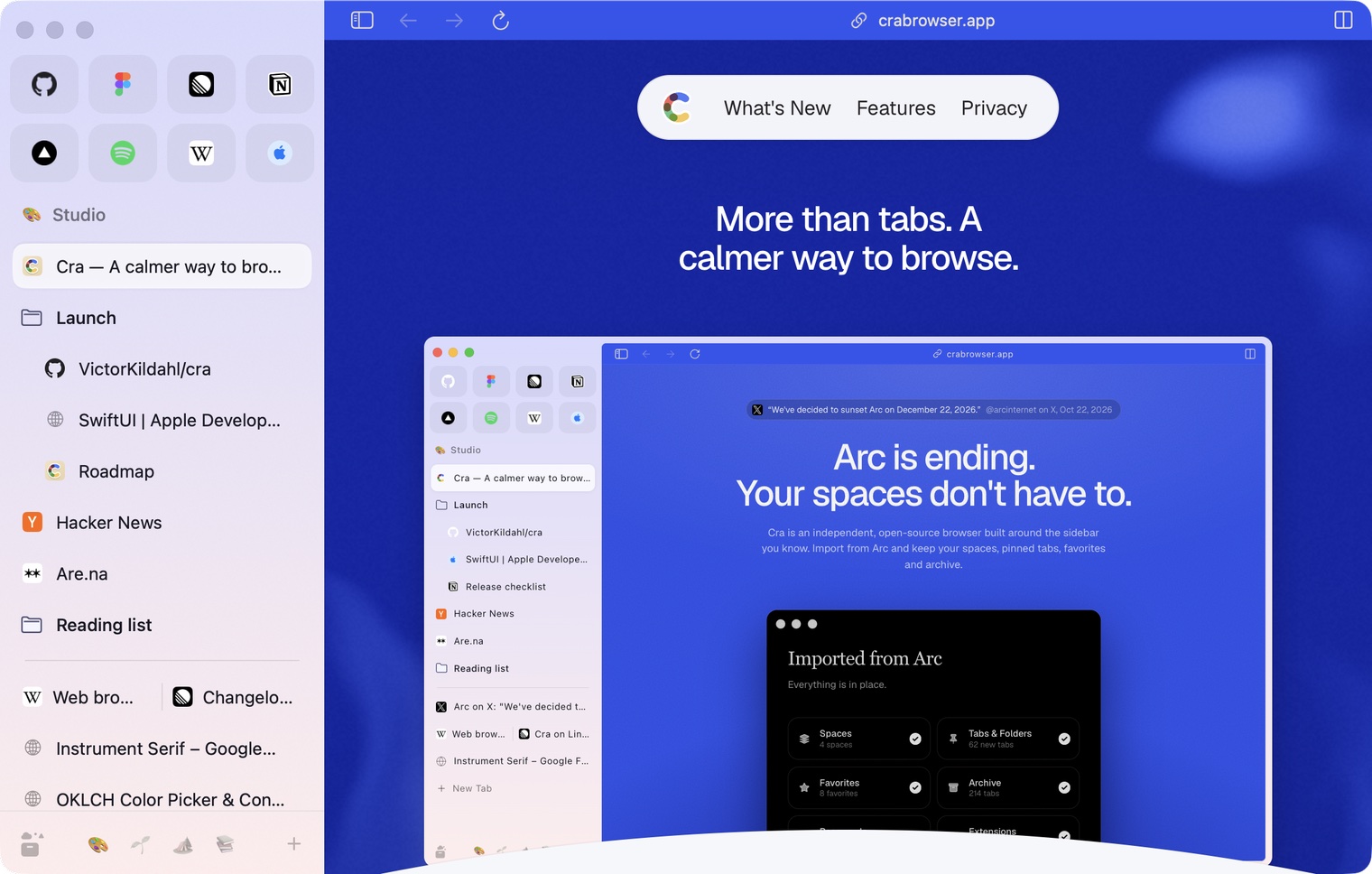
30 October 20260.1.22
Edge-to-edge pages and Arc’s refresh button
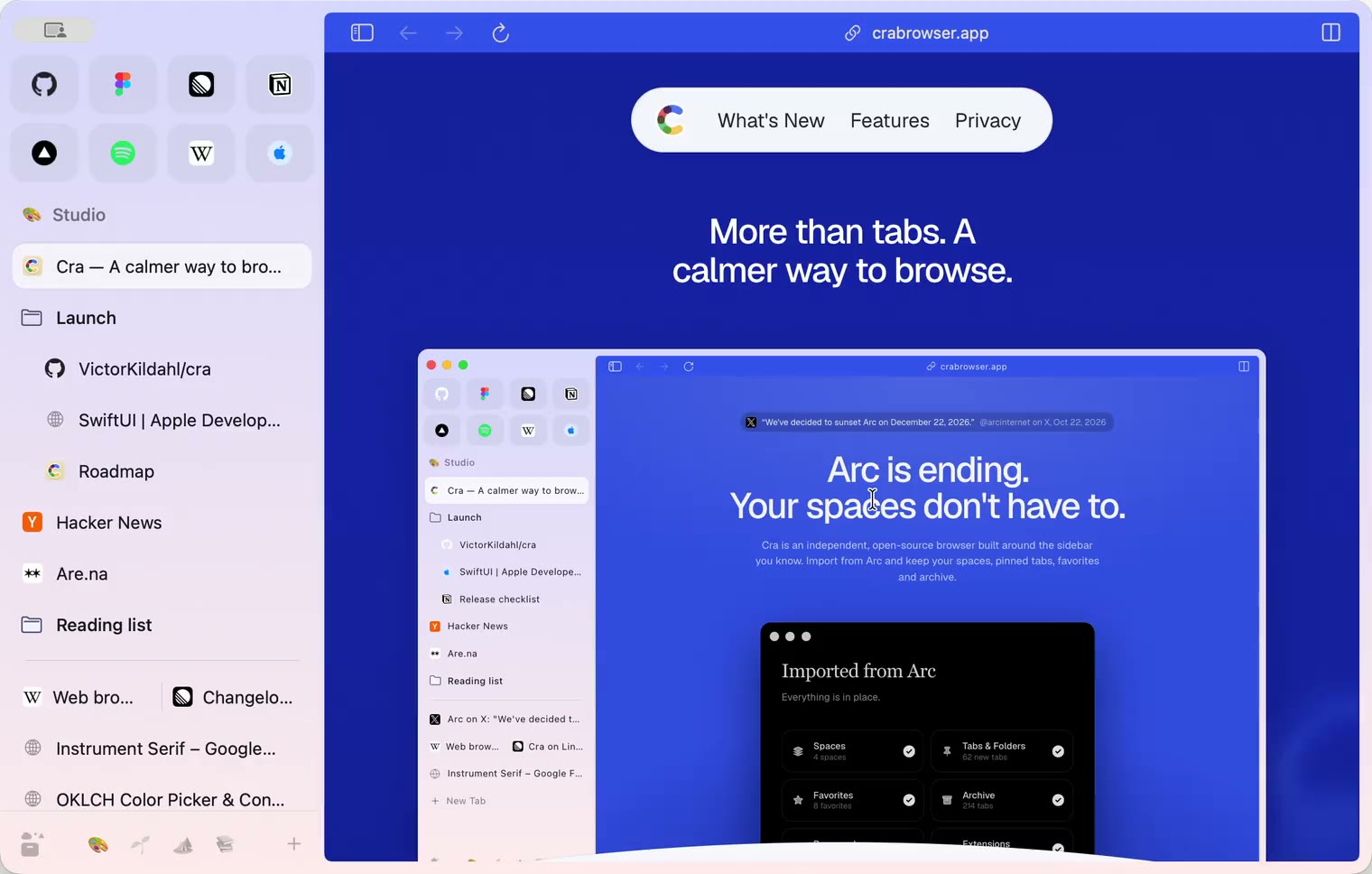
30 October 20260.1.21
Pinned split views and a quick way to clear cookies
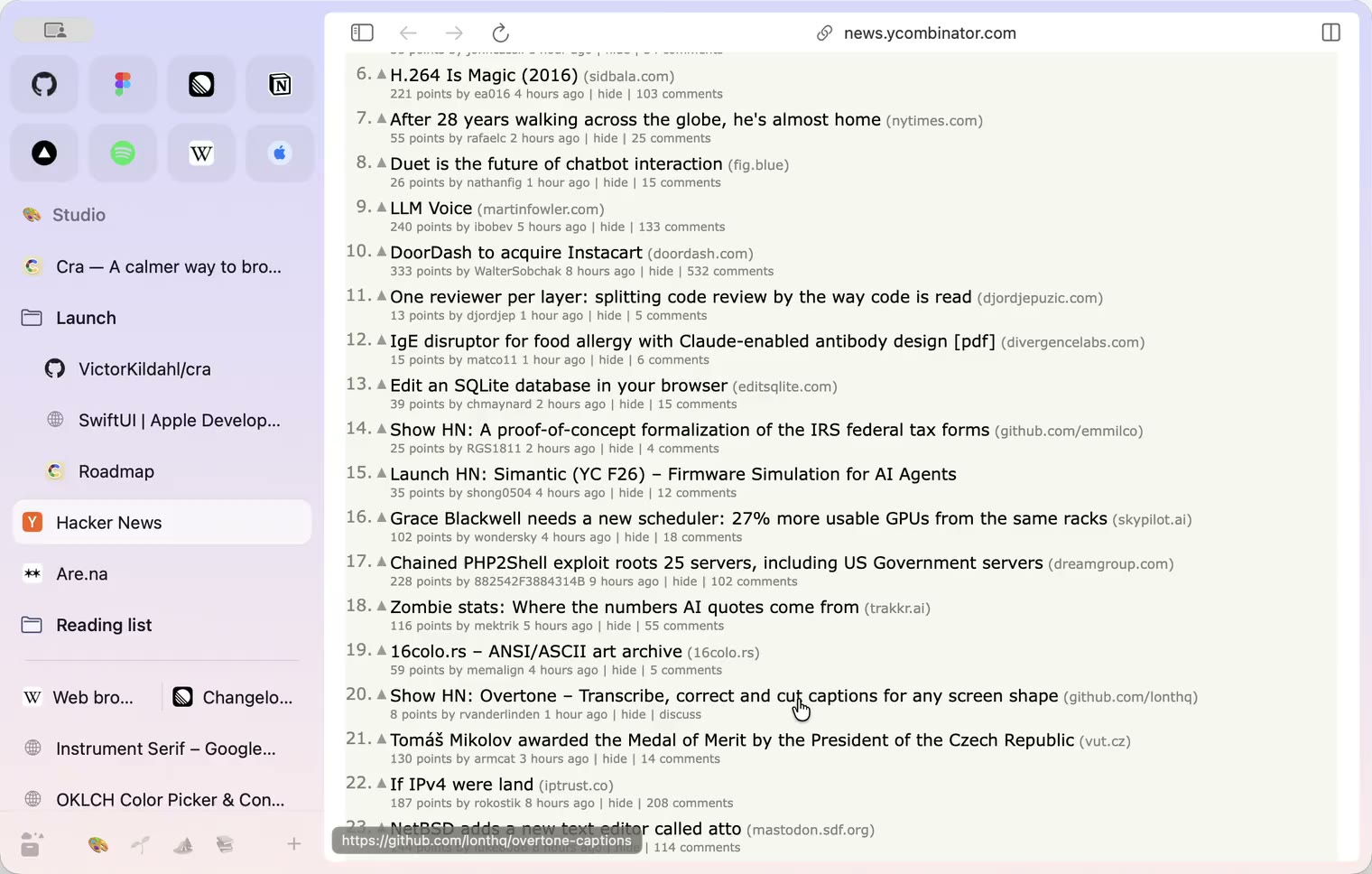
29 October 20260.1.20
Peek, Site Search and instant extension popups
- 0.1.19
29 October 20260.1.19
Extension popups open right away

29 October 20260.1.18
A sidebar built for speed
- 0.1.17
28 October 20260.1.17
Pages live inside the window
- 0.1.16
28 October 20260.1.16
A smoother Cra
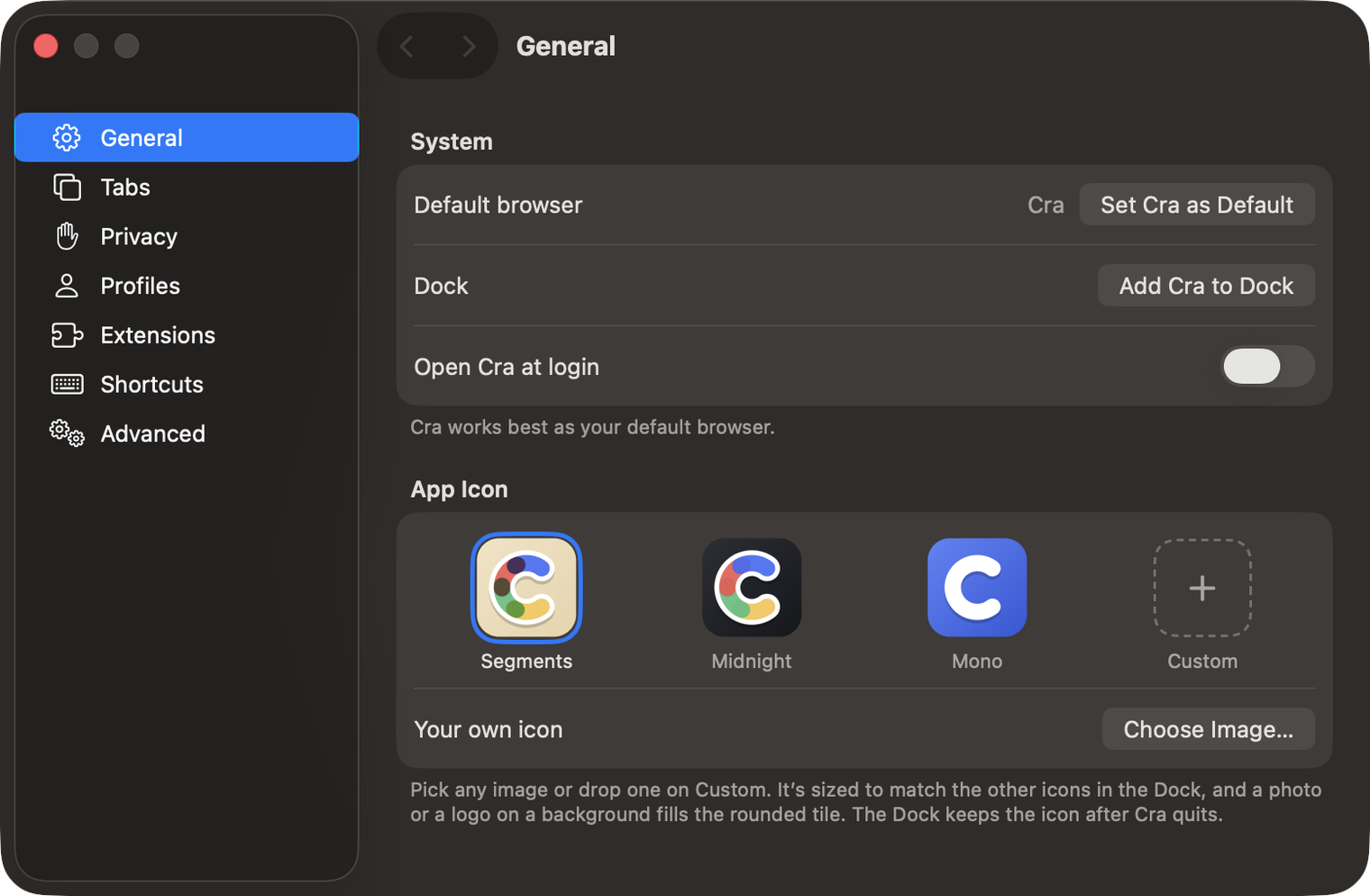
28 October 20260.1.15
Make Cra’s icon your own
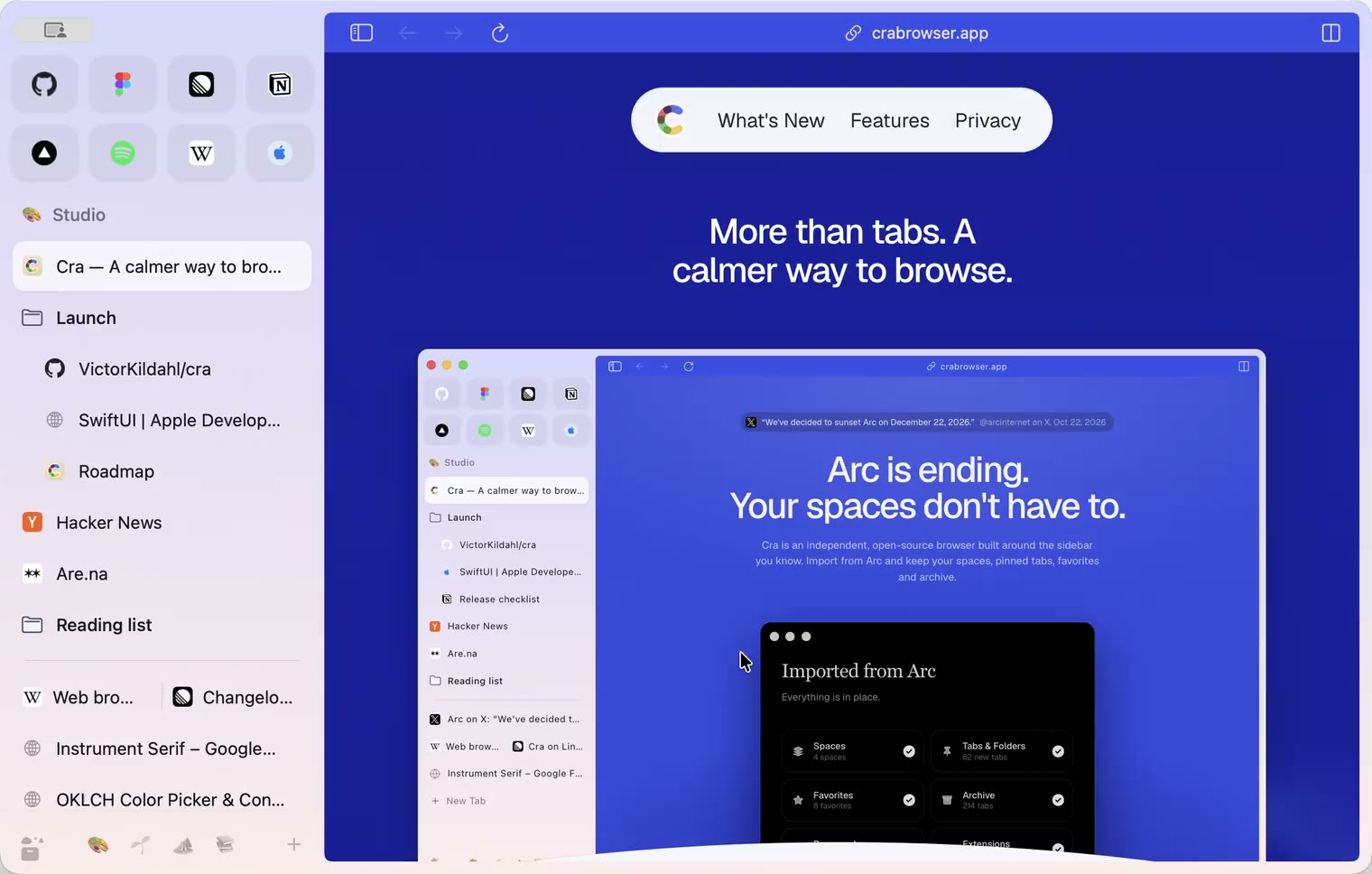
27 October 20260.1.14
The Library moves into the sidebar

27 October 20260.1.13
Drag your spaces into order

27 October 20260.1.12
Downloads that outlive their tab

27 October 20260.1.11
Your passwords, locked in your Keychain

26 October 20260.1.10
Air Traffic Control

26 October 20260.1.9
Favorites per space
- 0.1.8
26 October 20260.1.8
Video everywhere
- 0.1.7
26 October 20260.1.7
Work sign-ins

26 October 20260.1.6
Drag and drop that works

26 October 20260.1.5
Sign in with Google

26 October 20260.1.4
Copy, paste and clean corners

26 October 20260.1.3
Extensions that reach their apps
- 0.1.2
26 October 20260.1.2
Notarized, and it updates itself
- 0.1.1
25 October 20260.1.1
Quit fix

25 October 20260.1.0
Early access