Cra 0.1.304 November 2026
Capture like Arc, favorites you drag into place, Arc’s colour picker
⇧⌘2 now opens Arc’s Capture: click an element or drag a region, then copy, save or send it. Favorites move aside live as you drag one, the space colour editor uses Arc’s own presets everywhere, and a split’s focused pane gets Arc’s ring and full bar.
Capture, as in Arc
⇧⌘2, or the camera in the Site Control Center, greys the page and rings the element under the pointer. Click to take that element or drag to take a region, then Copy, Save…, Send via iMessage… or Retake from the menu beside it; ⌘C and ⌘S work too, and Esc leaves. Asked for by Haseeb Rizvi on X.
Drag favorites into place
Drag a favorite and the others slide aside to open a slot under the pointer; let go and it lands there, across rows too. A tab dragged in from the list opens a slot the same way, and a new row when it needs one. Reported by yrshkd in #176.
Arc’s colour picker, everywhere
Edit Space shows the same editor as Edit Theme Color…, with Arc’s own preset colours on five pages, one to three colours, Auto, Light or Dark, the grain and the intensity. A new space starts on one colour. Every change shows in the sidebar at once and is written when you save; Cancel puts the old colours back. Planned with Wladimir in #170.
Split panes like Arc’s
The focused pane of a split carries ← → ↻, the address, its pinned extensions, the Site Control Center and the split options, inside Arc’s ring; the others show their full bar while the pointer is over it. A narrow pane drops its controls in Arc’s order, the bars stay with the toolbar hidden, and the panes cast Arc’s shadow. Reported by Wladimir in #178.
Little Windows keep their sign-ins
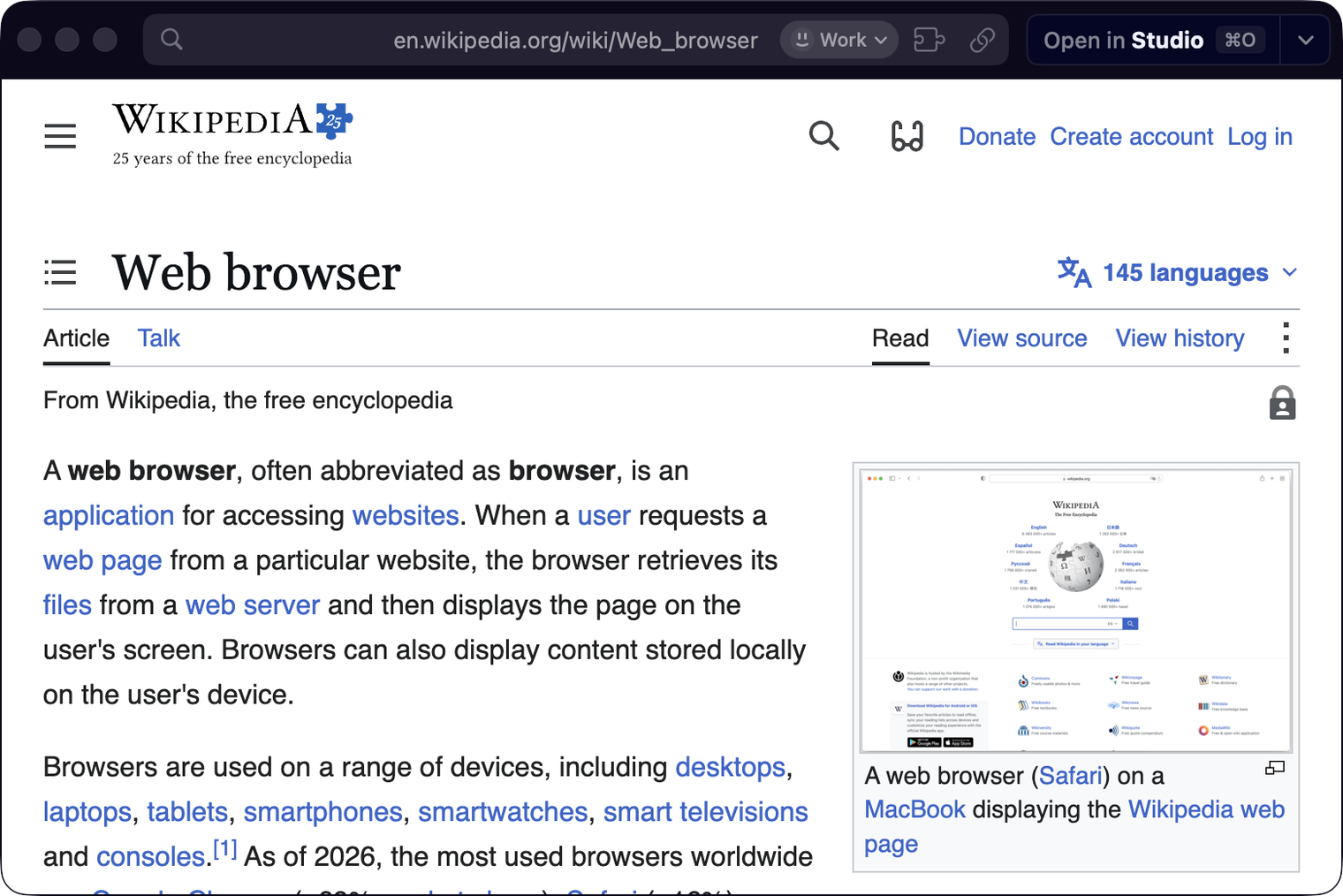
A Little Window opens in the profile of the space you used last and keeps it, with that profile’s sign-ins, as Little Arc does. Once you have more than one profile, its address shows the profile; click it to load the page in another one. A Peek uses its tab’s profile, and links from a Little Window stay in its profile. Reported by Anoninz in #172.
What else is new
37 % less memory at 20 tabs
Every tab used to preload a hidden address-bar popup from Chrome that Cra never shows. It’s gone: 20 tabs went from about 2 GB to 1.3 GB on the same pages, and the graphics process from 872 to 377 MB. Extension popups still open as before.
Menus that follow macOS
Right-click menus, sheets, alerts, popovers and the Site Control Center now follow macOS’s light or dark, as Arc’s do, instead of turning white over a light space on a dark Mac. A one-colour theme keeps its look when macOS switches. Reported by Wladimir in #171.
Pinned extensions that leave room for the address
With the toolbar hidden, pinned extensions stay in the sidebar’s address while it still has room, and move to their own row of tiles above the favorites when there are more, as in Arc. With the toolbar on, a narrow window hides pins from the front until the address fits. Reported by Marc-André Julien on X.
Your keyboard and your language
Shortcuts turned on in macOS’s Keyboard settings, such as ⌘Space to switch input sources, now work while a page has focus (#174). Cra’s Chromium takes your macOS language the way Chrome and Arc do, so speech without a set language gets a matching voice (#167). Both reported by Anoninz.
For tools and contributors
cra://open takes space=<id>, so a browser picker can send a link to a given space and its profile, in a Little Window too (#168, Vidhanth). The repository has a justfile: `just` lists every development script, one recipe each (#169, Wladimir).
Fixes from your reports
- Shift + wheel pages spaces the same way as Arc with natural scrolling on (#93, Anoninz).
- Restoring a window from the Dock no longer flashes the sidebar matte or sharp before it lands (#156, Wladimir).
- The command bar follows the space’s light or dark and keeps its glow on the bar near the top of the screen (Abhi Kanani on X).
- Open folders on dark themes are opaque like Arc’s (Abhi Kanani on X).
- Picture in Picture can be thrown into a corner with two fingers (Abhi Kanani on X).
- A split of a pinned tab playing a video puts that tab to sleep instead of into Picture in Picture (Abhi Kanani on X).
- Shift + wheel pages spaces the same way as Arc with natural scrolling on (#93, Anoninz).
Thank you
Thank you, Anoninz, Wladimir, Vidhanth and yrshkd for the issues, and Haseeb Rizvi, Marc-André Julien and Abhi Kanani for the reports on X.
Cra is free and made in the open. Sponsor Cra
For every change in 0.1.30, see the changelog.
Past releases
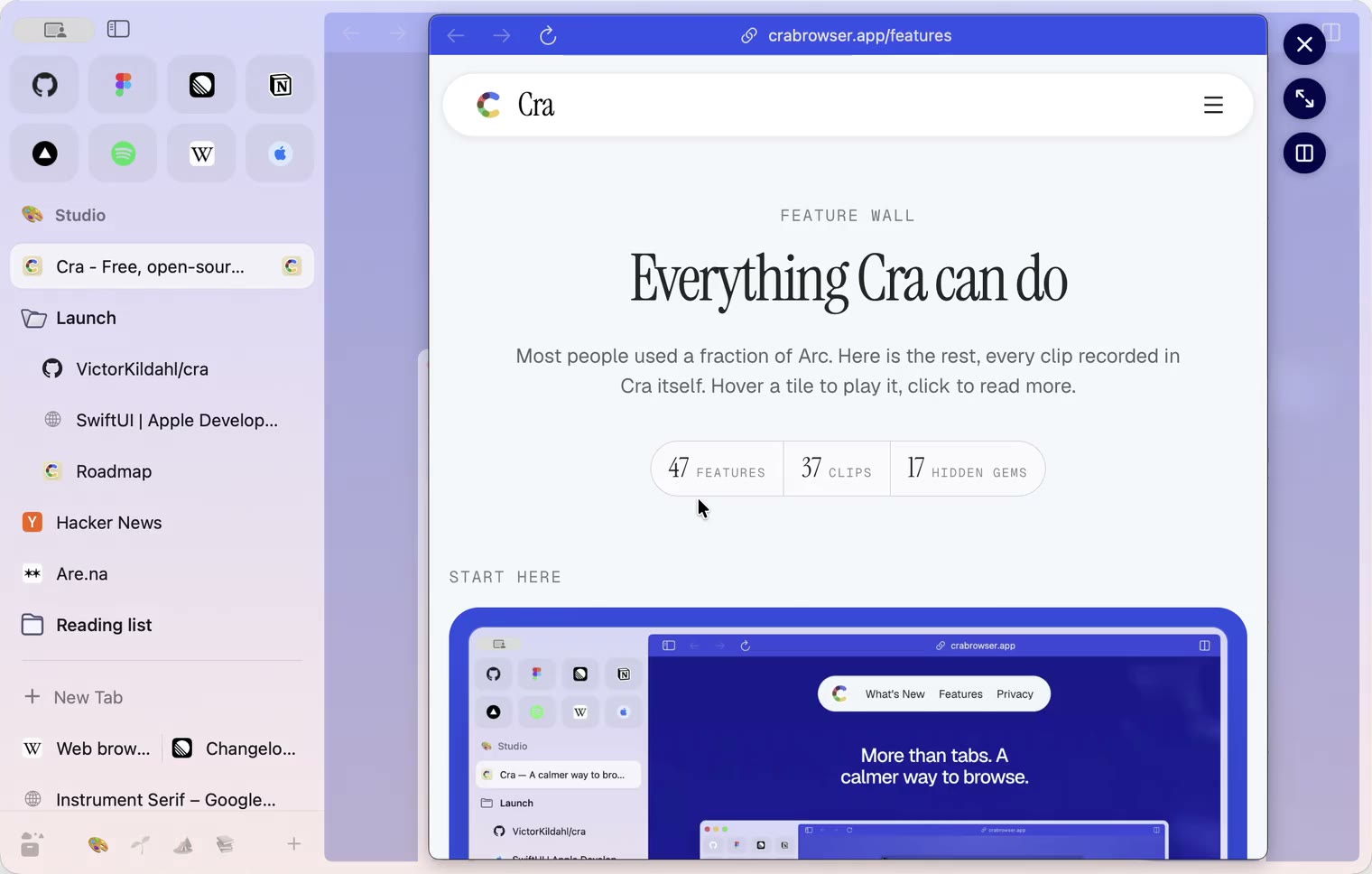
4 November 20260.1.29
Peek like Arc’s, space themes with a light and a dark half, Arc’s space tooltip
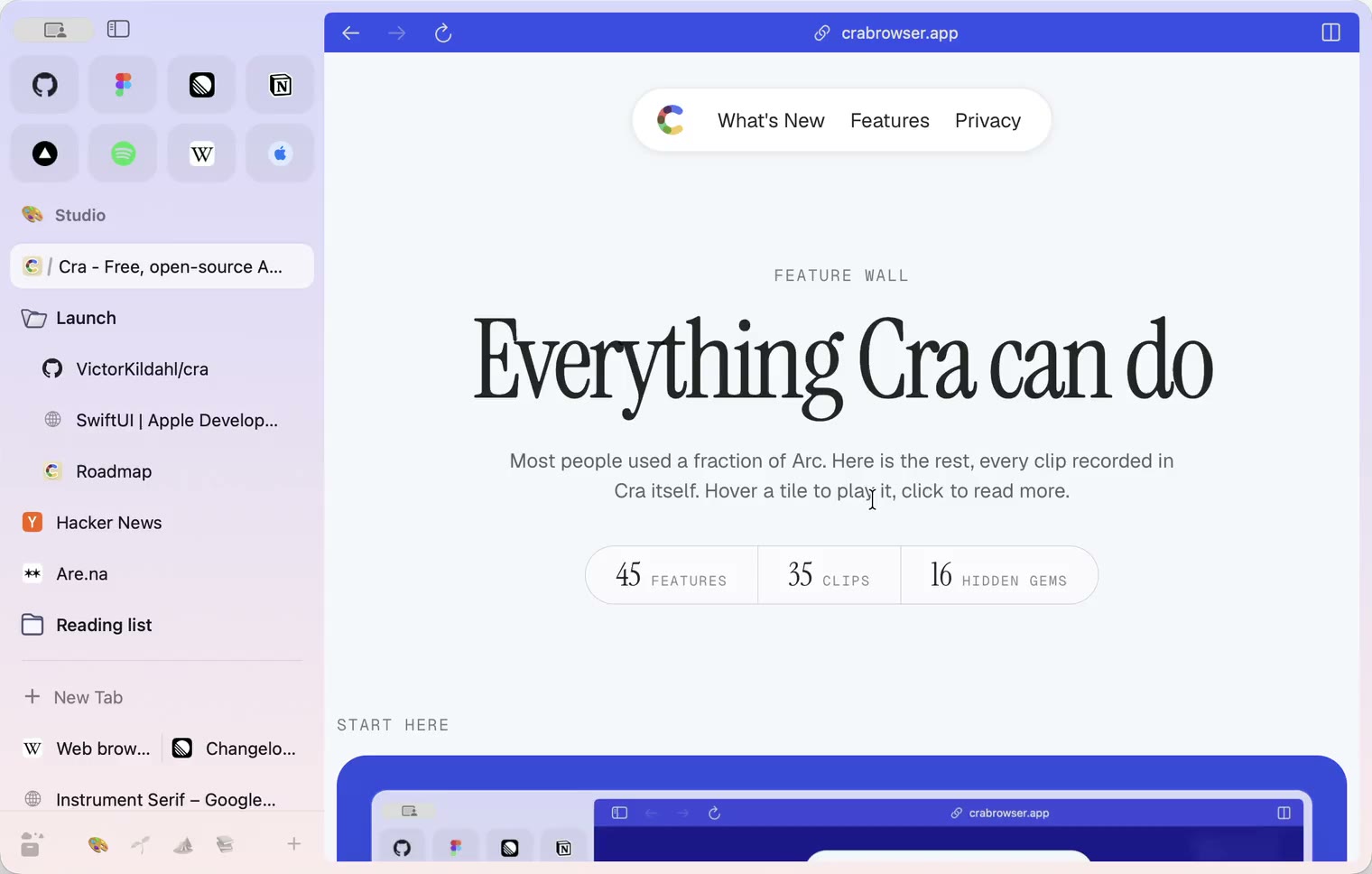
3 November 20260.1.28
Pinned tabs and closing like Arc, notifications, Arc’s loading bar
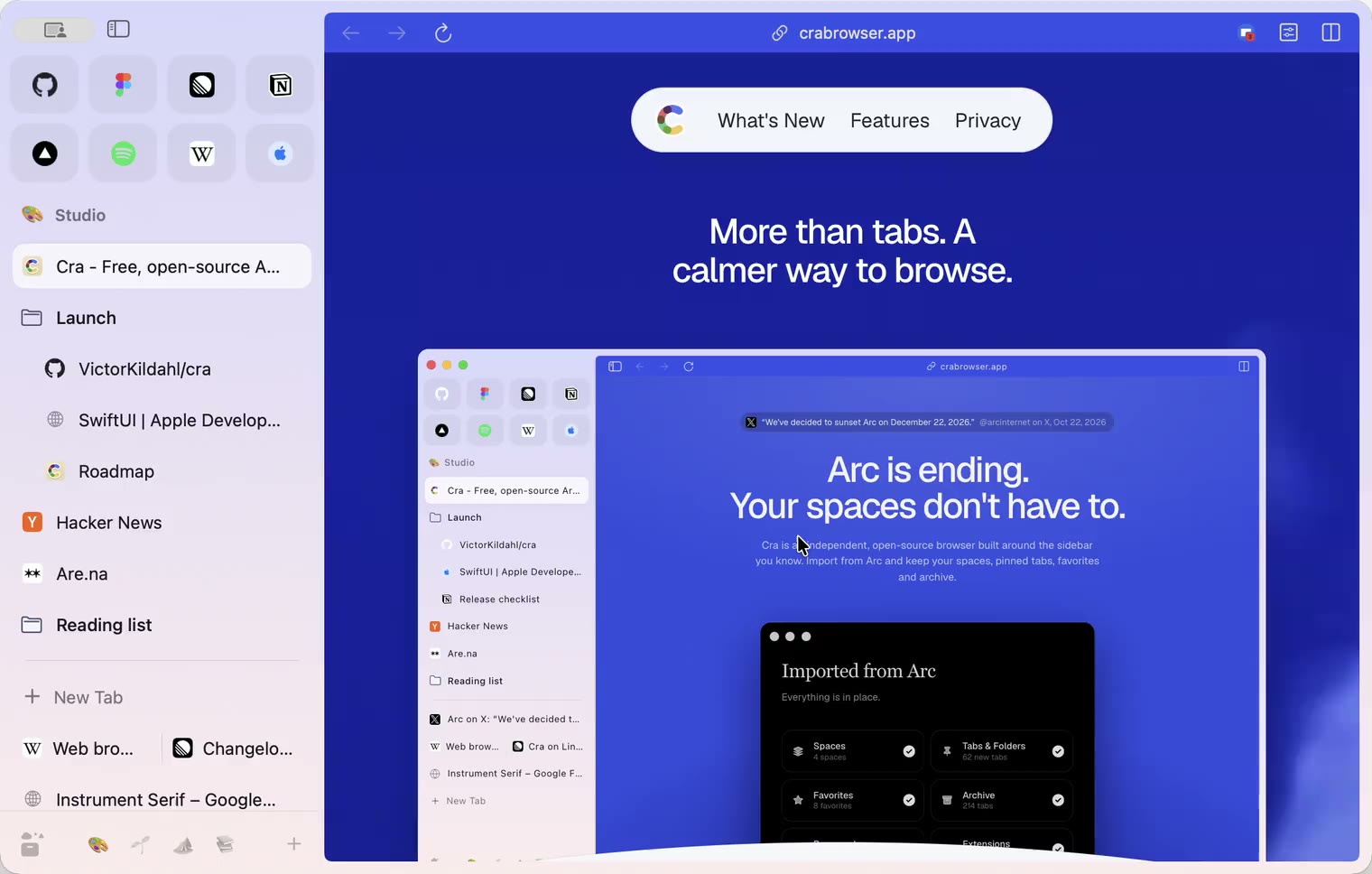
2 November 20260.1.27
Arc’s Capture, live extension icons and Shift + wheel spaces
2 November 20260.1.26
Background tabs, Arc’s toast and Move to Space
1 November 20260.1.25
Edit pinned URLs and swipe into the Library
1 November 20260.1.24
Arc’s space menu, tab search and developer bar
31 October 20260.1.23
Arc’s now-playing player, split favorites and folder previews
30 October 20260.1.22
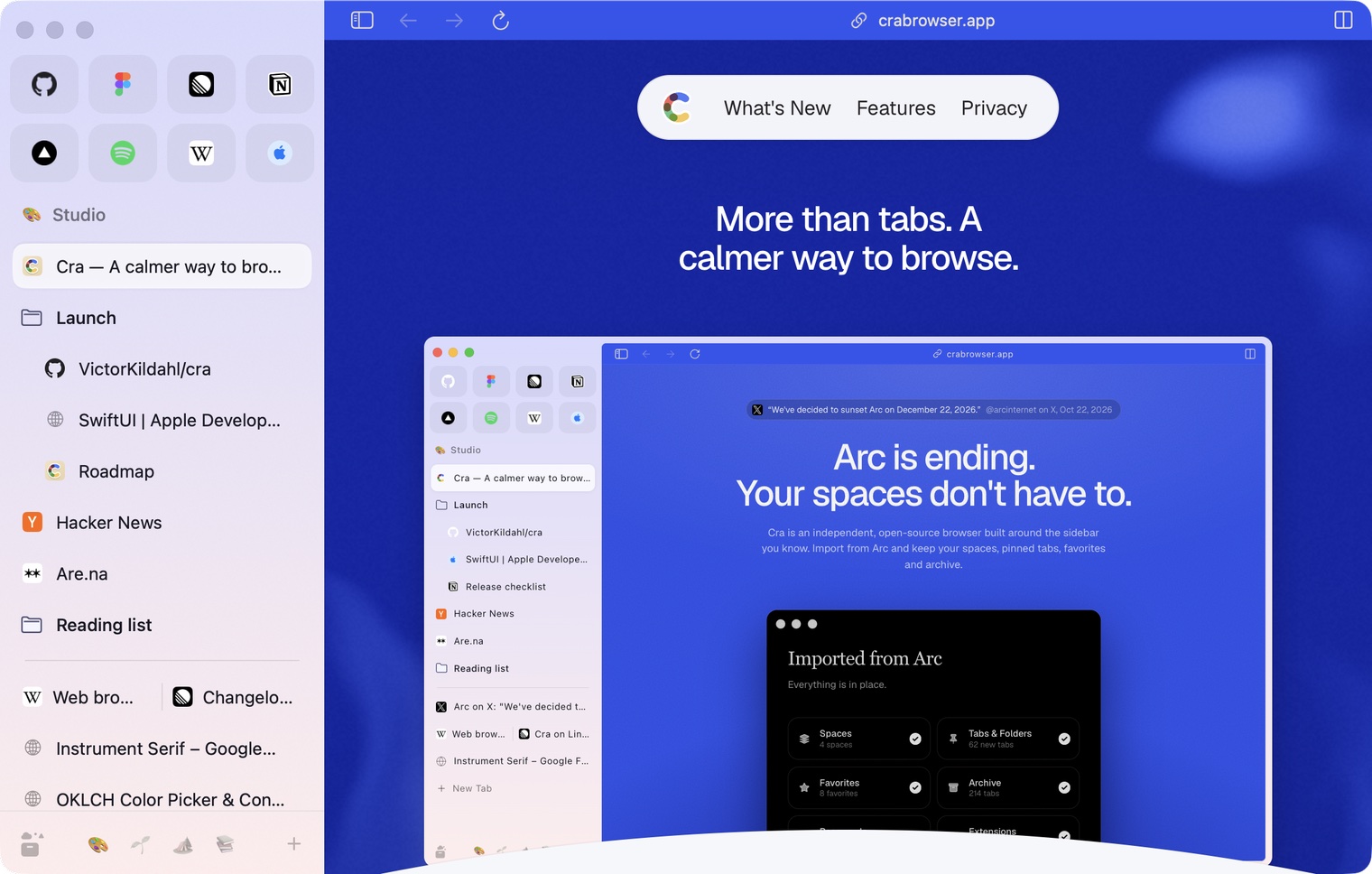
Edge-to-edge pages and Arc’s refresh button
30 October 20260.1.21
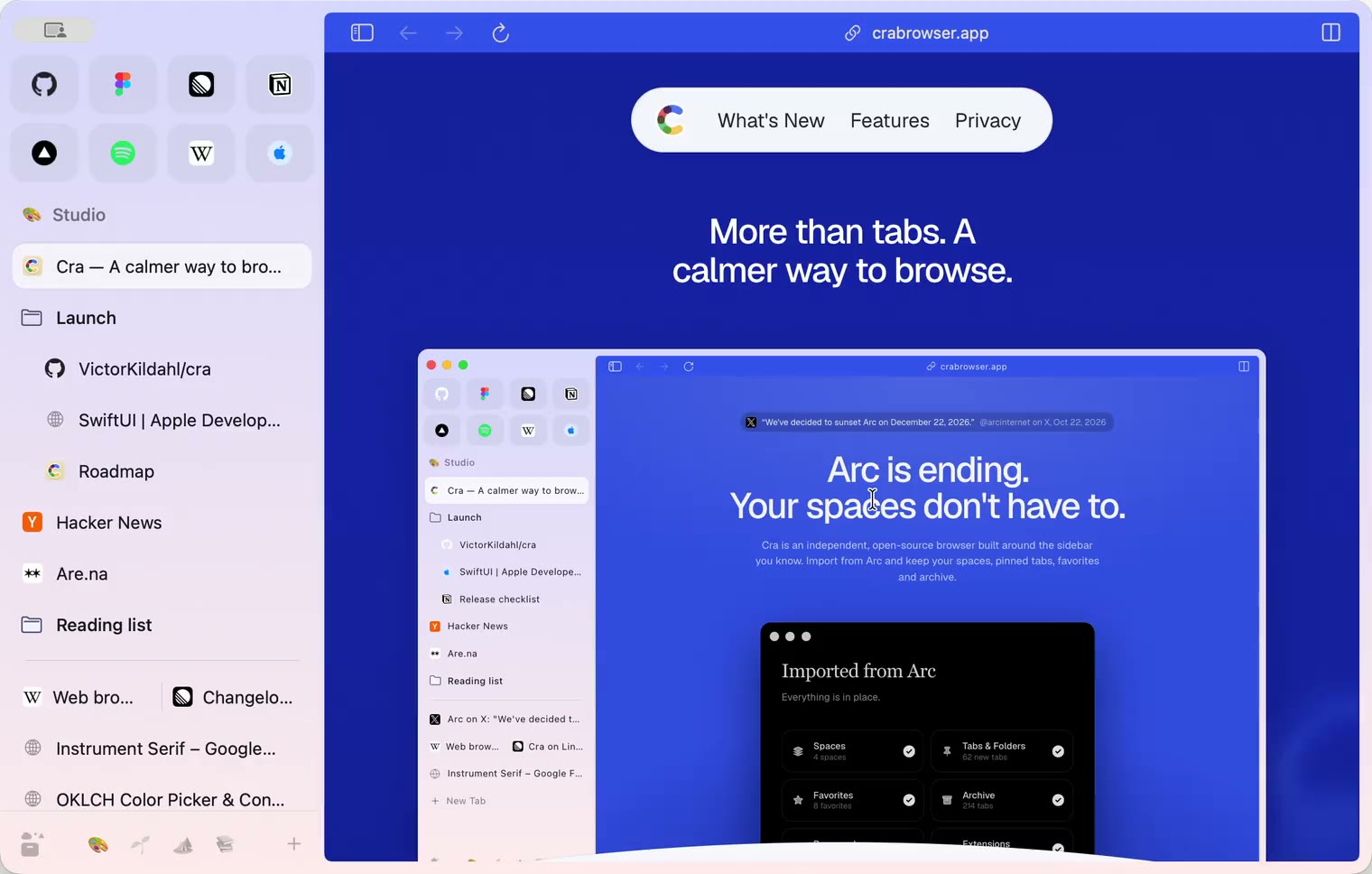
Pinned split views and a quick way to clear cookies
29 October 20260.1.20
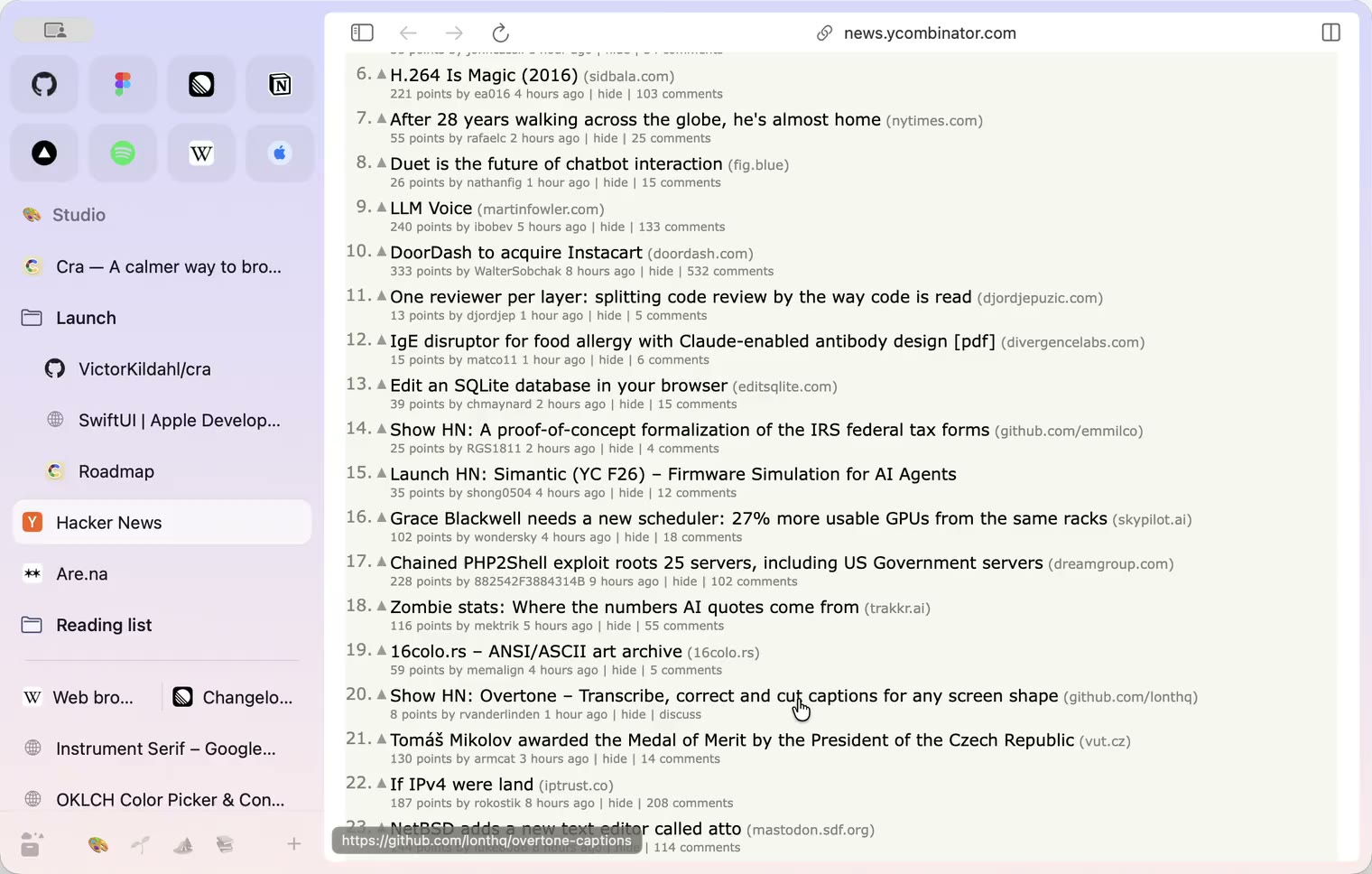
Peek, Site Search and instant extension popups
- 0.1.19
29 October 20260.1.19
Extension popups open right away

29 October 20260.1.18
A sidebar built for speed
- 0.1.17
28 October 20260.1.17
Pages live inside the window
- 0.1.16
28 October 20260.1.16
A smoother Cra
28 October 20260.1.15
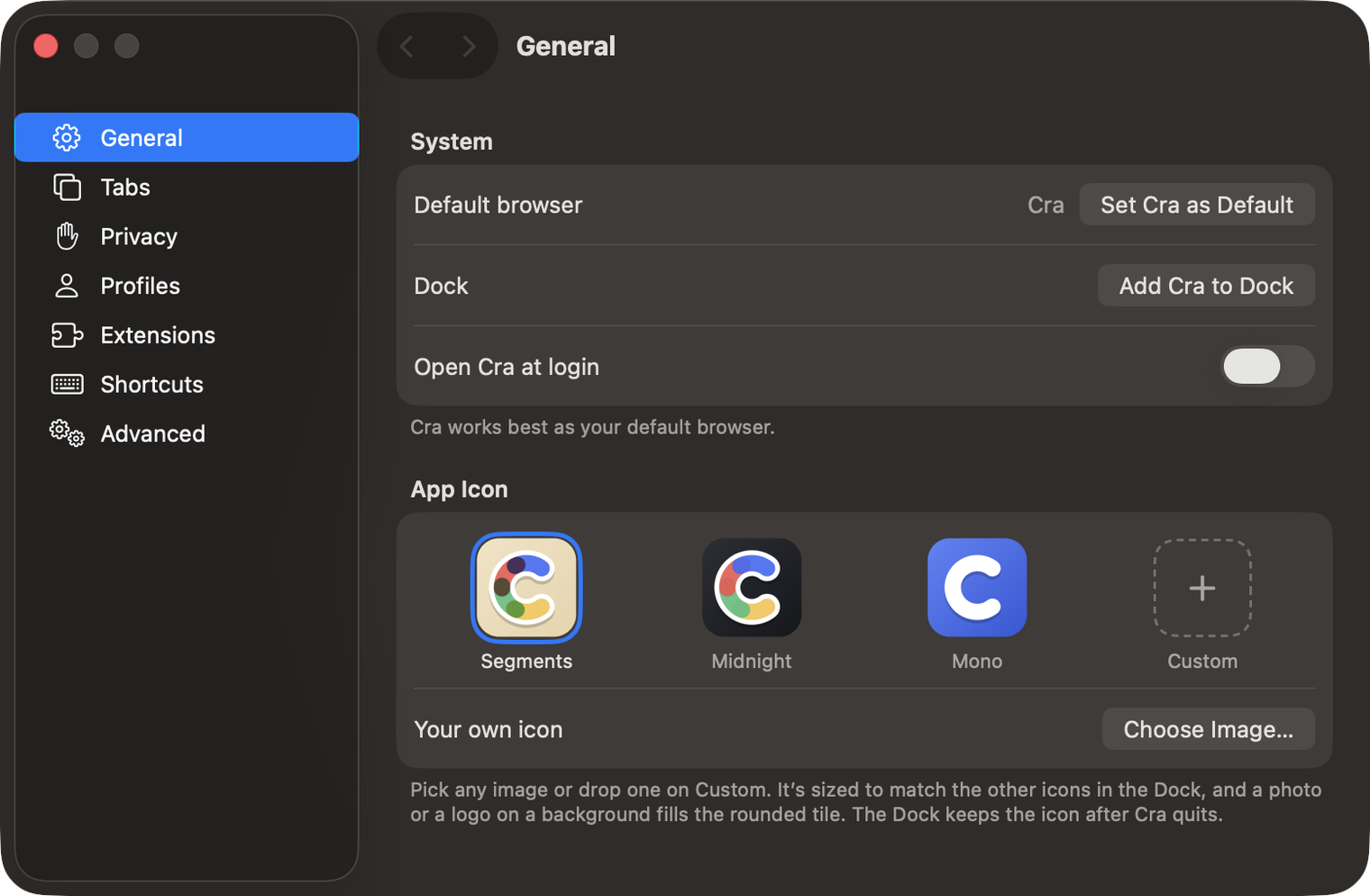
Make Cra’s icon your own
27 October 20260.1.14
The Library moves into the sidebar

27 October 20260.1.13
Drag your spaces into order

27 October 20260.1.12
Downloads that outlive their tab

27 October 20260.1.11
Your passwords, locked in your Keychain

26 October 20260.1.10
Air Traffic Control

26 October 20260.1.9
Favorites per space
- 0.1.8
26 October 20260.1.8
Video everywhere
- 0.1.7
26 October 20260.1.7
Work sign-ins

26 October 20260.1.6
Drag and drop that works

26 October 20260.1.5
Sign in with Google

26 October 20260.1.4
Copy, paste and clean corners

26 October 20260.1.3
Extensions that reach their apps
- 0.1.2
26 October 20260.1.2
Notarized, and it updates itself
- 0.1.1
25 October 20260.1.1
Quit fix

25 October 20260.1.0
Early access