Cra 0.1.315 November 2026
Spotify and Netflix play, Tidy Tabs on your Mac, extension side panels
Spotify, Netflix, Disney+, Prime Video and the other big services now play: their pages open in Safari’s engine inside Cra, where Apple’s FairPlay plays them. Arc Max’s Tidy Tabs, Tidy Tab Titles and Tidy Downloads arrive on your Mac’s own Apple Intelligence, with nothing sent anywhere.
Spotify, Netflix and Disney+ play
Their licence servers refuse Chromium browsers without Google’s paid Verified Media Path certificate, which is why Disney+ showed error 83 and Spotify skipped tracks. Their players now open in Safari’s engine inside Cra, where Apple’s FairPlay plays them, in your tab, split view, Little Window or Picture in Picture. More than twenty services are listed, Prime Video and Amazon Music on Amazon’s stores among them; any other site that asks for DRM gets a Safari’s Engine switch in its Site Control Center. The first time a service plays, a note says so, and Why? shows what differs there: you sign in once more, and extensions don’t run. Reported by gritsp in #66, with Prime Video from DaddioTime.
Tidy Tabs, on your Mac’s Apple Intelligence
Hover the Today divider once Today holds six tabs and Arc’s Tidy appears beside Clear. A click asks the Mac’s own model to sort the loose tabs: the line squiggles and the broom sweeps, then the tabs slide under named groups. ⌘Z undoes it. It runs on the Mac, nothing is sent anywhere, and it shows only with Apple Intelligence on; Settings ▸ Max, laid out like Arc’s, turns it and the two below on and off. Every tab also gets Arc’s tidy titles for 52 sites, so “Jupiter - Wikipedia” reads “Jupiter”.
Tidy Tab Titles
Turn it on in Settings ▸ Max and a tab you pin gets a short name from the Mac’s model, played the way Arc plays it: a soft sweep turns the old title into the new one, sparkles cross the row, and “Double-click to rename” shows under it for a moment. Reset Name and Icon puts the page title back.
Tidy Downloads
With Tidy Downloads on, a finished download gets a readable name from its file name, the page and the site, and Arc’s card springs out of the download bin to say so: the new name, the old one struck through, ↶ to put it back and ✕. It stays while the pointer is on it; a click shows the file in Finder.
Links in background tabs
Settings ▸ Tabs ▸ “Open links in new tabs in the background”, off by default as in Arc. With it on, a page’s Open Link in New Tab leaves you on the page, scroll and focus kept, and the menu’s second item becomes Open Link in Foreground Tab. ⌘-click and ⇧⌘-click keep their meaning. Asked for by Quinn Battersby in #183.
What else is new
Extension side panels
MetaMask’s toolbar button did nothing, in Cra as in Arc: MetaMask opens in Chrome’s side panel, which Cra never showed. Side panels now open in a card to the right of the page, one per window, kept across tab switches and resizable, with the extension’s icon, name and a close button. A split’s panes keep their room; a window too narrow for both hides the panel until it is wide enough. Reported by Michal Sambora on X.
Name a split view
Rename… on a split edits its name in the row, as in Arc: a renamed split shows a pane count and the name, Reset Name and Icon puts the panes back, and an open renamed split in Today has one ✕.
Thank you, Jake Allen, for the pull request (#179).
Developer Mode and Little Windows where you expect them
Developer Mode now shows its bar with the toolbar hidden, Cra’s default, as Arc does (#185). A link from an app that is full screen opens the Little Window over that app, as Little Arc does, instead of switching to the desktop (#186). Both reported by Balajitechlabs.
Fixes
- The command bar follows macOS’s light or dark again, as Arc’s does: dark over a light space on a dark Mac (#187, Wladimir).
- A tab closed with DevTools open no longer leaves its page on screen when the page asks “Leave site?”.
- Picture in Picture glides under two fingers instead of stepping, and the pointer rides along.
- A collapsed space header keeps its icon.
- Check for Updates… is a command.
- Dark-theme folders get back Cra’s earlier colour, now opaque.
- The empty favorites card shows its top edge.
- The command bar follows macOS’s light or dark again, as Arc’s does: dark over a light space on a dark Mac (#187, Wladimir).
Thank you
Thank you, gritsp and DaddioTime for #66, Quinn Battersby, Wladimir and Balajitechlabs for the issues, Jake Allen for the pull request, and Michal Sambora for the report on X.
Cra is free and made in the open. Sponsor Cra
For every change in 0.1.31, see the changelog.
Past releases
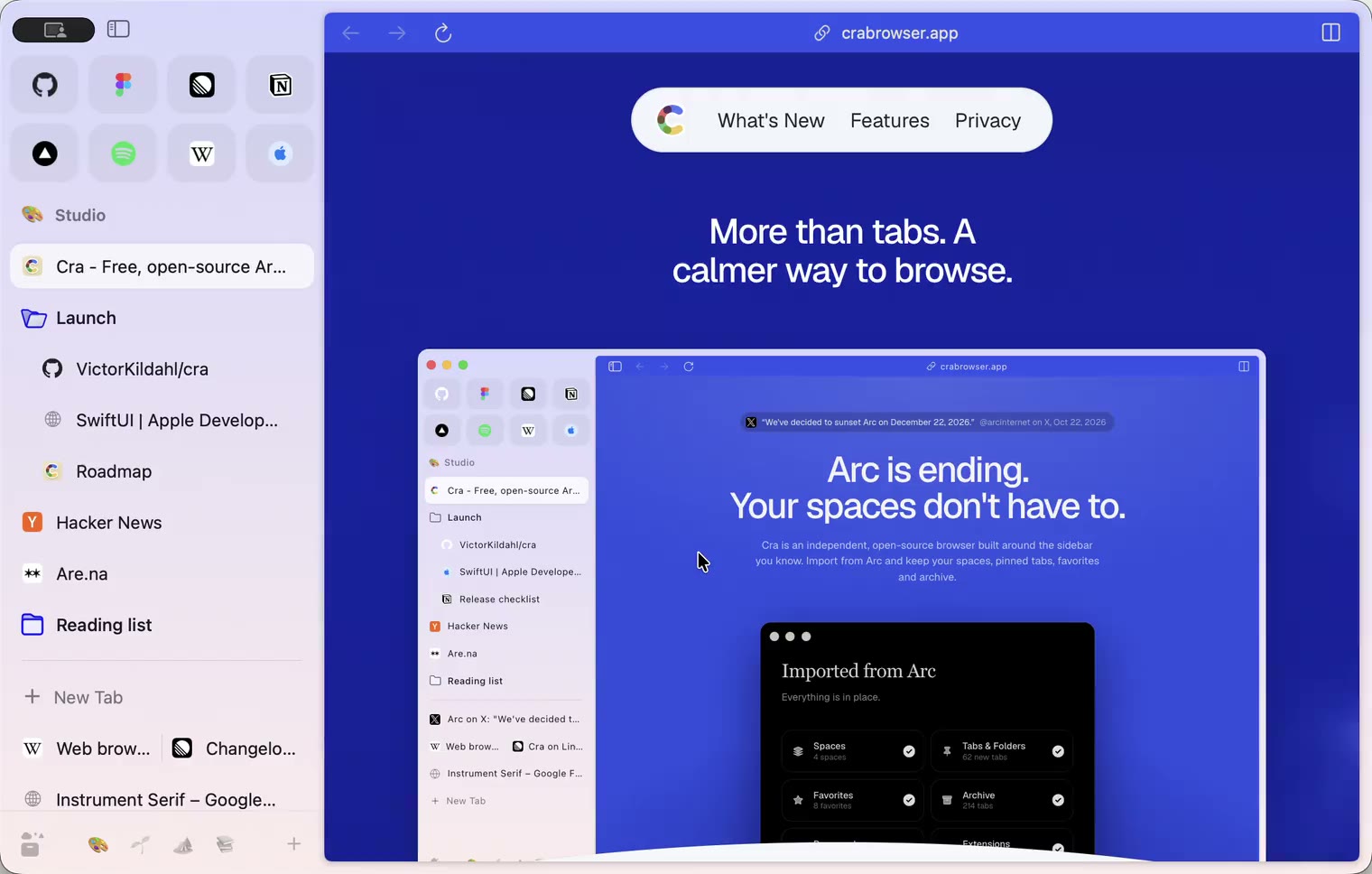
4 November 20260.1.30
Capture like Arc, favorites you drag into place, Arc’s colour picker
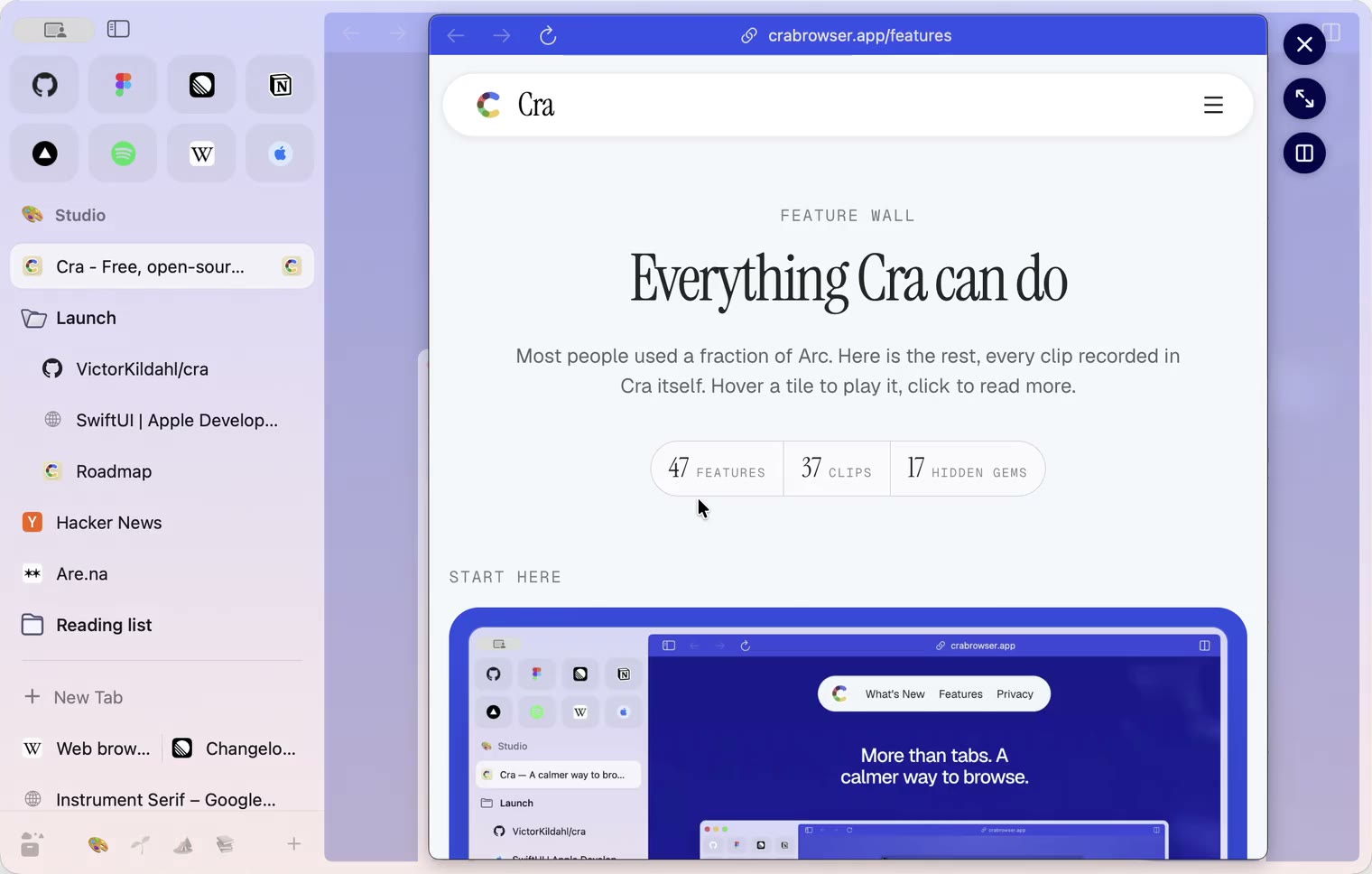
4 November 20260.1.29
Peek like Arc’s, space themes with a light and a dark half, Arc’s space tooltip
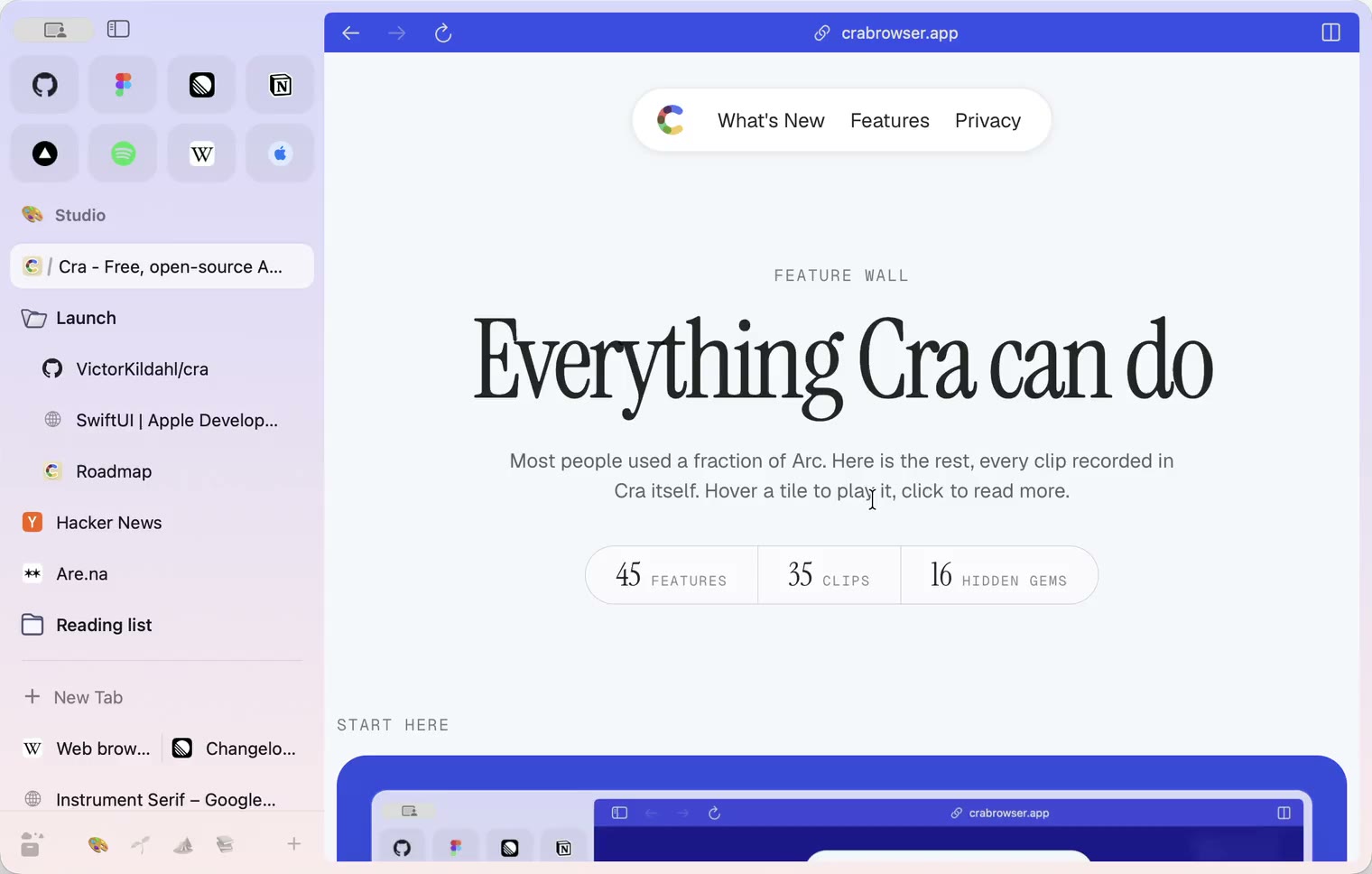
3 November 20260.1.28
Pinned tabs and closing like Arc, notifications, Arc’s loading bar
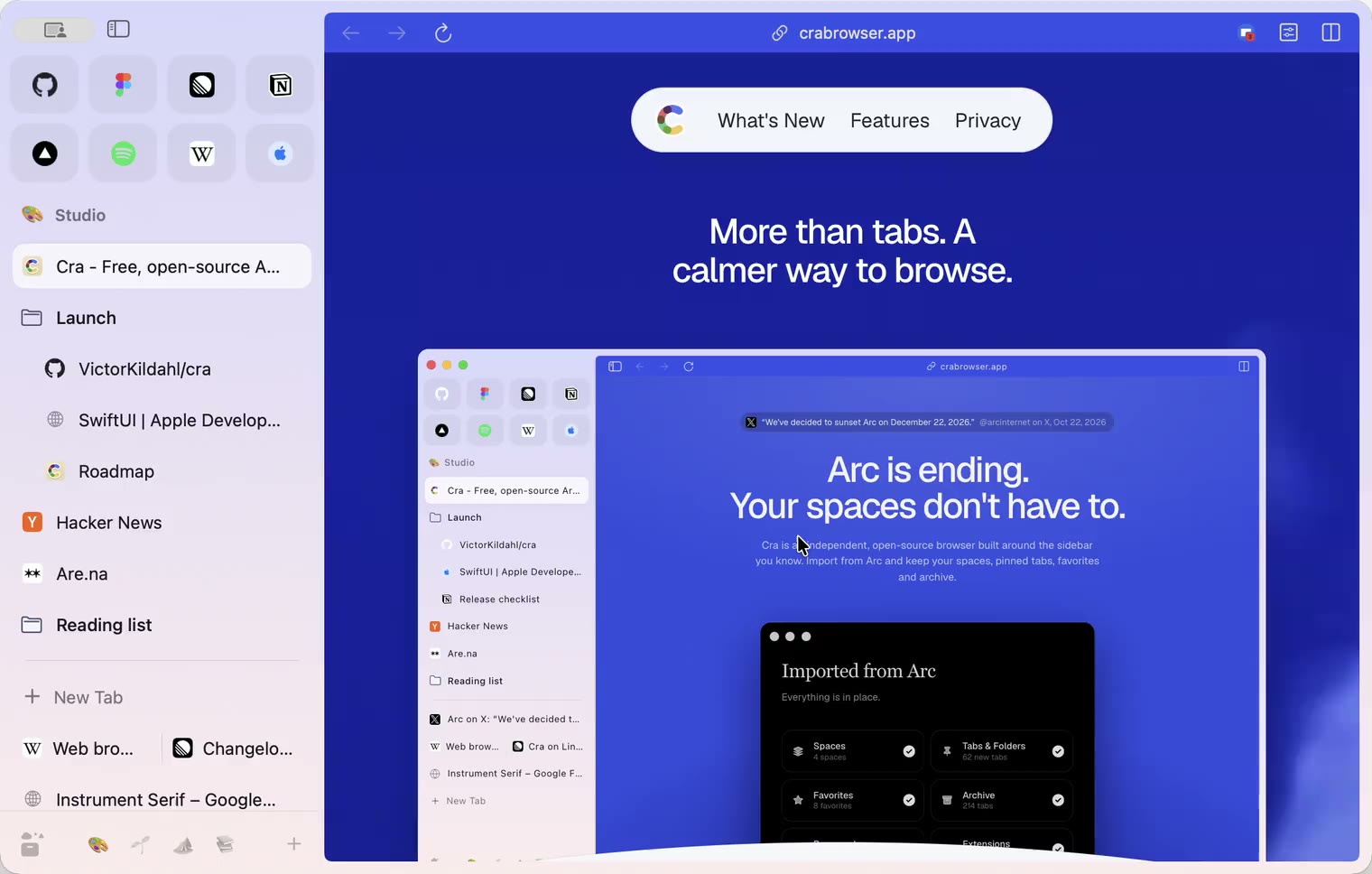
2 November 20260.1.27
Arc’s Capture, live extension icons and Shift + wheel spaces
2 November 20260.1.26
Background tabs, Arc’s toast and Move to Space
1 November 20260.1.25
Edit pinned URLs and swipe into the Library
1 November 20260.1.24
Arc’s space menu, tab search and developer bar
31 October 20260.1.23
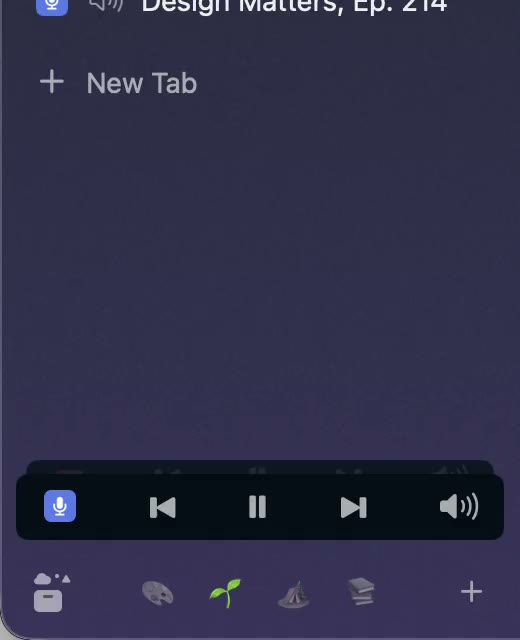
Arc’s now-playing player, split favorites and folder previews
30 October 20260.1.22
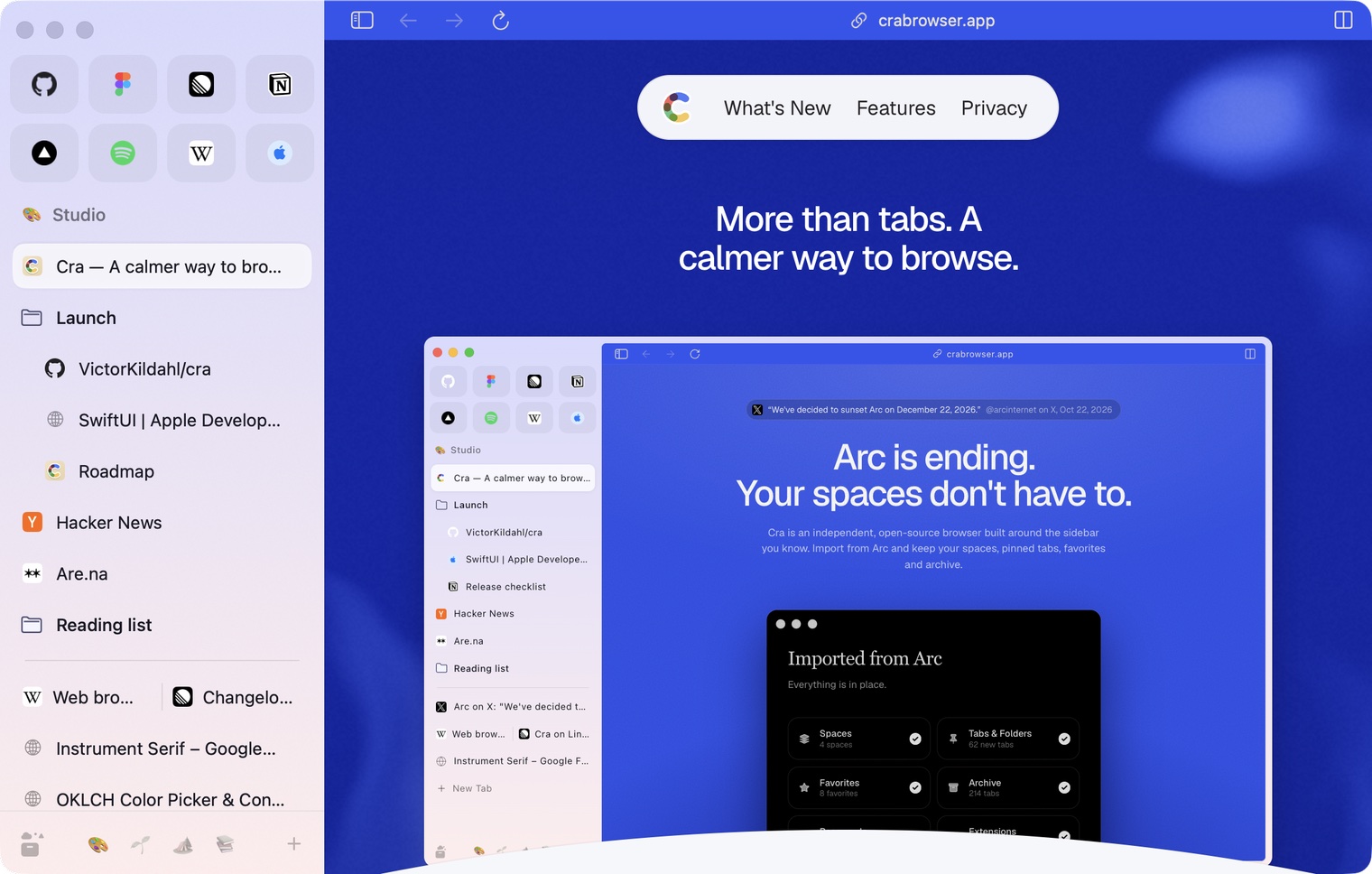
Edge-to-edge pages and Arc’s refresh button
30 October 20260.1.21
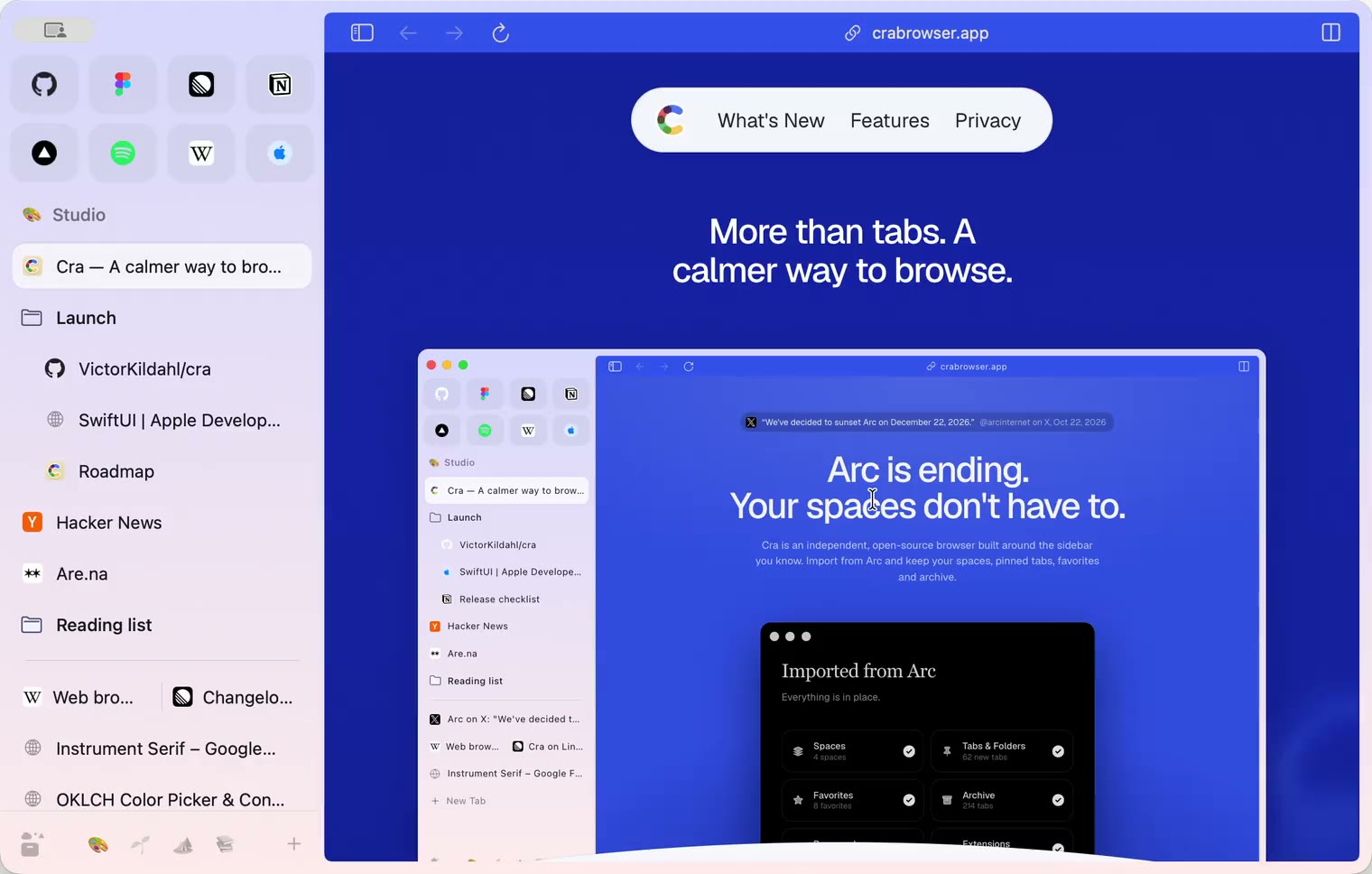
Pinned split views and a quick way to clear cookies
29 October 20260.1.20
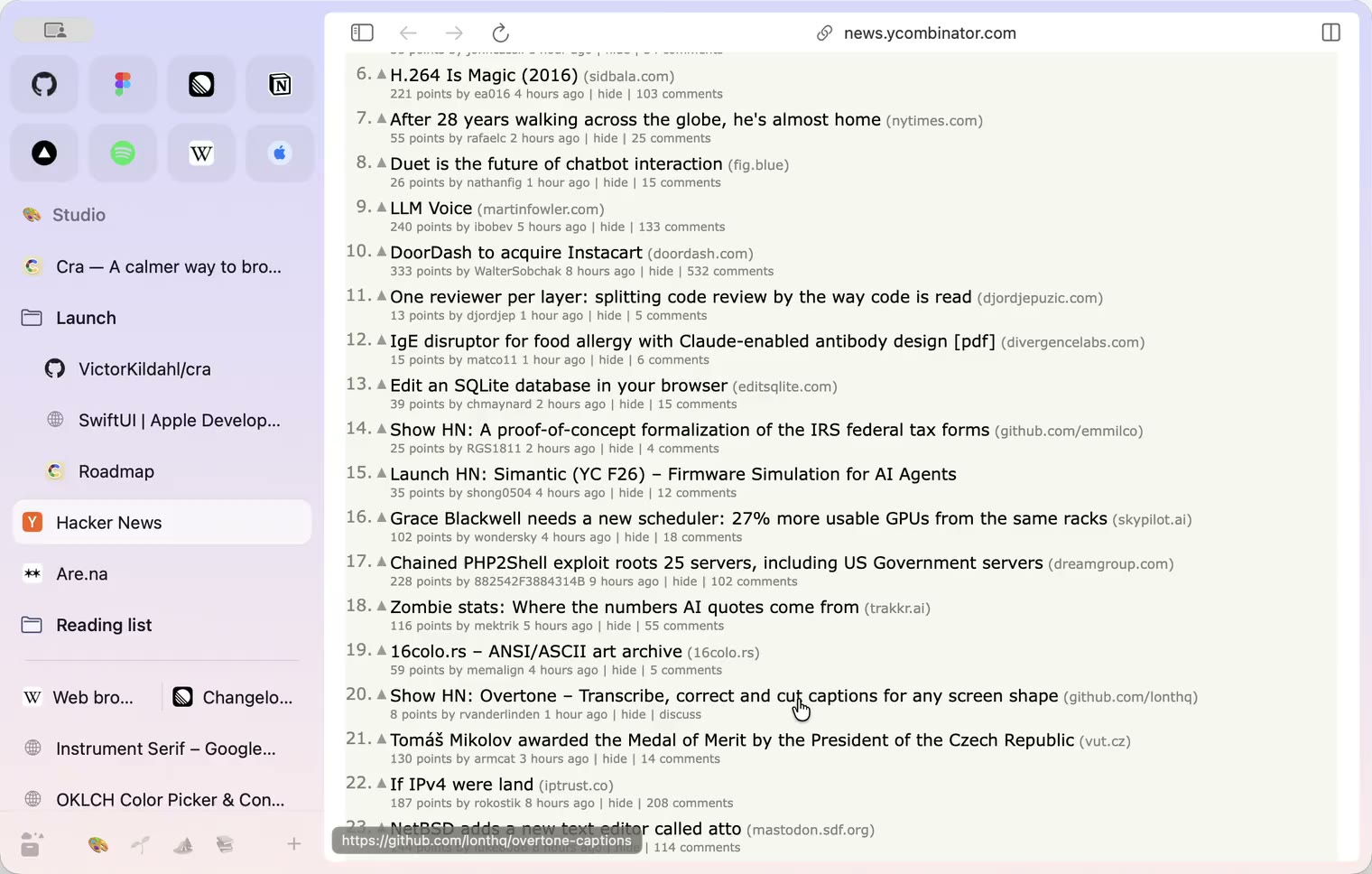
Peek, Site Search and instant extension popups
- 0.1.19
29 October 20260.1.19
Extension popups open right away

29 October 20260.1.18
A sidebar built for speed
- 0.1.17
28 October 20260.1.17
Pages live inside the window
- 0.1.16
28 October 20260.1.16
A smoother Cra
28 October 20260.1.15
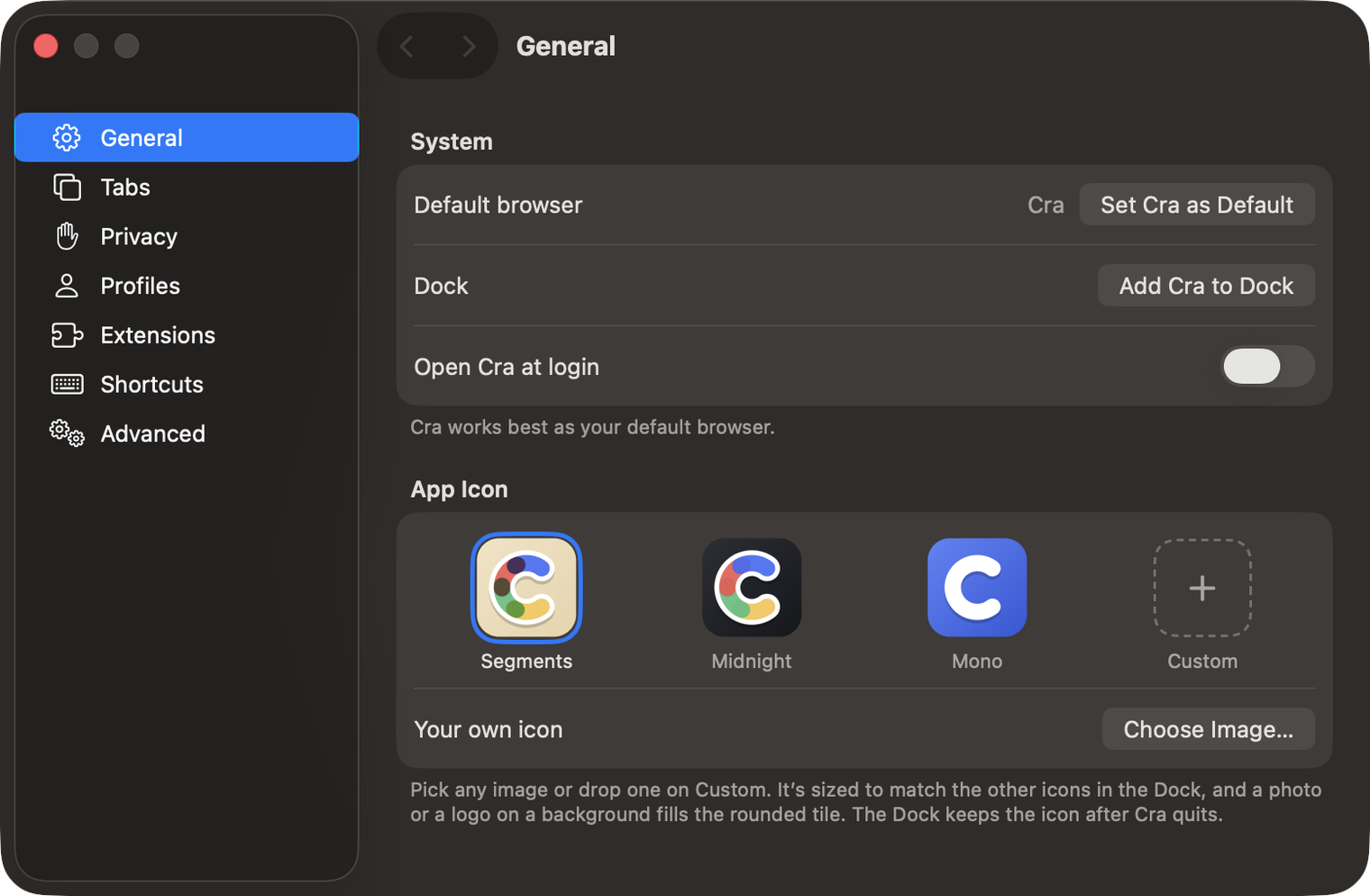
Make Cra’s icon your own
27 October 20260.1.14
The Library moves into the sidebar

27 October 20260.1.13
Drag your spaces into order

27 October 20260.1.12
Downloads that outlive their tab

27 October 20260.1.11
Your passwords, locked in your Keychain

26 October 20260.1.10
Air Traffic Control

26 October 20260.1.9
Favorites per space
- 0.1.8
26 October 20260.1.8
Video everywhere
- 0.1.7
26 October 20260.1.7
Work sign-ins

26 October 20260.1.6
Drag and drop that works

26 October 20260.1.5
Sign in with Google

26 October 20260.1.4
Copy, paste and clean corners

26 October 20260.1.3
Extensions that reach their apps
- 0.1.2
26 October 20260.1.2
Notarized, and it updates itself
- 0.1.1
25 October 20260.1.1
Quit fix

25 October 20260.1.0
Early access