Cra 0.1.336 November 2026
Blank Window, tabs you drag out, Arc’s right-click menu
⌃⌘N opens a Blank Window with a sidebar of its own, and a tab dragged out of the window opens in one, both as in Arc.
Blank Window
File ▸ Blank Window (⌃⌘N) opens a window with a sidebar of its own, “This Window”: no spaces, favorites or pinned tabs load in it, and its tabs show in no space. It comes back after a relaunch, and closing it closes its tabs, as in Arc. Hover its sidebar for “Move to…”, which sends its tabs to the top of a space’s Today in the main window. Asked for by MbpMelborp in #220.
Drag a tab out of the window
Let go of a sidebar tab outside every Cra window and it moves into a new Blank Window, the size of the one it left and centred where you dropped it, with its page as it was. A tab dropped on another window’s sidebar moves there and opens. Asked for by MbpMelborp in #219.
Arc’s right-click menu
A page’s right-click menu is now Chromium’s own Mac menu, as in Chrome and Arc, so it has extension icons, Look Up, Writing Tools, Speech, Services and AutoFill. Its items are Arc’s: Open Link in Little Window where Arc has Little Arc, one Inspect on the element, Translate with Save As… and Print…, and Search Google for Image.
Links to apps open the app
Spotify’s “Open in Desktop app”, and any other link to an app that opens in a new tab or window, made a blank tab. As in Arc, it now asks “Open Spotify?” over the page and macOS opens the app, with no tab. Reported by yrshkd in #207.
Auto spaces follow macOS again
Since 0.1.30, a space set to Auto with one colour was saved as a fixed light or dark look, so it stopped changing with macOS. Auto now always keeps a light and a dark half and switches with the system, one colour or two. The test for this is now locked, so a later change can’t rewrite it along with the behaviour. A space edited on 0.1.30–0.1.32 may be stuck: open its theme editor and pick Auto once more. Reported by neolytic in #155.
The page behind a Peek draws back
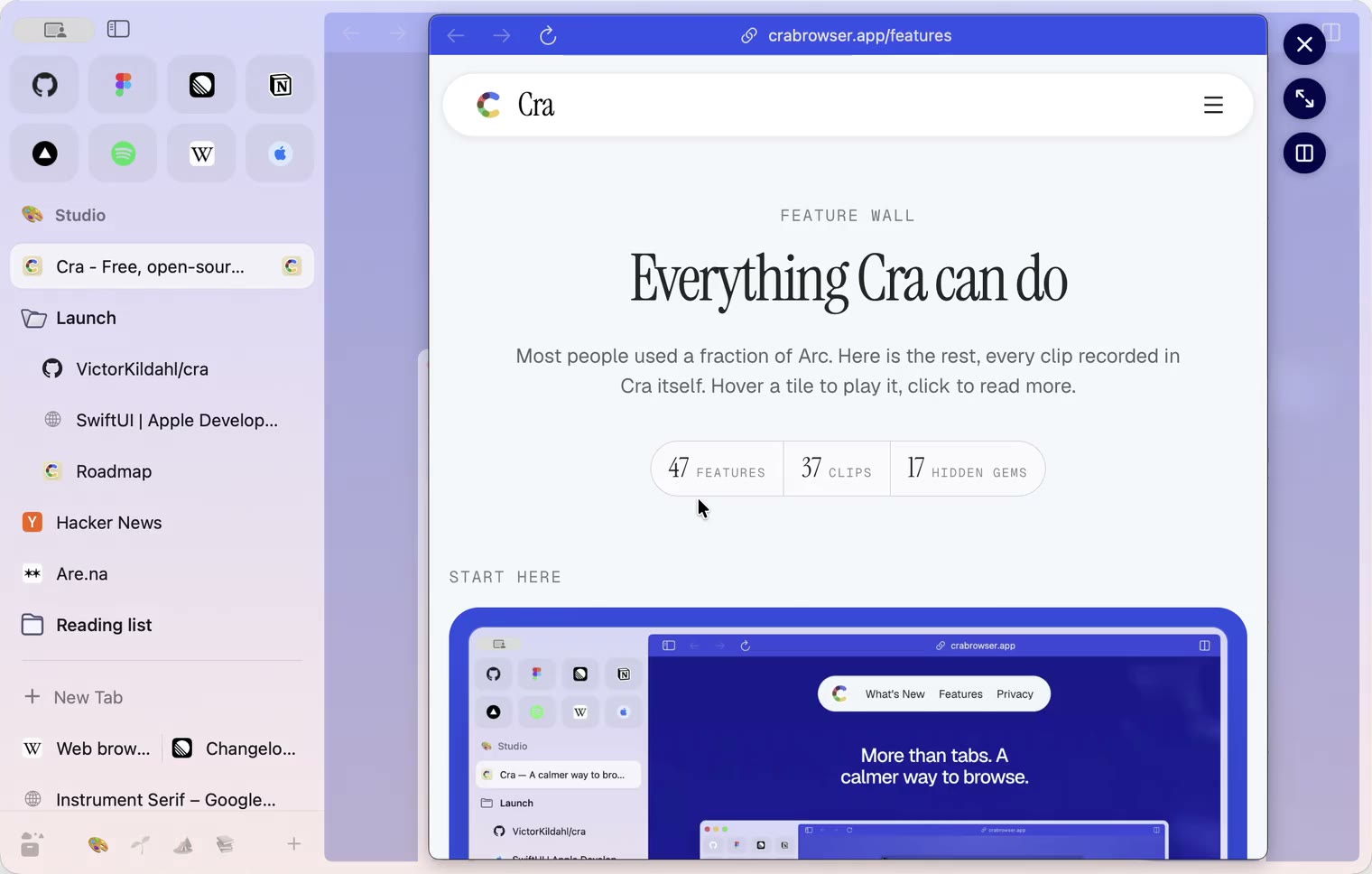
Opening a Peek now draws the page behind it back a little as it fades, its margins widening while the sidebar stays still, and closing brings it back in one motion. With pages edge to edge it only fades.
Thank you
Grigoriy, for #221
A Peek keeps the window’s shadow and edges
With a Peek open, the browser window keeps its full shadow and coloured traffic lights, as in Arc, where the Peek is a card inside the window. Its edges stay with the window: a drag from them resizes it with the Peek open, and the card follows.
Thank you
Grigoriy, for #222
A closed folder opens on the first click
A closed folder keeps its open tab in sight under it. Clicking that folder didn’t open it, as in Arc, so the rest of the folder was out of reach until the tab closed. A click now always opens it. Asked for by Grigoriy in #213.
Collapsed pinned tabs keep the last one in sight
With the pinned section collapsed (a click on the space’s name), the open pinned tab’s row vanished the moment you picked a favorite. Like Arc, the window now keeps the last pinned tab you had in sight until you collapse the section again or close the tab.
Website languages per profile
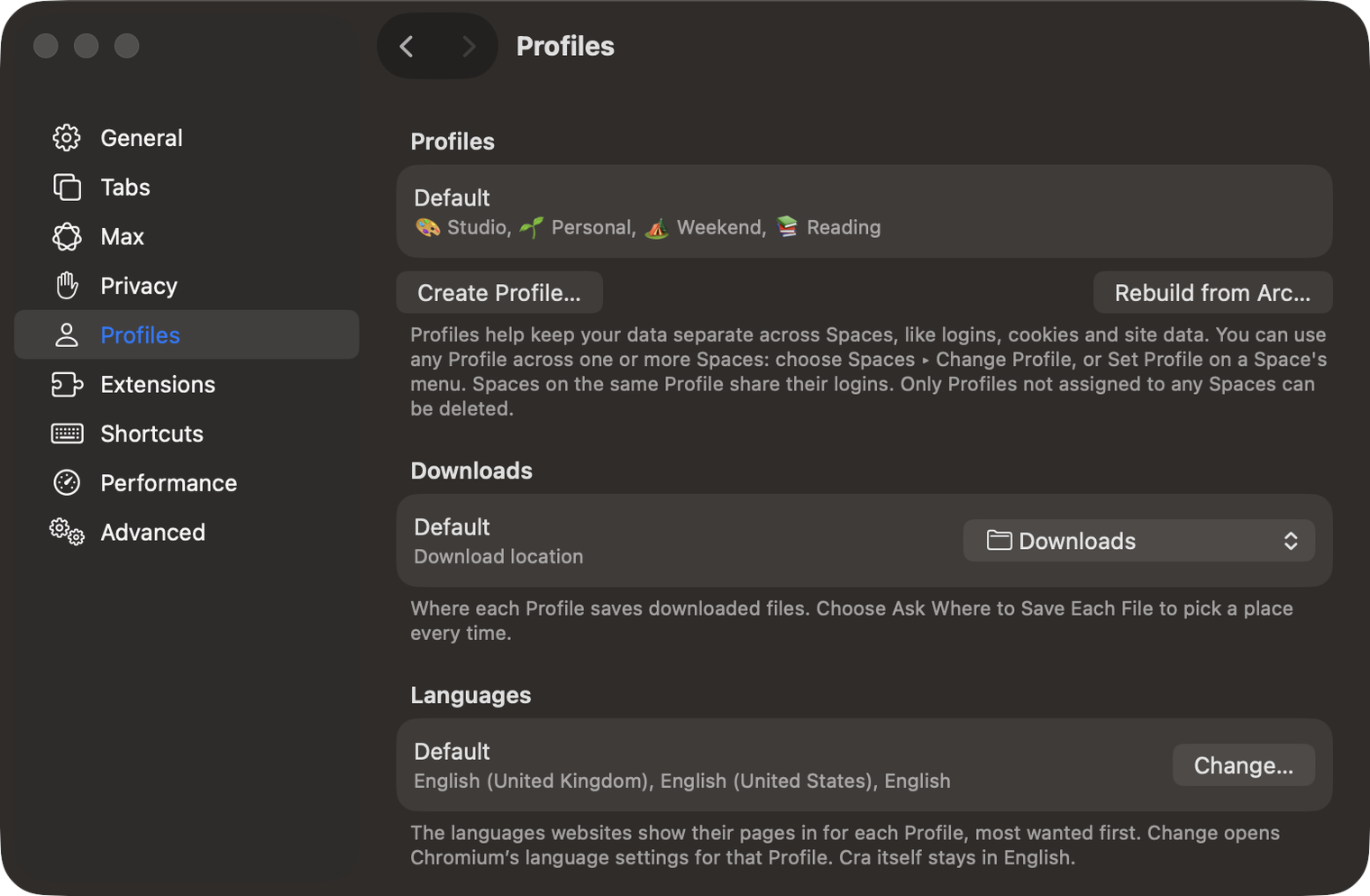
Settings ▸ Profiles has a Languages card: the languages websites show their pages in for each profile, most wanted first, and Change… opens Chromium’s language settings for that profile. The command bar has Language Settings. Cra itself stays in English. Asked for by quguai in #209.
What else is new
Fixes
- Tabs on one host, such as AWS consoles or localhost apps, keep their own favicons (#211, Fred Blaise).
- Shortcuts follow the keyboard layout, so ⌘- zooms out on Turkish Q (#212, yrshkd).
- A middle click in a split pane no longer closes a tab (#208, yrshkd).
- Arc’s GitHub live folder imports as a live folder that refreshes (#215, Fred Blaise).
- A GitHub live folder signed out by single sign-on says so instead of emptying.
- A download an extension’s popup starts now saves (#218, Wladimir).
- An extension popup’s close button closes it (#216, Grigoriy).
- An extension imported from another browser keeps its files until its Web Store copy is in place (#217, Grigoriy).
- An Arc sidebar that lists an item twice imports instead of crashing.
- Cra writes nothing to a site’s DevTools console.
- Tabs on one host, such as AWS consoles or localhost apps, keep their own favicons (#211, Fred Blaise).
Thank you
Thank you, MbpMelborp, yrshkd, Fred Blaise, quguai, neolytic, Wladimir and Grigoriy for the issues, and Grigoriy for four pull requests.
Cra is free and made in the open. Sponsor Cra
For every change in 0.1.33, see the changelog.
Past releases
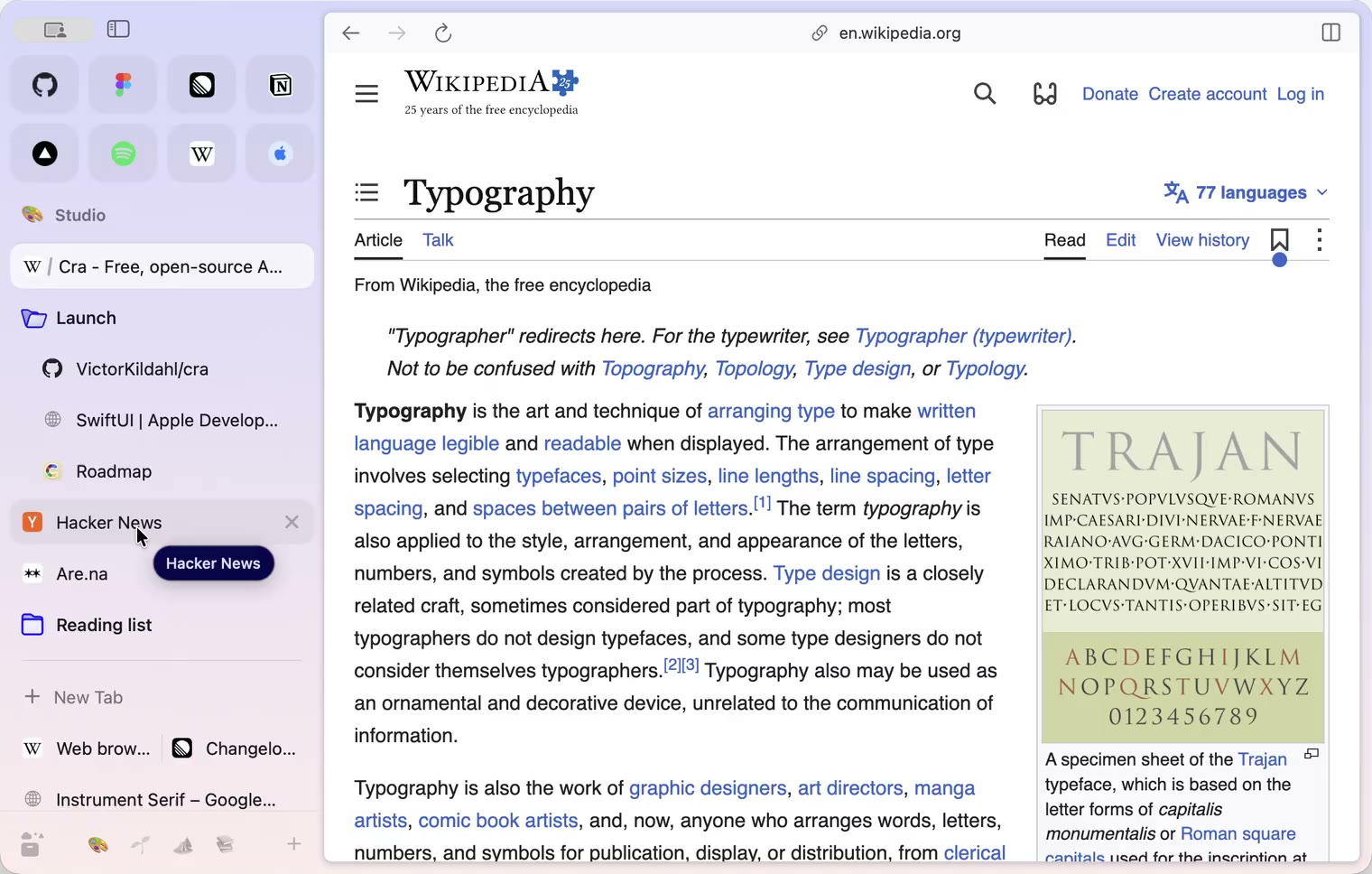
6 November 20260.1.32
Peek grows out of the link, a download folder per profile, Meet’s picture-in-picture
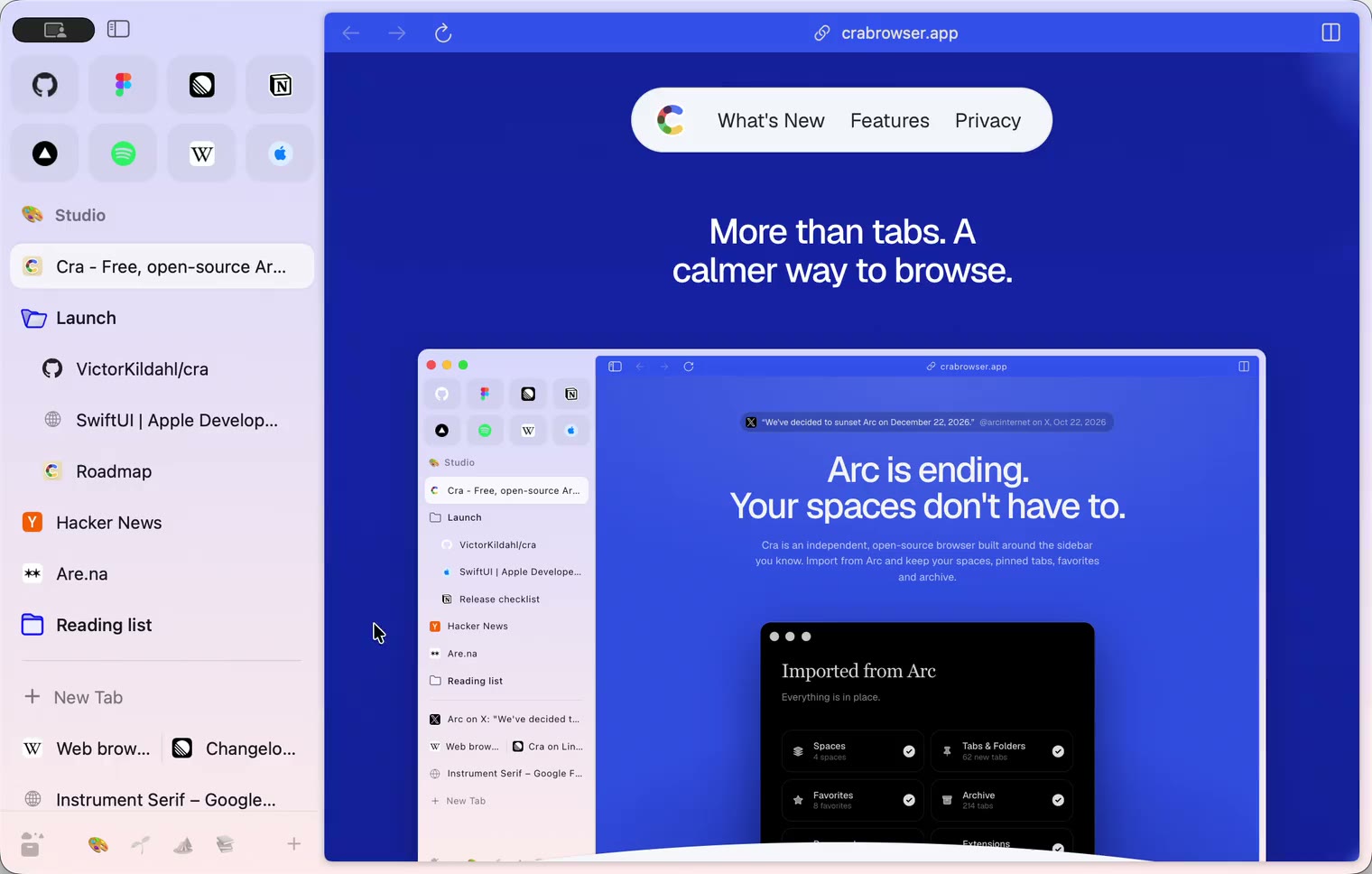
5 November 20260.1.31
Spotify and Netflix play, Tidy Tabs on your Mac, extension side panels
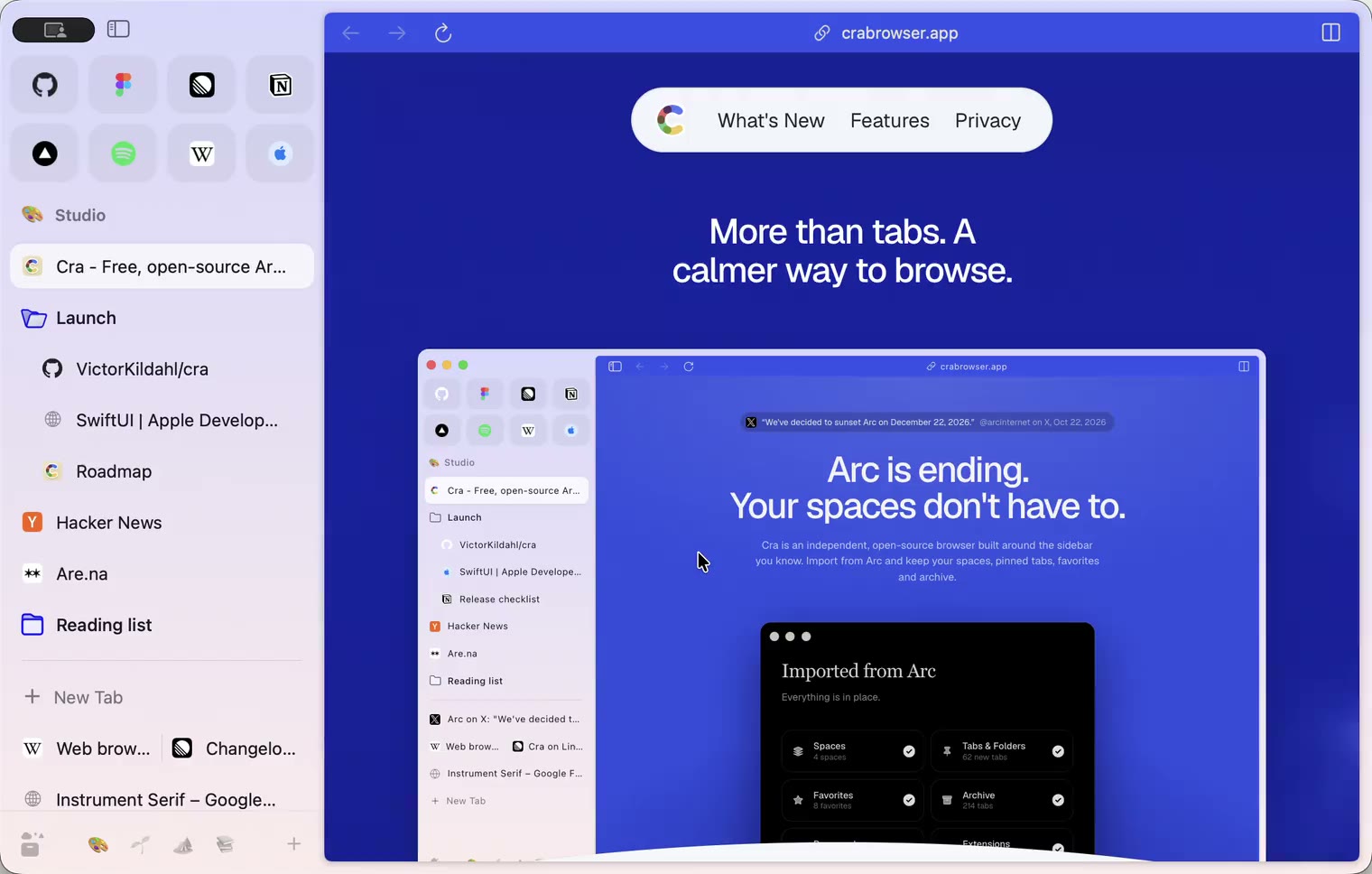
4 November 20260.1.30
Capture like Arc, favorites you drag into place, Arc’s colour picker
4 November 20260.1.29
Peek like Arc’s, space themes with a light and a dark half, Arc’s space tooltip
3 November 20260.1.28
Pinned tabs and closing like Arc, notifications, Arc’s loading bar
2 November 20260.1.27
Arc’s Capture, live extension icons and Shift + wheel spaces
2 November 20260.1.26
Background tabs, Arc’s toast and Move to Space
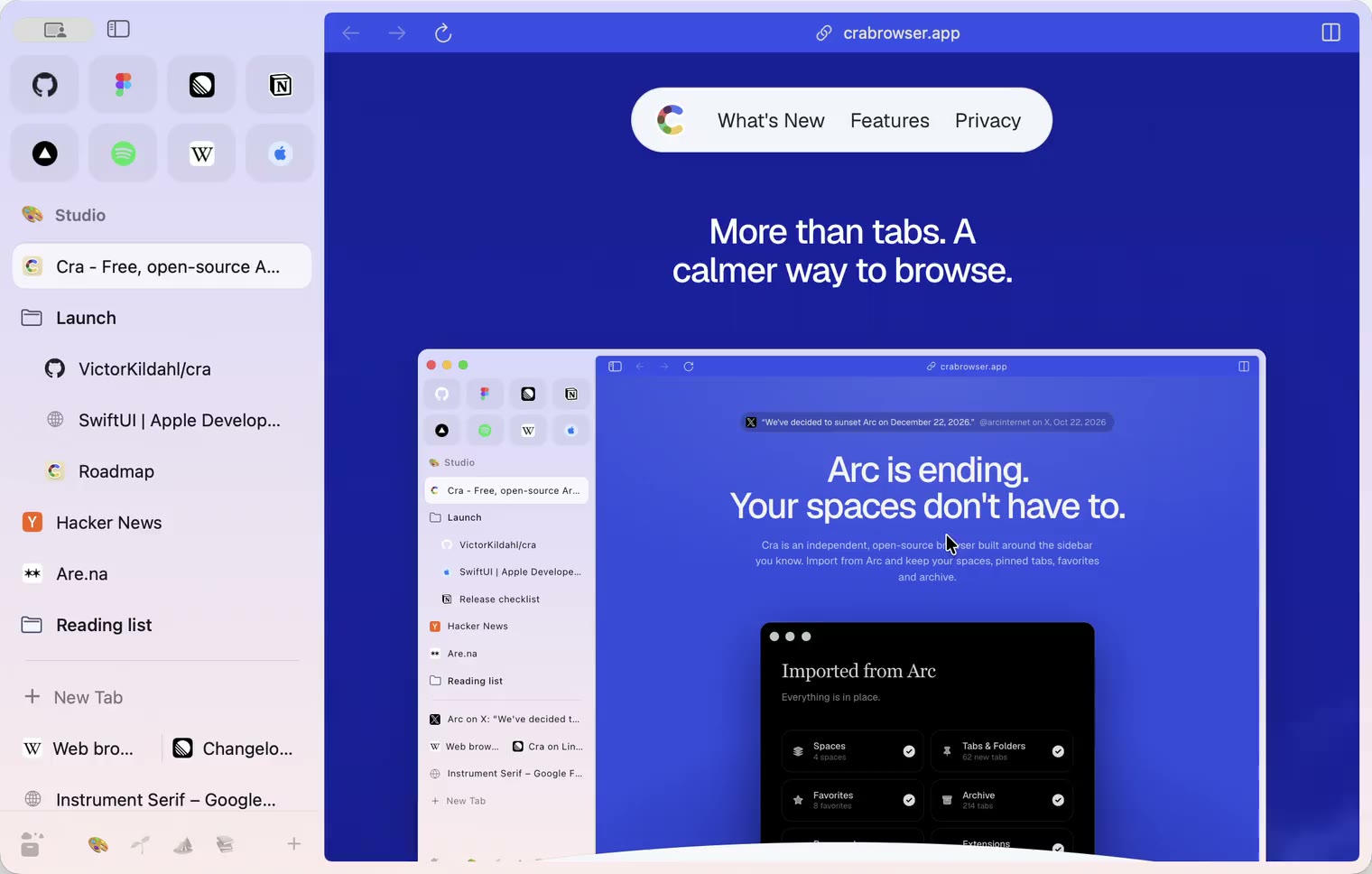
1 November 20260.1.25
Edit pinned URLs and swipe into the Library
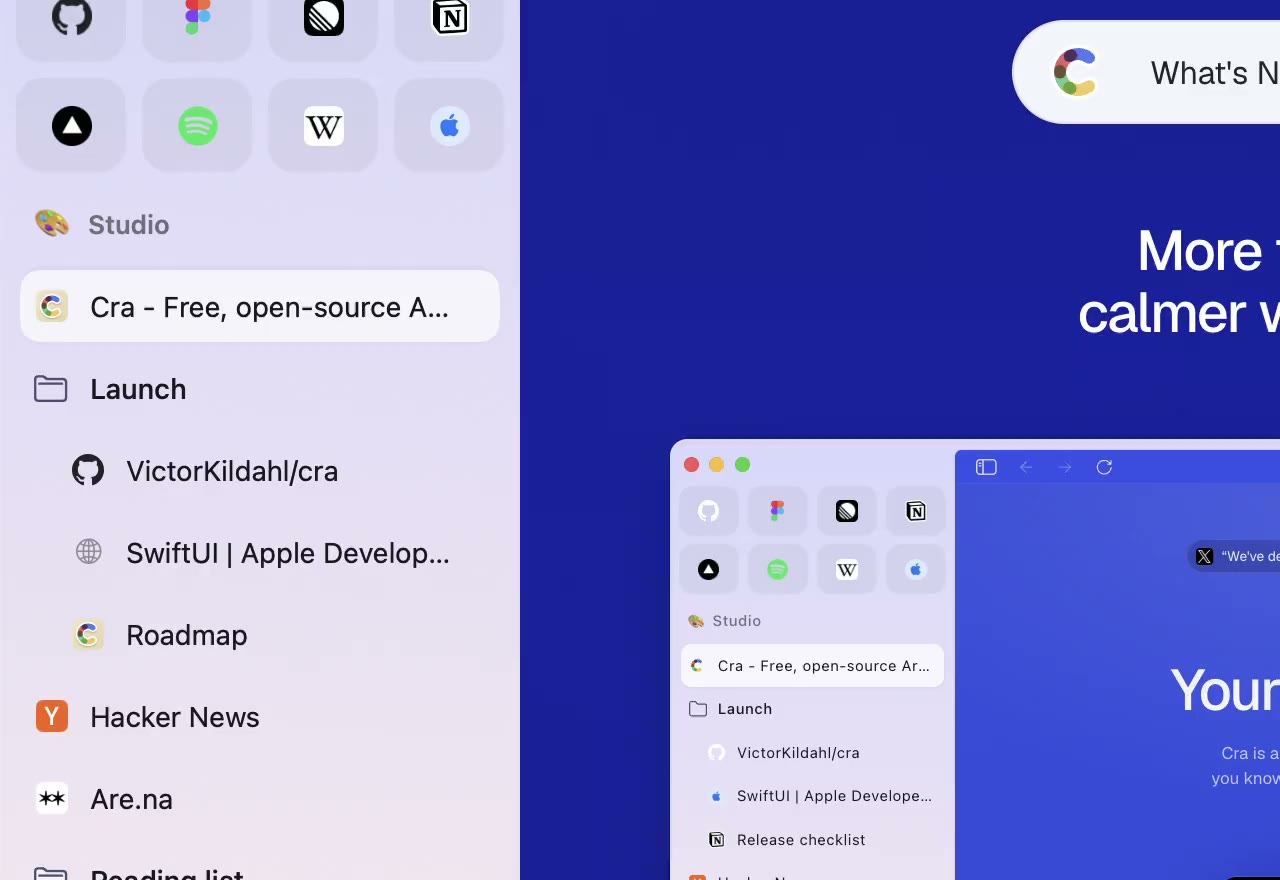
1 November 20260.1.24
Arc’s space menu, tab search and developer bar
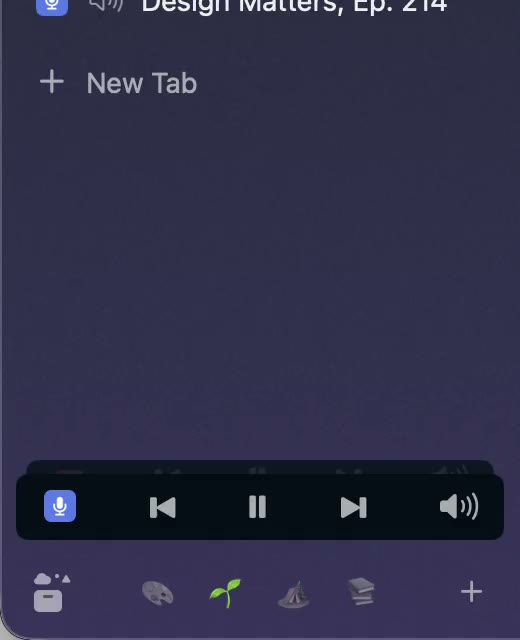
31 October 20260.1.23
Arc’s now-playing player, split favorites and folder previews
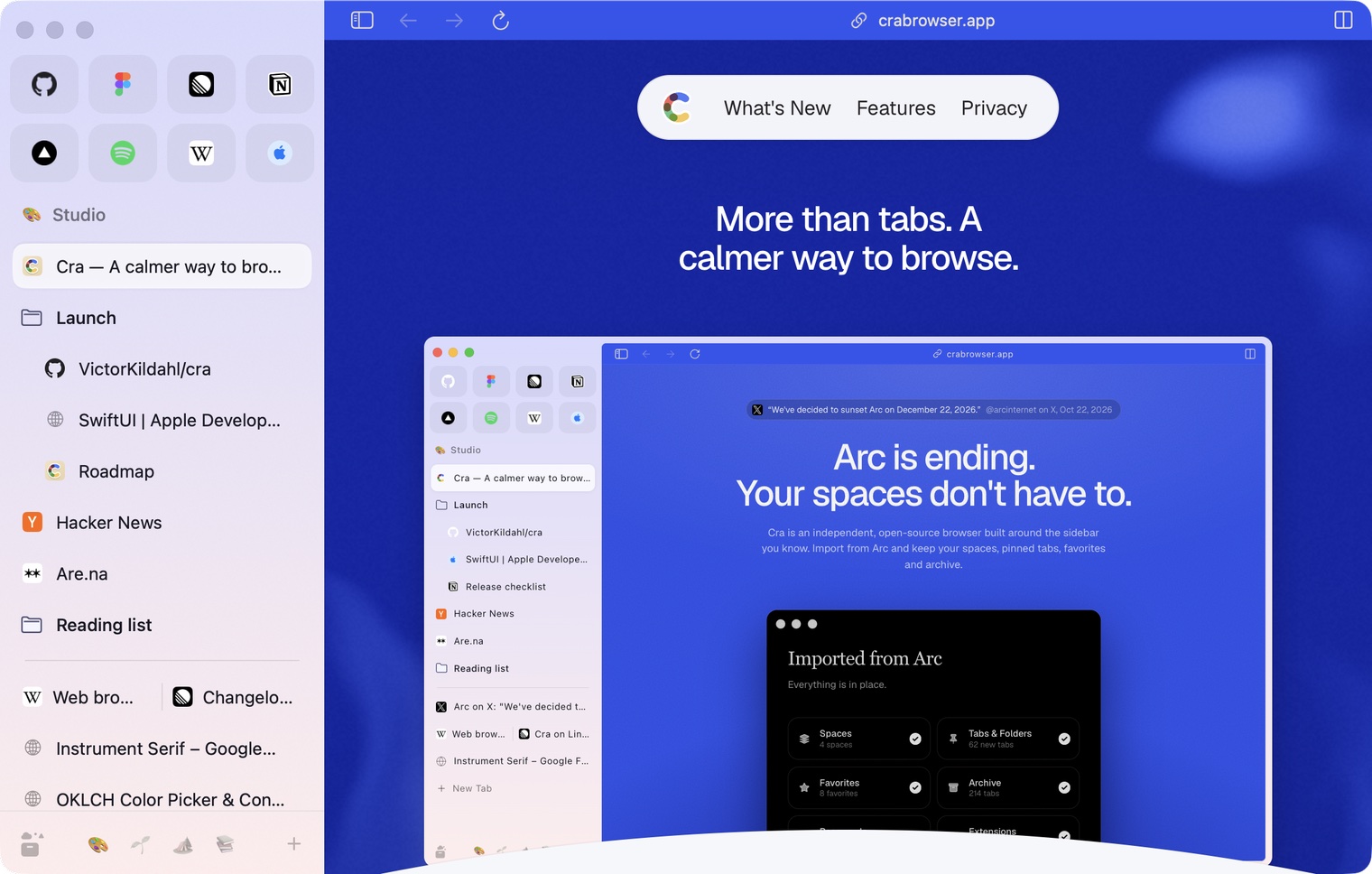
30 October 20260.1.22
Edge-to-edge pages and Arc’s refresh button
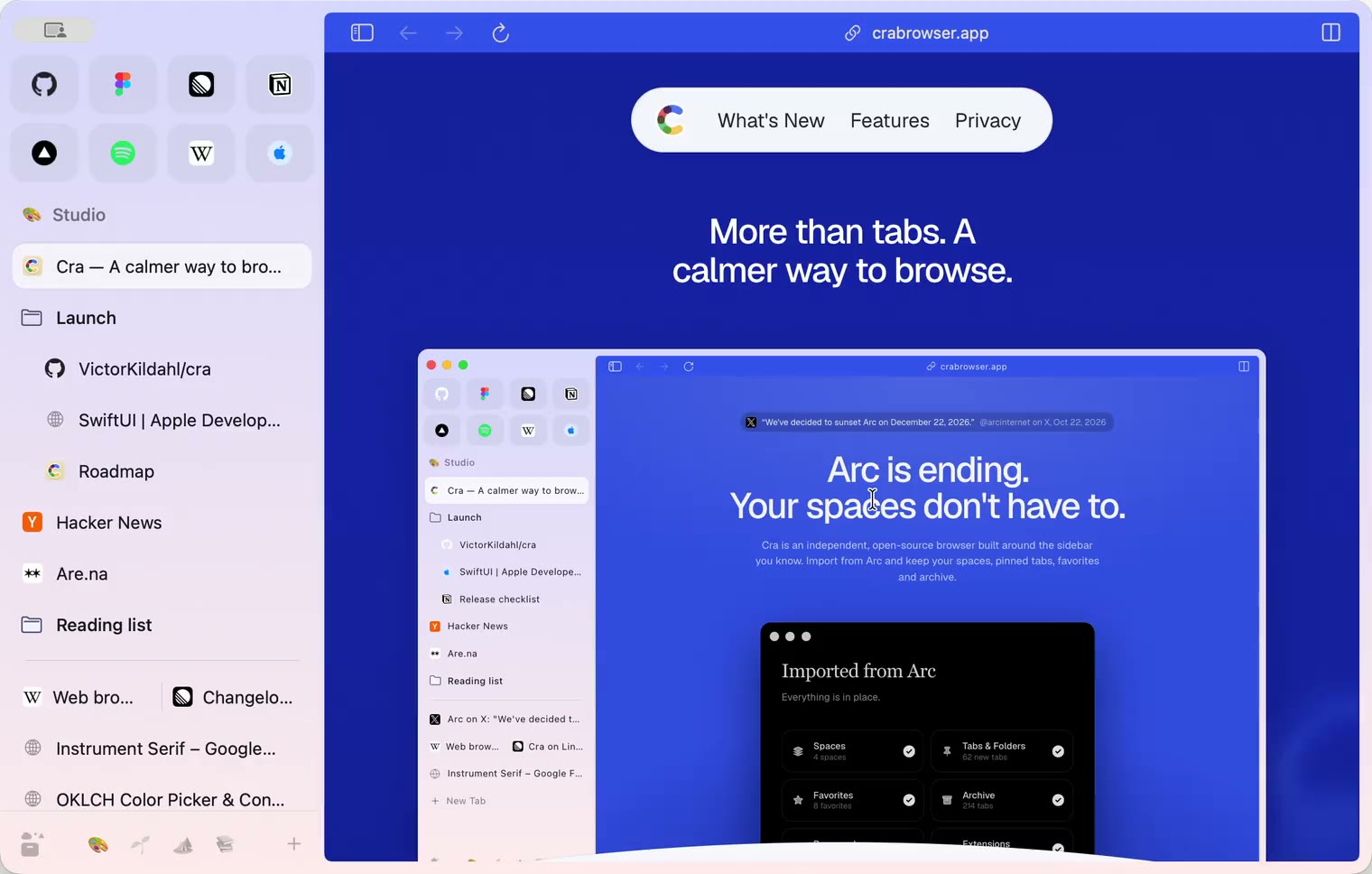
30 October 20260.1.21
Pinned split views and a quick way to clear cookies
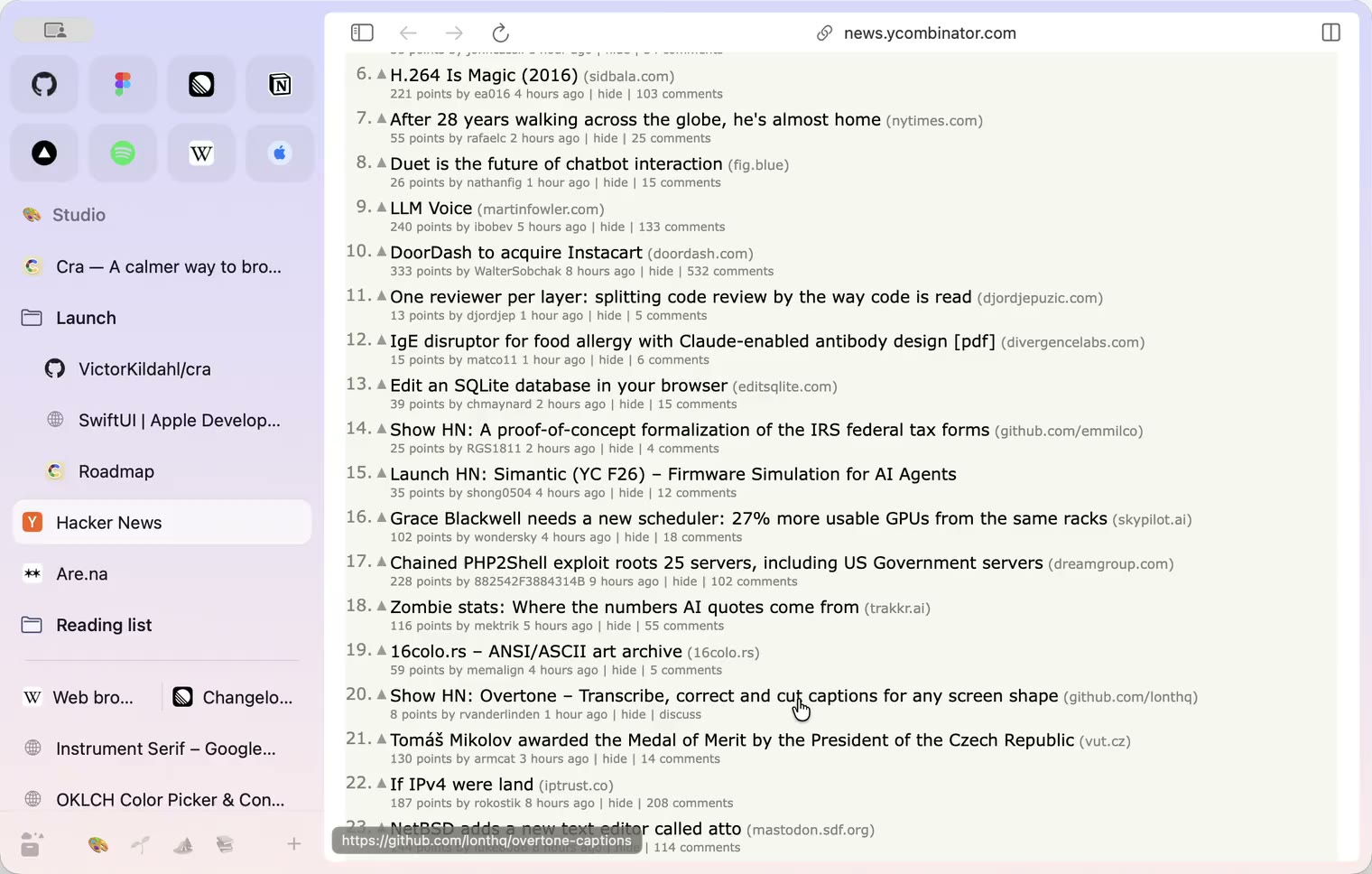
29 October 20260.1.20
Peek, Site Search and instant extension popups
- 0.1.19
29 October 20260.1.19
Extension popups open right away

29 October 20260.1.18
A sidebar built for speed
- 0.1.17
28 October 20260.1.17
Pages live inside the window
- 0.1.16
28 October 20260.1.16
A smoother Cra
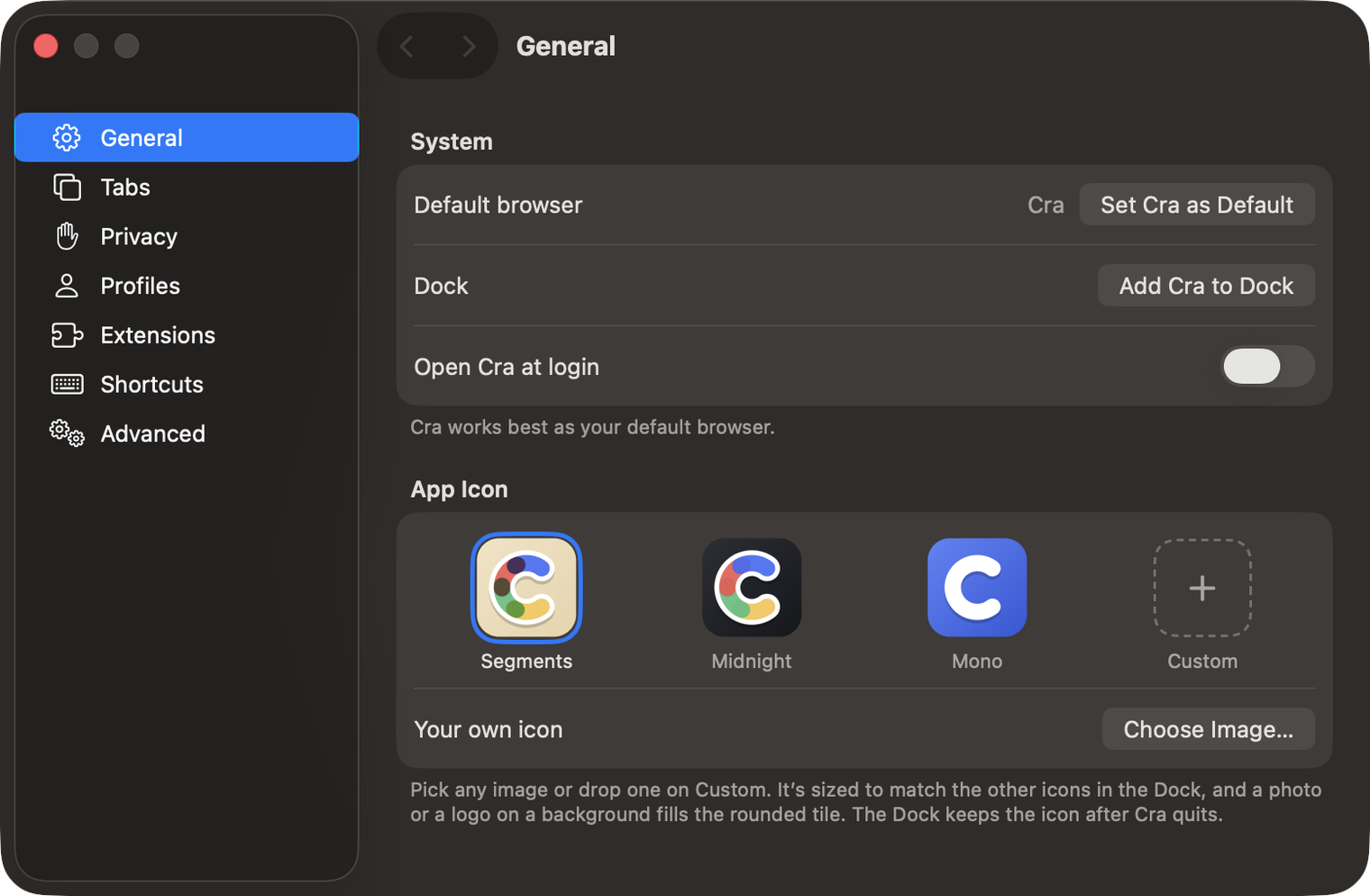
28 October 20260.1.15
Make Cra’s icon your own
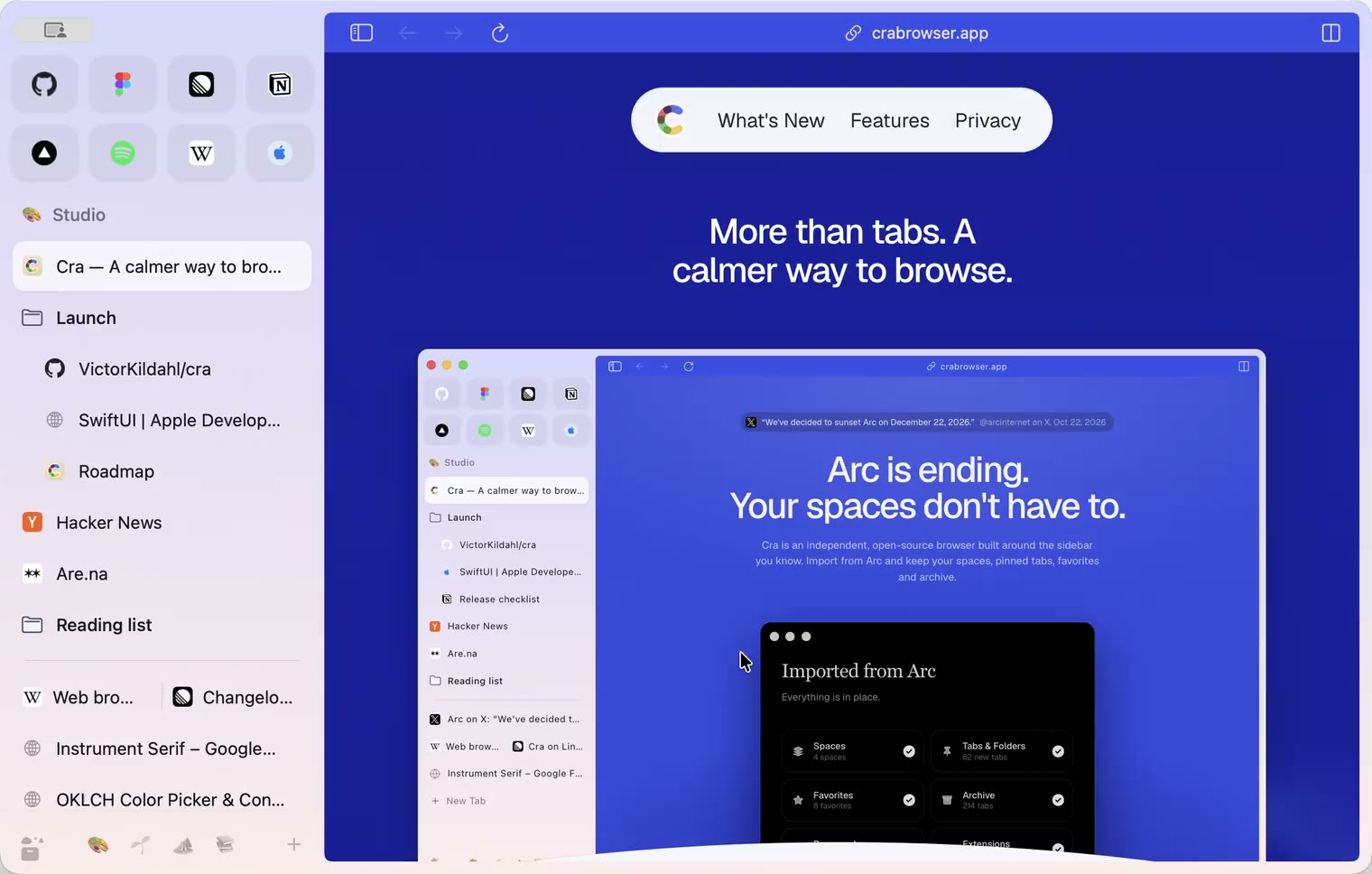
27 October 20260.1.14
The Library moves into the sidebar

27 October 20260.1.13
Drag your spaces into order

27 October 20260.1.12
Downloads that outlive their tab

27 October 20260.1.11
Your passwords, locked in your Keychain

26 October 20260.1.10
Air Traffic Control

26 October 20260.1.9
Favorites per space
- 0.1.8
26 October 20260.1.8
Video everywhere
- 0.1.7
26 October 20260.1.7
Work sign-ins

26 October 20260.1.6
Drag and drop that works

26 October 20260.1.5
Sign in with Google

26 October 20260.1.4
Copy, paste and clean corners

26 October 20260.1.3
Extensions that reach their apps
- 0.1.2
26 October 20260.1.2
Notarized, and it updates itself
- 0.1.1
25 October 20260.1.1
Quit fix

25 October 20260.1.0
Early access