Cra 0.1.358 November 2026
Boosts, Easels and the rest of Arc’s Library
A side-by-side sweep of Arc found what Cra was still missing, and this release fills it in: Boosts, Easels, Arc’s Library pages, Previews for Gmail and Google Calendar, and AppleScript. uBlock Origin and other Manifest V2 extensions run again.
Boosts
Type “New Boost” in the command bar on any site for Arc’s Boost editor: a colour for the page, its fonts, size and case, Zap to click away what you don’t want, and Code for your own CSS and JavaScript, with Arc’s eyedropper to pick an element and its hammer for DevTools. The editor grows in and widens for Code as Arc’s does, measured frame by frame. Library ▸ Boosts lists them with each site’s icon; hover for the switch, right-click to rename or delete.
Easels
File ▸ New Easel (⌃⇧E) opens a canvas over the space’s backdrop with Arc’s tools: pictures, text, ellipses, rectangles, arrows and freehand, the text pill’s +, Aa and −, and Duplicate. A picked picture shows Arc’s outline and corner handles and resizes from its corners keeping its shape. The capture menu sends a capture to a new or existing easel.
Library ▸ Easels
Your easels as Arc shows them: cards with each easel drawn small, its pink squiggle and title. A click opens it in Peek on a black canvas, ⤢ makes it a tab, and right-click deletes it.
Library ▸ Media
Turn on Media in the Library and your recent screenshots, pictures and videos show in Arc’s grid, videos with a ▶. A click opens Arc’s preview over the dimmed window, grown out of the thumbnail: ‹ › or the arrow keys step through, Esc closes, and Open in Preview hands it to the Mac. Right-click for Copy Image, Send via iMessage, AirDrop, Show in Finder and Hide from Cra. Right-click the Media button to choose the folders. Nothing leaves your Mac.
Arc’s Library pages
Downloads and Archived Tabs get Arc’s Filter: how a tab was closed, which space or Little Window it was in, which profile a file came from. An archived tab shows Arc’s bin and restore buttons on hover, Downloads lists files still downloading with their progress (#245, franvz9), and the Library’s colours follow your space. Nothing in the sidebar shows through the open Library any more.
Previews for Gmail and Google Calendar
Hover a Gmail favorite for your unread mail in Arc’s card, with the sender, age, subject and first lines; a click opens the mail, + writes a new one. A Google Calendar favorite shows today’s timeline, counts down to your next meeting on the tile, offers a Join link from two minutes before a call, and Join Meeting (⌃⌘J) opens the call. Its right-click menu has Arc’s Live Calendar settings. Both read with your space’s own Google sign-in.
What else is new
uBlock Origin and Manifest V2
Cra’s Chromium build keeps Manifest V2 extensions working, so uBlock Origin and other MV2 extensions install, import and run again; get uBlock Origin from its GitHub releases and add it with Settings ▸ Extensions ▸ Add Unpacked Extension. localhost, 127.0.0.1 and *.localhost open in Developer Mode, as in Arc.
Thank you, Balajitechlabs, for #228.
Peek waits on its tab
A link opened from inside a Peek no longer closes it: as in Arc, the Peek waits on its tab and comes back with it, at the same page and scroll, when you return. Clicking another tab’s row hides it rather than closing it.
Thank you, franvz9, for #242.
Arc’s menus and settings
Stay On Top, Save Page As (⇧⌘S), Copy URL as Quote (⌃⇧⌘C), Copy URL without trackers, Use Selection to Find and Jump to Selection (⌘J), Reveal Tab (⌃Space), Archive Tabs Below, Collapse Pinned Tabs and All Folders, Appearance for websites, Cast…, Capture Full Page and Portrait Mode, Open in Split View, Change Icon… and Share ▸ on tab rows, Help ▸ Essential Keyboard Shortcuts, Show Little Window “Open In” Menu (⇧⌘O), ⌘{ ⌘} F12 ⌘9 and ⌃⇧1–4. Settings gain Block cookie banners, website theme data, window dragging from the top of webpages, sound effects, restoring windows, Archive Little Windows after, and Your Data and Settings per profile. AppleScript uses Arc’s dictionary, with JavaScript off by default. Keep Cra in the menu bar after ⌘Q is a new opt-in (#231, Balajitechlabs).
Picture in Picture and the sidebar
- Picture in Picture loses Chrome’s strip and gets Arc’s top bar, scrim and size limits (#246, Wladimir).
- The mouse’s back and forward buttons over the sidebar switch spaces (#233, Fred Blaise).
- A hovered tab’s name runs up to its ✕ (#243, Wladimir).
- Live folder emblems turn with the folder (#234, Grigoriy).
- Live folders get Arc’s Pull Requests submenu and repository filters (#229, Grigoriy).
- The sidebar’s ⌘S slide and the toolbar’s right-hand spacing follow Arc’s, measured again.
- Picture in Picture loses Chrome’s strip and gets Arc’s top bar, scrim and size limits (#246, Wladimir).
Fixes
- While a Chrome “started debugging this browser” bar showed, clicks landed one bar too low (#241, Benjamin Wood).
- Tab sleeping kept a slept tab’s colours, closes more under critical memory pressure and logs one line per pass (#237, Wladimir).
- Cra builds on Intel Macs from source, with an Intel CEF published (#235, jerry699).
- CEF 156.0.26 (Chromium 156.0.8078.88).
- While a Chrome “started debugging this browser” bar showed, clicks landed one bar too low (#241, Benjamin Wood).
Thank you
Thank you, Grigoriy, for two pull requests, jerry699 for Intel support, and Wladimir, franvz9, Balajitechlabs, Fred Blaise and Benjamin Wood for the reports.
Cra is free and made in the open. Sponsor Cra
For every change in 0.1.35, see the changelog.
Past releases
7 November 20260.1.34
Arc’s dialog sheets, GitLab live folders, pinned splits by drop
6 November 20260.1.33
Blank Window, tabs you drag out, Arc’s right-click menu
6 November 20260.1.32
Peek grows out of the link, a download folder per profile, Meet’s picture-in-picture
5 November 20260.1.31
Spotify and Netflix play, Tidy Tabs on your Mac, extension side panels
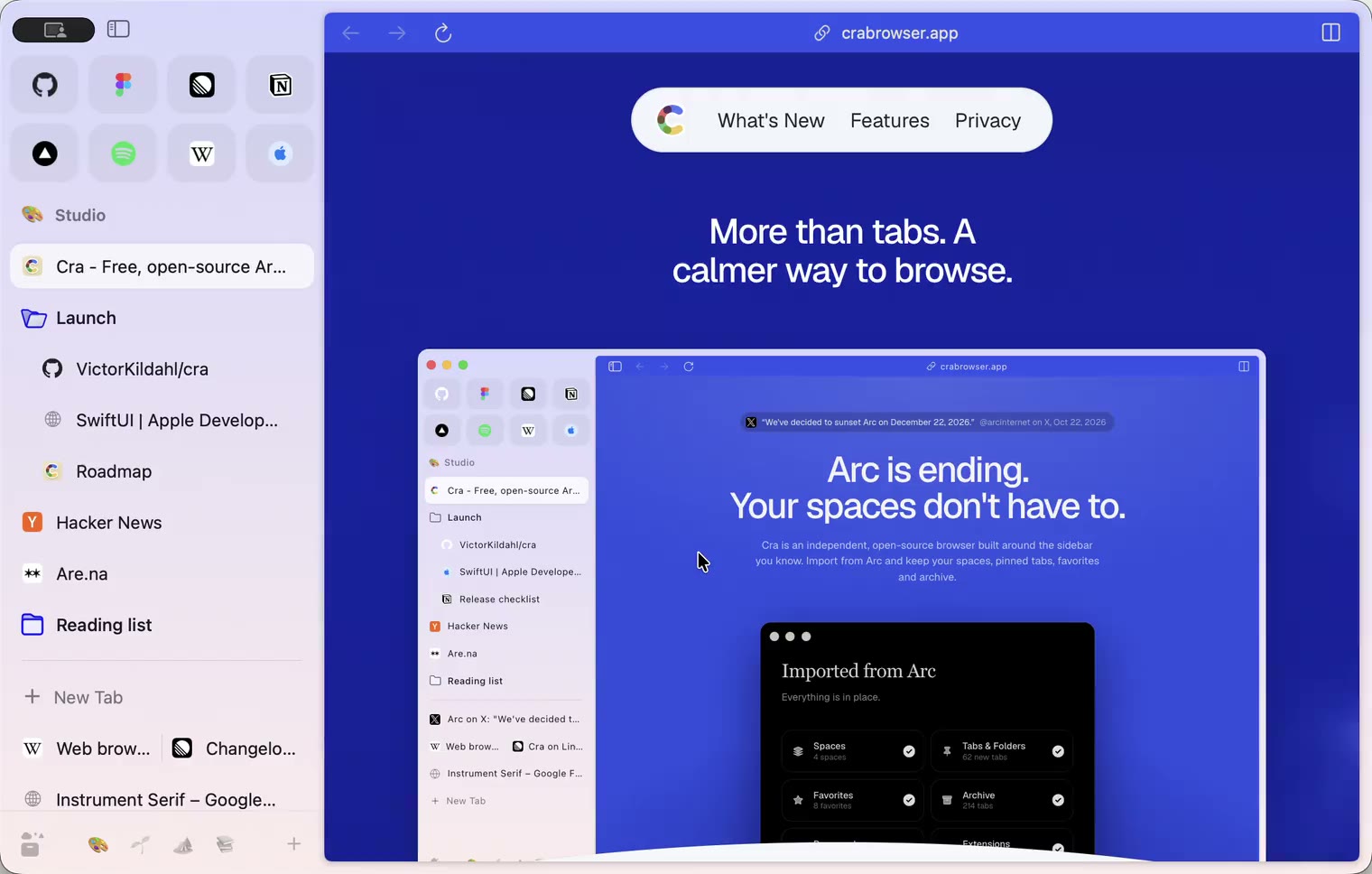
4 November 20260.1.30
Capture like Arc, favorites you drag into place, Arc’s colour picker
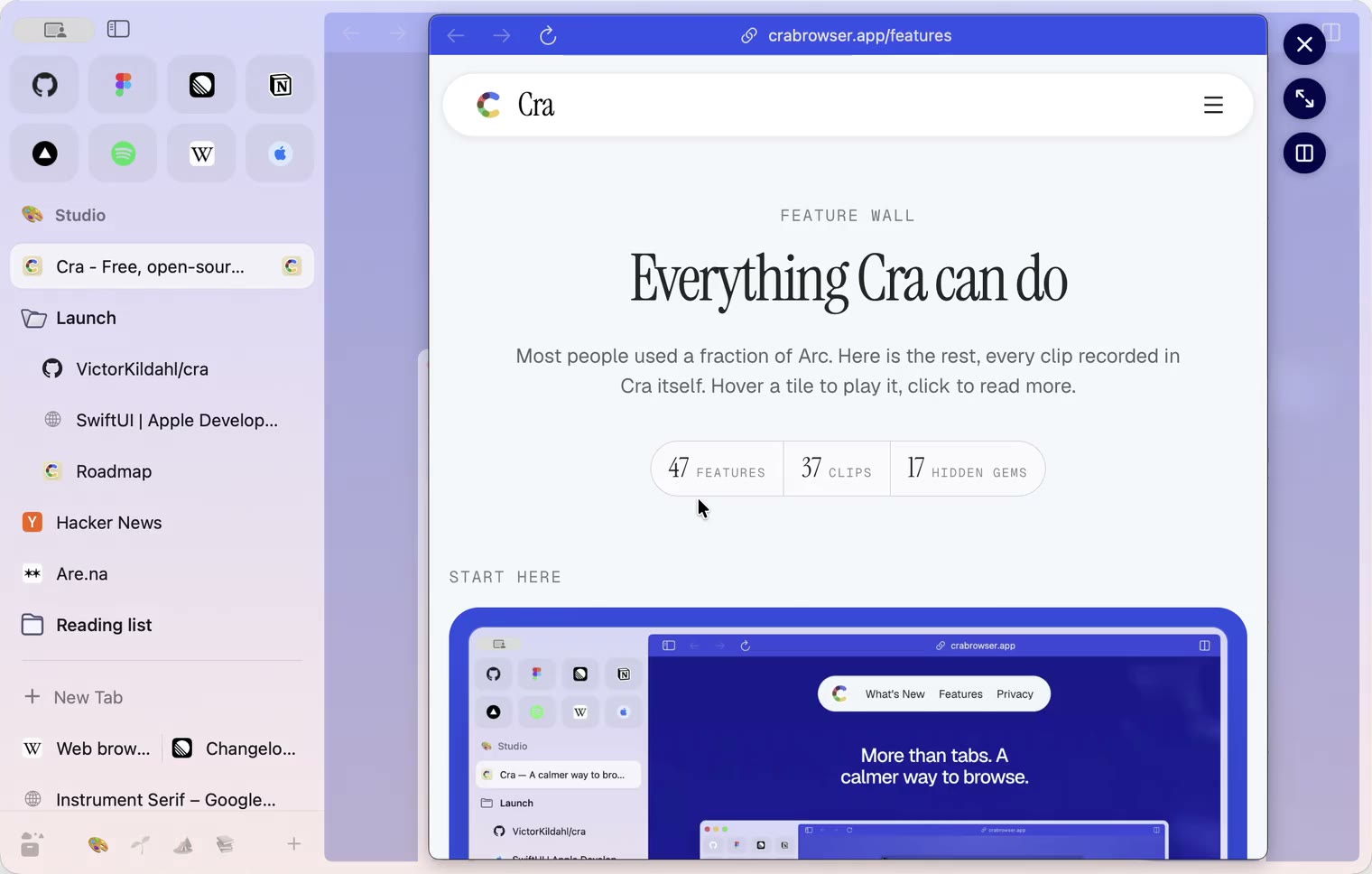
4 November 20260.1.29
Peek like Arc’s, space themes with a light and a dark half, Arc’s space tooltip
3 November 20260.1.28
Pinned tabs and closing like Arc, notifications, Arc’s loading bar
2 November 20260.1.27
Arc’s Capture, live extension icons and Shift + wheel spaces
2 November 20260.1.26
Background tabs, Arc’s toast and Move to Space
1 November 20260.1.25
Edit pinned URLs and swipe into the Library
1 November 20260.1.24
Arc’s space menu, tab search and developer bar
31 October 20260.1.23
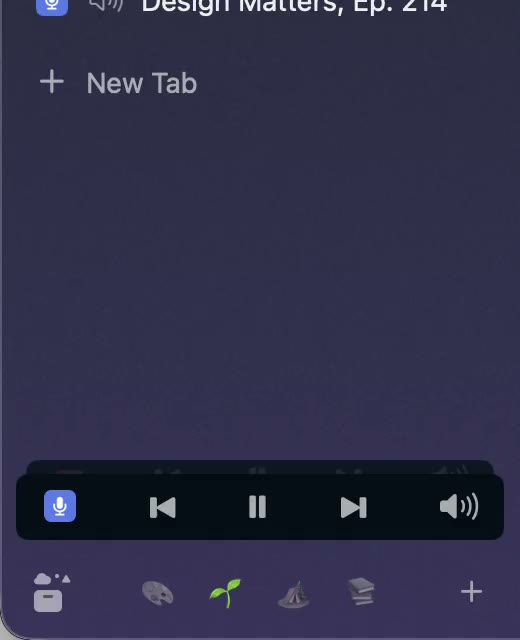
Arc’s now-playing player, split favorites and folder previews
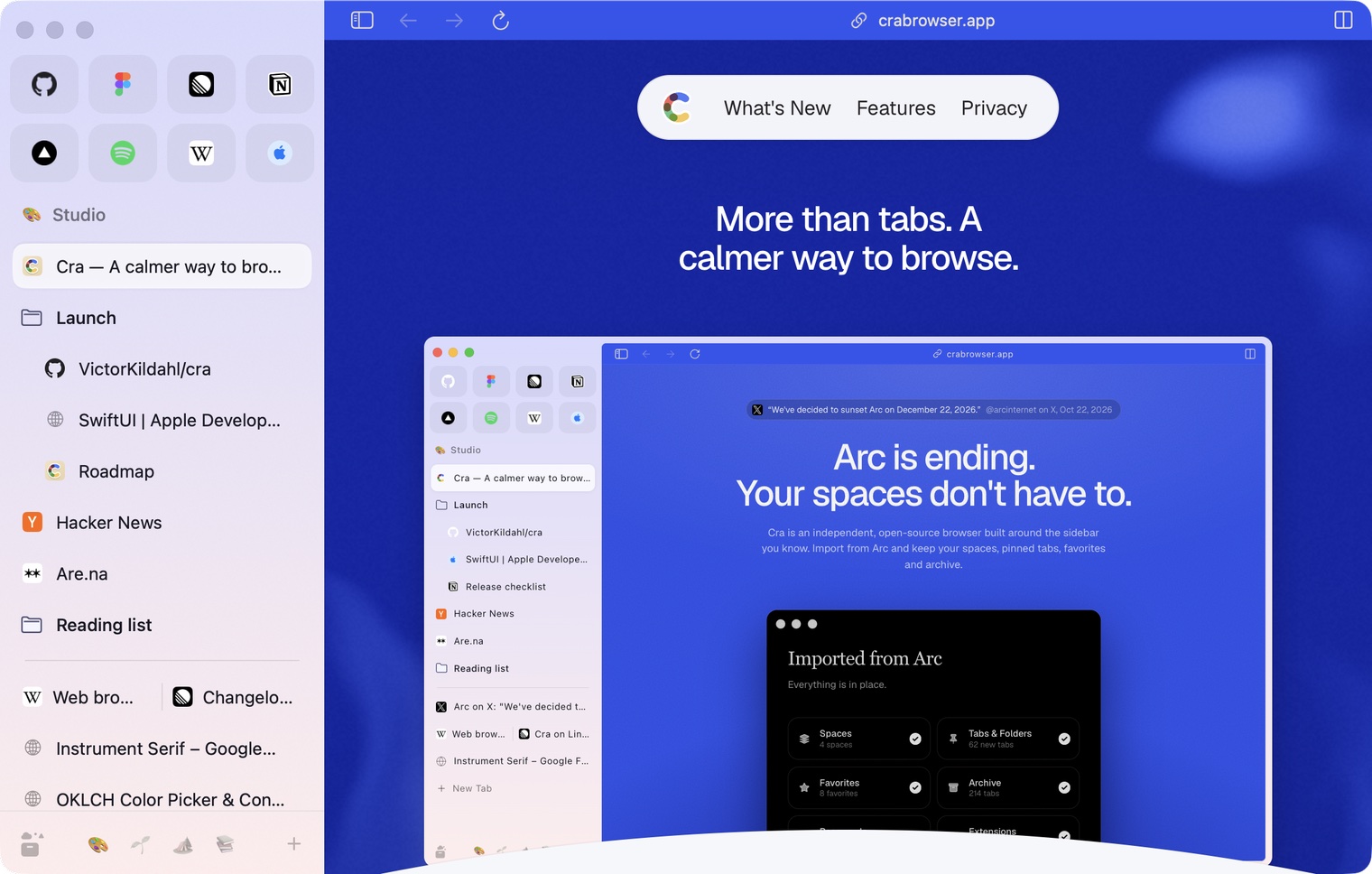
30 October 20260.1.22
Edge-to-edge pages and Arc’s refresh button
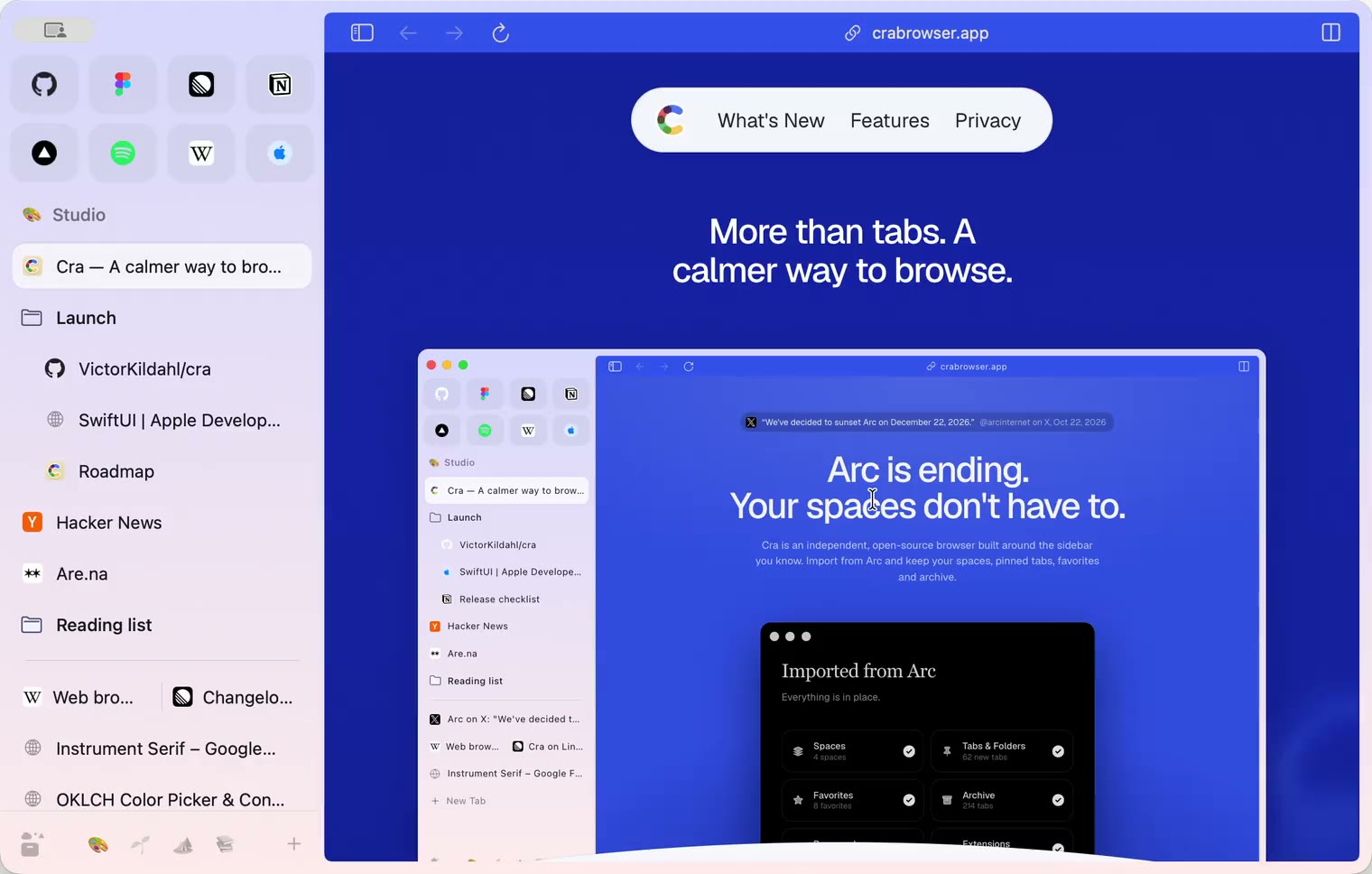
30 October 20260.1.21
Pinned split views and a quick way to clear cookies
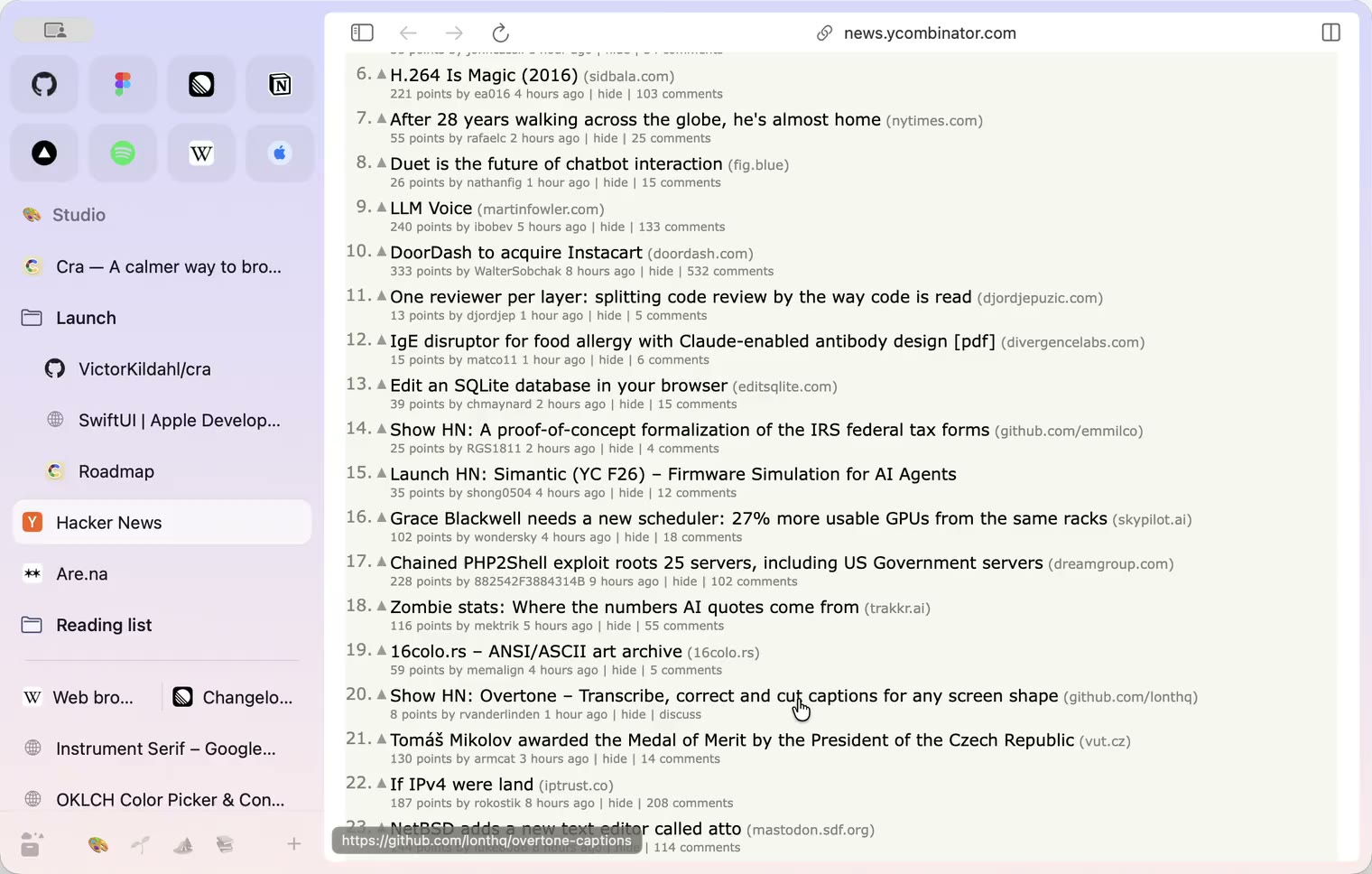
29 October 20260.1.20
Peek, Site Search and instant extension popups
- 0.1.19
29 October 20260.1.19
Extension popups open right away

29 October 20260.1.18
A sidebar built for speed
- 0.1.17
28 October 20260.1.17
Pages live inside the window
- 0.1.16
28 October 20260.1.16
A smoother Cra
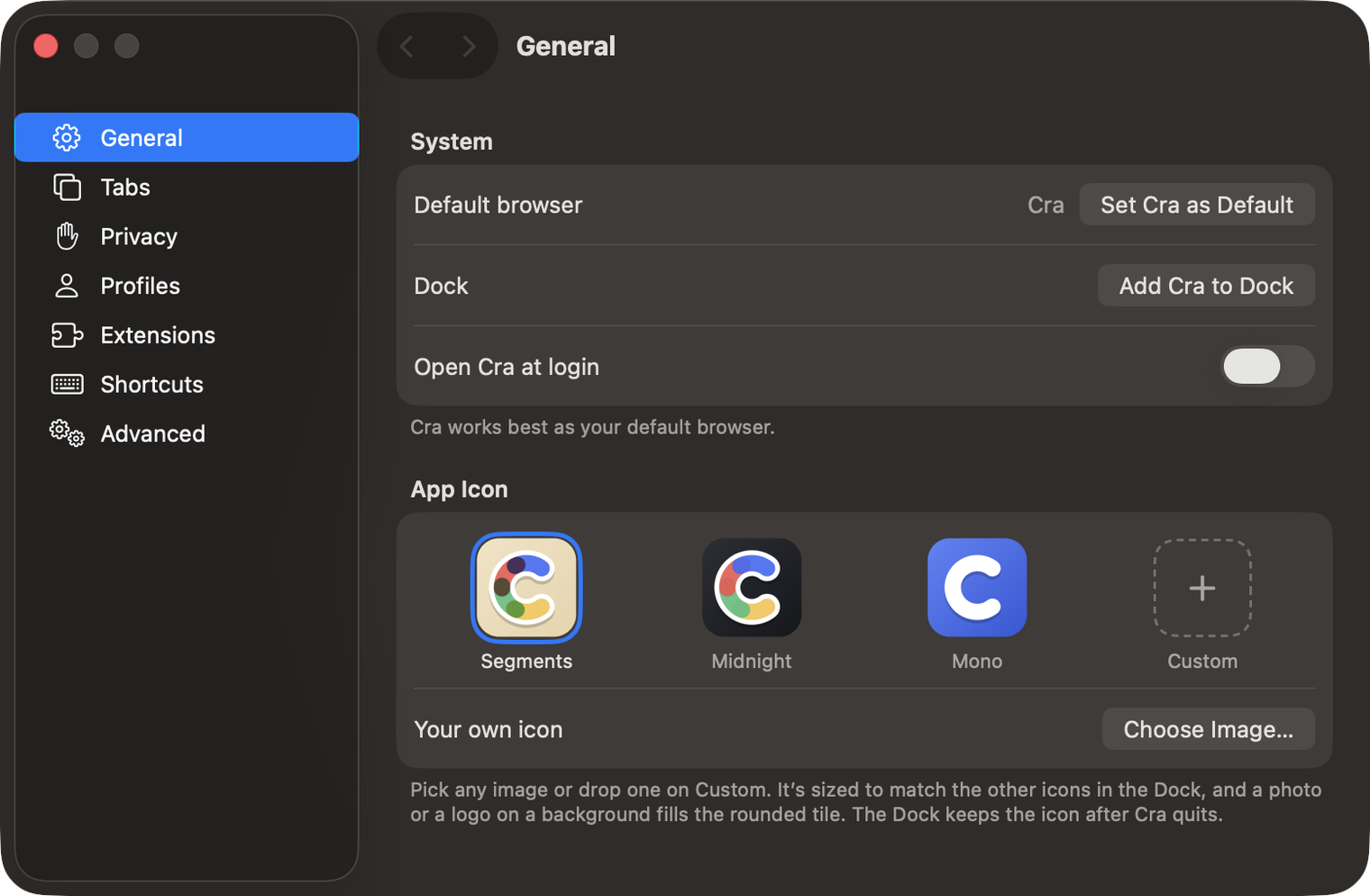
28 October 20260.1.15
Make Cra’s icon your own
27 October 20260.1.14
The Library moves into the sidebar

27 October 20260.1.13
Drag your spaces into order

27 October 20260.1.12
Downloads that outlive their tab

27 October 20260.1.11
Your passwords, locked in your Keychain

26 October 20260.1.10
Air Traffic Control

26 October 20260.1.9
Favorites per space
- 0.1.8
26 October 20260.1.8
Video everywhere
- 0.1.7
26 October 20260.1.7
Work sign-ins

26 October 20260.1.6
Drag and drop that works

26 October 20260.1.5
Sign in with Google

26 October 20260.1.4
Copy, paste and clean corners

26 October 20260.1.3
Extensions that reach their apps
- 0.1.2
26 October 20260.1.2
Notarized, and it updates itself
- 0.1.1
25 October 20260.1.1
Quit fix

25 October 20260.1.0
Early access