Cra 0.1.368 November 2026
Cra for Intel Macs
Cra now runs on Intel Macs. From this release on, every version comes in two downloads, one for Apple silicon and one for Intel, with the same Chromium, the same patches and automatic updates.
Cra for Intel Macs
Cra is no longer Apple silicon only. Every release now ships a build for Intel Macs, made from the same code with Cra’s own Chromium and all its patches, signed and notarized by Apple, and updating itself from its own feed. On crabrowser.app/download, choose “Download Cra for Intel”; the install command picks the right build for your Mac on its own. Requires macOS 14 or later.
Thank you
jerry699, for the Intel work in #235 and for asking in #236
Folder icons
Right-click a folder ▸ Change Icon… for Arc’s picker of 24 symbols. The symbol sits on the folder’s front panel and turns with it as the folder opens, drawn the way Arc draws it, as are the GitHub and GitLab live folder marks.
Thank you
Grigoriy, for #250
Dots for spaces
Remove a space’s icon and the dock shows Arc’s dot for it: black on a light space, white on a dark one, stronger for the space you’re in. When there are too many spaces for the dock, every space but the open one becomes a small dot, as in Arc. Arc spaces imported without an icon stay that way.
Thank you
TearsOfCloud, for #252
Open Link in Split View
Right-click a link ▸ Open Link in Split View opens it as a new pane beside the page you’re on, up to four panes. From a pinned tab the split opens in Today, as Add Split View does. Arc never had this item; ⌥-click still downloads the link.
Thank you
Markús Kötterheinrich, for #257
A page that takes long to answer
When a site accepts the connection but sends nothing for 10 seconds, a toast says “Still waiting for <site> to respond”, with Stop Loading, instead of a blank page. It goes as soon as the page arrives.
Thank you
Quinn Battersby, for #256
Updates with the sidebar hidden
The “An update is ready!” banner lives in the sidebar, so with the sidebar hidden it now comes as a toast in the window in front, with Restart (or Update, when automatic updates are off). It shows once a launch for each update.
Start on a new tab
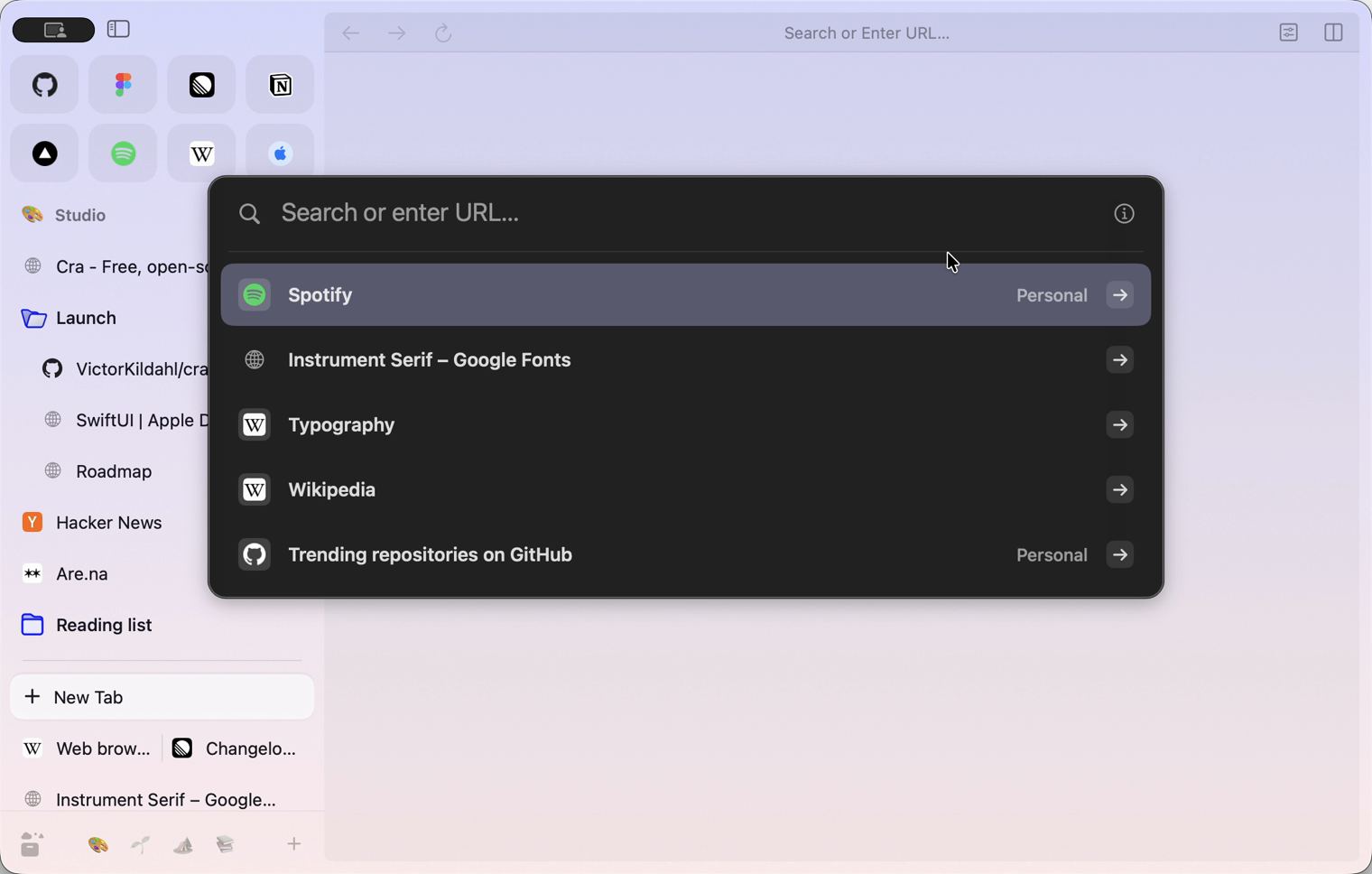
Settings ▸ Advanced ▸ When opening Cra, start on a new tab: Cra opens with your tabs where they were, none of them loaded, and the command bar waiting for a new tab. Off by default, as Arc always opens on your last tab. chrome://settings no longer shows On startup, as in Arc: CEF reset it at every launch and Cra restores its own tabs.
Thank you
carbonado, for asking
What else is new
Fixes
- App Shortcuts set in System Settings for Hide or Show Sidebar work, because the View menu retitles its rows as soon as the sidebar changes (#253, Markkojak).
- An extension that brings a tab forward no longer raises a Cra window on another monitor over the app you’re using (#239, prithsr).
- Pages handed off from Safari on your iPhone open in Cra, following Air Traffic Control (#254, Quinn Battersby).
- The “Cra updated!” card stays open after What’s new, so Sponsor Cra is still a click away.
- App Shortcuts set in System Settings for Hide or Show Sidebar work, because the View menu retitles its rows as soon as the sidebar changes (#253, Markkojak).
Thank you
Thank you, Grigoriy, Quinn Battersby and jerry699, for pull requests, and TearsOfCloud, Markús Kötterheinrich, Quinn Battersby, Markkojak, prithsr and carbonado for the reports.
Cra is free and made in the open. Sponsor Cra
For every change in 0.1.36, see the changelog.
Past releases
8 November 20260.1.35
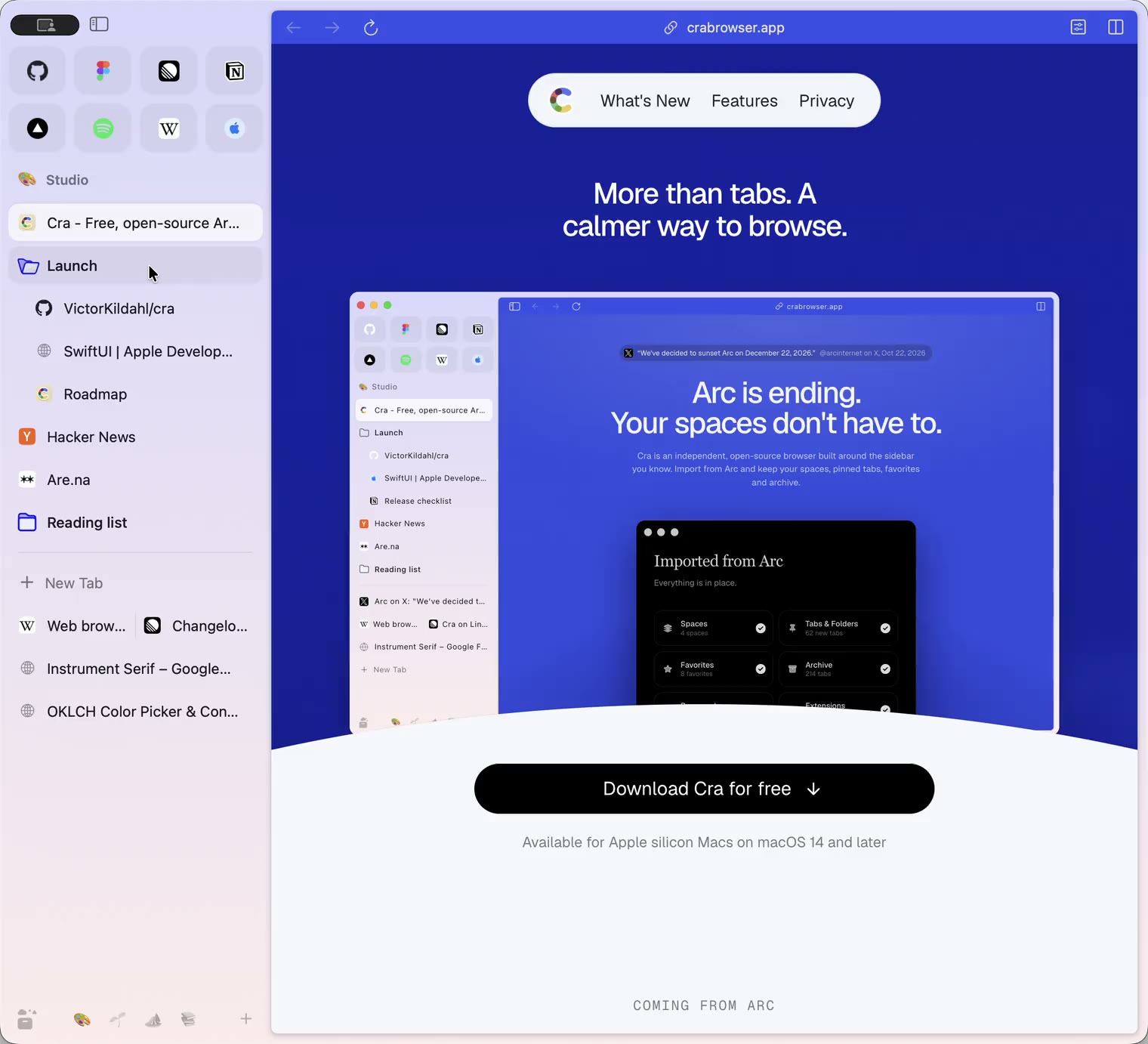
Boosts, Easels and the rest of Arc’s Library
7 November 20260.1.34
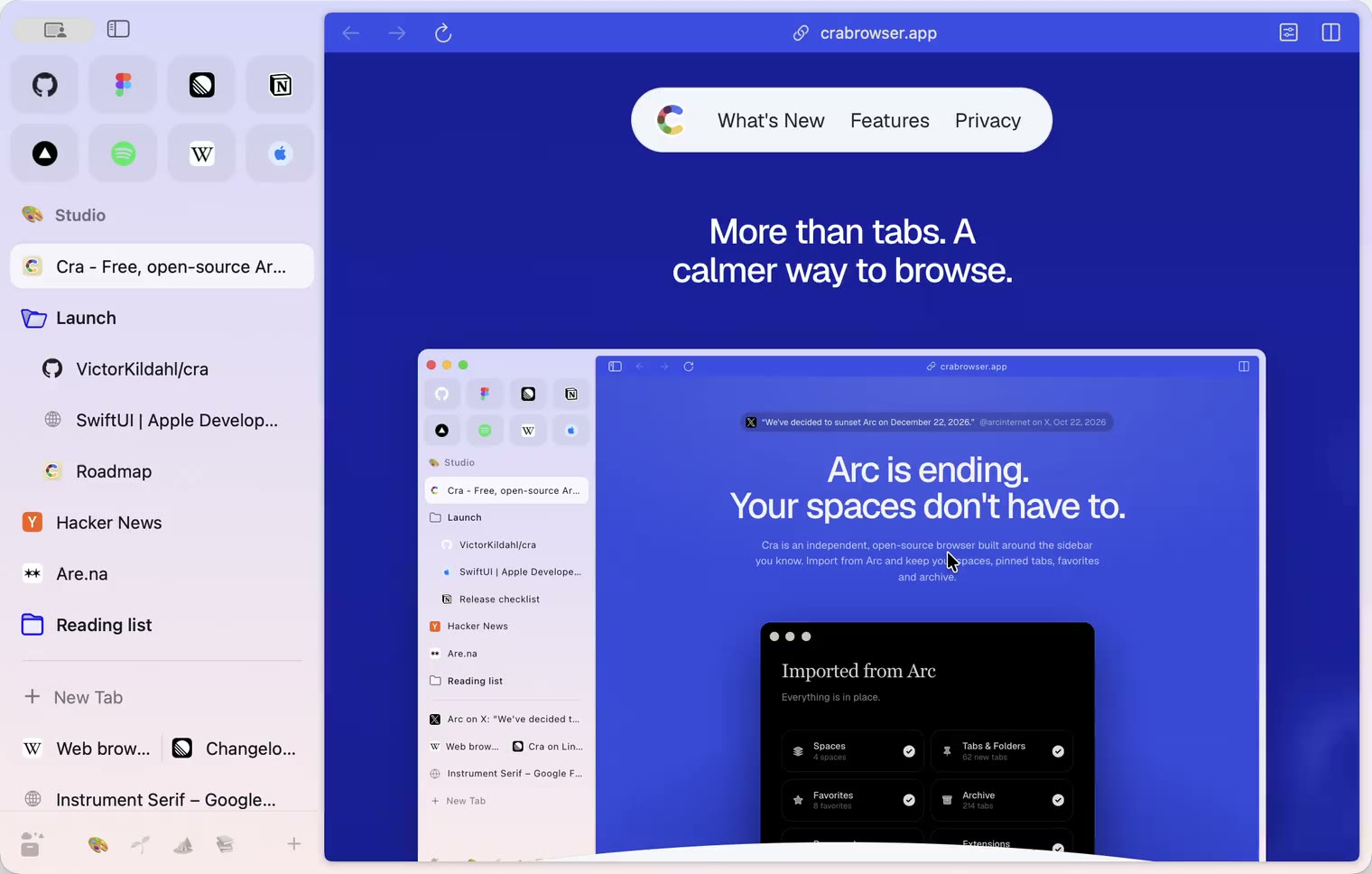
Arc’s dialog sheets, GitLab live folders, pinned splits by drop
6 November 20260.1.33
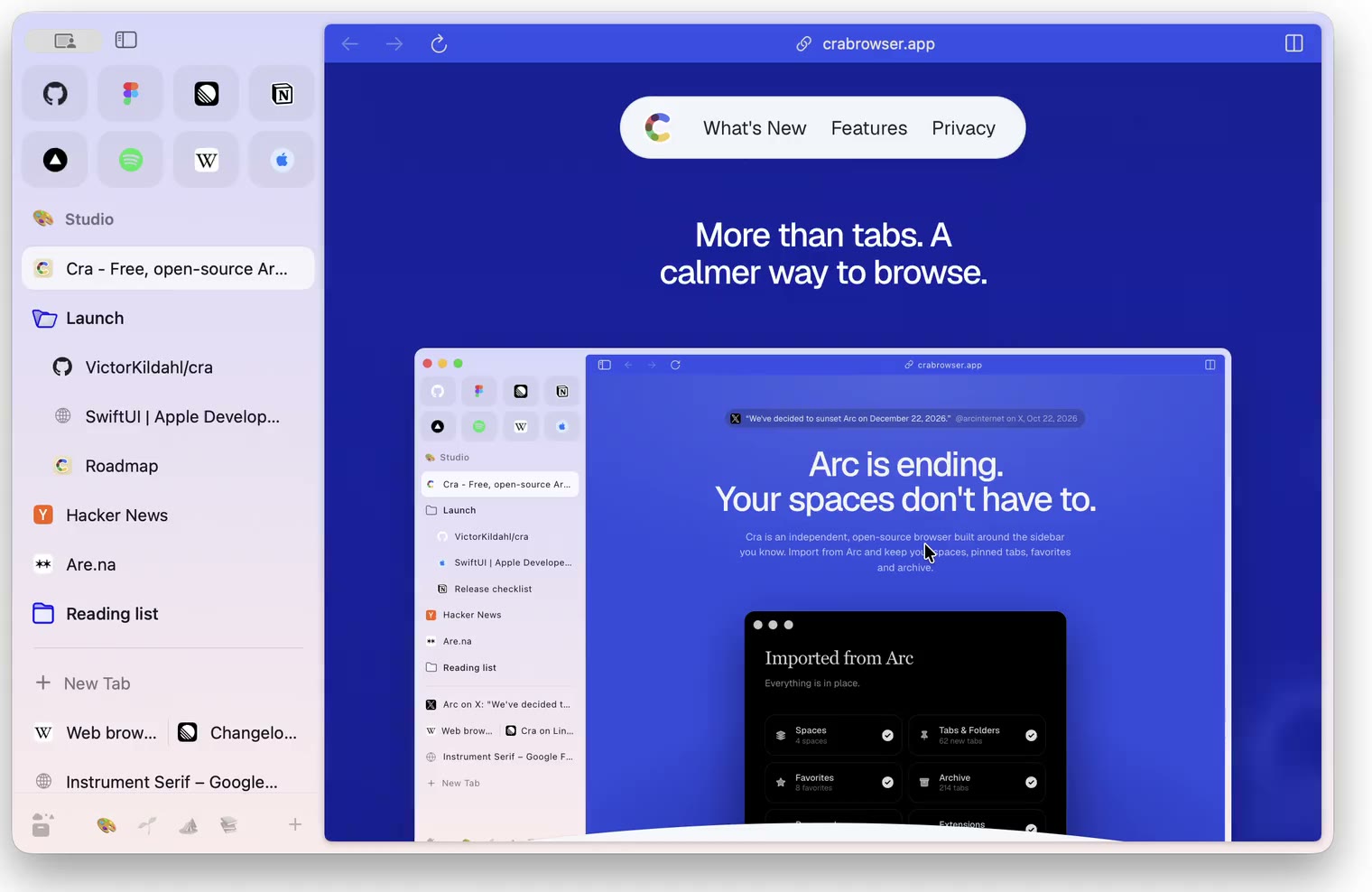
Blank Window, tabs you drag out, Arc’s right-click menu
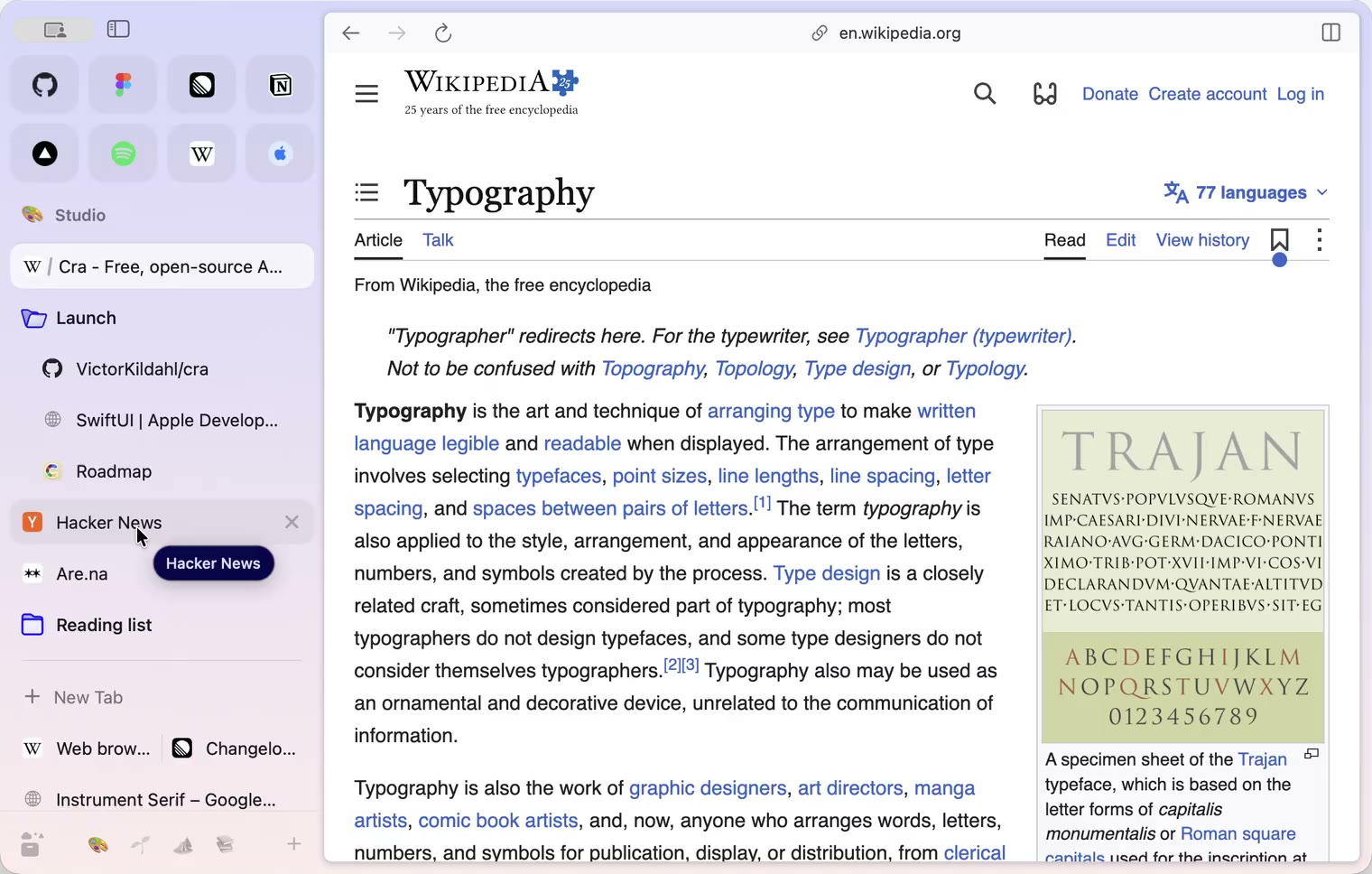
6 November 20260.1.32
Peek grows out of the link, a download folder per profile, Meet’s picture-in-picture
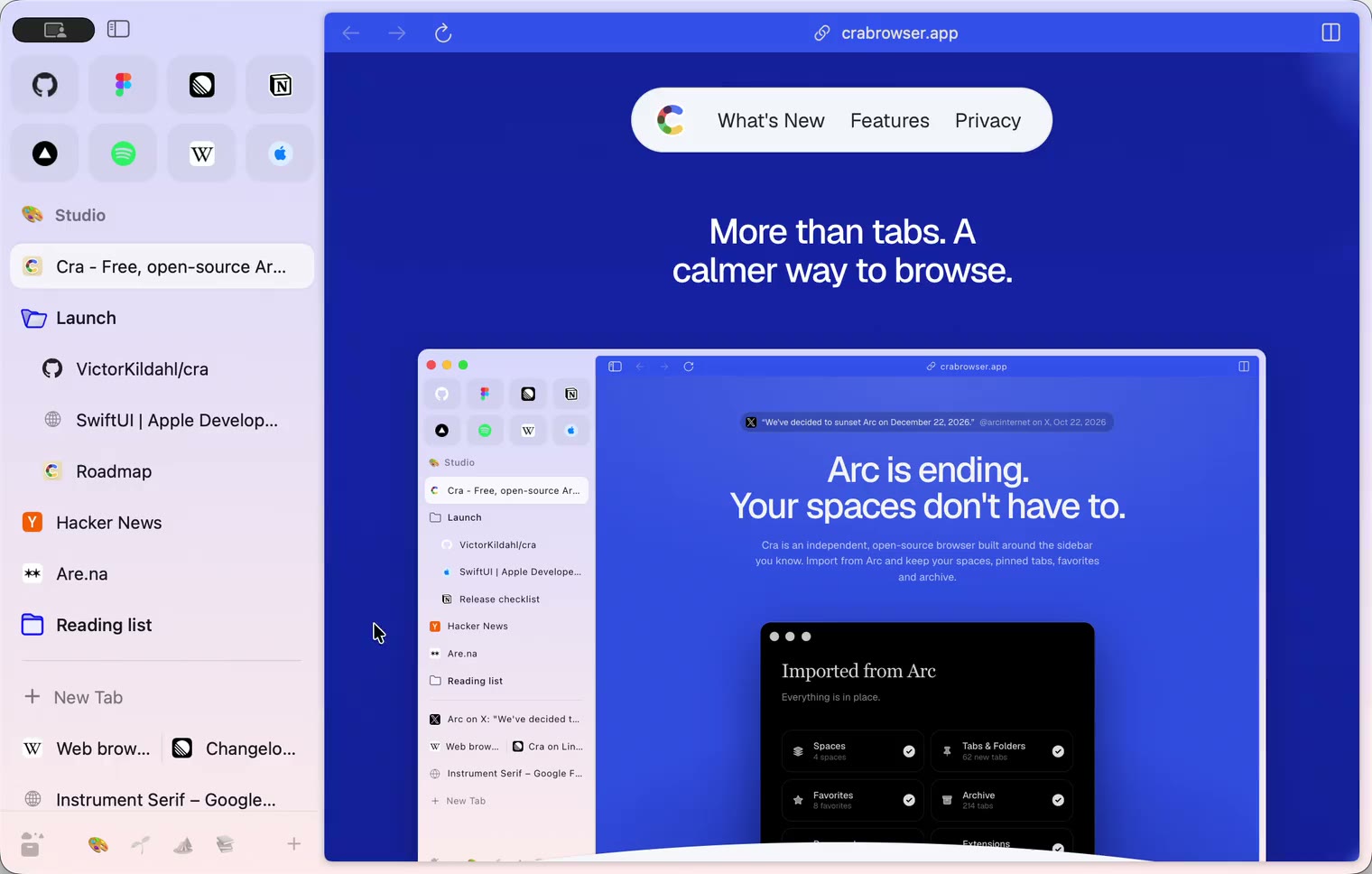
5 November 20260.1.31
Spotify and Netflix play, Tidy Tabs on your Mac, extension side panels
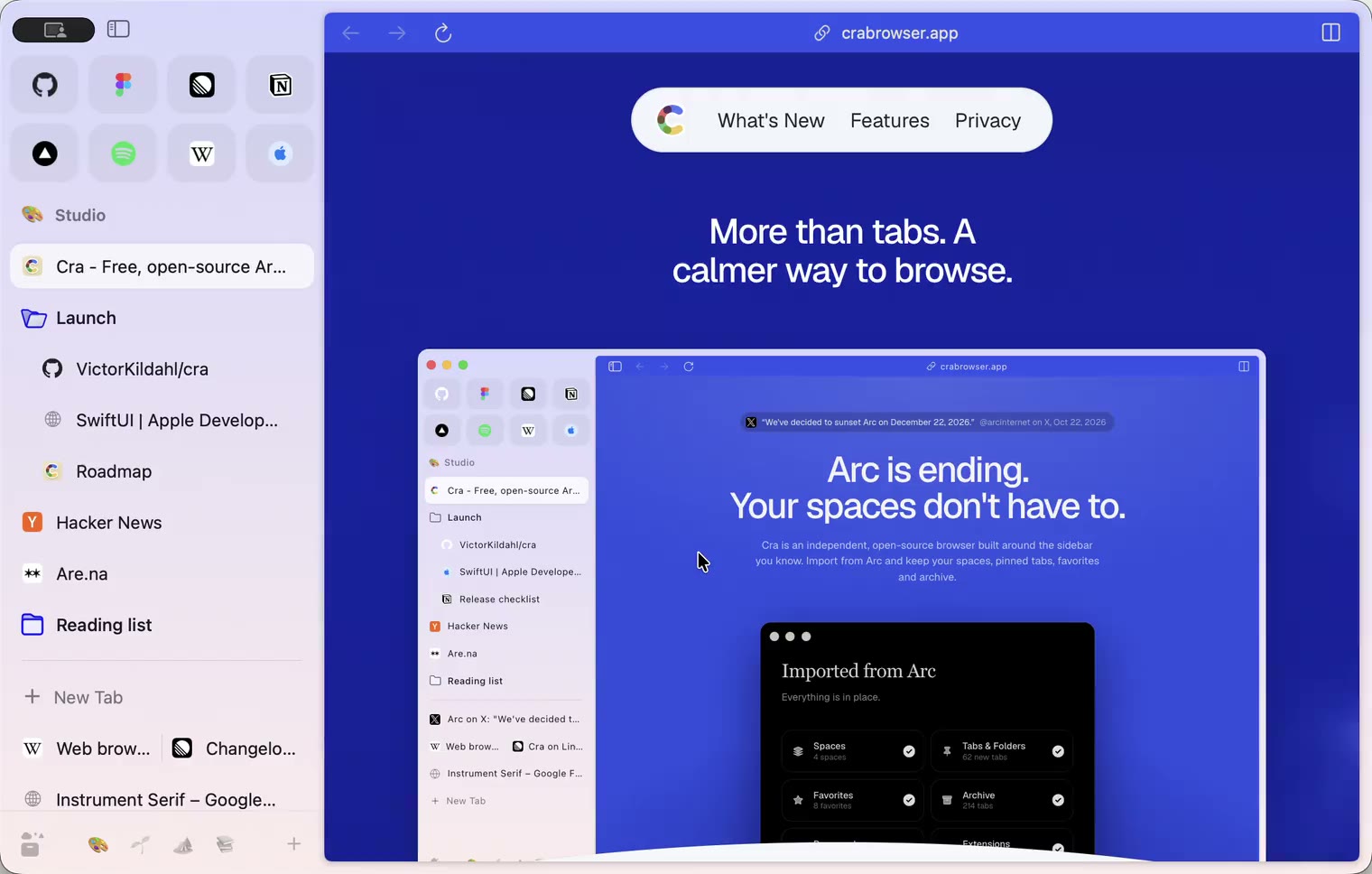
4 November 20260.1.30
Capture like Arc, favorites you drag into place, Arc’s colour picker
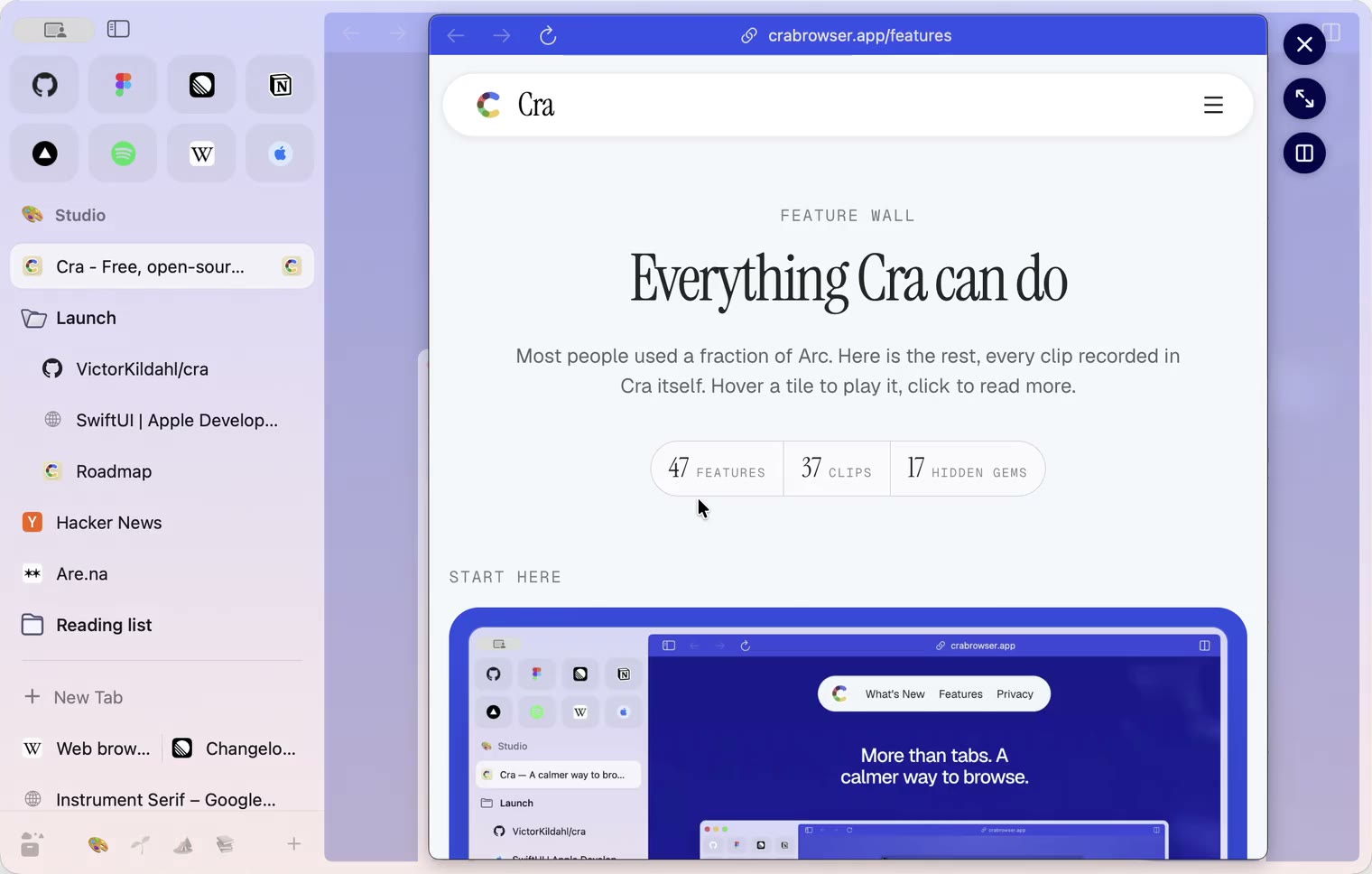
4 November 20260.1.29
Peek like Arc’s, space themes with a light and a dark half, Arc’s space tooltip
3 November 20260.1.28
Pinned tabs and closing like Arc, notifications, Arc’s loading bar
2 November 20260.1.27
Arc’s Capture, live extension icons and Shift + wheel spaces
2 November 20260.1.26
Background tabs, Arc’s toast and Move to Space
1 November 20260.1.25
Edit pinned URLs and swipe into the Library
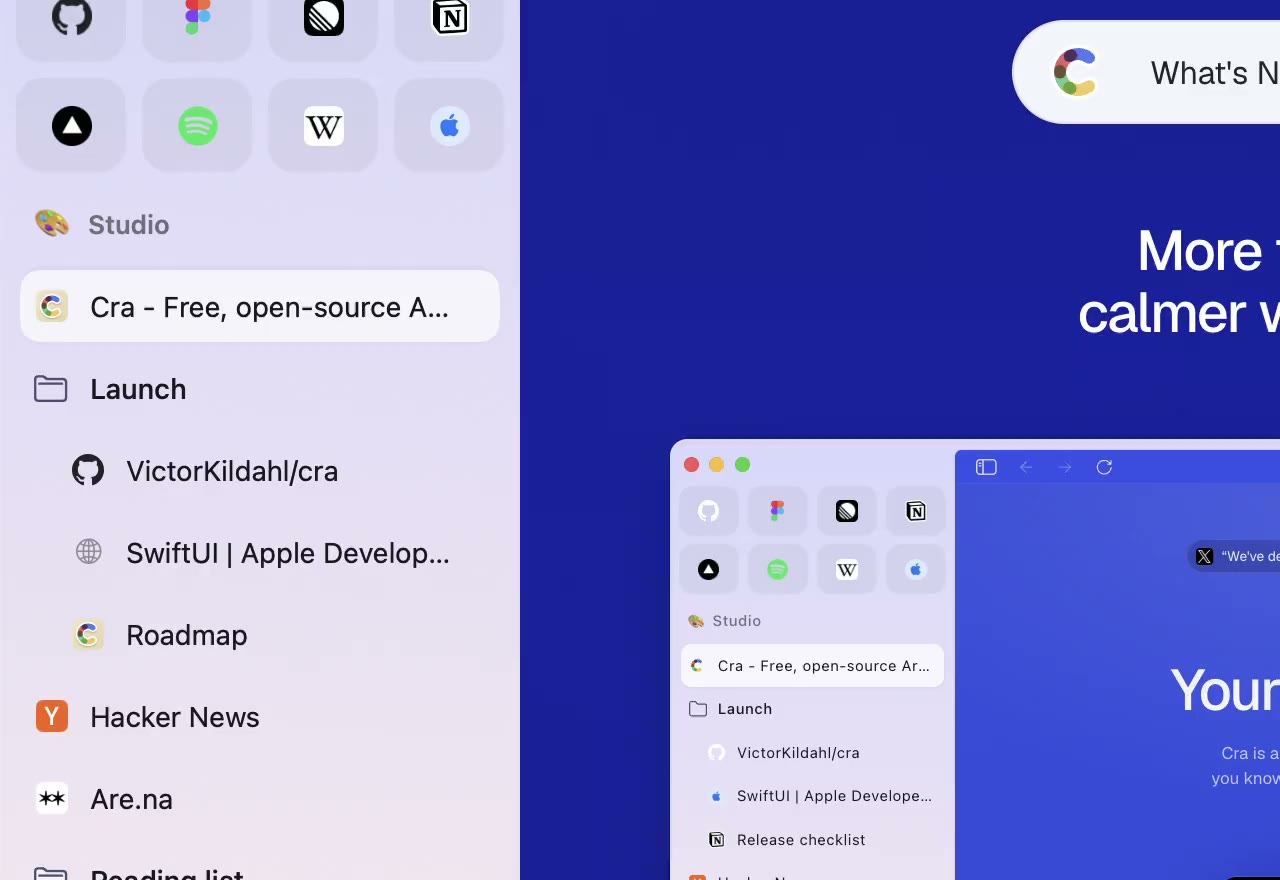
1 November 20260.1.24
Arc’s space menu, tab search and developer bar
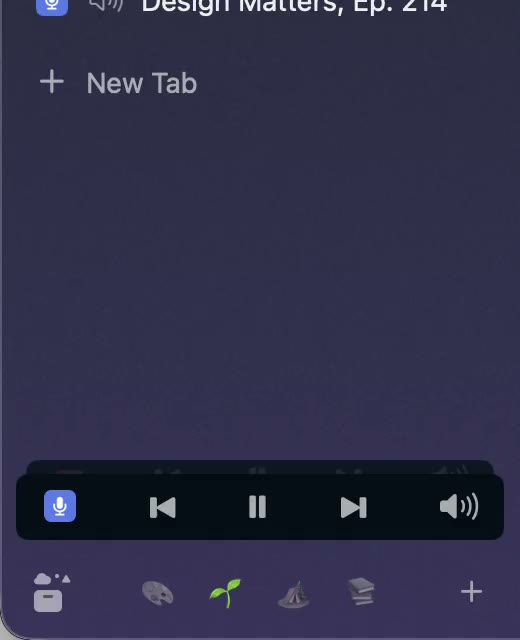
31 October 20260.1.23
Arc’s now-playing player, split favorites and folder previews
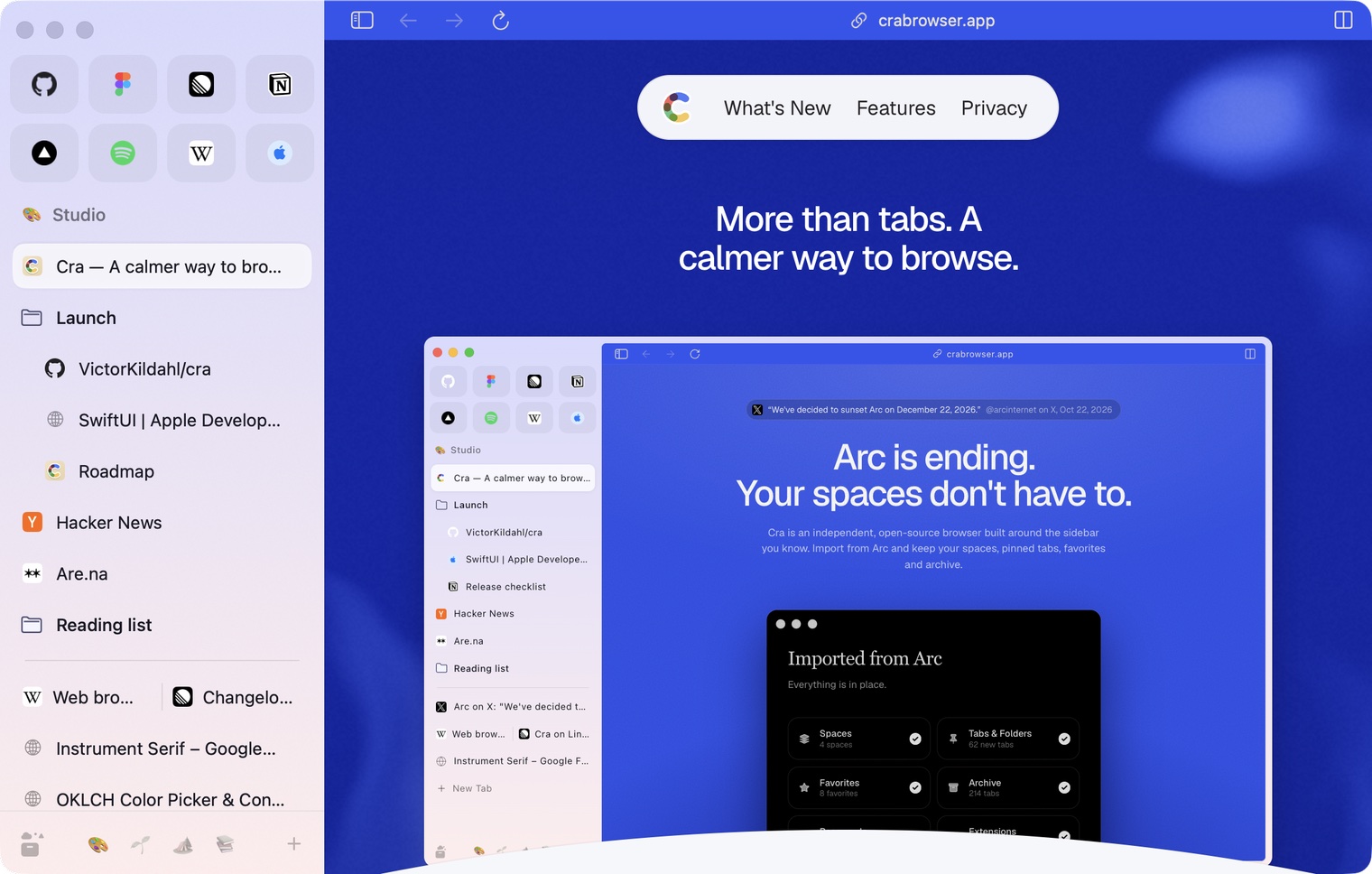
30 October 20260.1.22
Edge-to-edge pages and Arc’s refresh button
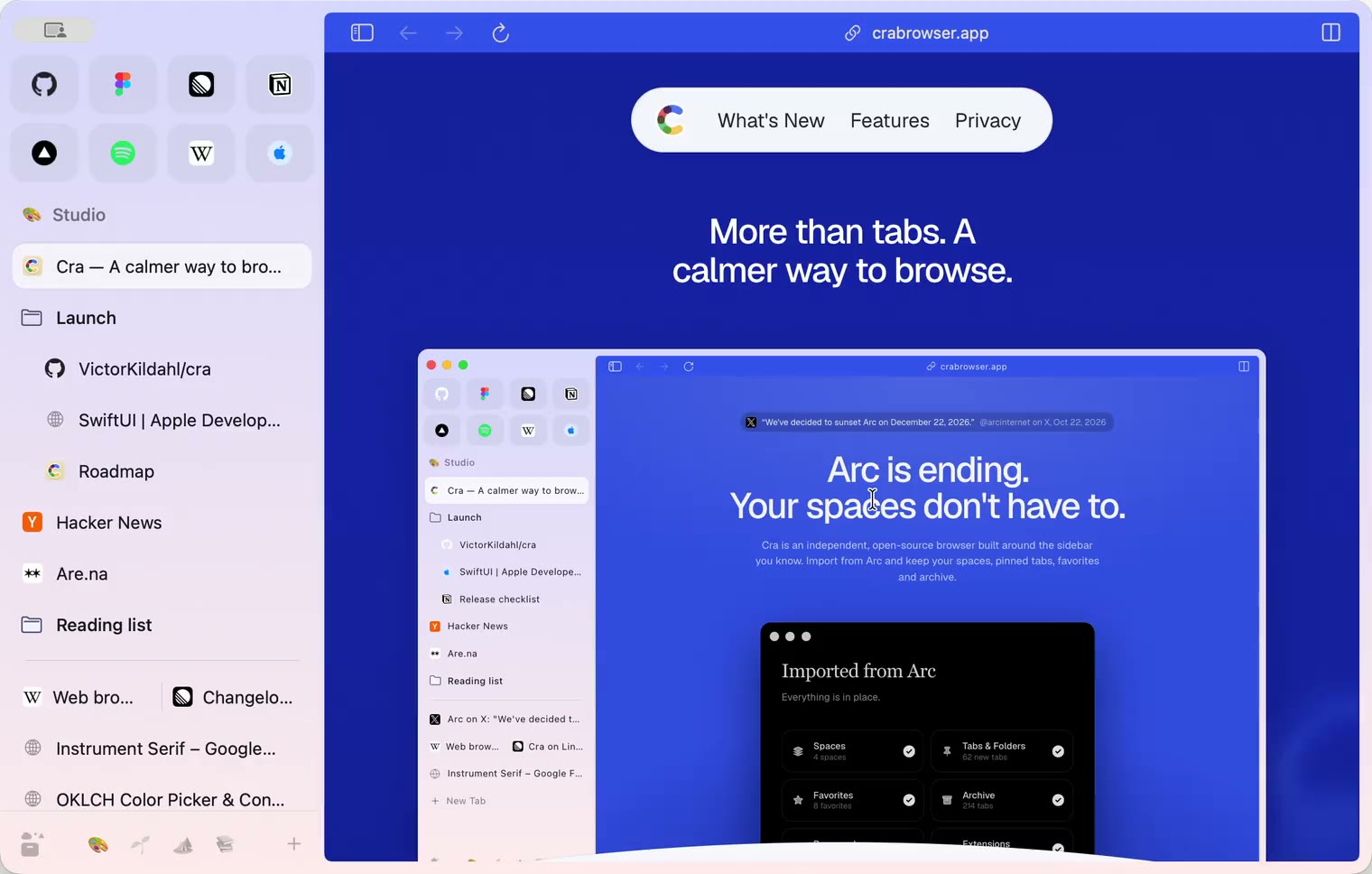
30 October 20260.1.21
Pinned split views and a quick way to clear cookies
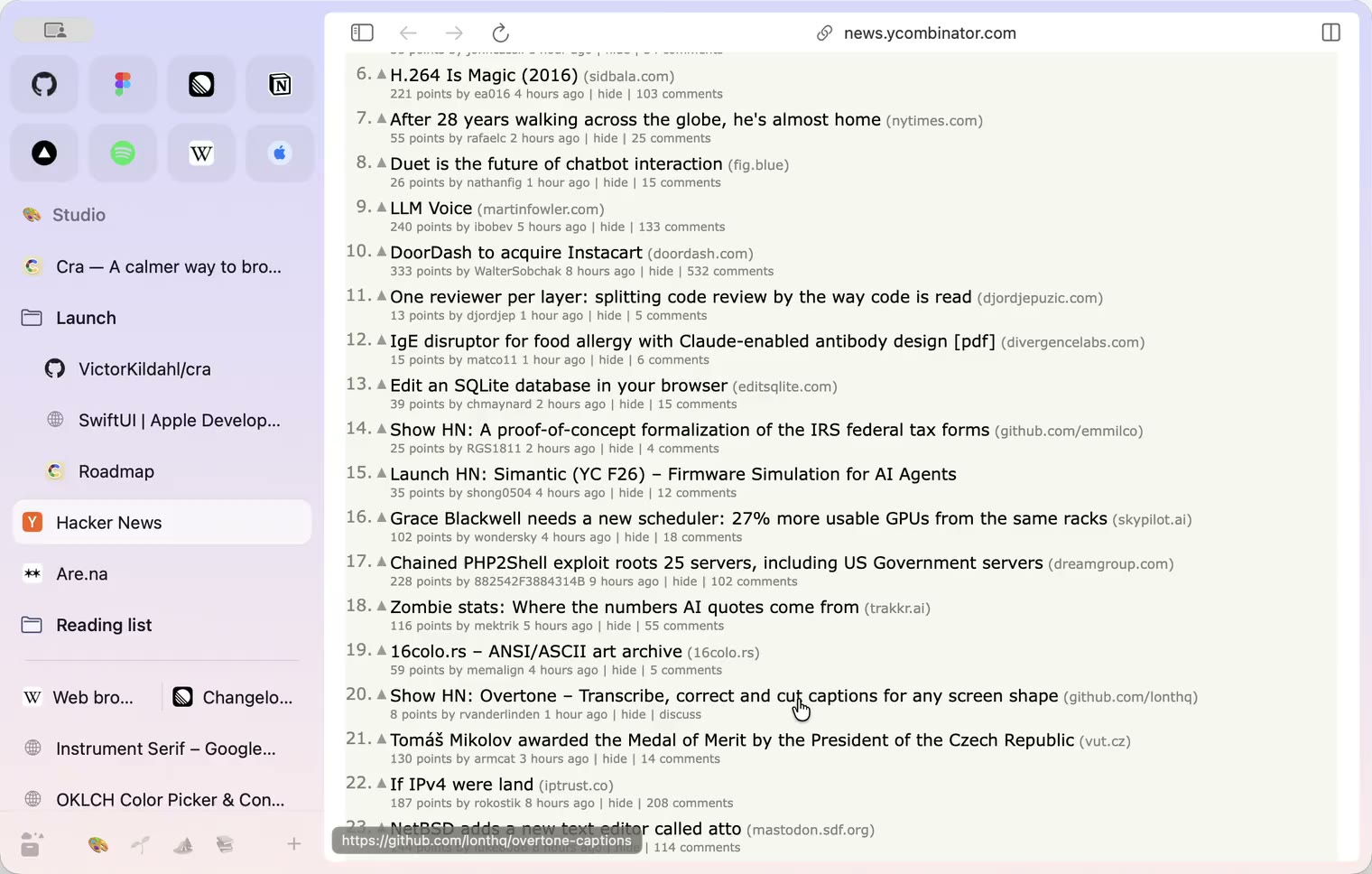
29 October 20260.1.20
Peek, Site Search and instant extension popups
- 0.1.19
29 October 20260.1.19
Extension popups open right away

29 October 20260.1.18
A sidebar built for speed
- 0.1.17
28 October 20260.1.17
Pages live inside the window
- 0.1.16
28 October 20260.1.16
A smoother Cra
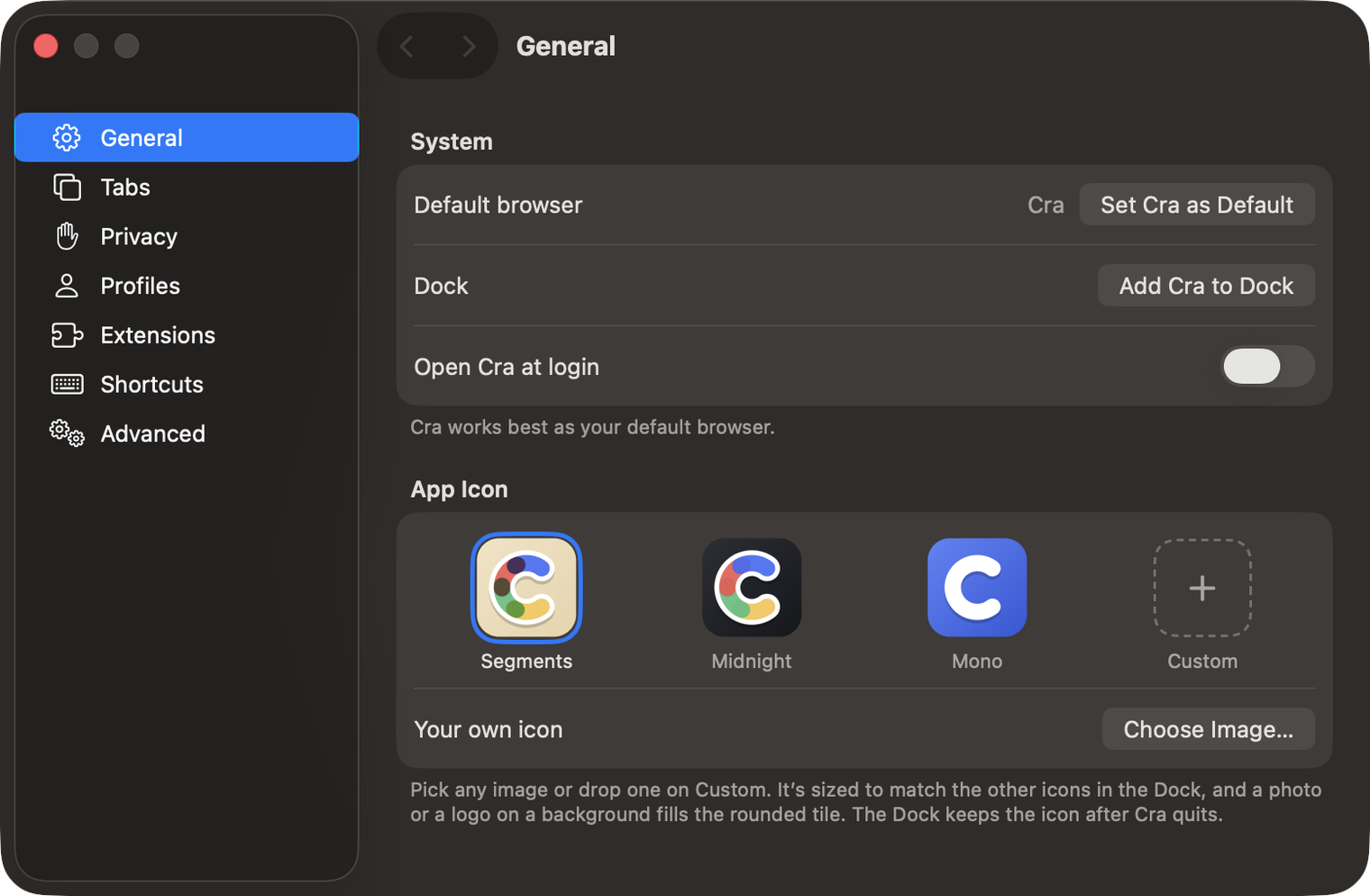
28 October 20260.1.15
Make Cra’s icon your own
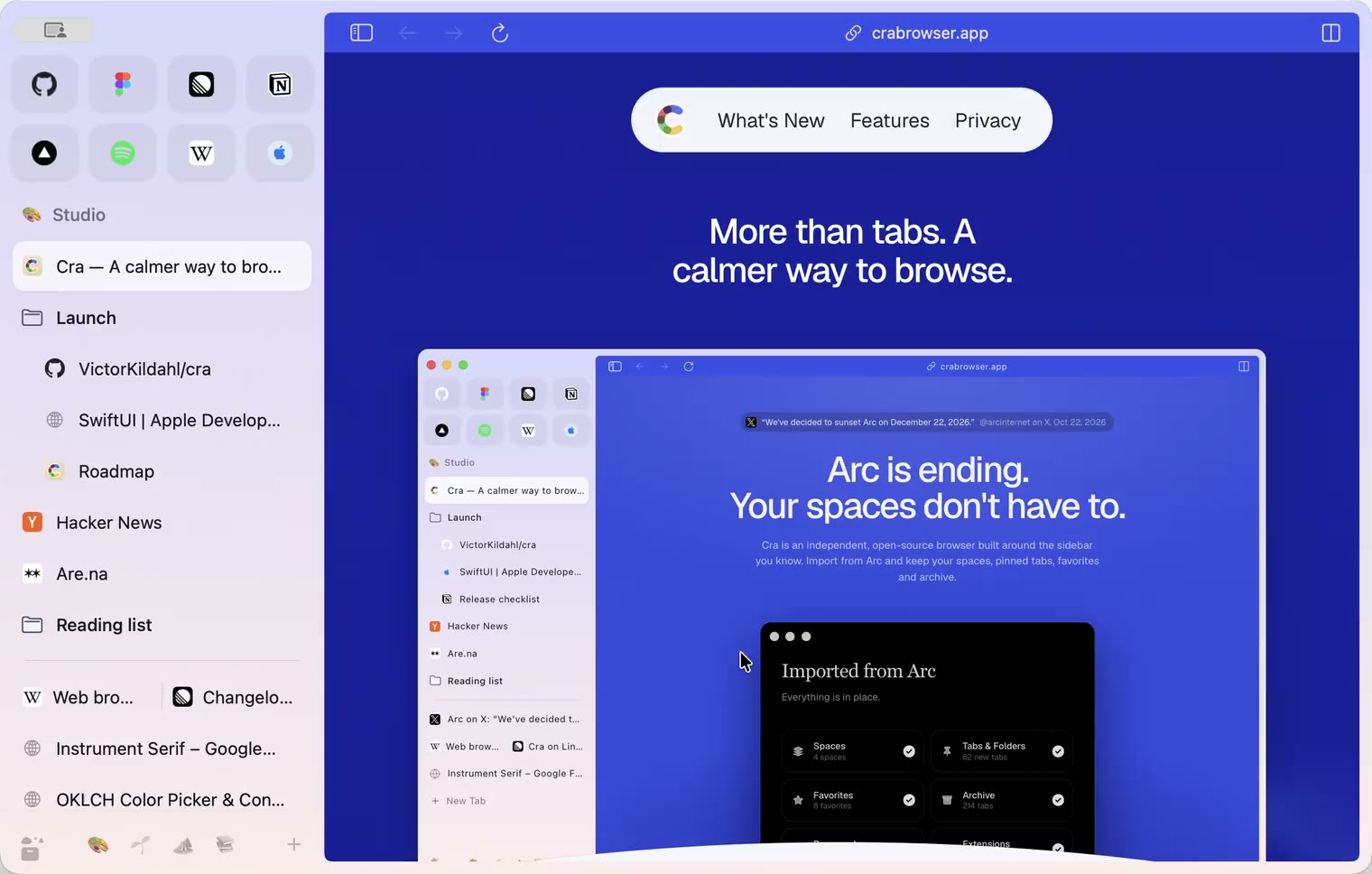
27 October 20260.1.14
The Library moves into the sidebar

27 October 20260.1.13
Drag your spaces into order

27 October 20260.1.12
Downloads that outlive their tab

27 October 20260.1.11
Your passwords, locked in your Keychain

26 October 20260.1.10
Air Traffic Control

26 October 20260.1.9
Favorites per space
- 0.1.8
26 October 20260.1.8
Video everywhere
- 0.1.7
26 October 20260.1.7
Work sign-ins

26 October 20260.1.6
Drag and drop that works

26 October 20260.1.5
Sign in with Google

26 October 20260.1.4
Copy, paste and clean corners

26 October 20260.1.3
Extensions that reach their apps
- 0.1.2
26 October 20260.1.2
Notarized, and it updates itself
- 0.1.1
25 October 20260.1.1
Quit fix

25 October 20260.1.0
Early access