Cra 0.1.379 November 2026
Back to where the link came from
Back on a tab a link opened now closes it and takes you to the tab it came from, and every tab keeps its back and forward list across a relaunch, as in Arc.
Back closes a link’s tab
A tab opened by a link, a page’s window.open or a link in a Peek remembers the tab it came from. Back walks the page’s own history first; with nothing behind it, Back closes the tab and shows the tab it came from again, as in Arc. Pinned tabs and split panes keep Back for their own history.
Thank you
Fred Blaise, for #273
A sidebar as narrow as Arc’s
Drag the sidebar’s edge down to 164 pt, as in Arc. Below 212 pt the header turns into Arc’s narrow one, with ← → and a ••• popover for Reload and Toggle Sidebar. A slow drag snaps to 228 pt, where four favorites fit, with a tick; drag under 82 pt and the sidebar hides, with Arc’s tip about ⌘S the first time.
Thank you
Bas van Zanten, for #287
The hidden sidebar, on Arc’s timing
With the sidebar hidden, the pointer now waits a tenth of a second at the window’s edge before the sidebar comes out, so brushing the edge no longer flickers it. It springs in on Arc’s curve with Arc’s tight soft shadow, and stays out until the pointer is well past it. Favorite icons are 16 pt, the URL pill and the favorite tiles share Arc’s hover, and section titles use Arc’s ink.
Thank you
Jelena Jansson, for #293
Arc’s + menu
The + at the bottom of the sidebar opens Arc’s creation menu, New Space, New Folder, New Easel, New Boost, New Split and New Tab, in the space’s own colours, with the + turning into × while it’s open.
Thank you
Grigoriy, for #271
Tabs dropped on a folder
A tab dropped on a folder goes in at the top and the folder stays shut, as in Arc; the tab you were on peeks out under it. Folders no longer spring open while you hover with a tab.
Thank you
Yunus Johnson, for #266
Back to the pinned page with a double-click
Double-click a favorite that has wandered away from its pinned page and it goes back there, the same as Back to Pinned Page in its menu. A single click still just opens it.
Thank you
Mike Gray, for #264
Downloads you can pause
Right-click a download, in the tray or on Library ▸ Downloads, for Arc’s menu: Open, Copy, Show in Finder, Cancel Download, Hide from Cra and Move to Trash, plus Pause and Resume. The bin over the Library button carries a progress ring while downloads run, and quitting asks Arc’s “Downloads in progress” first.
Thank you
franvz9, for #272
One “Open Link in New Tab”
A link’s right-click menu has Arc’s single “Open Link in New Tab”, which opens the tab behind the page you’re reading, as Arc does. Settings ▸ Tabs has a switch if you’d rather go to the new tab. The menu’s labels now come from Chromium in your language, and the image search names your search engine.
Thank you
Wladimir, for #276, and Quinn Battersby, for asking for background tabs in #183
File ▸ Share…
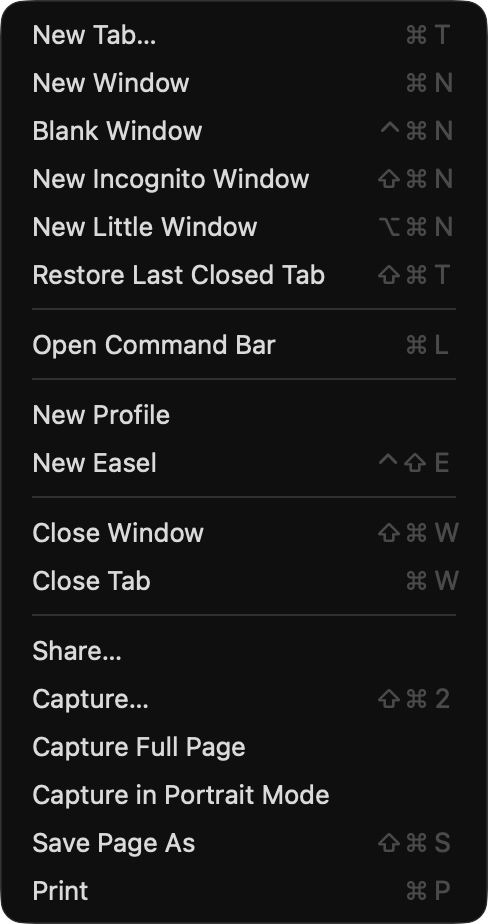
File ▸ Share… opens the Mac’s share menu (AirDrop, Mail, Messages, Notes…) for the page in front. The File menu now has Arc’s five sections, New Space… heads the Spaces menu and New Folder… moved to Tabs, where Arc keeps them.
Thank you
Markkojak, for #279
Arc’s ⌘T
The command bar has Arc’s sizes: a 64 pt search row, rows on a 50 pt pitch and “Search or Enter URL…”. The selected row and the info badge take the space’s colours on Arc’s neutral grey panel.
Thank you
Peter Rojs, for #268
A Violet app icon
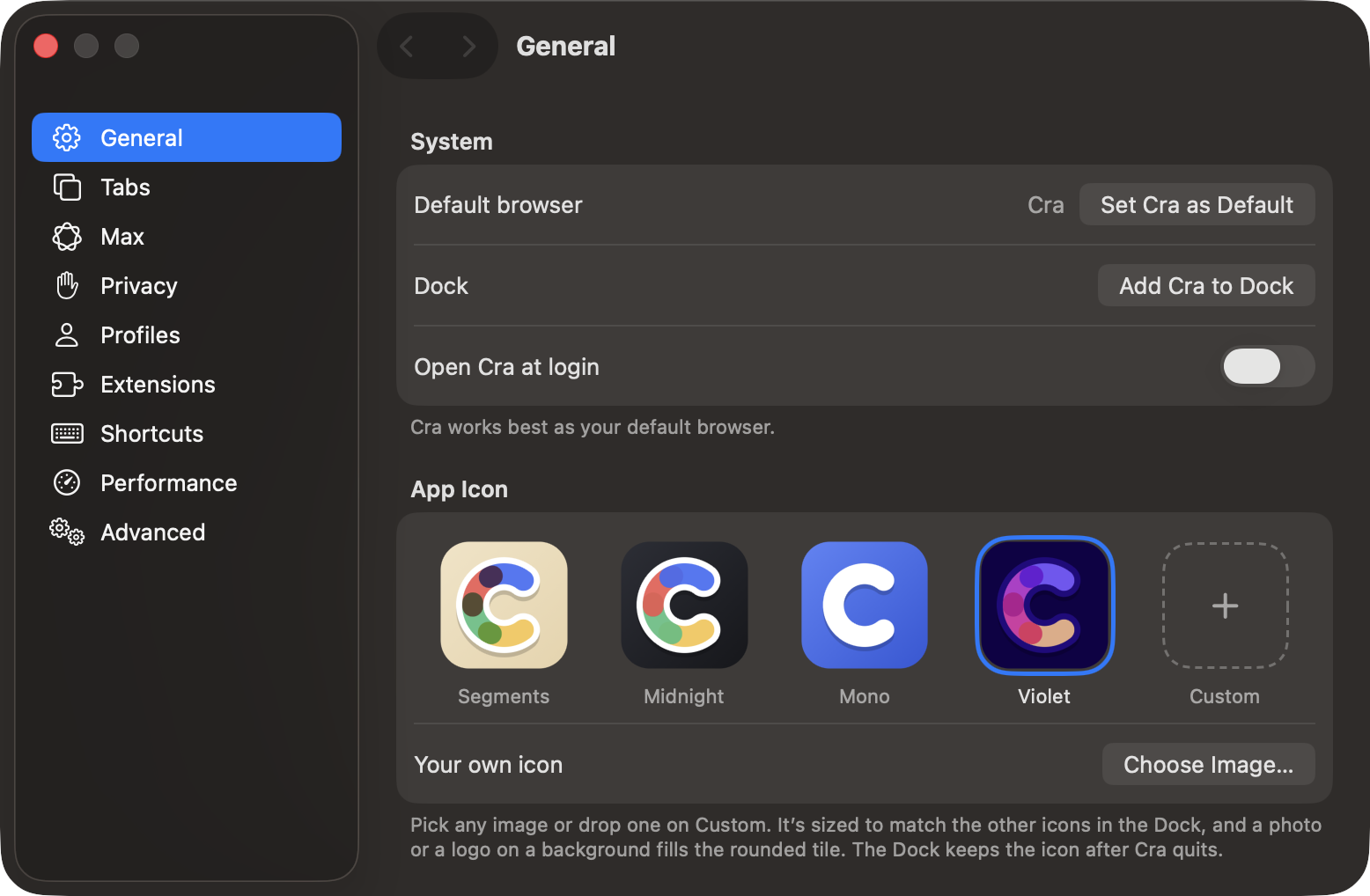
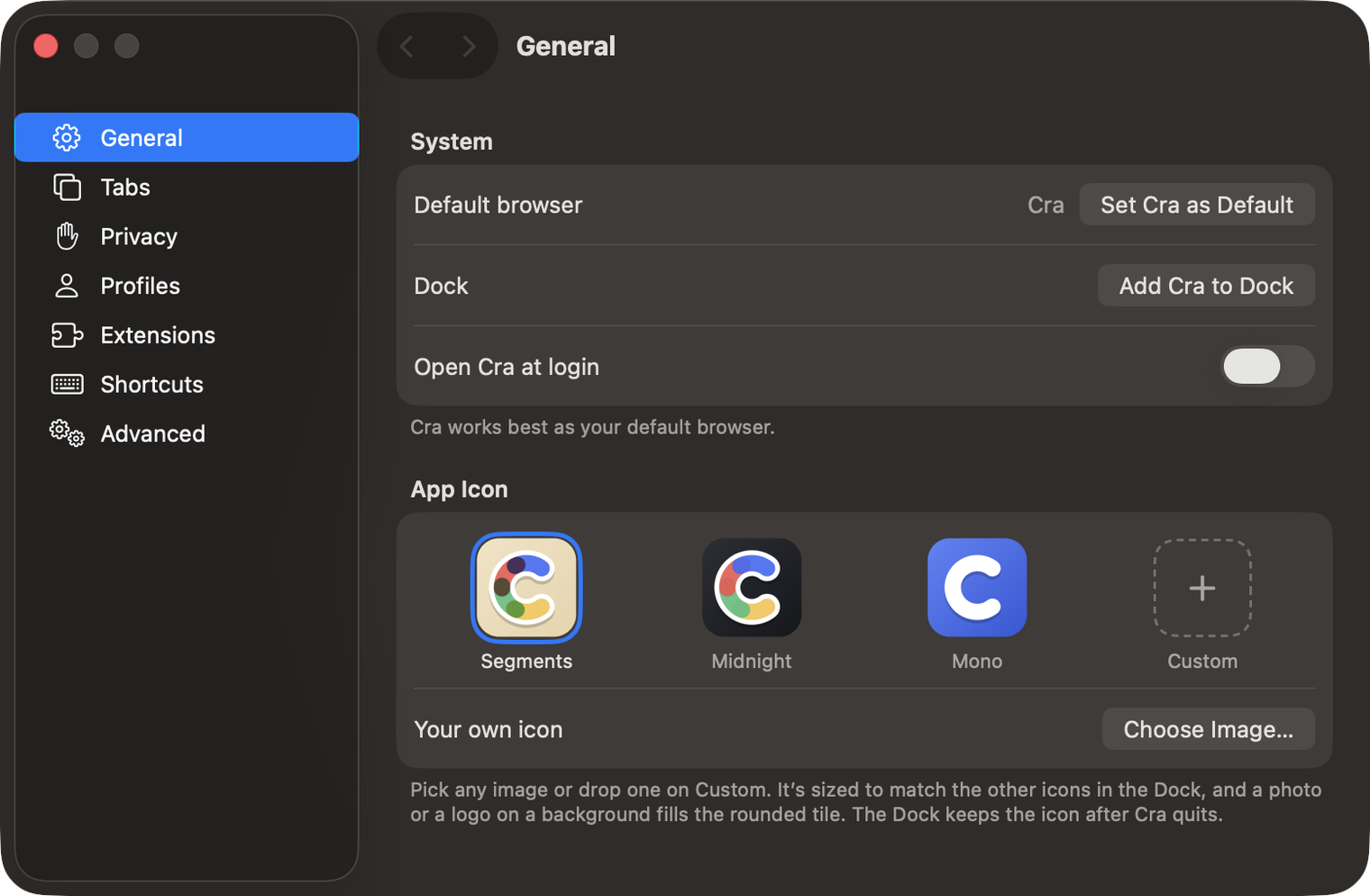
Settings ▸ General ▸ App Icon has a fourth icon, Violet: Arc’s deep violet tile with the ribbons in warm, magenta, orchid and blue-violet, and the edge in the colour of Arc’s rim. The picker’s tiles are bigger and sharper on 1x displays.
Thank you
Wladimir, for #259
Little Windows that pick their space
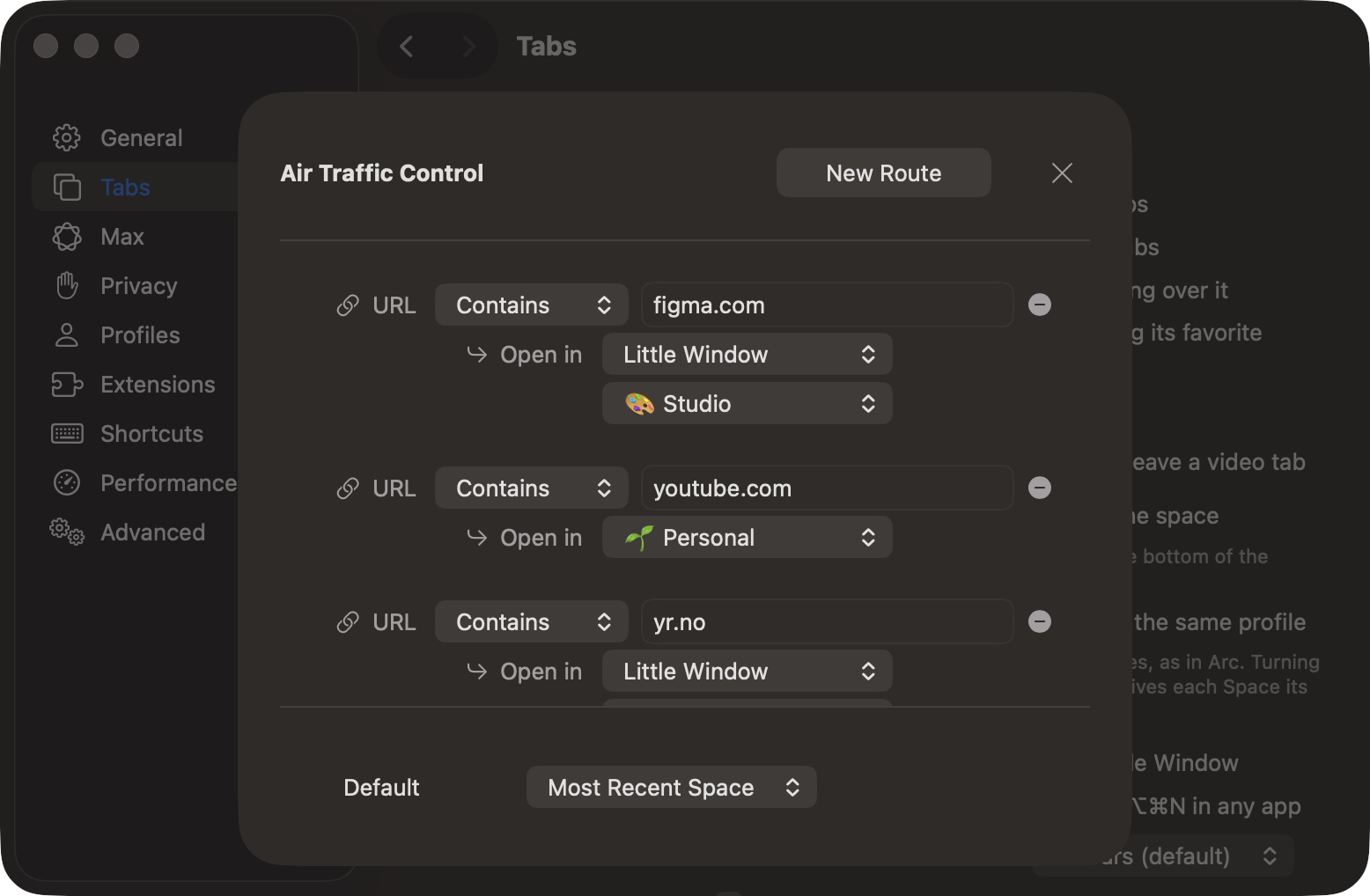
In Air Traffic Control, a route that opens in a Little Window can now name its space: the page opens in that space’s profile, signed in where that space is, and ⌘O sends it there.
Thank you
Markús Kötterheinrich, for #258
What else is new
Page history survives a relaunch
Every tab keeps its back and forward list, with each page’s scroll position, when you quit and open Cra again, the way Arc keeps Chromium’s session history. Reopening a closed tab with ⇧⌘T brings its history back too.
Thank you, Fred Blaise, for asking in #273.
Fixes
- Cra no longer comes to the front by itself every five minutes when a Google Calendar favorite refreshes, or when a page opens behind (#274, Fred Blaise).
- A tab dragged out of a space keeps the space’s profile, so it stays signed in (#288, Bas van Zanten).
- A page behind the tab you’re reading waits until its tab is shown to ask for the camera or microphone, as in Chrome (#286, Wladimir).
- A Little Window from a full-screen window opens over it, not on a black screen of its own (#277, Wladimir).
- No more grey flash over a full-screen window every minute or two (#261, Wladimir).
- Tab sleeping works after the Mac wakes: muted YouTube tabs no longer count as playing (#275, Wladimir).
- A space swipe flick ticks like a slow one (#260, Wladimir).
- Picture in Picture never shows Chromium’s controls under Cra’s, and its buttons follow Arc’s sizes (#262, Wladimir).
- Tab Cleanup can wait 90 or 180 days, and a setting from a newer Cra no longer resets settings.json (#278, Wladimir).
- Tabs on one site keep their own icons after a relaunch, GitLab’s pipeline icons included (#291, Grigoriy).
- Extensions get the right tab back from chrome.tabs.create, which Dashlane’s device check needs (#292, croax).
- Claude in Chrome’s side panel can reach its extension (#265, Michal Černý).
- Option+← and → from Logi Options+ switch spaces over the sidebar (#285, Fred Blaise).
- Easel text blocks pick with one click and edit with two, and deleting an Easel asks Arc’s question (#270, Grigoriy).
- Settings’ sidebar selection sits inset and panes no longer scroll under the header (#269, Peter Rojs).
- Cra no longer comes to the front by itself every five minutes when a Google Calendar favorite refreshes, or when a page opens behind (#274, Fred Blaise).
Thank you
Grigoriy
Peter Rojs
Fred Blaise
Wladimir
Bas van Zanten
franvz9
Mike Gray
Yunus Johnson
Markús Kötterheinrich
Markkojak
Michal Černý
croax
Jelena Jansson
Quinn Battersby
Thank you, Grigoriy, Peter Rojs and Fred Blaise for pull requests; and Wladimir, Fred Blaise, Bas van Zanten, franvz9, Mike Gray, Yunus Johnson, Markús Kötterheinrich, Markkojak, Michal Černý, croax and Jelena Jansson for the reports.
Cra is free and made in the open. Sponsor Cra
For every change in 0.1.37, see the changelog.
Past releases
8 November 20260.1.36
Cra for Intel Macs
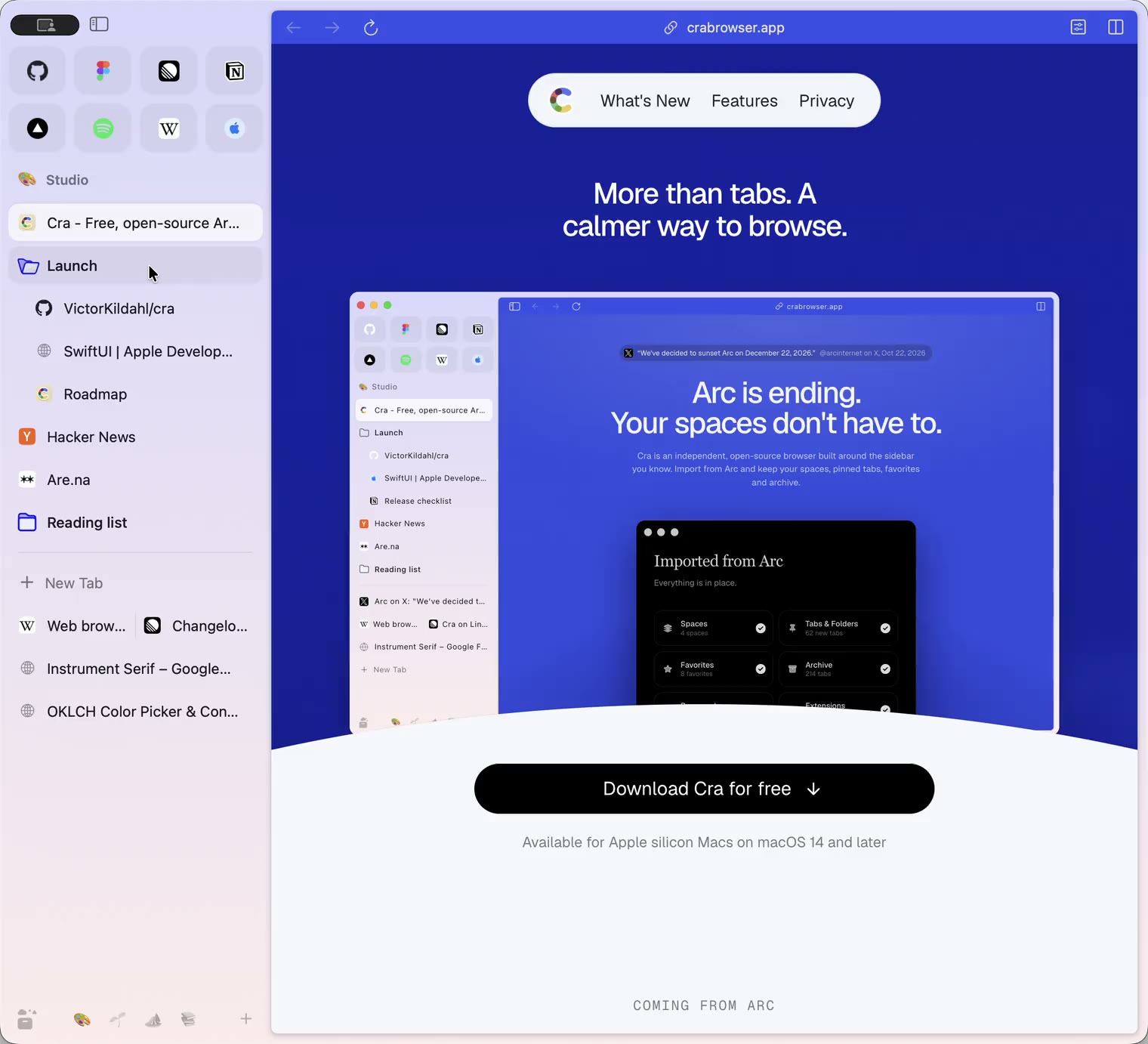
8 November 20260.1.35
Boosts, Easels and the rest of Arc’s Library
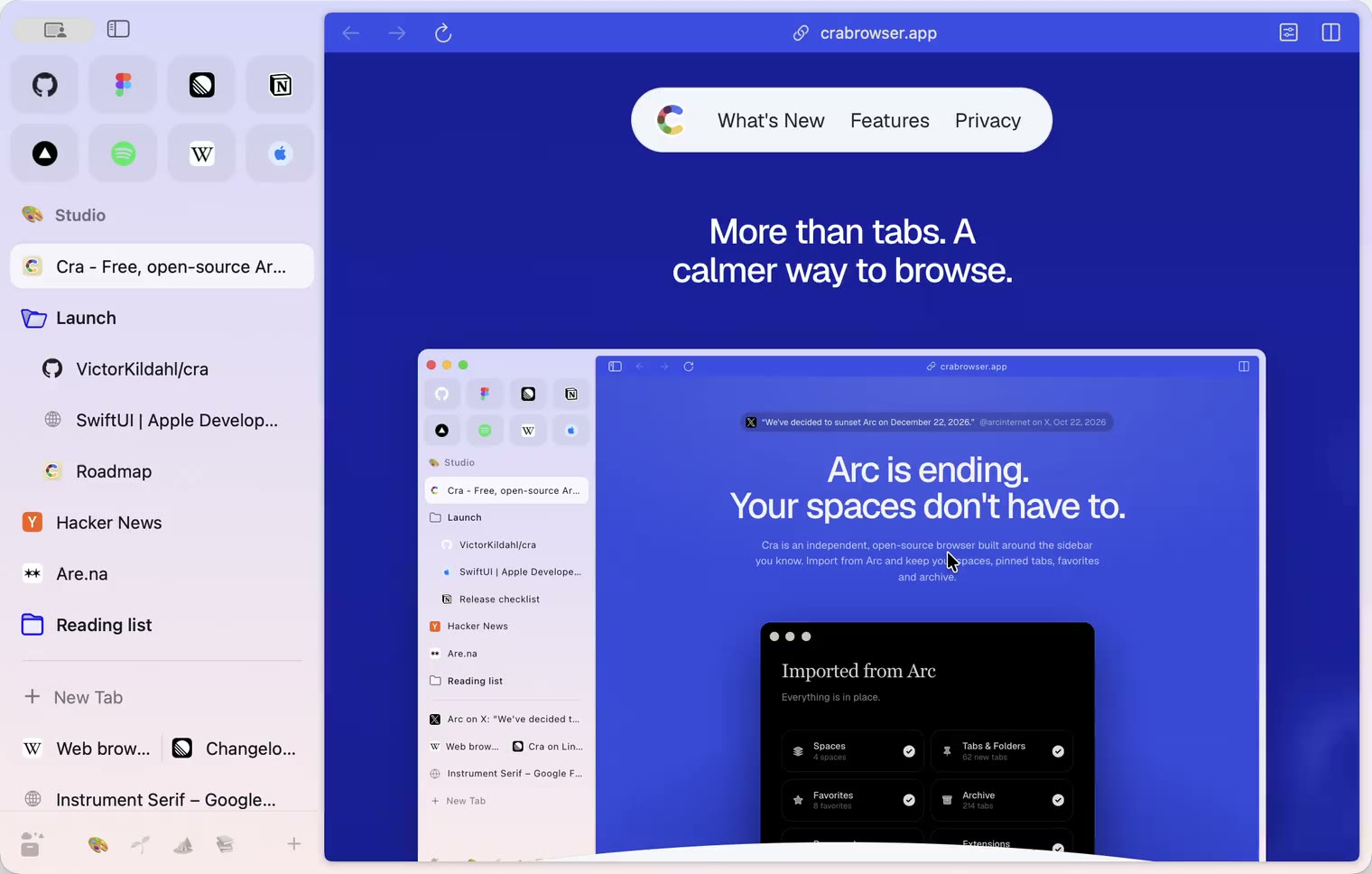
7 November 20260.1.34
Arc’s dialog sheets, GitLab live folders, pinned splits by drop
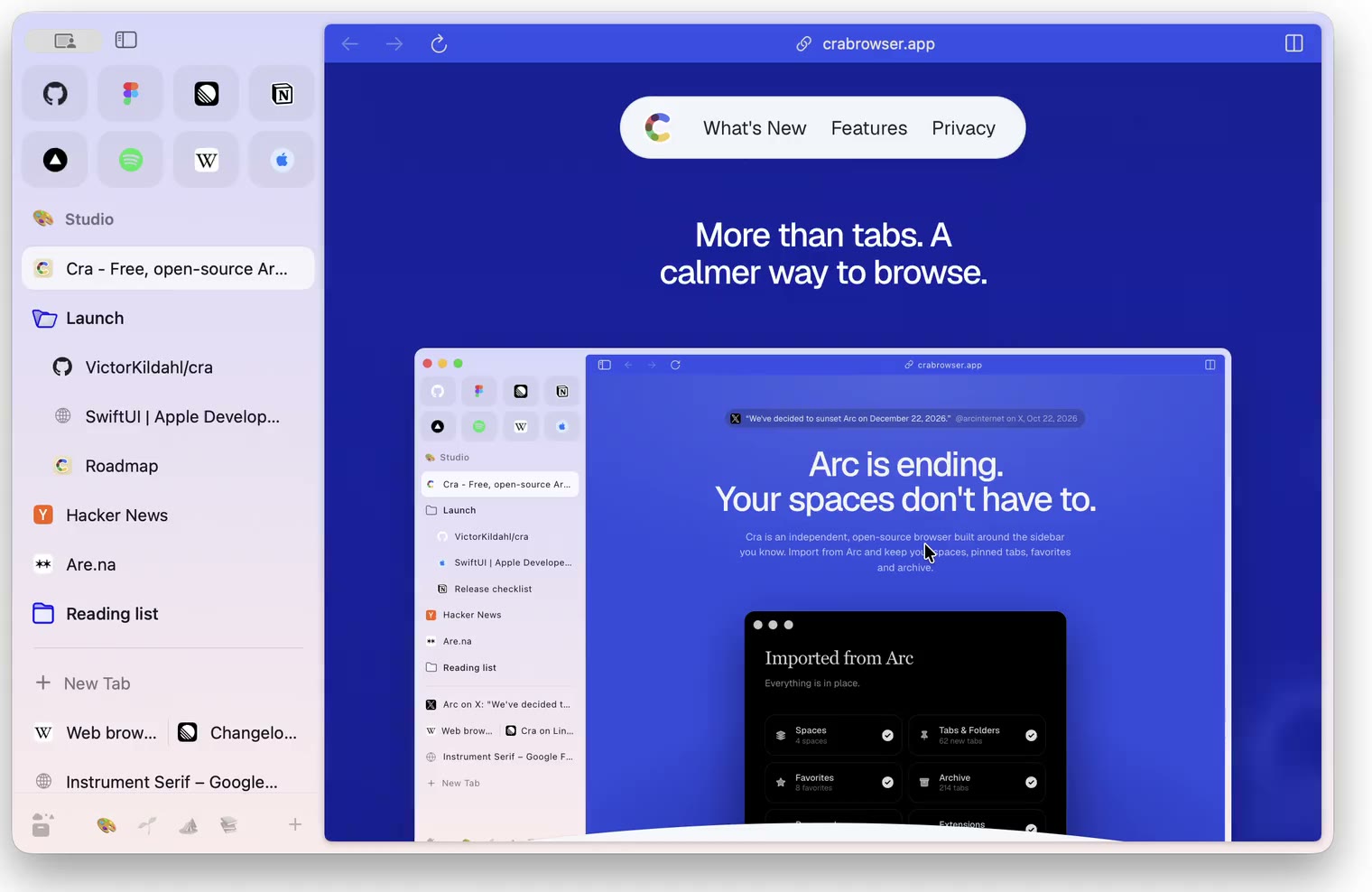
6 November 20260.1.33
Blank Window, tabs you drag out, Arc’s right-click menu
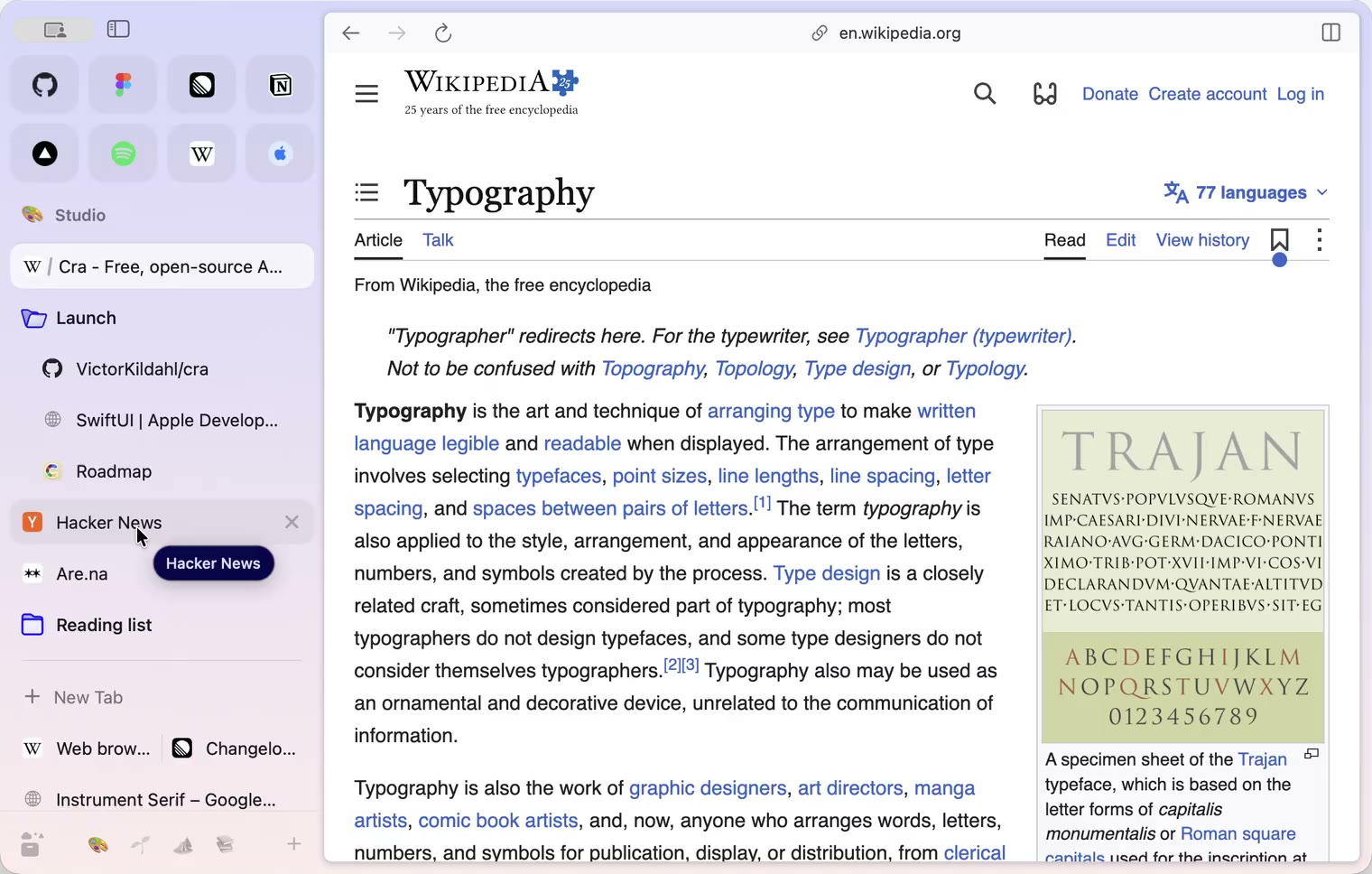
6 November 20260.1.32
Peek grows out of the link, a download folder per profile, Meet’s picture-in-picture
5 November 20260.1.31
Spotify and Netflix play, Tidy Tabs on your Mac, extension side panels
4 November 20260.1.30
Capture like Arc, favorites you drag into place, Arc’s colour picker
4 November 20260.1.29
Peek like Arc’s, space themes with a light and a dark half, Arc’s space tooltip
3 November 20260.1.28
Pinned tabs and closing like Arc, notifications, Arc’s loading bar
2 November 20260.1.27
Arc’s Capture, live extension icons and Shift + wheel spaces
2 November 20260.1.26
Background tabs, Arc’s toast and Move to Space
1 November 20260.1.25
Edit pinned URLs and swipe into the Library
1 November 20260.1.24
Arc’s space menu, tab search and developer bar
31 October 20260.1.23
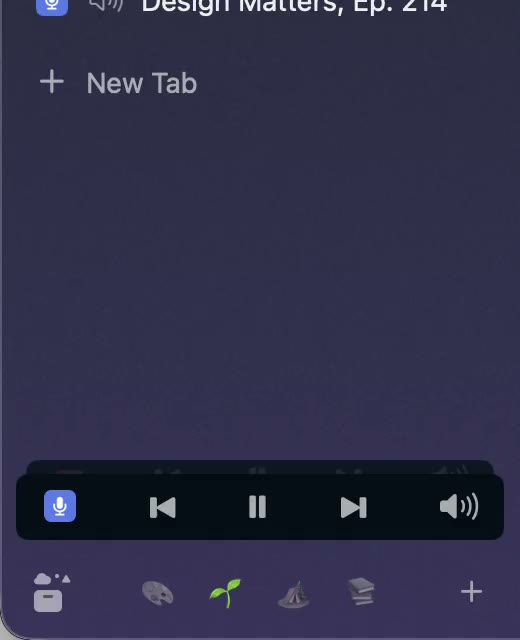
Arc’s now-playing player, split favorites and folder previews
30 October 20260.1.22
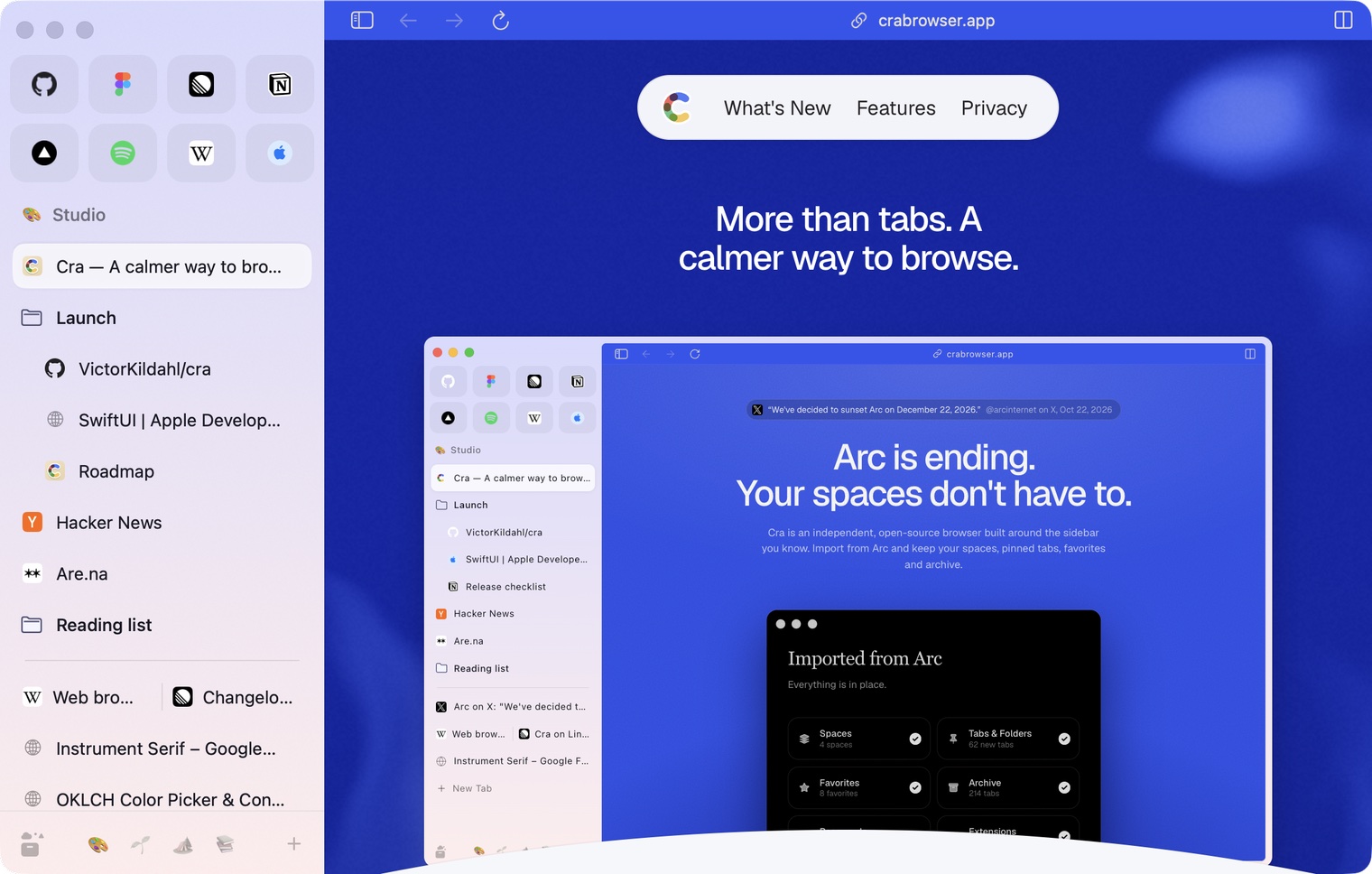
Edge-to-edge pages and Arc’s refresh button
30 October 20260.1.21
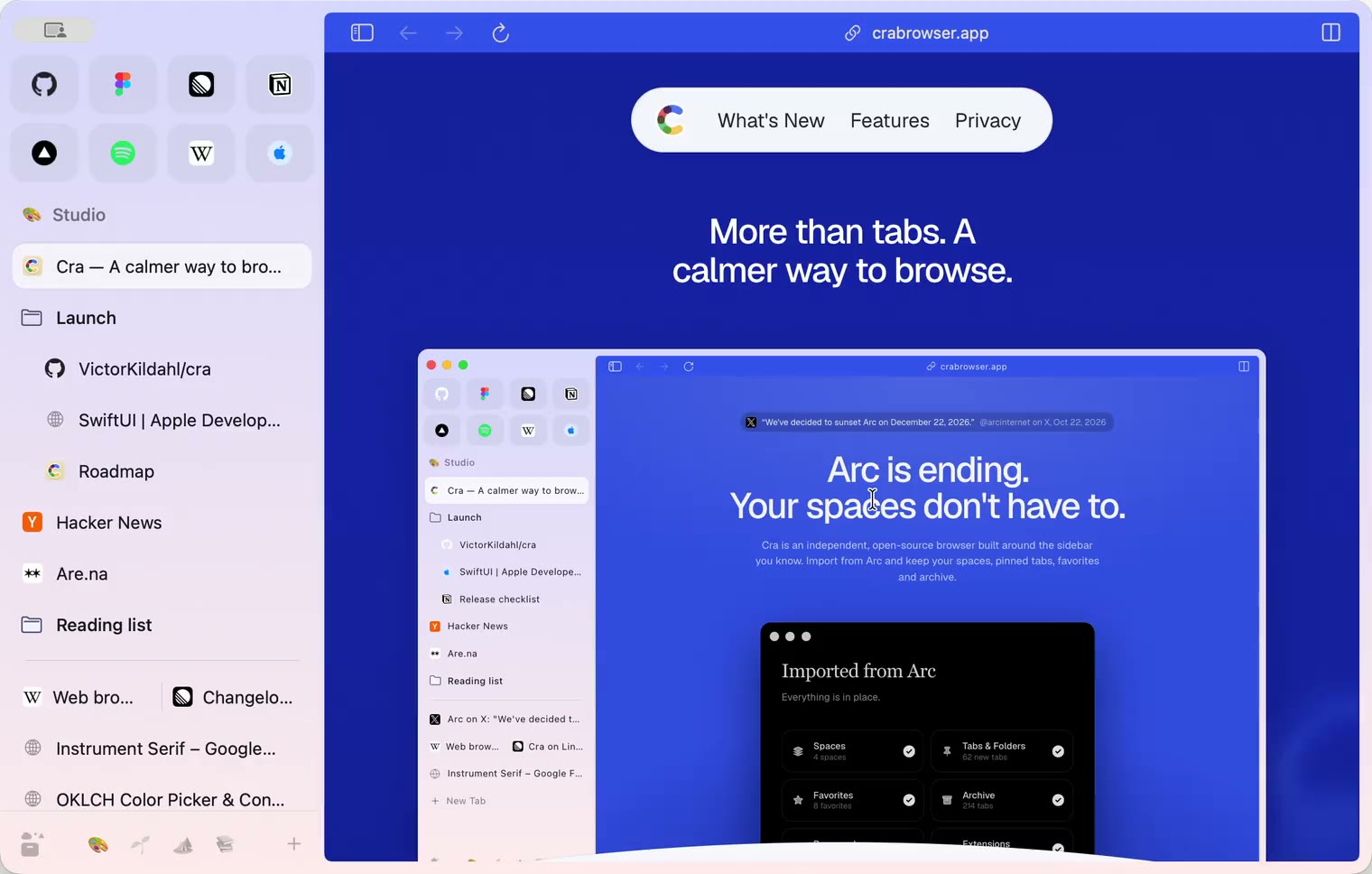
Pinned split views and a quick way to clear cookies
29 October 20260.1.20
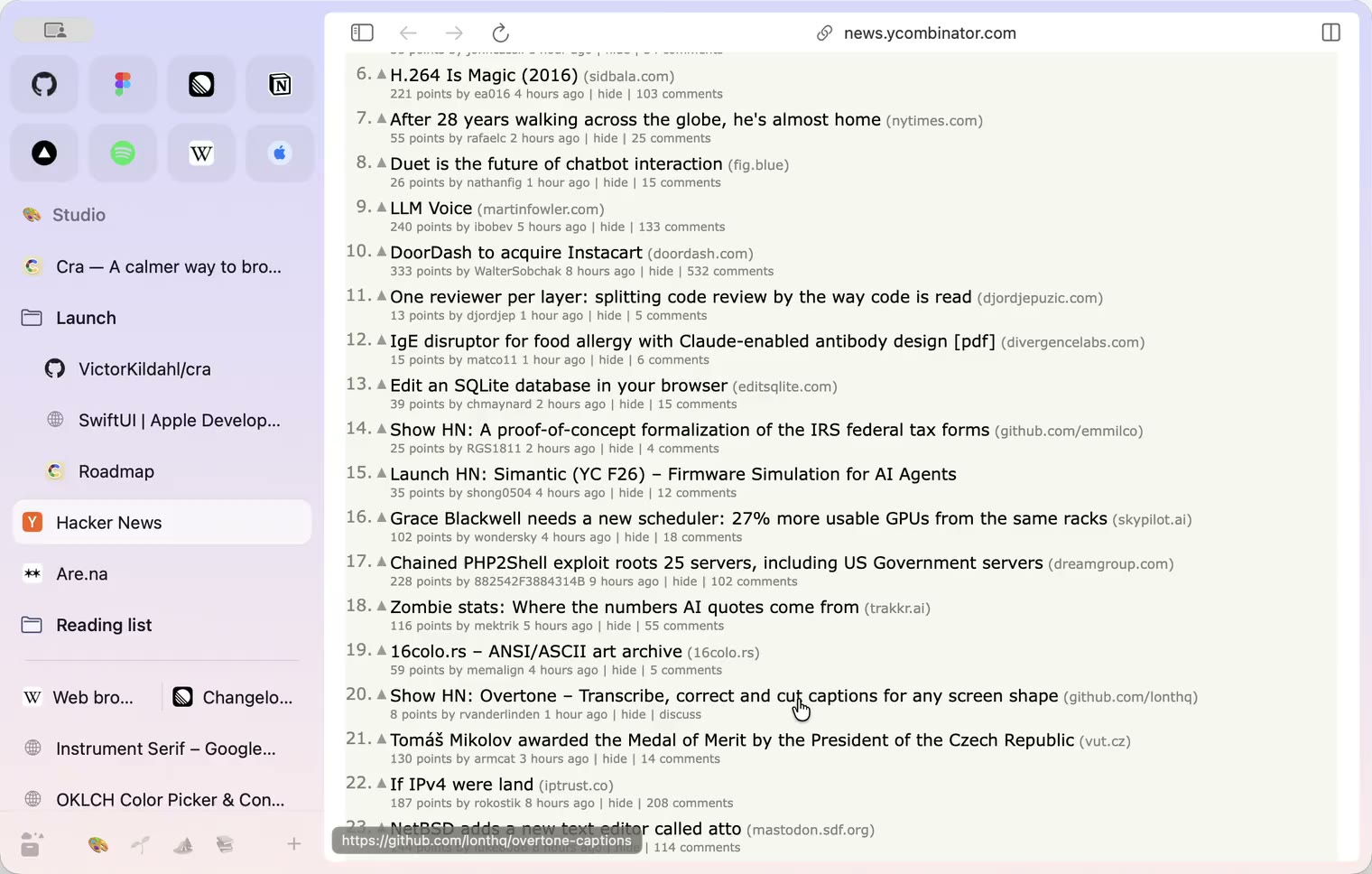
Peek, Site Search and instant extension popups
- 0.1.19
29 October 20260.1.19
Extension popups open right away

29 October 20260.1.18
A sidebar built for speed
- 0.1.17
28 October 20260.1.17
Pages live inside the window
- 0.1.16
28 October 20260.1.16
A smoother Cra
28 October 20260.1.15
Make Cra’s icon your own
27 October 20260.1.14
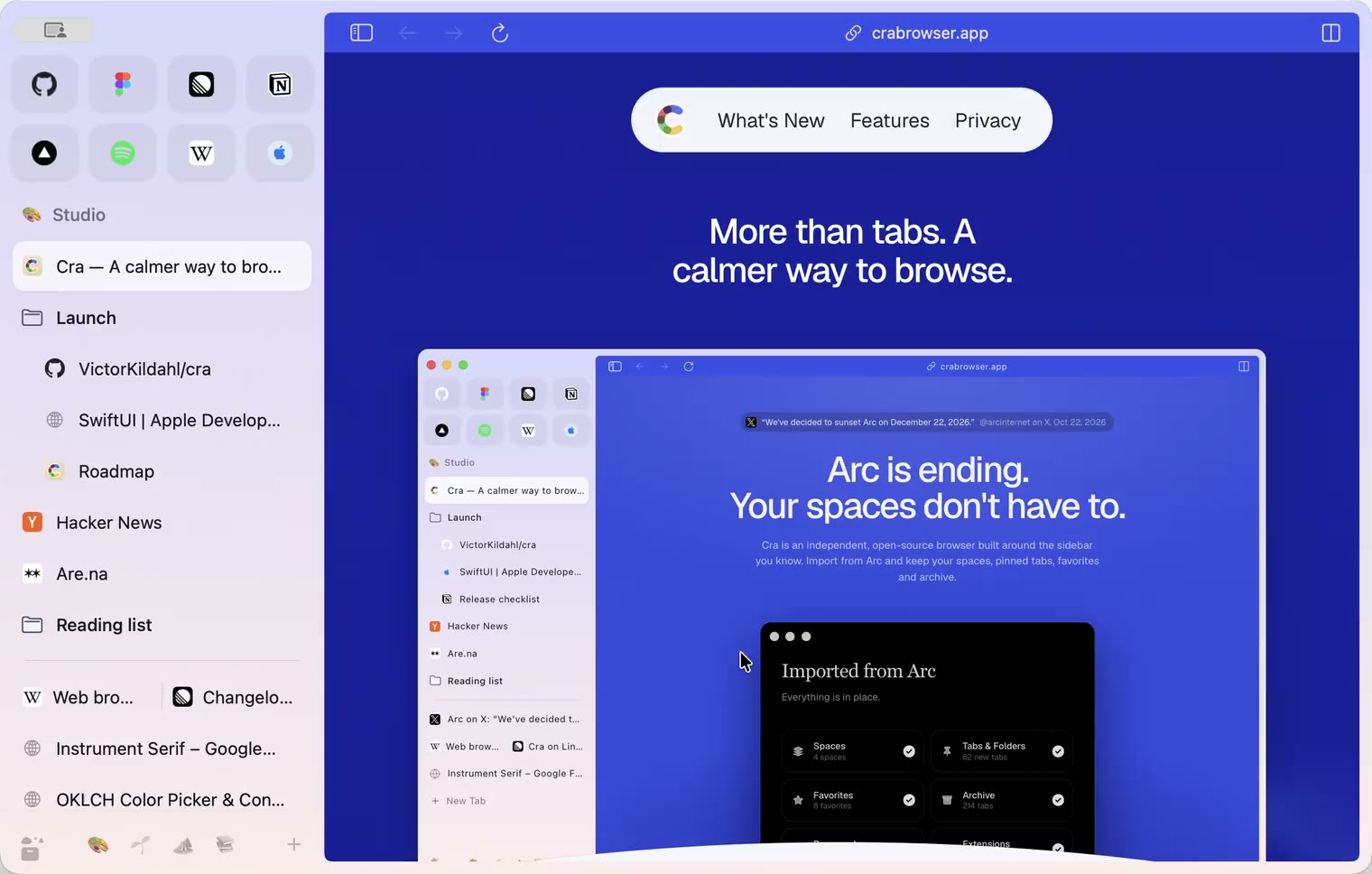
The Library moves into the sidebar

27 October 20260.1.13
Drag your spaces into order

27 October 20260.1.12
Downloads that outlive their tab

27 October 20260.1.11
Your passwords, locked in your Keychain

26 October 20260.1.10
Air Traffic Control

26 October 20260.1.9
Favorites per space
- 0.1.8
26 October 20260.1.8
Video everywhere
- 0.1.7
26 October 20260.1.7
Work sign-ins

26 October 20260.1.6
Drag and drop that works

26 October 20260.1.5
Sign in with Google

26 October 20260.1.4
Copy, paste and clean corners

26 October 20260.1.3
Extensions that reach their apps
- 0.1.2
26 October 20260.1.2
Notarized, and it updates itself
- 0.1.1
25 October 20260.1.1
Quit fix

25 October 20260.1.0
Early access