Cra 0.1.3810 November 2026
iCloud sync and agents in Cra
Your spaces, settings and shortcuts now sync between your Macs through iCloud, and the AI agents you already run can use Cra through its own MCP server. Pages also translate with Arc’s popover, and full screen goes edge to edge.
Sync your Macs through iCloud
Turn on Settings ▸ General ▸ Sync with iCloud and your spaces, pinned tabs, favorites, folders, settings and shortcuts stay the same on every Mac signed in to your Apple Account. Rather not use iCloud? Pick a folder in Dropbox, OneDrive or a similar service instead. It all goes through your own iCloud or folder, never a server of Cra’s, and logins, cookies, history and extensions stay on each Mac.
Thank you
Peter Nielsen, for #289
Let your AI agents use Cra (MCP)
Cra now has a built-in MCP server, so the AI agents you already run, like Claude Code, Cursor or Codex, can use your real browser: read your open tabs, open pages, click, type and fill forms, signed in where you are, instead of starting a blank headless browser. Turn it on in Settings ▸ Advanced ▸ MCP and paste Copy MCP Configuration into your agent. It’s off until you do, reachable only from your Mac, and each agent asks once before it can connect. Running scripts in pages and reading your history are separate switches. Cra itself still has no AI.
Thank you
Daddio, for #193
Translate a page
When a page isn’t in your language, the URL field says “Translation Available” and the toolbar gets Arc’s translate button. Click either for Arc’s popover: translate the page, show the original, or never translate the site. Chromium does the translating, as in Chrome.
Thank you
Artik, for #310
Full screen, edge to edge
With the sidebar hidden, a full-screen window now gives the whole screen to the page, square corners and no margin, as in Arc. Push the pointer to the left edge and the sidebar slides out over the page, and over a video playing full screen too.
Thank you
Boris Smiyan, for #315
Live folder plugins, and Jira
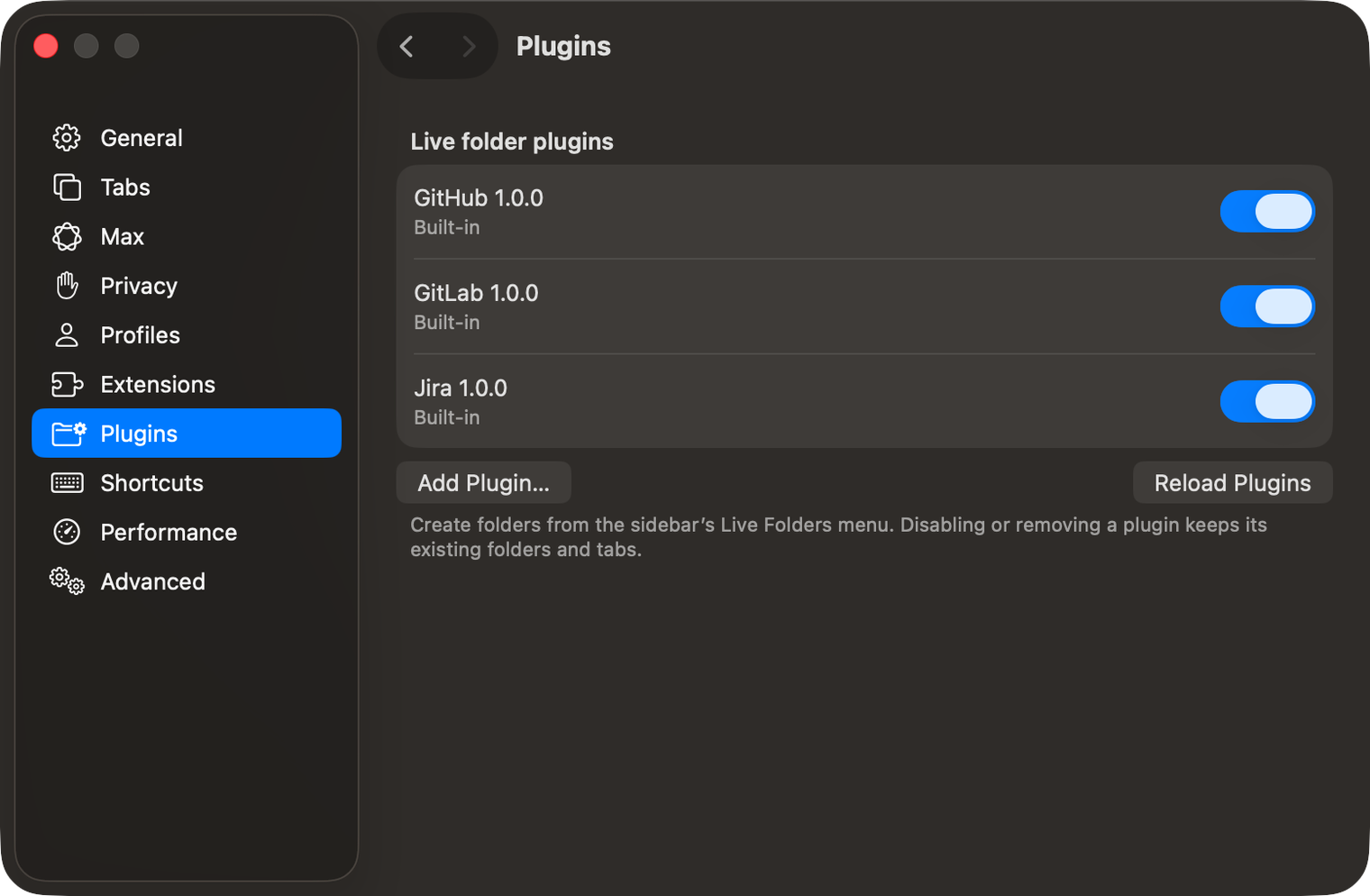
Live folders now run plugins: GitHub, GitLab and a new Jira folder that fills itself with your Jira issues, using the account you’re signed in to in that space. Settings ▸ Plugins installs more from a ZIP, each limited to the sites it names.
Thank you
Grigoriy, for #294
Music notes
A favorite playing music on Spotify, Apple Music, SoundCloud, YouTube Music and the like floats Arc’s little notes up out of its tile, and they stop the moment it’s paused or muted.
Thank you
Nuwan Perera, for #303 and #304
Favorites outlined in their logo’s colours
Settings ▸ Tabs ▸ “Outline the open favorite in its logo’s colors” rings the open favorite in colours from its own icon; black-and-white logos get an ink outline. It’s off by default, which keeps Arc’s neutral rim.
Thank you
Ben Breslow, for #267
Option-click opens Split View
Option-click a link and it opens beside the page in Split View, as in Arc, instead of downloading it, which is what Chromium does. ⌘⌥-click opens it in a split too.
Thank you
Abhishek Kanani, for #298
A search engine for each space
Right-click a space, or open Edit Space, and pick its search engine: DuckDuckGo for work, Google at home. Spaces left on Default follow the one in Settings.
Thank you
johnklayton2001-arch, for #306
⌘T in this space only
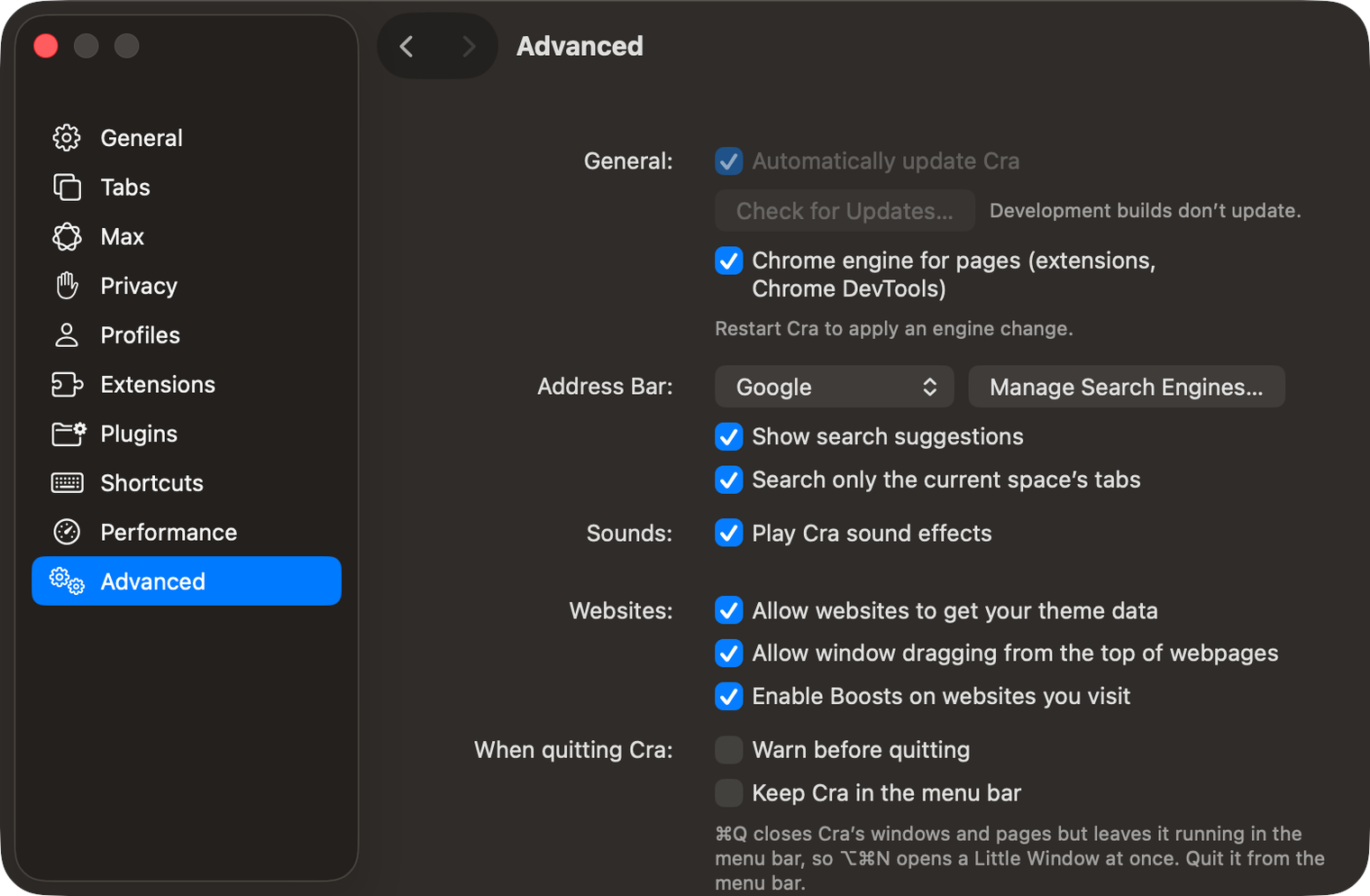
Settings ▸ Advanced ▸ “Search only the current space’s tabs” keeps the command bar’s open tabs to the space you’re in. A page open only in another space shows as history instead. It’s off by default, as in Arc.
Thank you
johnklayton2001-arch, for #307
Address bar, in Settings
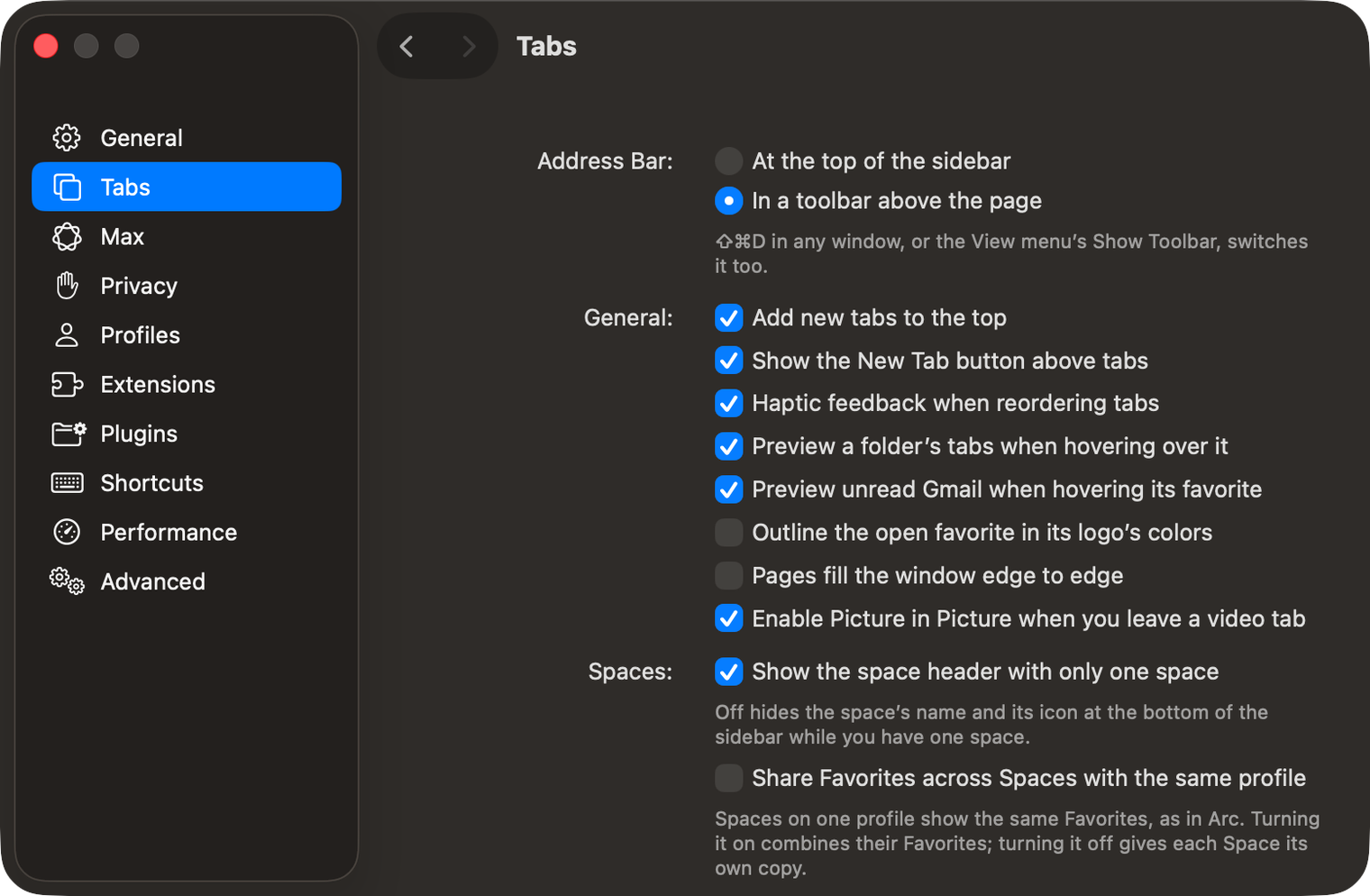
Settings ▸ Tabs starts with the choice onboarding gives you: the address bar in the sidebar, as in Arc, or in a toolbar above the page.
Thank you
johnklayton2001-arch, for #305
A space with no colour
In the theme editor, − takes away the last colour, and with none left the space gets Arc’s colourless theme, a soft violet tint in light and dark.
Thank you
Abhishek Kanani, for #300
The Library at Arc’s width
The Library opens 417 pt wide however narrow you keep the tab sidebar, as in Arc, and gives way to the page in a window narrower than Arc allows.
Thank you
franvz9, for #302
The (i) in ⌘T
The (i) at the end of the command bar’s field now does what it does in Arc: it explains that your search engine sees what you type for suggestions, with a way to Search Settings… and a Dismiss that hides it for good.
Thank you
Abhishek Kanani, for #314
Dots that show their icon
When the space dock is squeezed into dots, the one under the pointer widens and shows its icon, as in Arc.
Thank you
Németh Gábor, for asking in #252
⌘S without the jump
While ⌘S slides the sidebar in or out, the page and the toolbar stay where they are instead of jumping at the right edge.
Thank you
Sagar Dagdu, for #317 and the fix in #318
Capture a Peek
⌘⇧2 over a Peek captures the Peek’s page, in the Peek. ⌘⇧ and a digit can also be recorded as a shortcut again.
Thank you
Grigoriy, for #320 and #321
Copy every picked link
⌘- or ⇧-click tabs in the sidebar, then ⇧⌘C: every picked link is copied, one per line, in sidebar order and without trackers.
Thank you
adhiboud, for #322
Help improve Cra, if you like
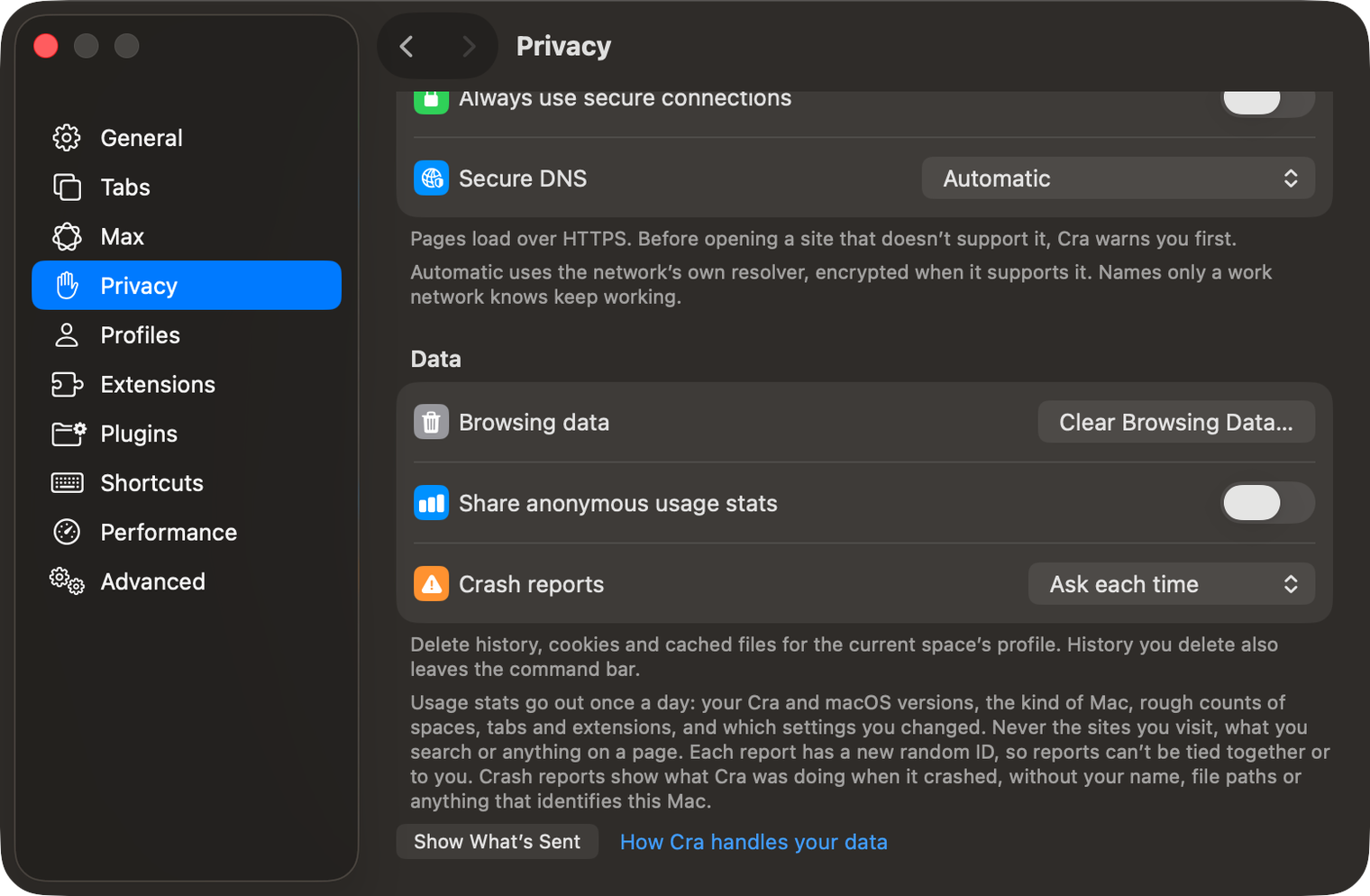
Setup and Settings ▸ Privacy now ask whether to send anonymous daily usage stats and crash reports. Both are off unless you turn them on, never include the sites you visit, and Show What’s Sent lists every field. They go to crabrowser.app and nowhere else.
What else is new
Fixes
- A full-screen window can’t be dragged inside its Space, and the traffic lights follow it in and out of full screen (#308, franvz9).
- Picture in Picture opens again on the display you left it on, and a space picked in a Little Window stays with that window (#316, Boris Smiyan).
- With the sidebar hidden, the floating sidebar slides out in front of a Peek, not behind it (#295, Artik).
- An Easel expanded from a Peek shows the space’s backdrop, not a black canvas (#309, Grigoriy).
- An extension loaded unpacked no longer shows up twice after a restart (#299, Abhishek Kanani).
- An extension popup’s red close button can be clicked to its lower edge (#296, Quinn Battersby).
- A quick swipe right after leaving the Library goes on to the next space, and swipes over the Library’s lists work.
- The built-in GitHub, GitLab and Jira live folders work in a copy of Cra opened straight from Downloads or the disk image.
- A full-screen window can’t be dragged inside its Space, and the traffic lights follow it in and out of full screen (#308, franvz9).
Thank you
Peter Nielsen
Daddio
Grigoriy
Nuwan Perera
Ben Breslow
Sagar Dagdu
Quinn Battersby
Artik
Boris Smiyan
Abhishek Kanani
johnklayton2001-arch
franvz9
Németh Gábor
adhiboud
Thank you, Peter Nielsen, Daddio, Grigoriy, Nuwan Perera, Ben Breslow, Sagar Dagdu and Quinn Battersby for pull requests; and Artik, Boris Smiyan, Abhishek Kanani, johnklayton2001-arch, franvz9, Németh Gábor and adhiboud for the reports.
Cra is free and made in the open. Sponsor Cra
For every change in 0.1.38, see the changelog.
Past releases
9 November 20260.1.37
Back to where the link came from
8 November 20260.1.36
Cra for Intel Macs
8 November 20260.1.35
Boosts, Easels and the rest of Arc’s Library
7 November 20260.1.34
Arc’s dialog sheets, GitLab live folders, pinned splits by drop
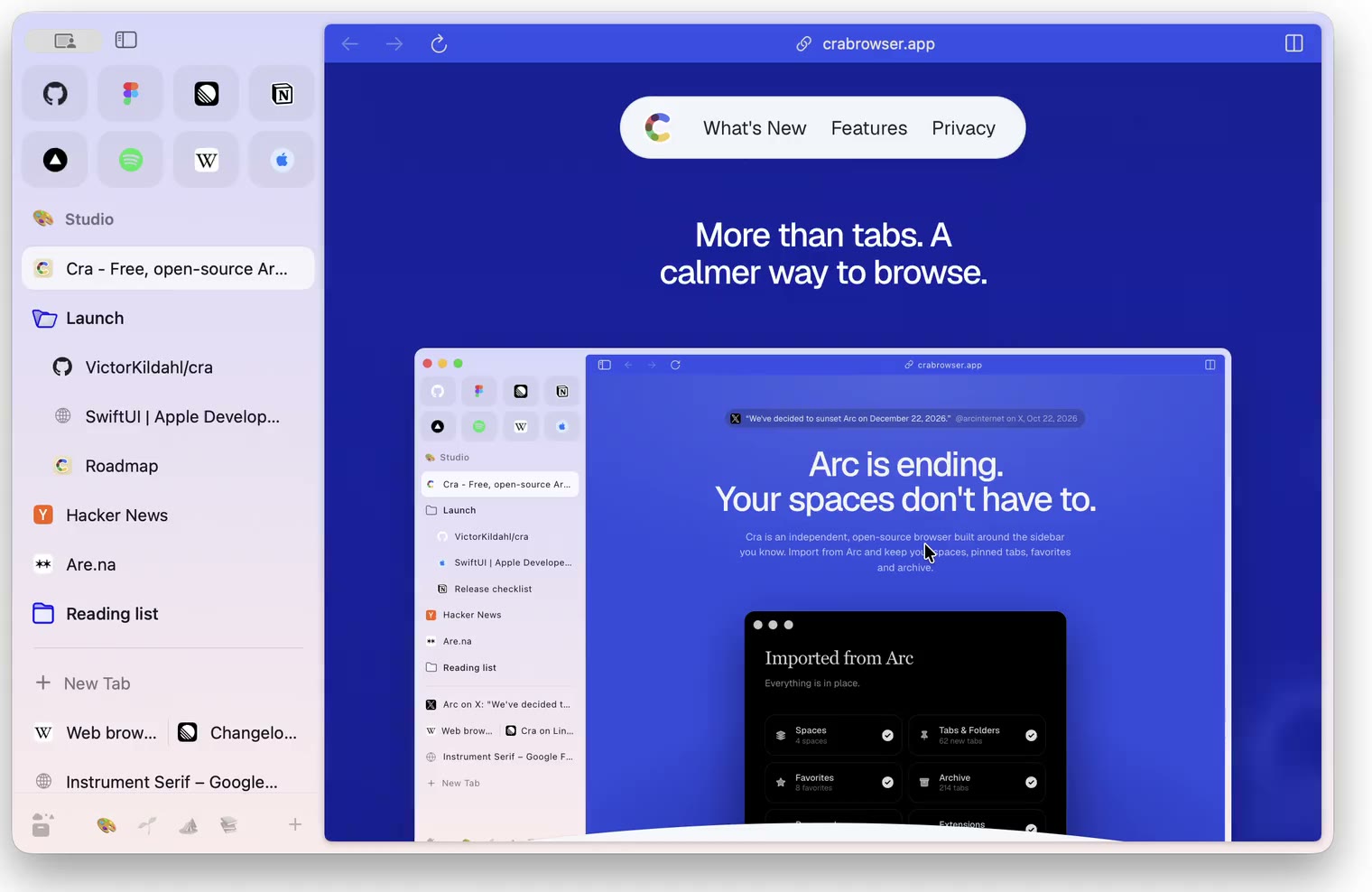
6 November 20260.1.33
Blank Window, tabs you drag out, Arc’s right-click menu
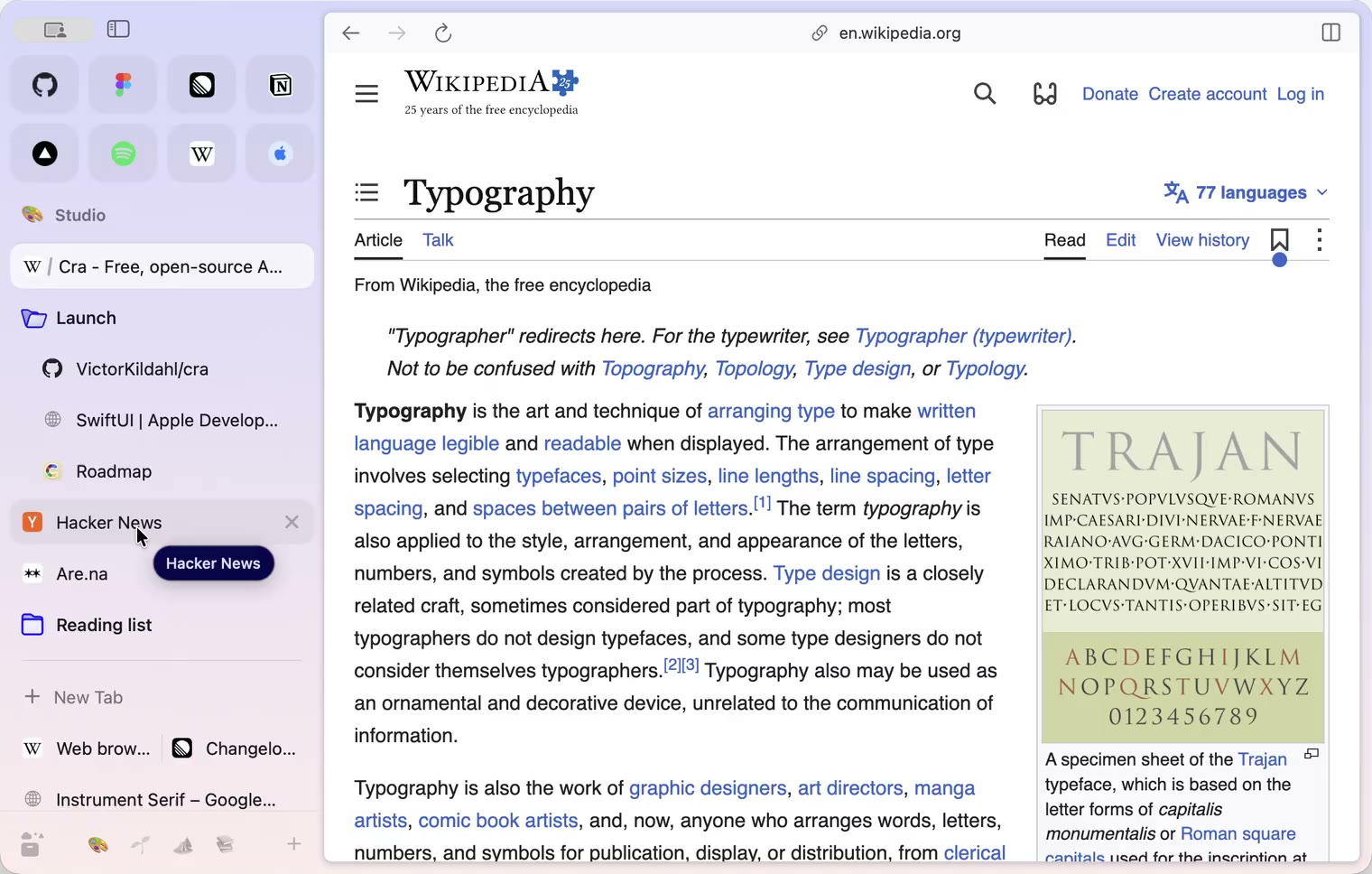
6 November 20260.1.32
Peek grows out of the link, a download folder per profile, Meet’s picture-in-picture
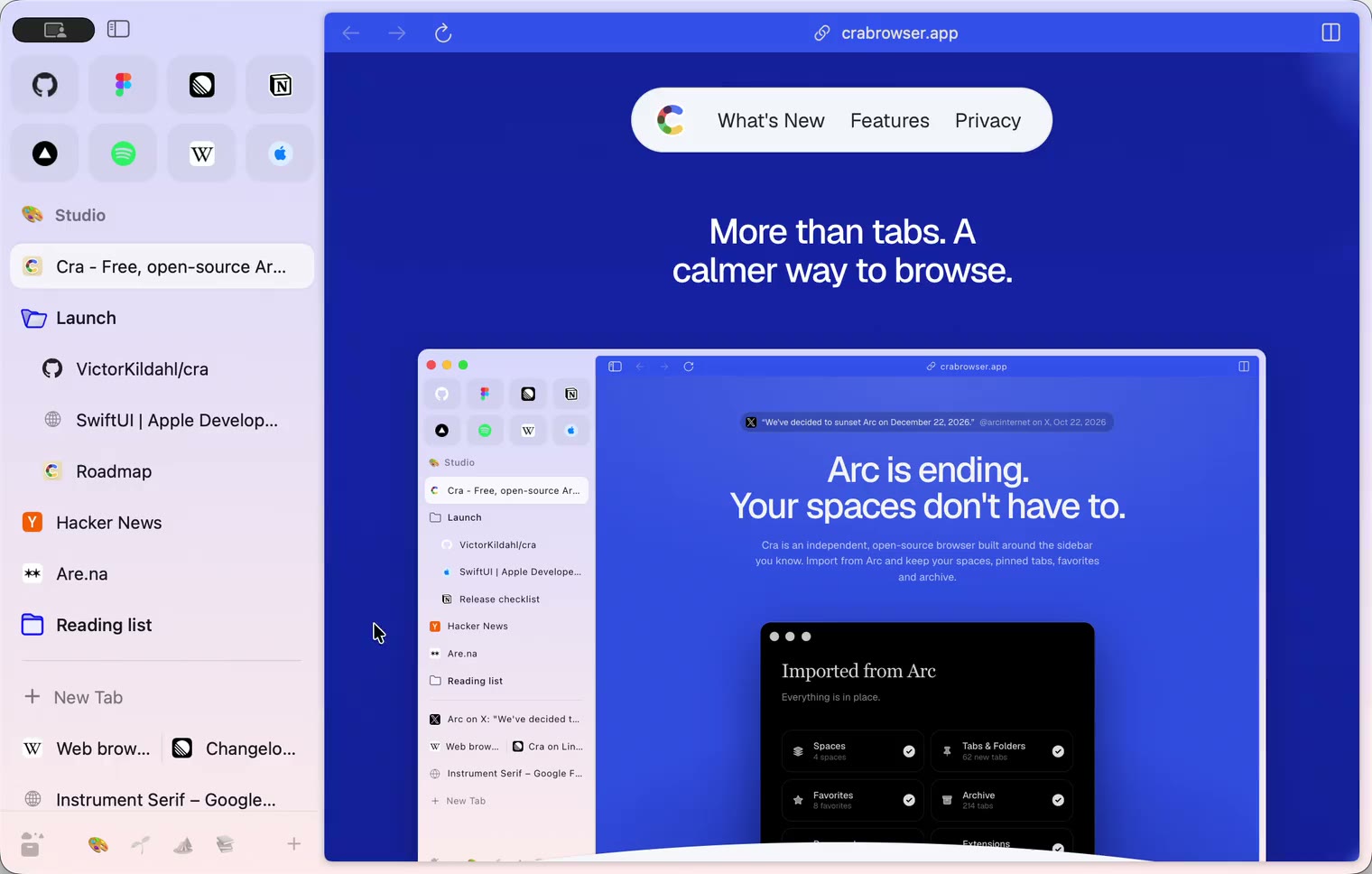
5 November 20260.1.31
Spotify and Netflix play, Tidy Tabs on your Mac, extension side panels
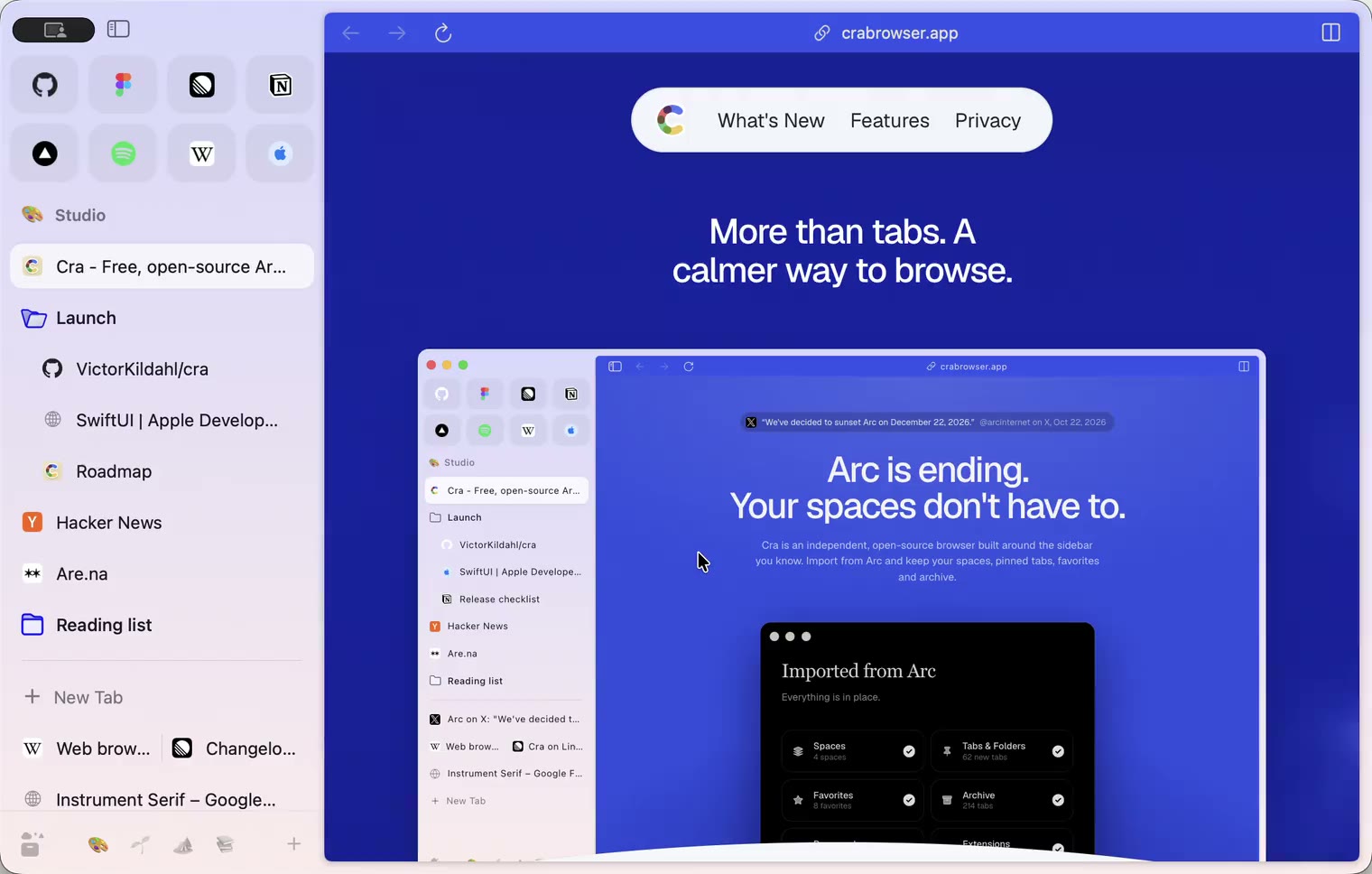
4 November 20260.1.30
Capture like Arc, favorites you drag into place, Arc’s colour picker
4 November 20260.1.29
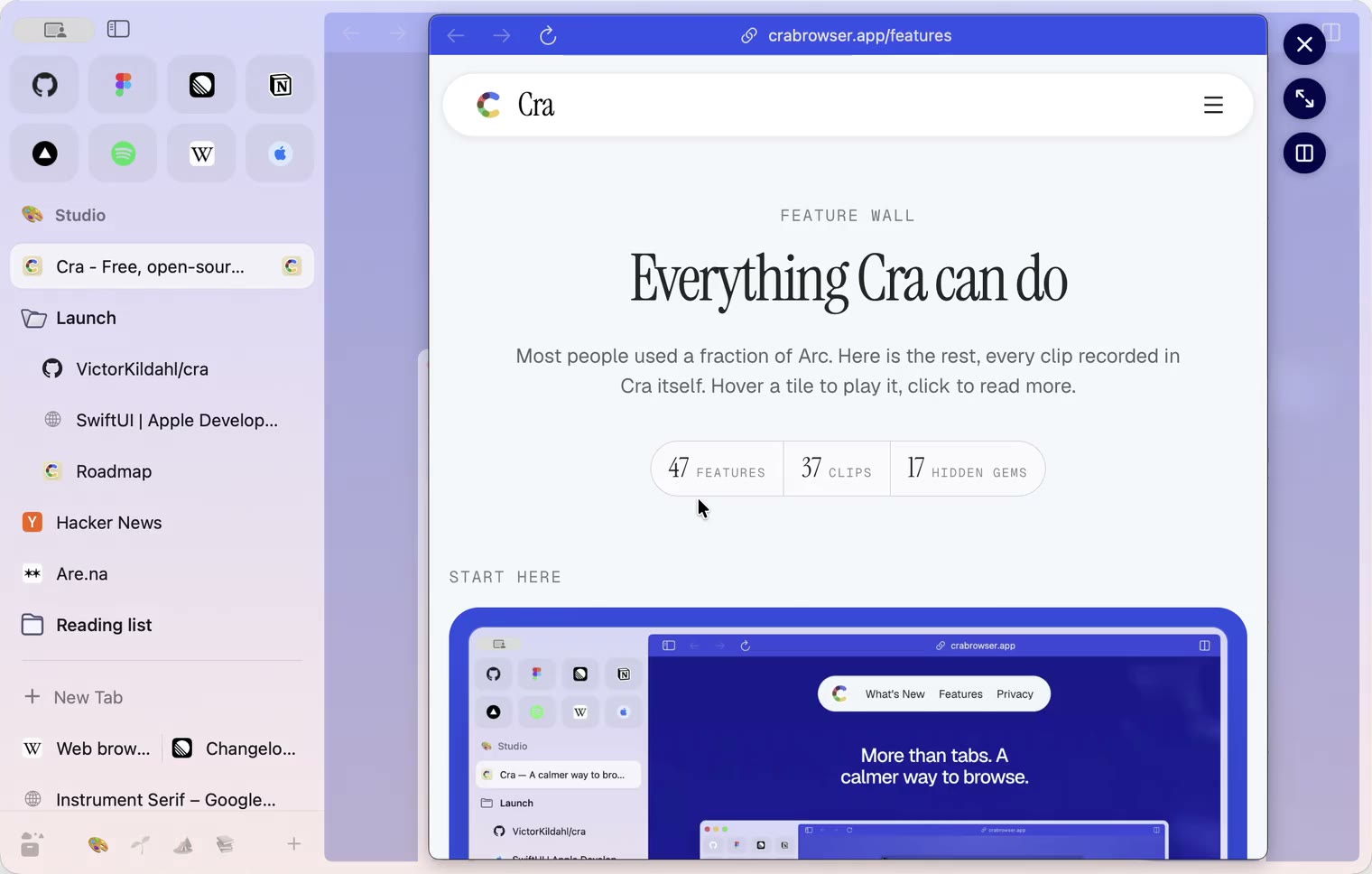
Peek like Arc’s, space themes with a light and a dark half, Arc’s space tooltip
3 November 20260.1.28
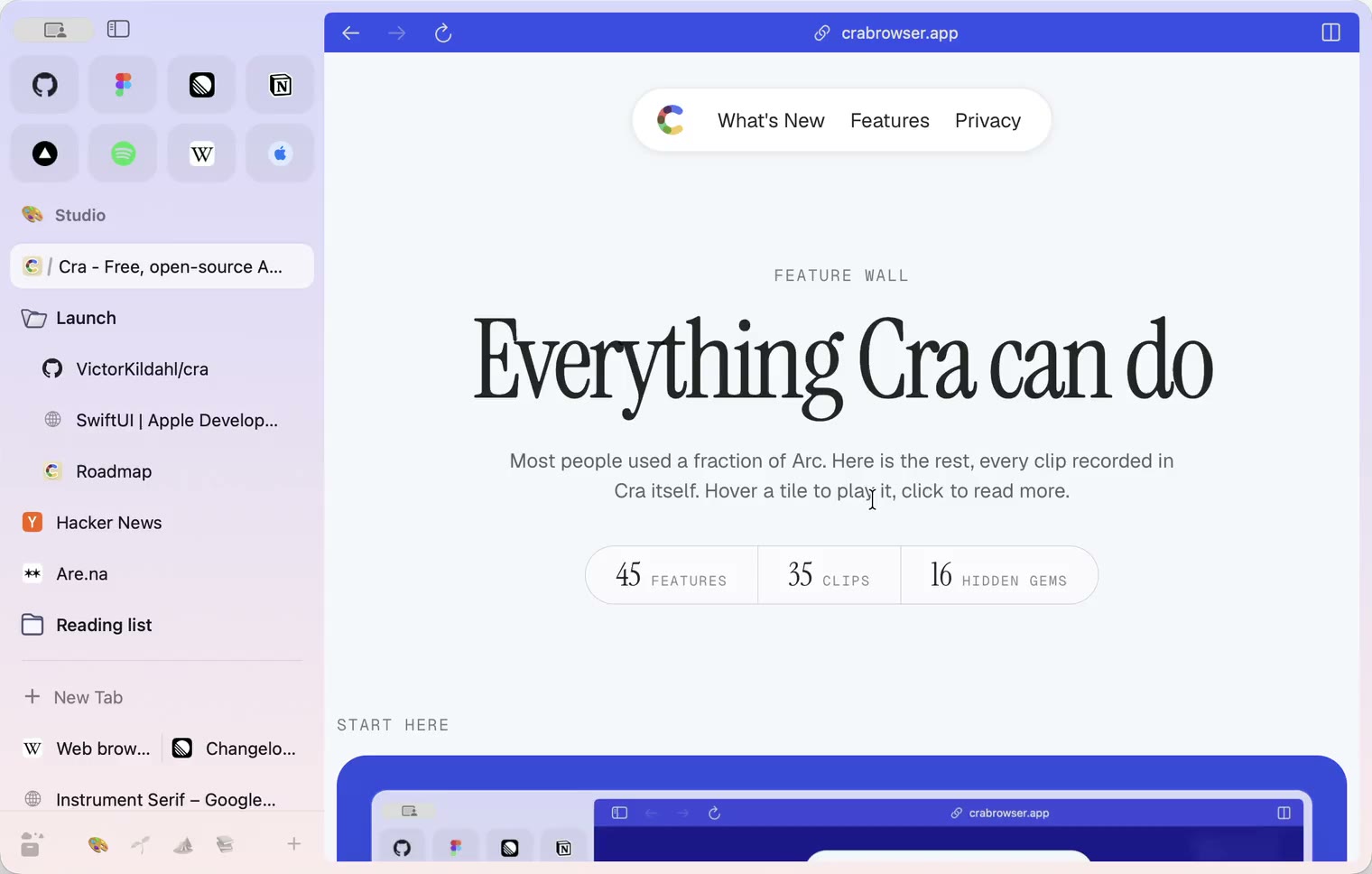
Pinned tabs and closing like Arc, notifications, Arc’s loading bar
2 November 20260.1.27
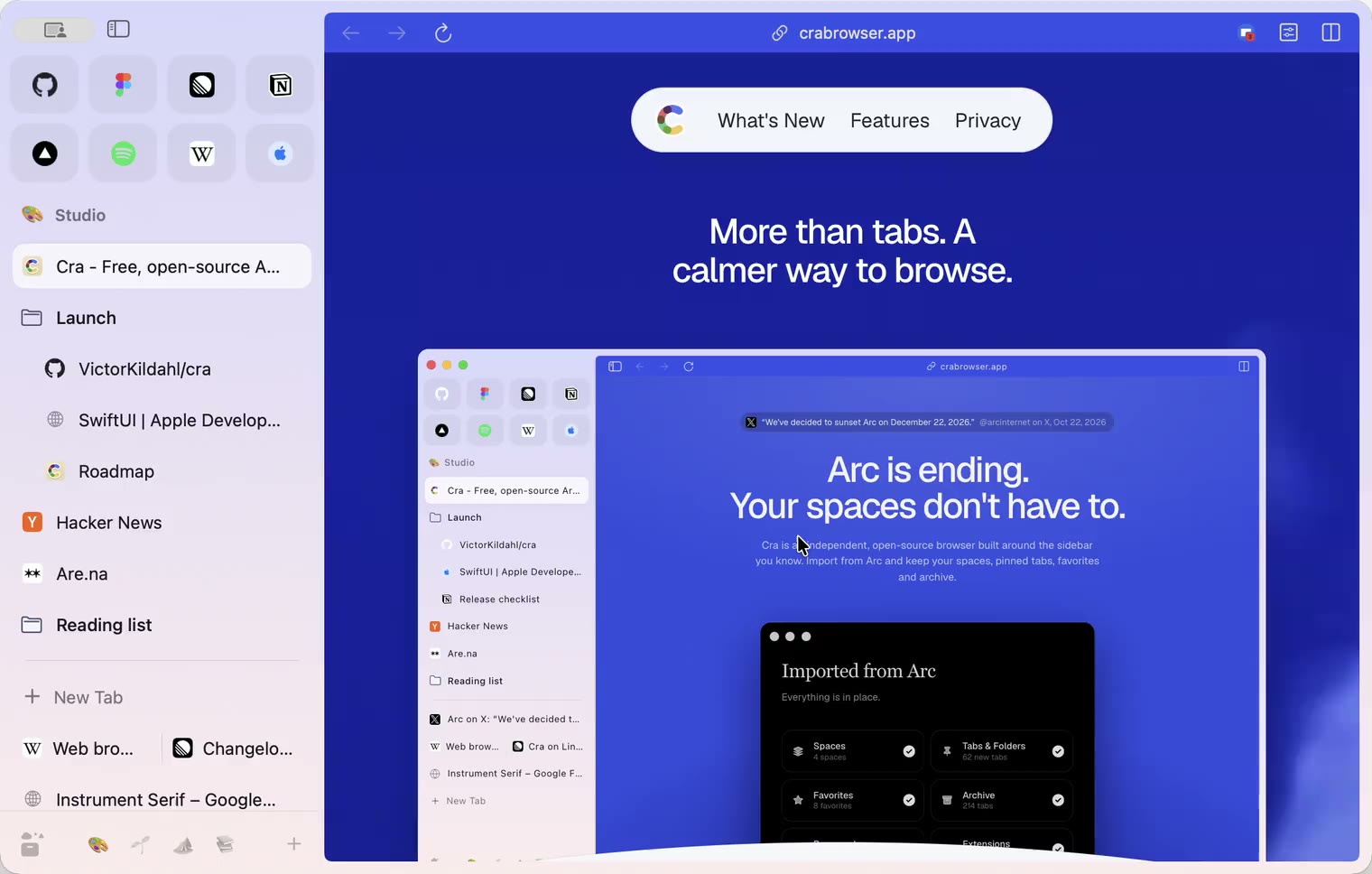
Arc’s Capture, live extension icons and Shift + wheel spaces
2 November 20260.1.26
Background tabs, Arc’s toast and Move to Space
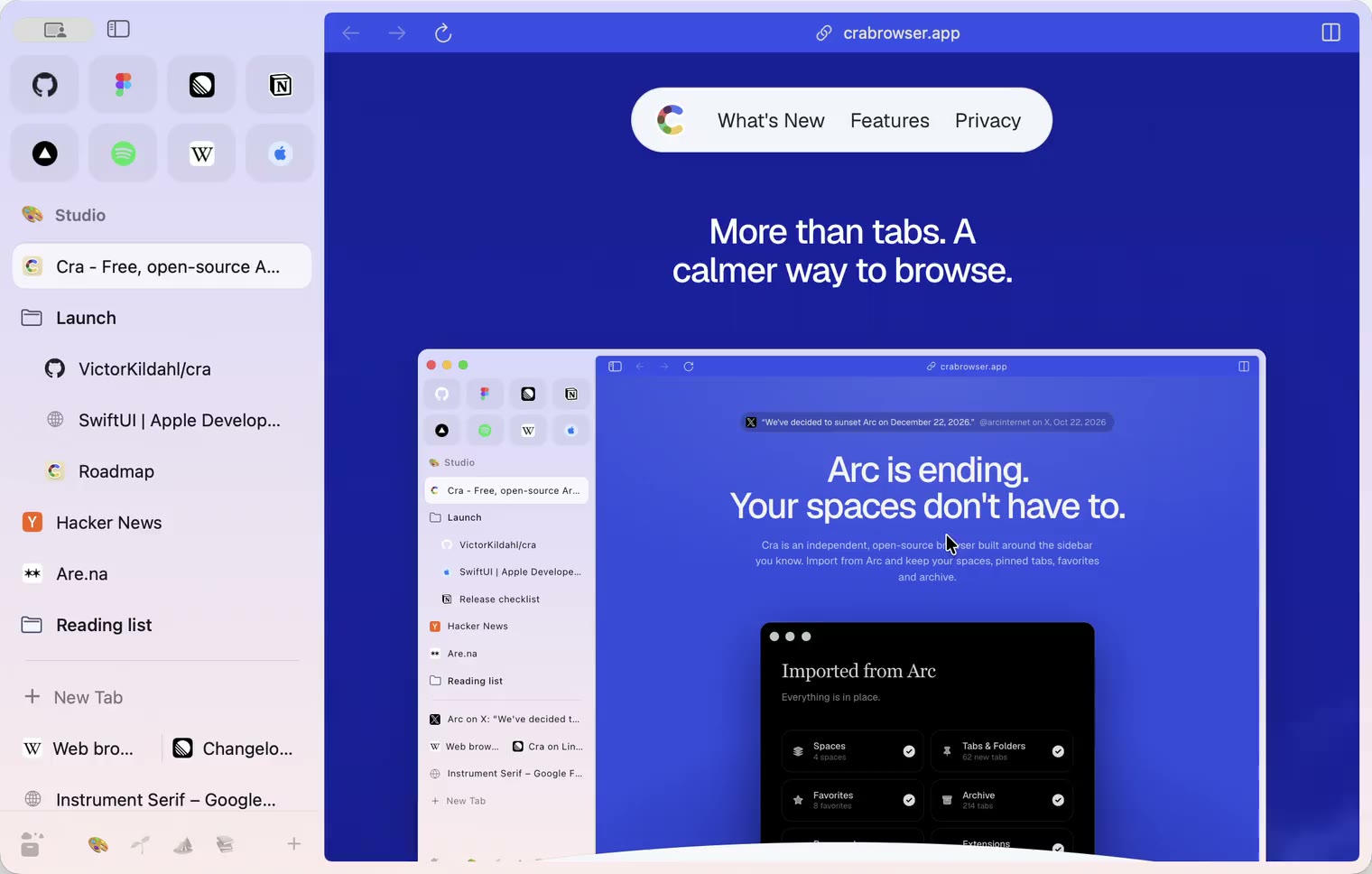
1 November 20260.1.25
Edit pinned URLs and swipe into the Library
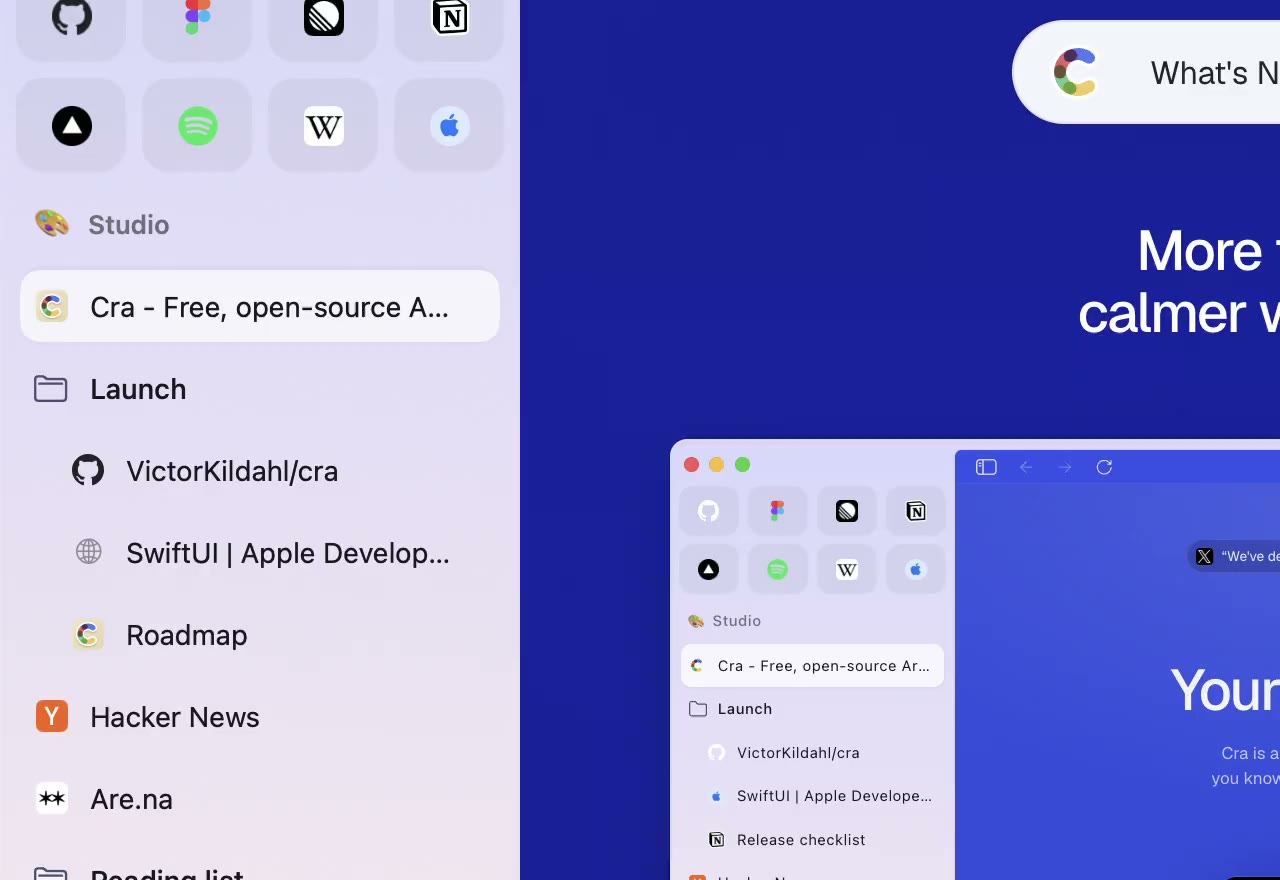
1 November 20260.1.24
Arc’s space menu, tab search and developer bar
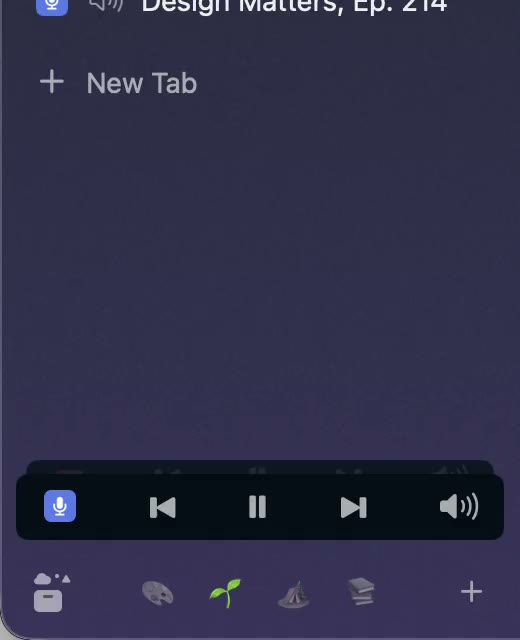
31 October 20260.1.23
Arc’s now-playing player, split favorites and folder previews
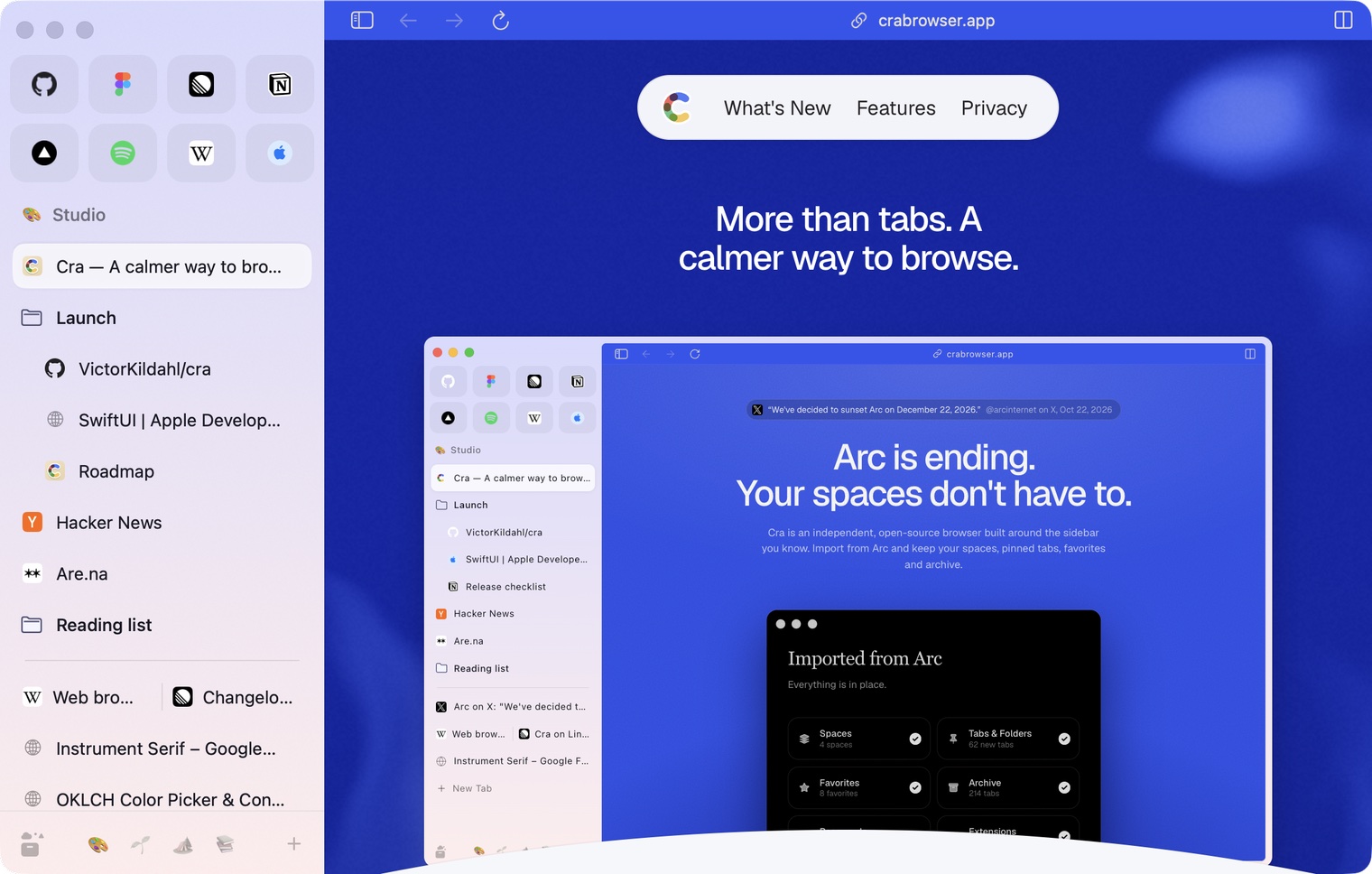
30 October 20260.1.22
Edge-to-edge pages and Arc’s refresh button
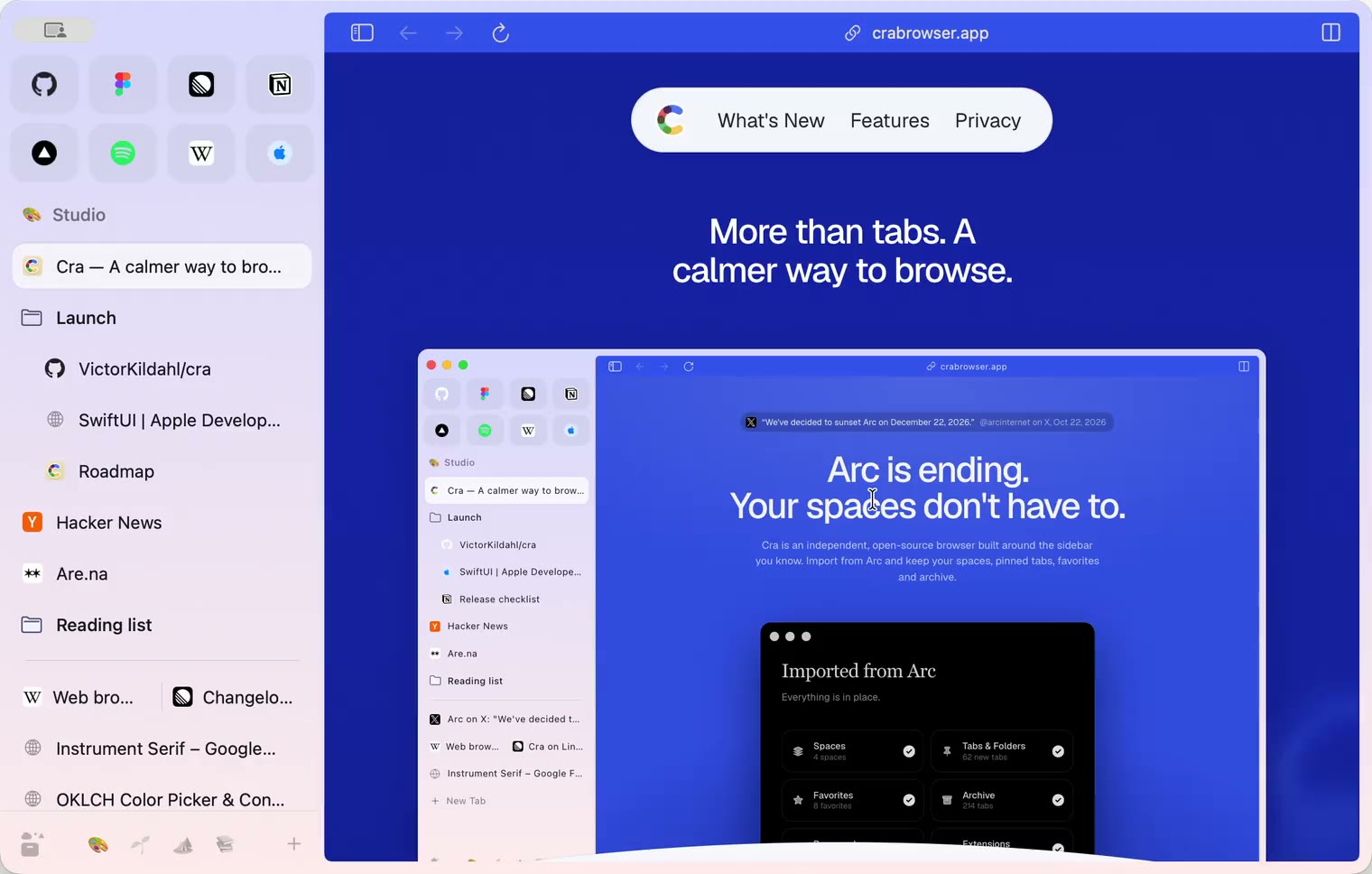
30 October 20260.1.21
Pinned split views and a quick way to clear cookies
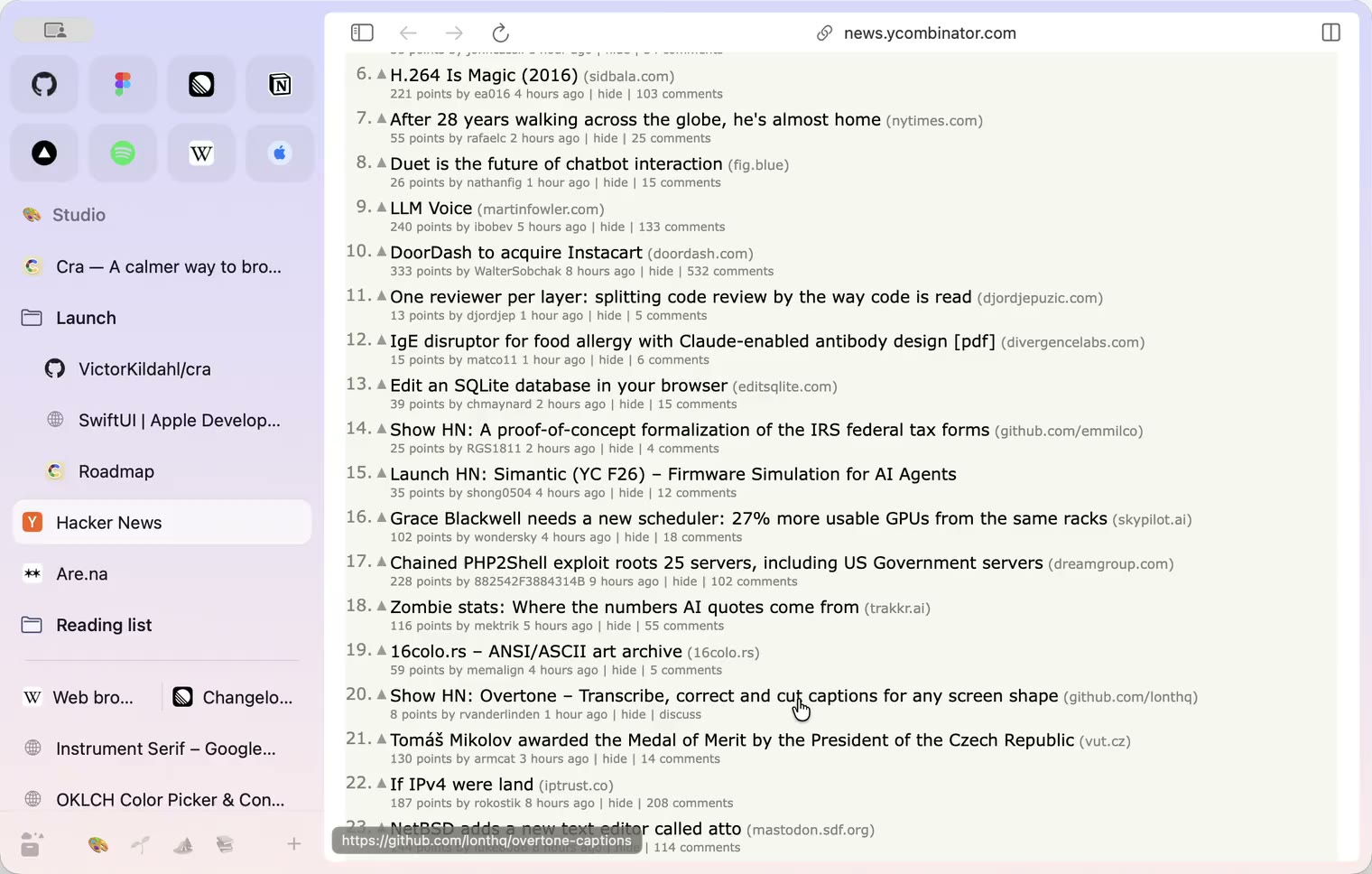
29 October 20260.1.20
Peek, Site Search and instant extension popups
- 0.1.19
29 October 20260.1.19
Extension popups open right away

29 October 20260.1.18
A sidebar built for speed
- 0.1.17
28 October 20260.1.17
Pages live inside the window
- 0.1.16
28 October 20260.1.16
A smoother Cra
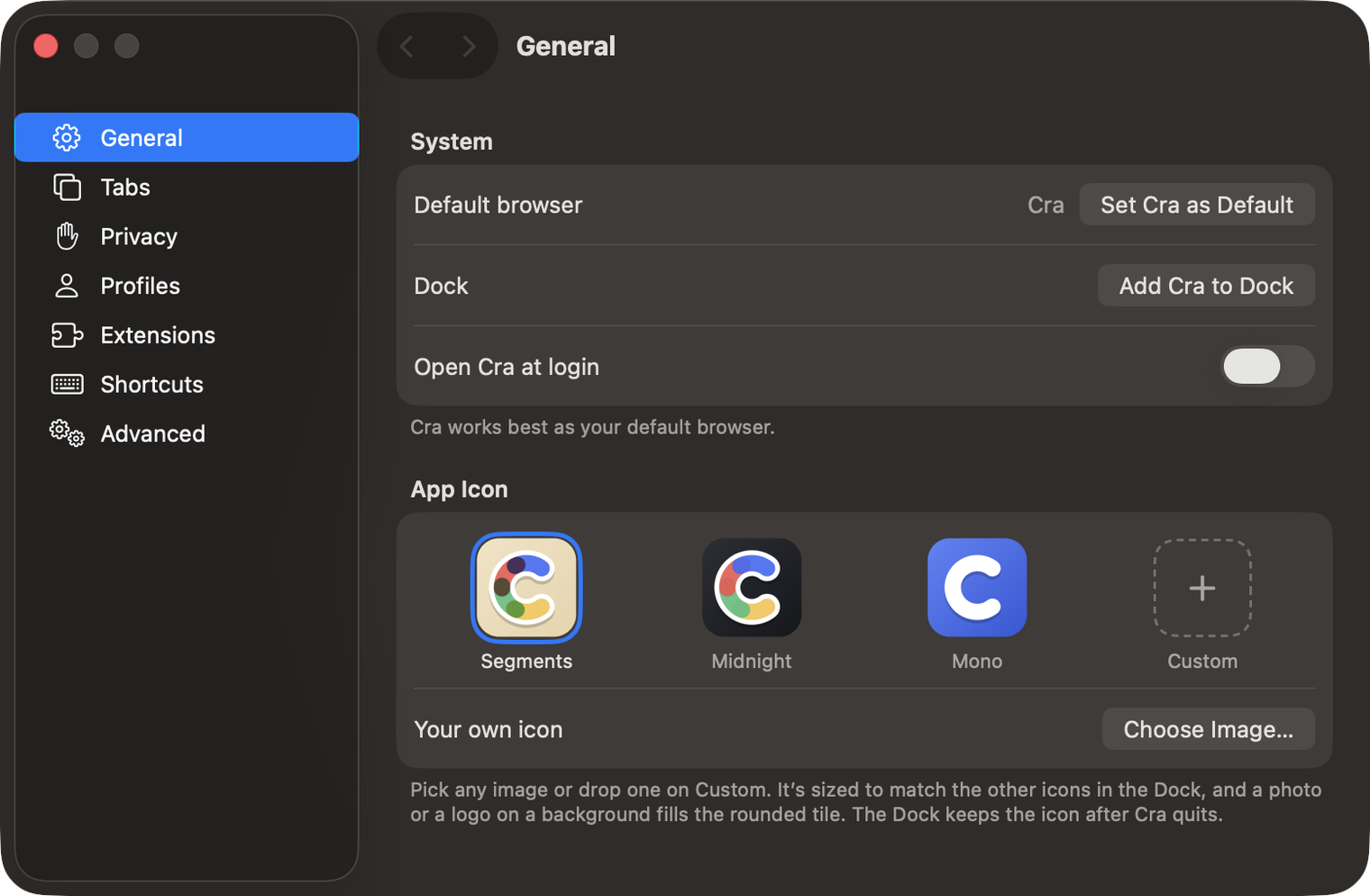
28 October 20260.1.15
Make Cra’s icon your own
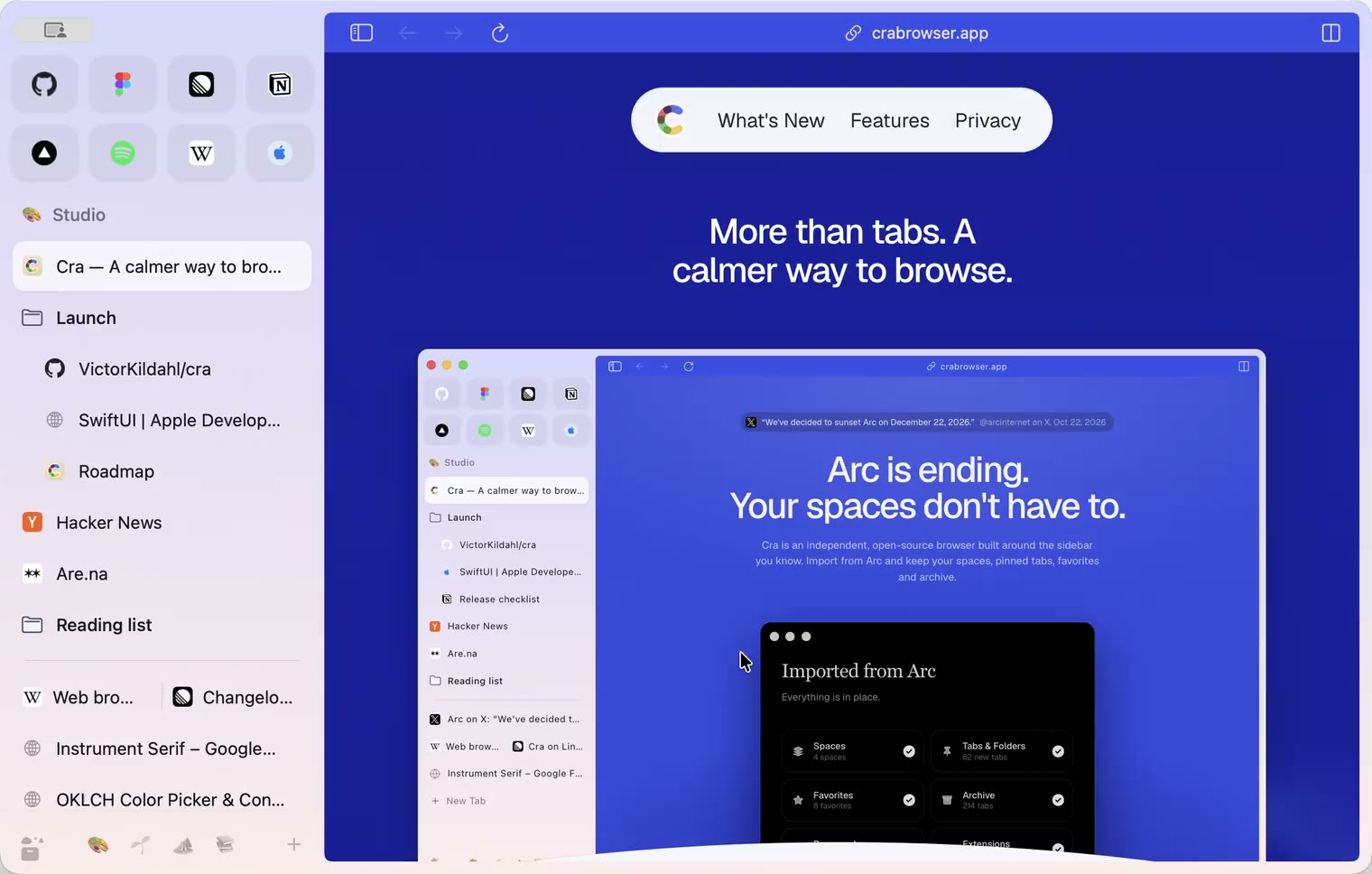
27 October 20260.1.14
The Library moves into the sidebar

27 October 20260.1.13
Drag your spaces into order

27 October 20260.1.12
Downloads that outlive their tab

27 October 20260.1.11
Your passwords, locked in your Keychain

26 October 20260.1.10
Air Traffic Control

26 October 20260.1.9
Favorites per space
- 0.1.8
26 October 20260.1.8
Video everywhere
- 0.1.7
26 October 20260.1.7
Work sign-ins

26 October 20260.1.6
Drag and drop that works

26 October 20260.1.5
Sign in with Google

26 October 20260.1.4
Copy, paste and clean corners

26 October 20260.1.3
Extensions that reach their apps
- 0.1.2
26 October 20260.1.2
Notarized, and it updates itself
- 0.1.1
25 October 20260.1.1
Quit fix

25 October 20260.1.0
Early access