Cra 0.1.3911 November 2026
5-Second Previews and the Little Window card
Hold Shift over a link and Arc Max’s 5-Second Previews tell you what’s behind it, made on your Mac. ⌥⌘N now opens Arc’s small Little Window card, and one click adds Cra to Claude Code, Codex or Cursor.
5-Second Previews
Hold Shift as the pointer reaches a link, or rest on a link on Google, X or Hacker News, and Arc Max’s card tells you what’s behind it: a picture, a line and a few points. Apple Intelligence writes it on your Mac; no AI service sees the page. Turn it on in Settings ▸ Max.
Thank you
Kenzo G., for #324
The Little Window card
⌥⌘N opens Arc’s compact card at the top right of the screen, just the command bar. Pick a page and it grows into a Little Window from that corner; Esc, ⌘W or a click elsewhere fades it away.
Thank you
Kris Tartari, for #336 and #337
Little Windows look like Little Arc
The strip is Arc’s lighter gradient, the traffic lights stay grey until the pointer is over them, and the address pill shows only the site, with Arc’s open padlock on a page that isn’t secure.
Thank you
Kris Tartari, for #329 and #330
The “Open in” menu, as in Arc
The ⌄ beside Open in lists your spaces with Arc 1.172’s rows, a search field and a list that scrolls when you have many.
Thank you
Kris Tartari, for #331
Add Cra to your agents in one click
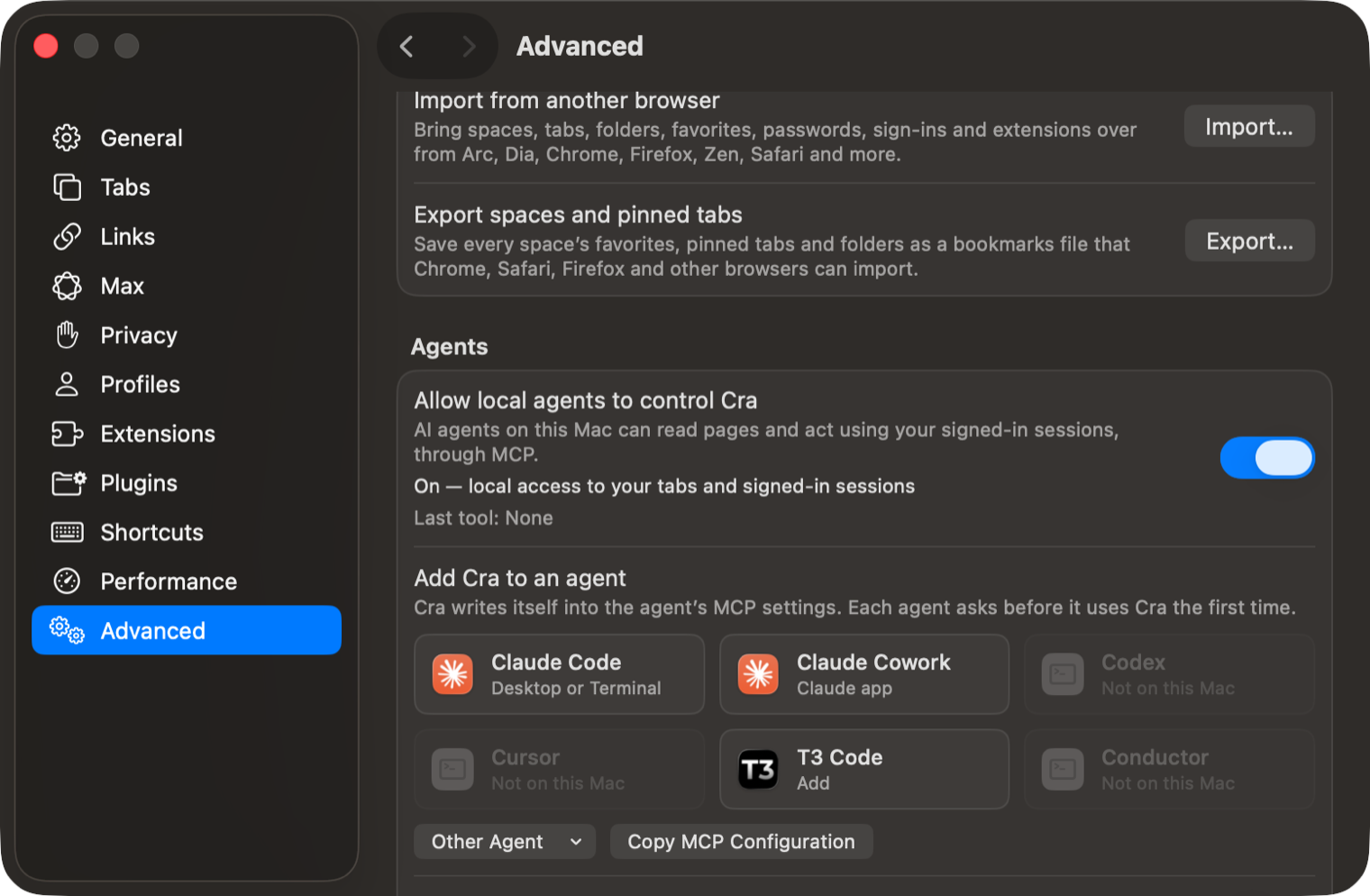
Settings ▸ Advanced ▸ Agents now has a tile for Claude Code, Claude Cowork, Codex, Cursor, T3 Code and Conductor, plus VS Code, Windsurf, Gemini CLI and LM Studio under Other Agent. A click writes Cra into that agent’s MCP settings; the agent still asks before it uses Cra the first time.
Fingerprinting protection
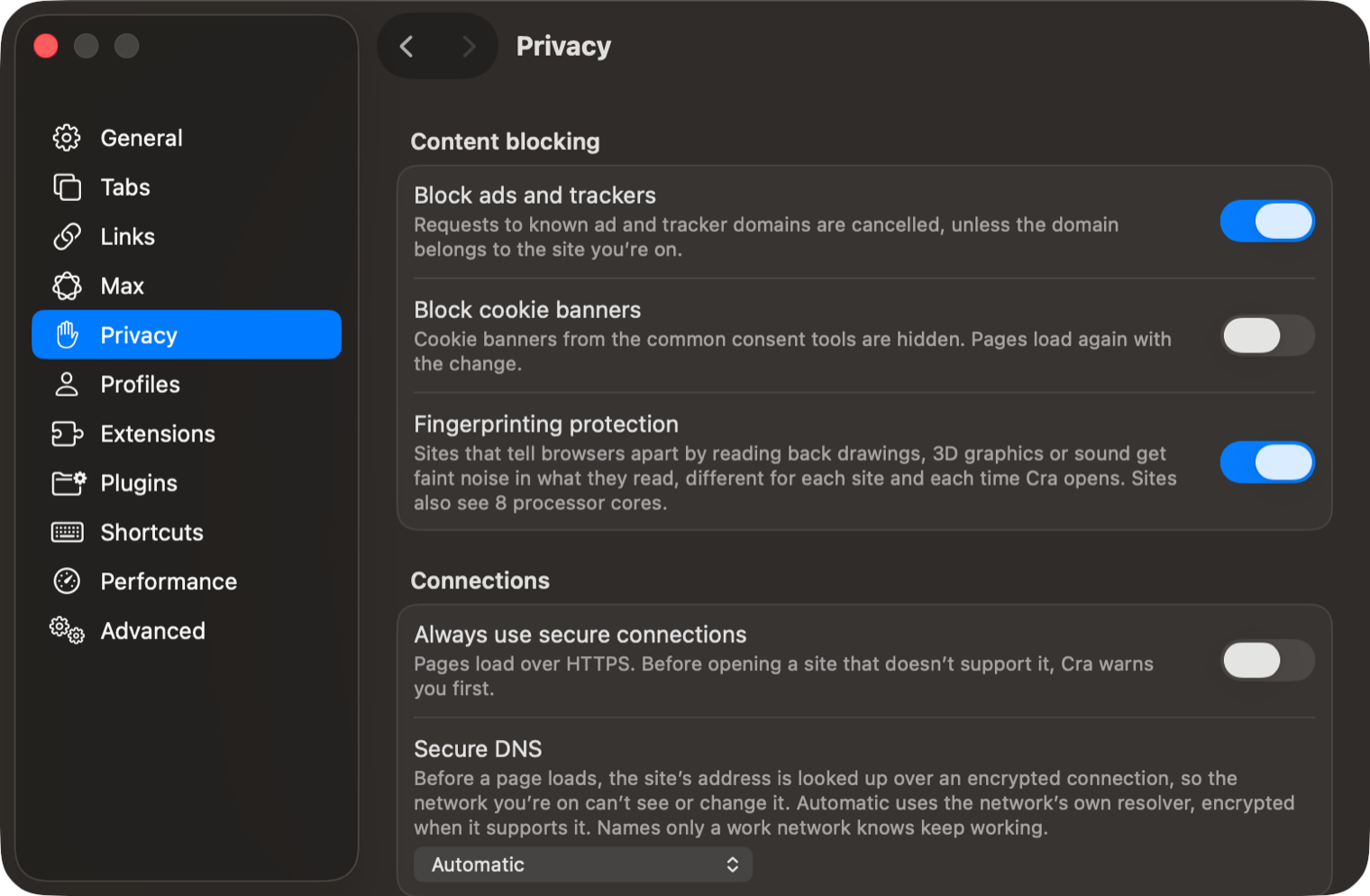
A new switch in Settings ▸ Privacy. Sites that tell browsers apart by reading back drawings, 3D graphics or sound get faint noise in what they read, different for each site and each time Cra opens, and every site sees 8 processor cores. It’s off by default, since a few sites may draw slightly differently.
The whole space menu from the dock
Right-click a space’s icon in the bottom bar and you get the same menu as its name above the tabs, as in Arc: icon, name, theme, profile, search engine, folders and more.
Thank you
Kris Tartari, for #339
Edit the address in the sidebar
Settings ▸ Tabs ▸ “Edit the address in the sidebar” lets a click on the address at the top of the sidebar edit it right there instead of opening the command bar. ⌘L still opens the command bar. It’s off by default, as in Arc.
Thank you
Prime-Apps-Dev, for #344
The Library pushes the page aside
Opening the Library no longer squeezes the page into what’s left. It keeps its width and slides past the window’s edge, as in Arc 1.172.
Thank you
Kris Tartari, for #340 and the fix in #343
Picture in Picture finds its corner
Drag a Picture in Picture window past the edge of the screen and let go: it springs back into the nearest corner, as in Arc, and the next one opens on screen too.
Thank you
Sayor Debbarma, for #332
A floating sidebar inside the corners
With the sidebar hidden, the sidebar that slides in from the edge now stays inside the window’s rounded corners on the way in and out.
Thank you
Sam Wyness, for #341
Settings say what they do
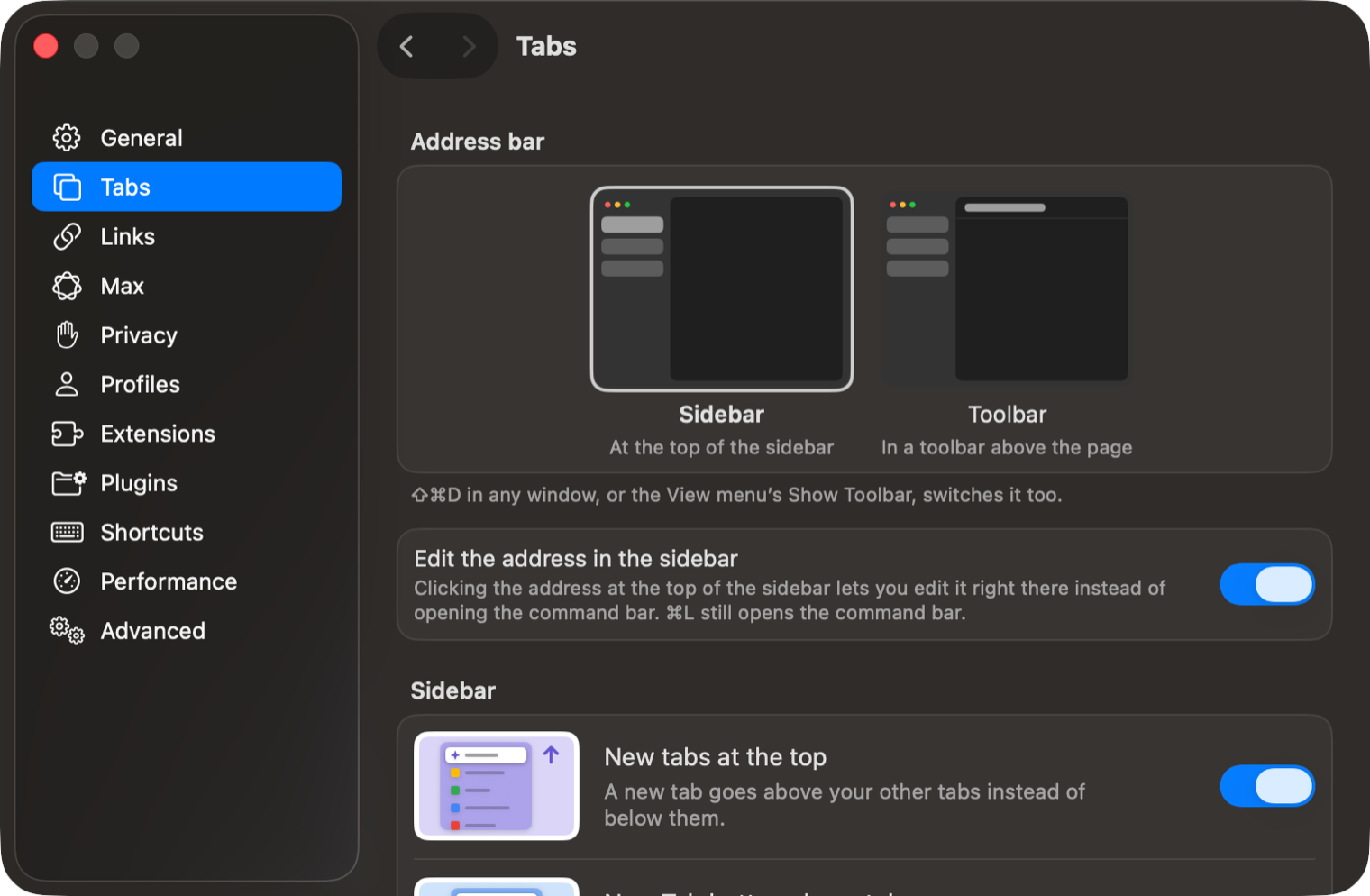
Every setting now has a line saying what it changes, and the ones that change how Cra looks show it in a small picture.
Help improve Cra, from the sidebar
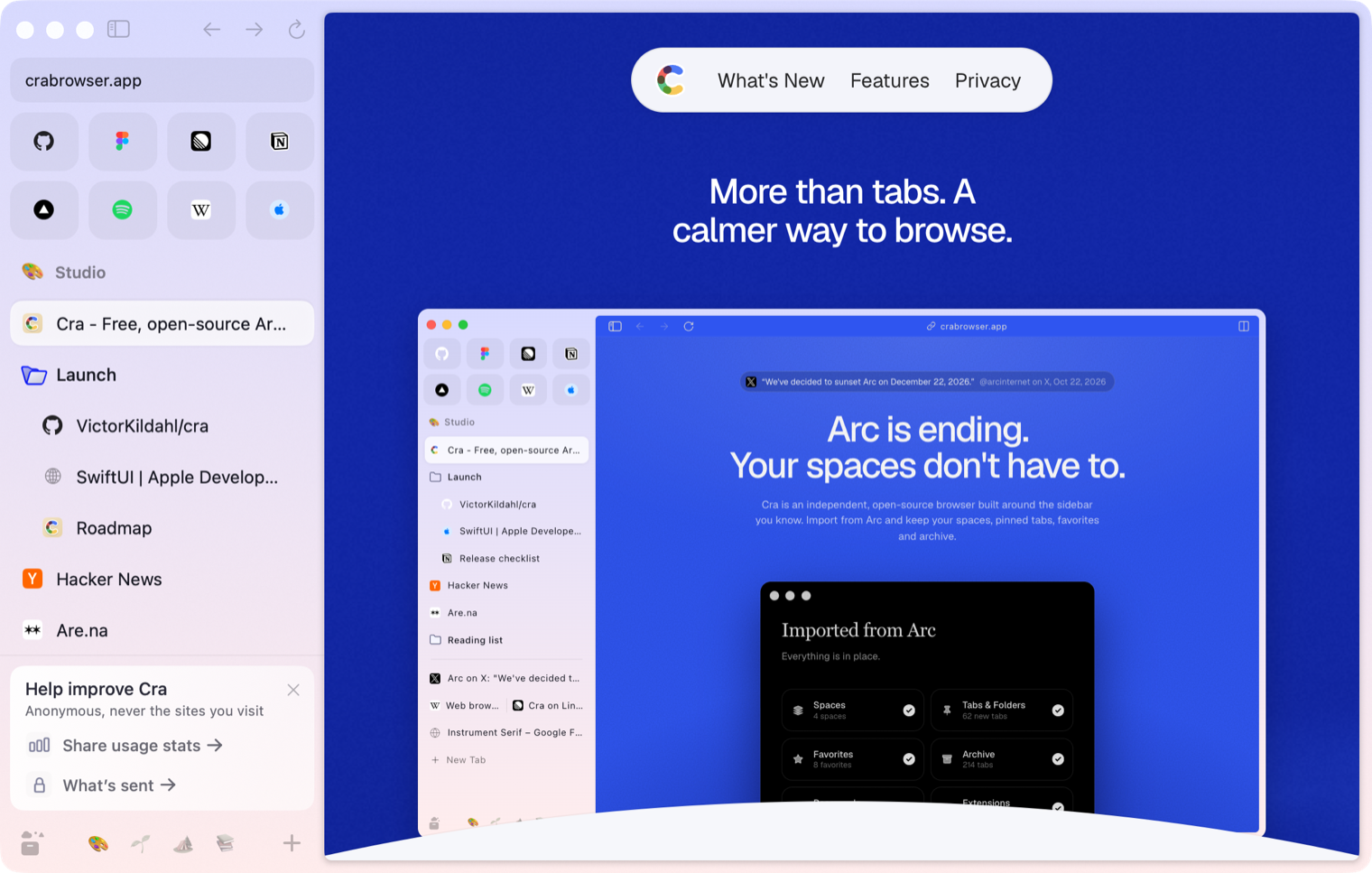
If you updated from an older Cra, a small card in the sidebar asks once whether to share anonymous usage stats; ✕ puts it away for good. Stats stay off unless you say yes, and never include the sites you visit. Stats turned on in 0.1.38 now really go out, 30 seconds after launch.
What else is new
Chrome’s latest security fixes
Cra now runs on CEF 156.0.27 with Chromium 156.0.8078.96, Chrome’s 9 Nov Extended Stable, which has 11 security fixes over the previous engine, including one already used in attacks.
Thank you, Benoit Condaminet, for asking in #323.
Fixes
- Stay On Top, Share…, Save Page As, the captures and other menu commands act on the Little Window you’re in, not on the browser window’s tab (#333, Kris Tartari).
- The Automatic Picture-in-Picture switch in a site’s controls changes it for that site only (#326, Alexandre Bonefons).
- A double-click on a pinned tab’s icon goes back to its pinned page once and doesn’t start renaming it (#345, Boris Smiyan).
- Screenshot apps that pick the window under the pointer capture Cra’s window, not a blank white one (#346, Haoyang Wu).
- Cra sets your custom app icon again when it comes back to the Dock from the menu bar (#319, rabbit-roger).
- Stay On Top, Share…, Save Page As, the captures and other menu commands act on the Little Window you’re in, not on the browser window’s tab (#333, Kris Tartari).
Thank you
Kenzo G.
Kris Tartari
Sam Wyness
Prime-Apps-Dev
Sayor Debbarma
Alexandre Bonefons
Boris Smiyan
Haoyang Wu
Benoit Condaminet
rabbit-roger
Thank you, Kenzo G., for a pull request; and Kris Tartari, Sam Wyness, Prime-Apps-Dev, Sayor Debbarma, Alexandre Bonefons, Boris Smiyan, Haoyang Wu, Benoit Condaminet and rabbit-roger for the reports.
Cra is free and made in the open. Sponsor Cra
For every change in 0.1.39, see the changelog.
Past releases
10 November 20260.1.38
iCloud sync and agents in Cra
9 November 20260.1.37
Back to where the link came from
8 November 20260.1.36
Cra for Intel Macs
8 November 20260.1.35
Boosts, Easels and the rest of Arc’s Library
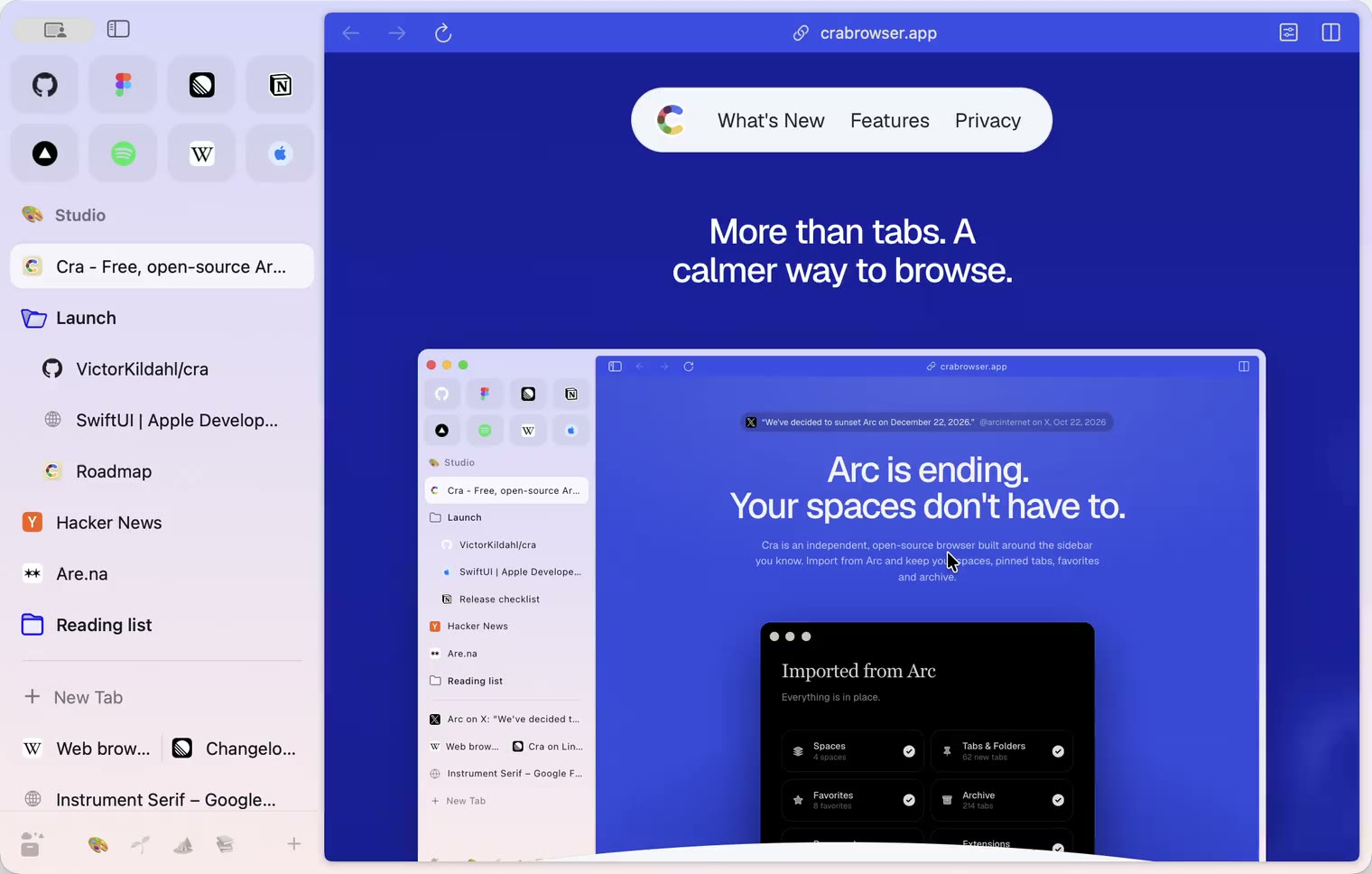
7 November 20260.1.34
Arc’s dialog sheets, GitLab live folders, pinned splits by drop
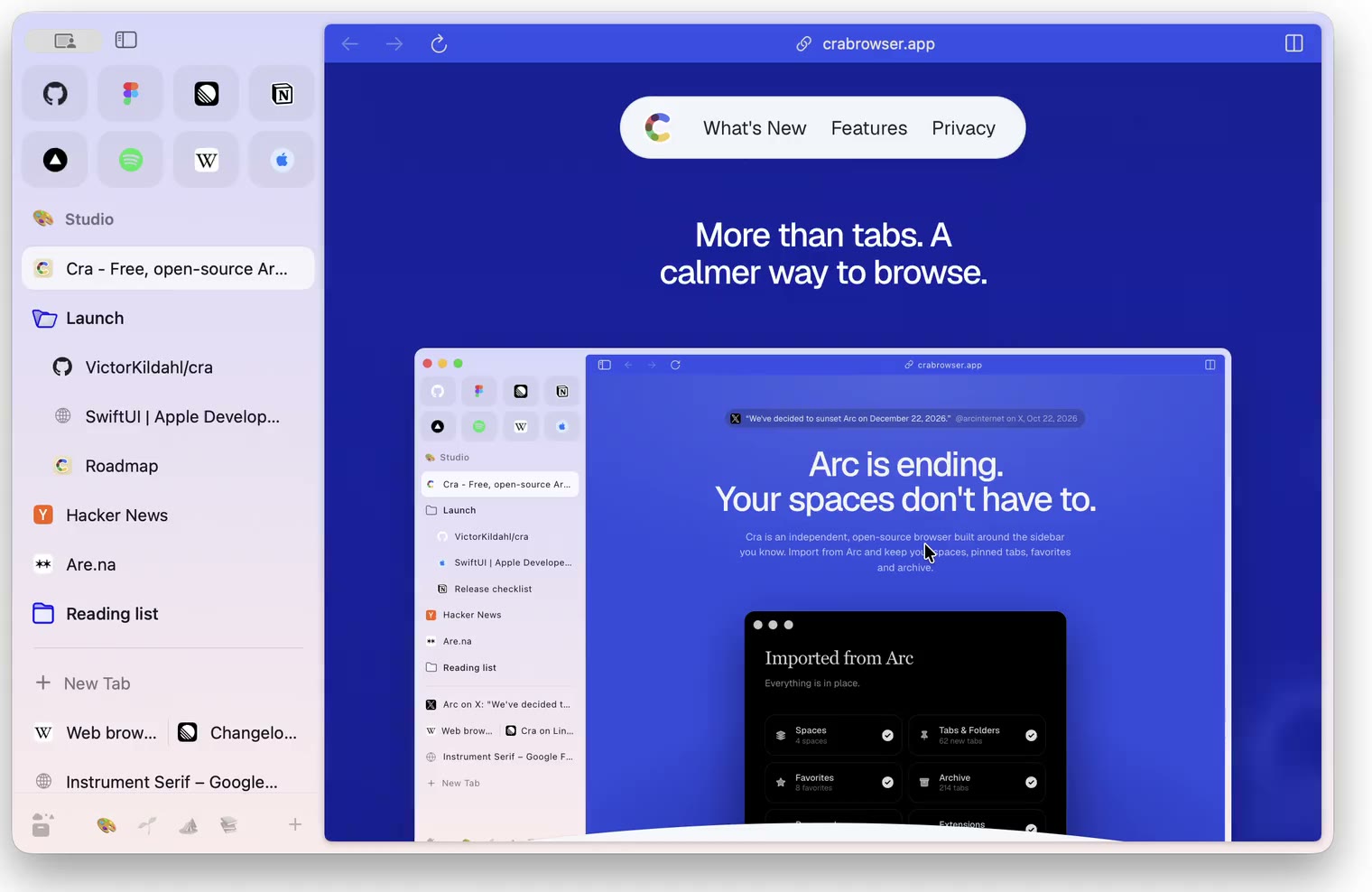
6 November 20260.1.33
Blank Window, tabs you drag out, Arc’s right-click menu
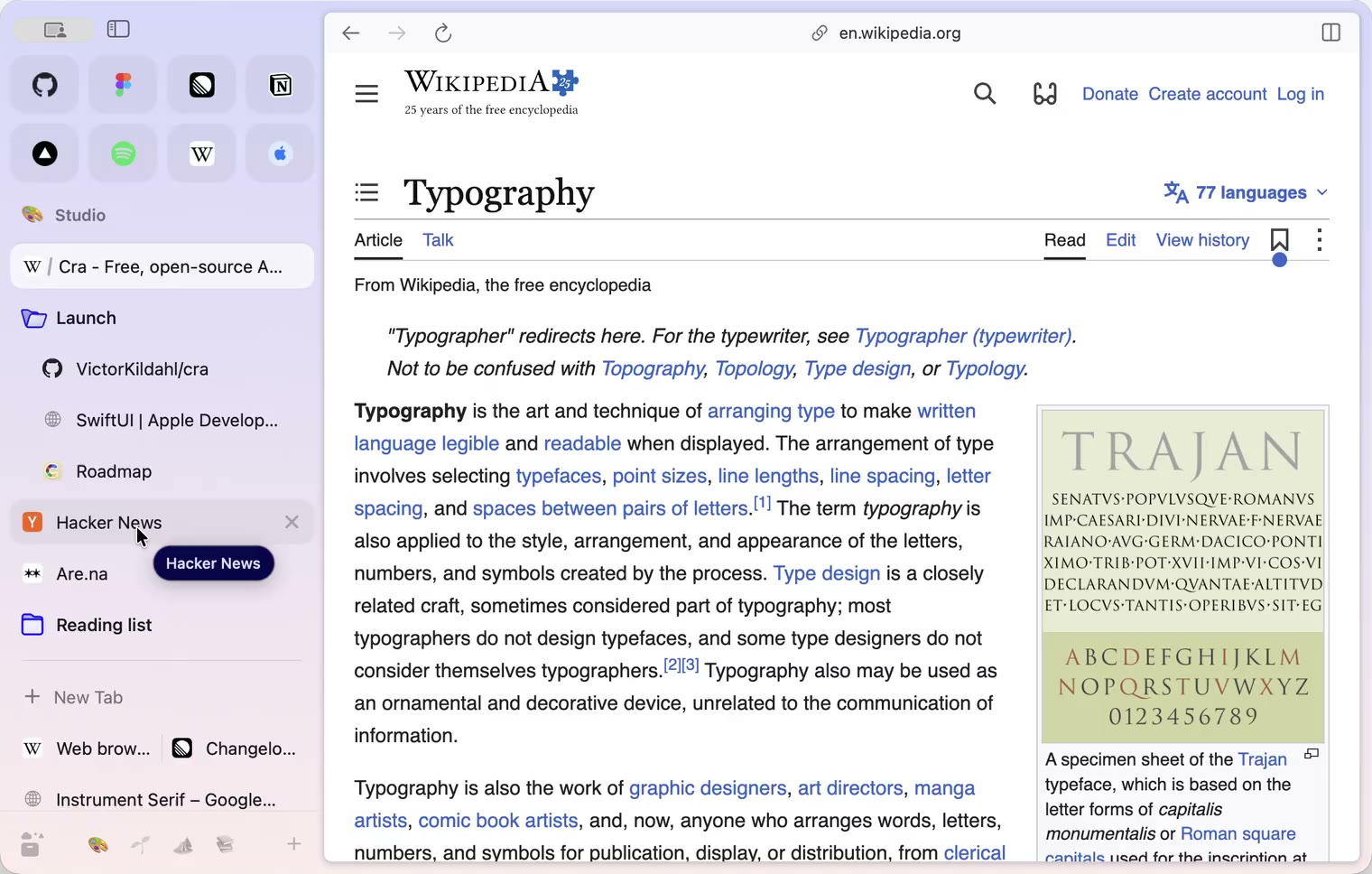
6 November 20260.1.32
Peek grows out of the link, a download folder per profile, Meet’s picture-in-picture
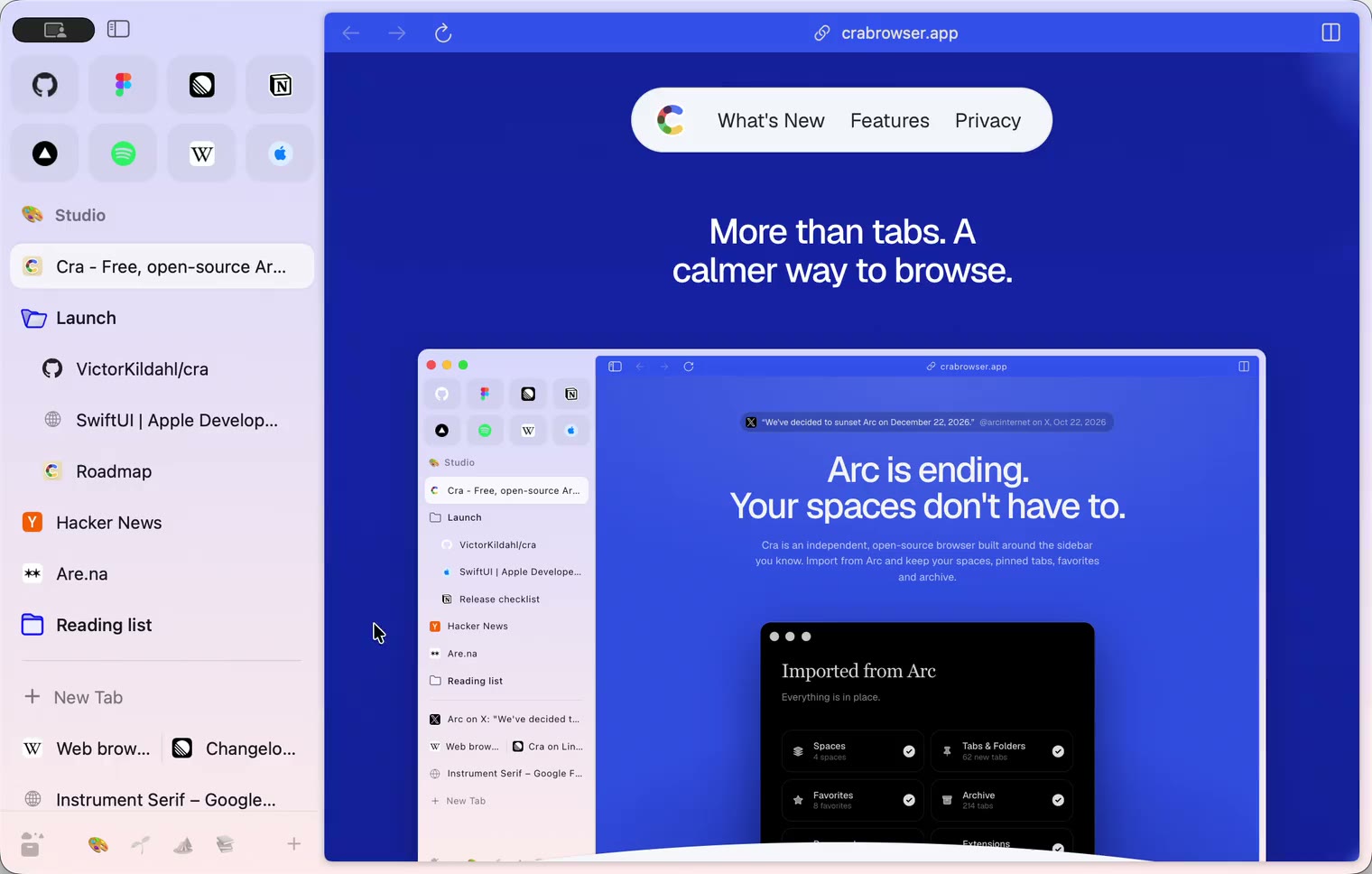
5 November 20260.1.31
Spotify and Netflix play, Tidy Tabs on your Mac, extension side panels
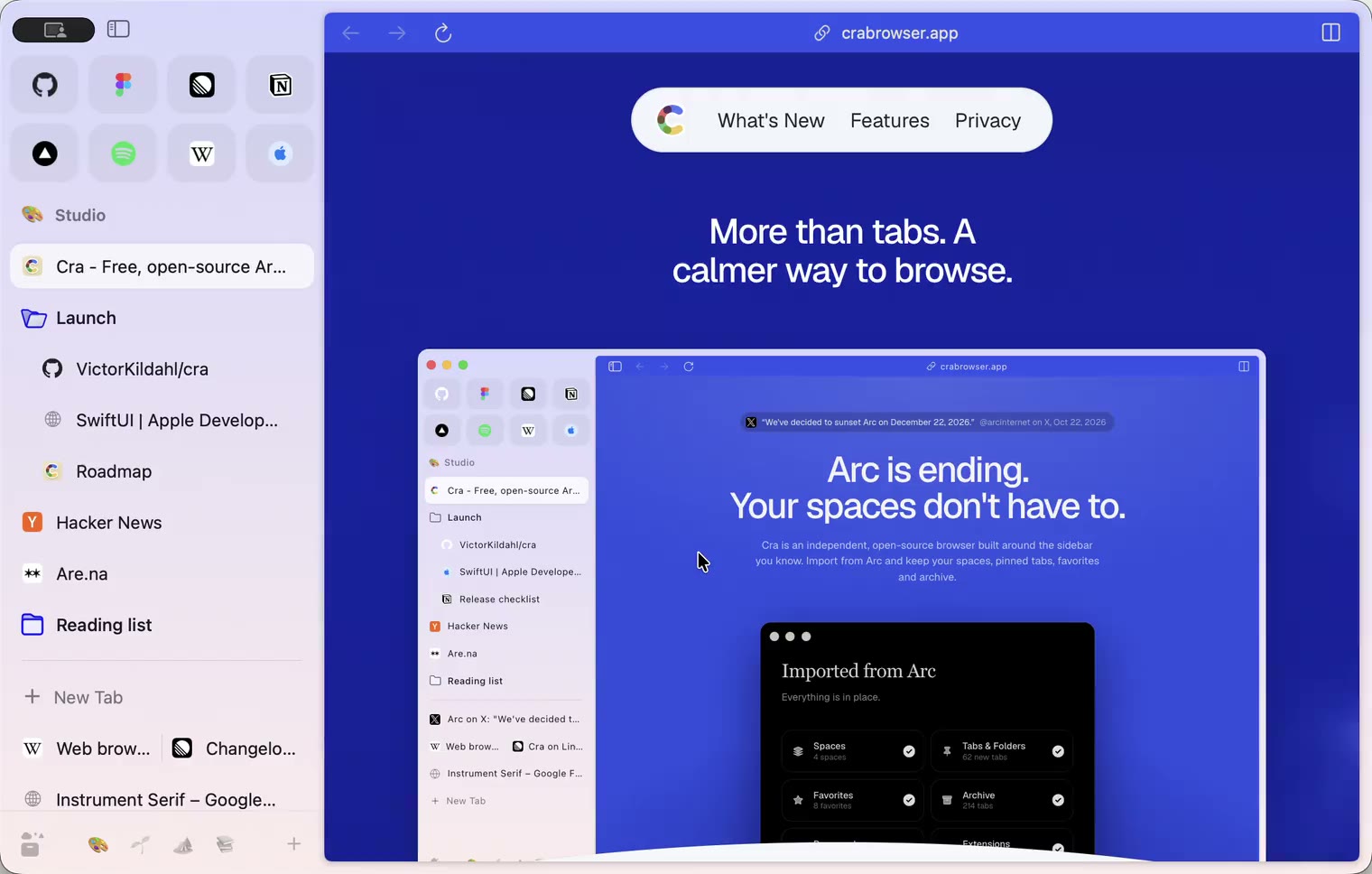
4 November 20260.1.30
Capture like Arc, favorites you drag into place, Arc’s colour picker
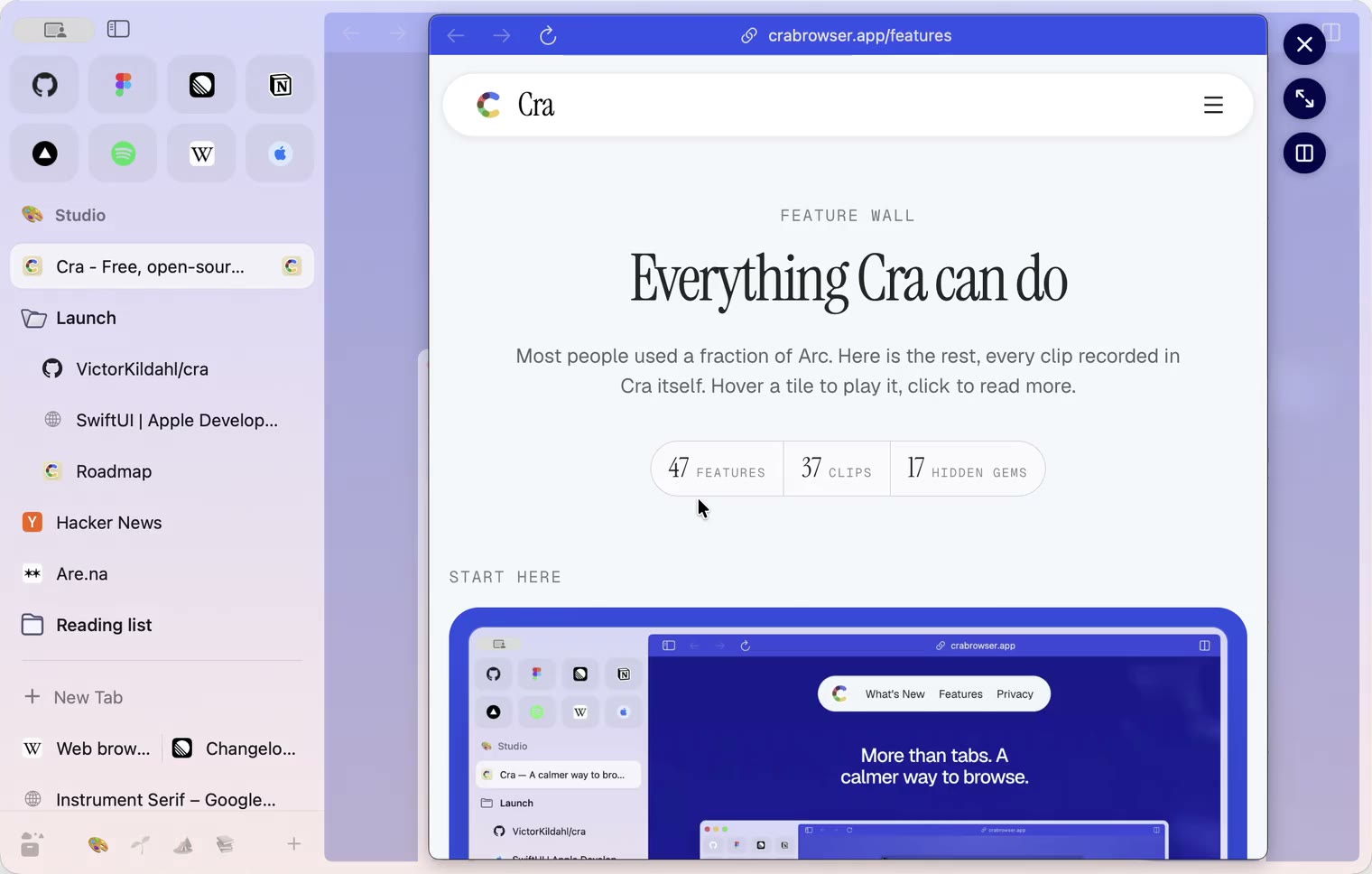
4 November 20260.1.29
Peek like Arc’s, space themes with a light and a dark half, Arc’s space tooltip
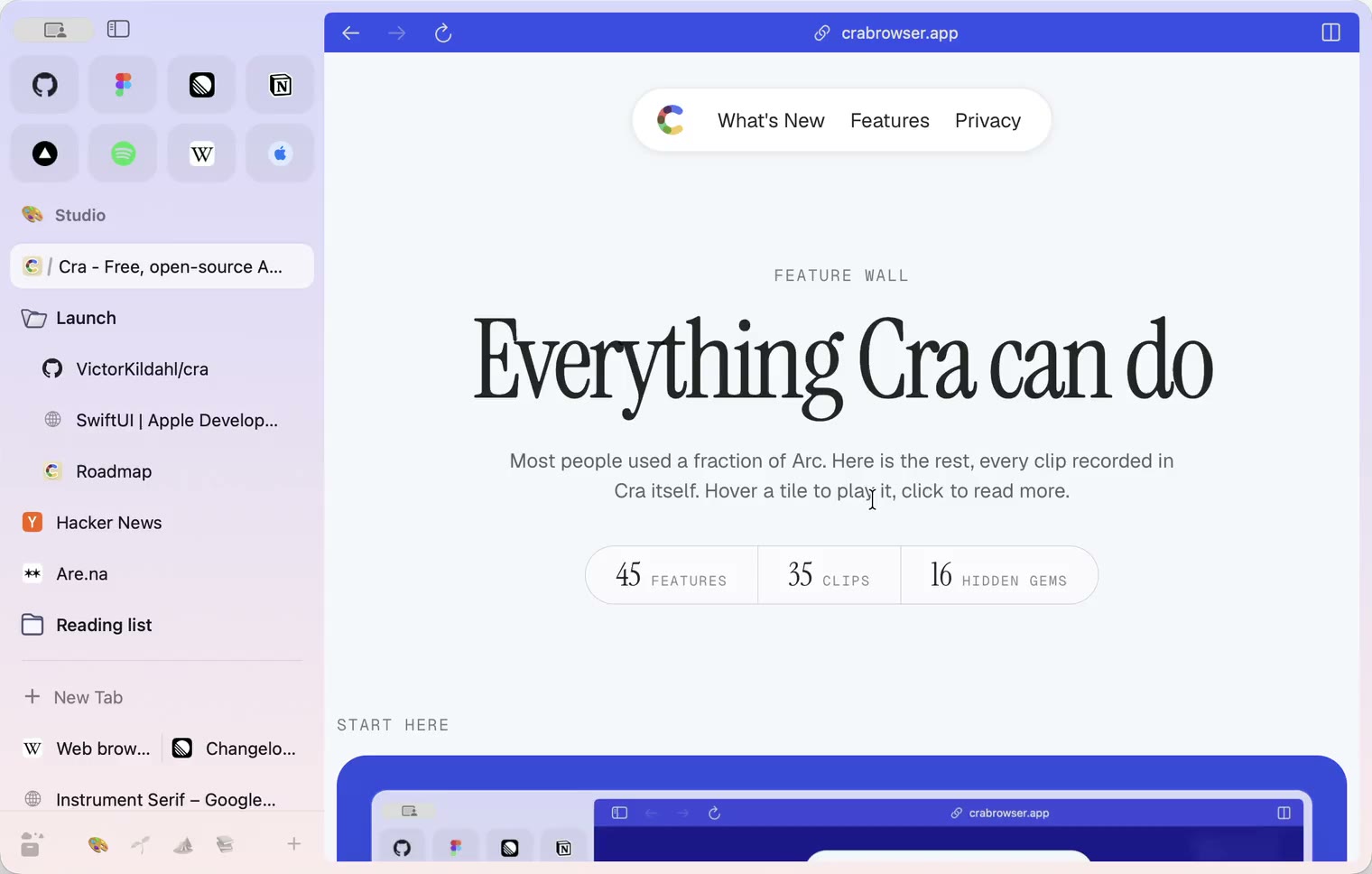
3 November 20260.1.28
Pinned tabs and closing like Arc, notifications, Arc’s loading bar
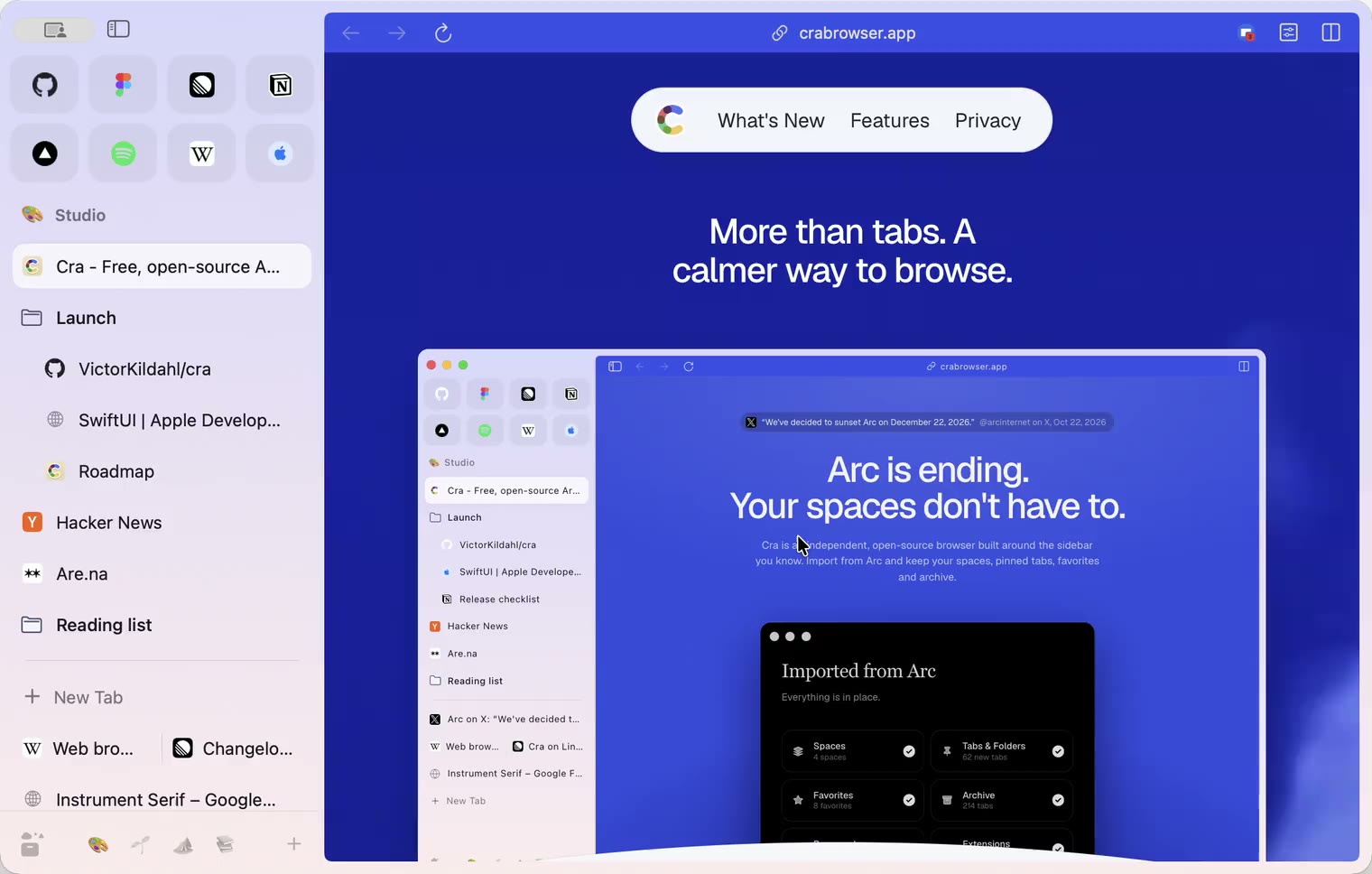
2 November 20260.1.27
Arc’s Capture, live extension icons and Shift + wheel spaces
2 November 20260.1.26
Background tabs, Arc’s toast and Move to Space
1 November 20260.1.25
Edit pinned URLs and swipe into the Library
1 November 20260.1.24
Arc’s space menu, tab search and developer bar
31 October 20260.1.23
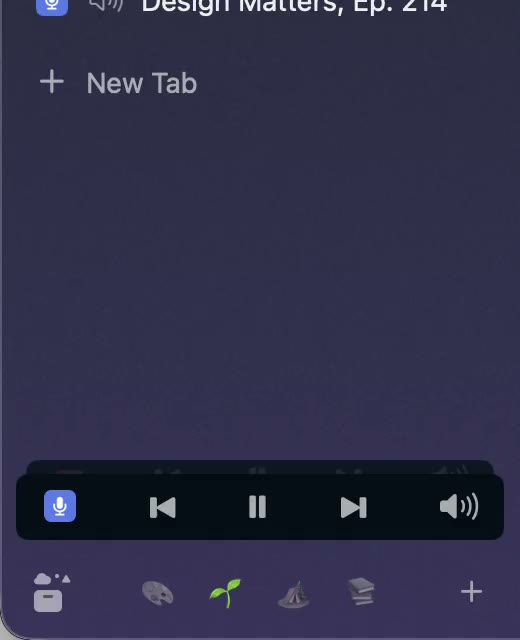
Arc’s now-playing player, split favorites and folder previews
30 October 20260.1.22
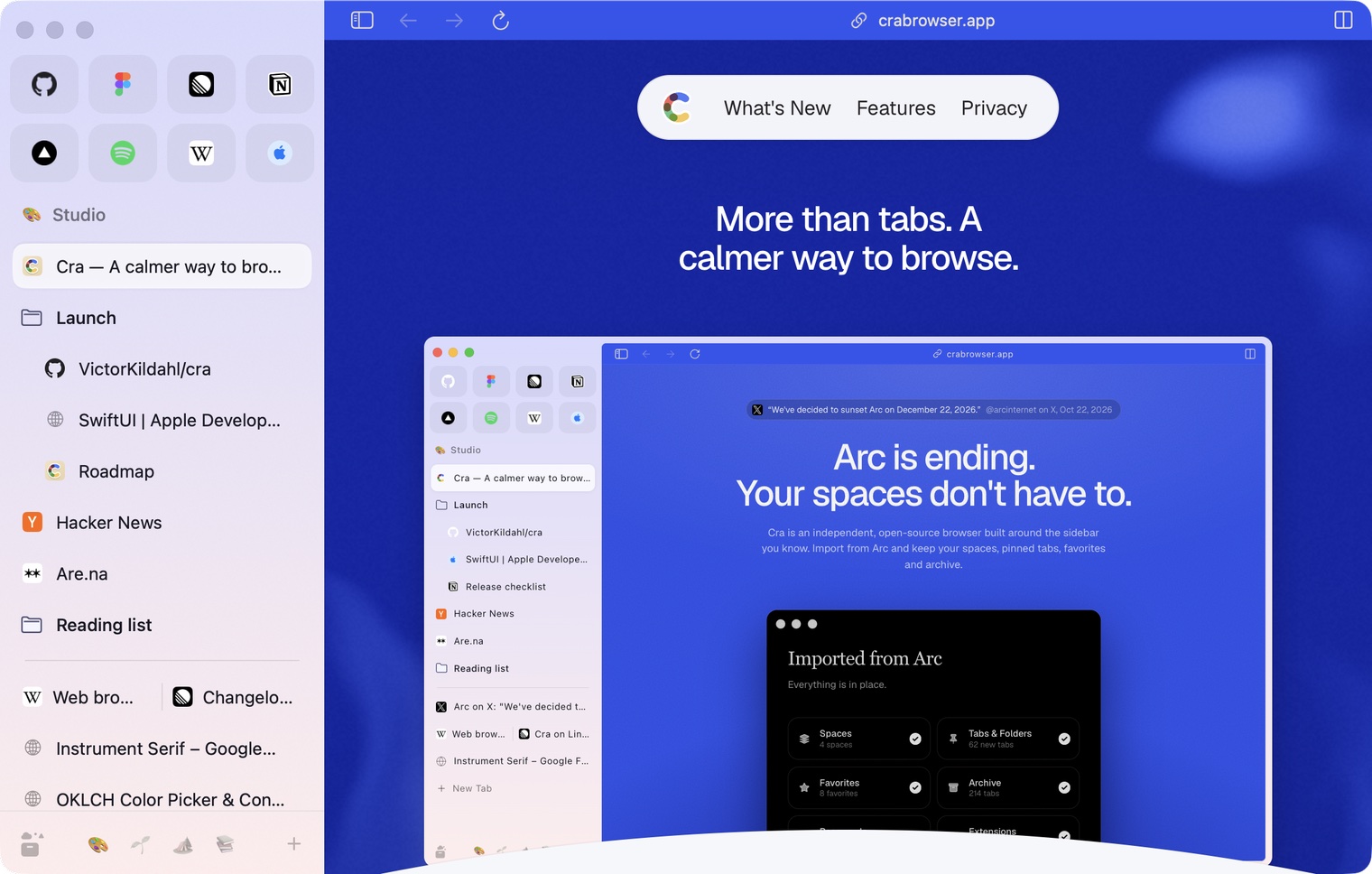
Edge-to-edge pages and Arc’s refresh button
30 October 20260.1.21
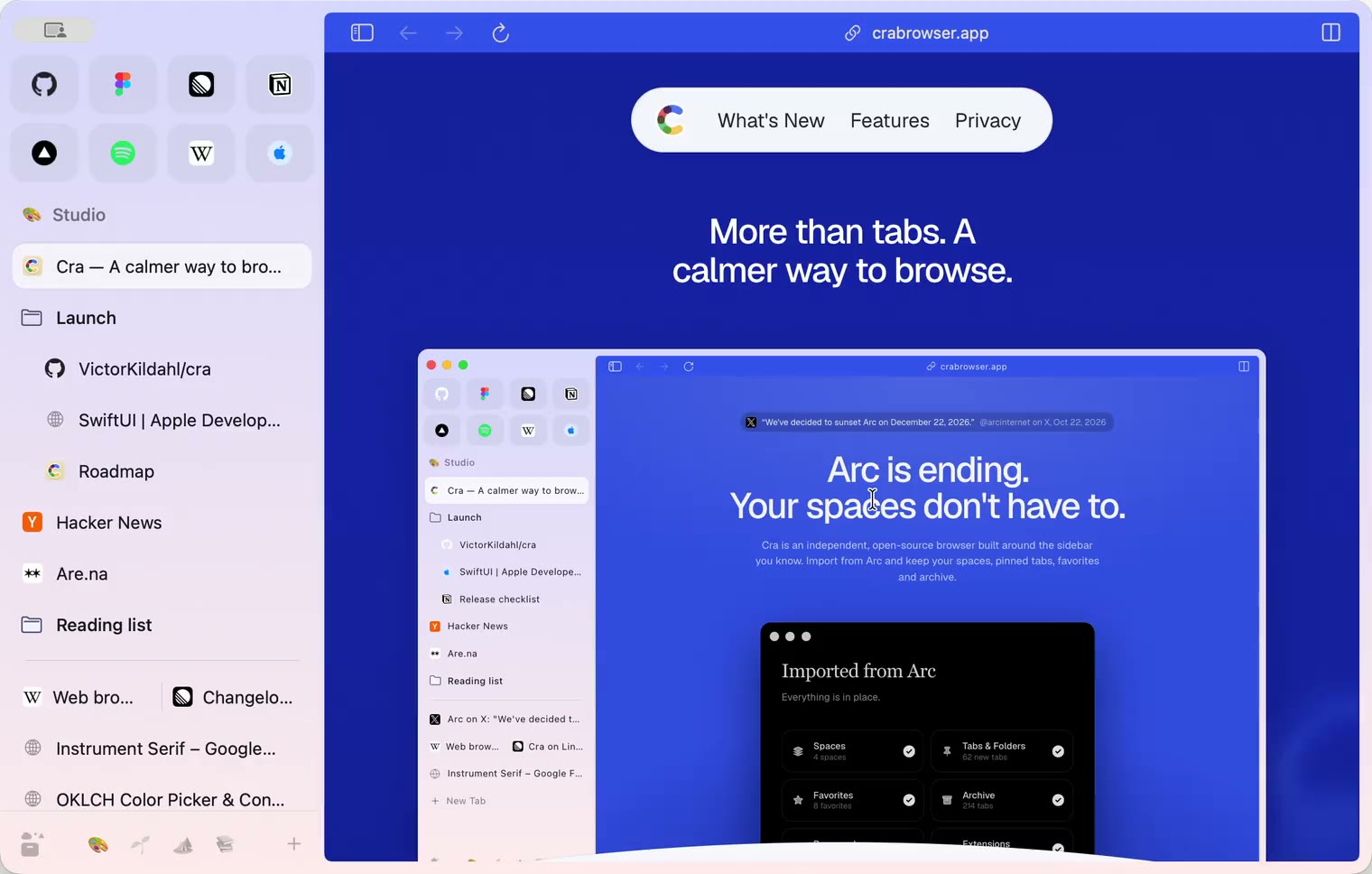
Pinned split views and a quick way to clear cookies
29 October 20260.1.20
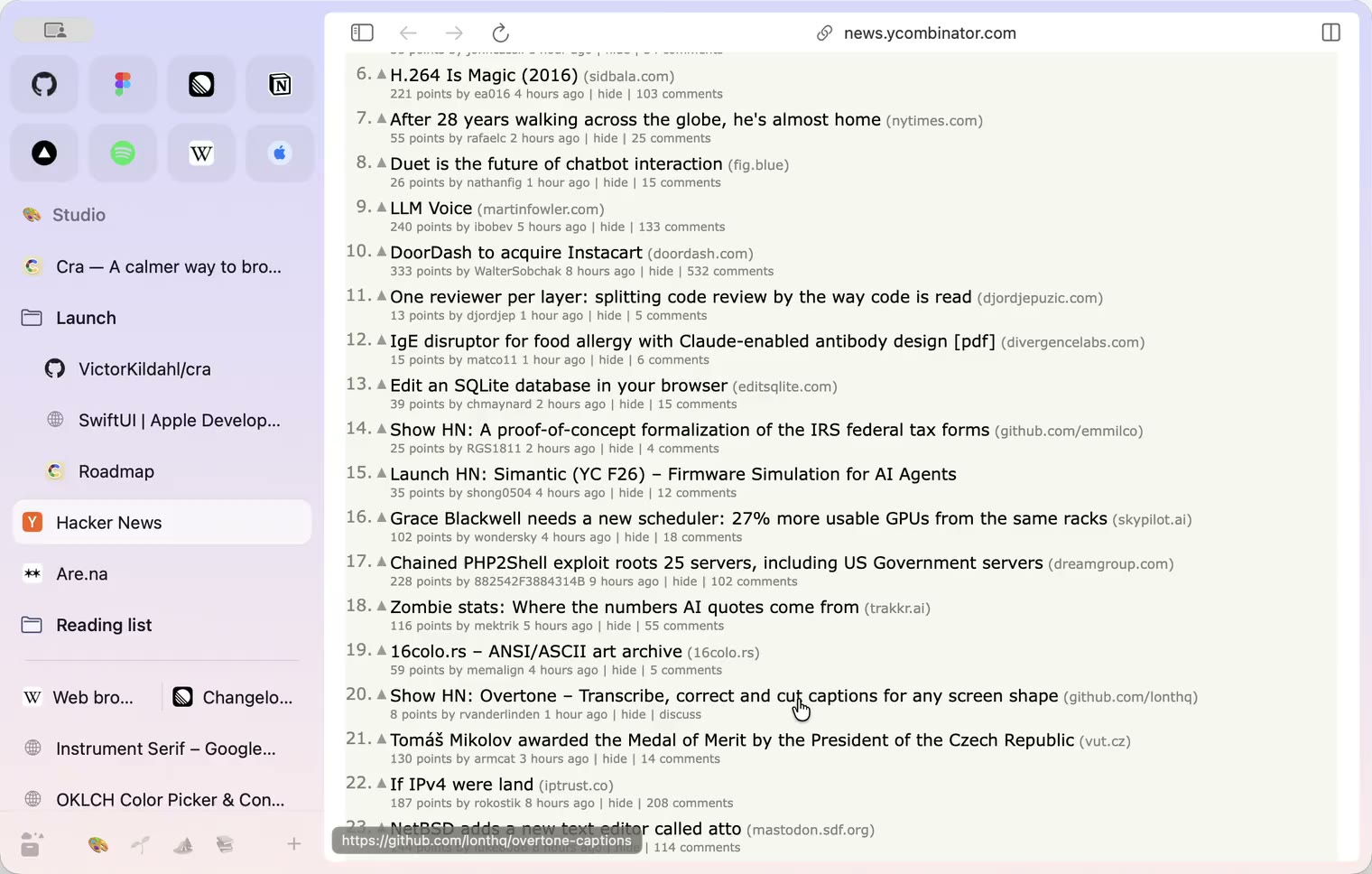
Peek, Site Search and instant extension popups
- 0.1.19
29 October 20260.1.19
Extension popups open right away

29 October 20260.1.18
A sidebar built for speed
- 0.1.17
28 October 20260.1.17
Pages live inside the window
- 0.1.16
28 October 20260.1.16
A smoother Cra
28 October 20260.1.15
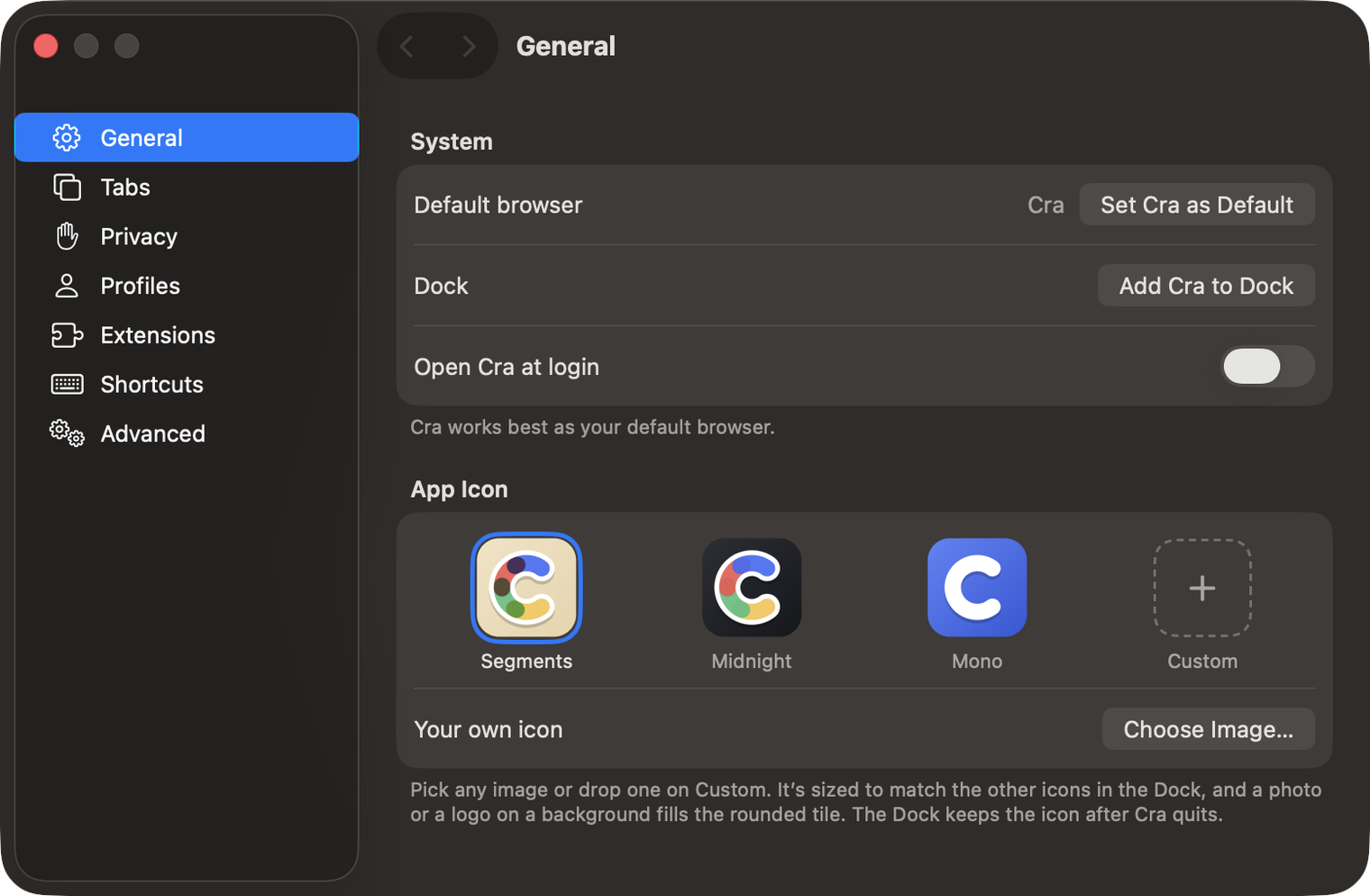
Make Cra’s icon your own
27 October 20260.1.14
The Library moves into the sidebar

27 October 20260.1.13
Drag your spaces into order

27 October 20260.1.12
Downloads that outlive their tab

27 October 20260.1.11
Your passwords, locked in your Keychain

26 October 20260.1.10
Air Traffic Control

26 October 20260.1.9
Favorites per space
- 0.1.8
26 October 20260.1.8
Video everywhere
- 0.1.7
26 October 20260.1.7
Work sign-ins

26 October 20260.1.6
Drag and drop that works

26 October 20260.1.5
Sign in with Google

26 October 20260.1.4
Copy, paste and clean corners

26 October 20260.1.3
Extensions that reach their apps
- 0.1.2
26 October 20260.1.2
Notarized, and it updates itself
- 0.1.1
25 October 20260.1.1
Quit fix

25 October 20260.1.0
Early access