Cra 0.1.4112 November 2026
Arc’s Settings, Zap and Easels
Settings is Arc’s window now, Zap asks first and keeps a shelf of what you zapped, and Easels have Arc’s colours, menus and live captures. Folders and picked tabs share as a link anyone can open.
Arc’s Settings window
Settings is Arc 1.172’s window now: 684 × 650 pt, with Arc’s tabs in a toolbar in Arc’s order, opening on the first tab every time. That tab carries your first name, as Arc’s Account tab does, with a member card, sync and Share Cra with a Friend. Max has Arc’s Turn On All, Shortcuts finds a shortcut by its keys, and Advanced and Links gain the rows Arc had and Cra didn’t: Show full URL, More Settings…, Reset Translated-site Prompts and ⌥⌘-click opens a Little Window (off by default, since ⌘⌥-click opens Split View). ⌘W closes Settings, not the tab behind it.
Thank you
Kris Tartari, for measuring Arc’s window and the pull request (#372, #373), and ProTimmy for ⌘W (#364)
Zap asks first
Zap works as in Arc 1.172.2: a click asks whether to zap this element or all related ones, and each zap becomes a cell on a shelf under the page. Point at a cell to see what it hid, click it to bring it back.
Easels like Arc’s
Shapes come in Arc’s eleven colours with its colour picker, a click with the rectangle or ellipse tool places one, and Arc’s menus, alignment guides, undo and redo are in. A pasted or dropped address becomes Arc’s link card, and a capture can show the live website, updated every second.
Share a folder as a link
Share Folder… on a sidebar folder copies a crabrowser.app link anyone can open, in any browser, with every tab in it; Arc’s “Send this Folder to anyone” warning asks first.
Thank you
Abhishek Kanani, for #357
Share picked tabs
Pick a few tabs with ⌘ or ⇧ and right-click: the menu is Arc’s current one, with Copy Links, Share N Items…, Move to and New Folder with N Items.
Thank you
Abhishek Kanani, for #356
Permission requests in Arc’s card
A site that asks for a permission (your local network, camera, microphone, notifications) asks in Arc’s small card over the page’s top left corner, and the rest of the window stays usable.
Thank you
Rory, for #371
Picture in Picture: scrub and go back
Arc’s scrubber runs along the bottom of the Picture in Picture window, and a drag seeks, slower the higher the pointer goes. A double click on the video takes you back to its tab.
Thank you
Peter Nielsen, for #383 and #384
Peek buttons and favorite badges
A Peek opened from a favorite puts the page’s icon on the tile’s corner, as Arc does, and the Peek’s buttons rise under the pointer and give under a press; ⌘W and ⌘O press theirs too.
Thank you
Boris Smiyan, for #381, and Abhishek Kanani for #385
Switch to Light Mode and Dark Mode
Typing dark mode or light mode in the command bar turns the whole browser, sidebar and all, not only its pages, as in Arc.
Thank you
Abhishek Kanani, for #362
Copy the link, see the check
A click on the link glyph in the toolbar copies the address and turns into a checkmark for a moment, as in Arc.
Thank you
Abhishek Kanani, for #361
Expand Current Split
View ▸ Expand Current Split gives the focused pane the window and keeps the others at Arc’s 220 pt; drag or double-click the divider to bring them back.
What else is new
More from your reports
- Blocked pop-ups get a button in the toolbar with Chrome’s list, Open All and Always Allow (#357, Abhishek Kanani).
- A Peek grows out of the link you clicked on sites built from web components, like Reddit, and shrinks back into it (#359, Abhishek Kanani).
- ⌘-click on a Peek’s Expand can load the page in the tab the Peek came from: Settings ▸ Links ▸ Peek, off by default (#380, Boris Smiyan).
- Sidebar rows and Favorites tiles push in while pressed, as in Arc (#367, ProTimmy).
- Logi Options+’s Back and Forward gestures navigate the page under the pointer, and switch spaces over the sidebar (#369, ProTimmy).
- Share Boost… makes a link to a Boost’s look, and crabrowser.app/boosts has a gallery to add from with Open in Cra; Cra asks before adding one.
- Music notes keep floating from a muted favorite and with Reduce Motion on, as in Arc (#303).
- Open in <space> (⌘O) sits in the Tabs menu after Pin Tab, while a Little Window or Peek is in front, as in Arc.
- Install with Homebrew: brew install --cask victorkildahl/tap/cra.
- Blocked pop-ups get a button in the toolbar with Chrome’s list, Open All and Always Allow (#357, Abhishek Kanani).
Fixes
- Sync no longer stops for good when two Macs write at once or a file goes missing from the folder, and a Mac turning sync on never writes over another Mac’s sidebar (#378, Craig Harman).
- A two-finger swipe back on a tab a link opened closes it to the tab it came from, as Back does (#370, Rory).
- ⌘T in a Peek opens the window’s New Tab bar with your tabs, not just the Peek’s page (#379, Boris Smiyan).
- The command bar no longer selects the row under a pointer that hasn’t moved (#382, Boris Smiyan).
- A click at the top of the page that slips a few points still clicks, and the page-top drag band matches Arc’s 60 pt, under the toolbar too (#363, yrshkd).
- View Page Source in the page’s right-click menu opens the source, not the page (#348, Craig Harman).
- Sync no longer stops for good when two Macs write at once or a file goes missing from the folder, and a Mac turning sync on never writes over another Mac’s sidebar (#378, Craig Harman).
Thank you
Thank you, Kris Tartari, Peter Nielsen and ProTimmy, for pull requests; and Abhishek Kanani, Boris Smiyan, Rory, Craig Harman and yrshkd for the reports.
Cra is free and made in the open. Sponsor Cra
For every change in 0.1.41, see the changelog.
Past releases
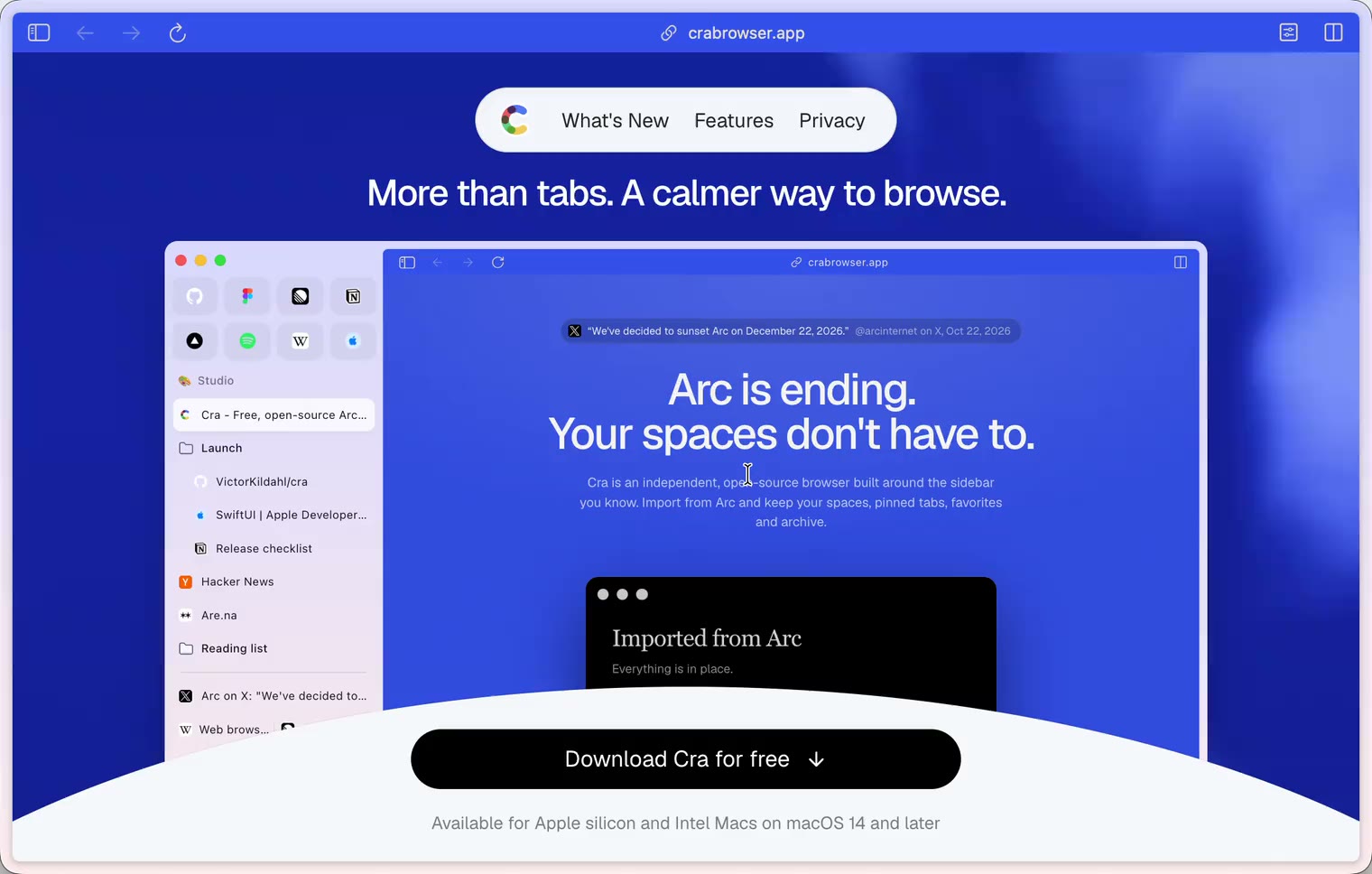
11 November 20260.1.40
A sidebar past the edge
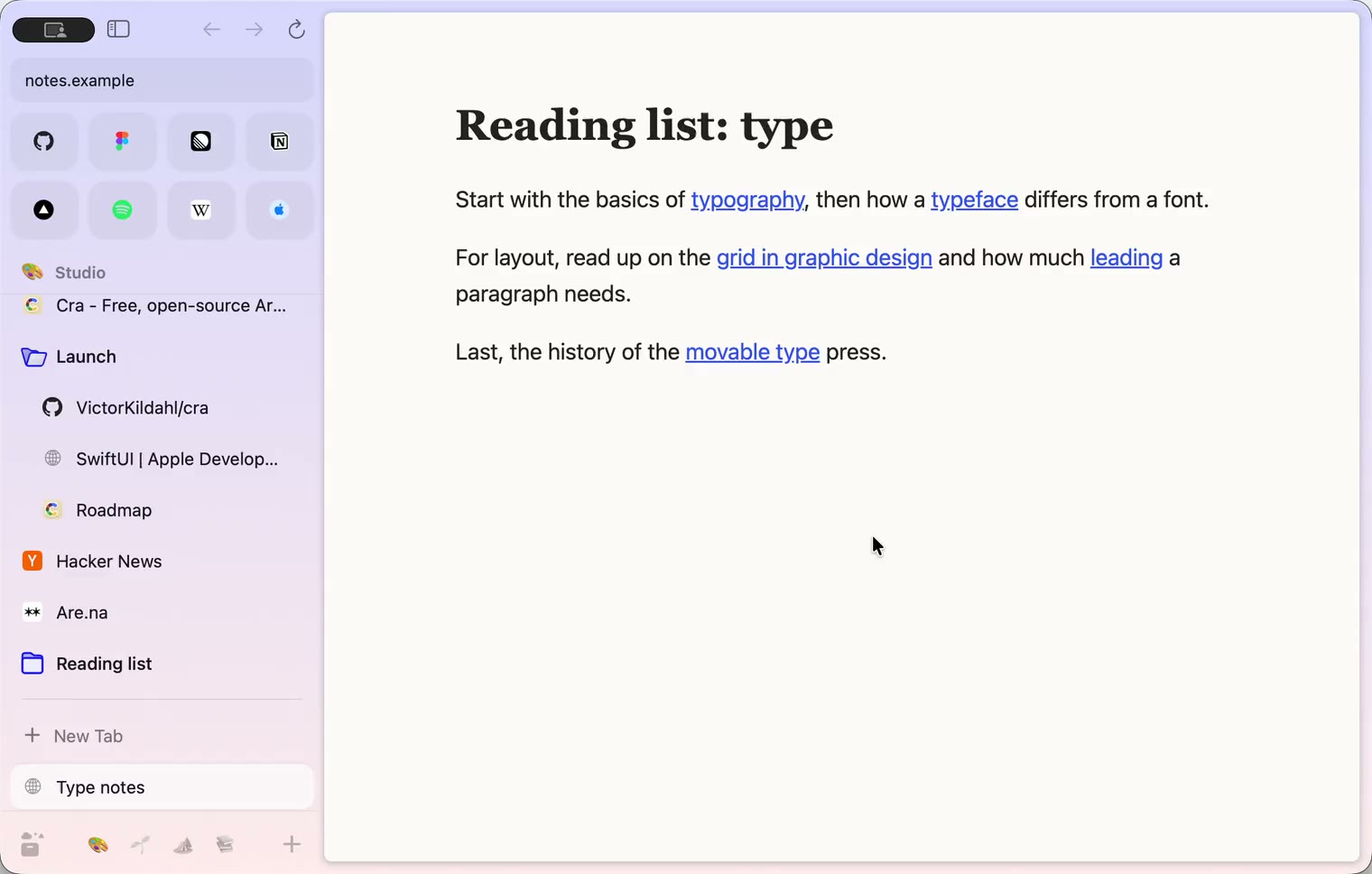
11 November 20260.1.39
5-Second Previews and the Little Window card
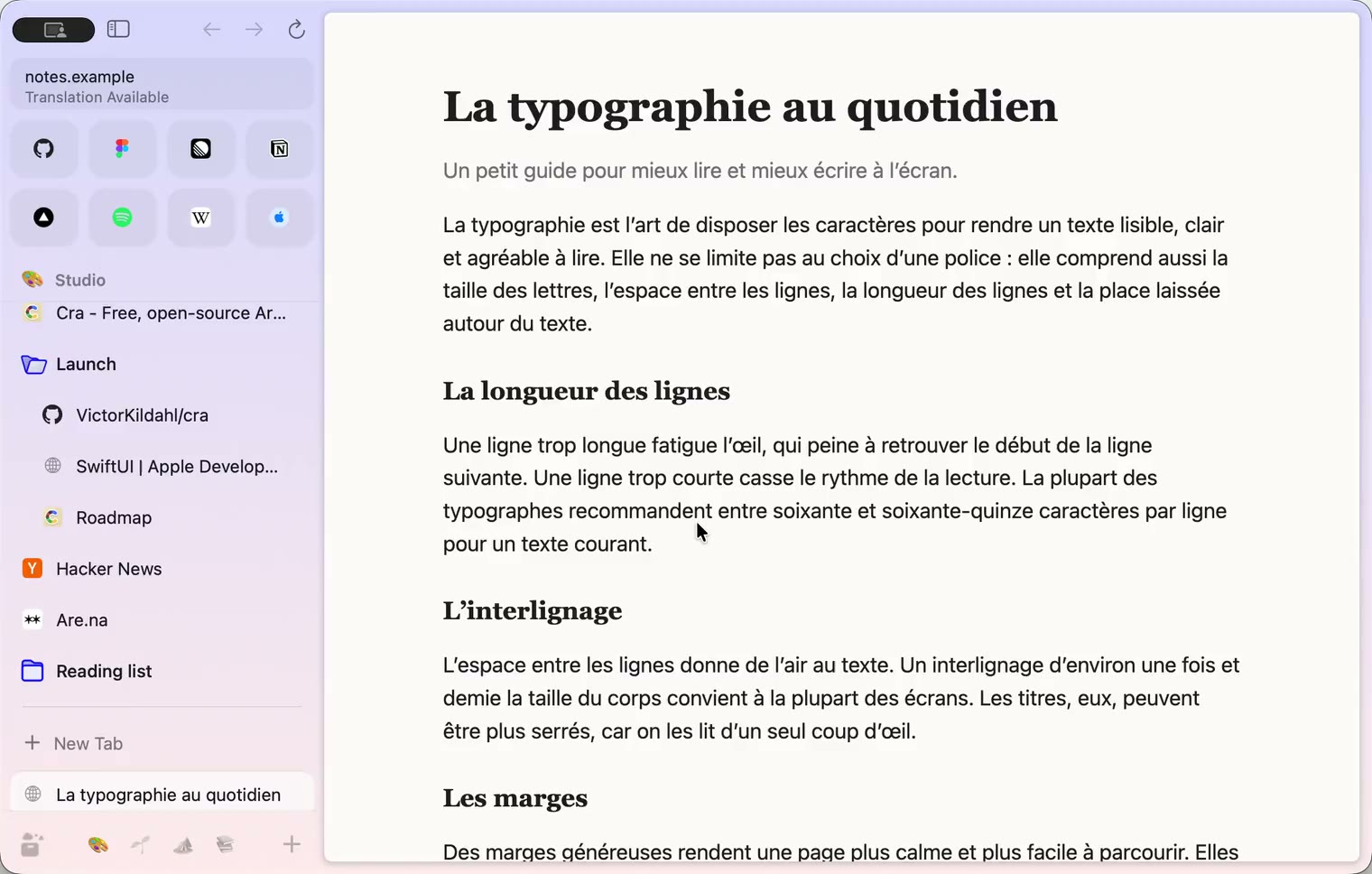
10 November 20260.1.38
iCloud sync and agents in Cra
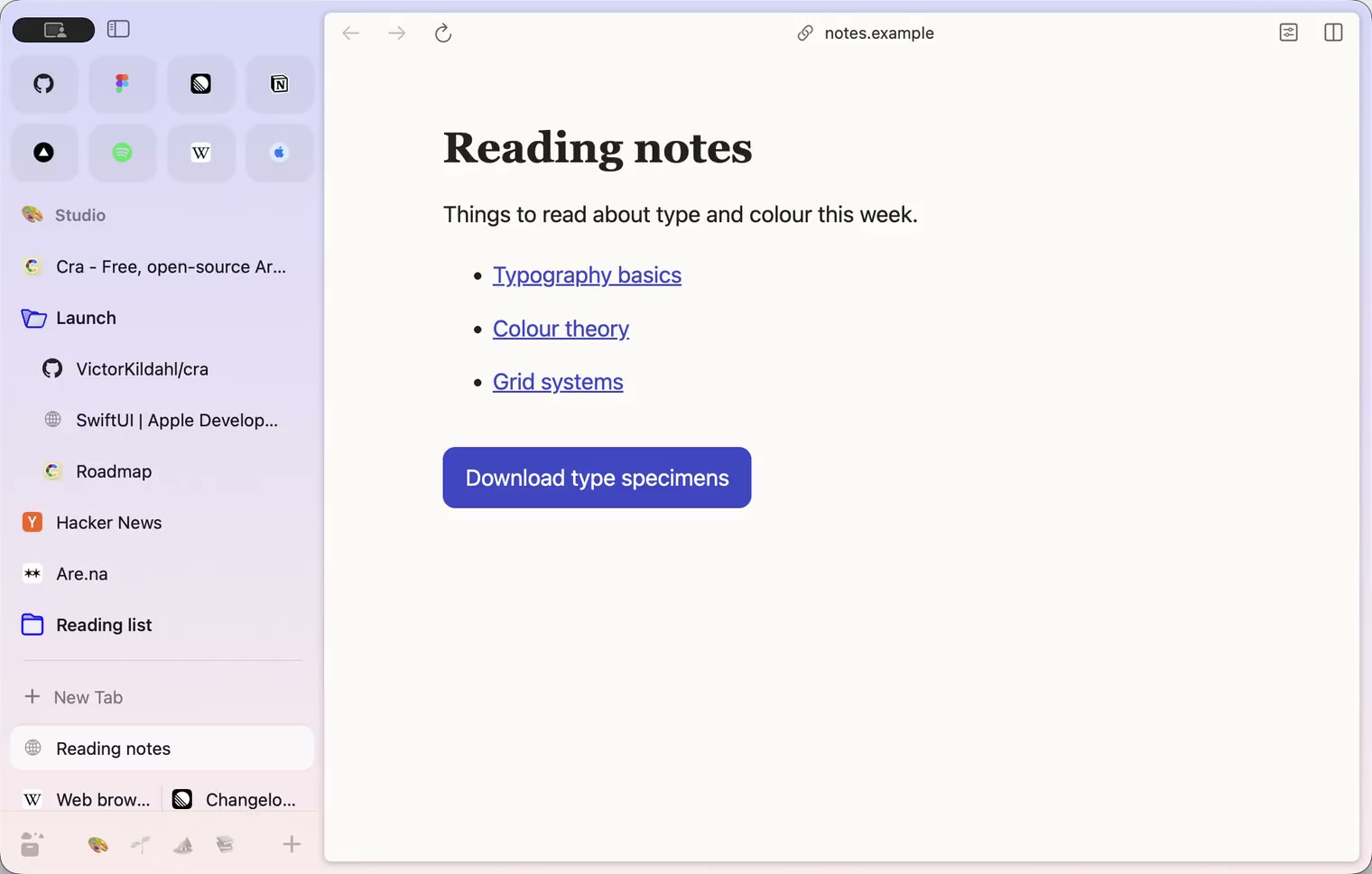
9 November 20260.1.37
Back to where the link came from
8 November 20260.1.36
Cra for Intel Macs
8 November 20260.1.35
Boosts, Easels and the rest of Arc’s Library
7 November 20260.1.34
Arc’s dialog sheets, GitLab live folders, pinned splits by drop
6 November 20260.1.33
Blank Window, tabs you drag out, Arc’s right-click menu
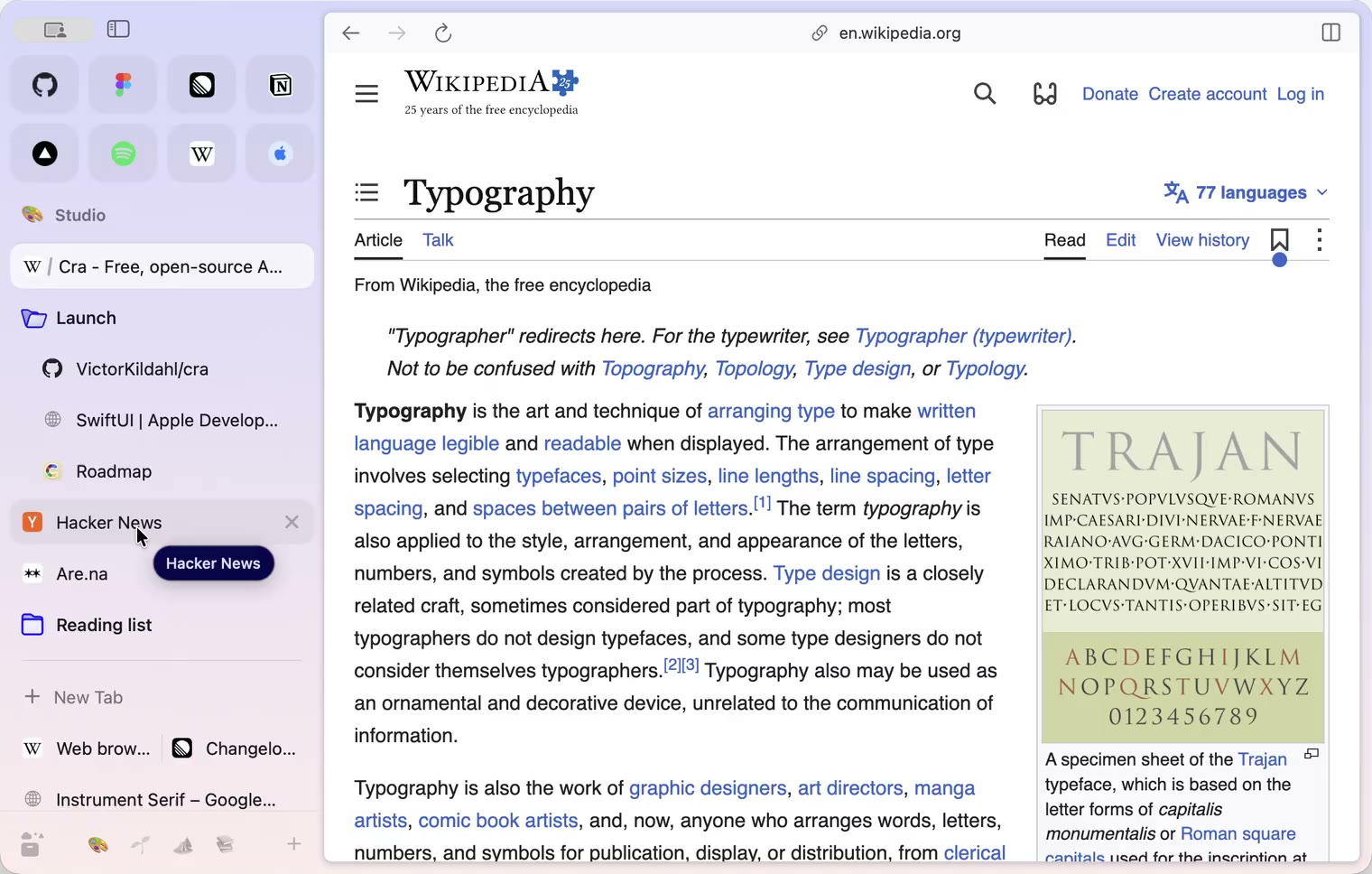
6 November 20260.1.32
Peek grows out of the link, a download folder per profile, Meet’s picture-in-picture
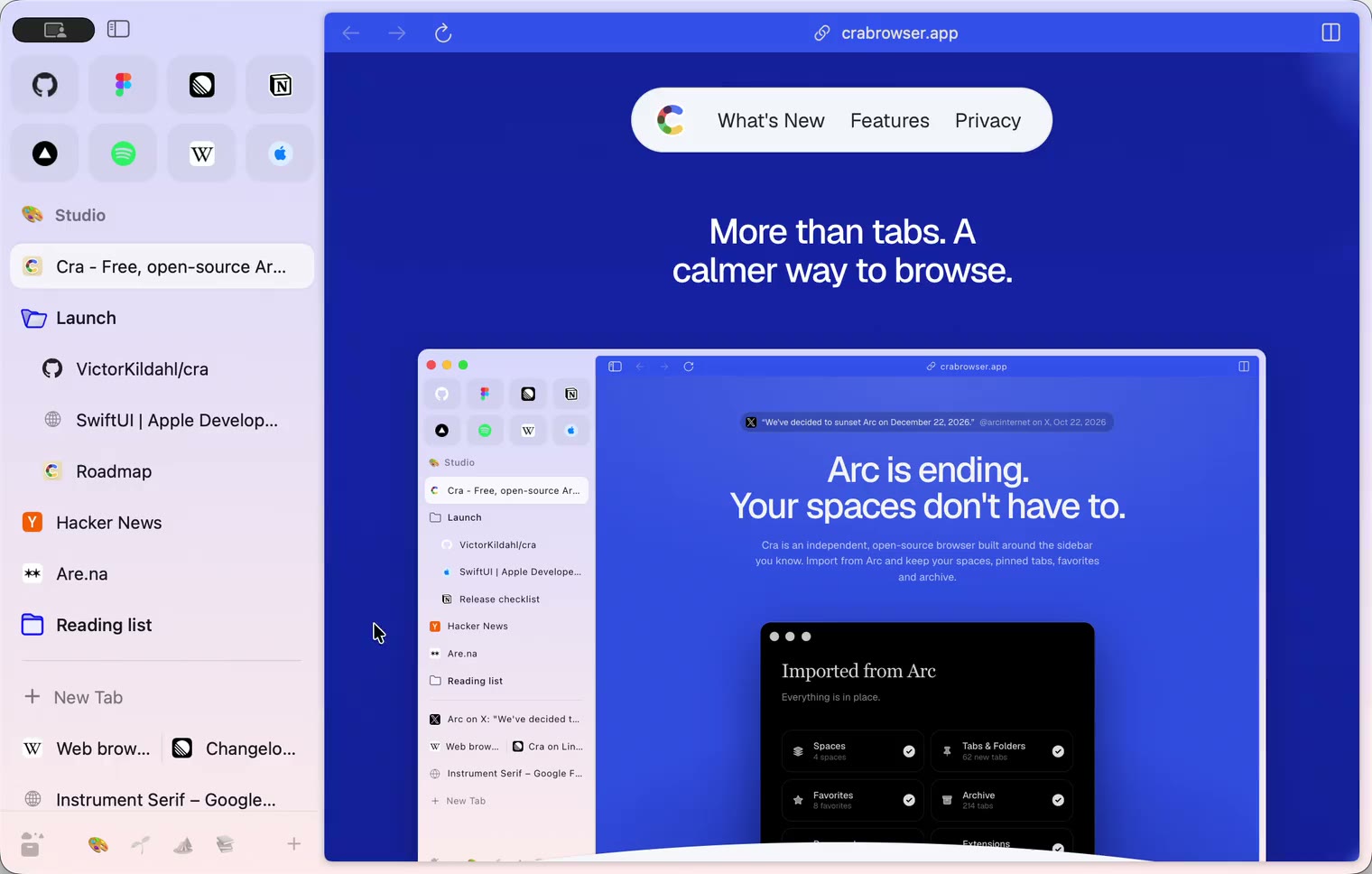
5 November 20260.1.31
Spotify and Netflix play, Tidy Tabs on your Mac, extension side panels
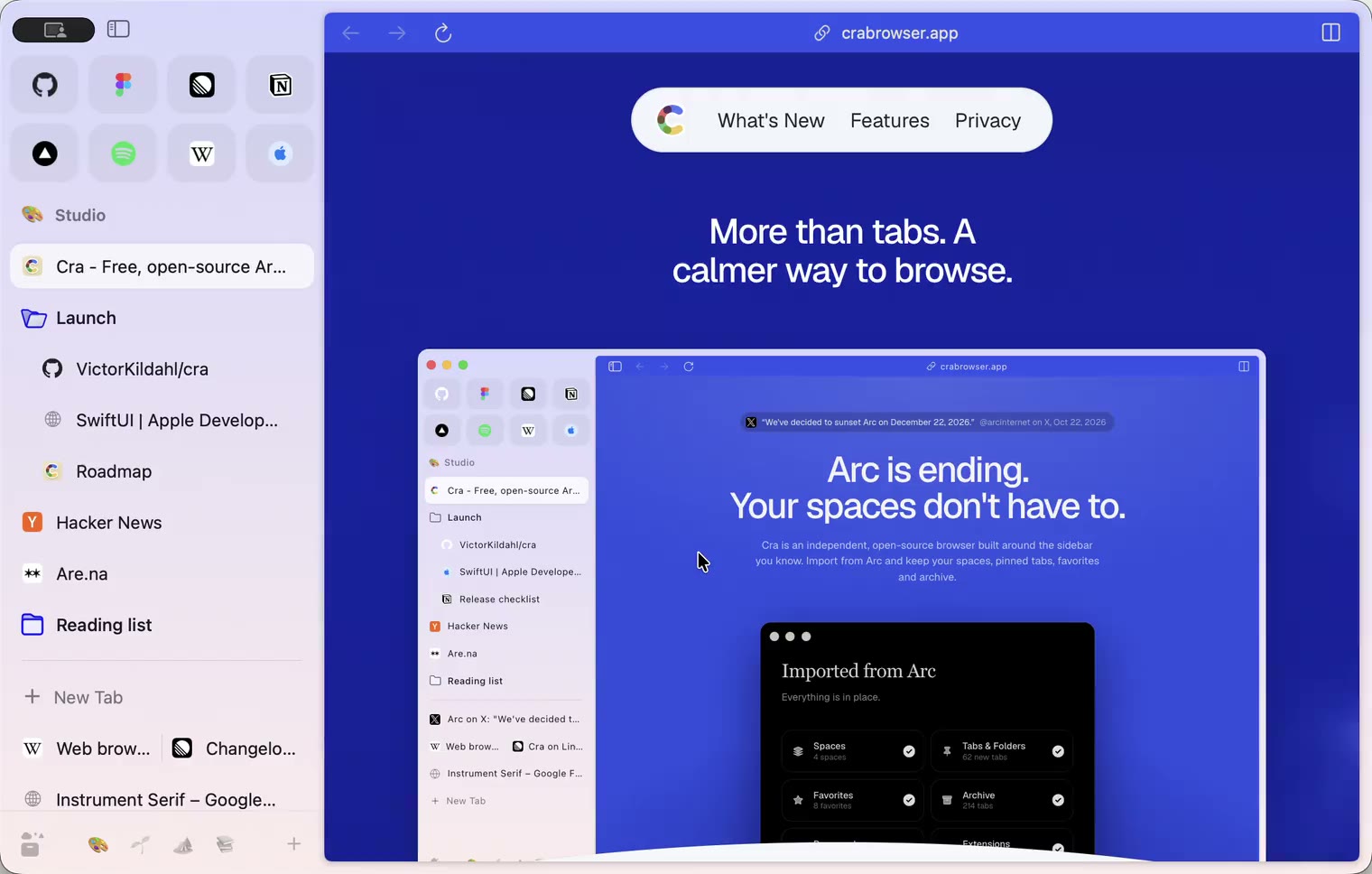
4 November 20260.1.30
Capture like Arc, favorites you drag into place, Arc’s colour picker
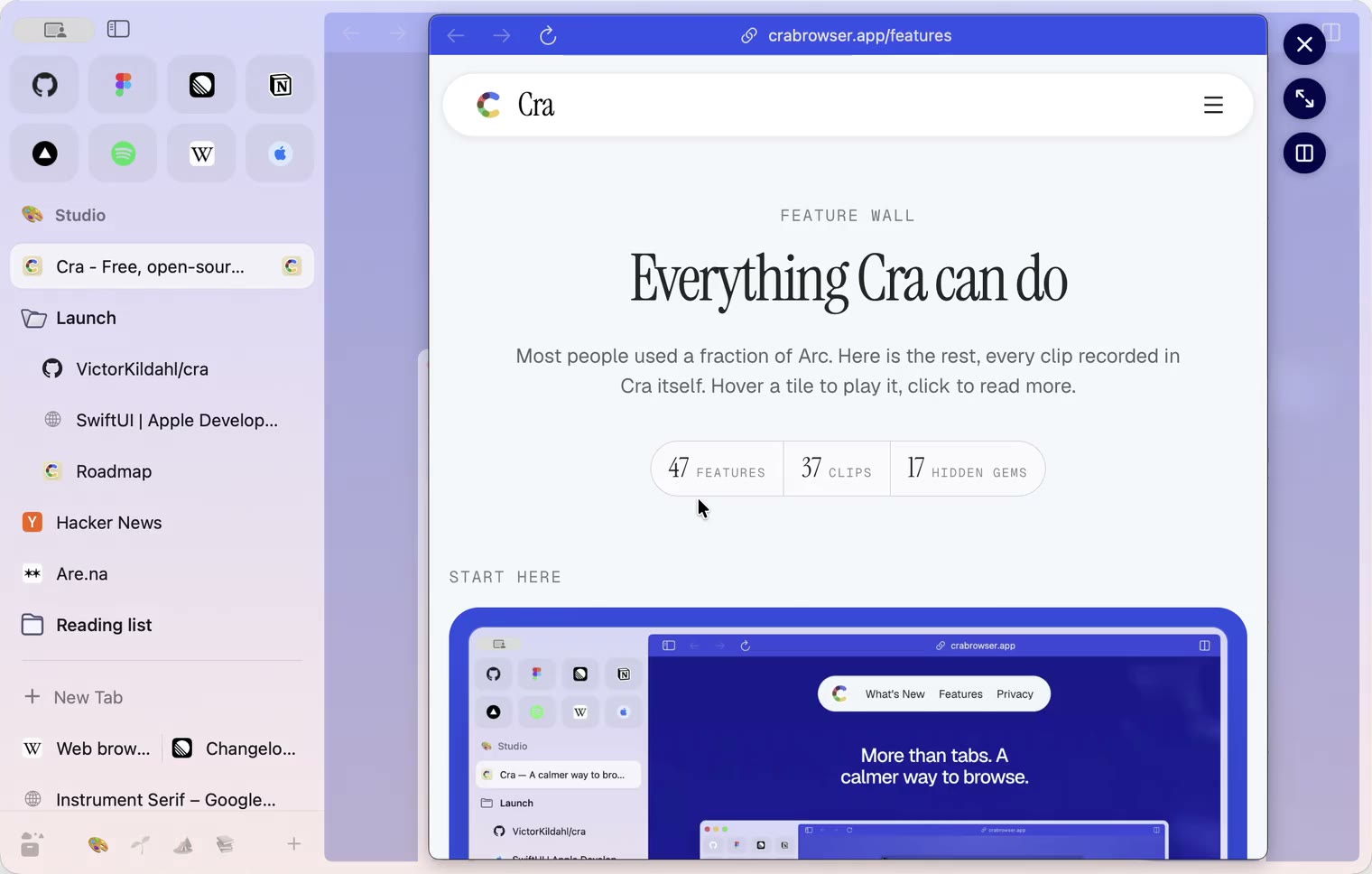
4 November 20260.1.29
Peek like Arc’s, space themes with a light and a dark half, Arc’s space tooltip
3 November 20260.1.28
Pinned tabs and closing like Arc, notifications, Arc’s loading bar
2 November 20260.1.27
Arc’s Capture, live extension icons and Shift + wheel spaces
2 November 20260.1.26
Background tabs, Arc’s toast and Move to Space
1 November 20260.1.25
Edit pinned URLs and swipe into the Library
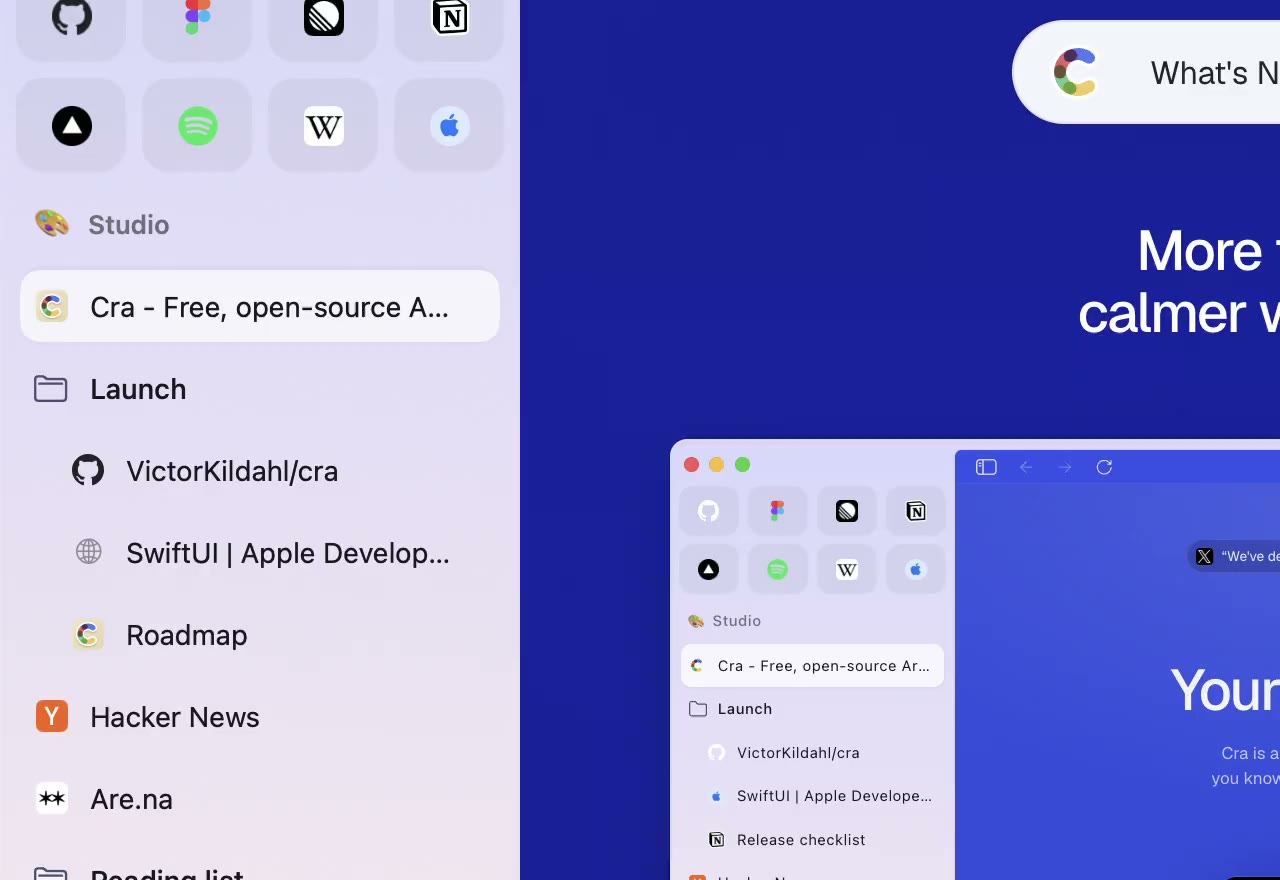
1 November 20260.1.24
Arc’s space menu, tab search and developer bar
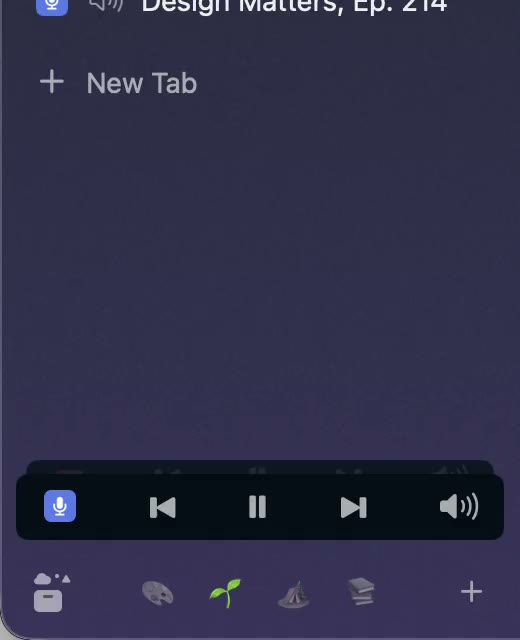
31 October 20260.1.23
Arc’s now-playing player, split favorites and folder previews
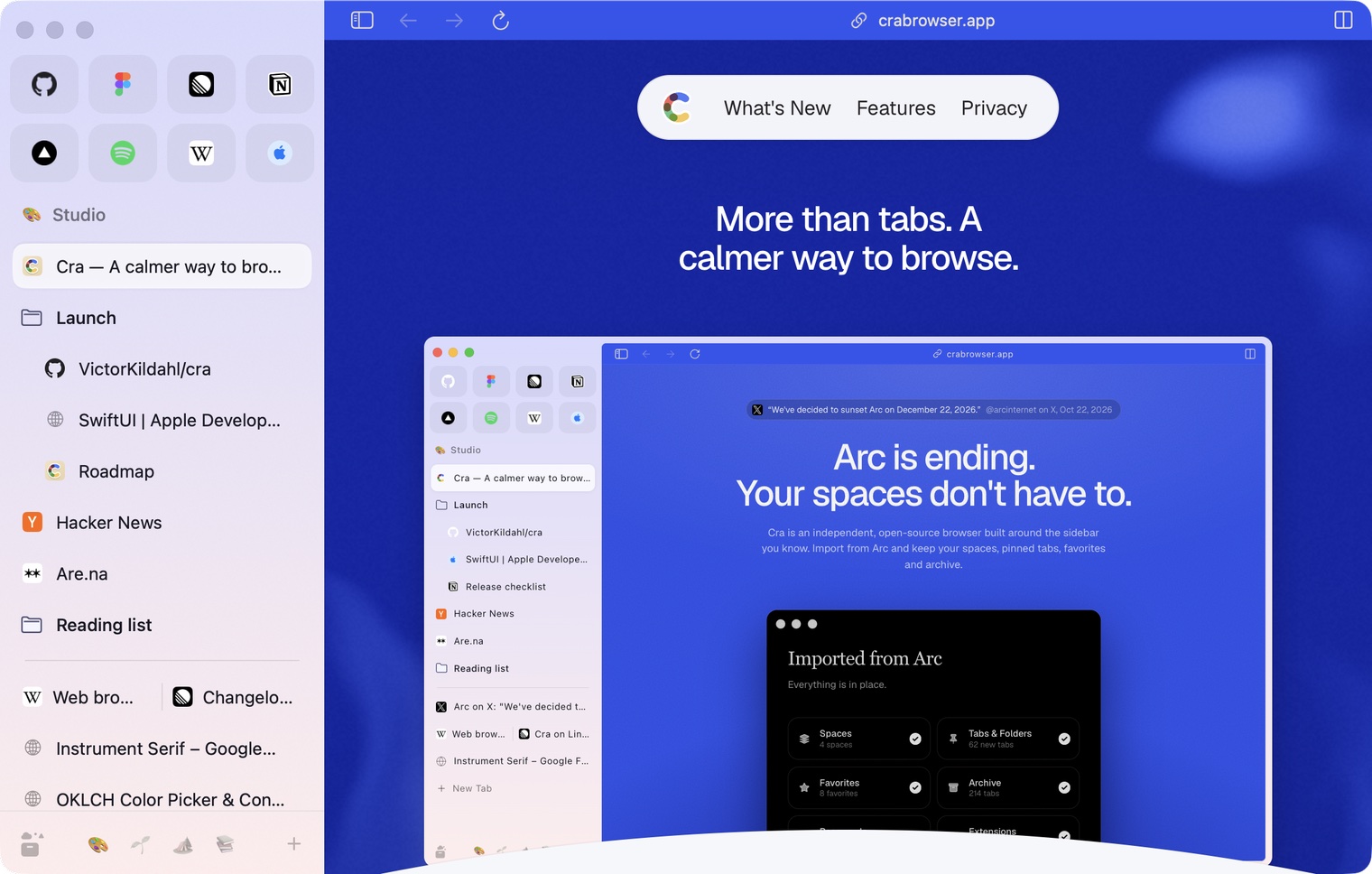
30 October 20260.1.22
Edge-to-edge pages and Arc’s refresh button
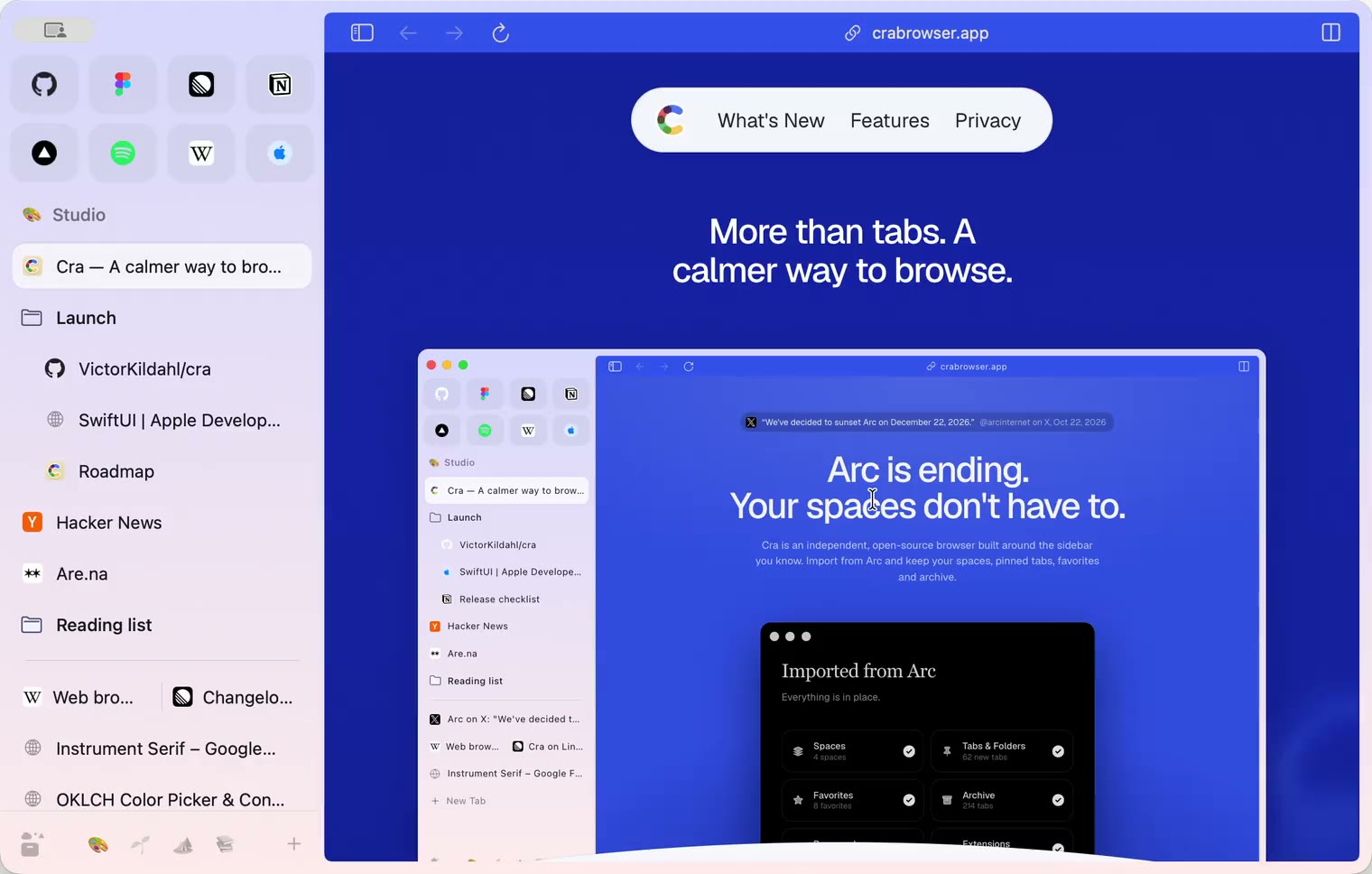
30 October 20260.1.21
Pinned split views and a quick way to clear cookies
29 October 20260.1.20
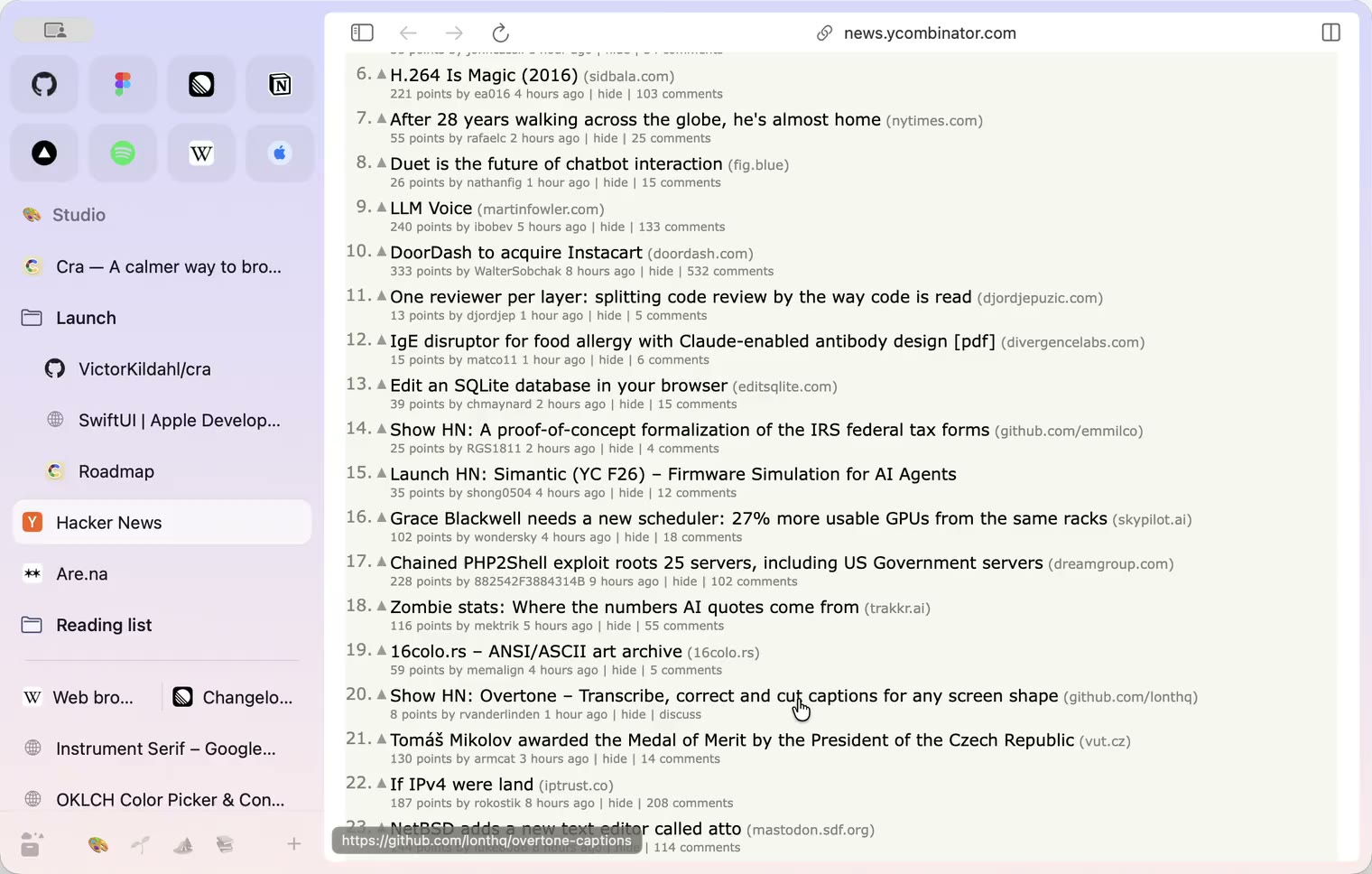
Peek, Site Search and instant extension popups
- 0.1.19
29 October 20260.1.19
Extension popups open right away

29 October 20260.1.18
A sidebar built for speed
- 0.1.17
28 October 20260.1.17
Pages live inside the window
- 0.1.16
28 October 20260.1.16
A smoother Cra
28 October 20260.1.15
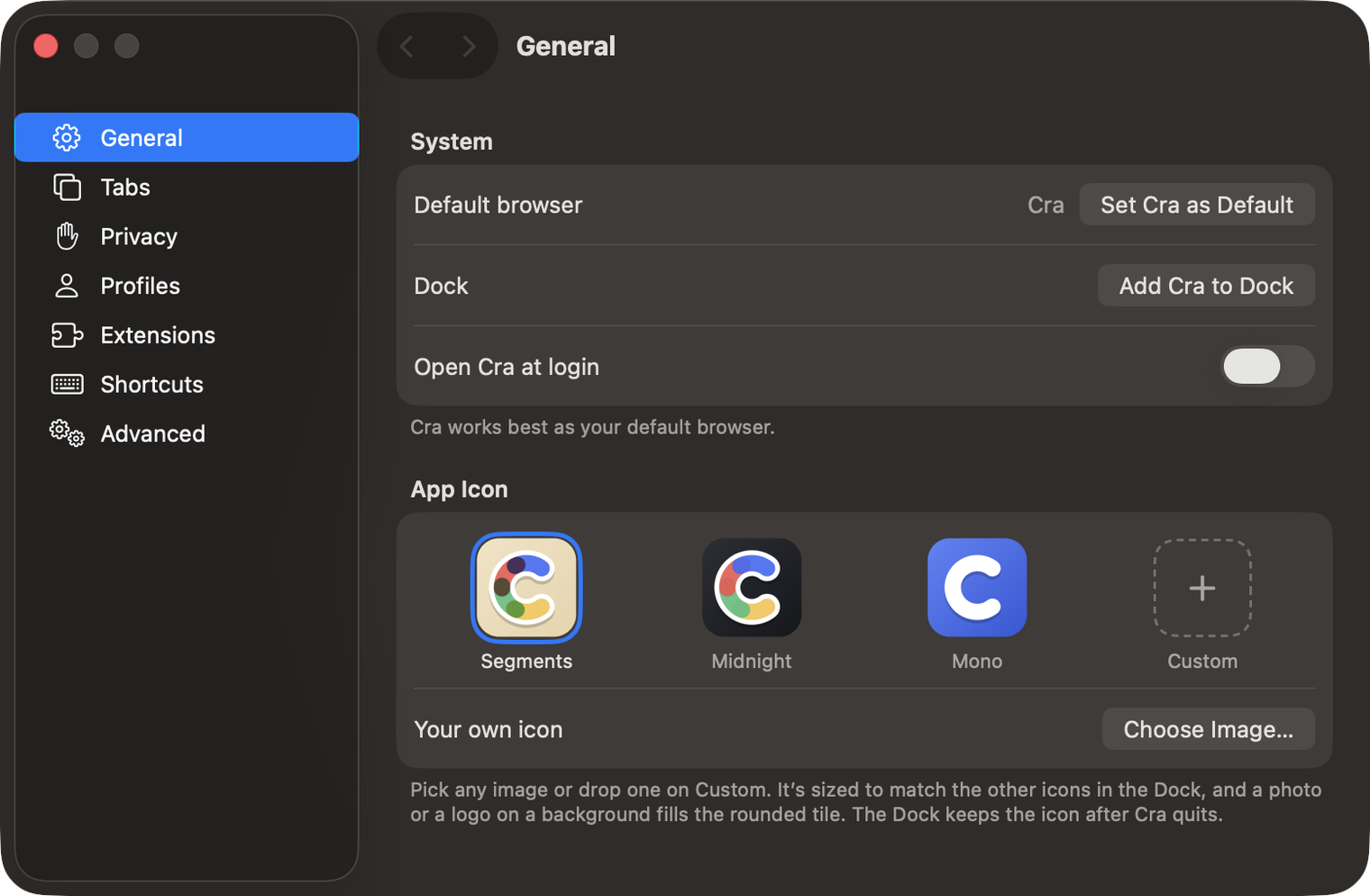
Make Cra’s icon your own
27 October 20260.1.14
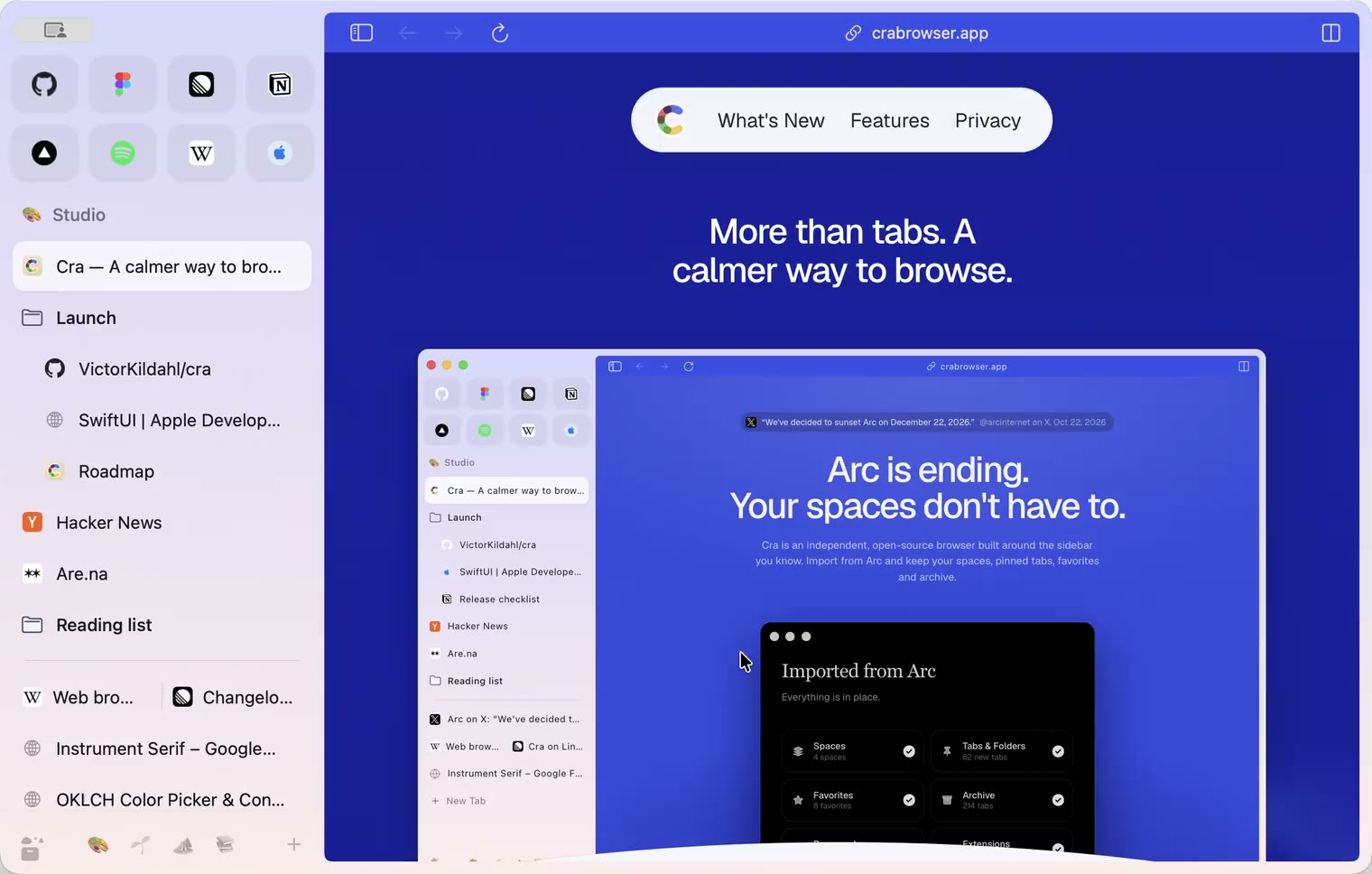
The Library moves into the sidebar

27 October 20260.1.13
Drag your spaces into order

27 October 20260.1.12
Downloads that outlive their tab

27 October 20260.1.11
Your passwords, locked in your Keychain

26 October 20260.1.10
Air Traffic Control

26 October 20260.1.9
Favorites per space
- 0.1.8
26 October 20260.1.8
Video everywhere
- 0.1.7
26 October 20260.1.7
Work sign-ins

26 October 20260.1.6
Drag and drop that works

26 October 20260.1.5
Sign in with Google

26 October 20260.1.4
Copy, paste and clean corners

26 October 20260.1.3
Extensions that reach their apps
- 0.1.2
26 October 20260.1.2
Notarized, and it updates itself
- 0.1.1
25 October 20260.1.1
Quit fix

25 October 20260.1.0
Early access