Cra 0.1.4212 November 2026
Ask on Page and Arc’s own colours
⌘F can answer a question about the page, on your Mac’s own Apple Intelligence. Themes keep the colour you picked, as Arc’s do, Previews show your recent Linear, Notion and Figma pages, and background tabs go easier on the battery.
Ask on Page
With Settings ▸ Max ▸ Ask on Page on, ⌘F opens Arc Max’s “Find or ask…” card. Typing still finds on the page; Ask, or Return when the text isn’t on the page, asks about the page instead. The answer streams in with quotes you can jump to, and follow-ups keep the conversation. It runs on the Mac’s own Apple Intelligence, so nothing leaves the Mac, and it’s hidden while Apple Intelligence is off.
Thank you
Abhishek Kanani, for #393 and the capture of Arc’s card
Themes keep your colour
As in Arc, a theme set to Light or Dark draws the colour you picked as it is: black stays black, navy stays navy, and white stays a light sidebar with dark text. Dark themes lose the purple cast they all had, and Auto still follows macOS.
Thank you
Abhishek Kanani, for #392
Recent pages in Previews
Rest the pointer on a Linear, Notion, Figma or Confluence favorite or pinned tab, and a card lists the pages you visited there, newest first, with a + for a new one. Pinned tabs get every Previews card now, as favorites do. Outlook Mail, Outlook Calendar and Notion Calendar complete Arc’s Previews sheet, read with the page’s own sign-in.
Thank you
Kris Tartari, for #376
Who gets the keys
Settings ▸ Shortcuts lets each shortcut Prefer Cra, Use Both or Prefer Websites, as Arc does. With Use Both the page gets the first press, and when it doesn’t use it Cra asks you to press again.
Thank you
Kris Tartari, for #374
New documents
Each profile in Settings ▸ Profiles picks its New documents app (Google Doc, Notion Page, Word Doc or Confluence Page), and the command bar offers that one’s New… command, as in Arc.
Thank you
Kris Tartari, for #375
A picture as a space’s icon
The space icon picker has an Image tab next to Emoji and Icon: choose or drop a PNG or SVG and it becomes the space’s icon, in the dock, the header and everywhere else, and it syncs with the space. Not in Arc.
Thank you
Sohail Ahmed, for the pull request (#395)
Hide the toolbar until you need it
Settings ▸ Tabs ▸ Hide the toolbar until you need it, also in the toolbar’s right-click menu, gives the page the toolbar’s room: the toolbar floats in over the page when the pointer rests at the top, and goes when it leaves. Off by default, not in Arc.
Thank you
Devi Prasad Tripathy, for the pull request (#405)
Mute a favorite
A favorite’s right-click menu has Arc’s Mute and Unmute, after Rename…, and a muted tab now stays quiet on its next page and after a relaunch.
Thank you
adhiboud, for #387
Hide the sidebar with a Peek open
⌘S and View ▸ Hide Sidebar work while a Peek is open, and the Peek follows the sidebar as it slides.
Thank you
rabbit-roger, for #402
Easier on the battery
- Background tabs past the five you used last pause, waking for 5 seconds a minute, unless they play sound, are in a call, may notify you or hold a live connection: background wakeups drop by about a fifth at 20 tabs.
- A chat or mail tab holding a live connection is never paused. Before, Cra’s 30-minute pause cut its connection.
- About 75 MB less graphics memory at 20 tabs: five hidden tabs keep their last frame, not ten. Closed tabs give their memory back sooner.
- From the next update on, the downloaded update warms up before it installs, so its first launch takes about half a second instead of three and a half.
What else is new
More from your reports
- Picture in Picture grows up to the whole display, and let go across two displays it slides onto the one it’s mostly on (#388, Peter Nielsen).
- A tab opened in the background is next on ⌃Tab, as in Arc (#394, ProTimmy).
- A mouse’s back and forward buttons over the sidebar turn its pages as a swipe does, bringing the Library in before the first space (#233, Fred Blaise; #398, ProTimmy).
- Import offers Chrome and Firefox from their data on the Mac, even once the browser is deleted.
- Cra’s agent tools can upload a file through a site’s upload button or drop zone, as on Reddit.
- Picture in Picture grows up to the whole display, and let go across two displays it slides onto the one it’s mostly on (#388, Peter Nielsen).
Fixes
- Window managers like Moves move all of Cra’s window, not the page or the sidebar alone (#391, Ben Samuels-Kalow).
- Window switchers like DockDoor and AltTab list one window per page, without blank extra windows (#401, chenchangzhong).
- A space’s emoji keeps its bottom row on macOS 27 (#399, David Bismut).
- A muted tab no longer plays sound on its next page or after a relaunch (#387, adhiboud).
- Window managers like Moves move all of Cra’s window, not the page or the sidebar alone (#391, Ben Samuels-Kalow).
Thank you
Sohail Ahmed
Devi Prasad Tripathy
Peter Nielsen
ProTimmy
Kris Tartari
Abhishek Kanani
adhiboud
David Bismut
Ben Samuels-Kalow
chenchangzhong
rabbit-roger
Fred Blaise
Thank you, Sohail Ahmed, Devi Prasad Tripathy, Peter Nielsen and ProTimmy, for pull requests; and Kris Tartari, Abhishek Kanani, adhiboud, David Bismut, Ben Samuels-Kalow, chenchangzhong, rabbit-roger and Fred Blaise for the reports.
Cra is free and made in the open. Sponsor Cra
For every change in 0.1.42, see the changelog.
Past releases
12 November 20260.1.41
Arc’s Settings, Zap and Easels
11 November 20260.1.40
A sidebar past the edge
11 November 20260.1.39
5-Second Previews and the Little Window card
10 November 20260.1.38
iCloud sync and agents in Cra
9 November 20260.1.37
Back to where the link came from
8 November 20260.1.36
Cra for Intel Macs
8 November 20260.1.35
Boosts, Easels and the rest of Arc’s Library
7 November 20260.1.34
Arc’s dialog sheets, GitLab live folders, pinned splits by drop
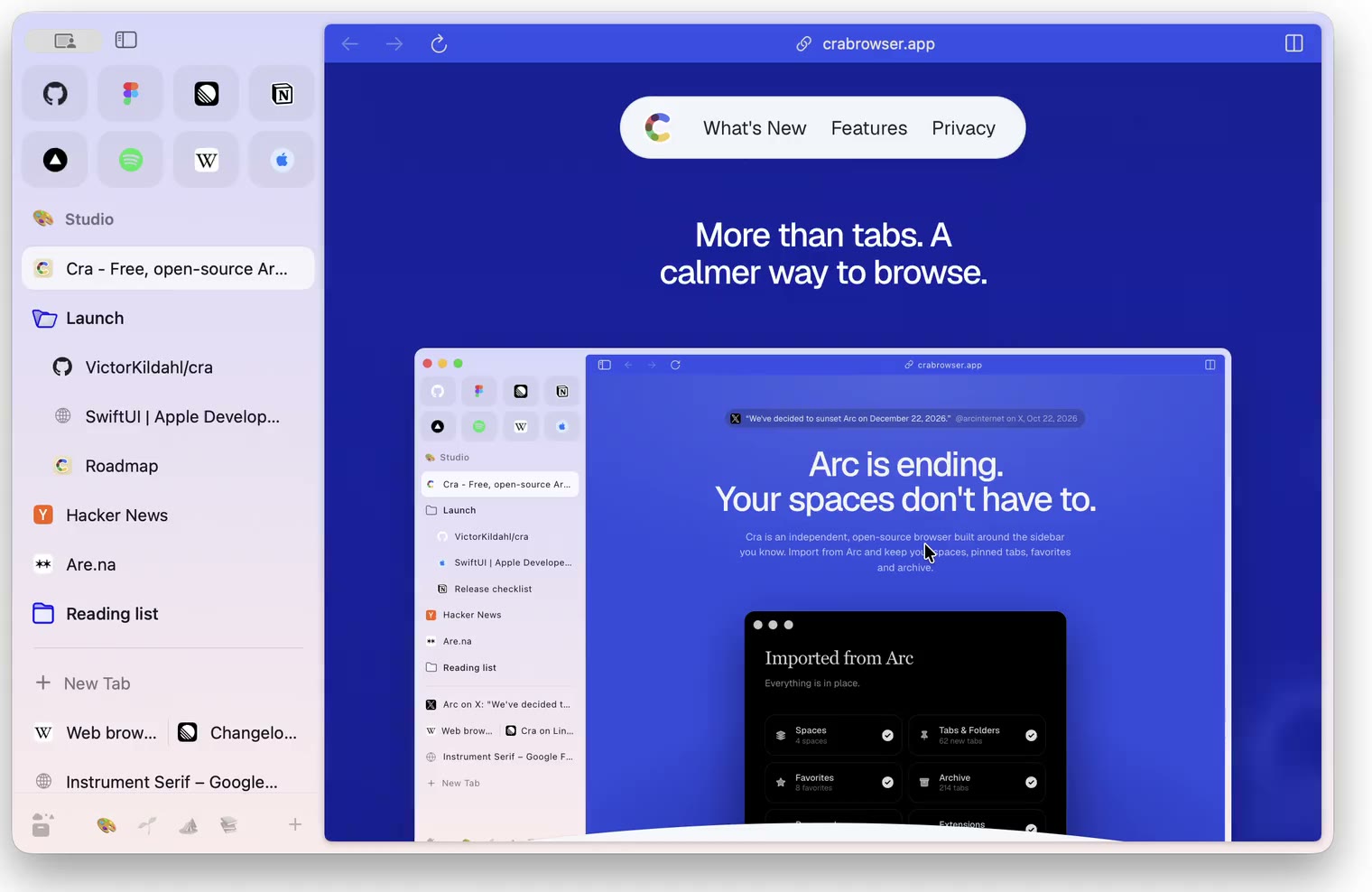
6 November 20260.1.33
Blank Window, tabs you drag out, Arc’s right-click menu
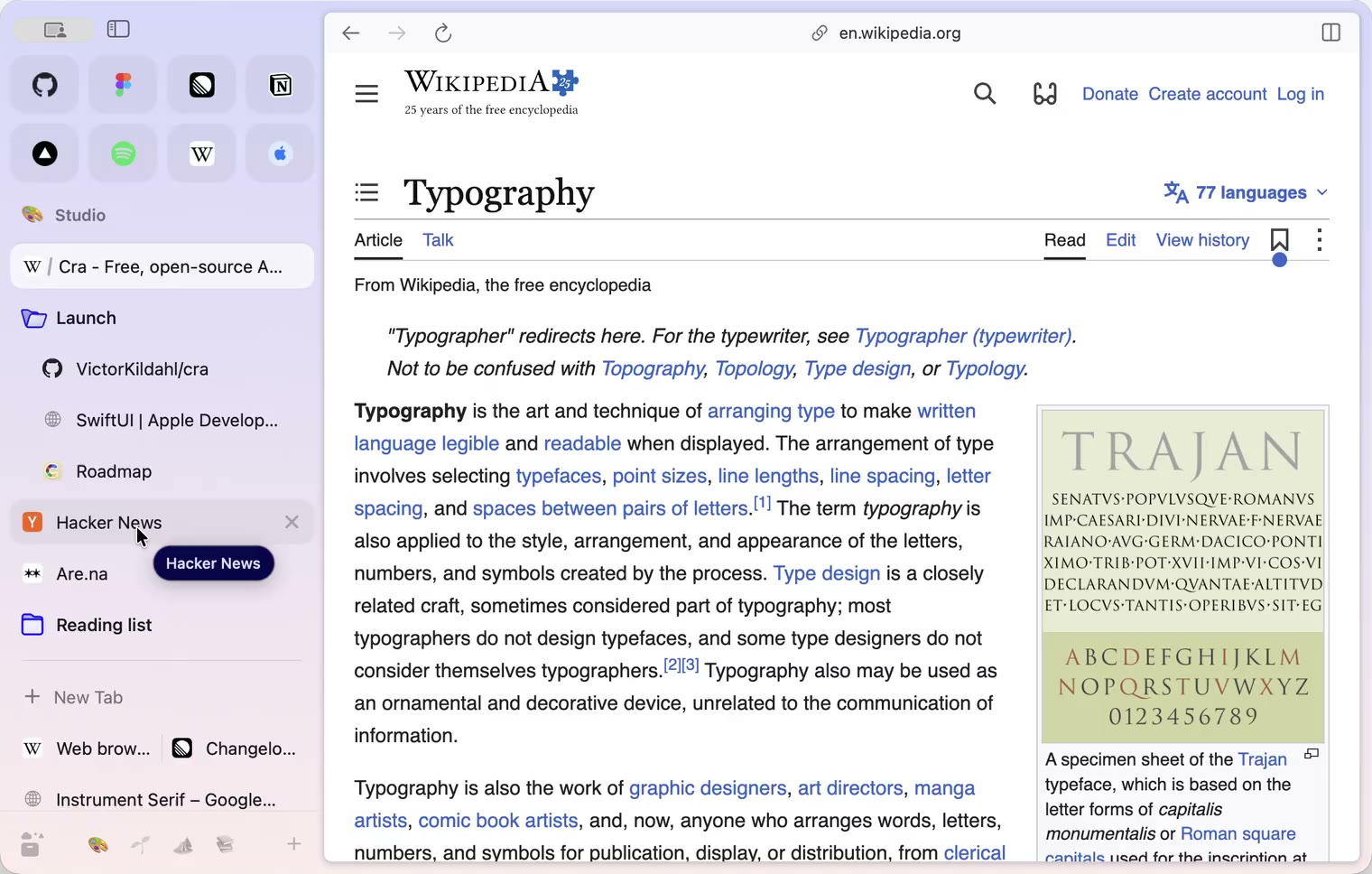
6 November 20260.1.32
Peek grows out of the link, a download folder per profile, Meet’s picture-in-picture
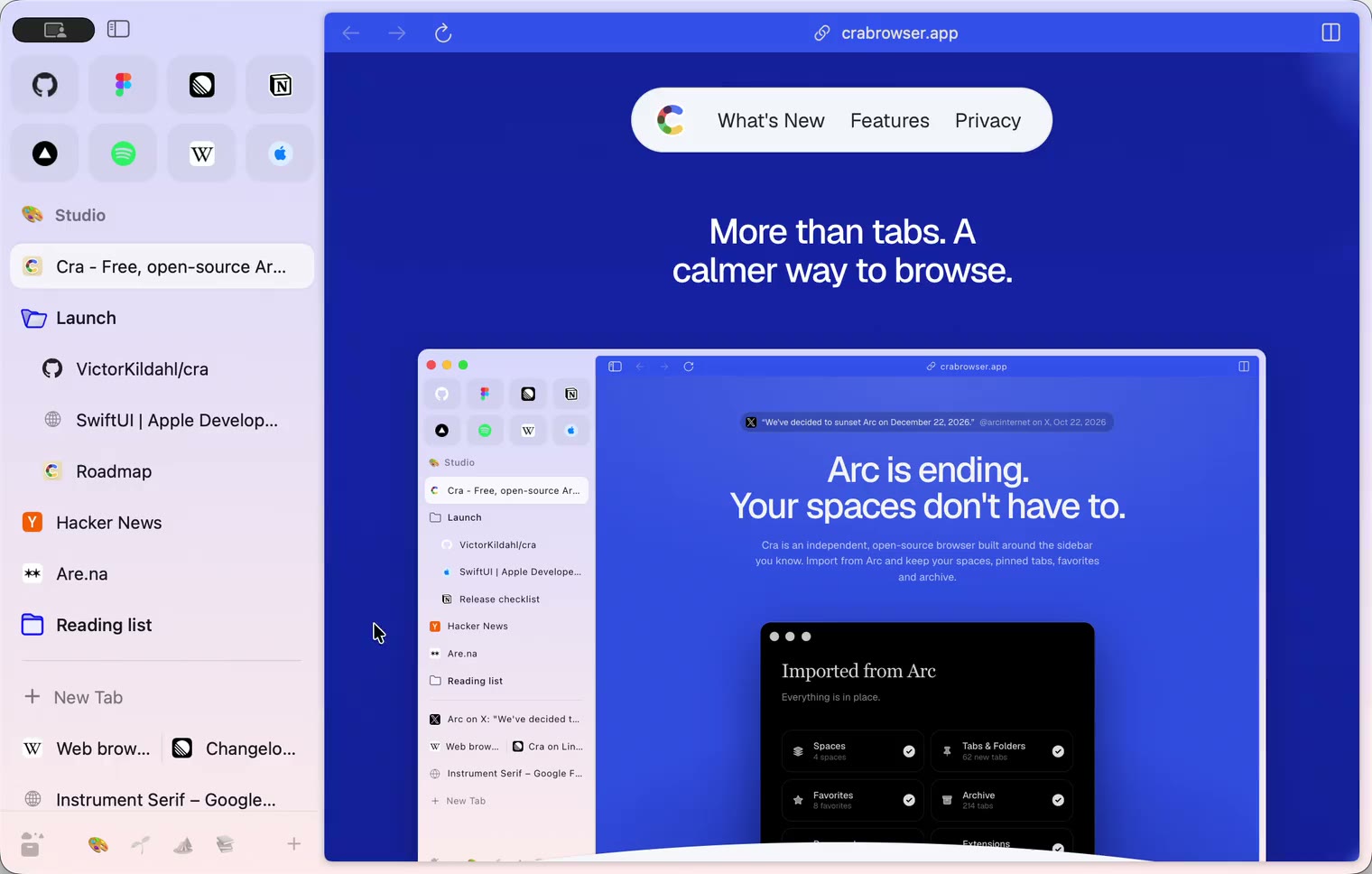
5 November 20260.1.31
Spotify and Netflix play, Tidy Tabs on your Mac, extension side panels
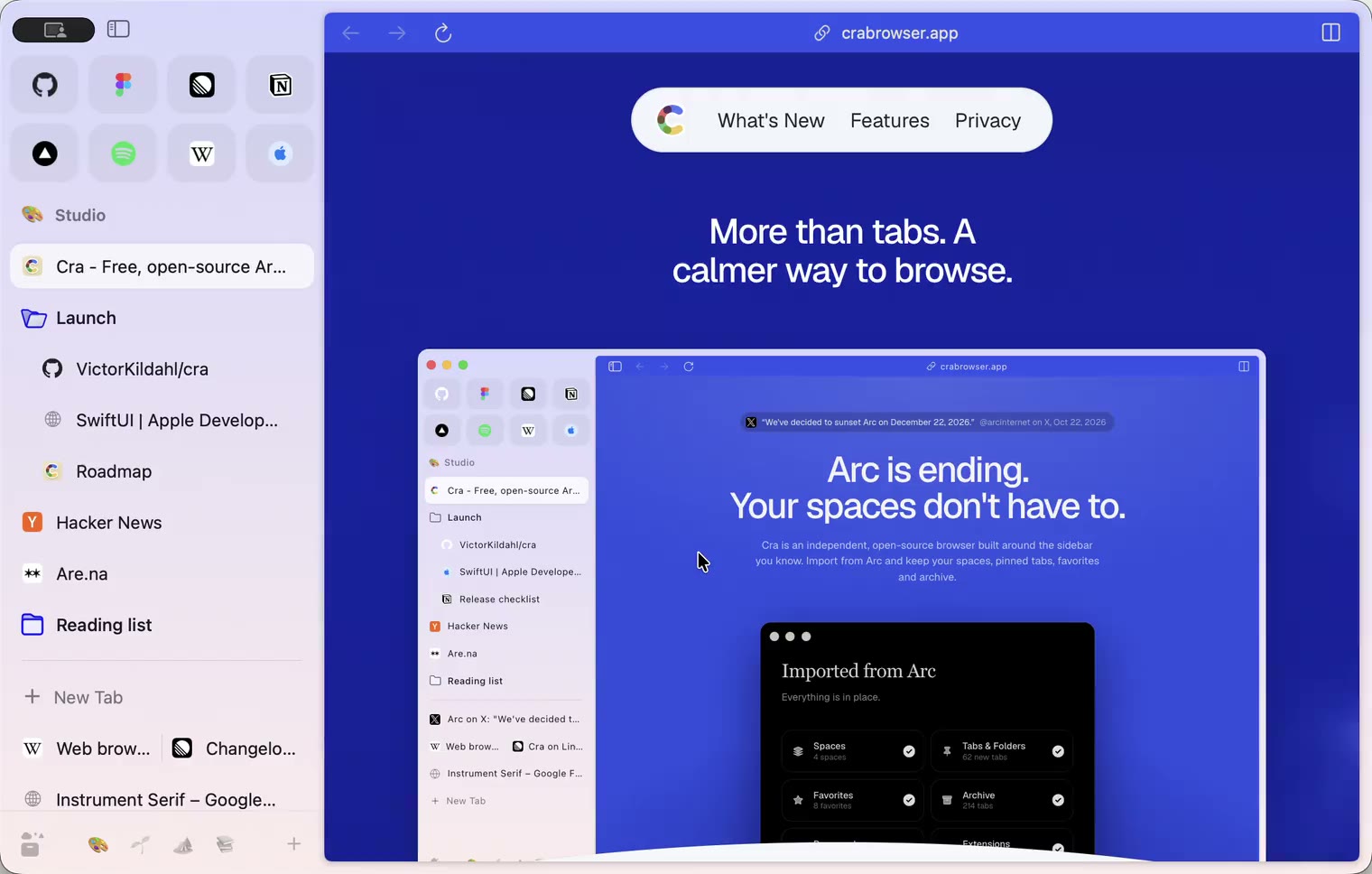
4 November 20260.1.30
Capture like Arc, favorites you drag into place, Arc’s colour picker
4 November 20260.1.29
Peek like Arc’s, space themes with a light and a dark half, Arc’s space tooltip
3 November 20260.1.28
Pinned tabs and closing like Arc, notifications, Arc’s loading bar
2 November 20260.1.27
Arc’s Capture, live extension icons and Shift + wheel spaces
2 November 20260.1.26
Background tabs, Arc’s toast and Move to Space
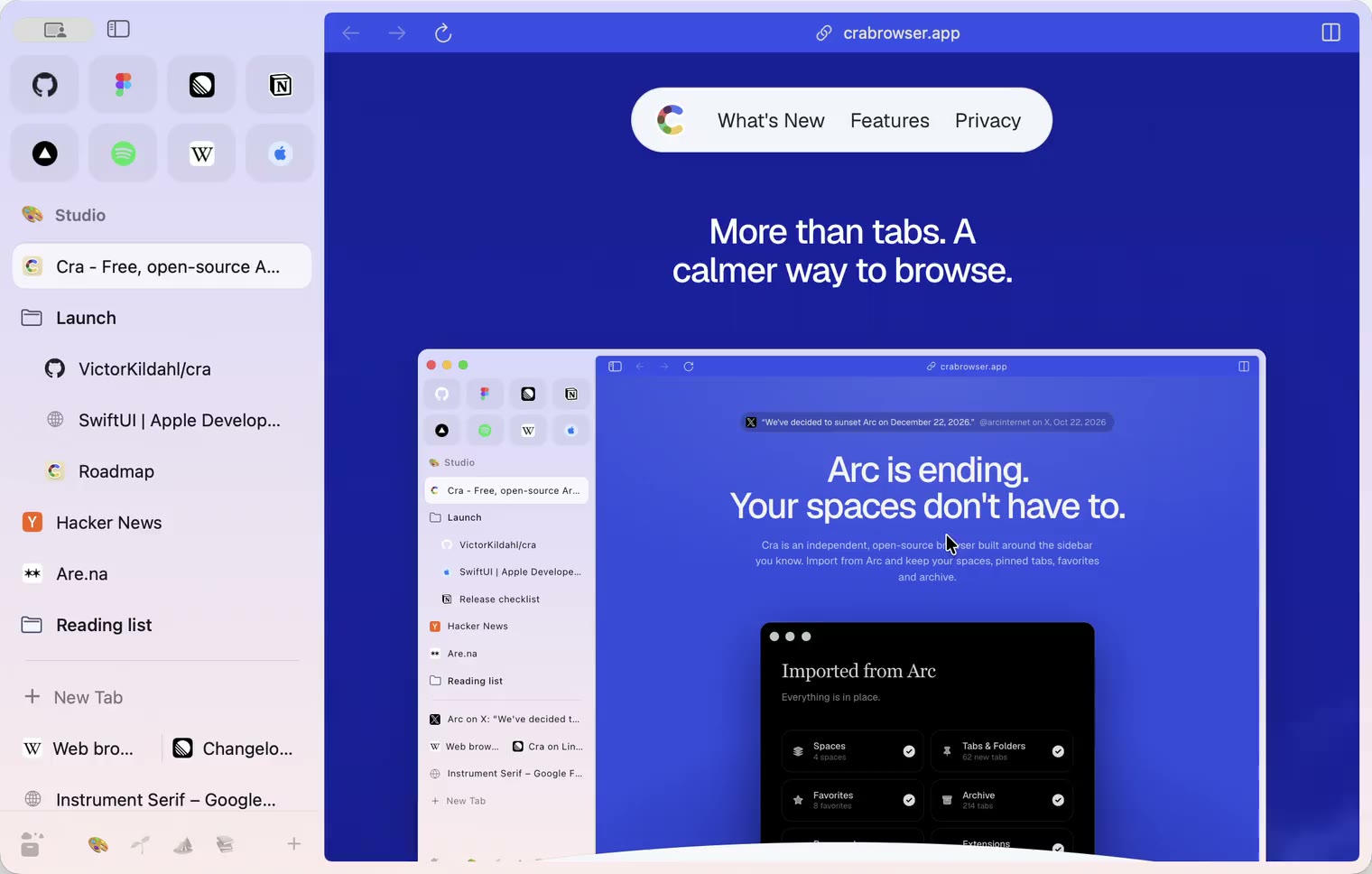
1 November 20260.1.25
Edit pinned URLs and swipe into the Library
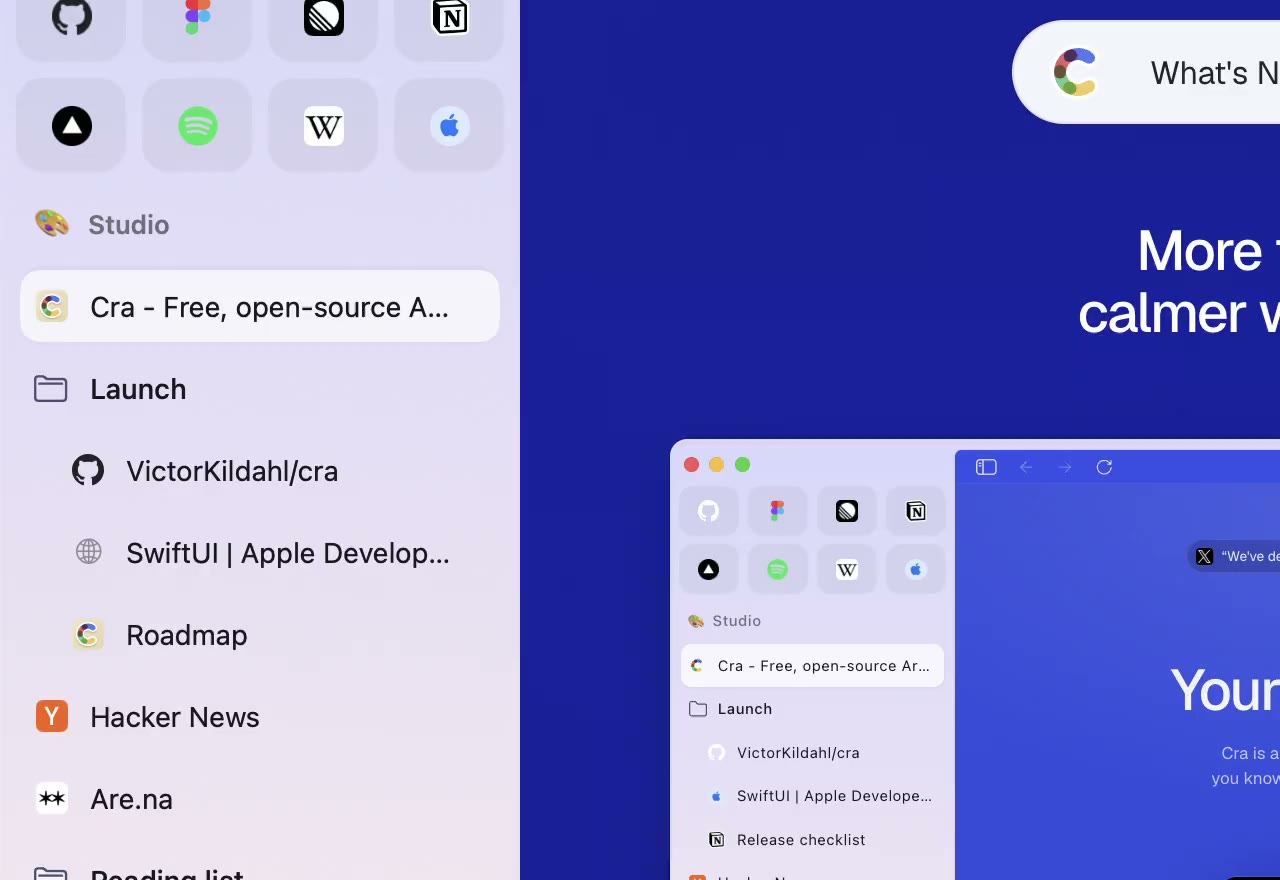
1 November 20260.1.24
Arc’s space menu, tab search and developer bar
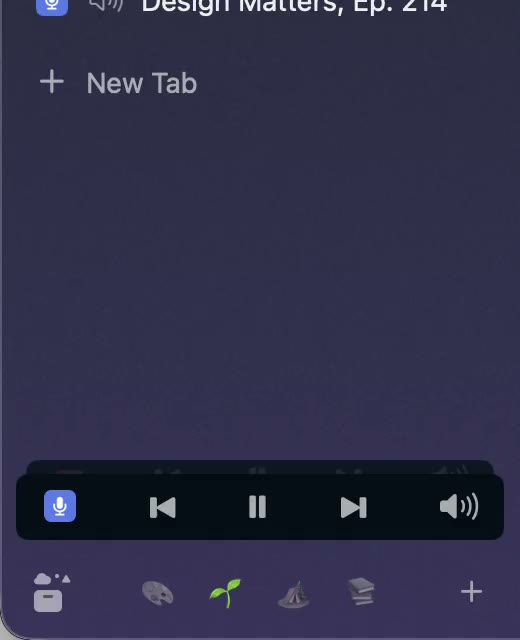
31 October 20260.1.23
Arc’s now-playing player, split favorites and folder previews
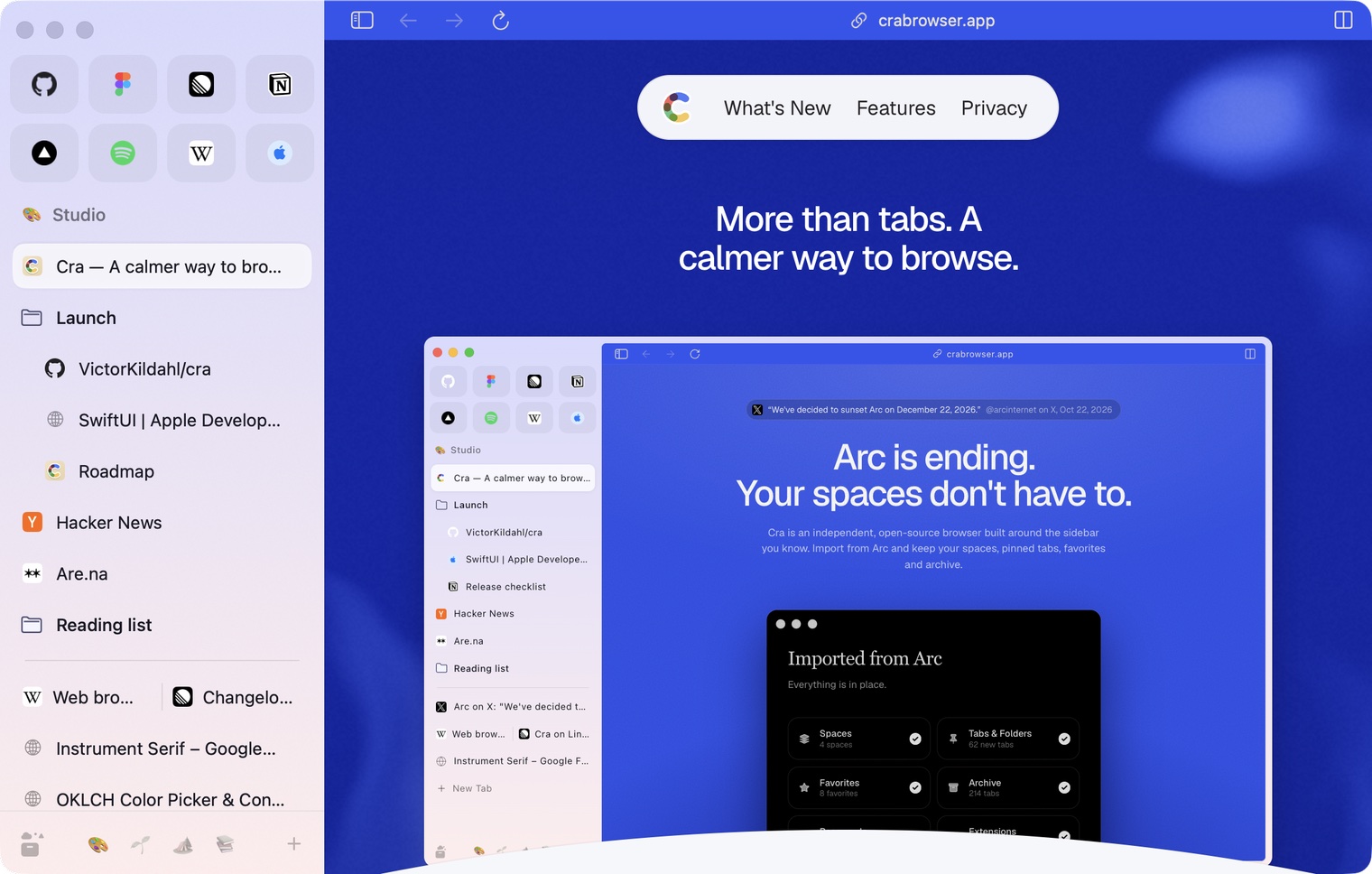
30 October 20260.1.22
Edge-to-edge pages and Arc’s refresh button
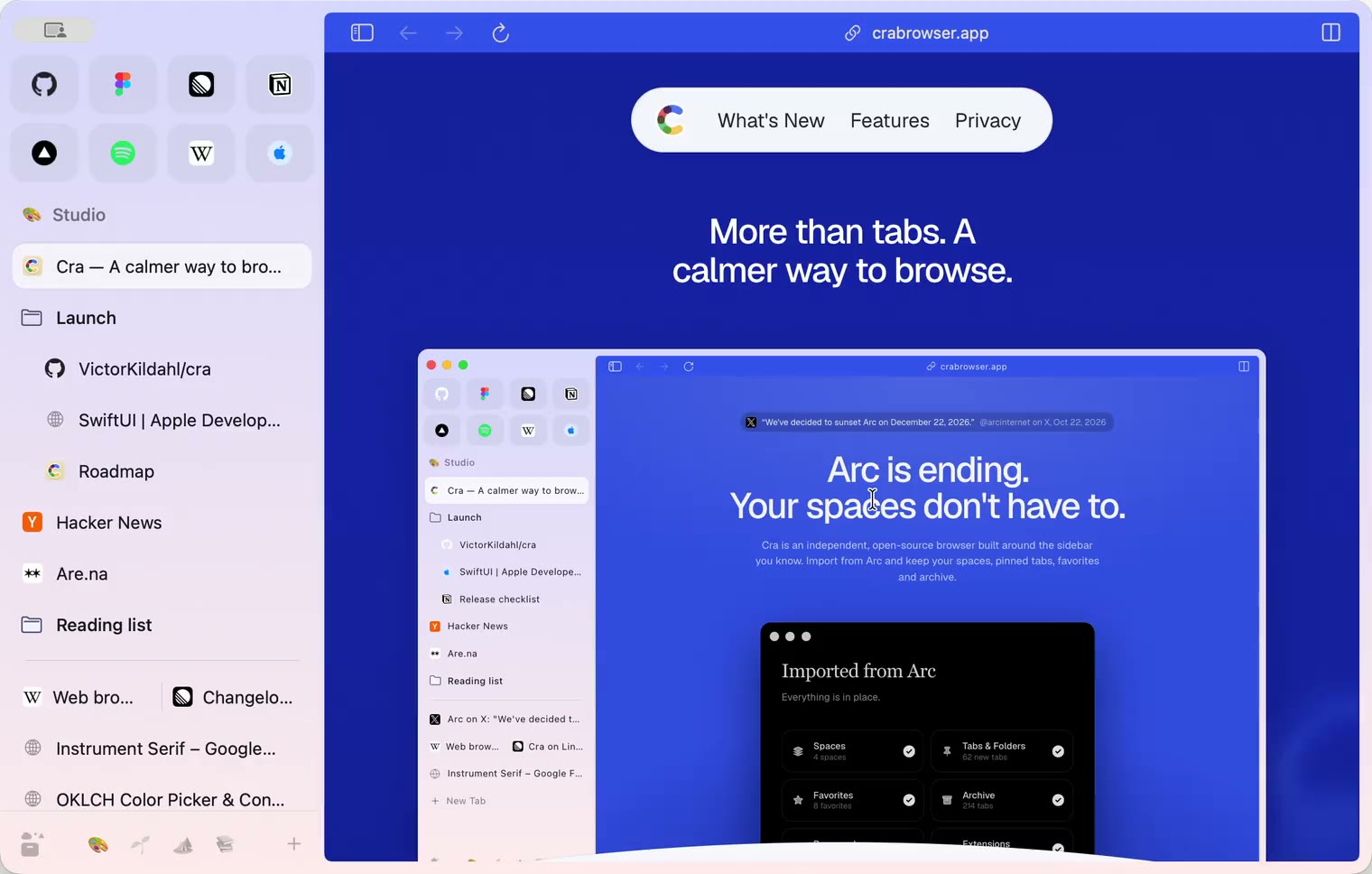
30 October 20260.1.21
Pinned split views and a quick way to clear cookies
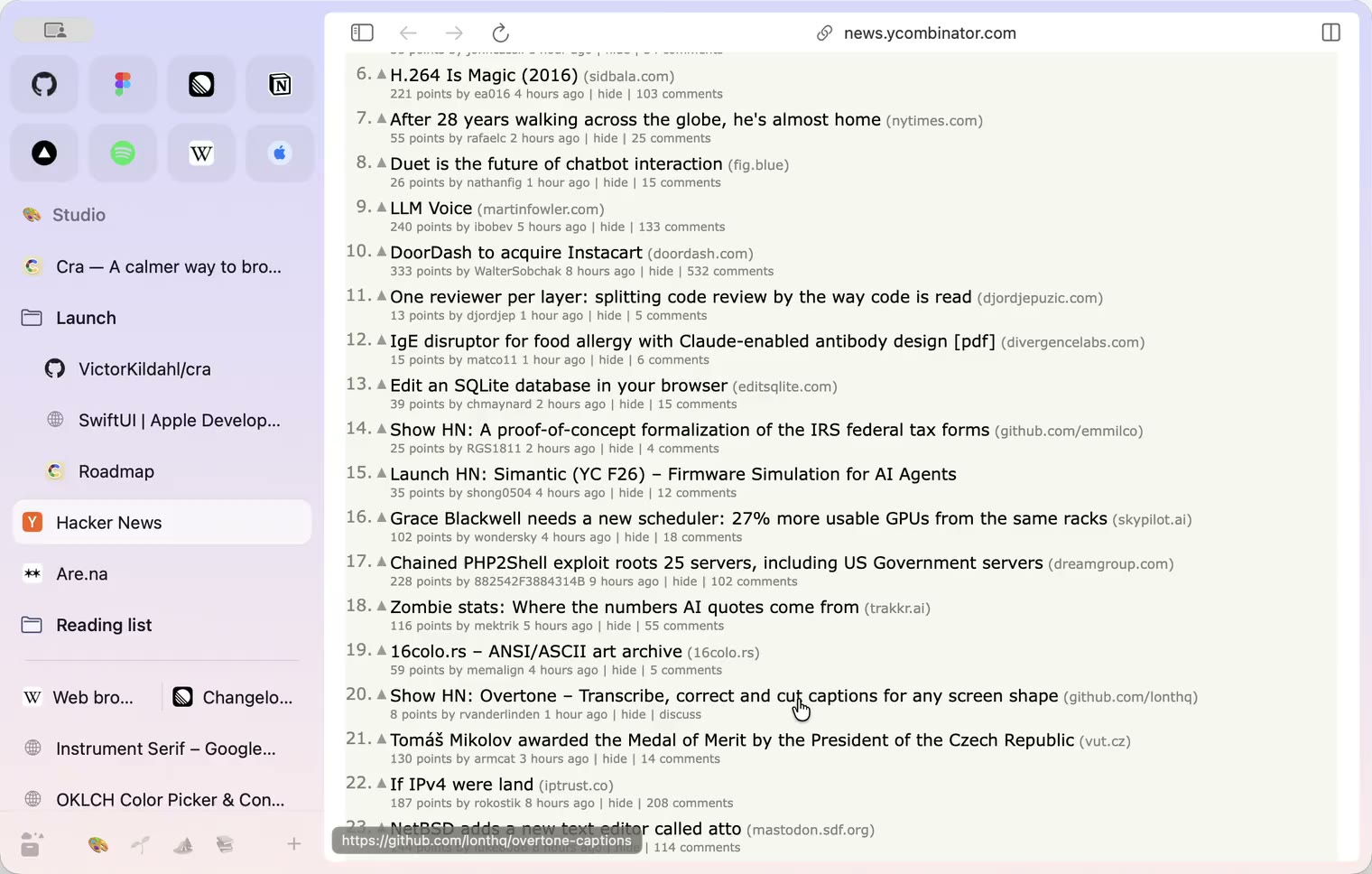
29 October 20260.1.20
Peek, Site Search and instant extension popups
- 0.1.19
29 October 20260.1.19
Extension popups open right away

29 October 20260.1.18
A sidebar built for speed
- 0.1.17
28 October 20260.1.17
Pages live inside the window
- 0.1.16
28 October 20260.1.16
A smoother Cra
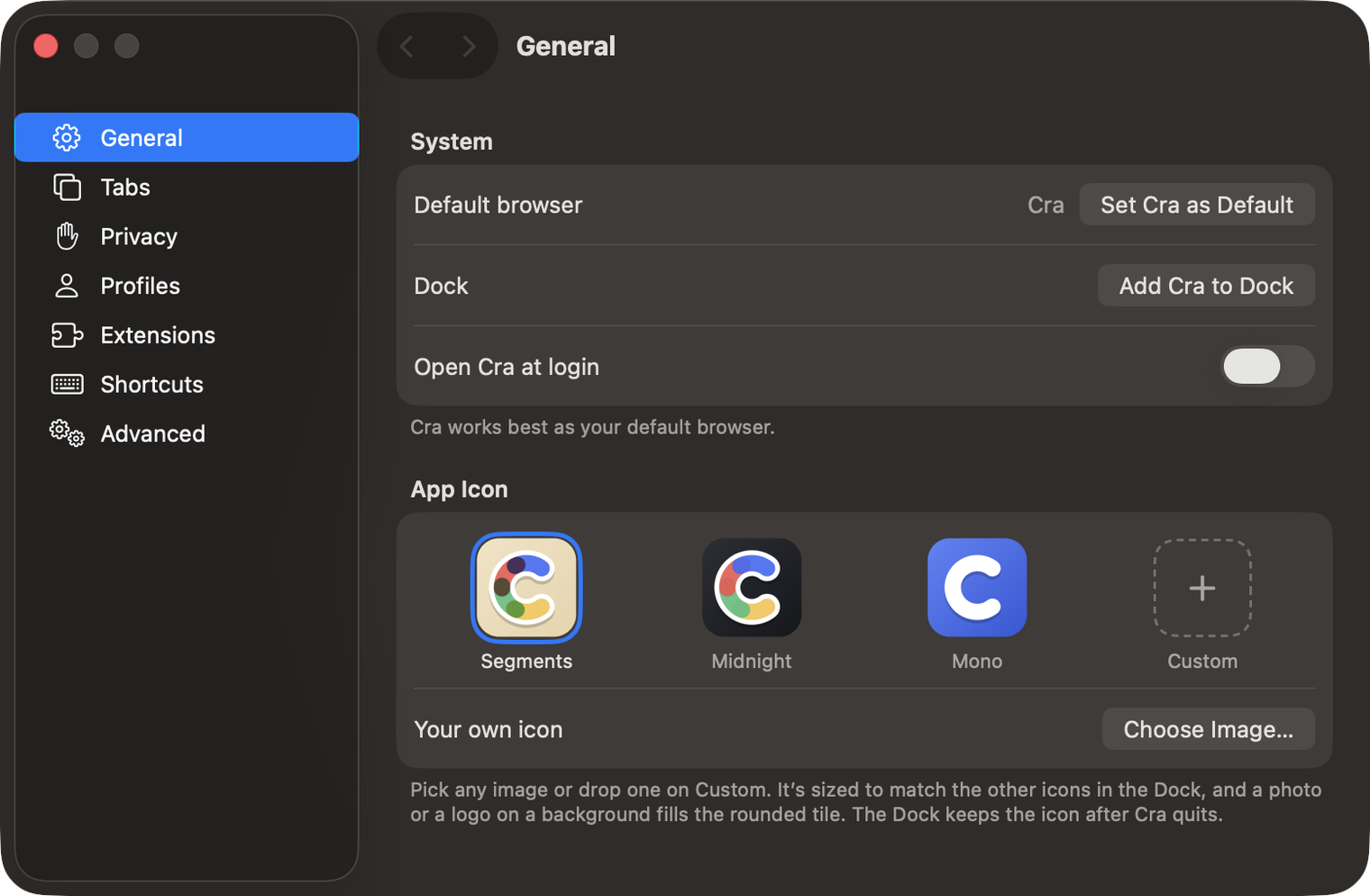
28 October 20260.1.15
Make Cra’s icon your own
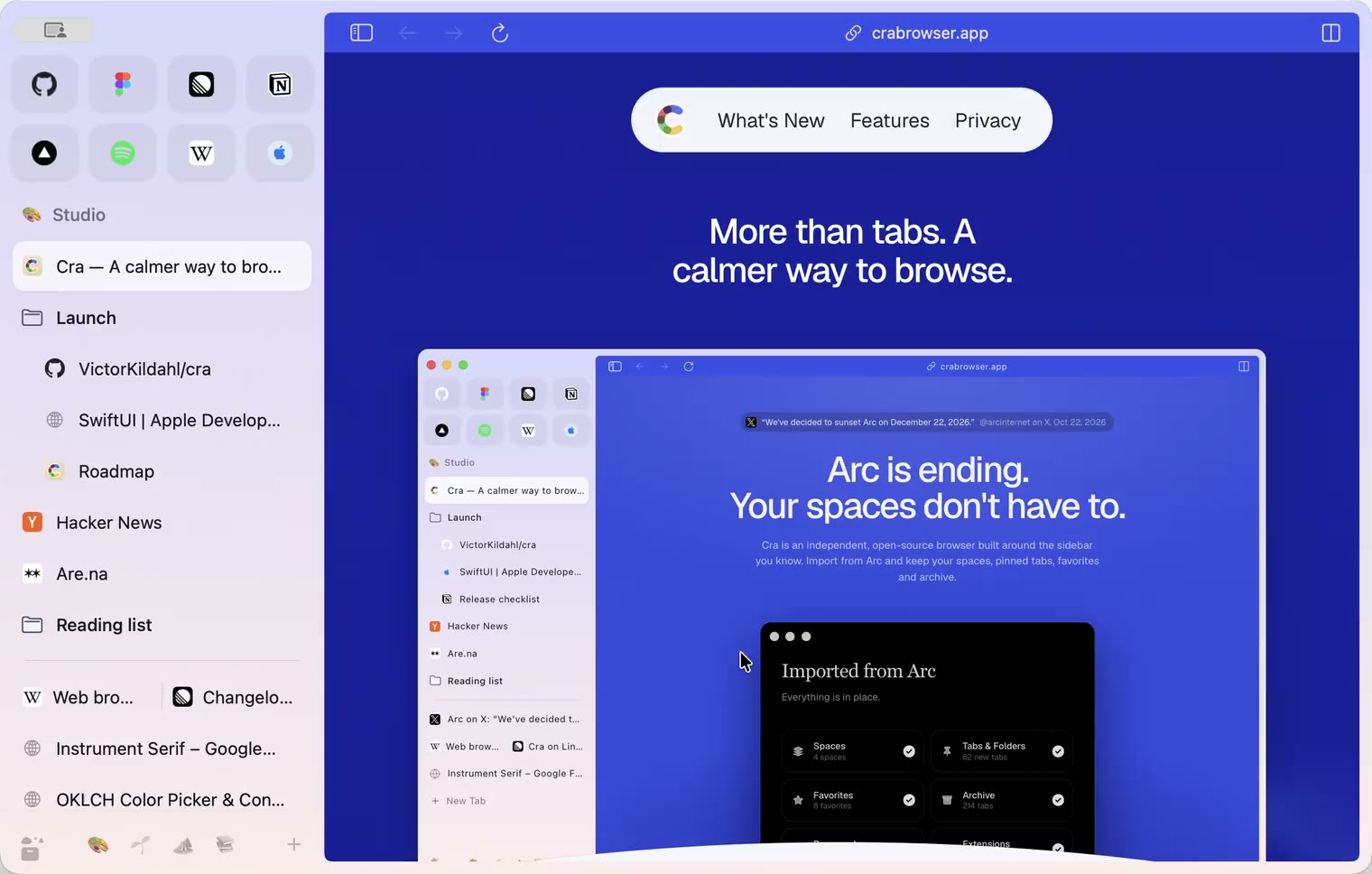
27 October 20260.1.14
The Library moves into the sidebar

27 October 20260.1.13
Drag your spaces into order

27 October 20260.1.12
Downloads that outlive their tab

27 October 20260.1.11
Your passwords, locked in your Keychain

26 October 20260.1.10
Air Traffic Control

26 October 20260.1.9
Favorites per space
- 0.1.8
26 October 20260.1.8
Video everywhere
- 0.1.7
26 October 20260.1.7
Work sign-ins

26 October 20260.1.6
Drag and drop that works

26 October 20260.1.5
Sign in with Google

26 October 20260.1.4
Copy, paste and clean corners

26 October 20260.1.3
Extensions that reach their apps
- 0.1.2
26 October 20260.1.2
Notarized, and it updates itself
- 0.1.1
25 October 20260.1.1
Quit fix

25 October 20260.1.0
Early access