Cra 0.1.4617 November 2026
Stable or New
The crash most of you hit on 0.1.45 is gone, and so are Chrome’s own bars in full screen. Pick Stable or New for updates, put the sidebar on the right, and ⌃⌥Tab through every space’s tabs.
Chrome’s engine, fixed up
What 0.1.44 and 0.1.45 broke, found through your reports and the crash reports you sent:
- Cra no longer quits a minute after you switch to a space on another profile, the crash most of you sent from 0.1.45 (#476, Artik and Abhishek Kanani).
- In full screen, Chrome’s own tab strip and address bar no longer show over the page when you switch spaces (#472, Igor Uvarov; #486, Boris Smiyan).
- Right-click menus on pages are back (#466, kolchanov).
- Developer Tools draw in their panel again instead of a blank one (#468, Dom Bavetta).
- A link that opens in a new tab (Google Sheets’ links, ⇧⌘-click) shows its page instead of a blank tab (#469, Xavi).
- Two more crashes from your reports: at launch after a session that had a tab group, and when a page opened while Chrome closed one of its hidden windows.
- A site’s own Picture in Picture window (Google Meet’s) keeps only the site’s controls, not Cra’s on top (#460, Boris Smiyan).
- About Chromium no longer says checking for updates failed; Cra updates itself (#450, Balajitechlabs).
The sidebar on the right
Settings ▸ General ▸ Sidebar on the right puts the sidebar, its traffic lights and its resize edge on the window’s right, the whole layout in a mirror. Not in Arc.
Thank you
moe-halabia, for #464
⌃⌥Tab: every space’s tabs
⌃Tab switches between the recent tabs of the space you’re in, as in Arc. ⌃⌥Tab does the same across every space, each card marked with its space, and picking one takes you there. Not in Arc.
Thank you
stevearends, for #467
A Little Window without its toolbar
Settings ▸ Links ▸ Hide the Little Window toolbar until you need it: the page takes the whole window, and resting the pointer at its top brings the toolbar back.
Thank you
Vamshi Krishna Bhoganadham, for #435
The command bar in the site’s colour
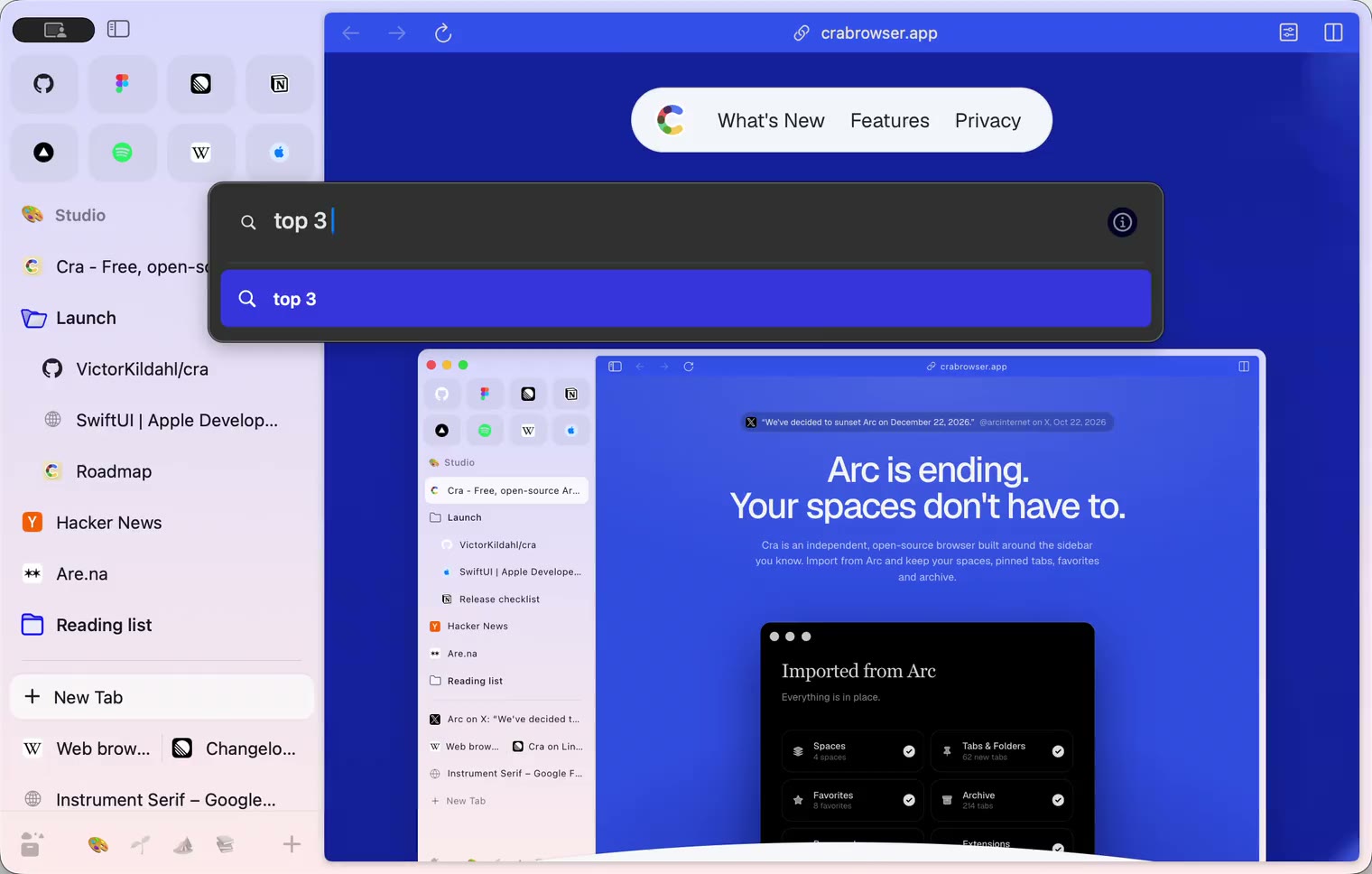
Settings ▸ Advanced ▸ Fill the command bar with the site’s color: Tab into a site search, YouTube or GitHub, and the bar takes that site’s colour until you leave it. Off by default; Arc’s look stays.
Thank you
Abhishek Kanani, for #457
What else is new
Stable or New
Settings ▸ Advanced ▸ Update channel. New gets each version of Cra the day it comes out; Stable gets a version once it has held up on New. Stable is 0.1.43 for now, the last version before Chrome’s engine, and a Mac on 0.1.43 or older stays there. Cra never installs an older version by itself, so if you switch to Stable it shows a download of Stable to go back now.
Thank you, Artik, for asking (#476).
Also new
- Pause All Media, in the command bar and AppleScript, pauses what plays in every window, space and profile (#438, Vamshi Krishna Bhoganadham).
- Settings ▸ General ▸ Always keep these sites active, as in Arc and Chrome: tab sleeping leaves those sites alone (#458, Vamshi Krishna Bhoganadham).
- Hold ⌥ in Capture to take the element right under the pointer, not the whole card around it (#451, Balajitechlabs).
- Click the version in Settings ▸ Advanced to copy it for a bug report (#461, Boris Smiyan).
- Picture in Picture shows Minimize at every window size (#462, Boris Smiyan).
- A double click on the sidebar’s empty space opens the New Tab bar, as in Arc (#446, Abhishek Kanani).
- Cra shows up in System Settings’ Default web browser menu (#452, Markkojak).
- Up to 32 agents can use Cra at once, and Stop on an agent’s pill ends only that agent (#459, Jackson).
- Pause All Media, in the command bar and AppleScript, pauses what plays in every window, space and profile (#438, Vamshi Krishna Bhoganadham).
Fixes
- Picture in Picture’s hover controls stay inside its rounded corners (#463, PKRH).
- The traffic lights keep macOS’s spacing; on Sequoia they sat too far apart (#445, PKRH).
- Back works with the sidebar hidden on macOS 27.2.1 (#449, Márk Bartalos).
- The theme pad keeps a dark colour dark, and one-colour spaces on Light use Arc’s light sidebar (#455, snecserc).
- Ask on Page answers a summary or a list in short points, without quotes (#417, Abhishek Kanani).
- Cra no longer quits at launch after you deleted a profile, when an extension is installed twice, or while importing big favicons from Zen.
- Picture in Picture’s hover controls stay inside its rounded corners (#463, PKRH).
Thank you
Artik
Igor Uvarov
Boris Smiyan
Abhishek Kanani
Vamshi Krishna Bhoganadham
Balajitechlabs
PKRH
Márk Bartalos
Markkojak
snecserc
Jackson
moe-halabia
kolchanov
stevearends
Dom Bavetta
Xavi
Thank you, Artik, Igor Uvarov, Boris Smiyan, Abhishek Kanani, Vamshi Krishna Bhoganadham, Balajitechlabs, PKRH, Márk Bartalos, Markkojak, snecserc, Jackson, moe-halabia, kolchanov, stevearends, Dom Bavetta and Xavi, for the reports, and everyone who sent crash reports.
Cra is free and made in the open. Sponsor Cra
For every change in 0.1.46, see the changelog.
Past releases
16 November 20260.1.45
Steadier on Chrome’s engine
- 0.1.44
16 November 20260.1.44
Faster and lighter
13 November 20260.1.43
Instant Links and Arc’s drag and drop
12 November 20260.1.42
Ask on Page and Arc’s own colours
12 November 20260.1.41
Arc’s Settings, Zap and Easels
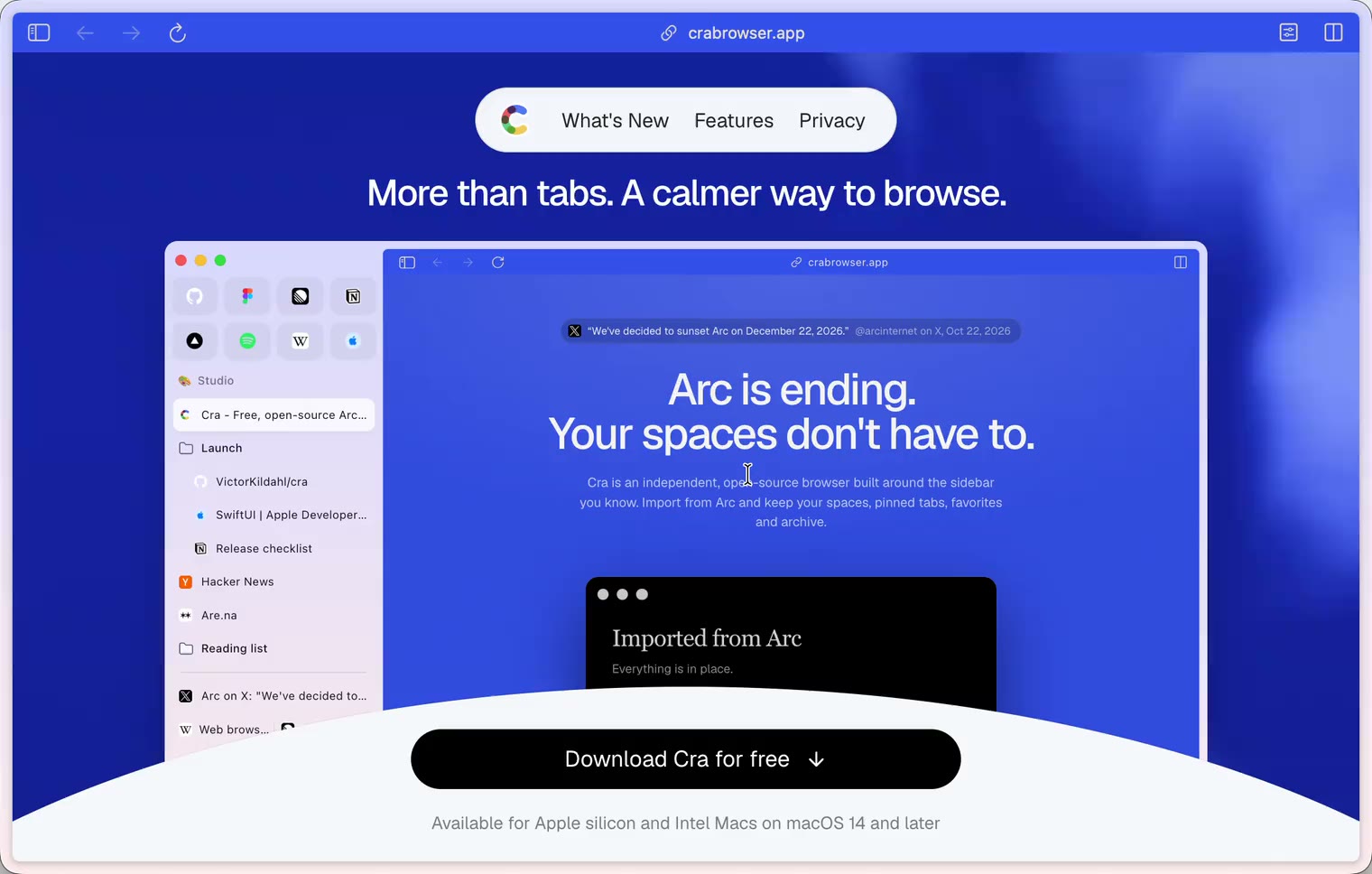
11 November 20260.1.40
A sidebar past the edge
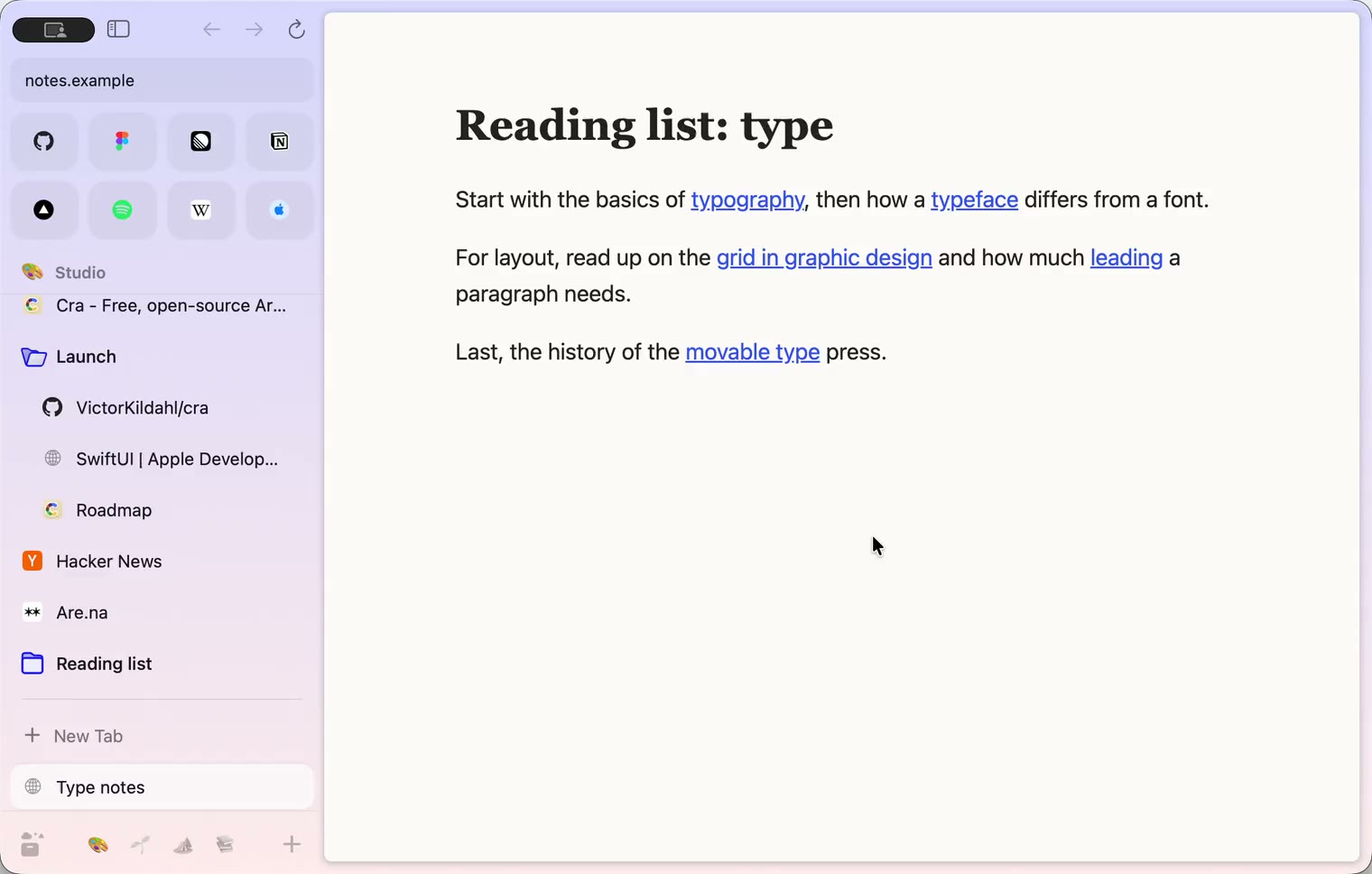
11 November 20260.1.39
5-Second Previews and the Little Window card
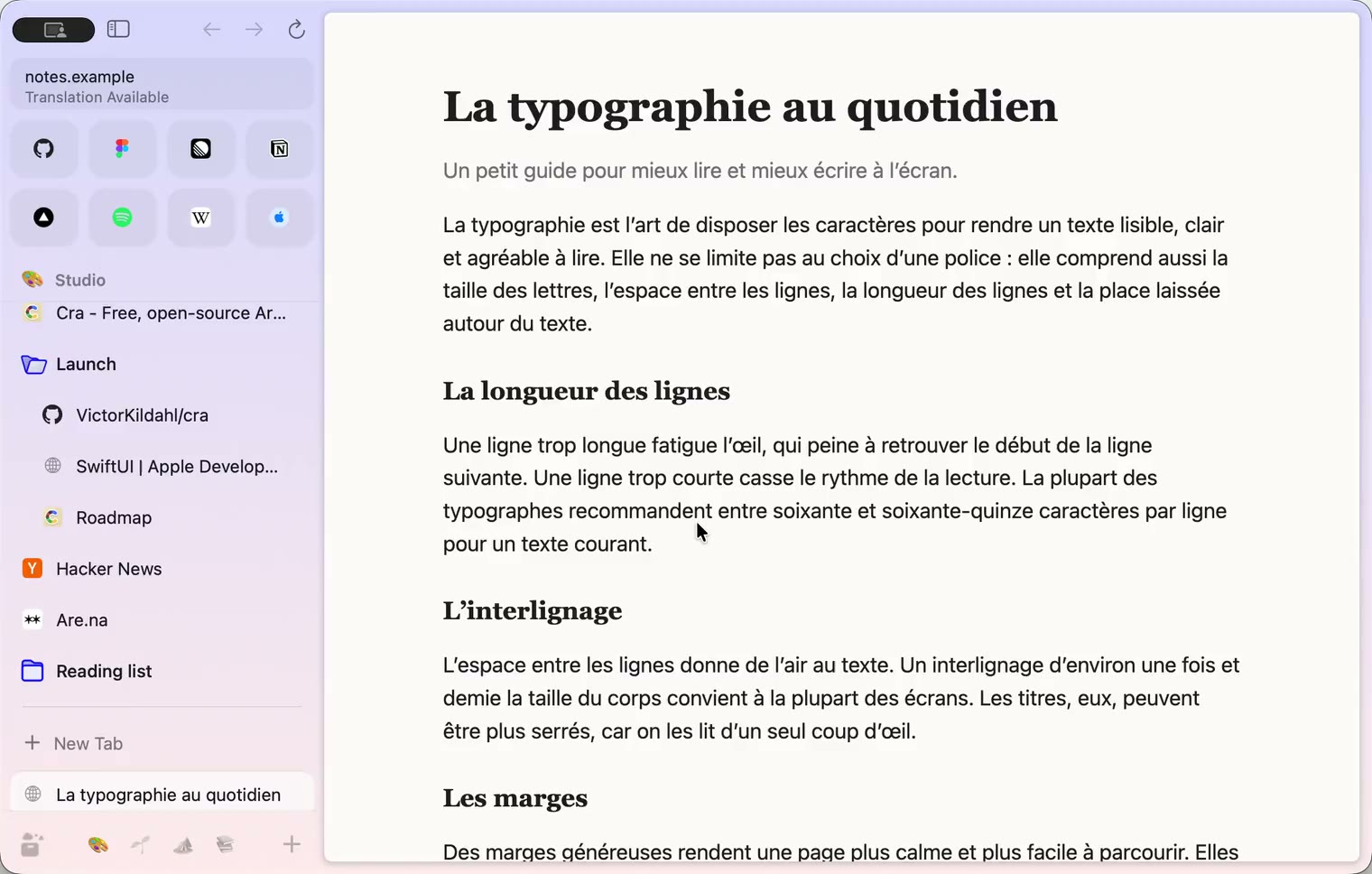
10 November 20260.1.38
iCloud sync and agents in Cra
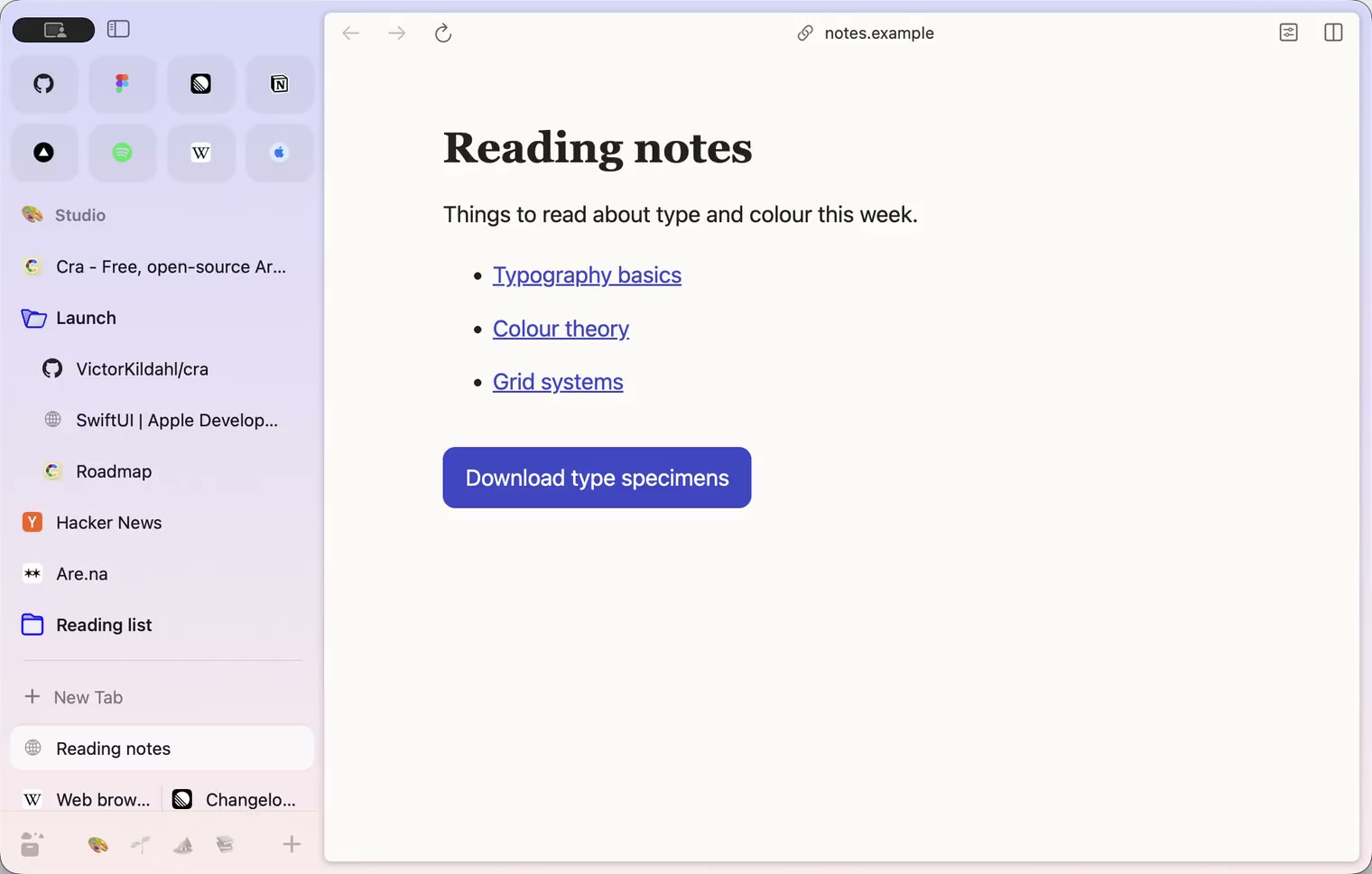
9 November 20260.1.37
Back to where the link came from
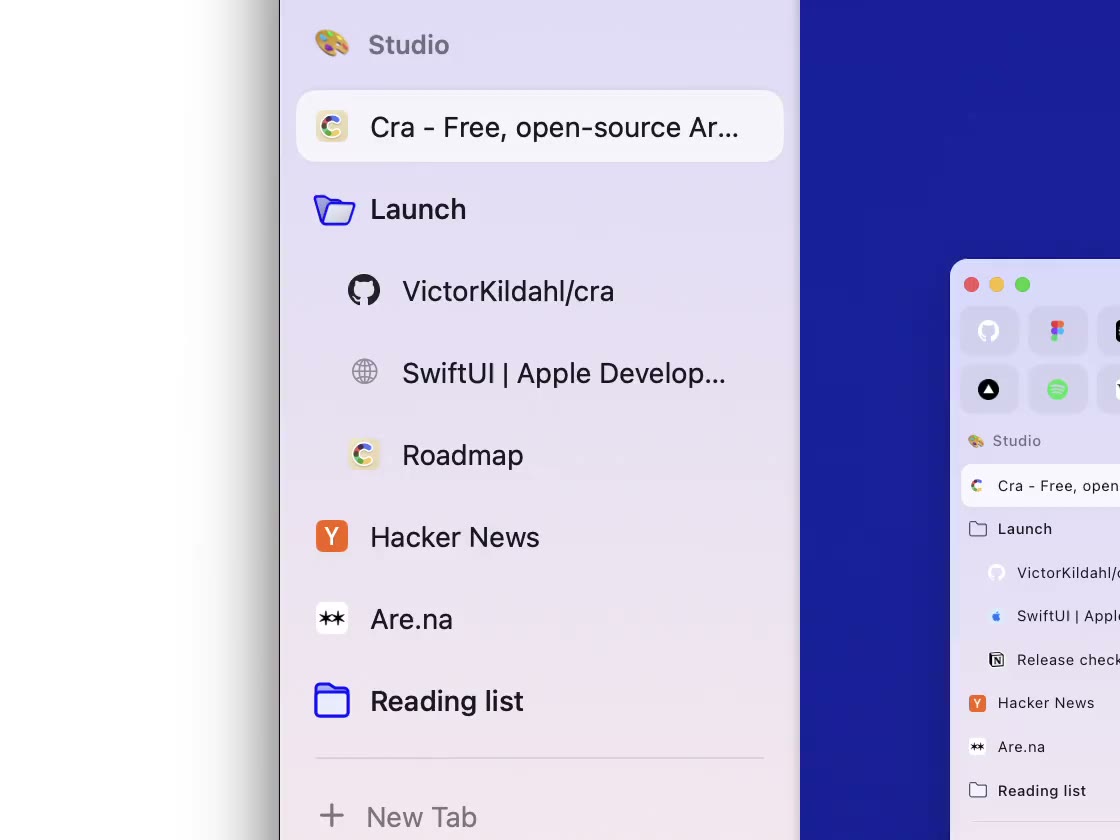
8 November 20260.1.36
Cra for Intel Macs
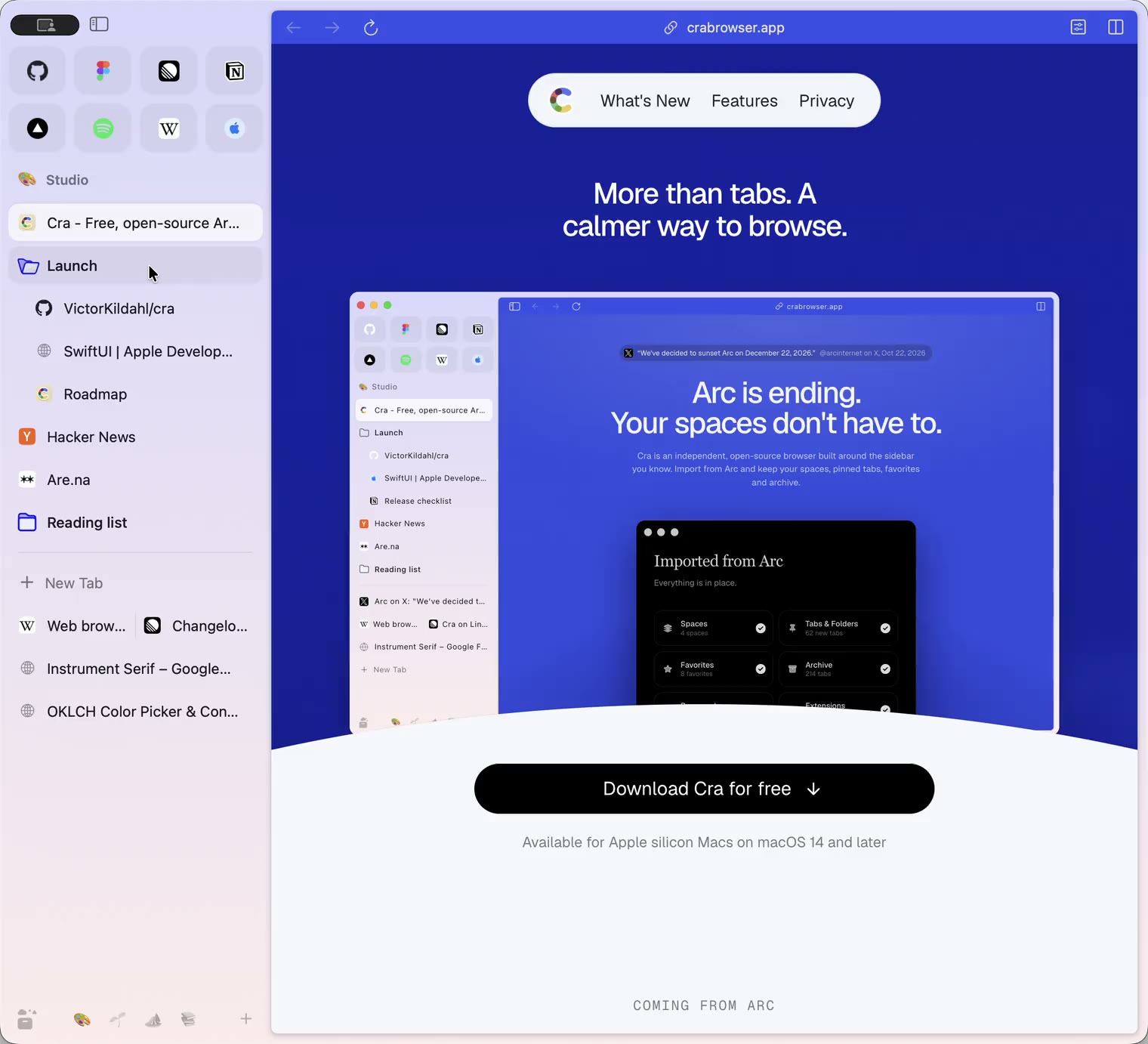
8 November 20260.1.35
Boosts, Easels and the rest of Arc’s Library
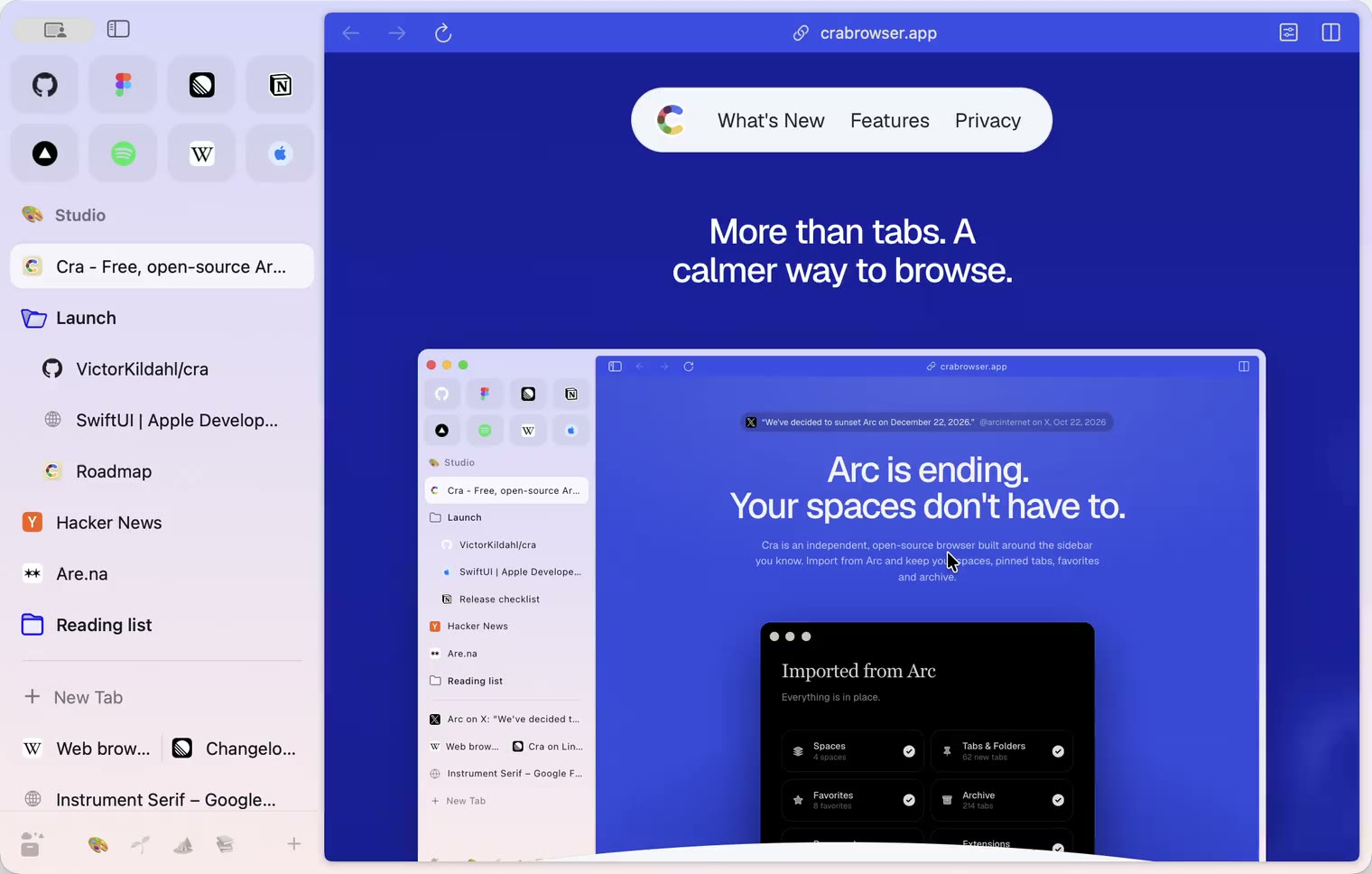
7 November 20260.1.34
Arc’s dialog sheets, GitLab live folders, pinned splits by drop
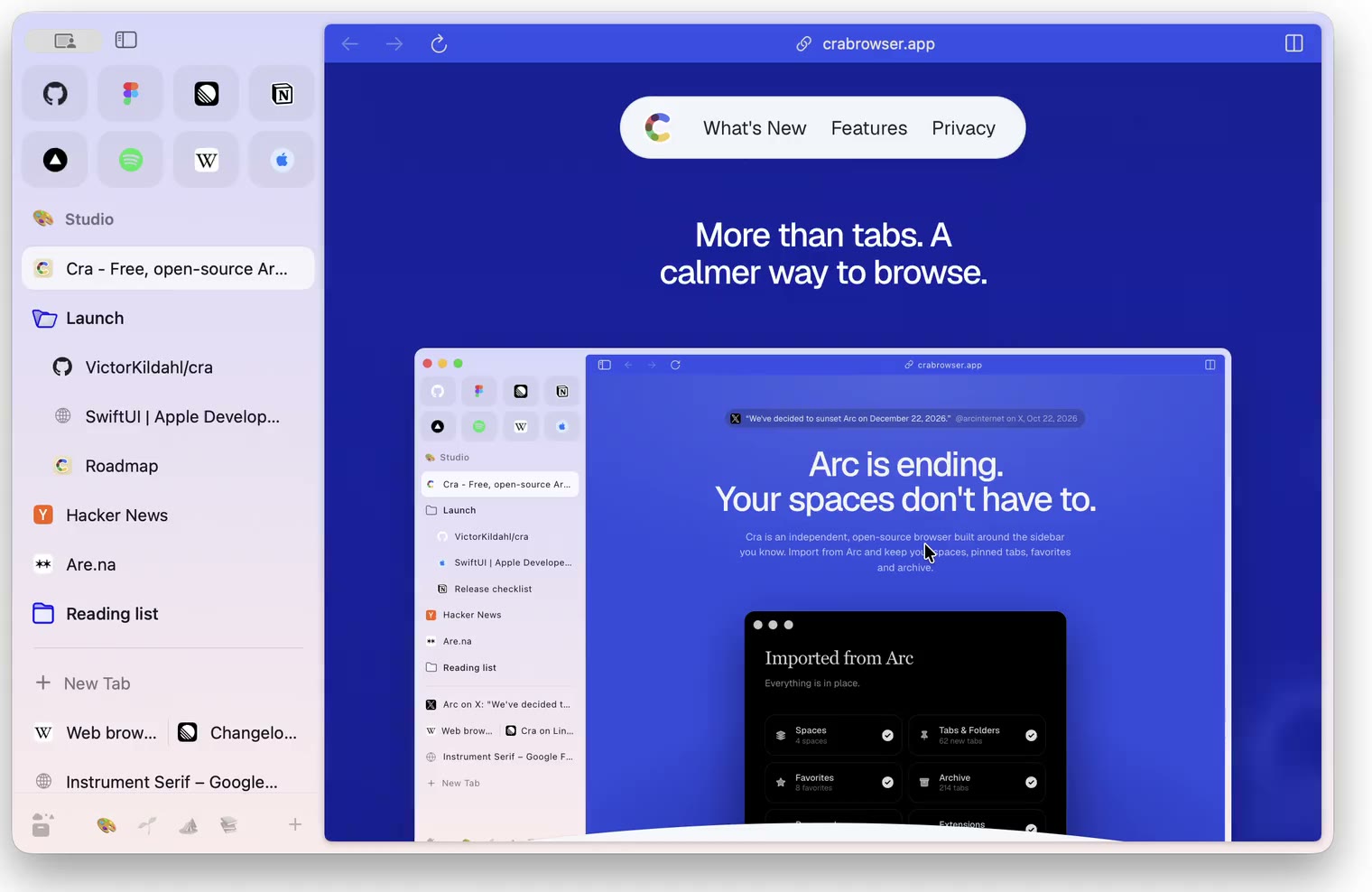
6 November 20260.1.33
Blank Window, tabs you drag out, Arc’s right-click menu
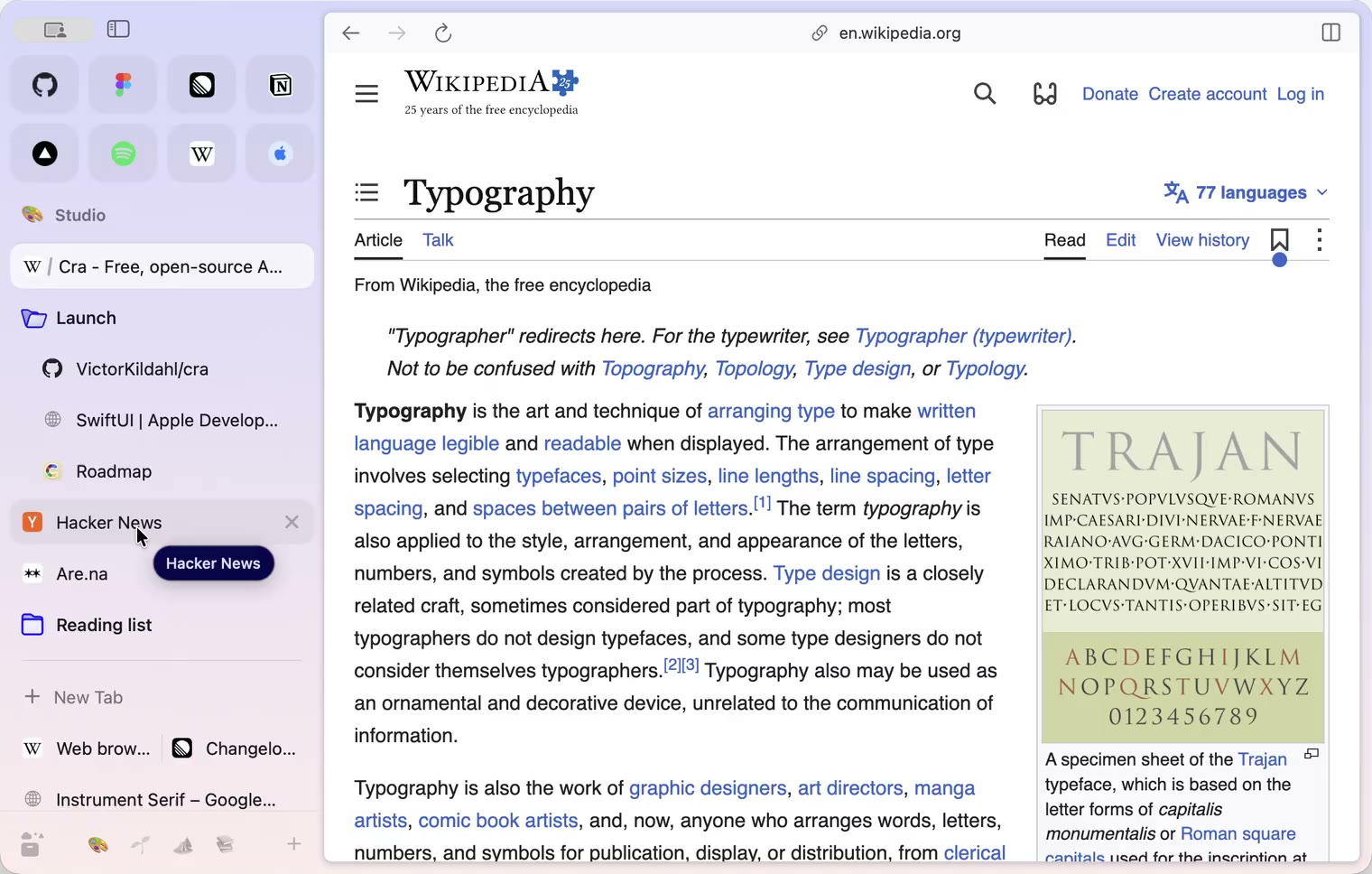
6 November 20260.1.32
Peek grows out of the link, a download folder per profile, Meet’s picture-in-picture
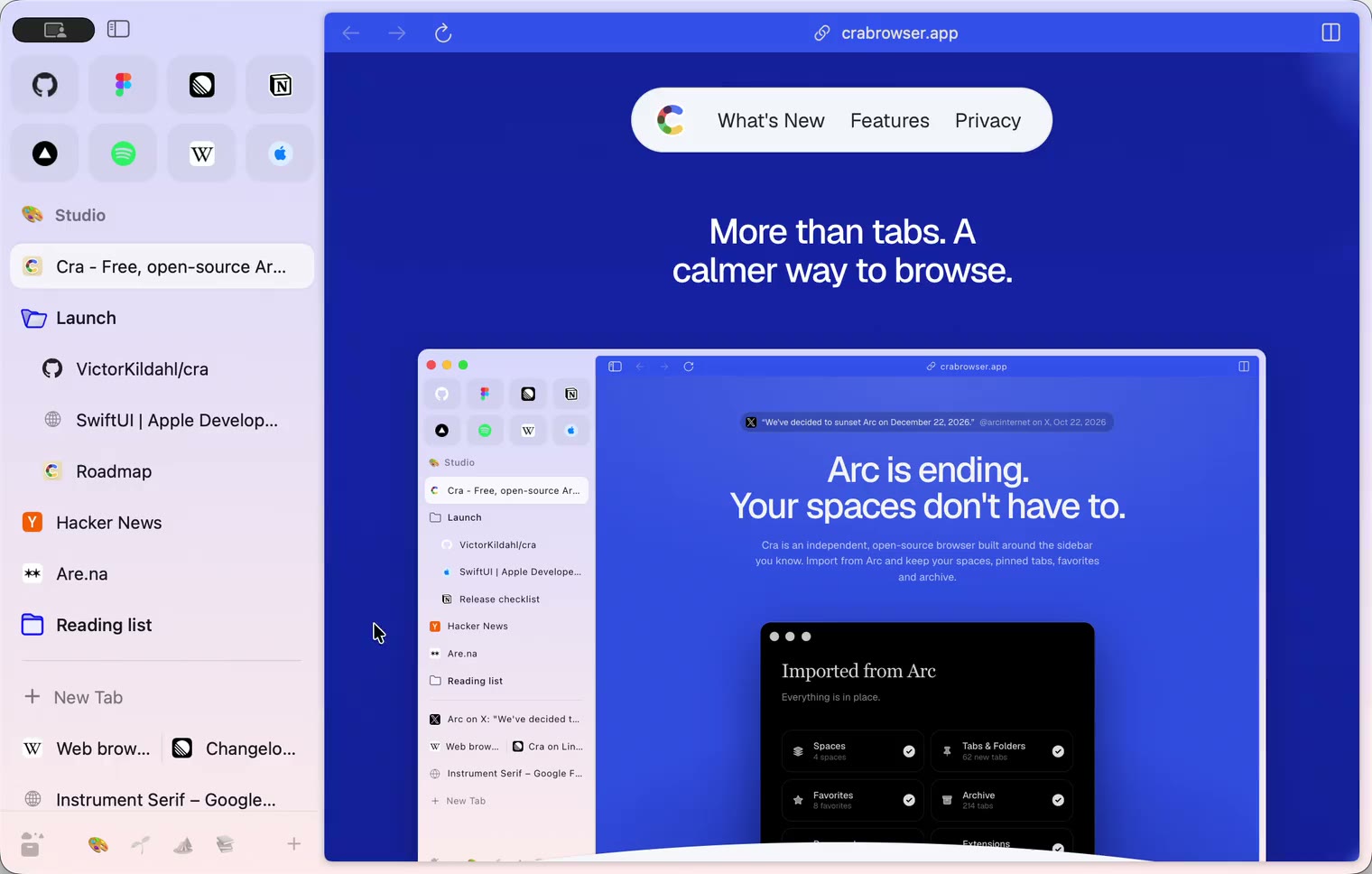
5 November 20260.1.31
Spotify and Netflix play, Tidy Tabs on your Mac, extension side panels
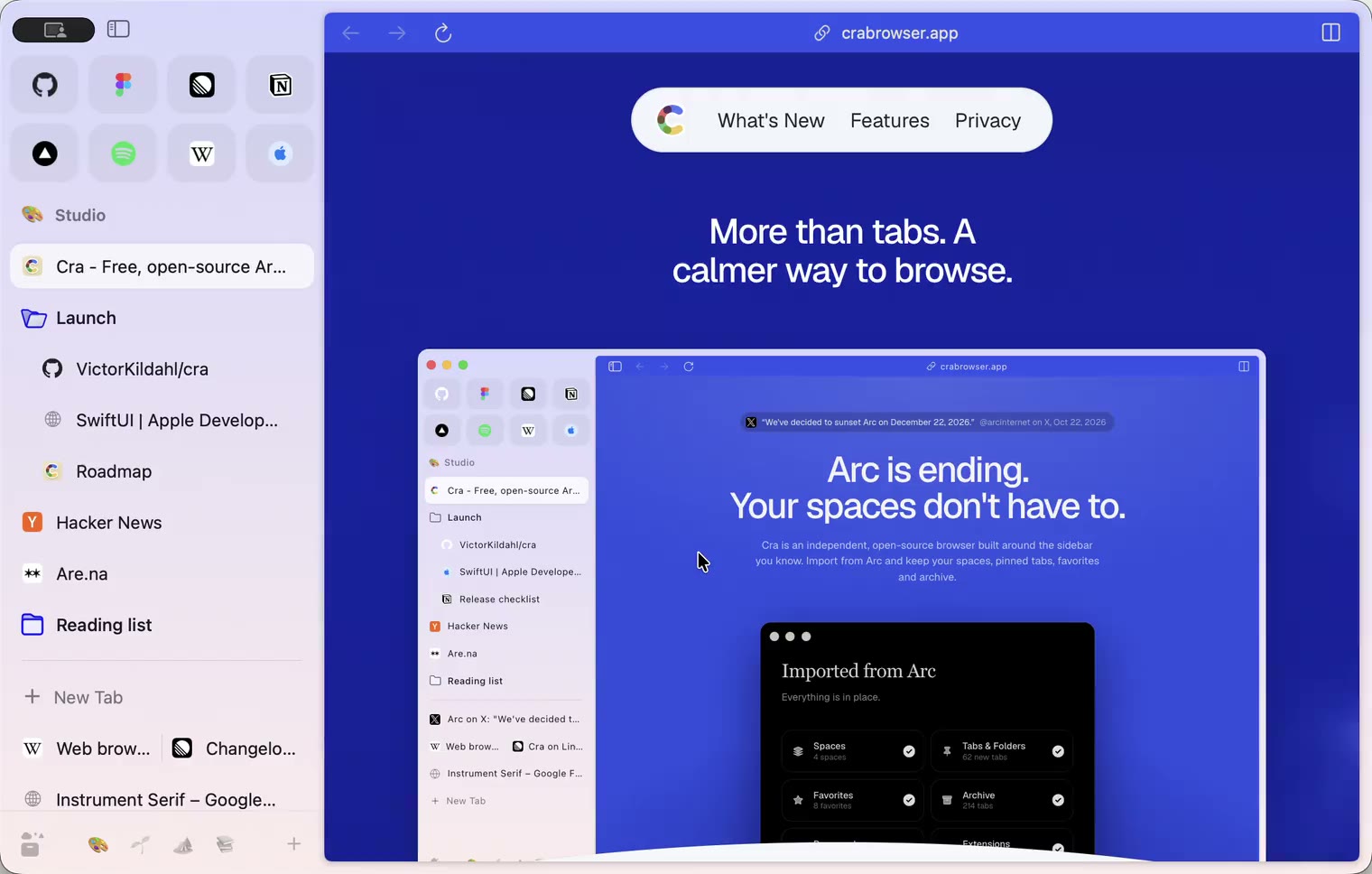
4 November 20260.1.30
Capture like Arc, favorites you drag into place, Arc’s colour picker
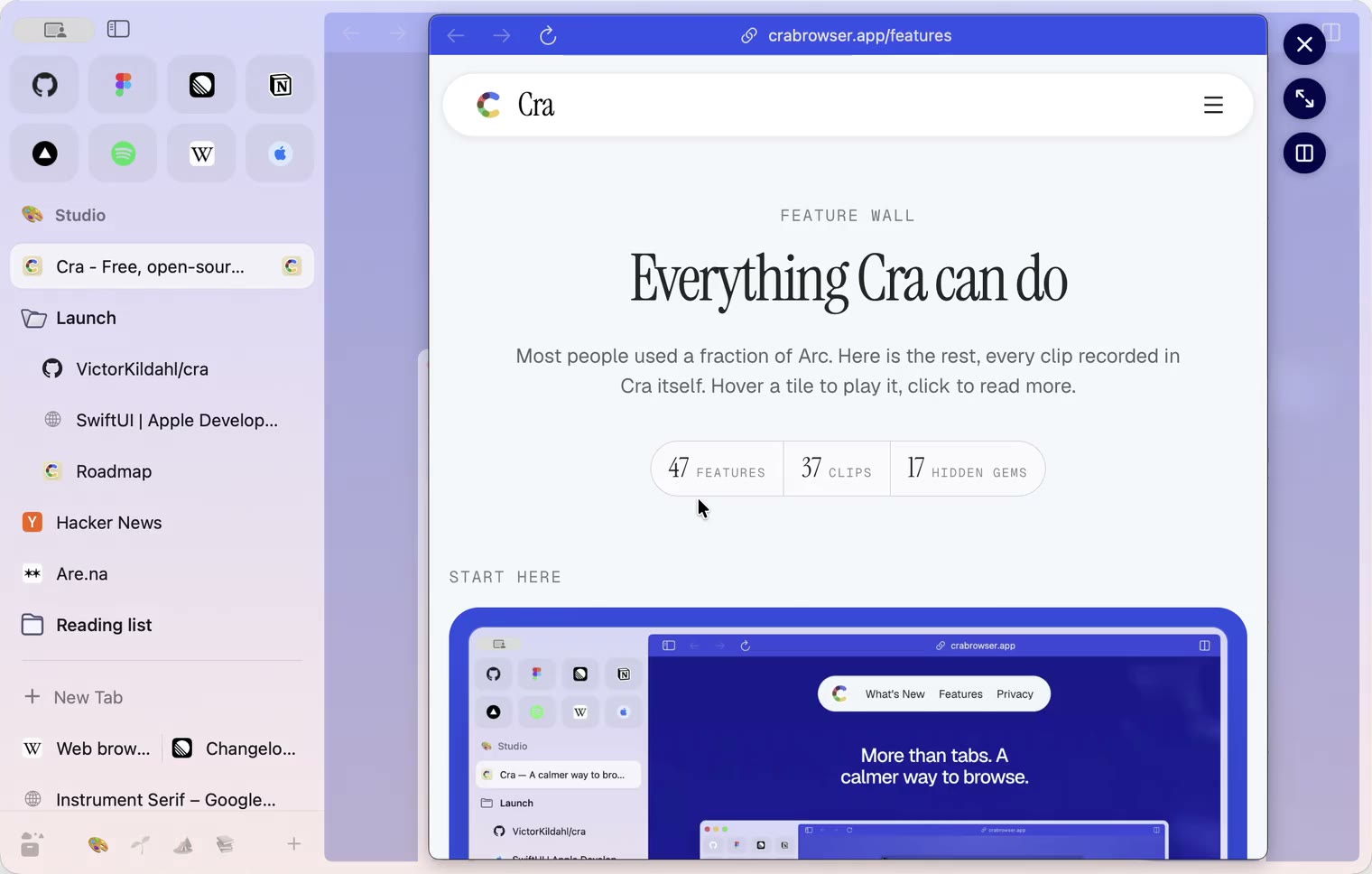
4 November 20260.1.29
Peek like Arc’s, space themes with a light and a dark half, Arc’s space tooltip
3 November 20260.1.28
Pinned tabs and closing like Arc, notifications, Arc’s loading bar
2 November 20260.1.27
Arc’s Capture, live extension icons and Shift + wheel spaces
2 November 20260.1.26
Background tabs, Arc’s toast and Move to Space
1 November 20260.1.25
Edit pinned URLs and swipe into the Library
1 November 20260.1.24
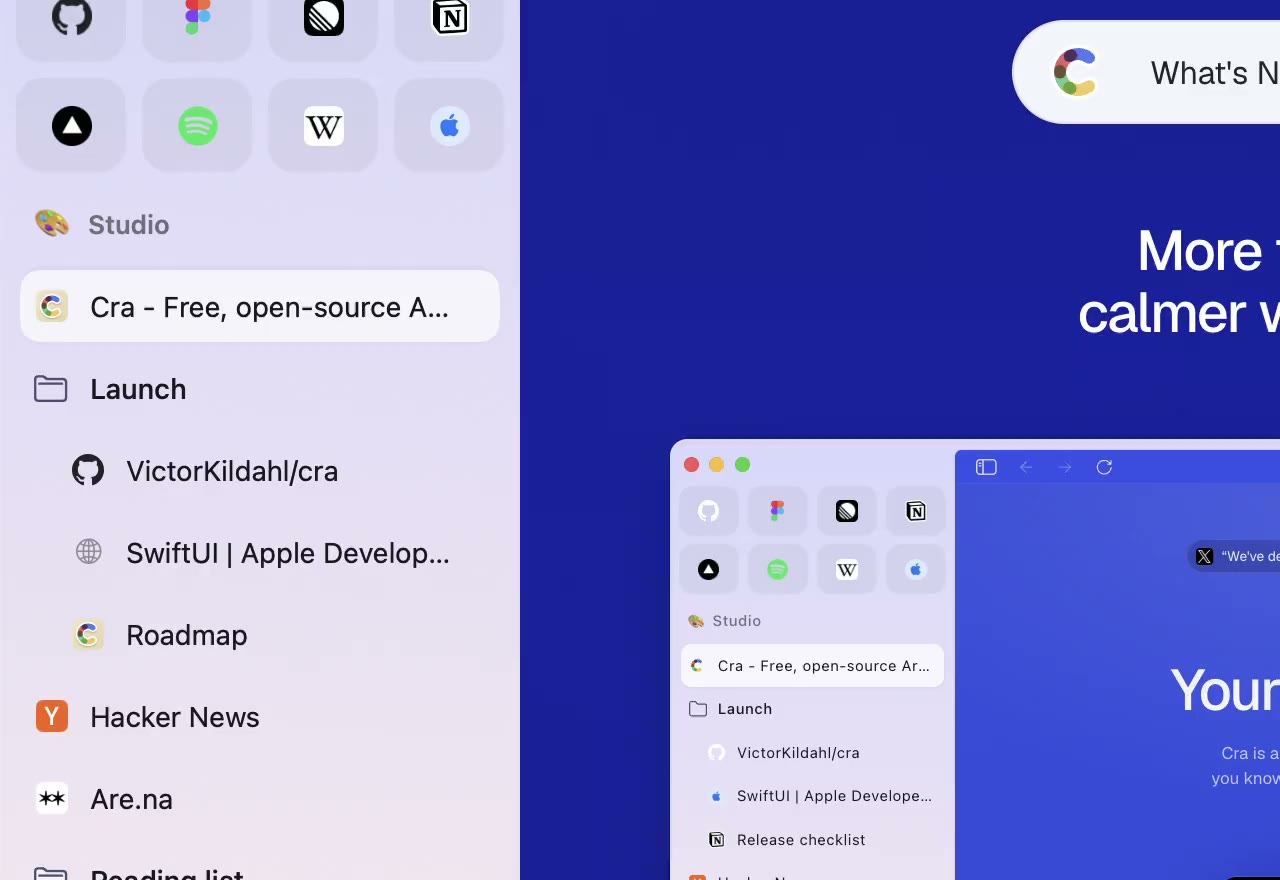
Arc’s space menu, tab search and developer bar
31 October 20260.1.23
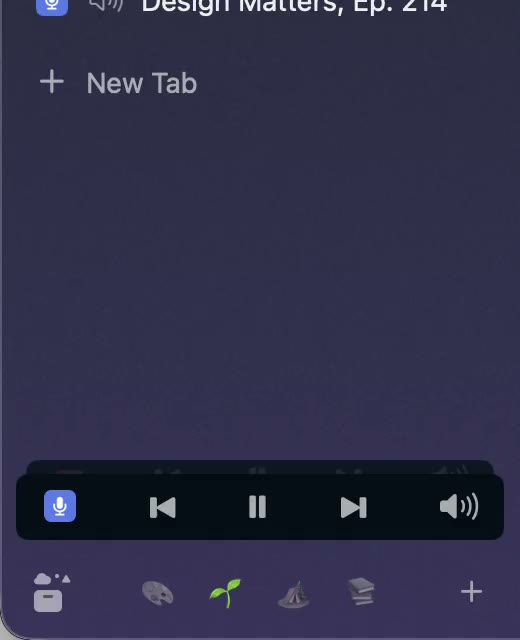
Arc’s now-playing player, split favorites and folder previews
30 October 20260.1.22
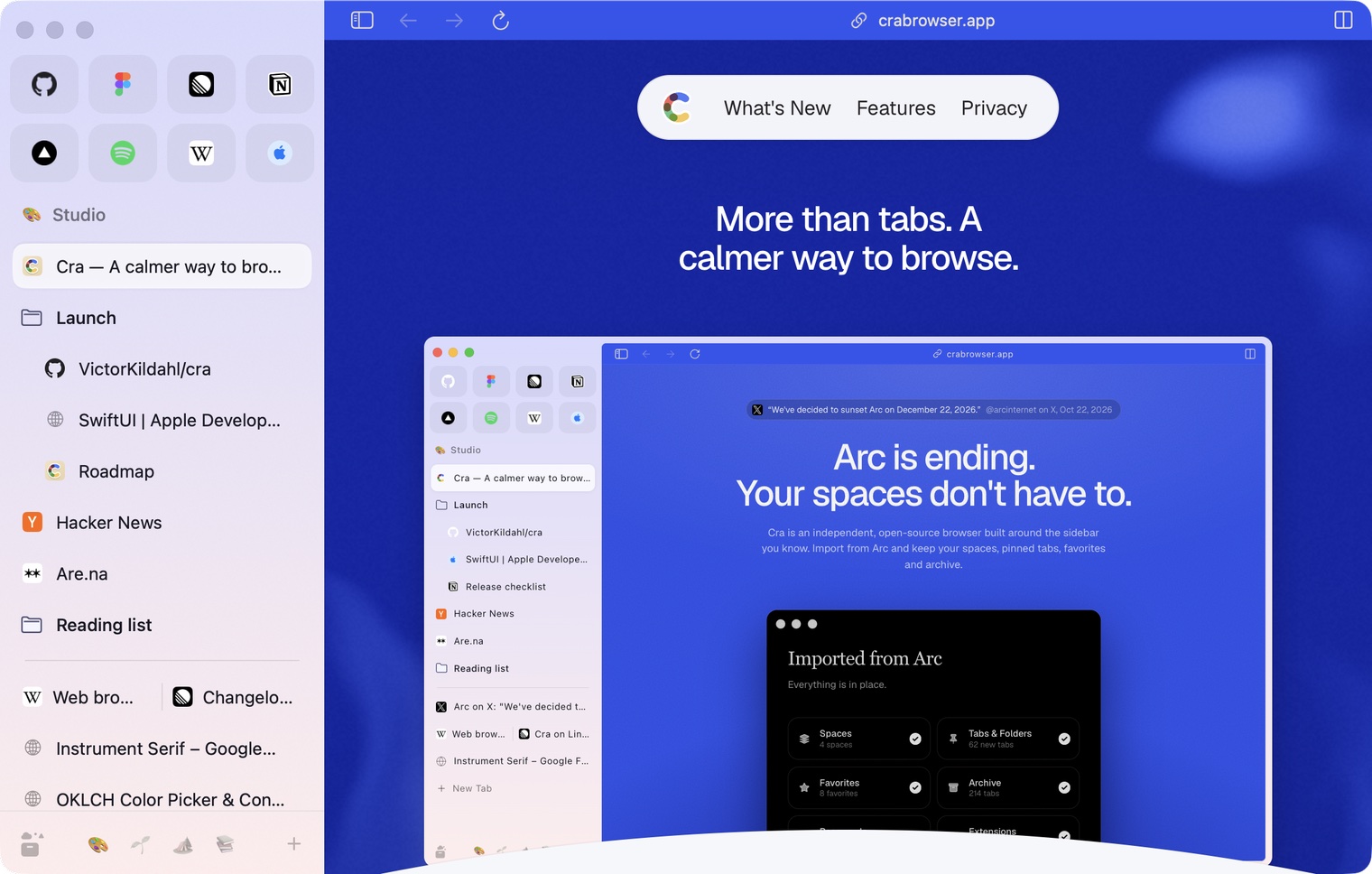
Edge-to-edge pages and Arc’s refresh button
30 October 20260.1.21
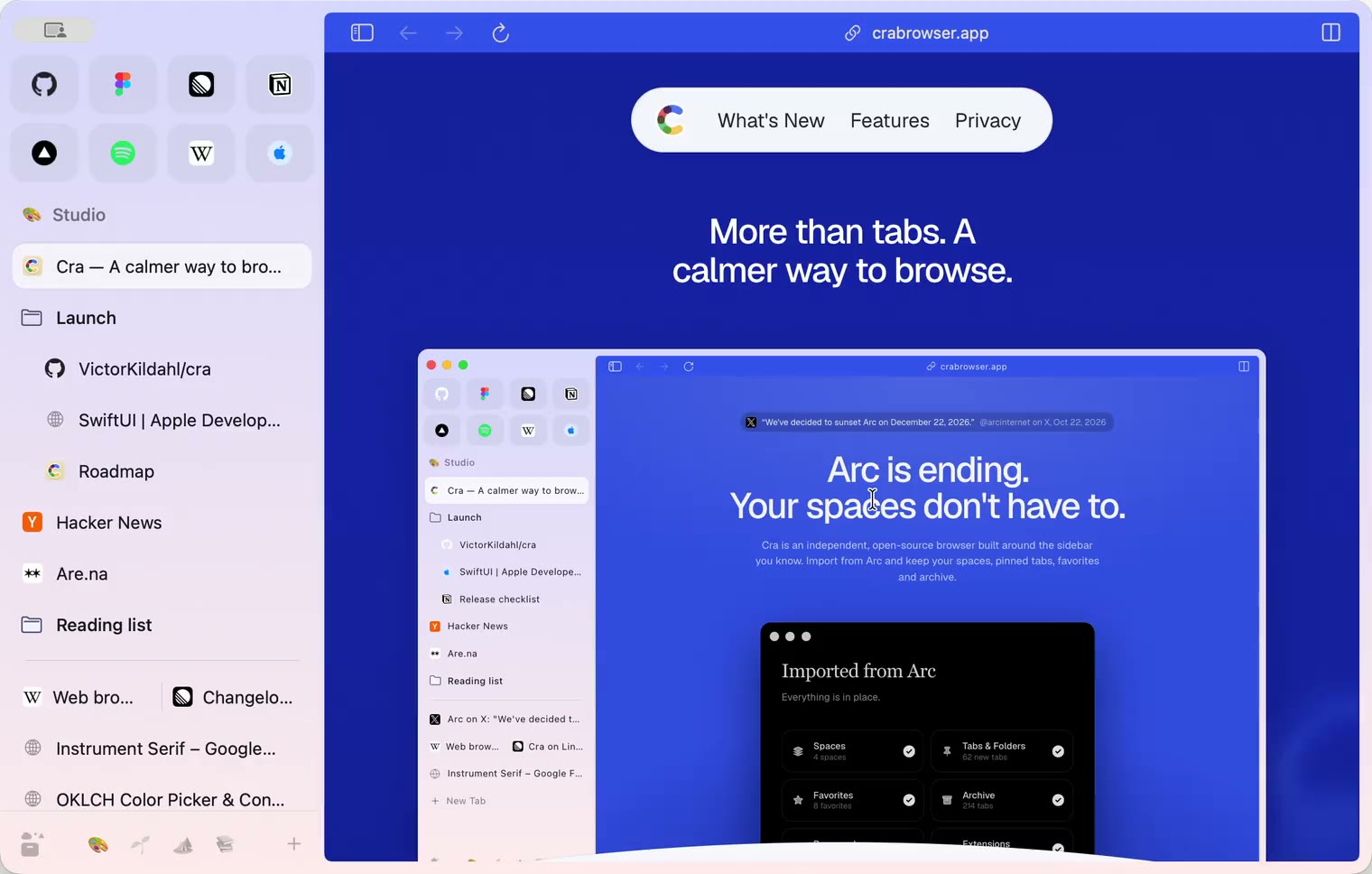
Pinned split views and a quick way to clear cookies
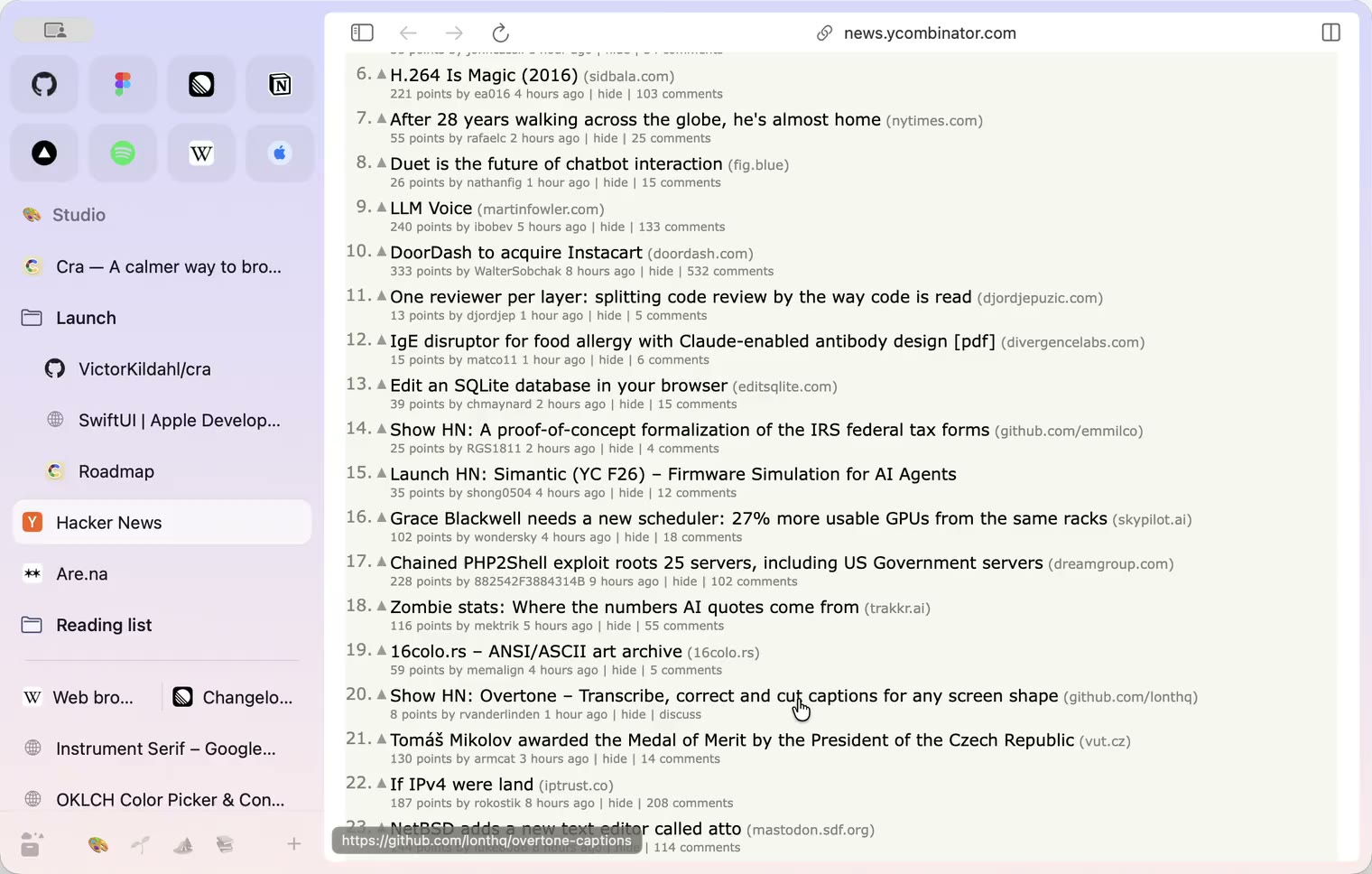
29 October 20260.1.20
Peek, Site Search and instant extension popups
- 0.1.19
29 October 20260.1.19
Extension popups open right away

29 October 20260.1.18
A sidebar built for speed
- 0.1.17
28 October 20260.1.17
Pages live inside the window
- 0.1.16
28 October 20260.1.16
A smoother Cra
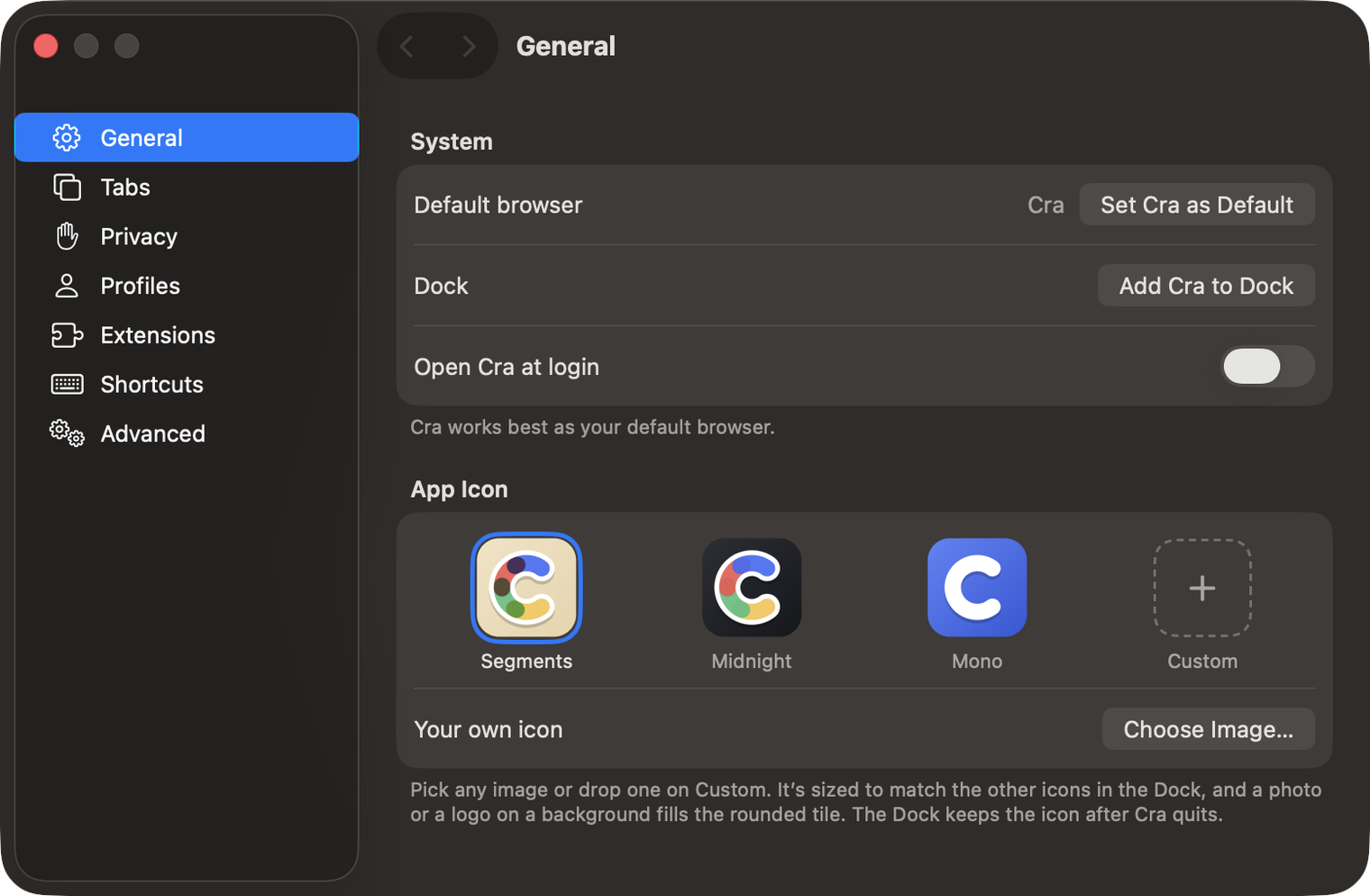
28 October 20260.1.15
Make Cra’s icon your own
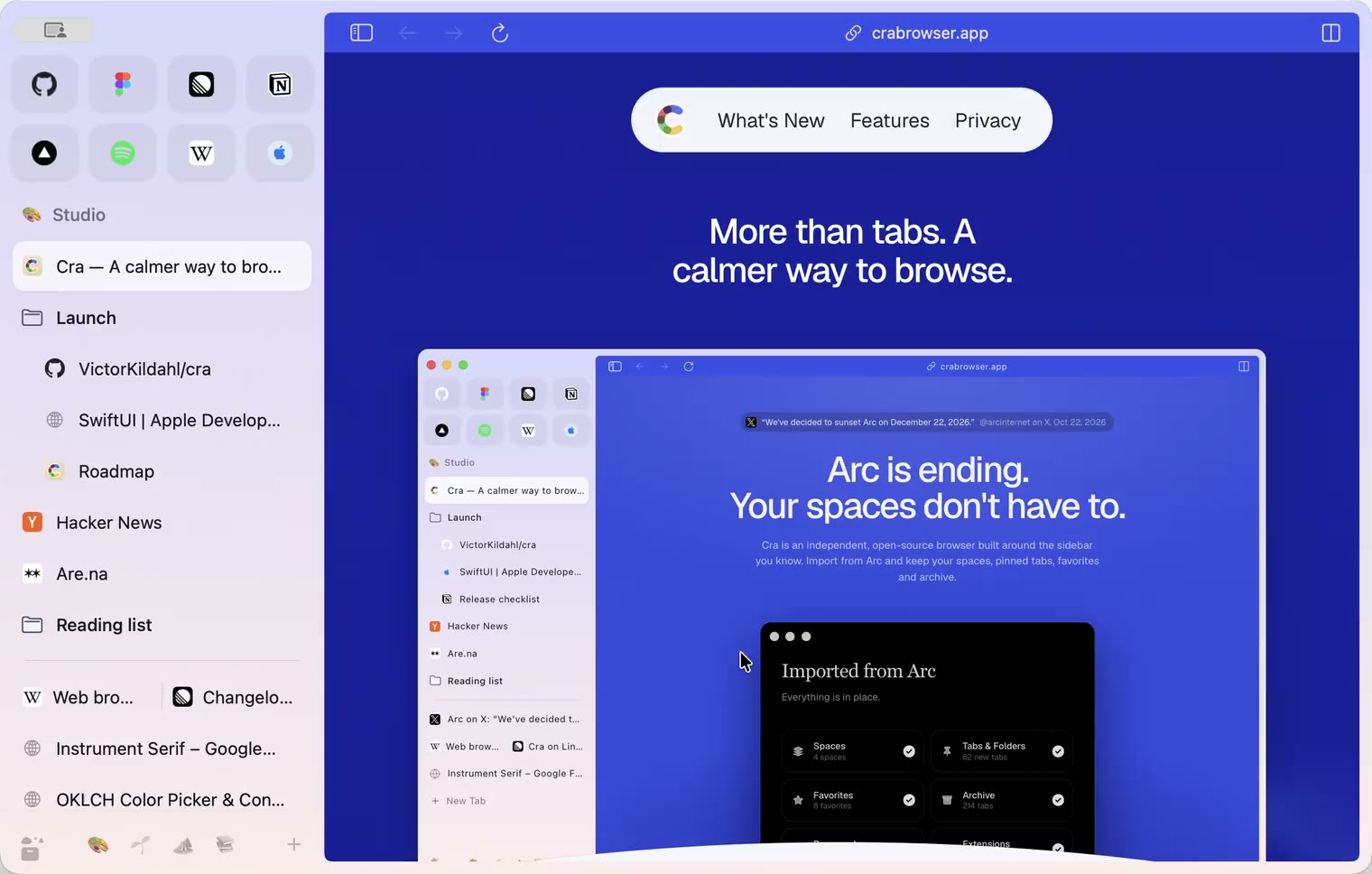
27 October 20260.1.14
The Library moves into the sidebar
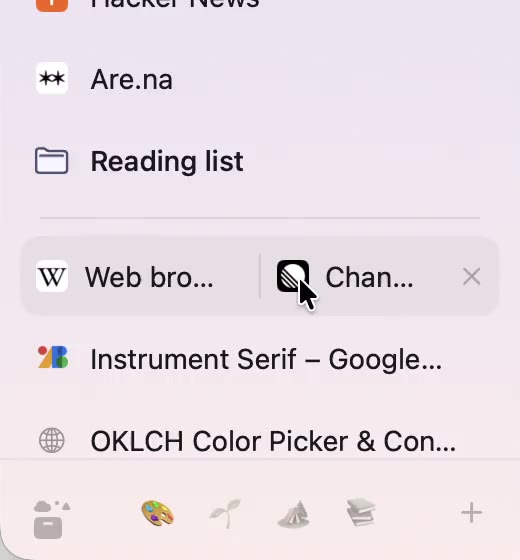
27 October 20260.1.13
Drag your spaces into order
27 October 20260.1.12
Downloads that outlive their tab
27 October 20260.1.11
Your passwords, locked in your Keychain
26 October 20260.1.10
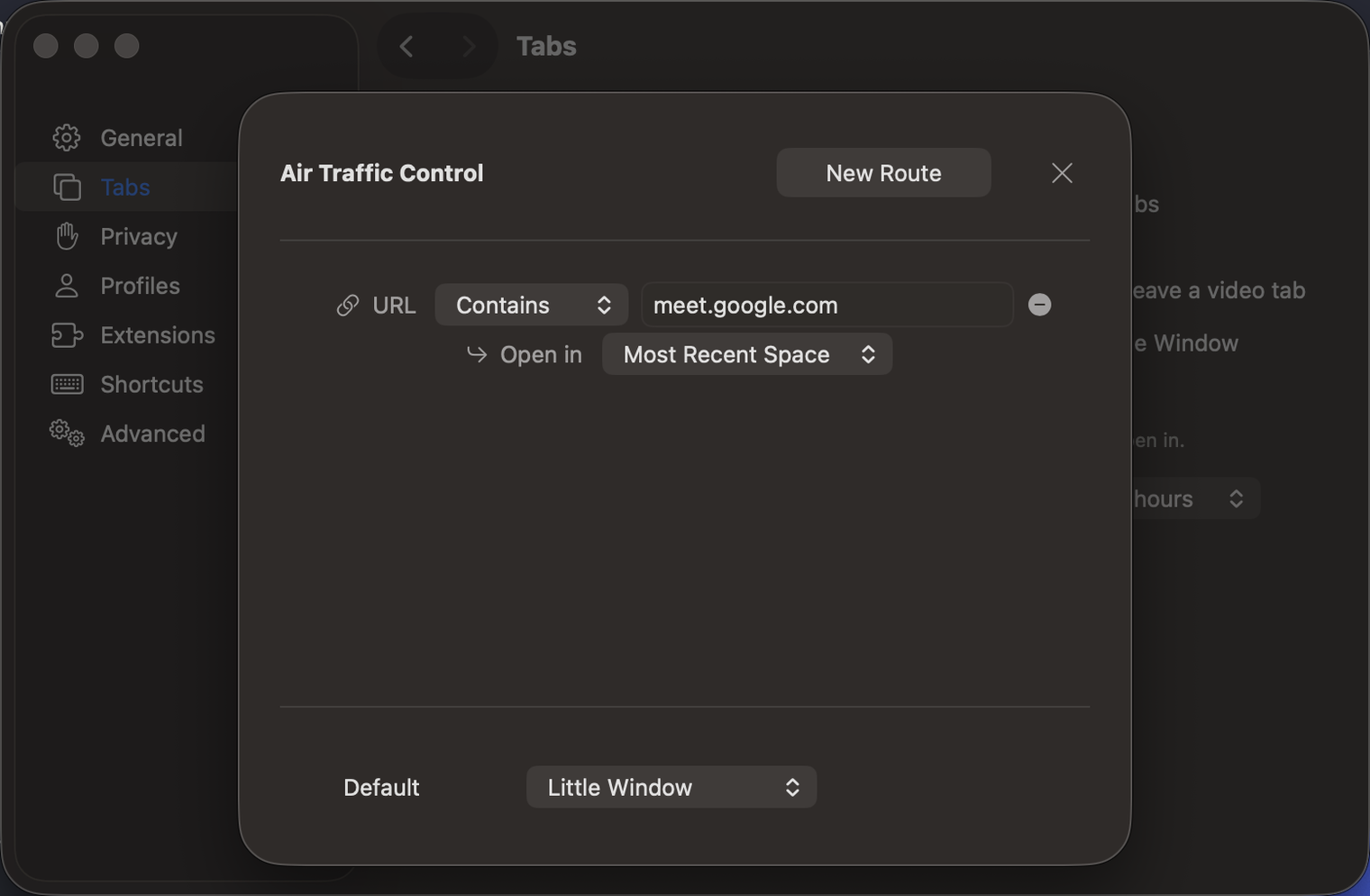
Air Traffic Control
26 October 20260.1.9
Favorites per space
- 0.1.8
26 October 20260.1.8
Video everywhere
- 0.1.7
26 October 20260.1.7
Work sign-ins
26 October 20260.1.6
Drag and drop that works
26 October 20260.1.5
Sign in with Google
26 October 20260.1.4
Copy, paste and clean corners
26 October 20260.1.3
Extensions that reach their apps
- 0.1.2
26 October 20260.1.2
Notarized, and it updates itself
- 0.1.1
25 October 20260.1.1
Quit fix
25 October 20260.1.0
Early access