Cra 0.1.4717 November 2026
Arc’s Boosts and Zap
Boosts work the way Arc’s do, down to the colour wheel and Zap’s slider. A Peek can hide its toolbar, Back closes a Little Window on its first page, and space colours keep their own tone.
Boosts like Arc’s
The Site Control Center has Arc’s New Boost button and a Boosts section, the colour wheel is Arc’s (hue around it, strength out from the middle, the small handle following), typing in Code reaches your CSS and JavaScript, and the font card’s “Aa”s sit centred.
Thank you
sugarbun, for #478
Zap all related elements, as a slider
Click a part of a page in Zap and move across Zap all related elements: as in Arc, it steps from that one element to more and more like it, each match lit and counted, and a click zaps that group.
Thank you
sugarbun (#478)
A Peek without its toolbar
Settings ▸ Links ▸ Hide the Peek toolbar until you need it: the Peek’s page fills the card, and resting the pointer at its top brings the toolbar in over the page. Not in Arc.
Thank you
Vamshi Krishna Bhoganadham, for #493
Back closes a Little Window
On a Little Window’s first page, Back or a two-finger swipe back closes the window, as in Arc; pages you went on to come first. A Little Window opened from another app now stays in front of the browser window (#500, thank you, Davide Conte, for the fix in #501), and Raycast, Rectangle and Magnet can move and resize it.
Thank you
Ben Samuels-Kalow, for #495
The Spaces menu lists your Spaces
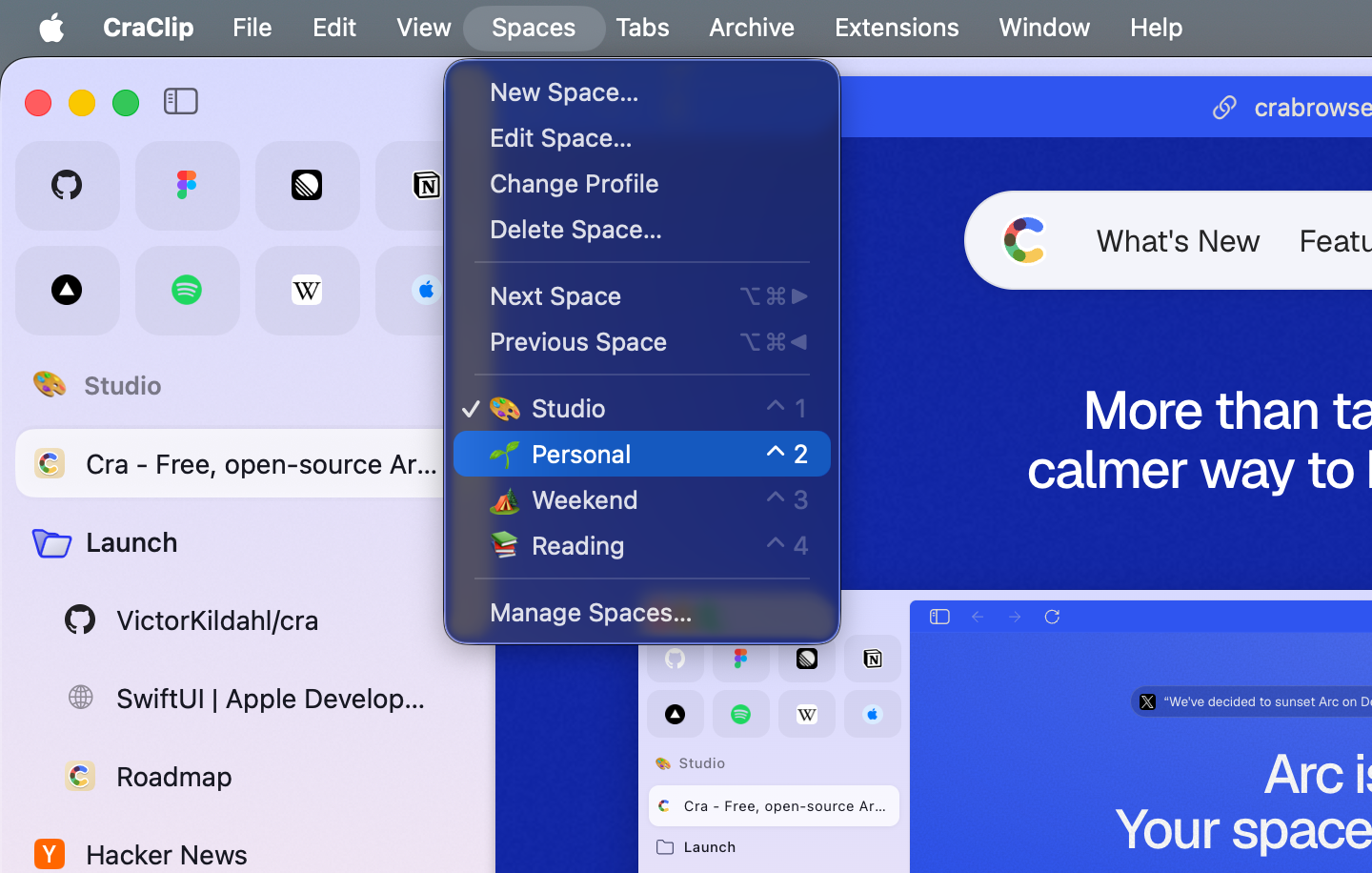
The Spaces menu shows exactly your Spaces, in sidebar order, each with its icon and name, ✓ on the one you’re in and ⌃1–⌃9 on the first nine, as Arc’s does.
Thank you
Jelena Jansson, for #471 and the pull request (#481)
Space colours keep their tone
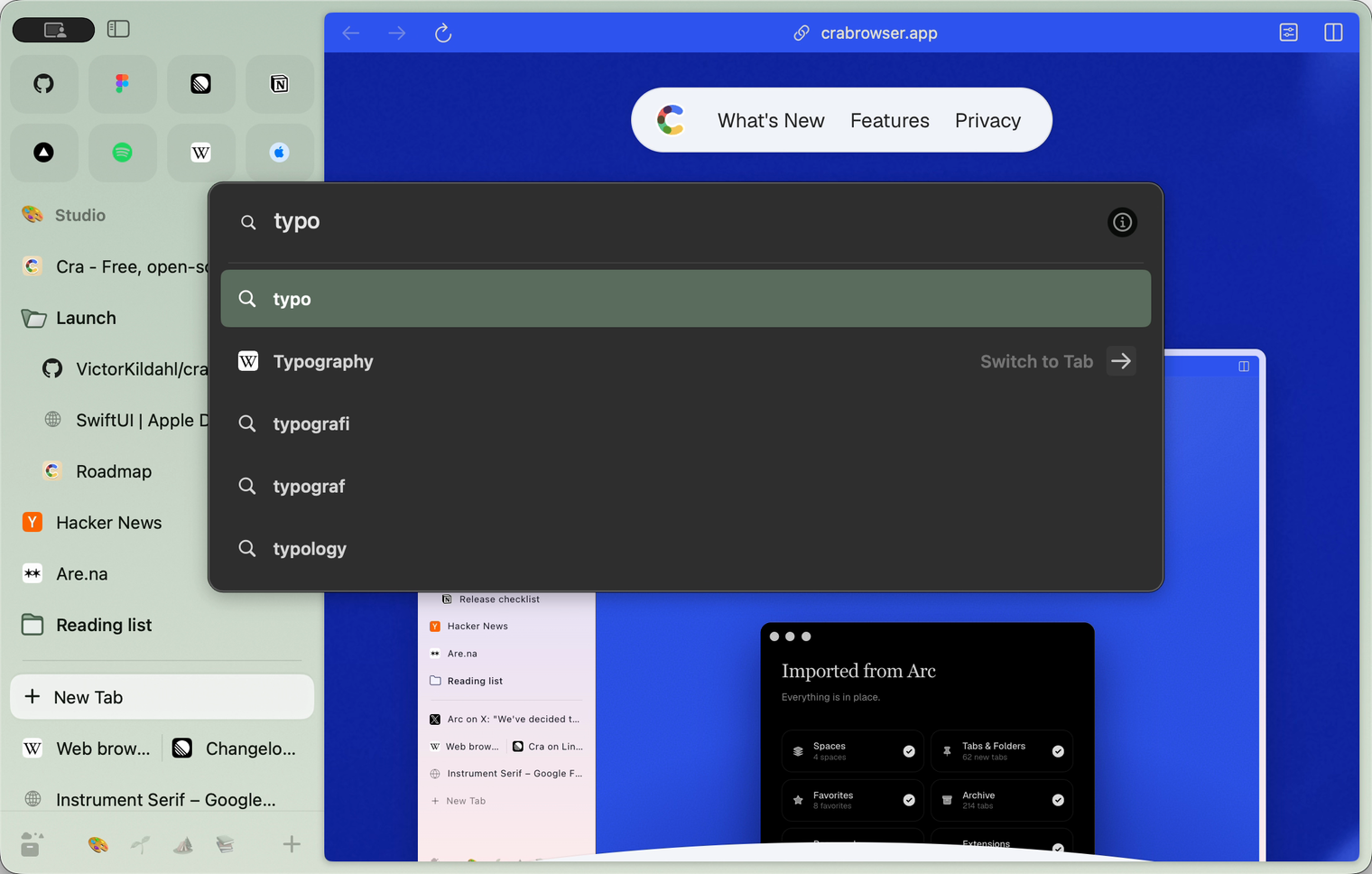
A space’s colour now gives tones the way Arc’s does, by changing only how light it is: a muted sage stays sage in ⌘T, menus, tooltips and folder icons instead of turning a loud green, and Ask on Page’s ⌘F card asks in the space’s own colour.
Thank you
ItsGreenFire, for #490
Developer Tools dock in the card
On Chrome’s engine, Developer Tools dock in the page’s card again, as they did before it, with their close button, their dock menu (right, bottom, left or a window of their own) and ⌥⌘I from inside them.
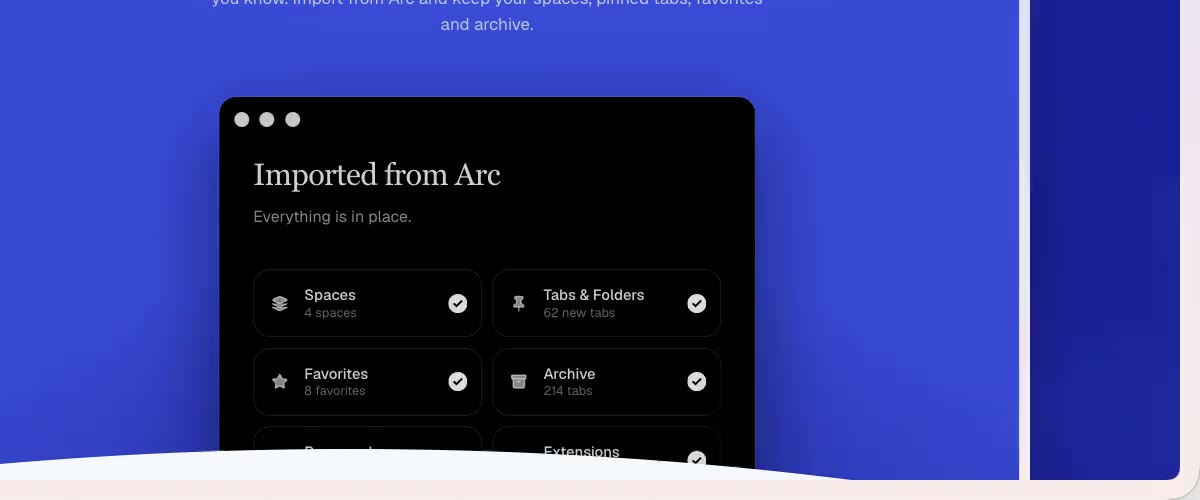
Import shows every browser
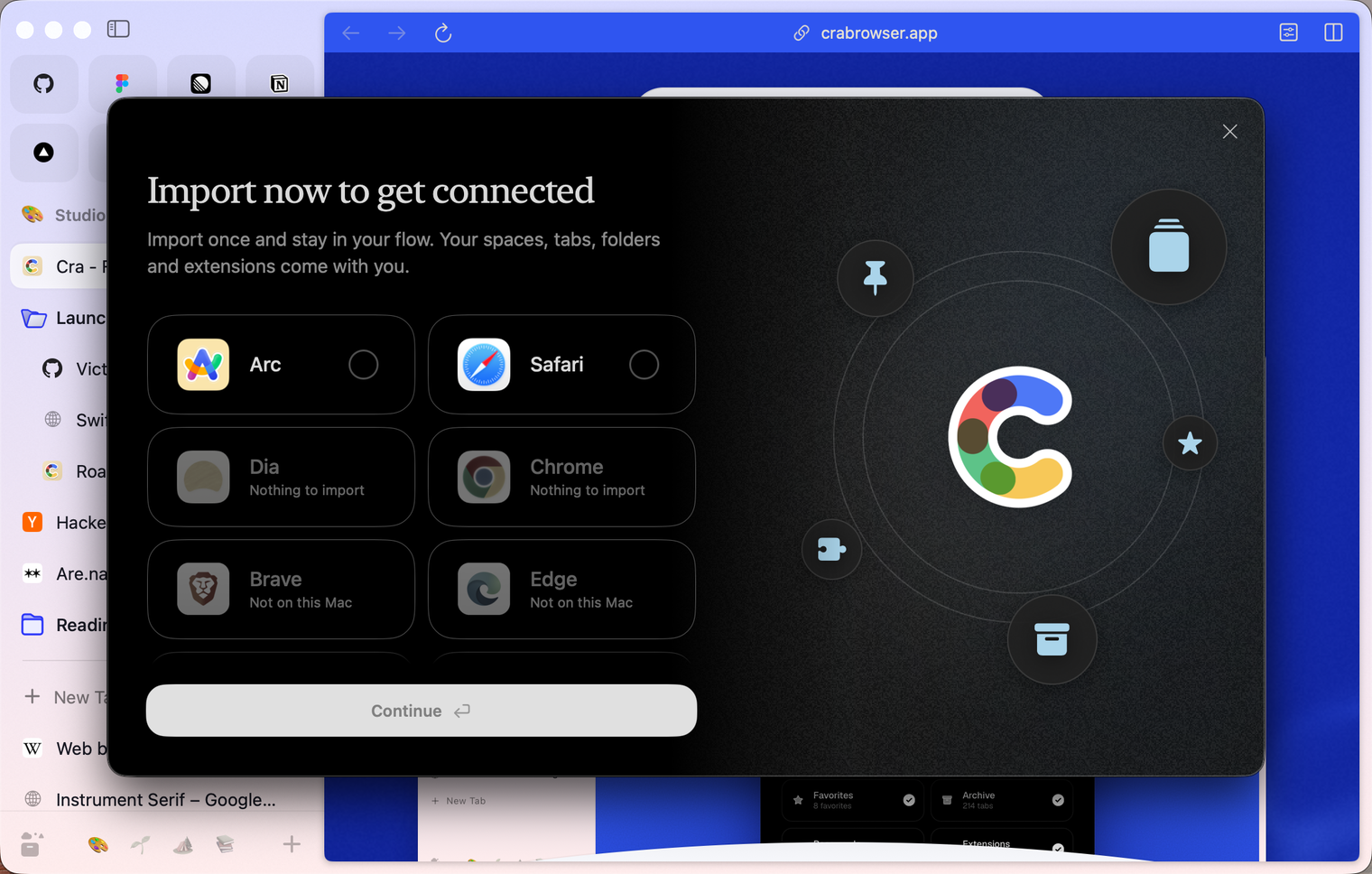
The import step lists every browser Cra reads, with its logo: the ones with something to bring over first, the rest dimmed with “Not on this Mac” or “Nothing to import”.
What else is new
Also new
- Sync merges what both Macs changed: a tab you closed on one stays closed, and a folder’s tabs come together (#474, Peter Nielsen).
- A synced sidebar no longer puts the other Mac’s address over the page you have open (#479, Peter Nielsen).
- ⌘W with the command bar open closes the bar, not the tab behind it, as in Arc (#497, RaygekFox).
- ⌘1–9 count a split as one sidebar item, as in Arc.
- Quit, Hide and Minimize work on a page that swallows every key (#485, Leon).
- Minimize in Picture in Picture gives a muted video a card in the sidebar player (#475, Peter Nielsen).
- Sync merges what both Macs changed: a tab you closed on one stays closed, and a folder’s tabs come together (#474, Peter Nielsen).
Fixes
- Renaming a tab: typed keys reach the name field again, also in the sidebar that slides out (#424, Monsieur-patate).
- Extensions: Remove works again and removes the extension’s data too, and extensions follow the macOS language (#484, franvz9).
- Remove in chrome://extensions removes an extension imported from another browser for good.
- A download stuck before its file name no longer keeps the download bin over the sidebar’s buttons (#491, Boris Smiyan and barish).
- Web Store installs of imported extensions and Chrome’s own background fetches no longer show up as stuck downloads (#491; #496, Luiz Gustavo Nogara).
- A window stays under the pointer when you drag it to another display (#477, Peter Nielsen).
- Crashes: a page’s location or camera button after macOS refused that access, Google sign-in dialogs (FedCM), and the performance recorder.
- Renaming a tab: typed keys reach the name field again, also in the sidebar that slides out (#424, Monsieur-patate).
Thank you
Jelena Jansson
Peter Nielsen
Davide Conte
Luiz Gustavo Nogara
Leon
sugarbun
ItsGreenFire
Vamshi Krishna Bhoganadham
Ben Samuels-Kalow
RaygekFox
Monsieur-patate
franvz9
Boris Smiyan
barish
Thank you, Jelena Jansson, Peter Nielsen, Davide Conte, Luiz Gustavo Nogara and Leon, for pull requests; and sugarbun, ItsGreenFire, Vamshi Krishna Bhoganadham, Ben Samuels-Kalow, RaygekFox, Monsieur-patate, franvz9, Boris Smiyan and barish for the reports, and everyone who sent crash reports.
Cra is free and made in the open. Sponsor Cra
For every change in 0.1.47, see the changelog.
Past releases
17 November 20260.1.46
Stable or New
16 November 20260.1.45
Steadier on Chrome’s engine
- 0.1.44
16 November 20260.1.44
Faster and lighter
13 November 20260.1.43
Instant Links and Arc’s drag and drop
12 November 20260.1.42
Ask on Page and Arc’s own colours
12 November 20260.1.41
Arc’s Settings, Zap and Easels
11 November 20260.1.40
A sidebar past the edge
11 November 20260.1.39
5-Second Previews and the Little Window card
10 November 20260.1.38
iCloud sync and agents in Cra
9 November 20260.1.37
Back to where the link came from
8 November 20260.1.36
Cra for Intel Macs
8 November 20260.1.35
Boosts, Easels and the rest of Arc’s Library
7 November 20260.1.34
Arc’s dialog sheets, GitLab live folders, pinned splits by drop
6 November 20260.1.33
Blank Window, tabs you drag out, Arc’s right-click menu
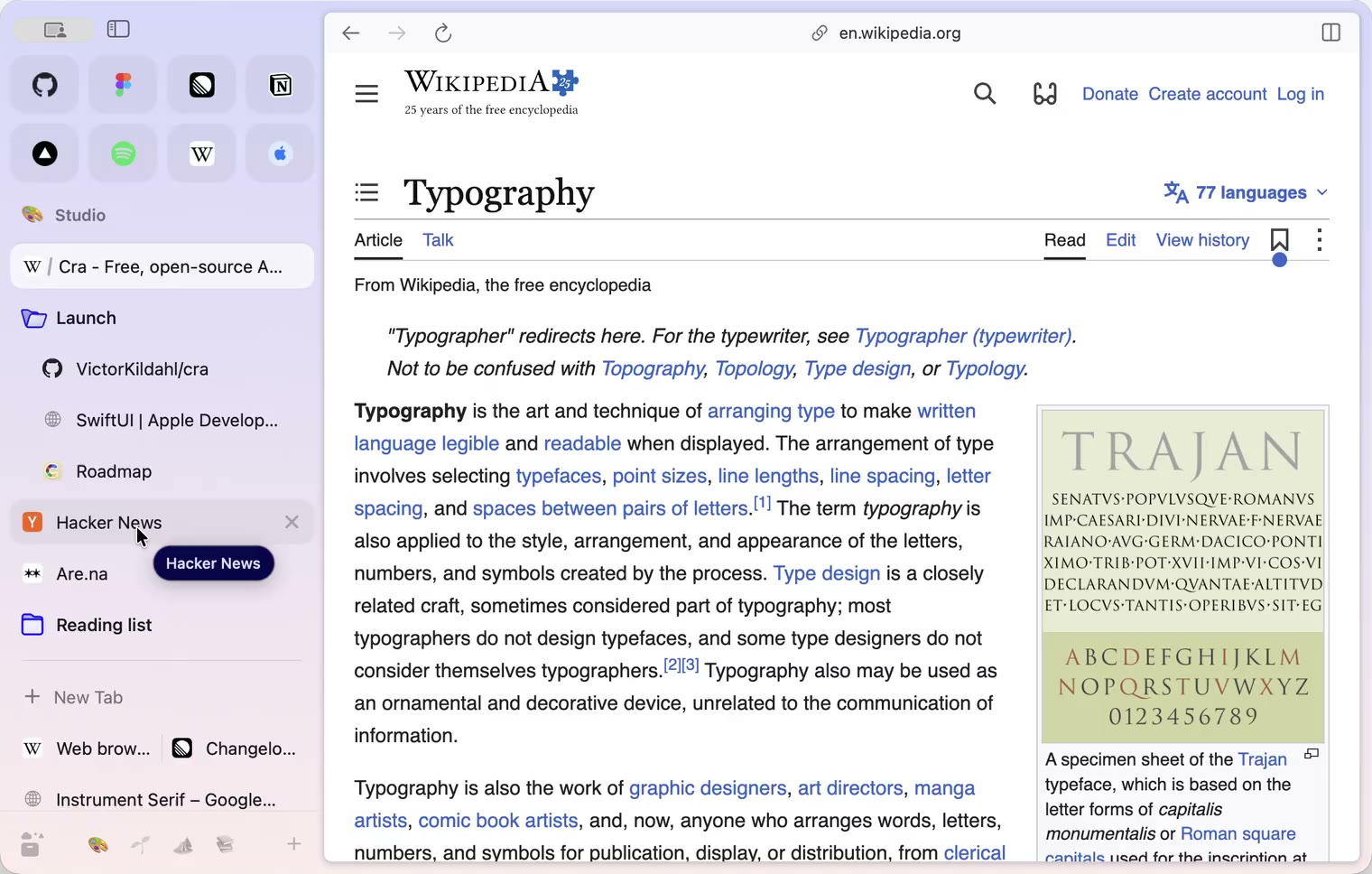
6 November 20260.1.32
Peek grows out of the link, a download folder per profile, Meet’s picture-in-picture
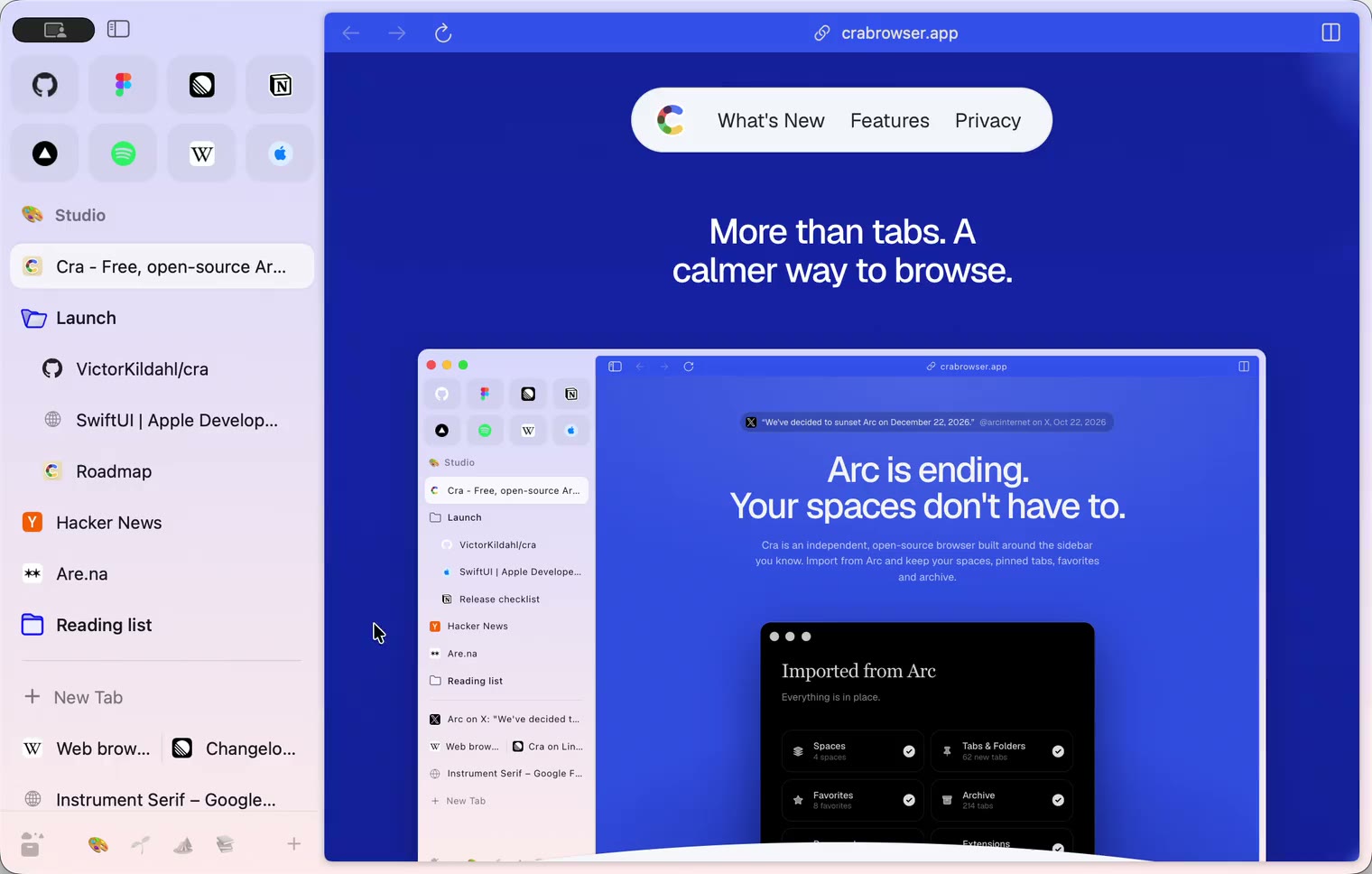
5 November 20260.1.31
Spotify and Netflix play, Tidy Tabs on your Mac, extension side panels
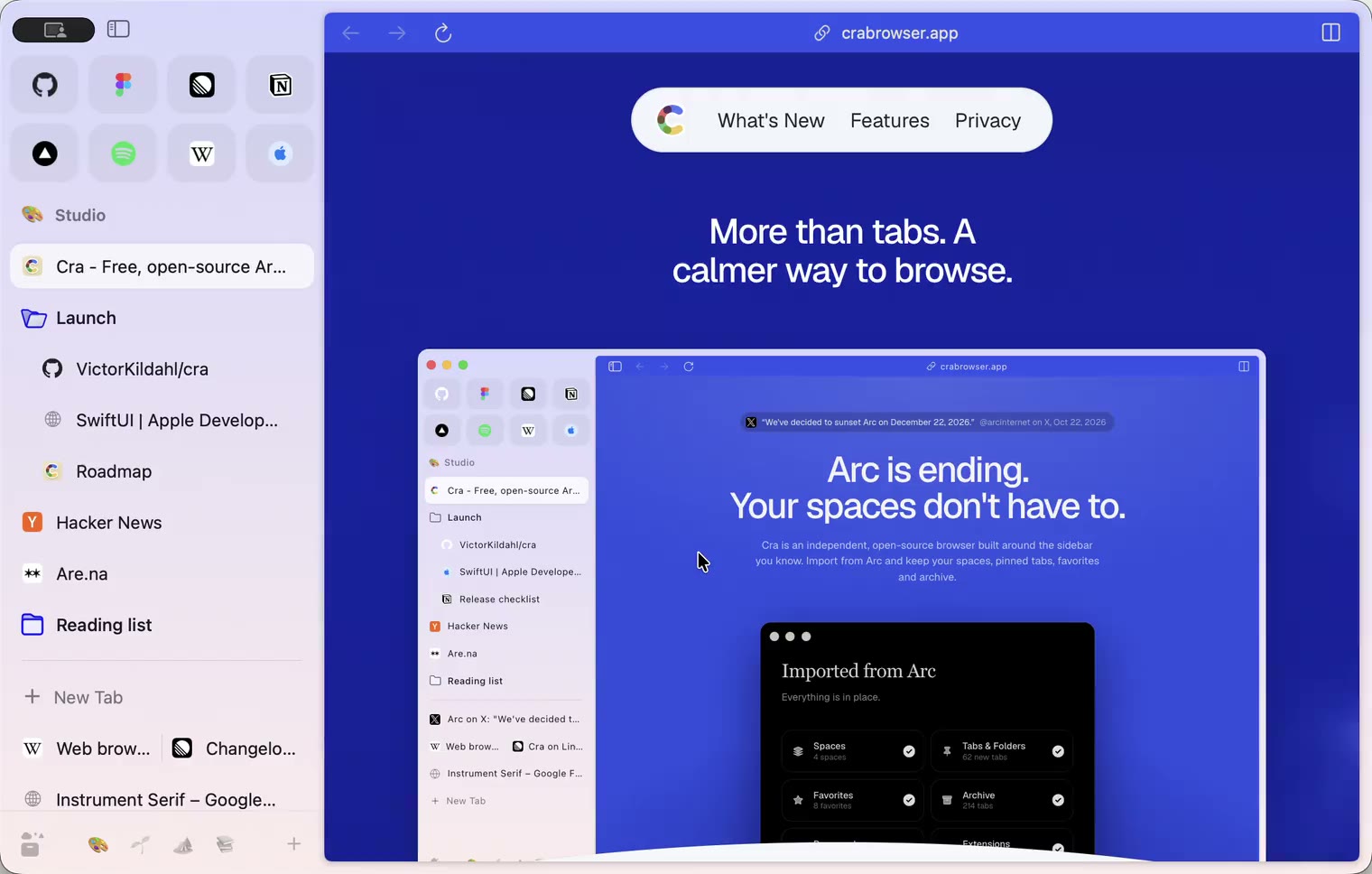
4 November 20260.1.30
Capture like Arc, favorites you drag into place, Arc’s colour picker
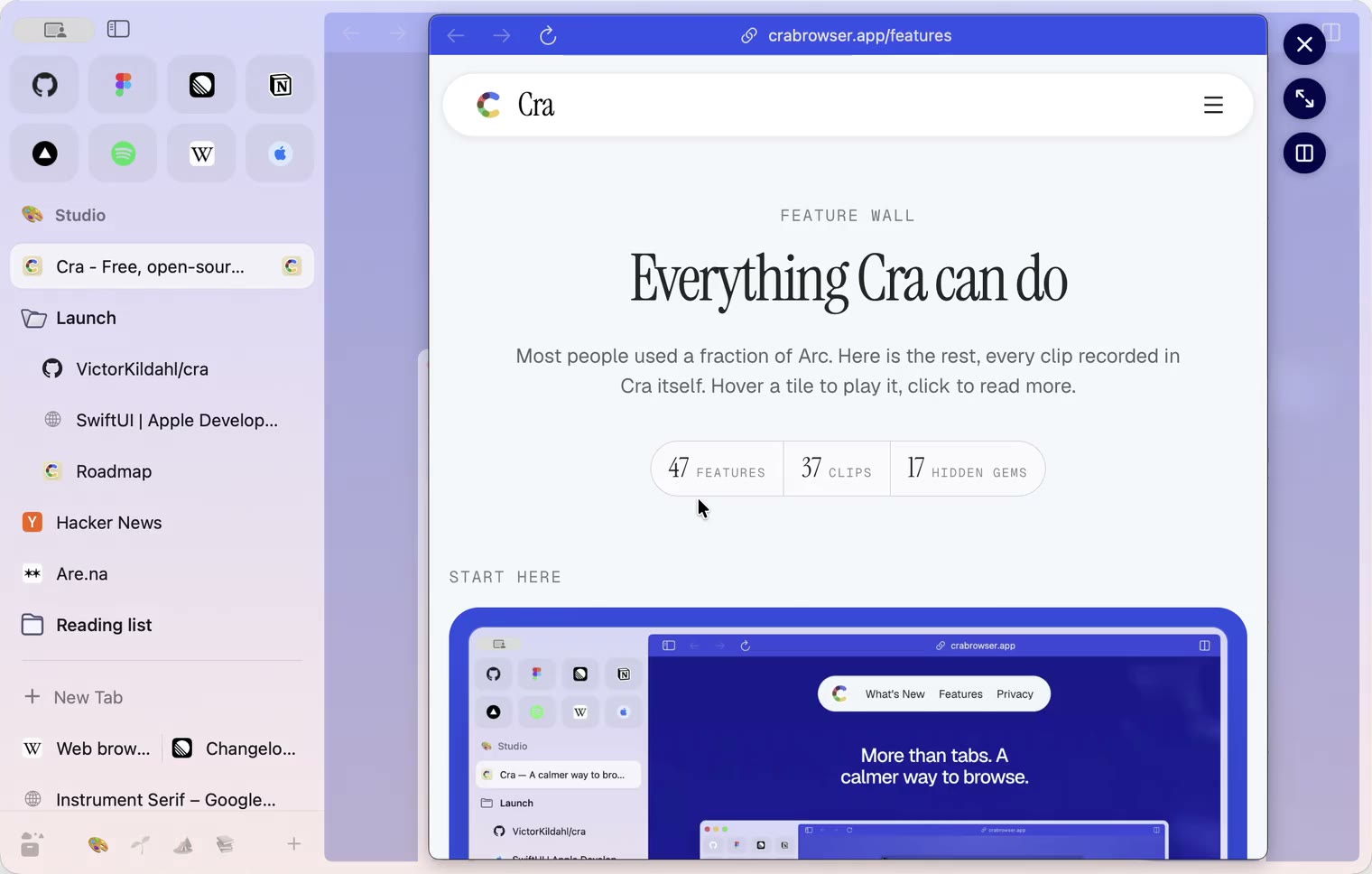
4 November 20260.1.29
Peek like Arc’s, space themes with a light and a dark half, Arc’s space tooltip
3 November 20260.1.28
Pinned tabs and closing like Arc, notifications, Arc’s loading bar
2 November 20260.1.27
Arc’s Capture, live extension icons and Shift + wheel spaces
2 November 20260.1.26
Background tabs, Arc’s toast and Move to Space
1 November 20260.1.25
Edit pinned URLs and swipe into the Library
1 November 20260.1.24
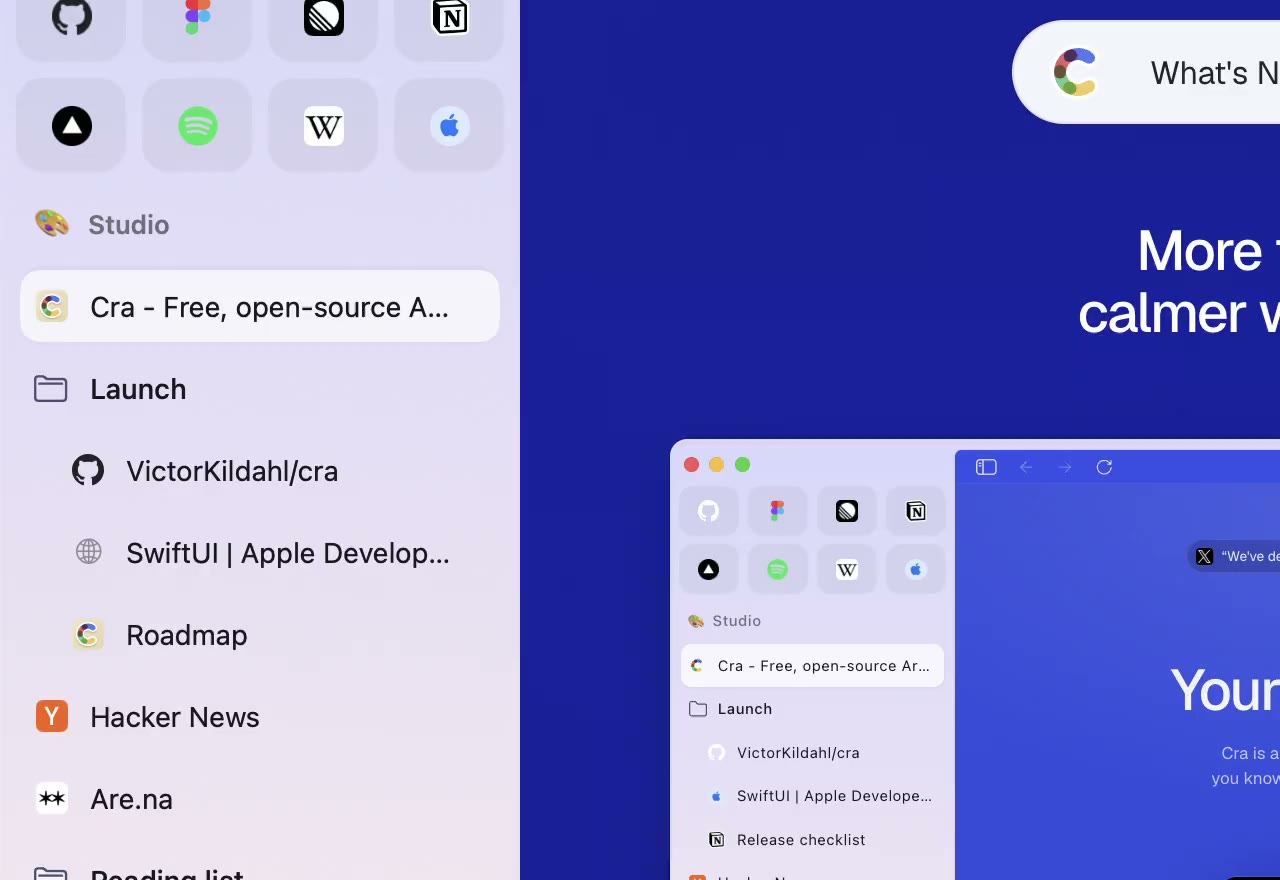
Arc’s space menu, tab search and developer bar
31 October 20260.1.23
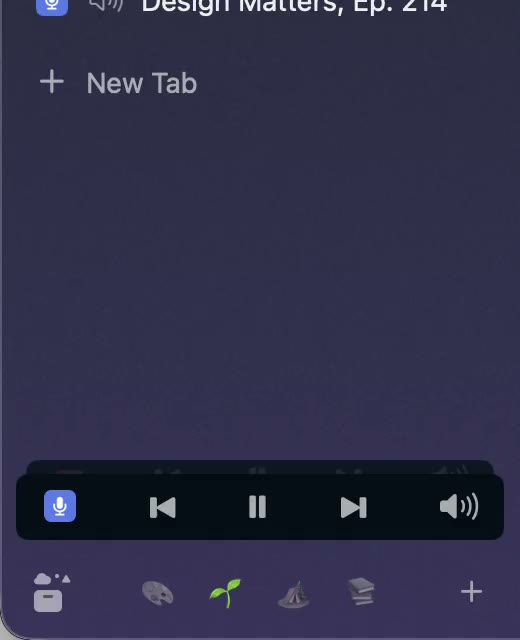
Arc’s now-playing player, split favorites and folder previews
30 October 20260.1.22
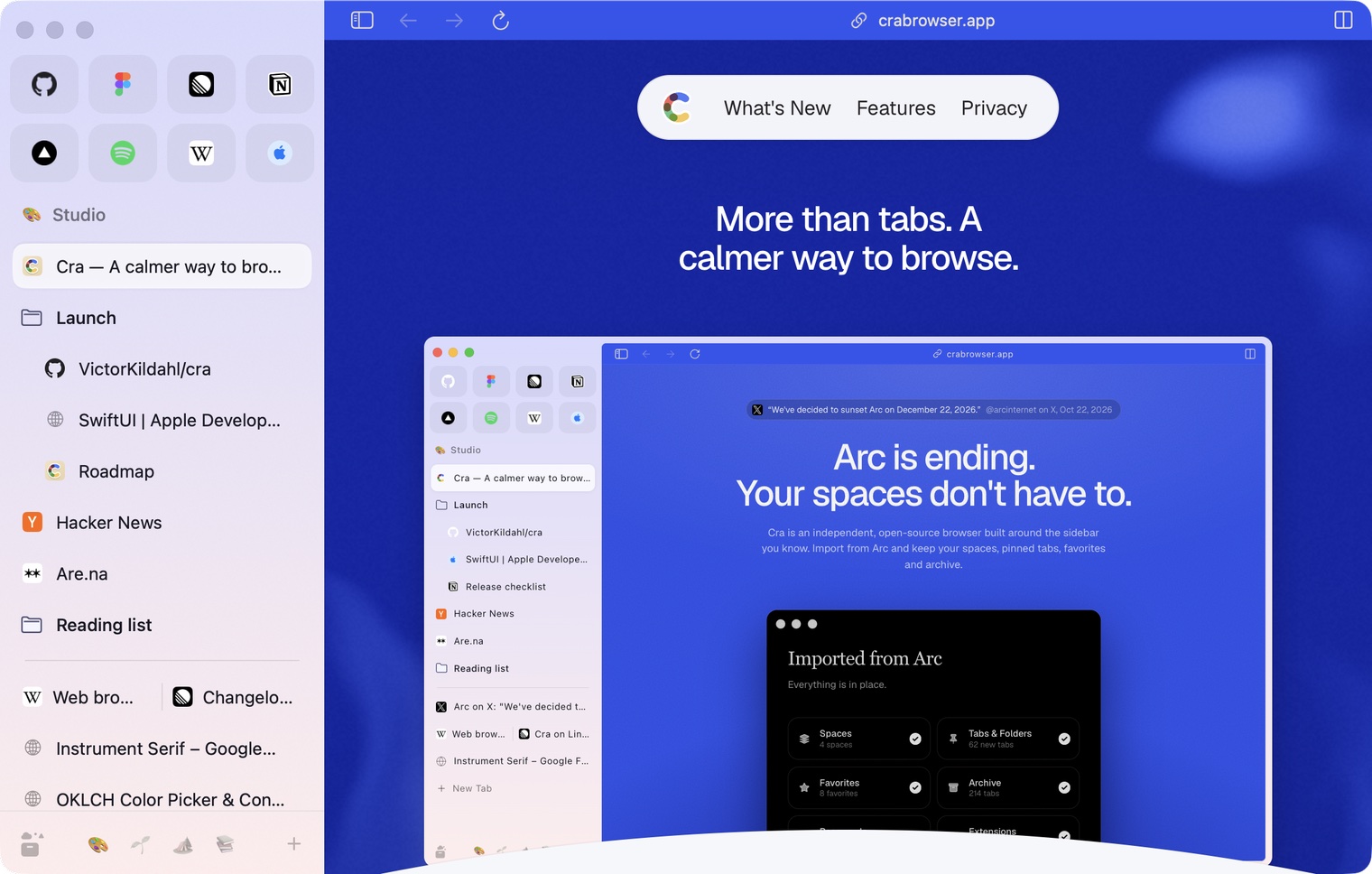
Edge-to-edge pages and Arc’s refresh button
30 October 20260.1.21
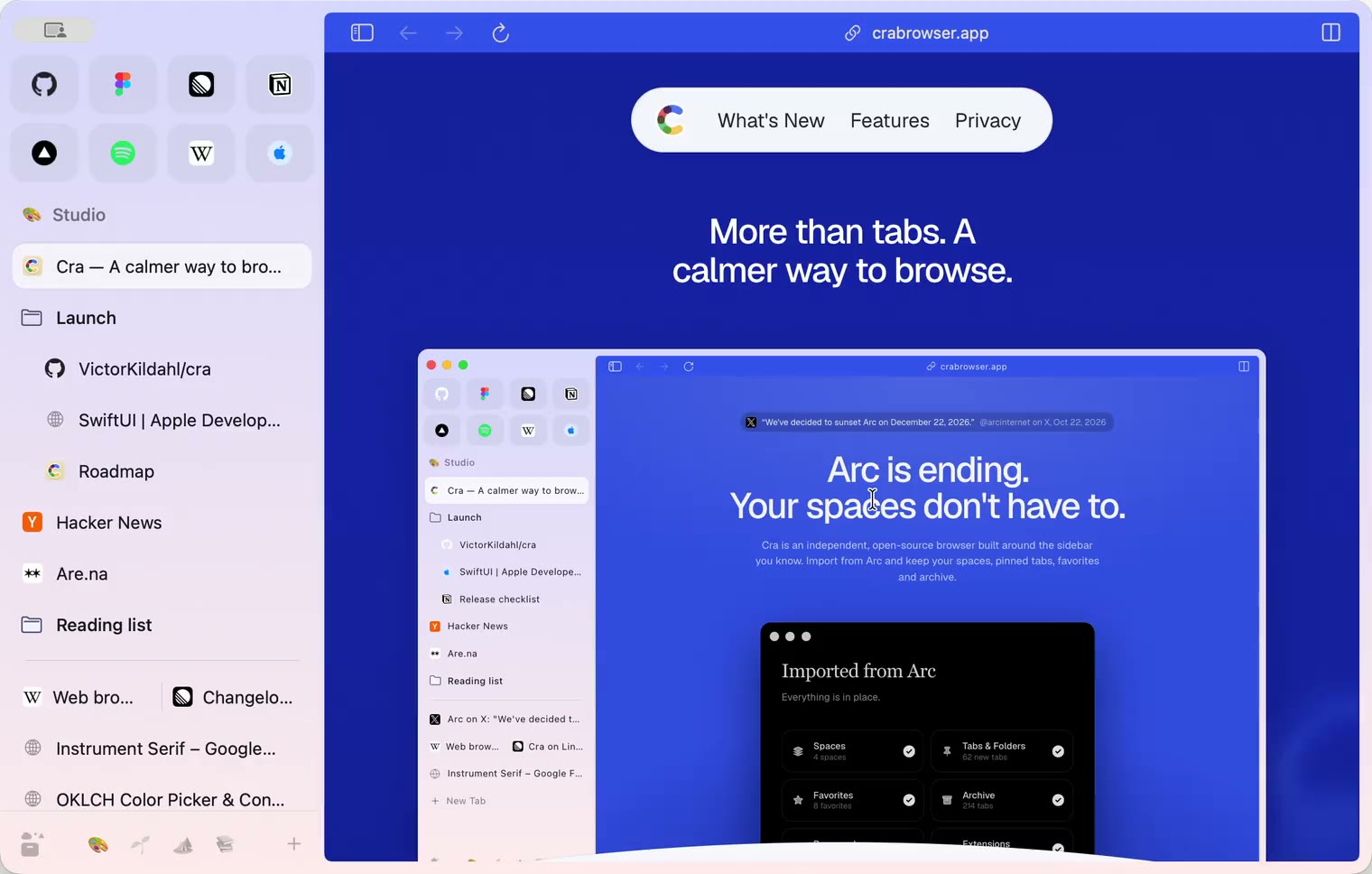
Pinned split views and a quick way to clear cookies
29 October 20260.1.20
Peek, Site Search and instant extension popups
- 0.1.19
29 October 20260.1.19
Extension popups open right away

29 October 20260.1.18
A sidebar built for speed
- 0.1.17
28 October 20260.1.17
Pages live inside the window
- 0.1.16
28 October 20260.1.16
A smoother Cra
28 October 20260.1.15
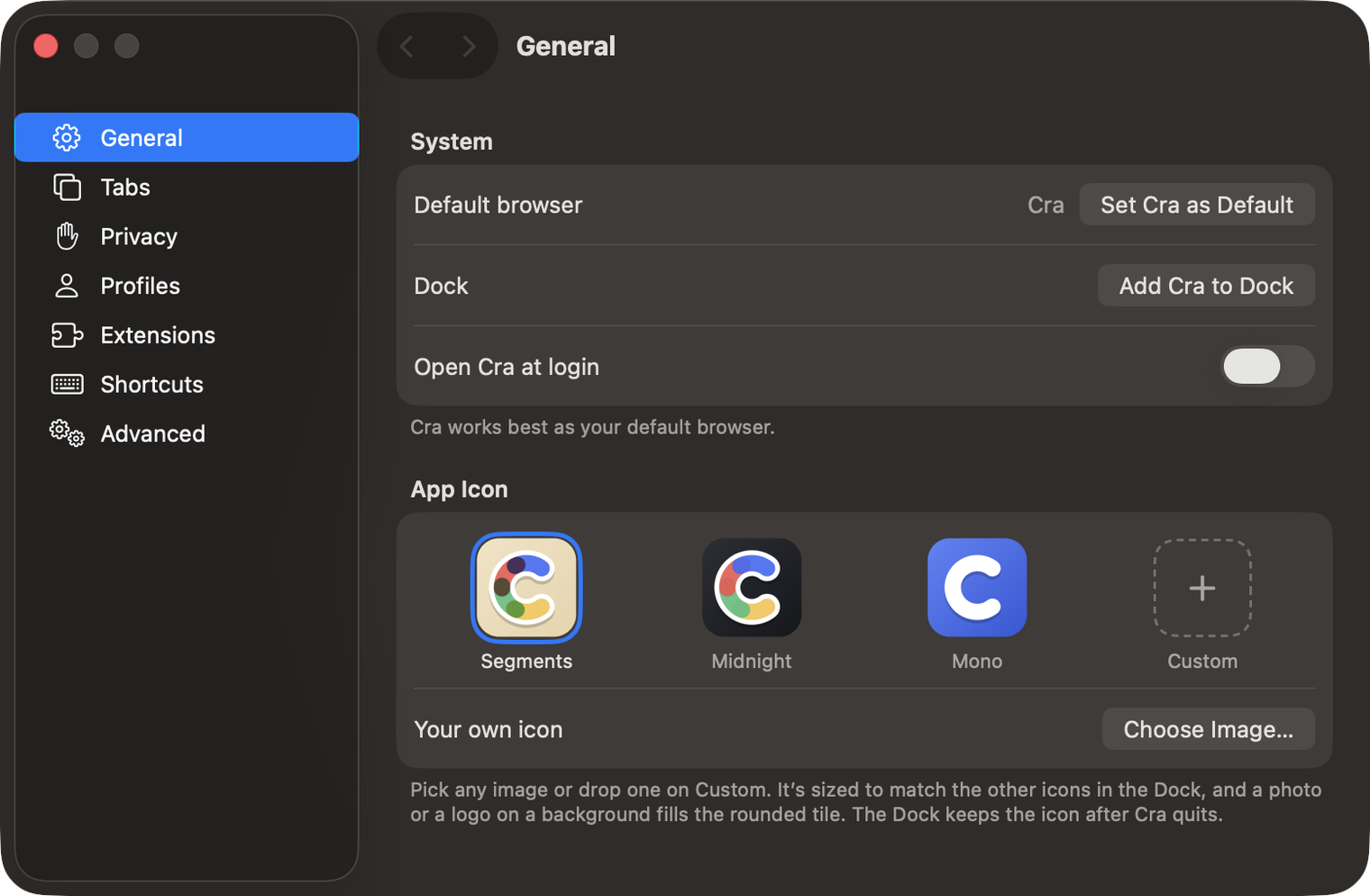
Make Cra’s icon your own
27 October 20260.1.14
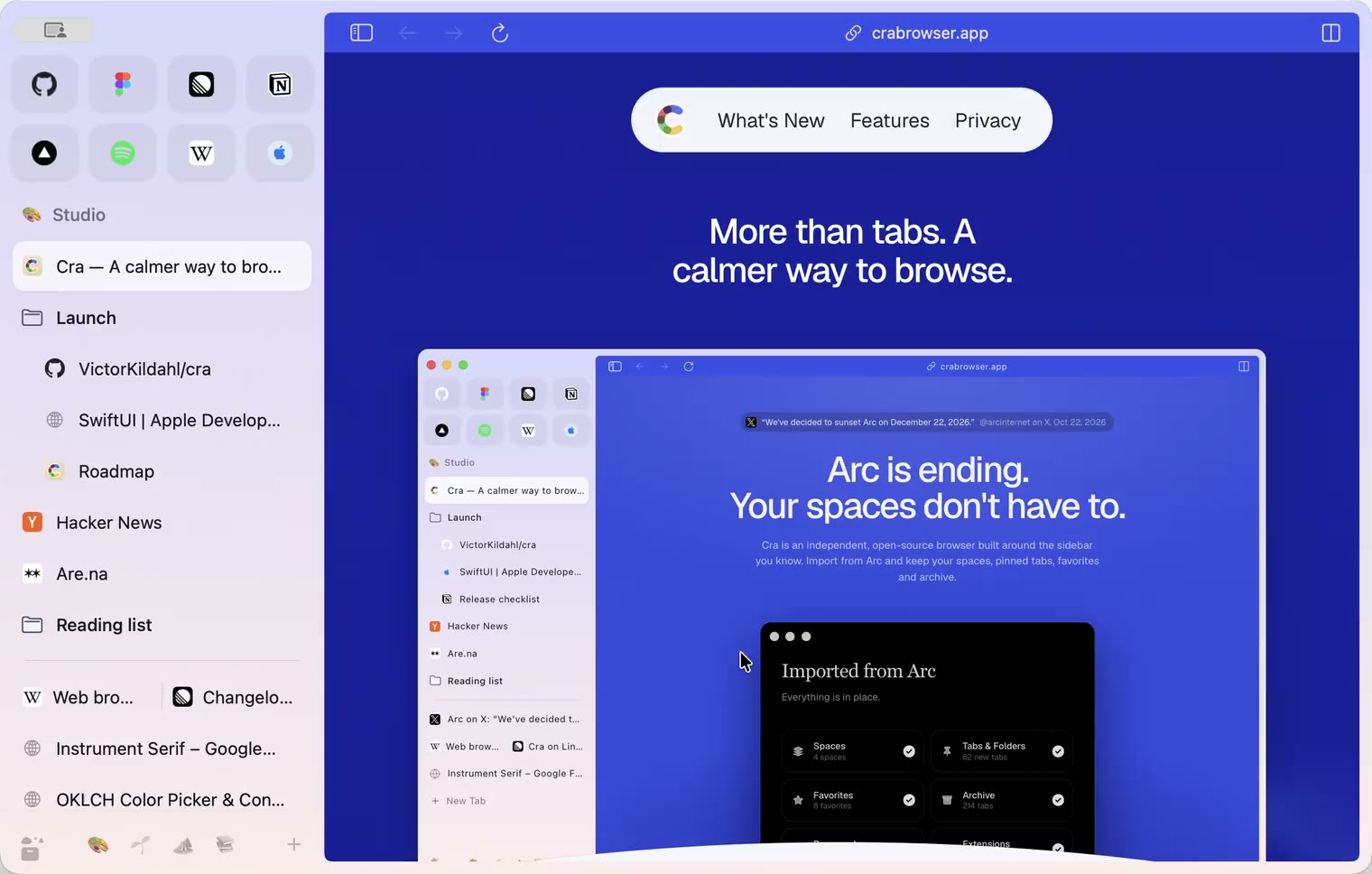
The Library moves into the sidebar
27 October 20260.1.13
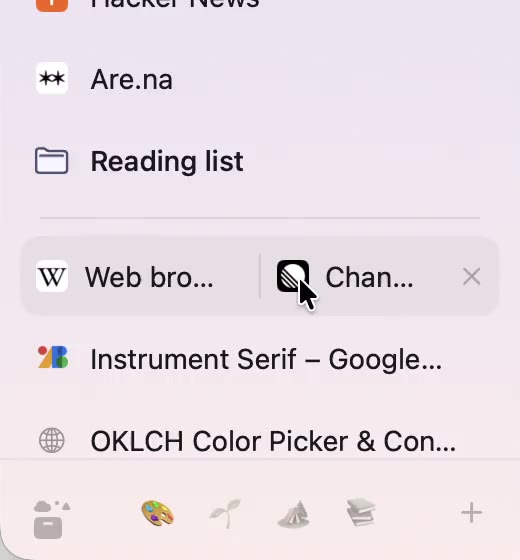
Drag your spaces into order
27 October 20260.1.12
Downloads that outlive their tab
27 October 20260.1.11
Your passwords, locked in your Keychain
26 October 20260.1.10
Air Traffic Control
26 October 20260.1.9
Favorites per space
- 0.1.8
26 October 20260.1.8
Video everywhere
- 0.1.7
26 October 20260.1.7
Work sign-ins
26 October 20260.1.6
Drag and drop that works
26 October 20260.1.5
Sign in with Google
26 October 20260.1.4
Copy, paste and clean corners
26 October 20260.1.3
Extensions that reach their apps
- 0.1.2
26 October 20260.1.2
Notarized, and it updates itself
- 0.1.1
25 October 20260.1.1
Quit fix
25 October 20260.1.0
Early access