Cra 0.1.4918 November 2026
Your own block lists
Add your own block lists on top of Cra’s. Background tabs can open right below the tab they came from, an empty window keeps its sidebar out, as in Arc, and Yab and Ardia come over in the import.
Your own block lists
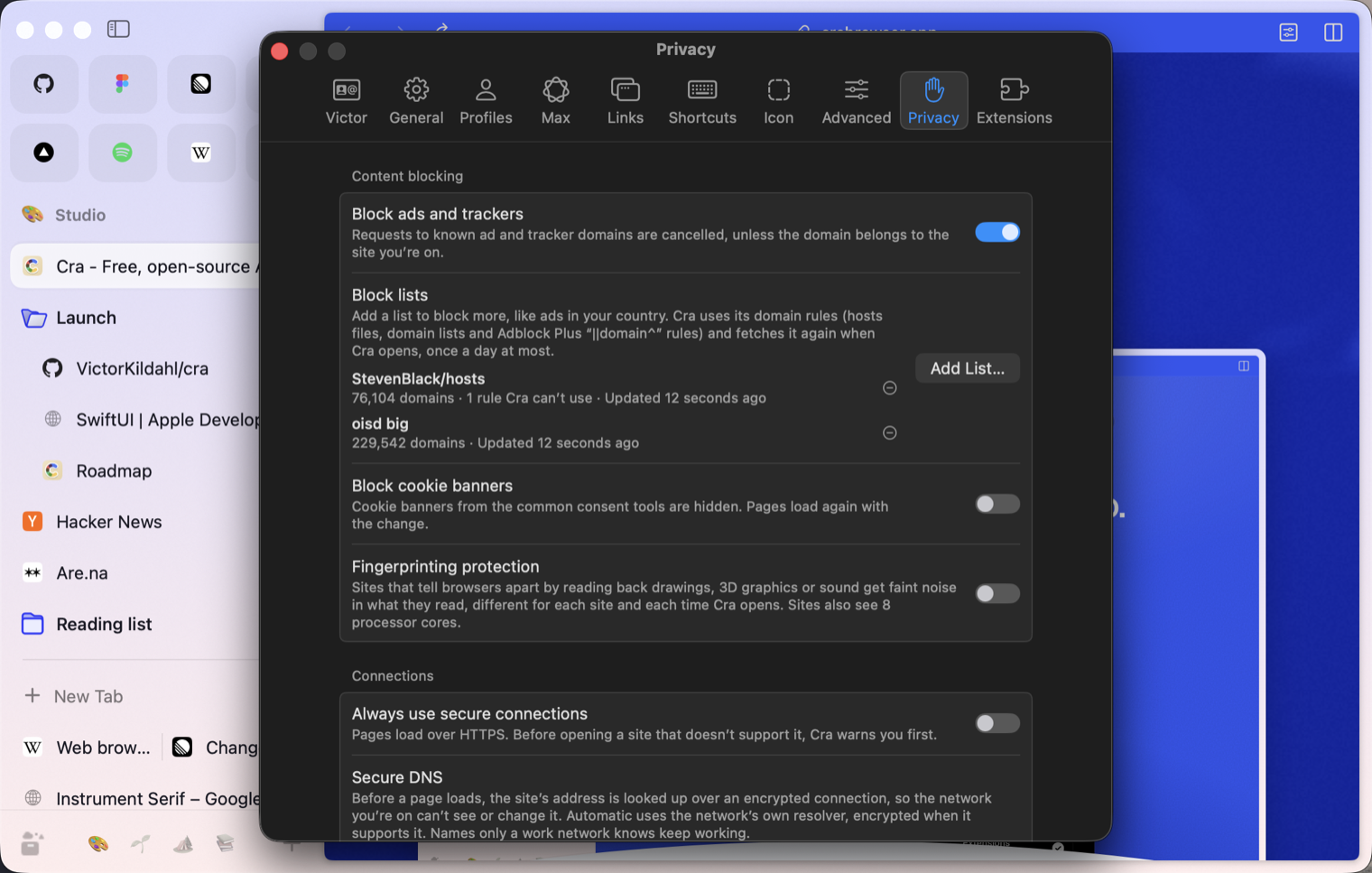
Settings ▸ Privacy ▸ Block lists ▸ Add List… takes a list’s address or a file: hosts files, domain lists and Adblock Plus domain rules. Cra keeps a copy, fetches it again at most once a day, and shows how many domains it blocks and what it can’t use. It works with Cra’s own list, under Block ads and trackers, and on the iPhone too. Not in Arc.
Thank you
Alvin, for #507
Background tabs below the current one
Turn on Settings ▸ Links ▸ New tabs ▸ Open background tabs below the current tab, and a link you ⌘-click or middle-click opens right below the tab it came from, in click order, inside its folder. Off by default. With the sidebar hidden, every tab opened behind the page now says “New Tab Created”, as in Arc.
Thank you
kcussiefil, for #532 and #543
An empty window keeps its sidebar
With the sidebar hidden and no tab selected, the sidebar comes out floating and stays until you open a tab, as in Arc.
Thank you
Jelena Jansson, for the pull request (#529), and Optrex-ActiMist and Dhiren Sacher for #483 and #525
What else is new
Also new
- Settings ▸ Links ▸ Split View: middle-click a link in a split to add a pane, and let a split hold up to eight panes. Both off by default, so Arc’s four stays (#498, TFConsult90).
- Pinch a Picture in Picture window to resize it, as in Arc (#534, kcussiefil).
- ⌘N, ⇧⌘N or Open Link in New Window from a window in full screen opens the new one in full screen, on a Space of its own (#528, Jaindu Charindith).
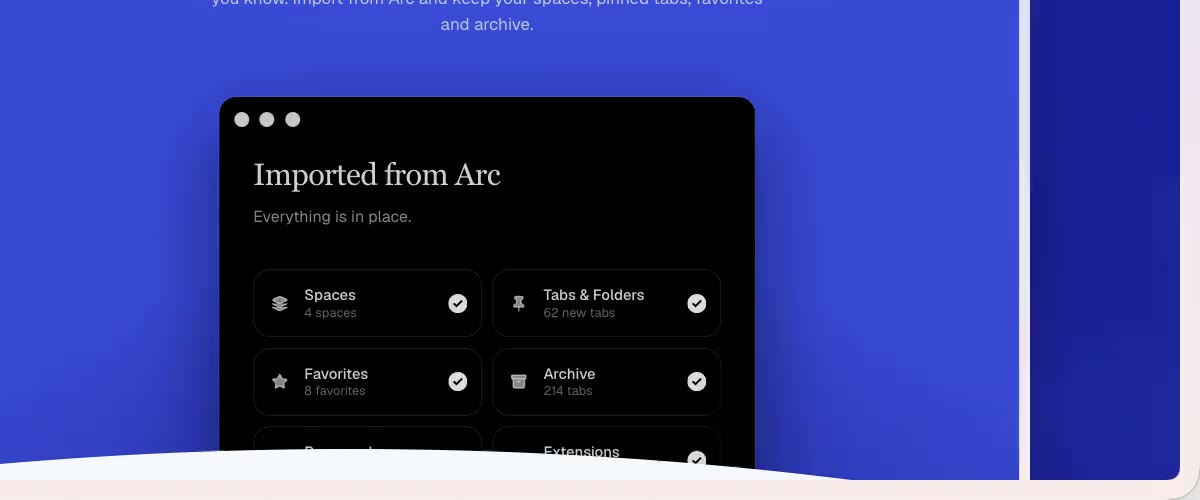
- Yab and Ardia in the import, with their spaces, pinned tabs, folders, favorites and sign-ins.
- Easels: Arc 1.173.1’s capture menu with a Send To… field, tool keys in the easel toolbar, and captures that always arrive (#530, Devi Prasad Tripathy).
- With Full Keyboard Access, Tab reaches the toolbar’s buttons, and a hidden toolbar comes out for the one with the focus.
- An agent’s cursor scrolls a page smoothly to what it’s about to click.
- A GitHub folder that wants single sign-on shows Arc’s key (#521, Rafael Polanco).
- Settings ▸ Links ▸ Split View: middle-click a link in a split to add a pane, and let a split hold up to eight panes. Both off by default, so Arc’s four stays (#498, TFConsult90).
Fixes
- Screenshot apps that pick a window, like iShot on macOS 27, capture Cra instead of a blank window (#346, #539, Haoyang Wu).
- Chrome’s own Picture in Picture controls no longer show under Cra’s (#535, Falchion and kcussiefil; #460, Boris Smiyan).
- A window on a second display keeps its video when you click another app (#533, Boris Smiyan).
- A Peek closes with Escape on pages that keep every Escape, like Gmail, with Arc’s Esc pill (#520, Rafael Polanco).
- The GitHub folder leaves out merged and closed pull requests (#523, Rafael Polanco).
- Jira folders work on Jira Cloud (#524, Rafael Polanco).
- The floating sidebar stays out while its Site Control Center or an extension’s popup is open, and the popup hangs from it (#531, kcussiefil).
- Another space’s tab no longer shows its name by the pointer over the page (#527, Lexatarg).
- A video in full screen in a Little Window or a Peek has no toolbar over it (#540, Joyce).
- A crash when macOS opened Cra’s notification helper on its own.
- Settings ▸ Max no longer says an Apple silicon Mac needs Apple silicon where Apple doesn’t offer its model to apps (#538, Haoyang Wu).
- Screenshot apps that pick a window, like iShot on macOS 27, capture Cra instead of a blank window (#346, #539, Haoyang Wu).
Thank you
Jelena Jansson
Devi Prasad Tripathy
Alvin
kcussiefil
TFConsult90
Rafael Polanco
Haoyang Wu
Falchion
Boris Smiyan
Jaindu Charindith
Lexatarg
Optrex-ActiMist
Dhiren Sacher
Thank you, Jelena Jansson and Devi Prasad Tripathy, for pull requests; and Alvin, kcussiefil, TFConsult90, Rafael Polanco, Haoyang Wu, Falchion, Boris Smiyan, Jaindu Charindith, Lexatarg, Optrex-ActiMist, Dhiren Sacher and Joyce for the reports.
Cra is free and made in the open. Sponsor Cra
For every change in 0.1.49, see the changelog.
Past releases
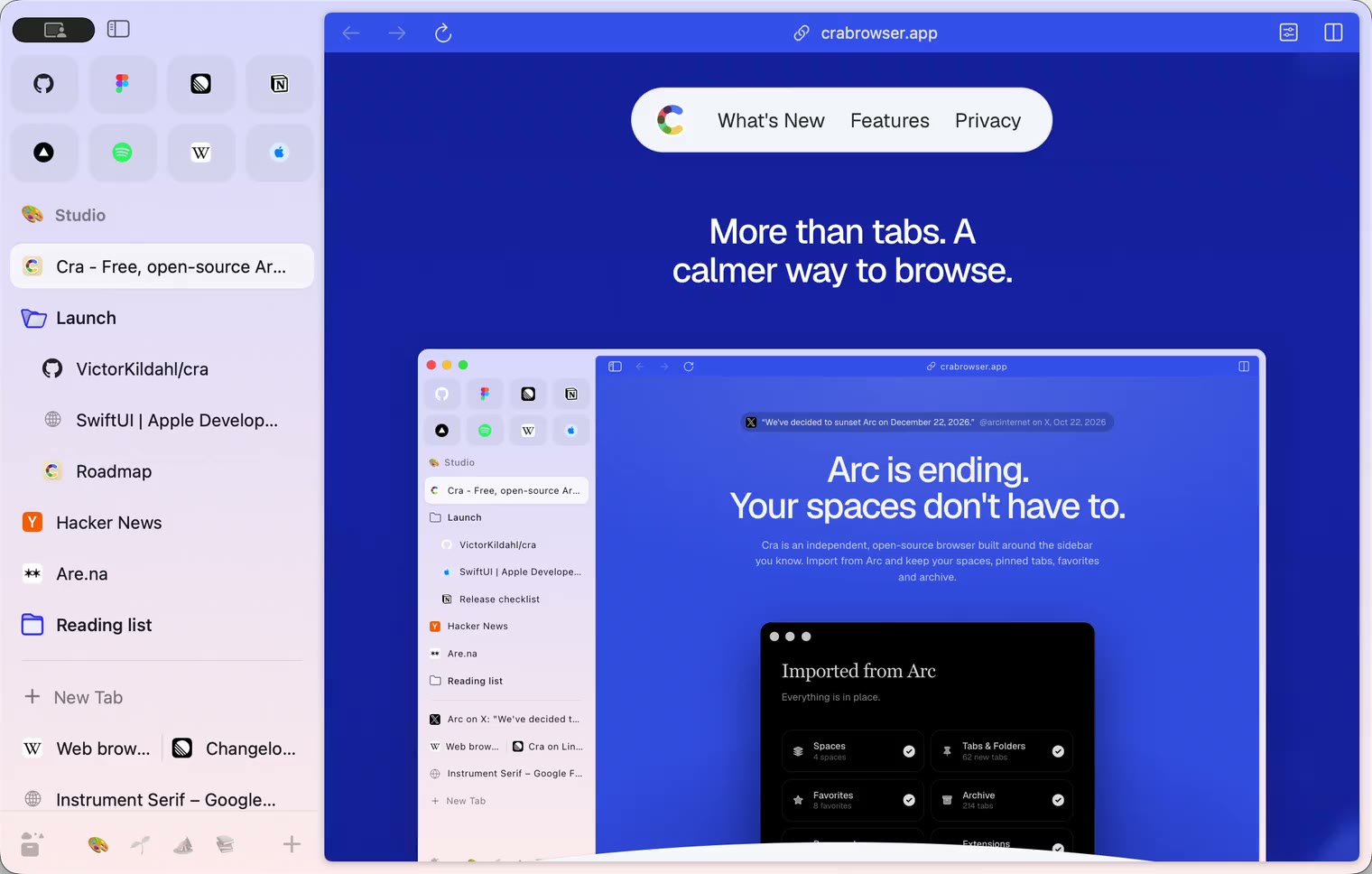
17 November 20260.1.48
Agents you can see
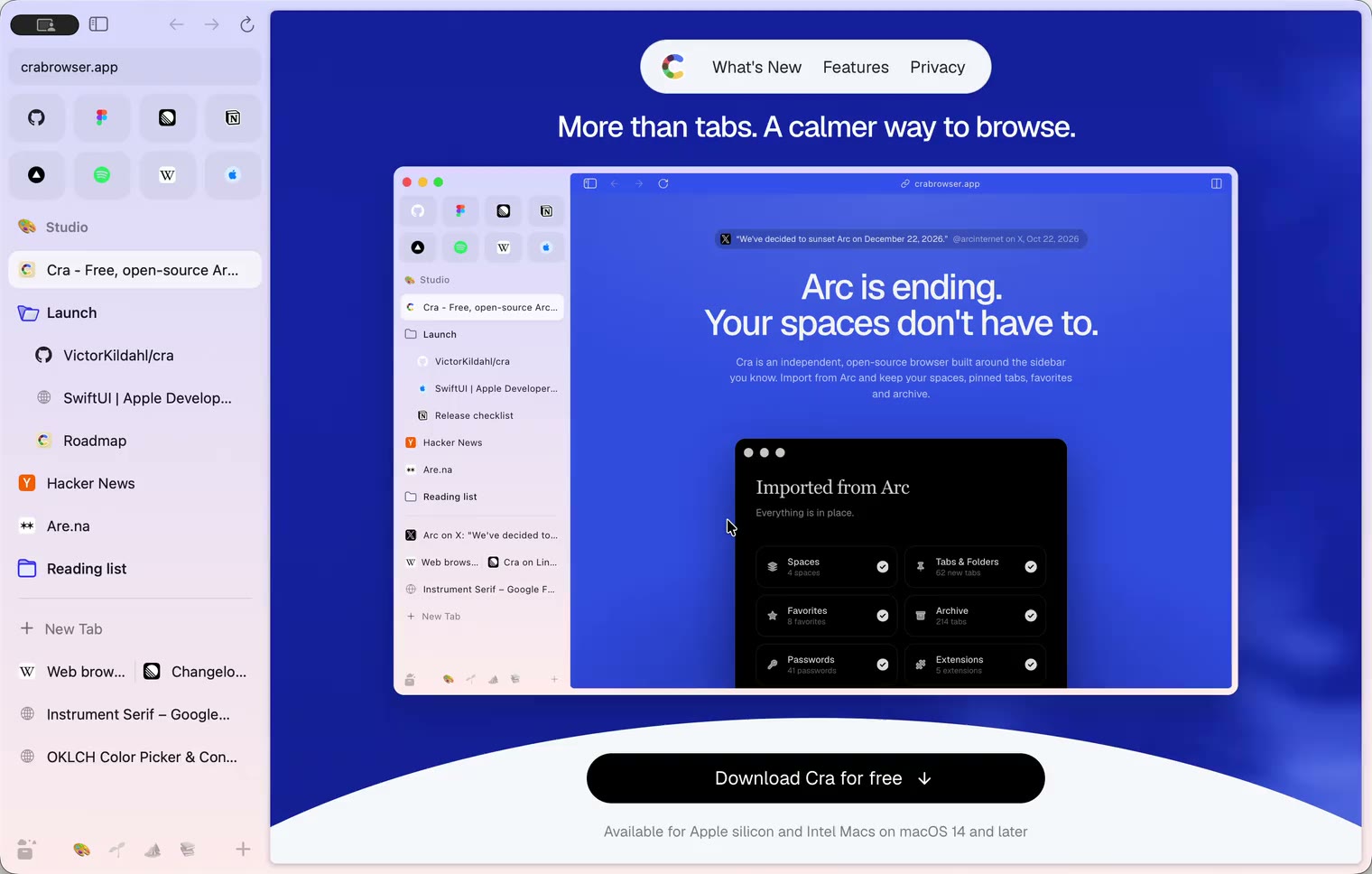
17 November 20260.1.47
Arc’s Boosts and Zap
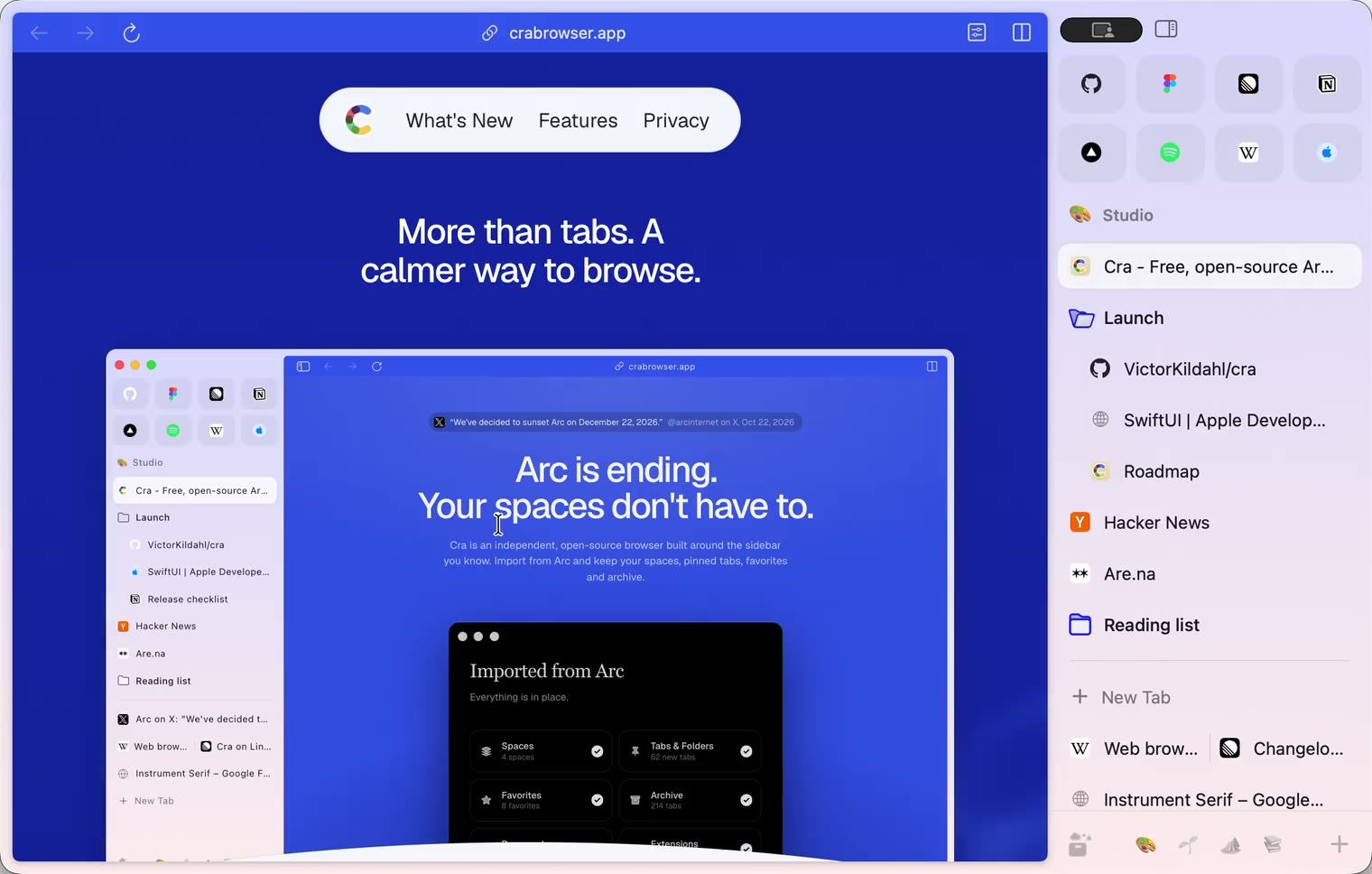
17 November 20260.1.46
Stable or New
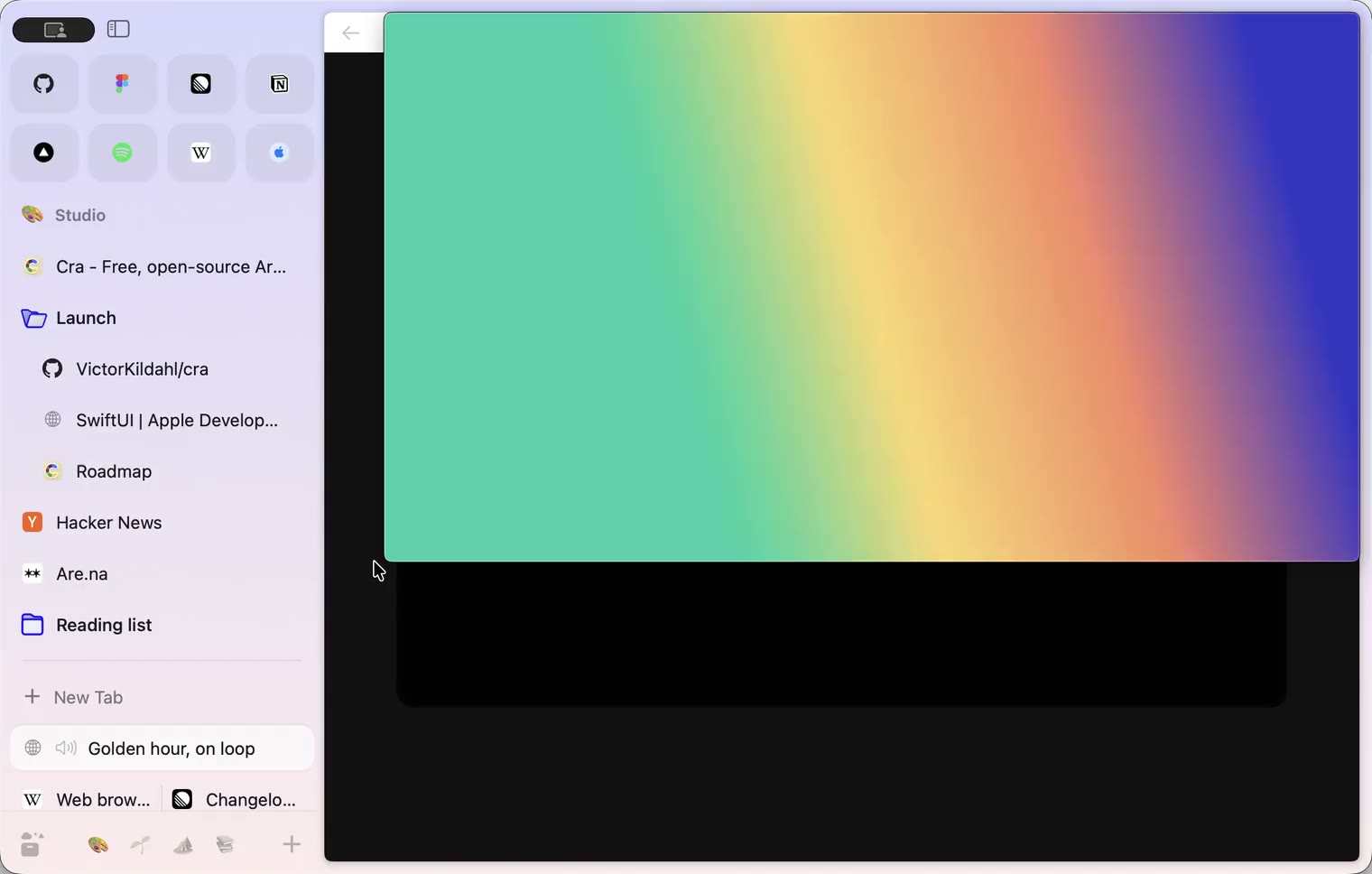
16 November 20260.1.45
Steadier on Chrome’s engine
- 0.1.44
16 November 20260.1.44
Faster and lighter
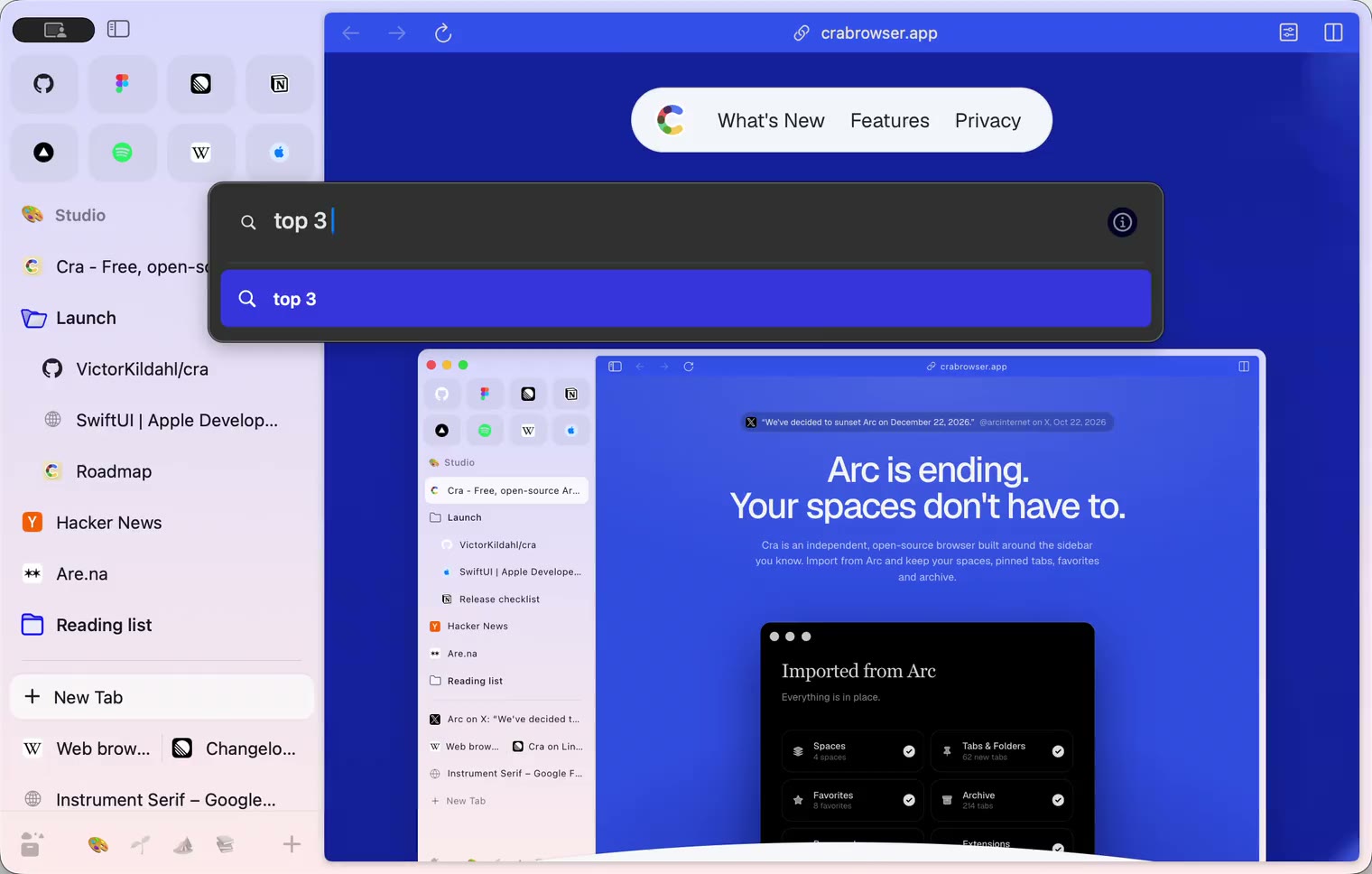
13 November 20260.1.43
Instant Links and Arc’s drag and drop
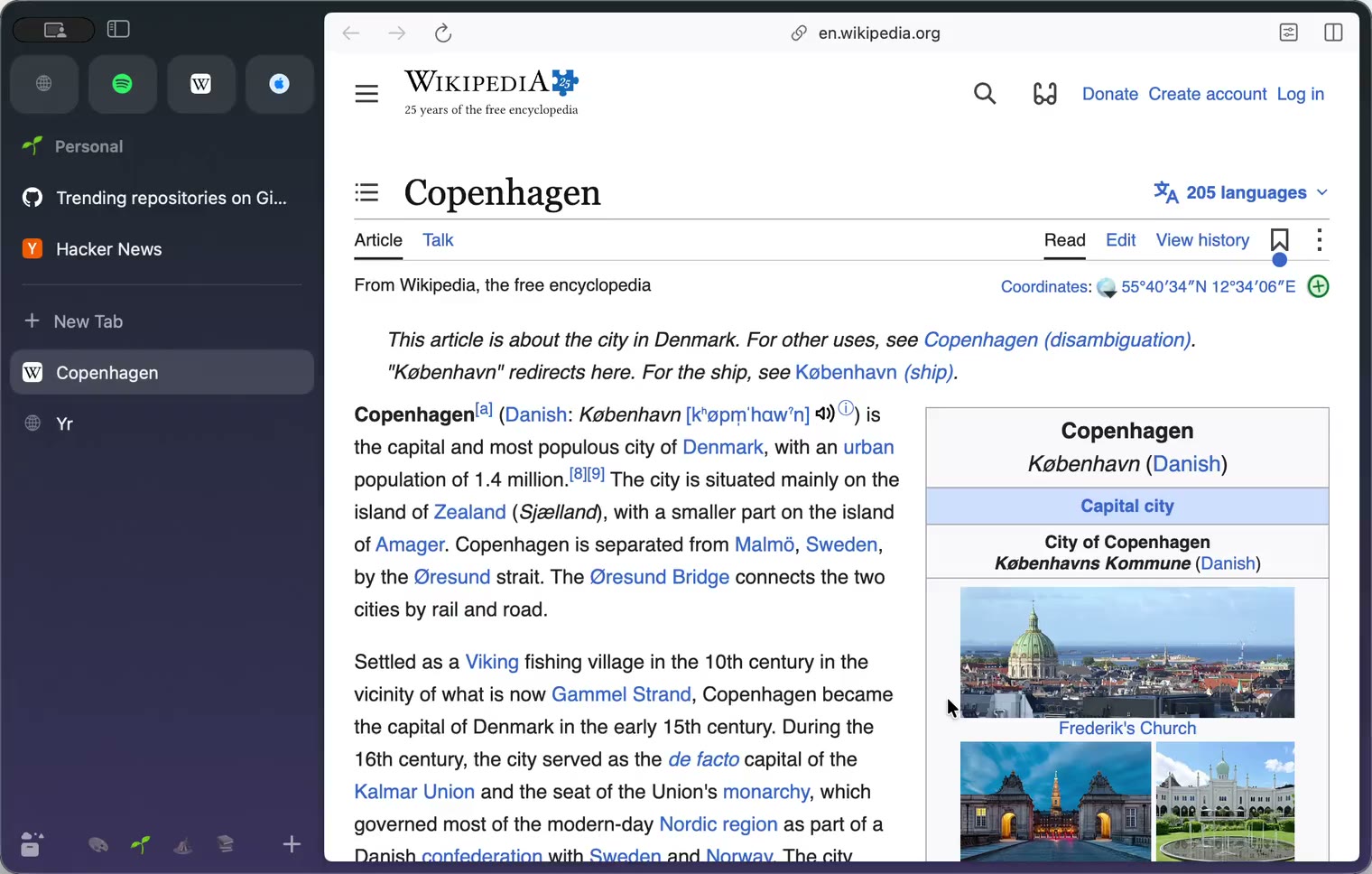
12 November 20260.1.42
Ask on Page and Arc’s own colours
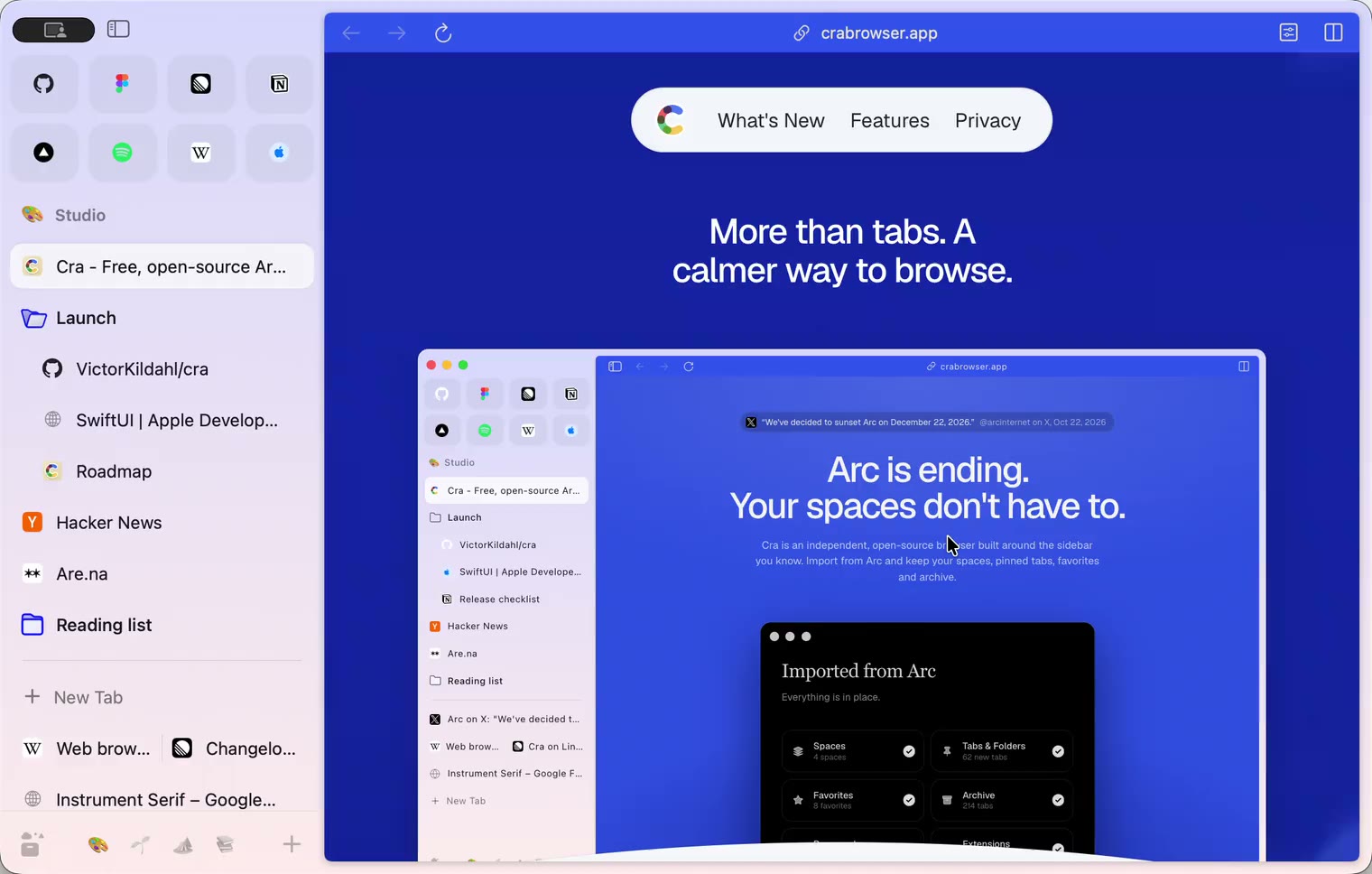
12 November 20260.1.41
Arc’s Settings, Zap and Easels
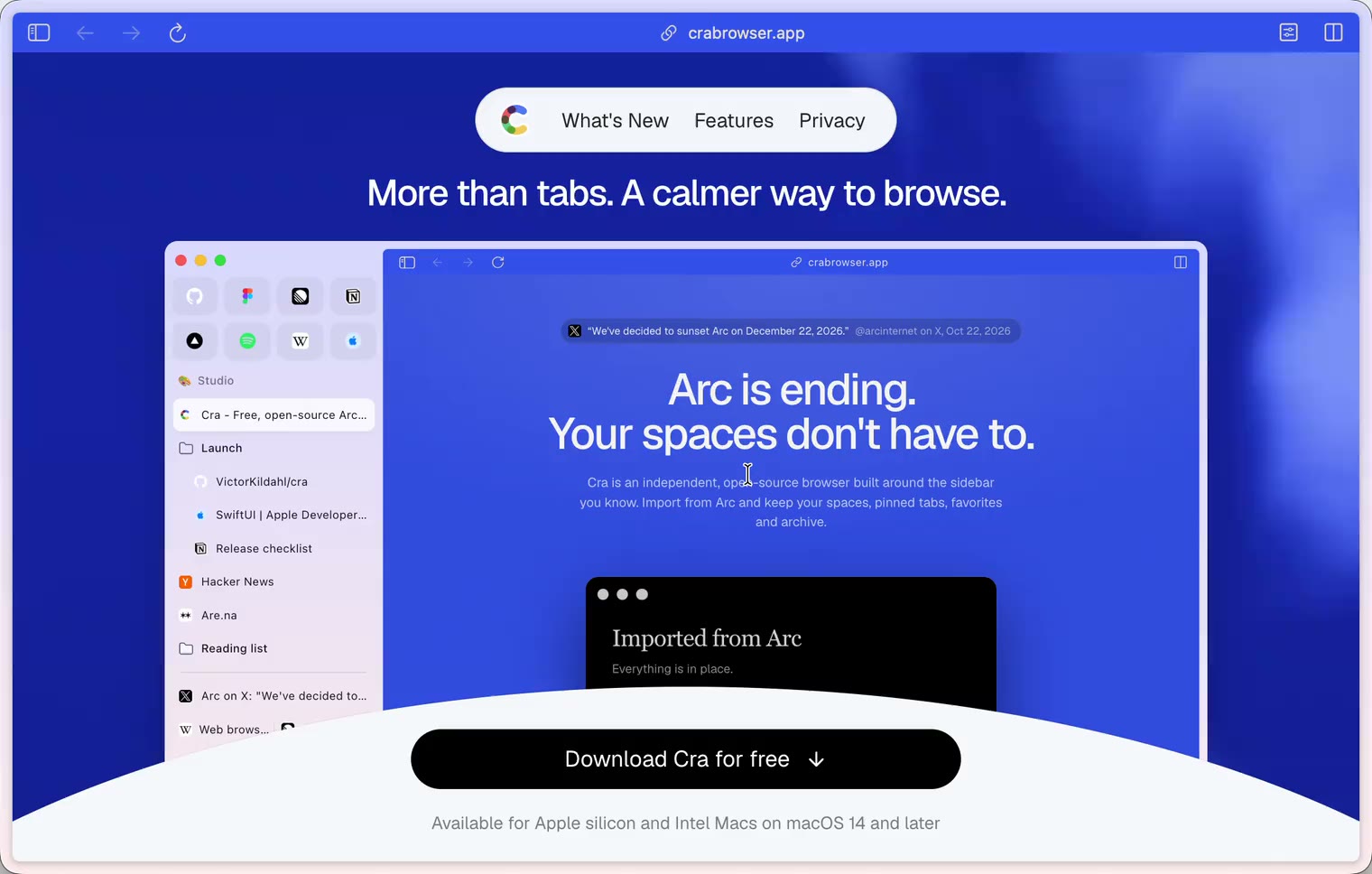
11 November 20260.1.40
A sidebar past the edge
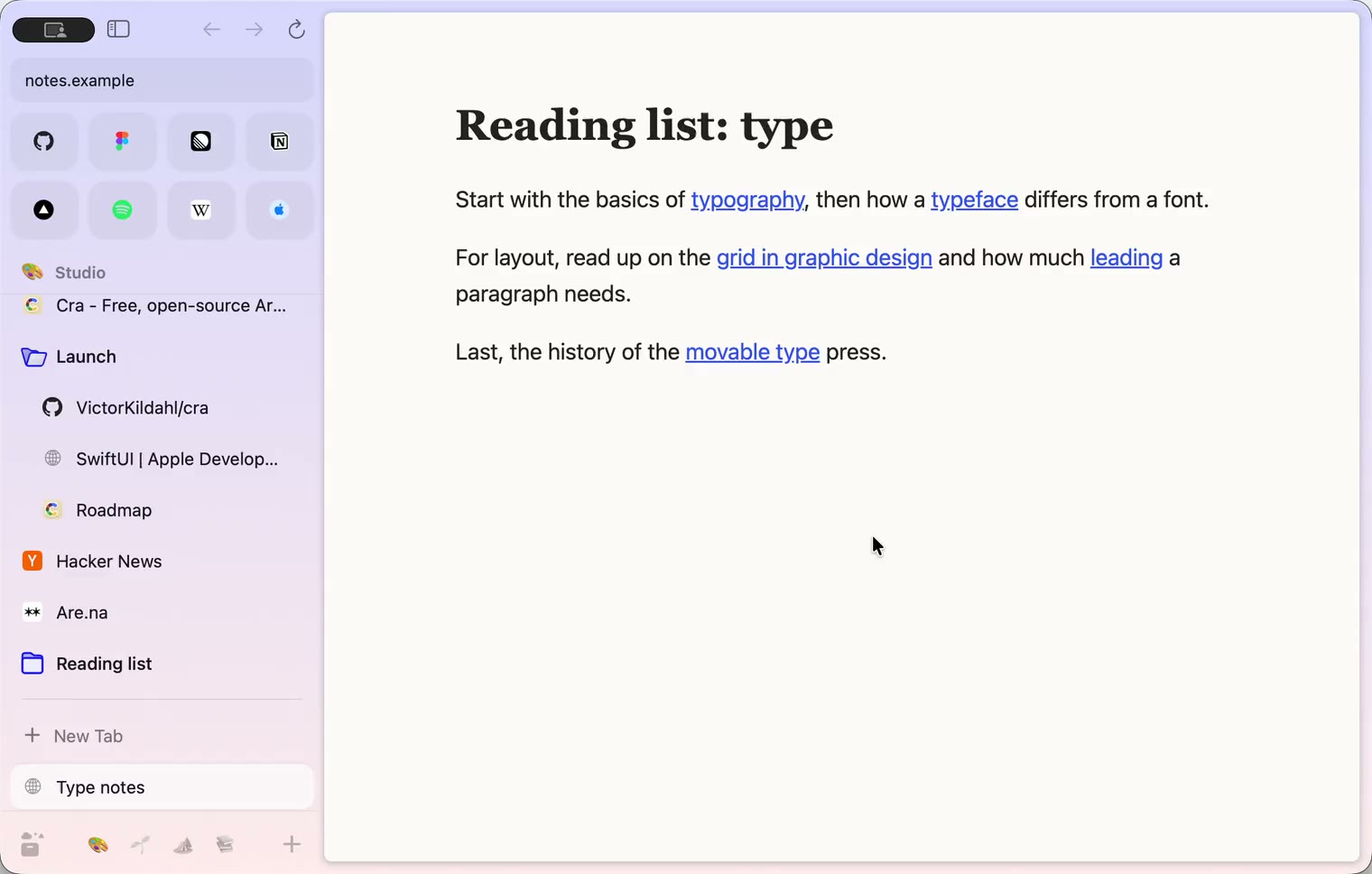
11 November 20260.1.39
5-Second Previews and the Little Window card
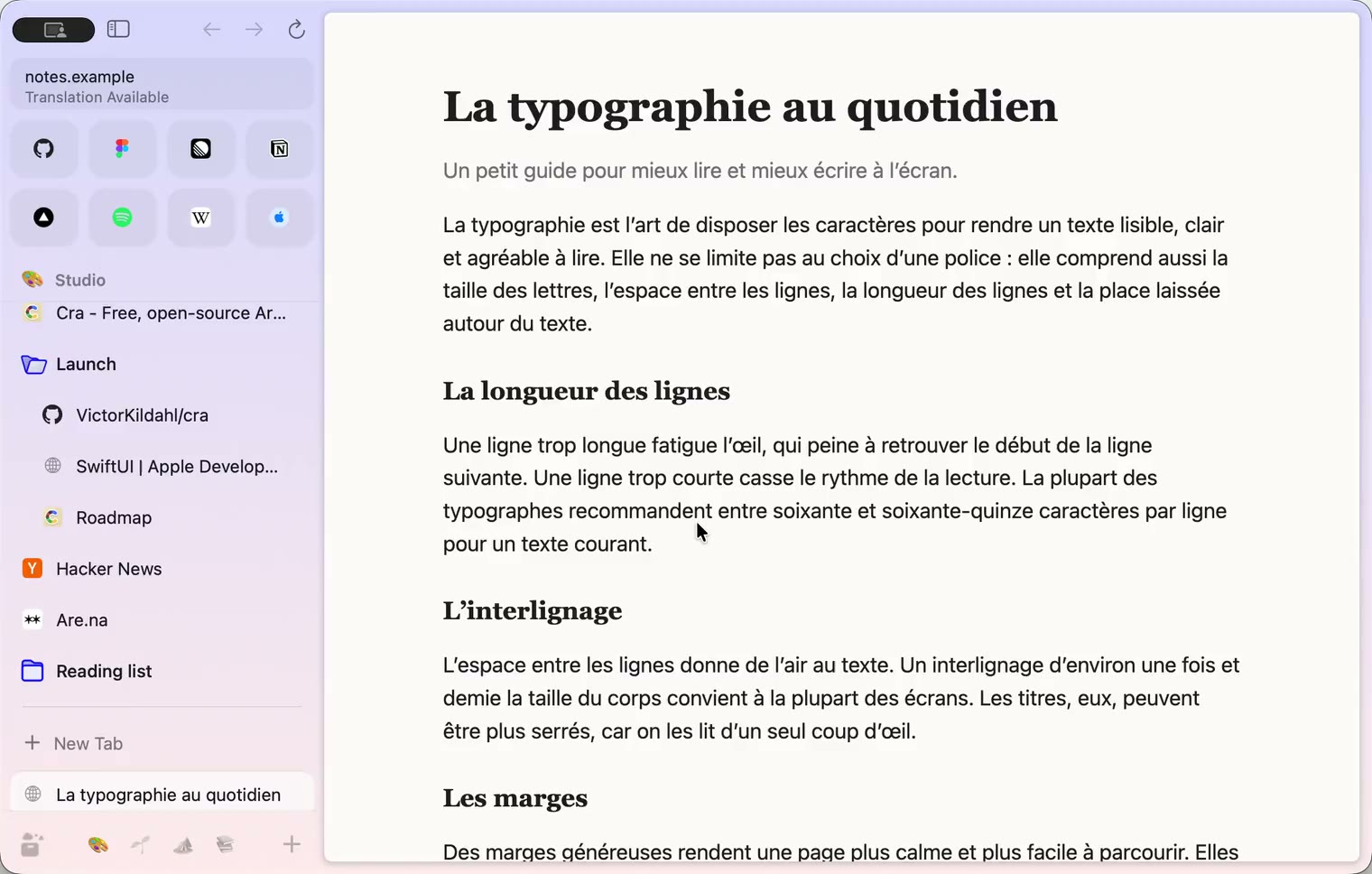
10 November 20260.1.38
iCloud sync and agents in Cra
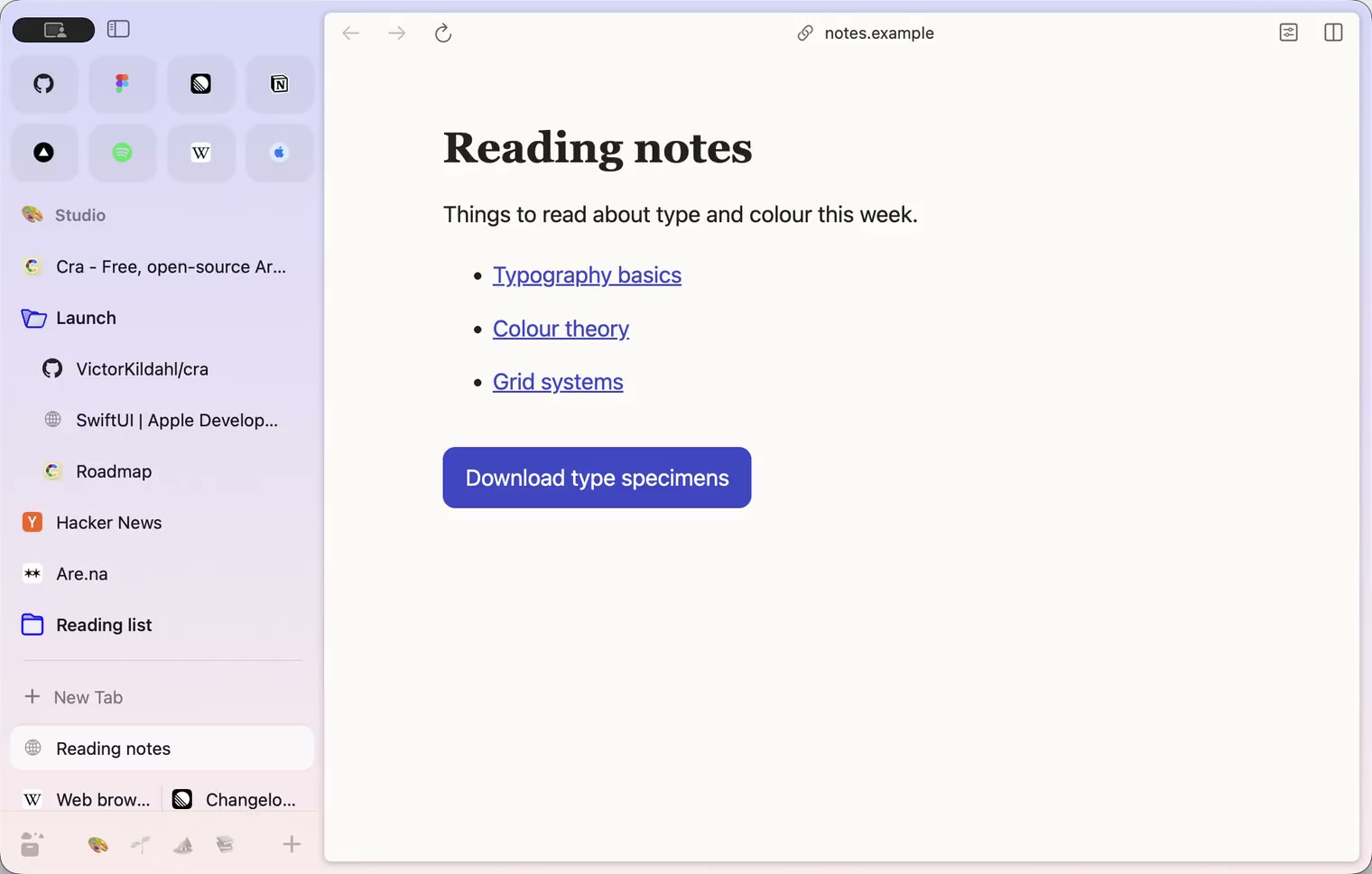
9 November 20260.1.37
Back to where the link came from
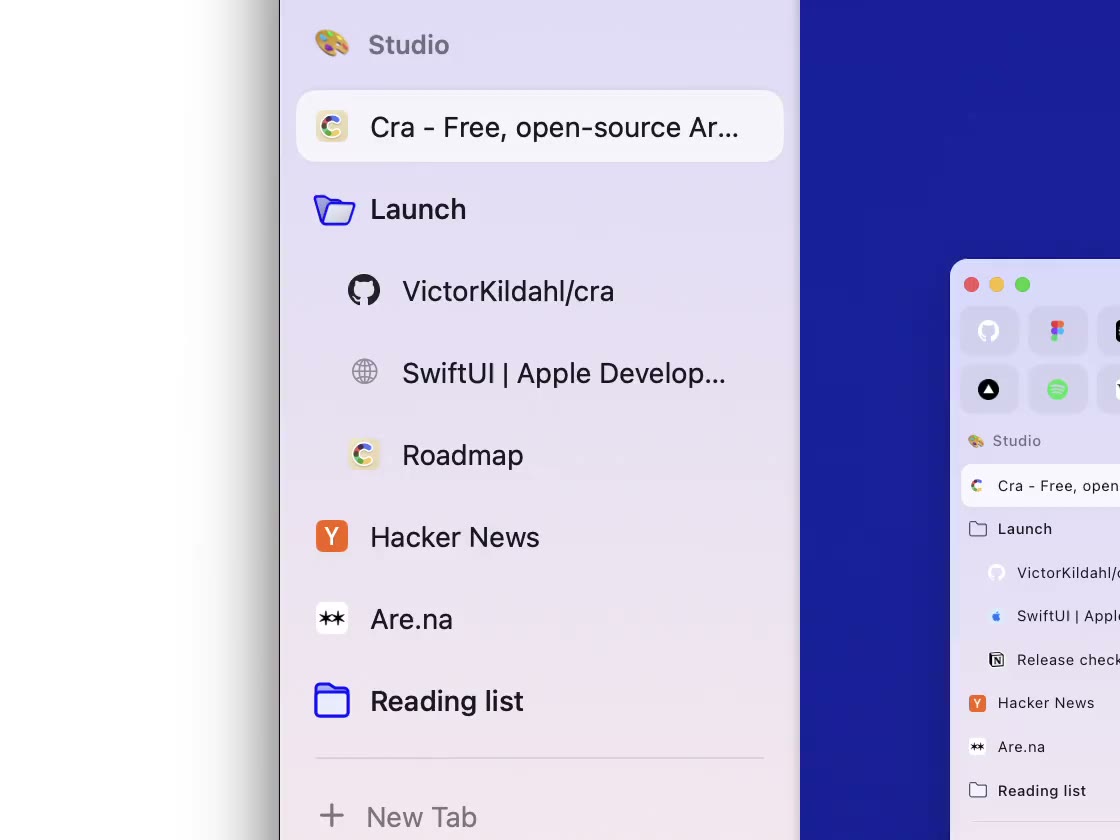
8 November 20260.1.36
Cra for Intel Macs
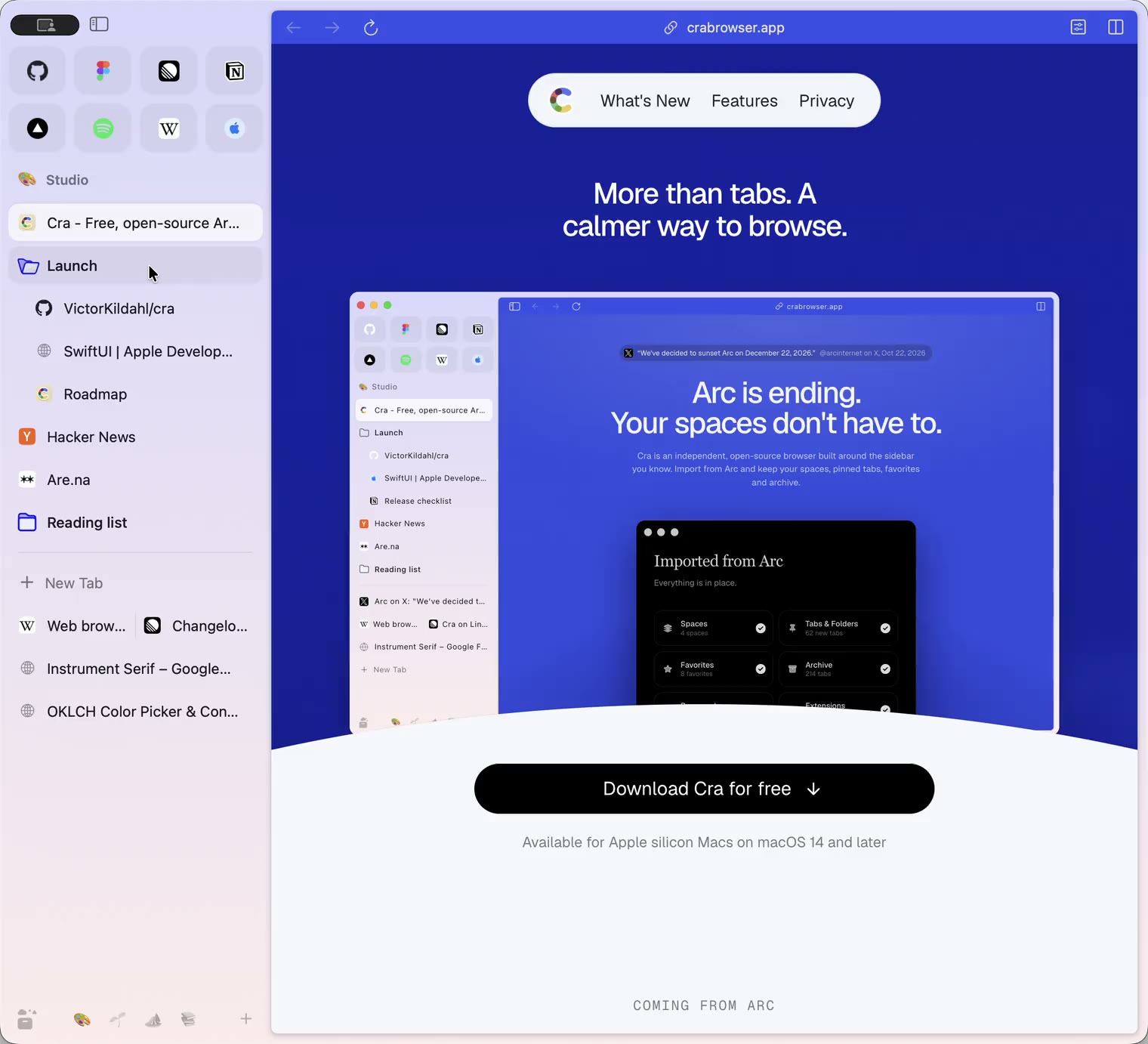
8 November 20260.1.35
Boosts, Easels and the rest of Arc’s Library
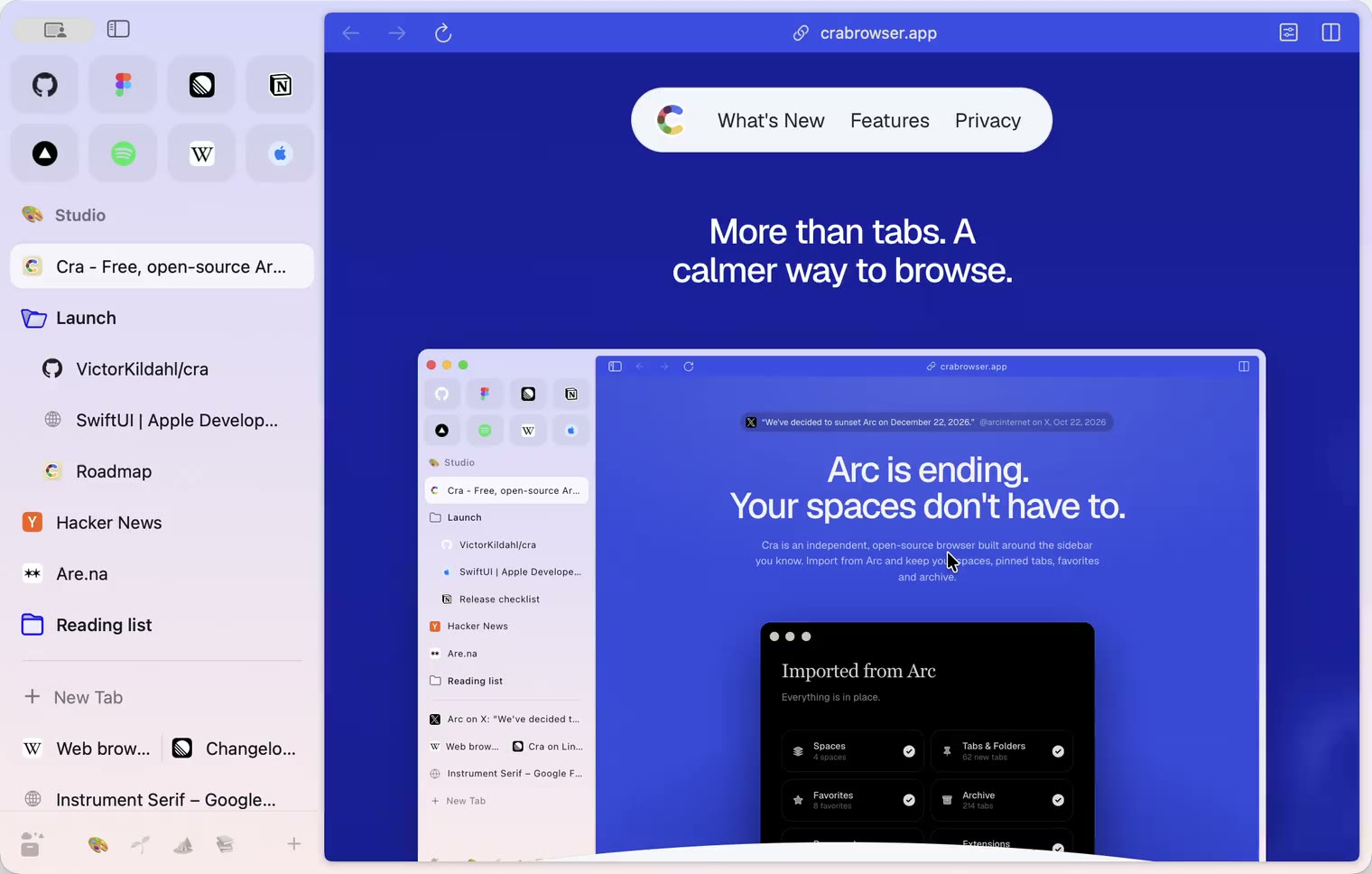
7 November 20260.1.34
Arc’s dialog sheets, GitLab live folders, pinned splits by drop
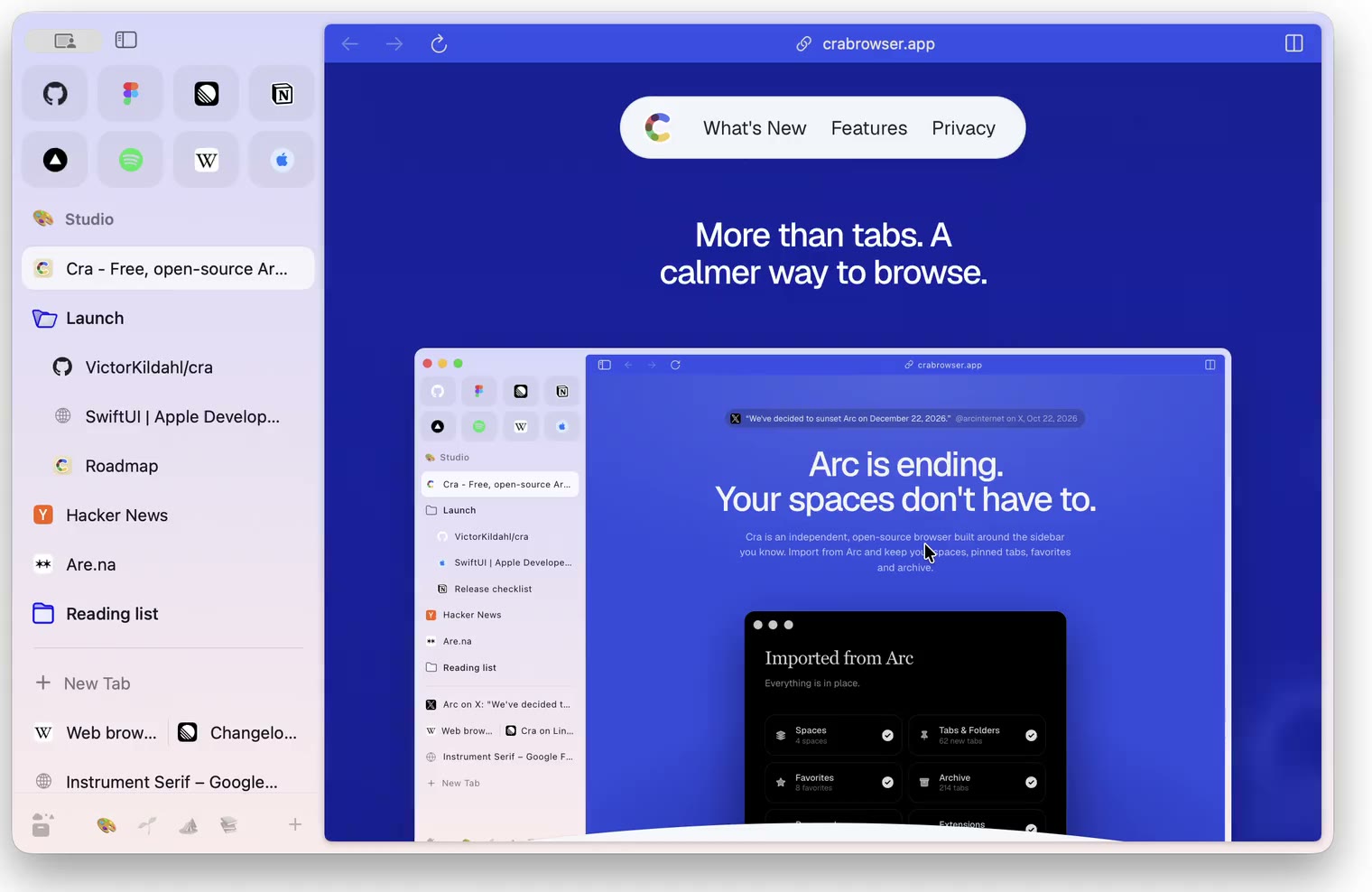
6 November 20260.1.33
Blank Window, tabs you drag out, Arc’s right-click menu
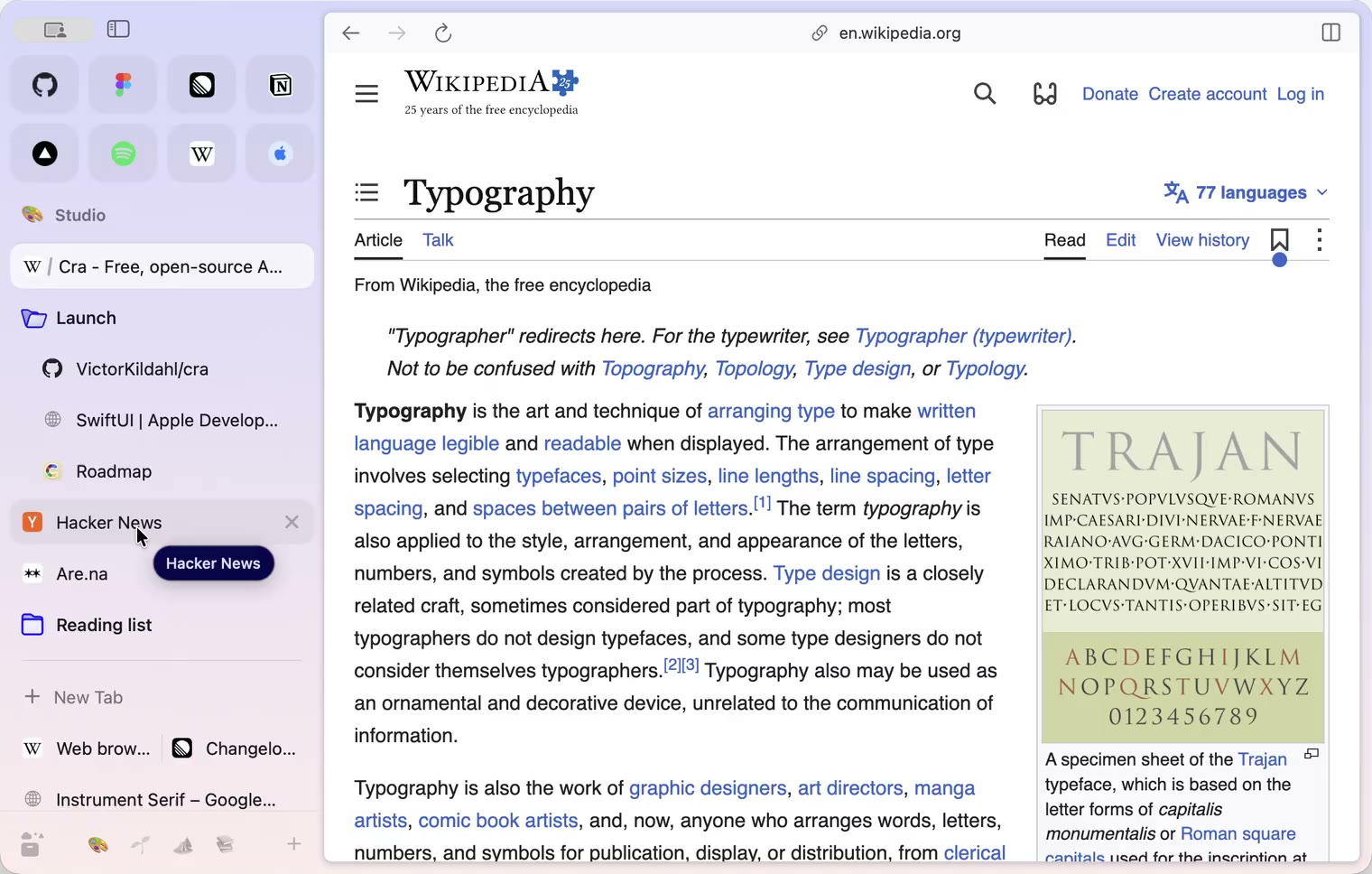
6 November 20260.1.32
Peek grows out of the link, a download folder per profile, Meet’s picture-in-picture
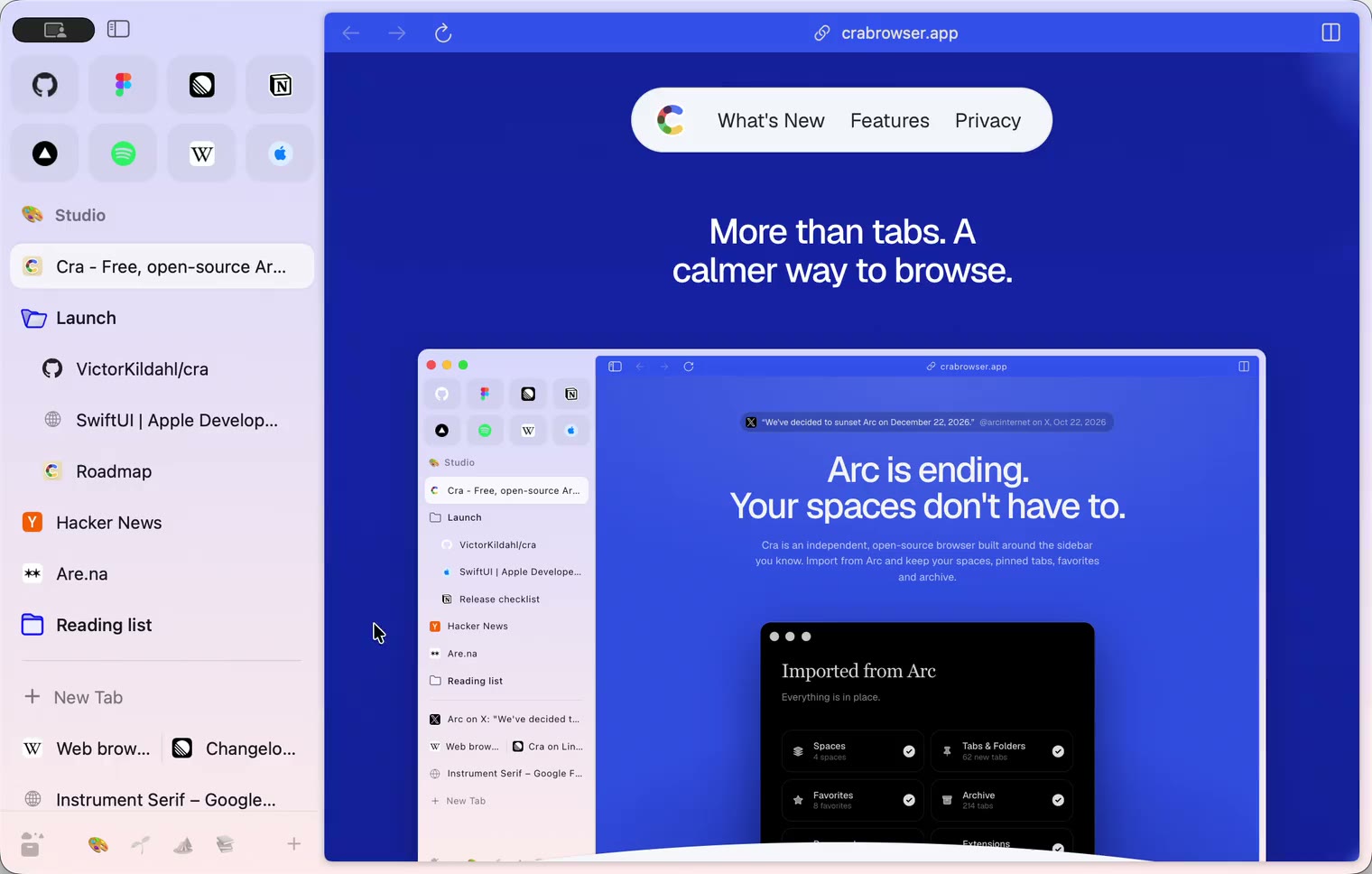
5 November 20260.1.31
Spotify and Netflix play, Tidy Tabs on your Mac, extension side panels
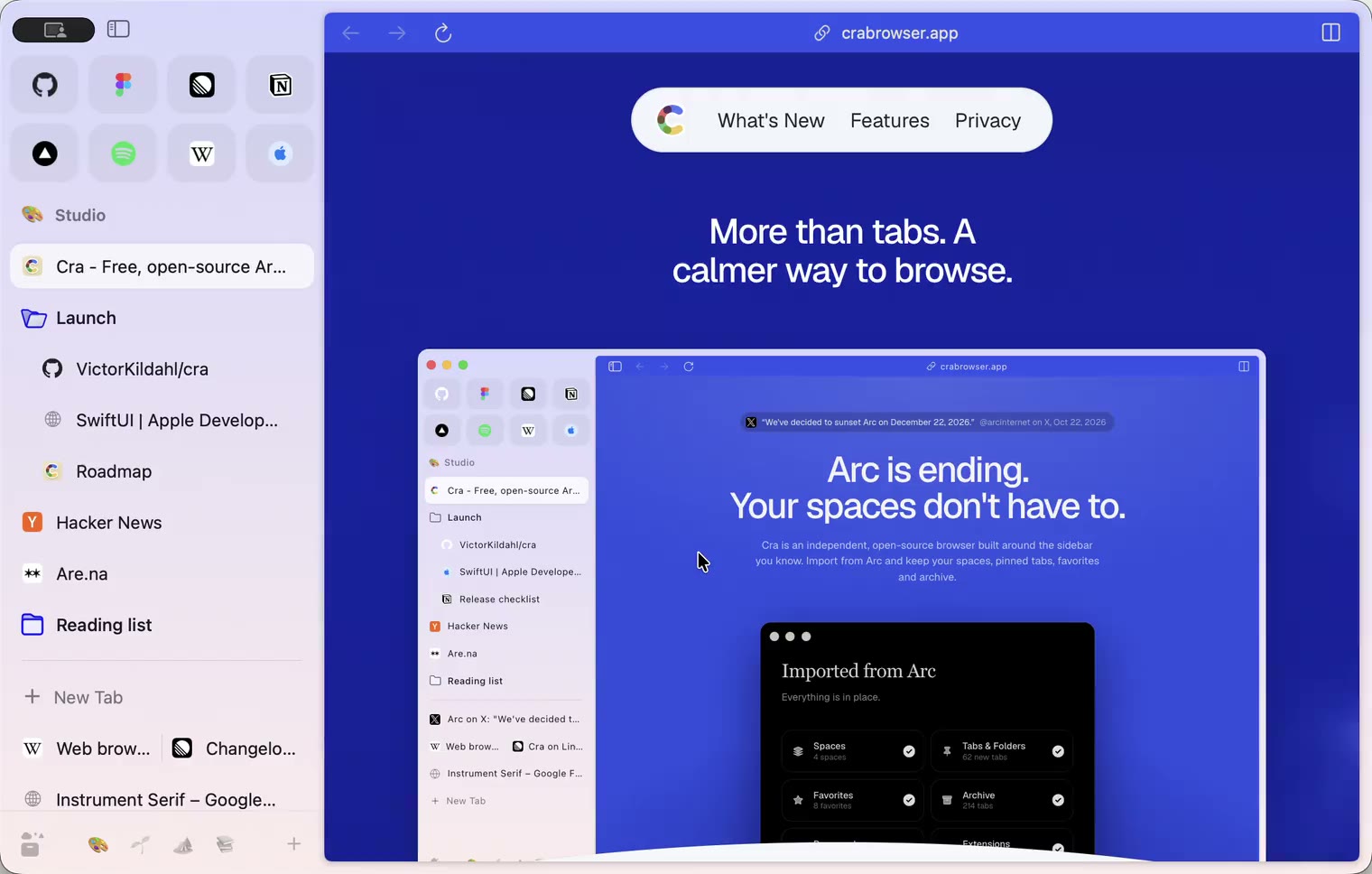
4 November 20260.1.30
Capture like Arc, favorites you drag into place, Arc’s colour picker
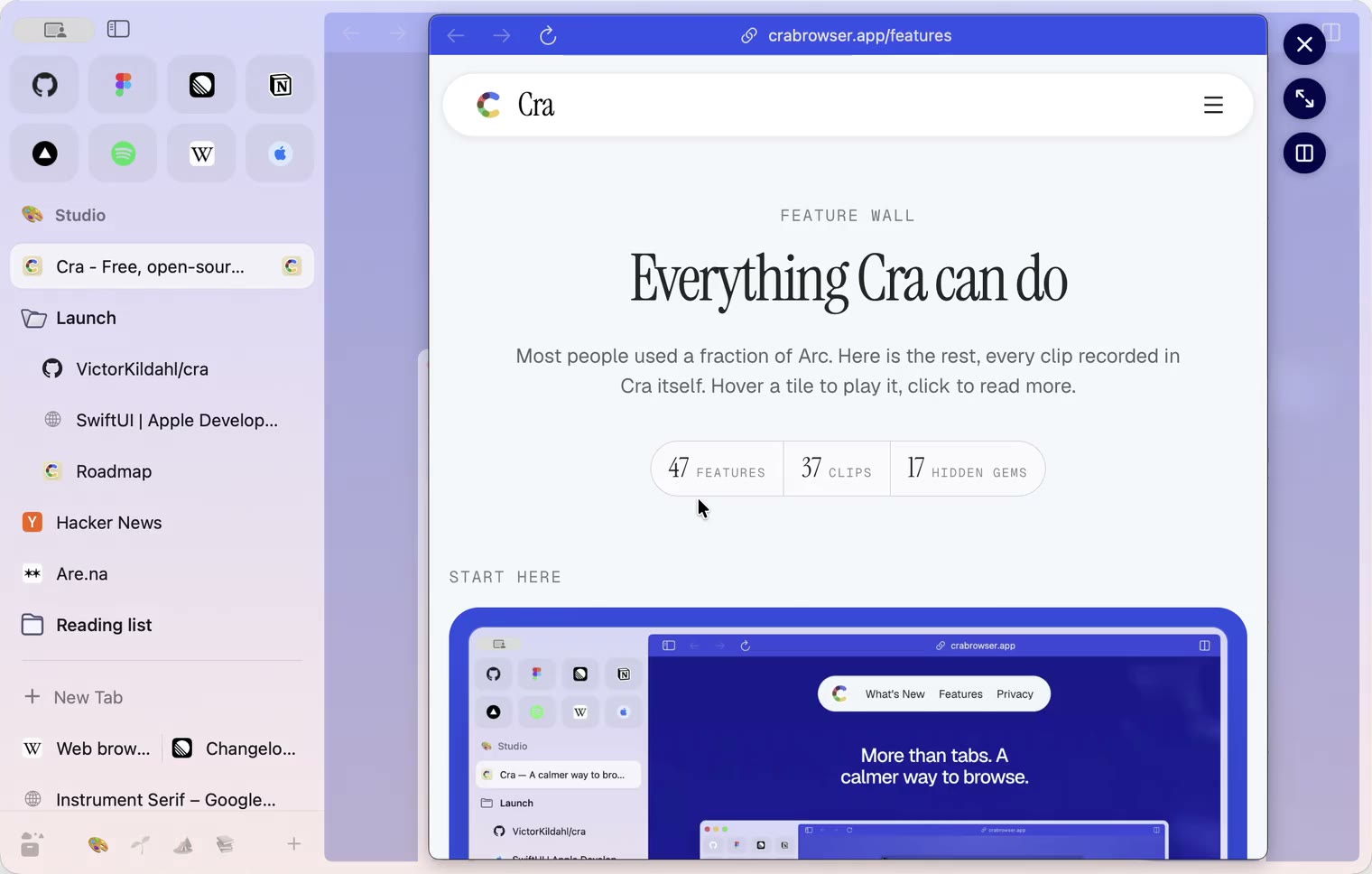
4 November 20260.1.29
Peek like Arc’s, space themes with a light and a dark half, Arc’s space tooltip
3 November 20260.1.28
Pinned tabs and closing like Arc, notifications, Arc’s loading bar
2 November 20260.1.27
Arc’s Capture, live extension icons and Shift + wheel spaces
2 November 20260.1.26
Background tabs, Arc’s toast and Move to Space
1 November 20260.1.25
Edit pinned URLs and swipe into the Library
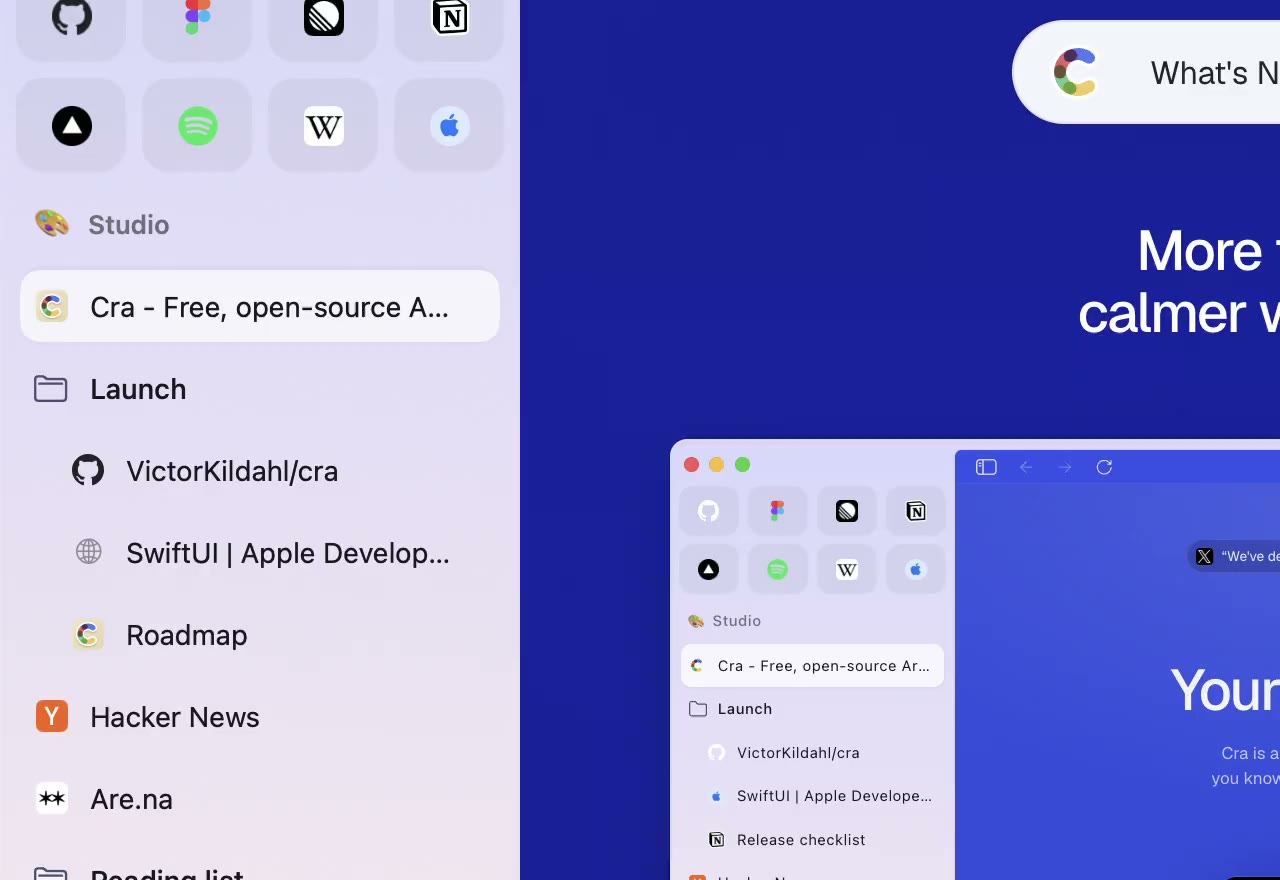
1 November 20260.1.24
Arc’s space menu, tab search and developer bar
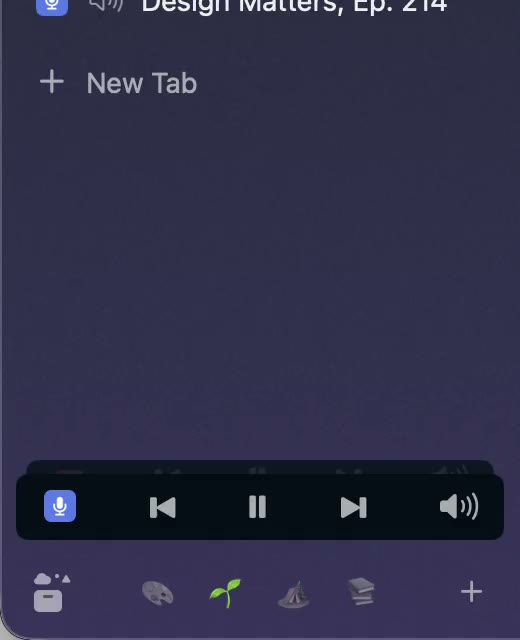
31 October 20260.1.23
Arc’s now-playing player, split favorites and folder previews
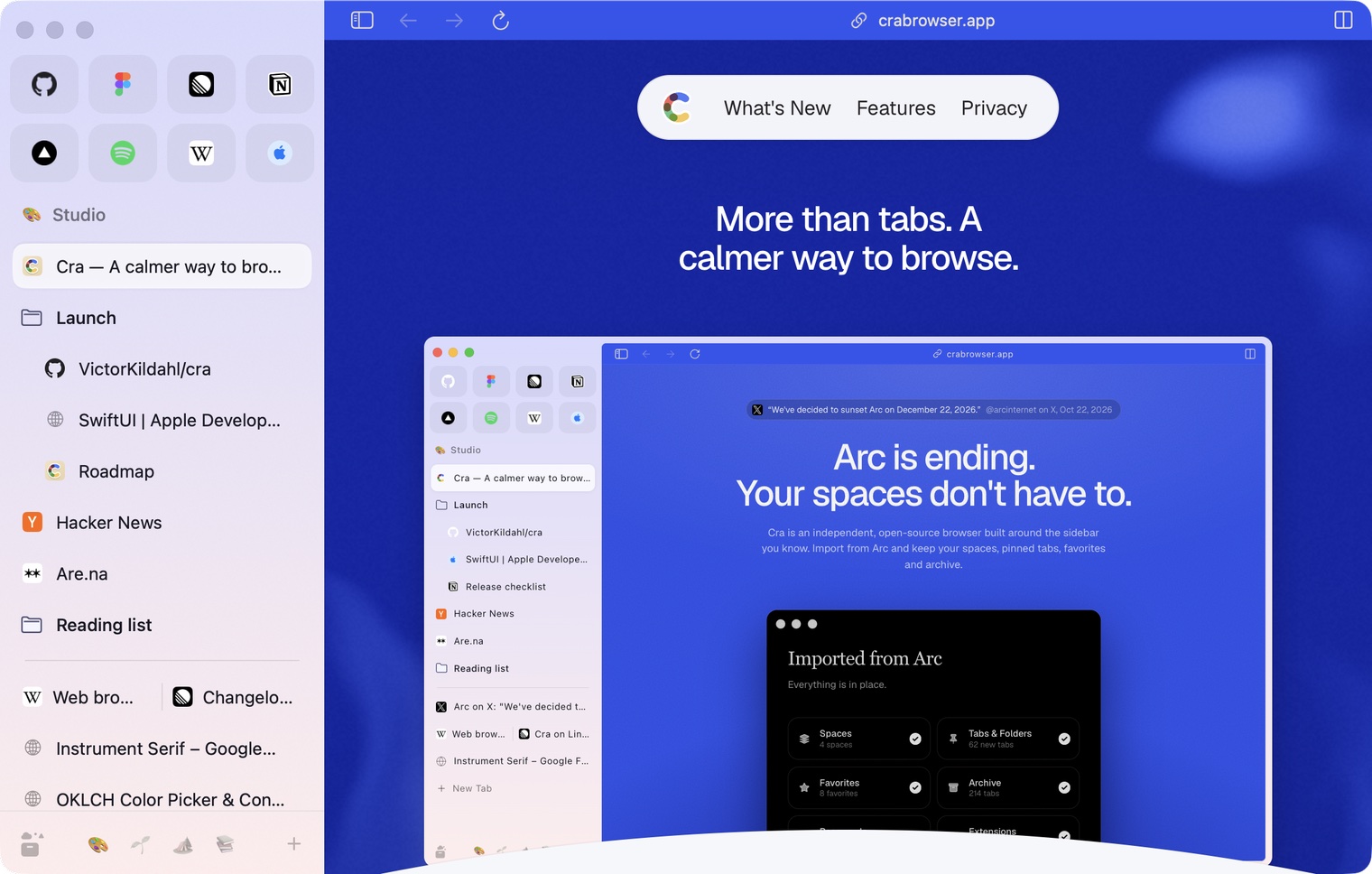
30 October 20260.1.22
Edge-to-edge pages and Arc’s refresh button
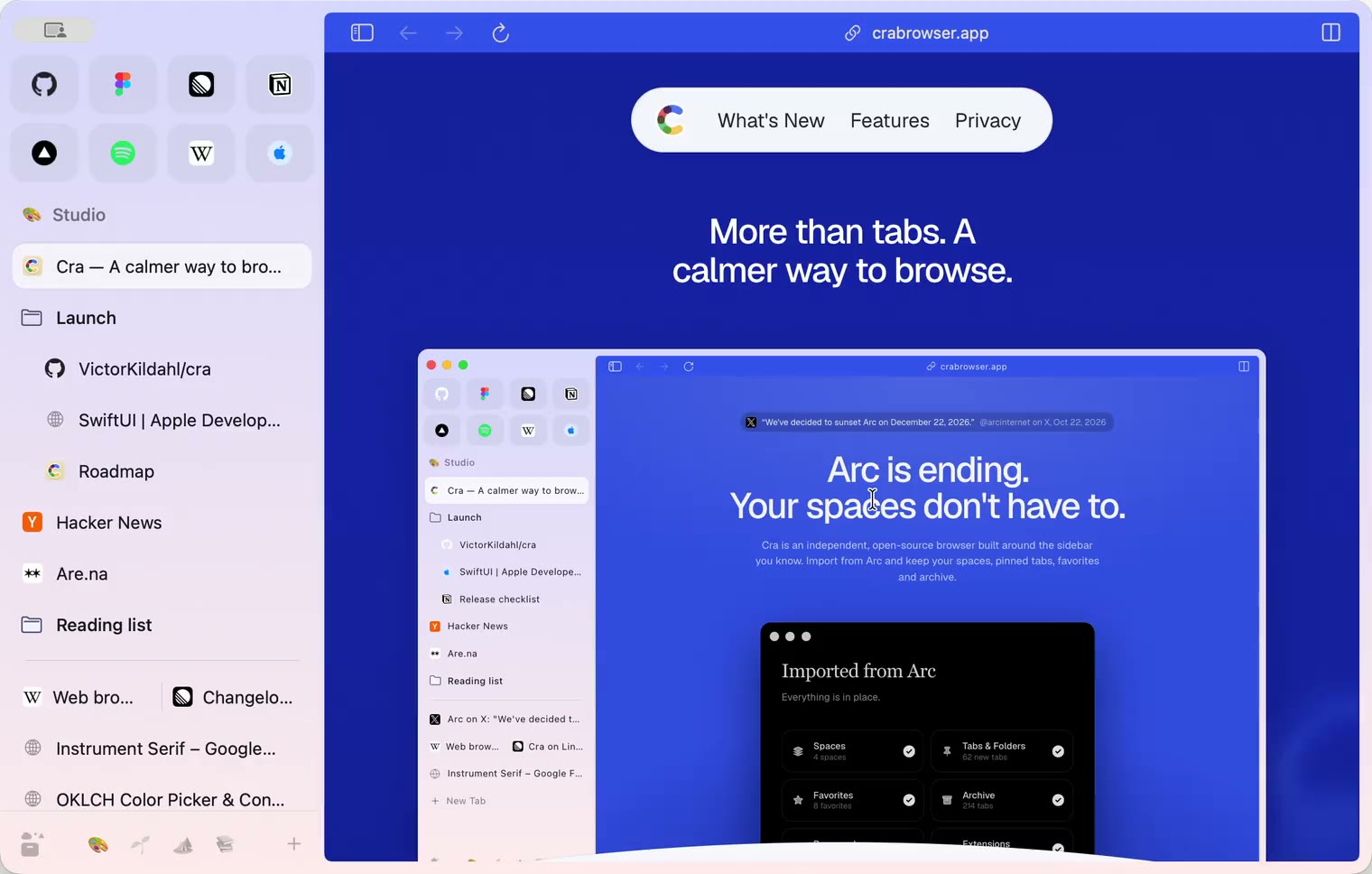
30 October 20260.1.21
Pinned split views and a quick way to clear cookies
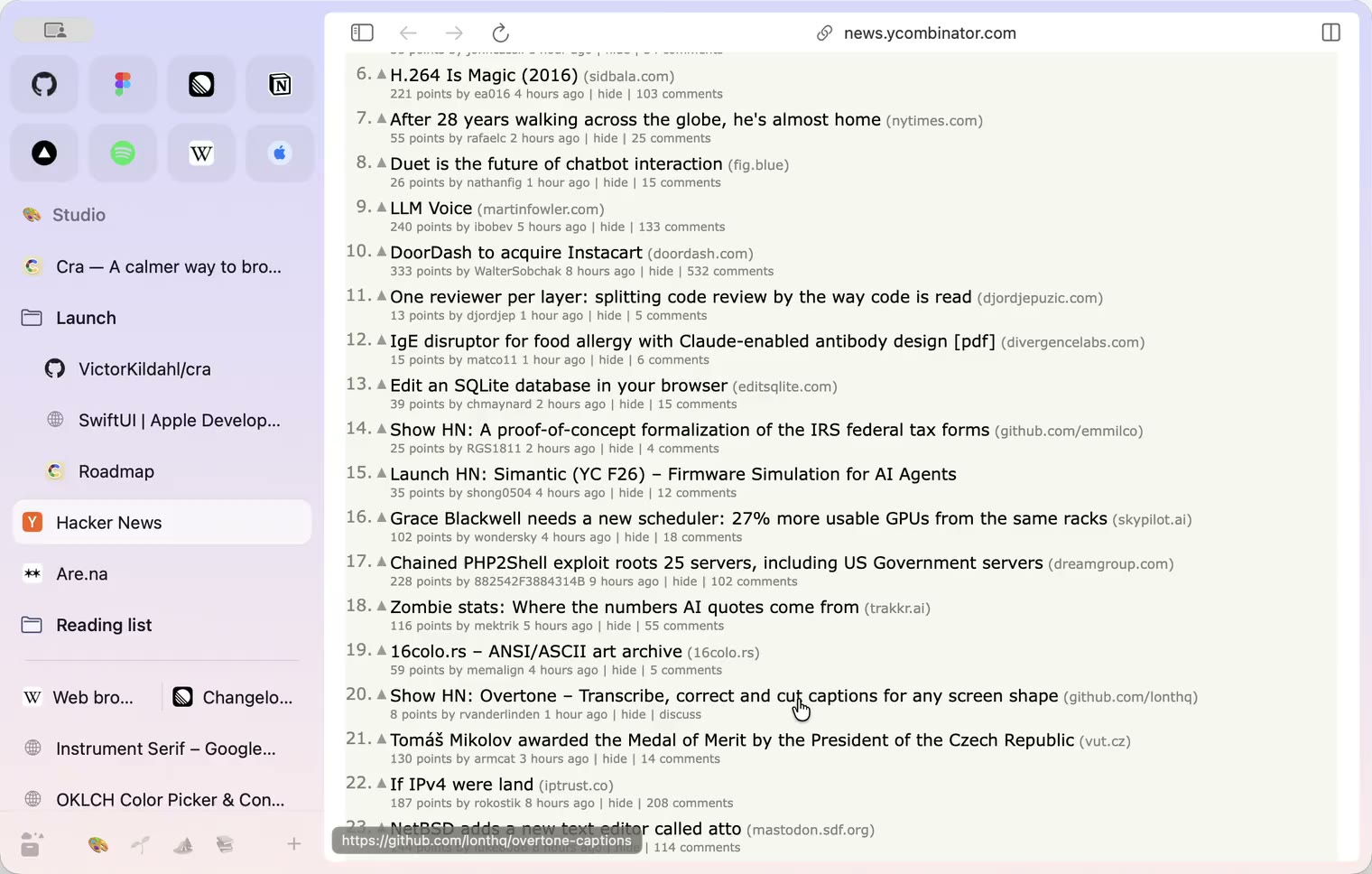
29 October 20260.1.20
Peek, Site Search and instant extension popups
- 0.1.19
29 October 20260.1.19
Extension popups open right away

29 October 20260.1.18
A sidebar built for speed
- 0.1.17
28 October 20260.1.17
Pages live inside the window
- 0.1.16
28 October 20260.1.16
A smoother Cra
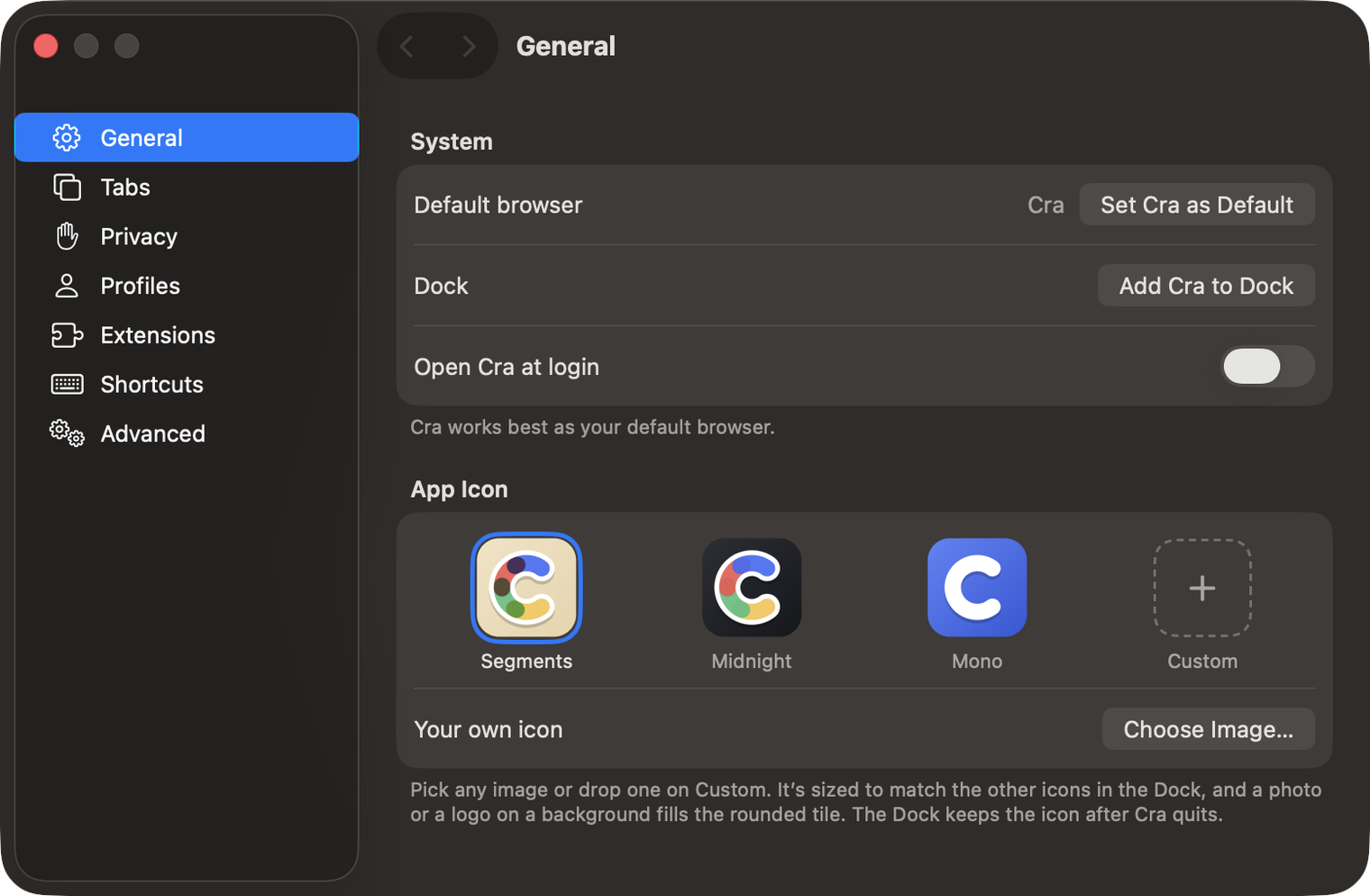
28 October 20260.1.15
Make Cra’s icon your own
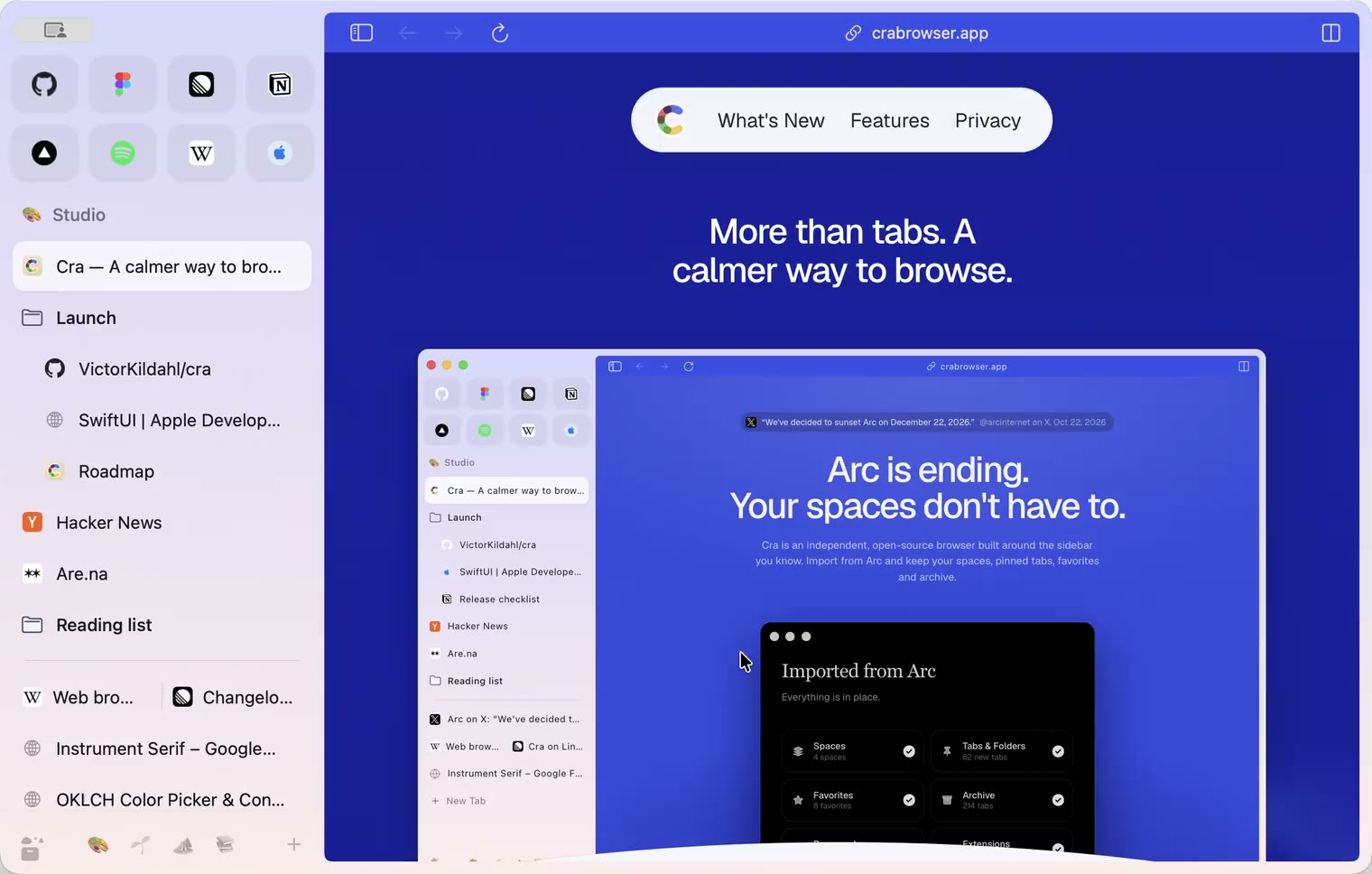
27 October 20260.1.14
The Library moves into the sidebar
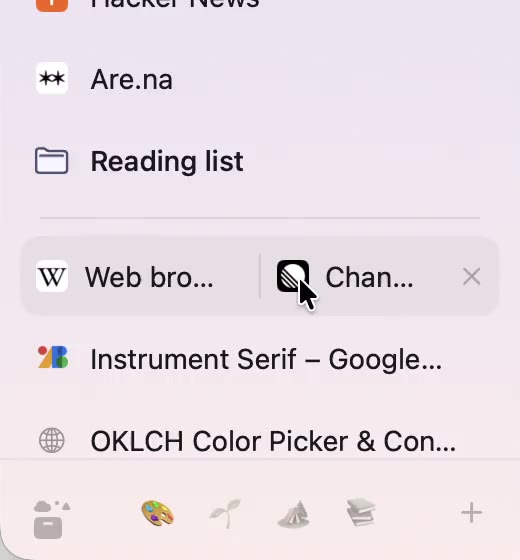
27 October 20260.1.13
Drag your spaces into order
27 October 20260.1.12
Downloads that outlive their tab
27 October 20260.1.11
Your passwords, locked in your Keychain
26 October 20260.1.10
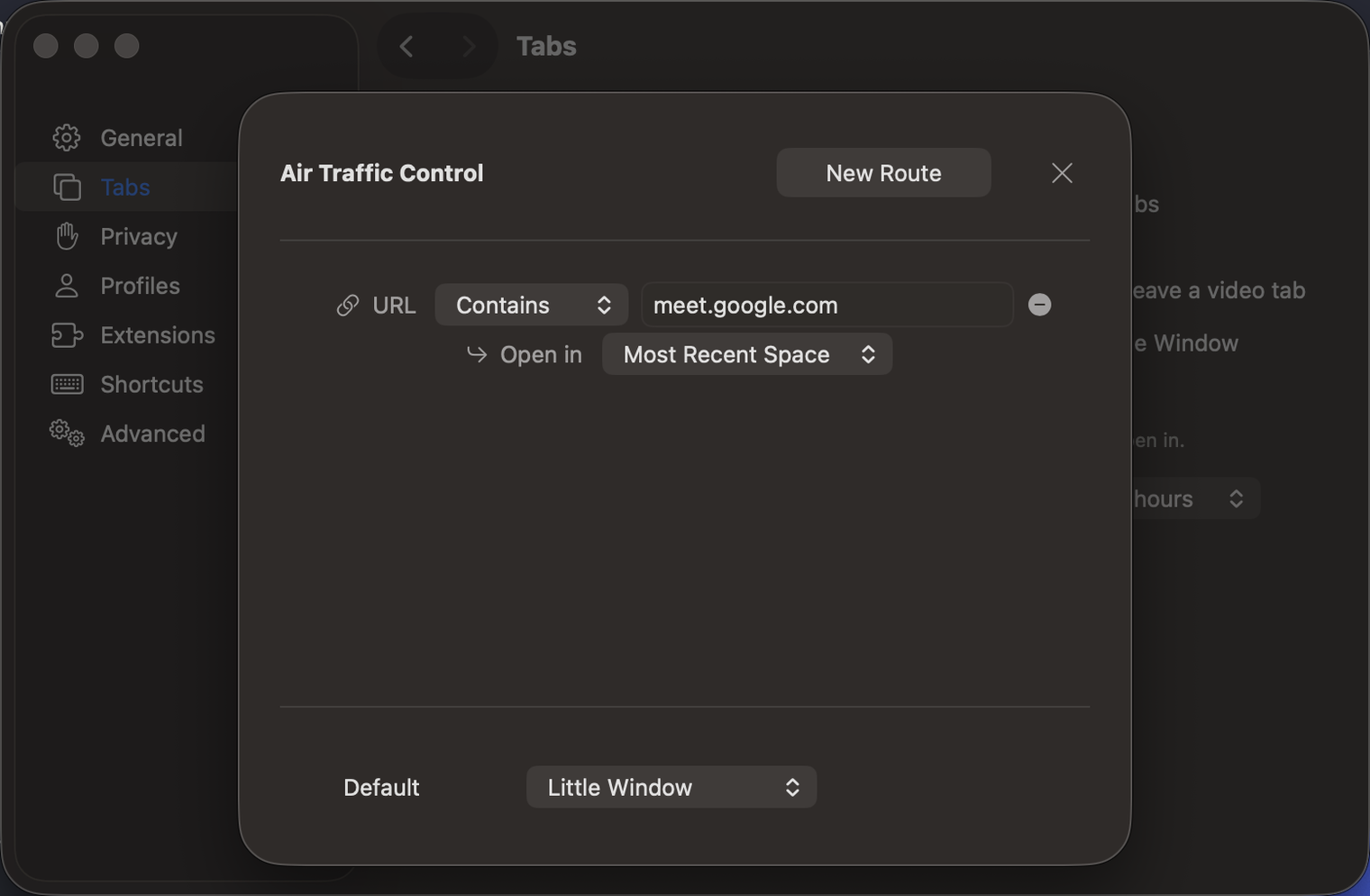
Air Traffic Control
26 October 20260.1.9
Favorites per space
- 0.1.8
26 October 20260.1.8
Video everywhere
- 0.1.7
26 October 20260.1.7
Work sign-ins
26 October 20260.1.6
Drag and drop that works
26 October 20260.1.5
Sign in with Google
26 October 20260.1.4
Copy, paste and clean corners
26 October 20260.1.3
Extensions that reach their apps
- 0.1.2
26 October 20260.1.2
Notarized, and it updates itself
- 0.1.1
25 October 20260.1.1
Quit fix
25 October 20260.1.0
Early access